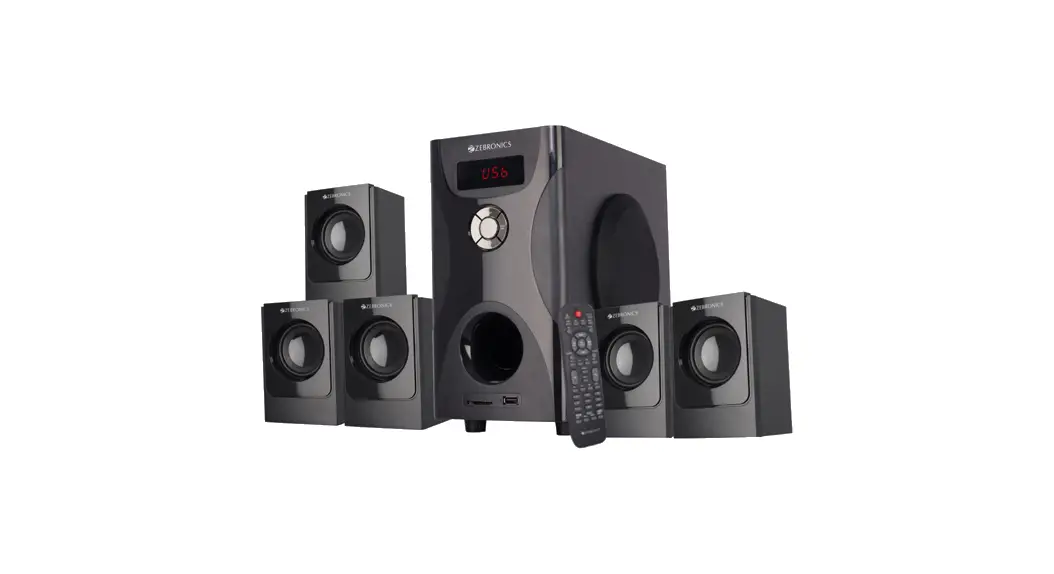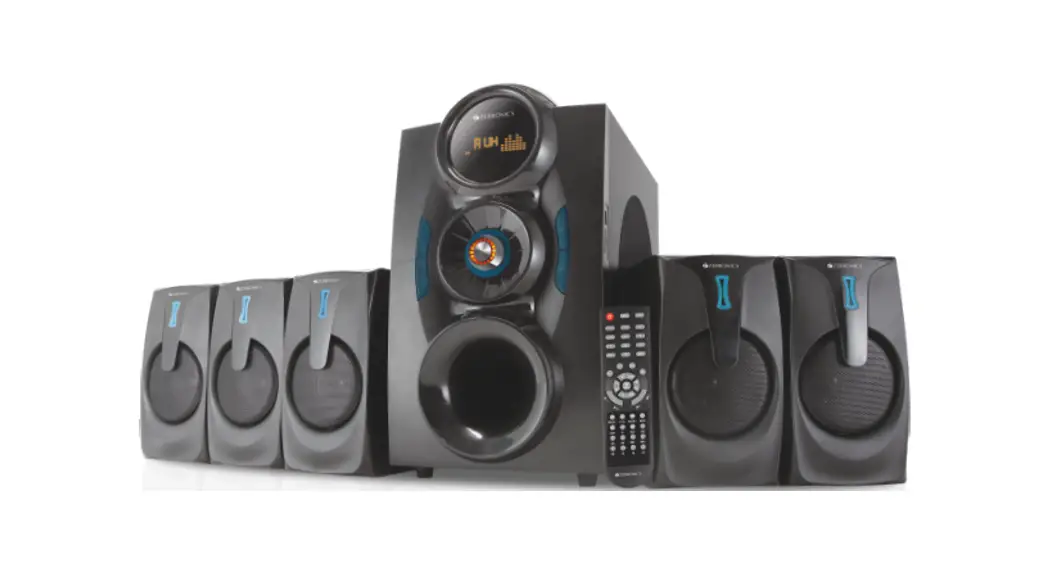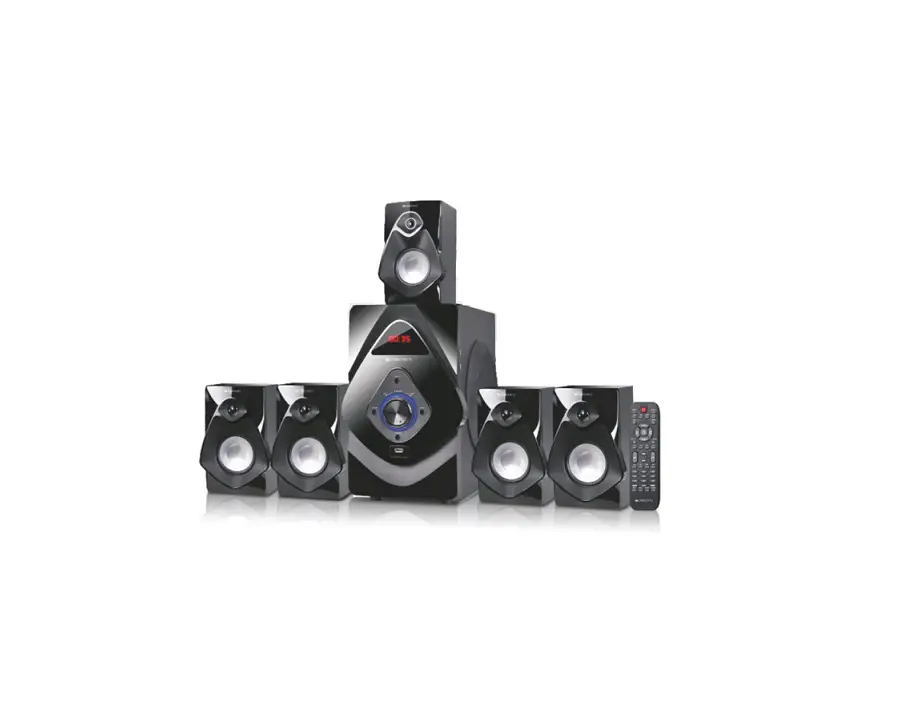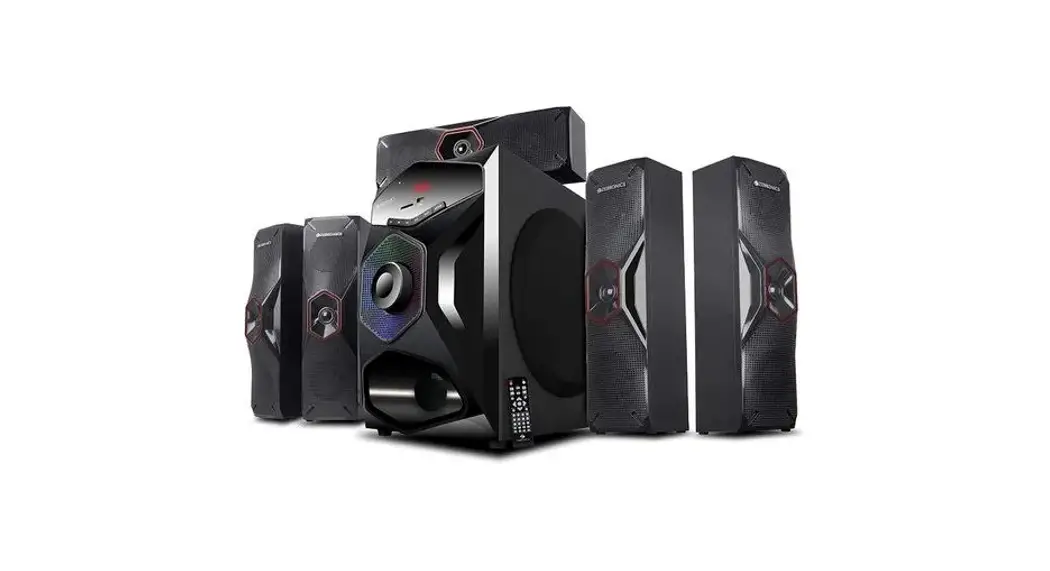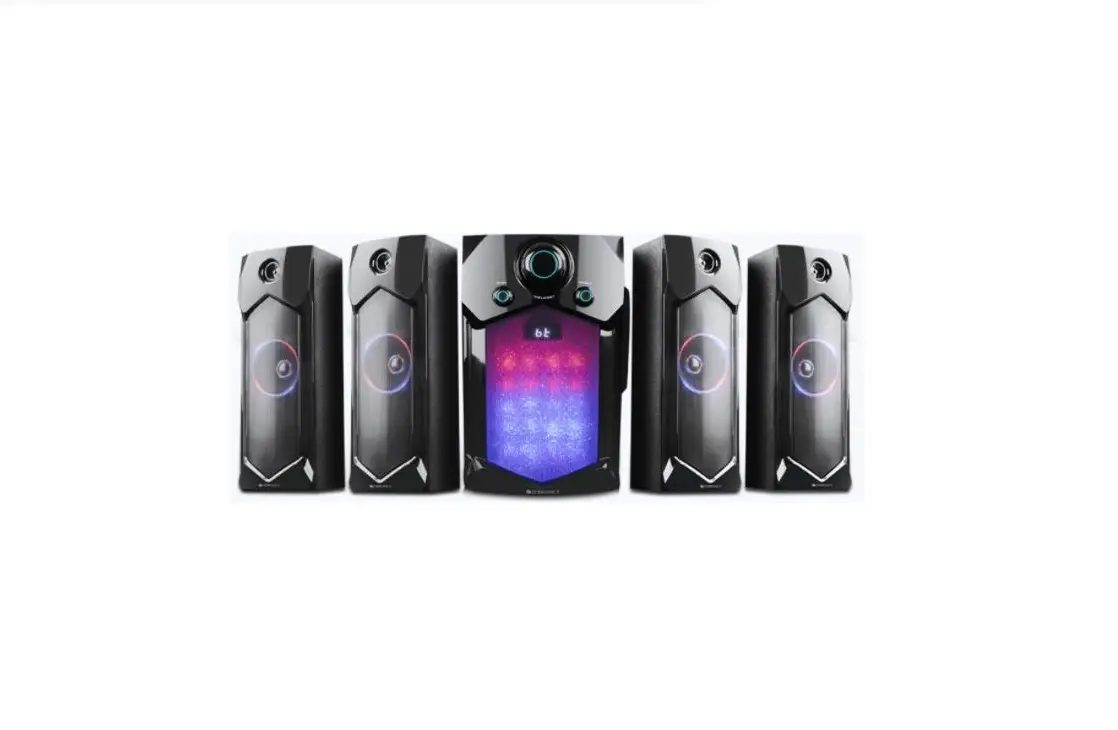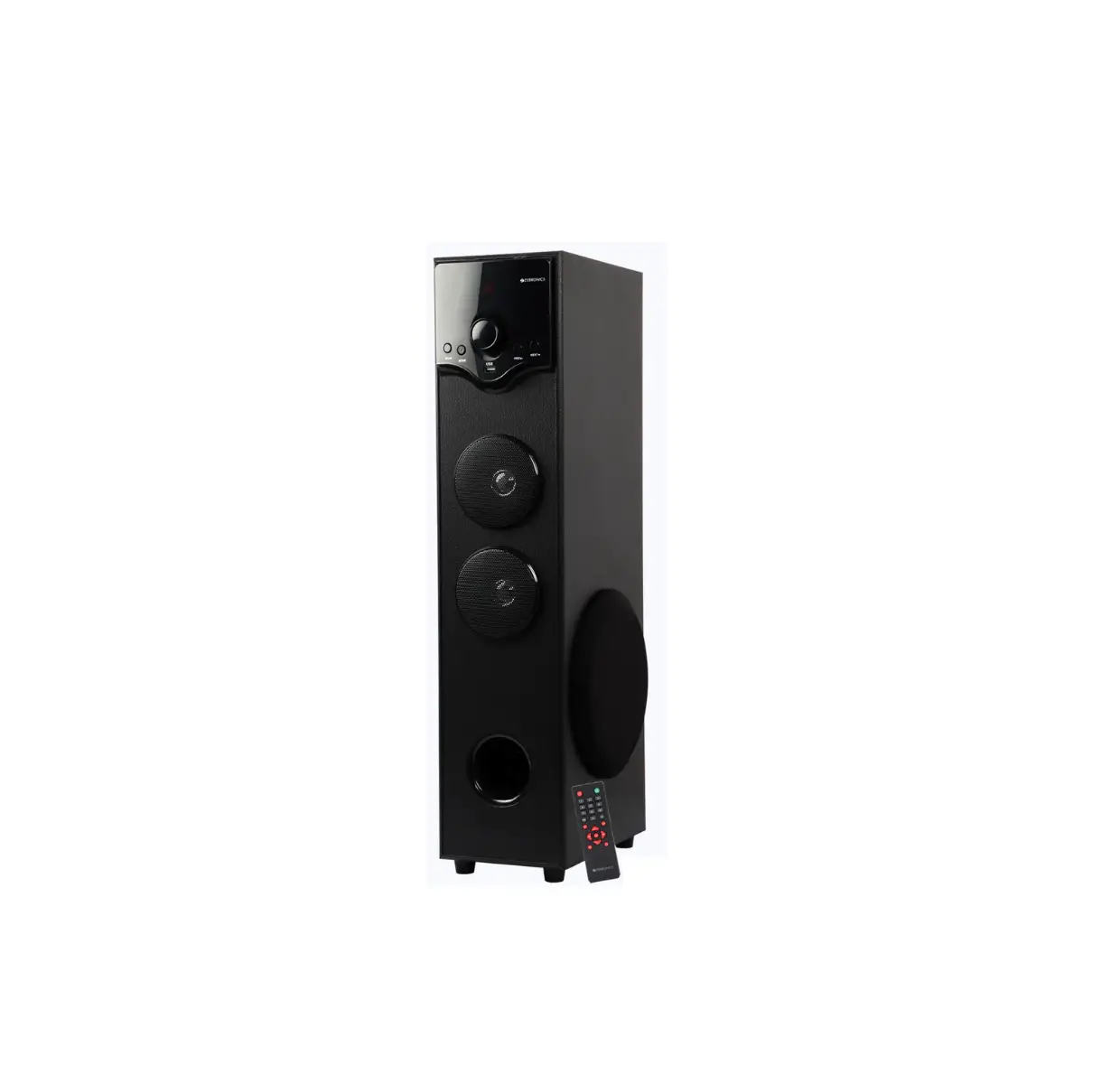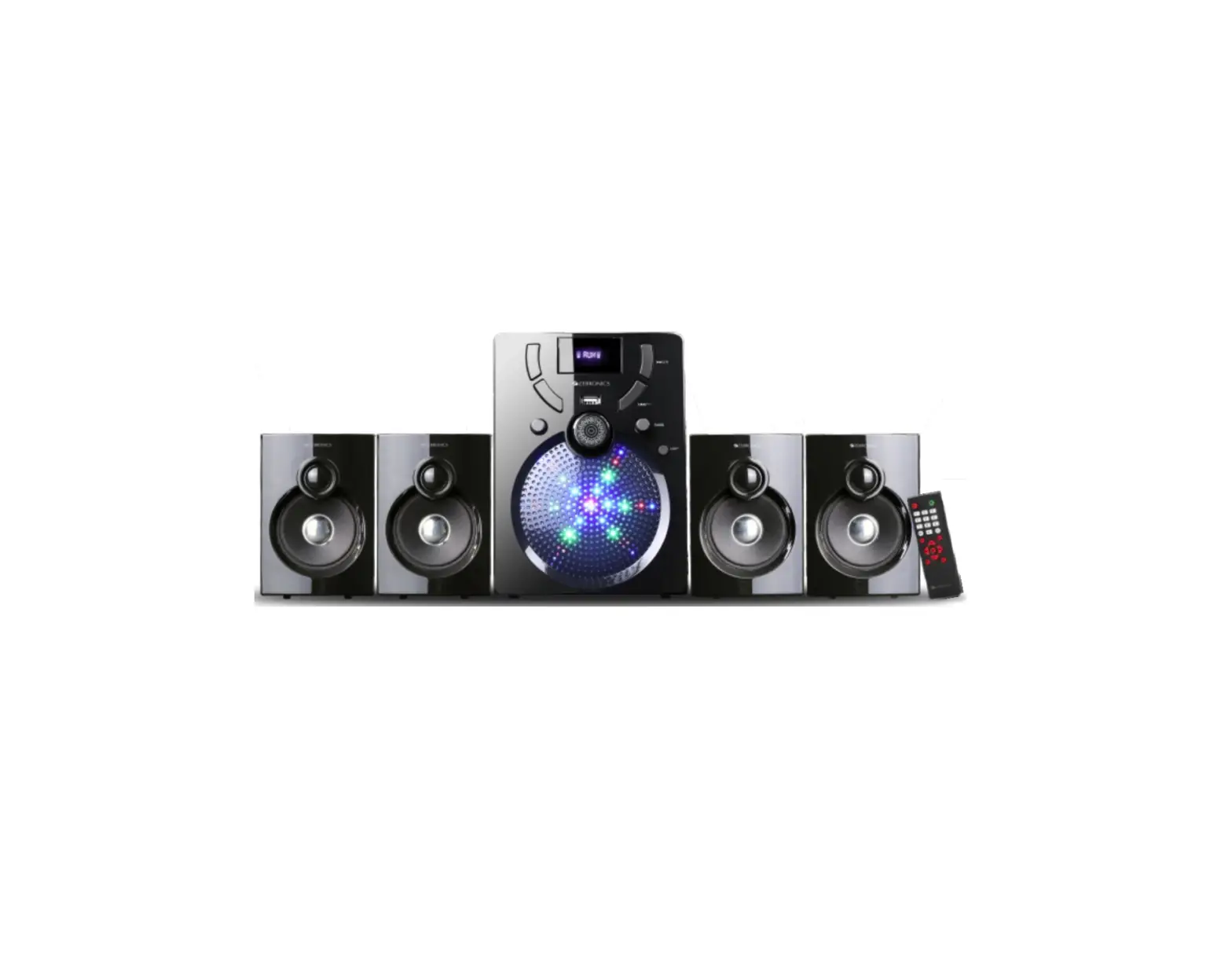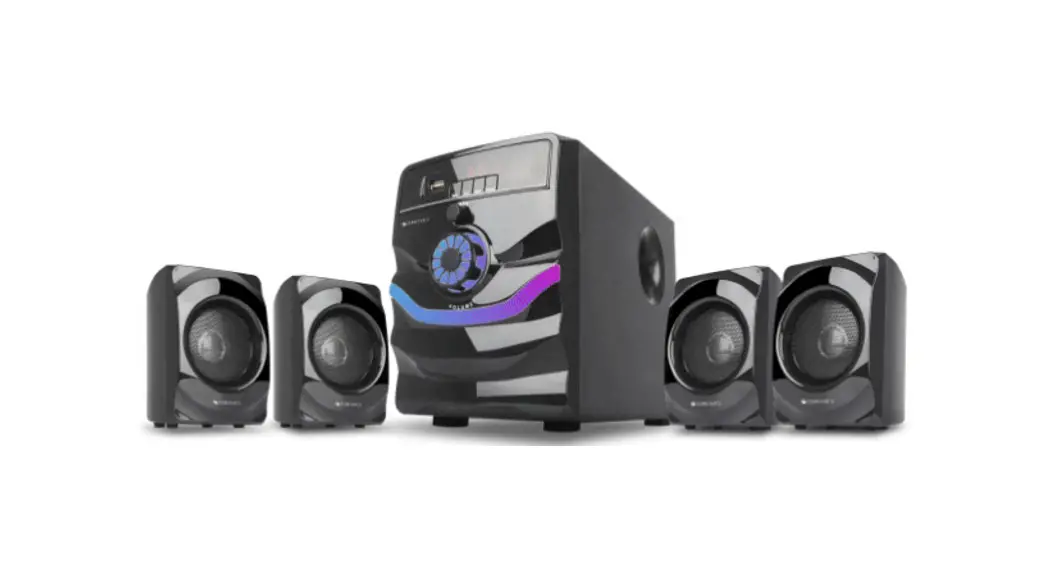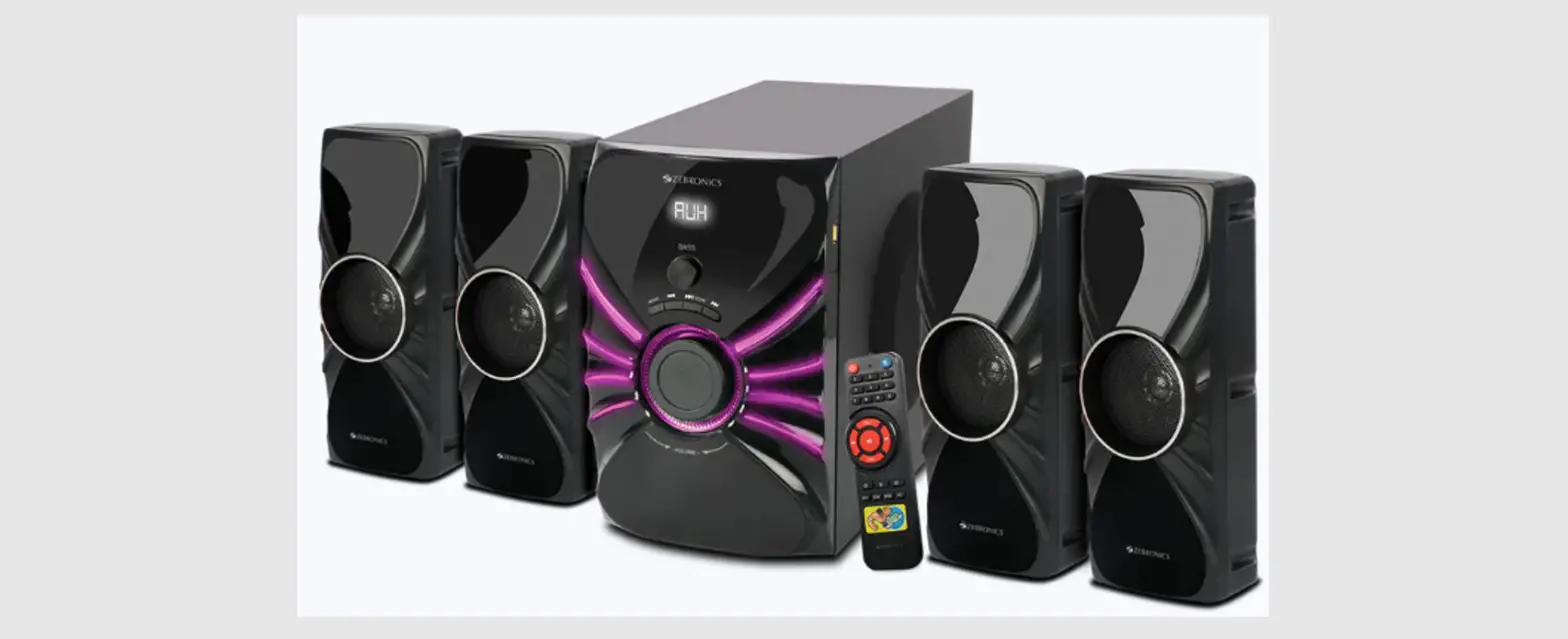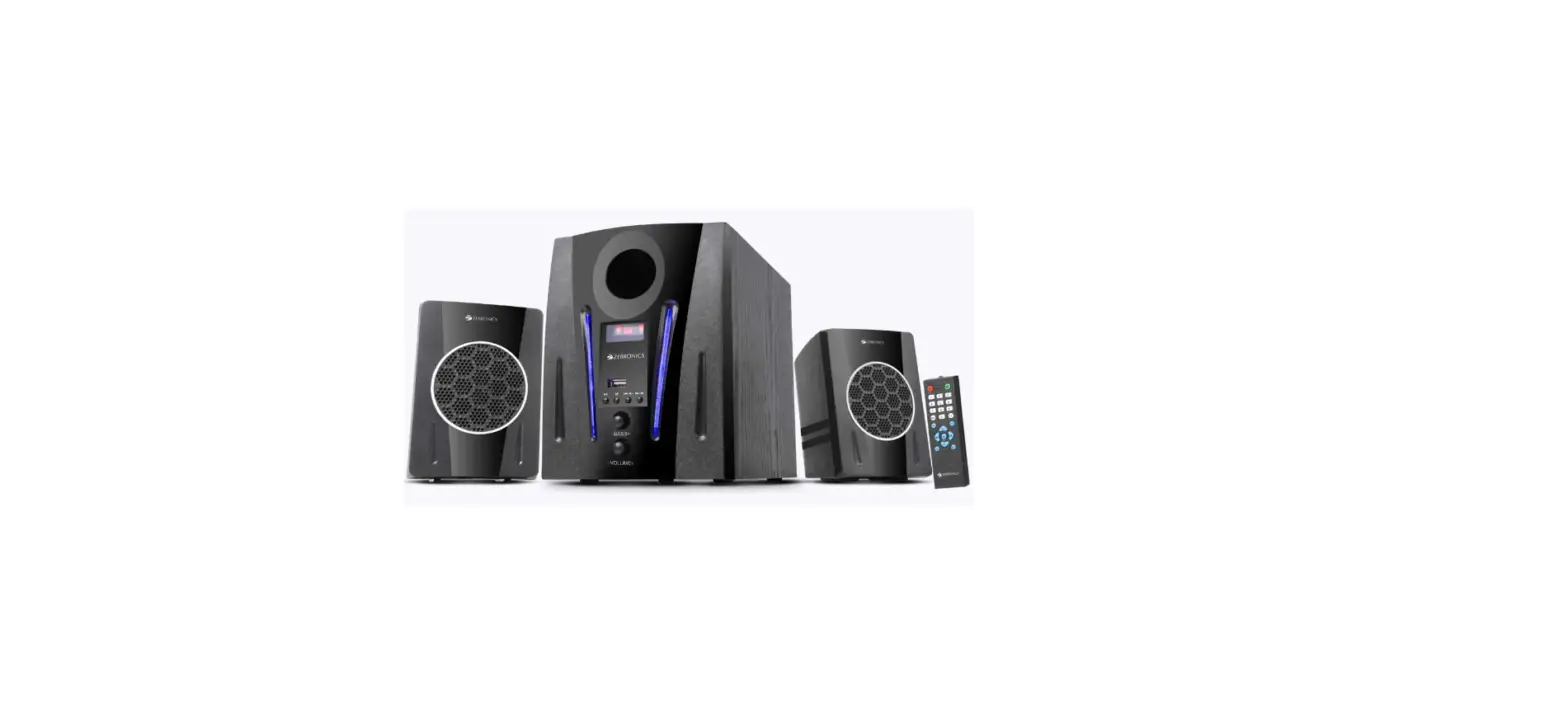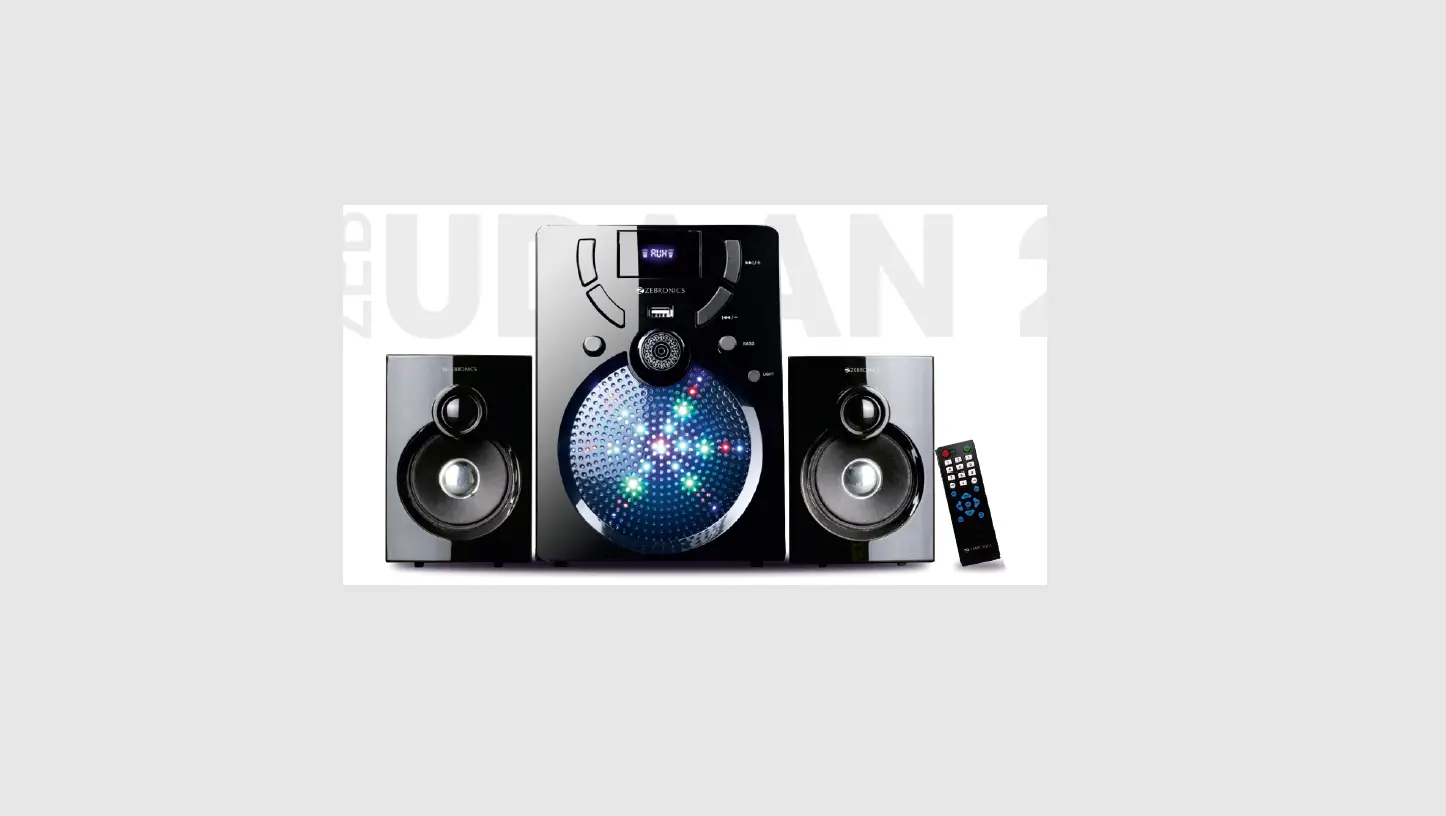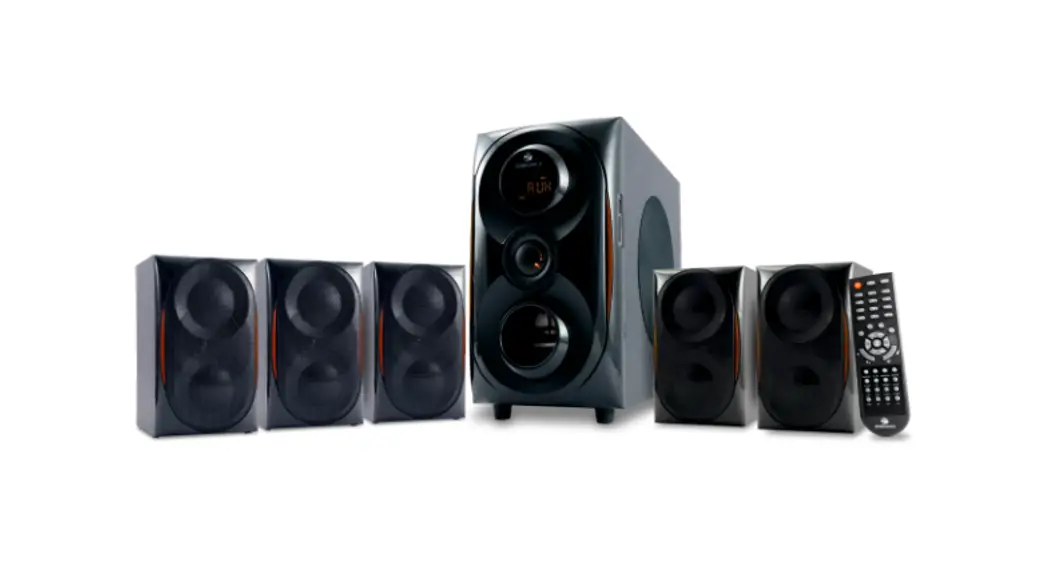
 5.1 Speaker
Radiant
User Manual
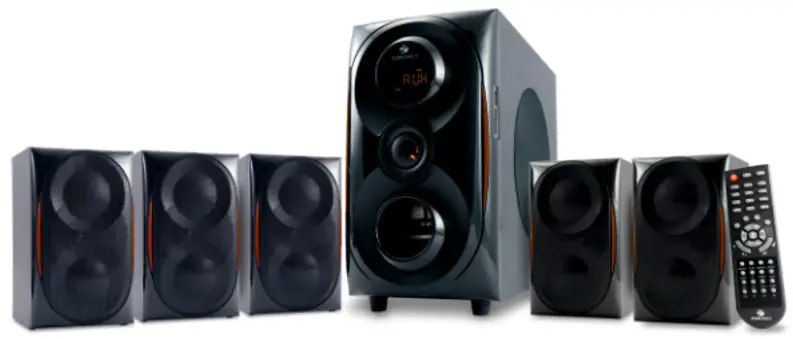
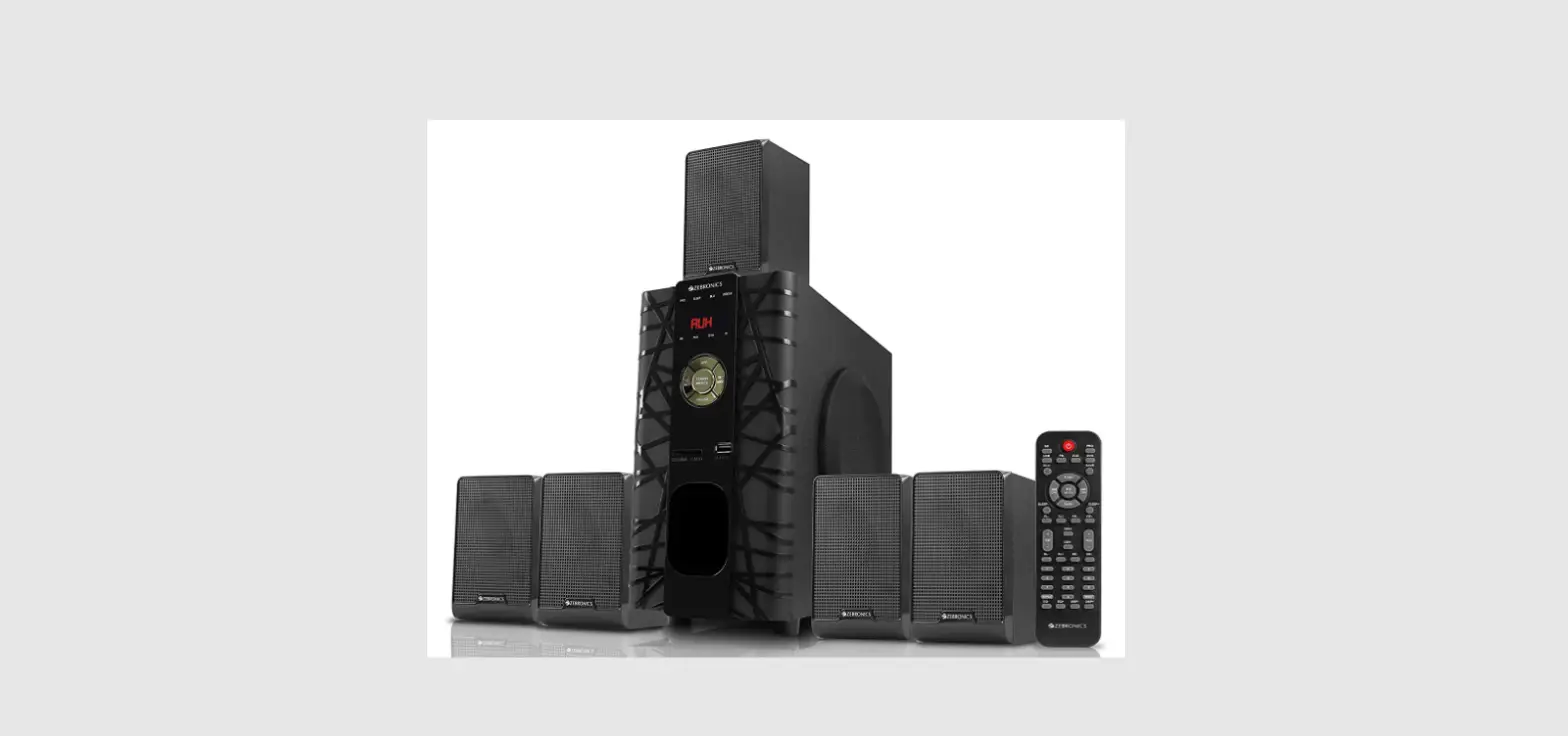
Thank you for purchasing the ZEB-RADIANT 5.1 Speaker. Please read the user manual carefully before usage & save it for future reference.
Note:
- Avoid the usage of this speaker in a high temperature and high humidity environment.
- Avoid the self-disassembly of the product as it results in the failure of the Warranty.
Features
Wireless BT/USB/SD/FM/AUX/AC-3 LED Display 13.33 cm subwoofer Remote control Wall Mountable
Specifications
| Output power (RMS) Subwoofer Satellite Total Driver size Subwoofer Satellite Impedance Subwoofer Satellite Frequency response S/N Ratio Separation File format support (USB/USD) Line input Max. supported memory size FM frequency range BT name BT version Product dimension (WxDxH) Subwoofer Satellite Net. weight Subwoofer Satellite Total | : 30W :10Wx 5 : 80W :13.33 cm x1 : 7.62 cm x 5 : 80 : 40 : 35Hz-20kHz : 68dB : 45dB : MP3 / WMA : 2ch RCA, AC-3 : 32GB (USB/SD) : 87.5 MHz – 108 MHz : ZEB-RADIANT : 4.2 + EDR x D x H) :170 x 351 x 317 mm : 105 x 104 x 172 mm : 4.83 kg :490gx 5 : 7.28 kg |
Package Content
| Subwoofer Satellite Remote QR Code Guide Input cable (RCA – RCA) Input cable (RCA – 3.5 mm) | : 1 U : 5 U : 1 U : 1 U : 2 U : 1 U |
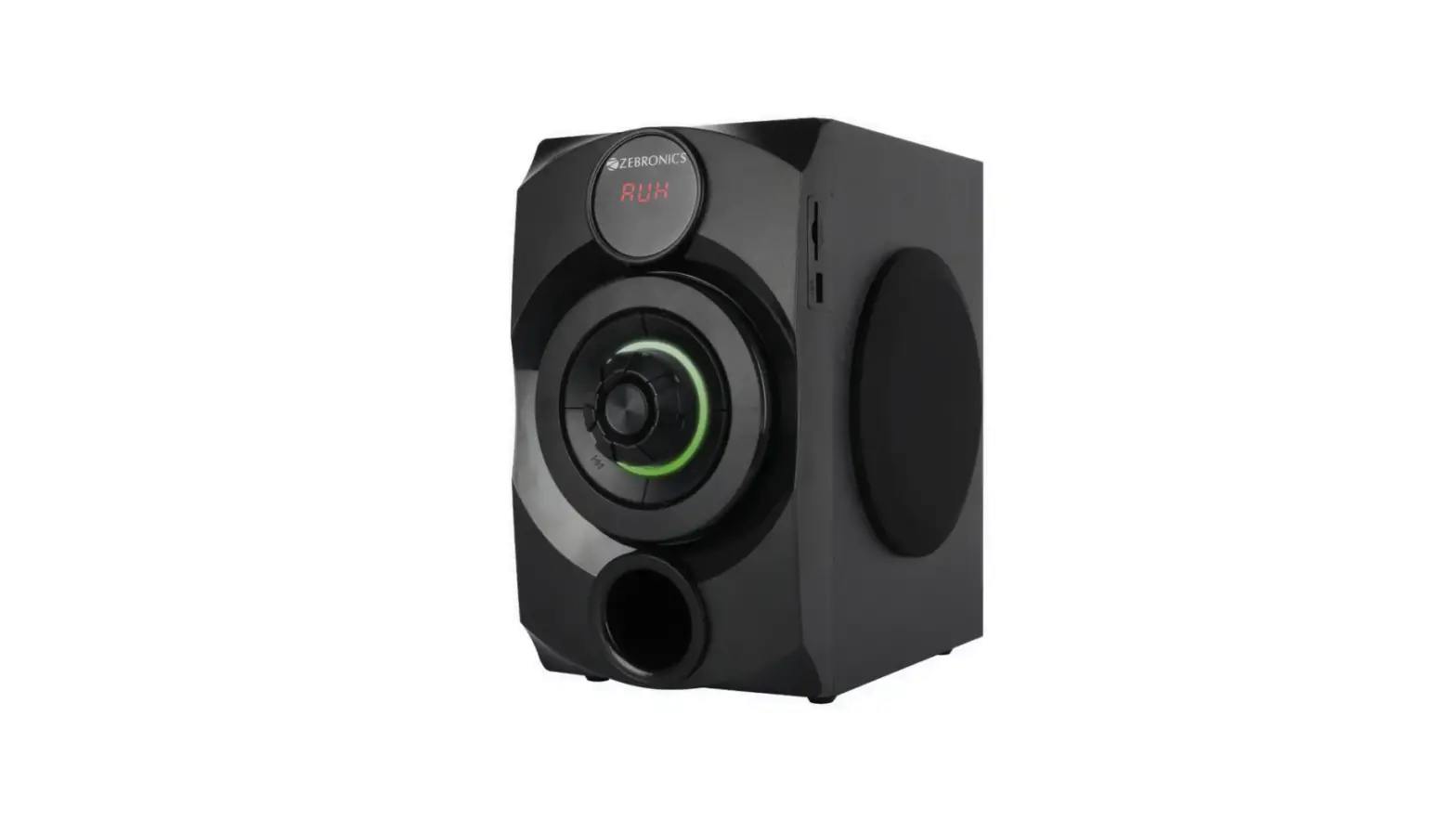
Control Panel Description
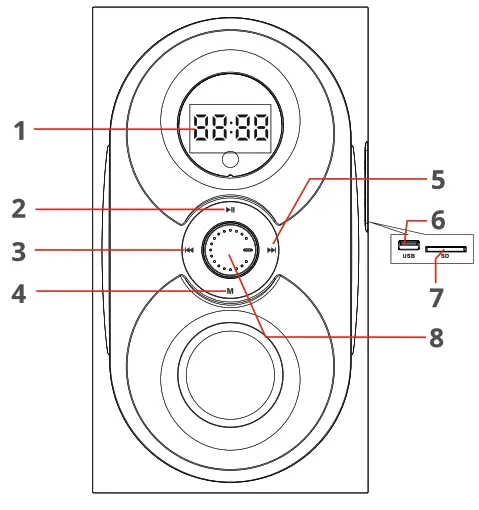
- LED display
- Play/Pause
- Previous track/FM Channel-
- MODE
- Next track/FM Channel+
- USB input
- SD/MMC Port
- Volume/Mode adjustment
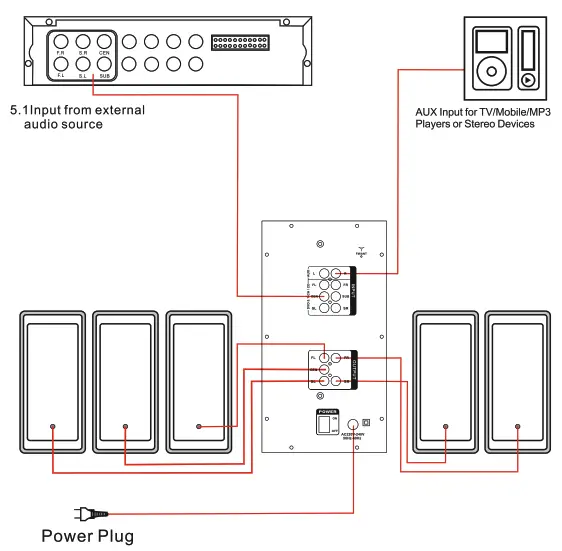
Back Panel Description
Remote Control
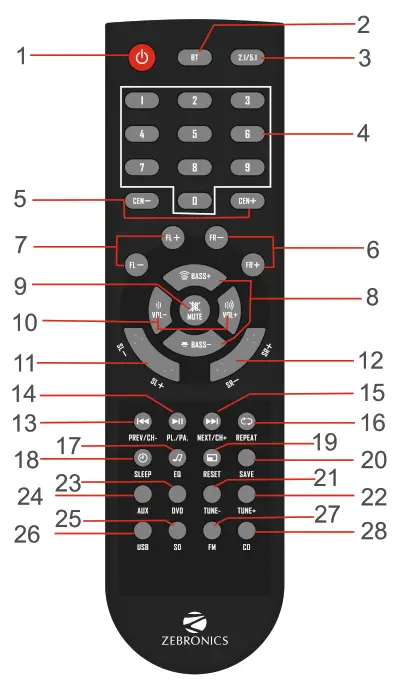
| 1. STANDBY: press this button to turn on/off the woofer. 2. BT: BT Input. 3. 2.1/5.1: 2.1 CH and 5.1 CH output transformation, Prologic. on when analog 5.1 input. 4. 0-9: To choose 0-9 Numerical play 5. CEN+/-: Increase or reduce the Center speaker volume 6. FR+/-: Increase or reduce the Front Right speaker volume 7. FL+/-: Increase or reduce the Front Left speaker volume 8. BASS+/-: Increase or reduce the bass level. 9. MUTE: To mute the sound. 10. VOLUM E+/-: Increase volume or reduce the volume. 11. SL+/-: Increase or reduce the Rear Left volume. 12. SR+/-: Increase or reduce the Rear Right volume. 13. PREV/CH-: to select the previous track in BT/ USB/Memory card or to select the previous channel in a radio station. | 14. PLAY/PAUSE: to play/pause in BT/USB/Memory card, Long press “PLAY/PAUSE” for 3 seconds to search and save channels automatically on the radio. 15. NEXT/CH+: select the next track on BT/ USB/Memory card or select the next channel on the radio. 16. REPEAT: Repeat an audio track/ all tracks. 17. EQ: To choose audio equalizer presets. 18. SLEEP: Sleep timer. 19. RESET: Reset to the default mode. 20. SAVE: Save the FM after fine-tuning the radio. 21. TUNE-: FM tuning decrease. 22. TUN E+: FM tuning increase. 23. DVD: DVD 5.1 channels audio input mode. 24. AUX: AUX audio input mode. 25. SD/MMC: SD/MMC mode. 26. USB: USB audio input. 27. FM: FM mode. 28. CD: CD Input. |
General Instructions
BT Mode:
Switch the speaker to BT mode, Scan for nearby BT devices in your device. Tap on “ZEB-RADIANT’ to connect.
USB/SD Mode:
Insert the USB/SD flash drive into the speaker. The speaker will detect the USB/SD and the audio files from the flash drive will be played automatically. (This mode isn’t selectable on the speaker or remote control unless a USB/SD flash drive is connected). Ensure that your USB/SD flash drive contains MP3/WAV/WMA files (other file types not supported).
FM Radio:
Switch the speaker to FM mode. In FM mode, press &hold the “Play / Pause” button on the remote to scan for the available FM channels. Once the scanning is done, the scanned channels will begin to play. The next button or previous button in the remote can be used to change the FM channels.
AUX-IN:
The speaker can be connected to an audio device using an RCA to 3.5mm cable. Connect one end of the cable to the speaker and the other end to an audio source.
The songs from the audio source can be heard through the speaker.
ISO 9001:2015 Certified Company
www.zebronics.com