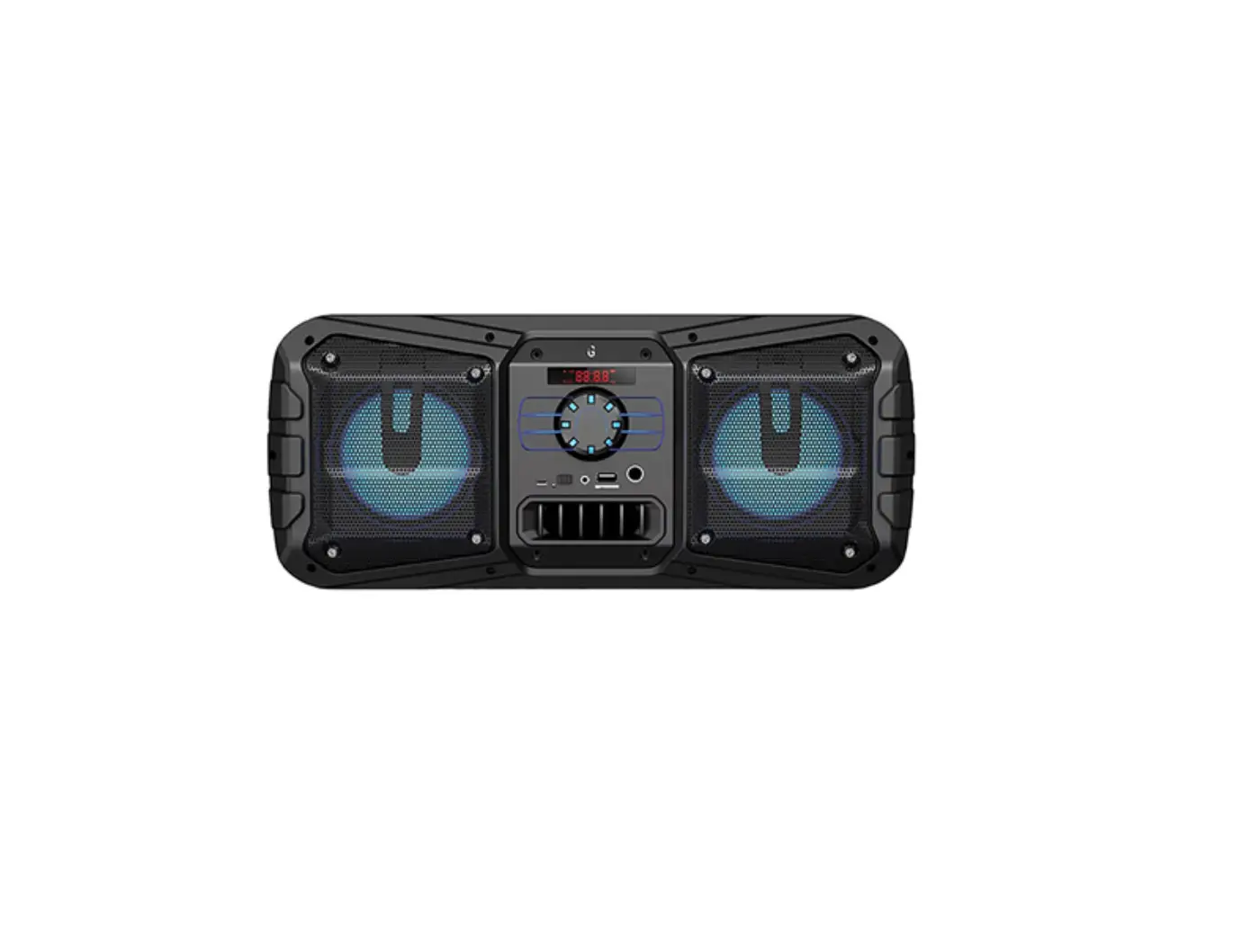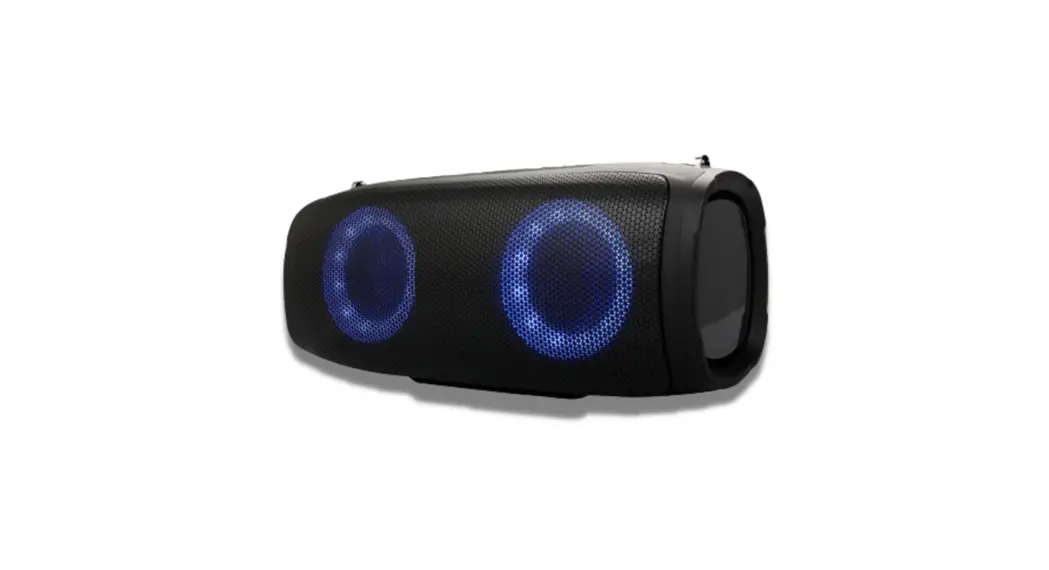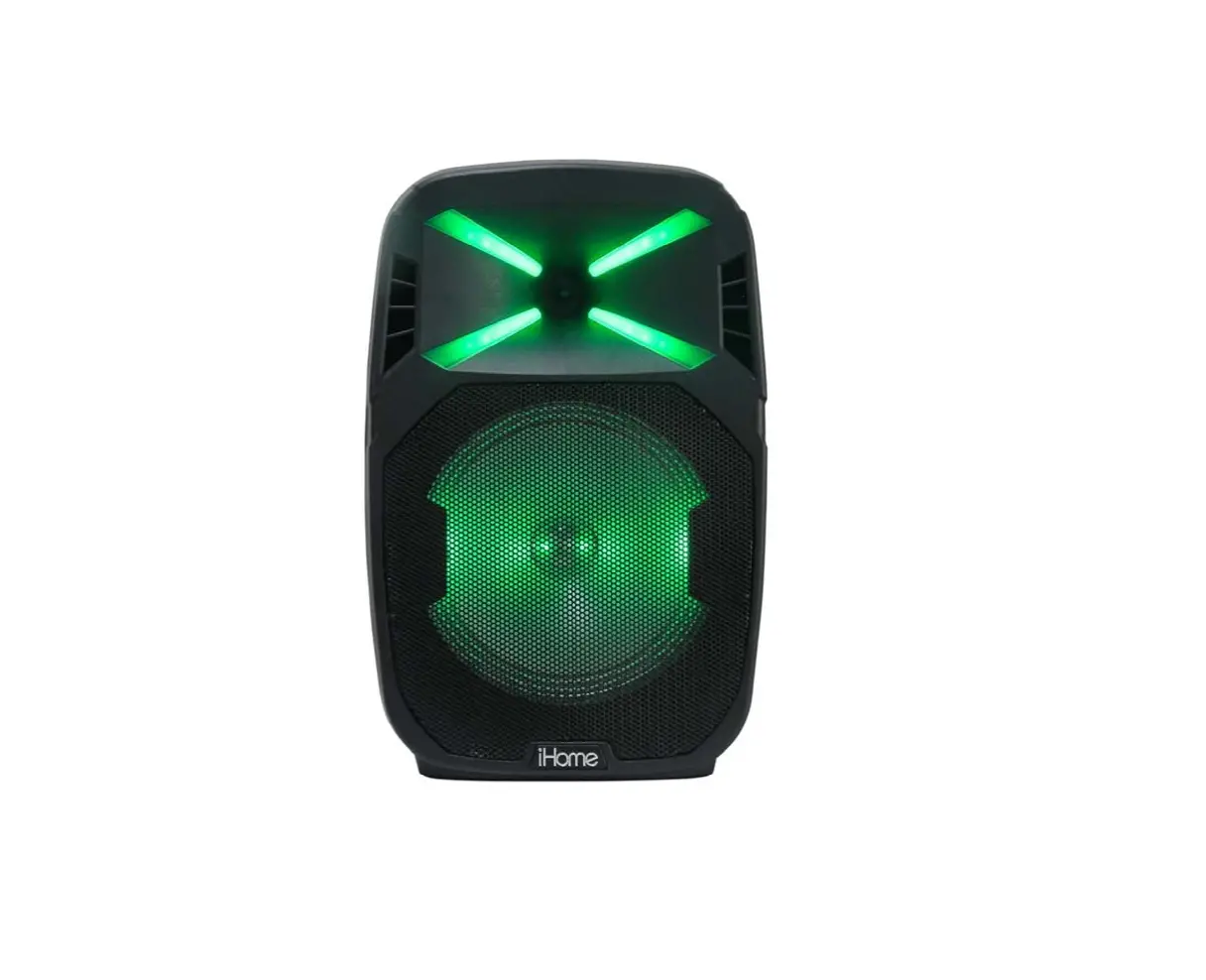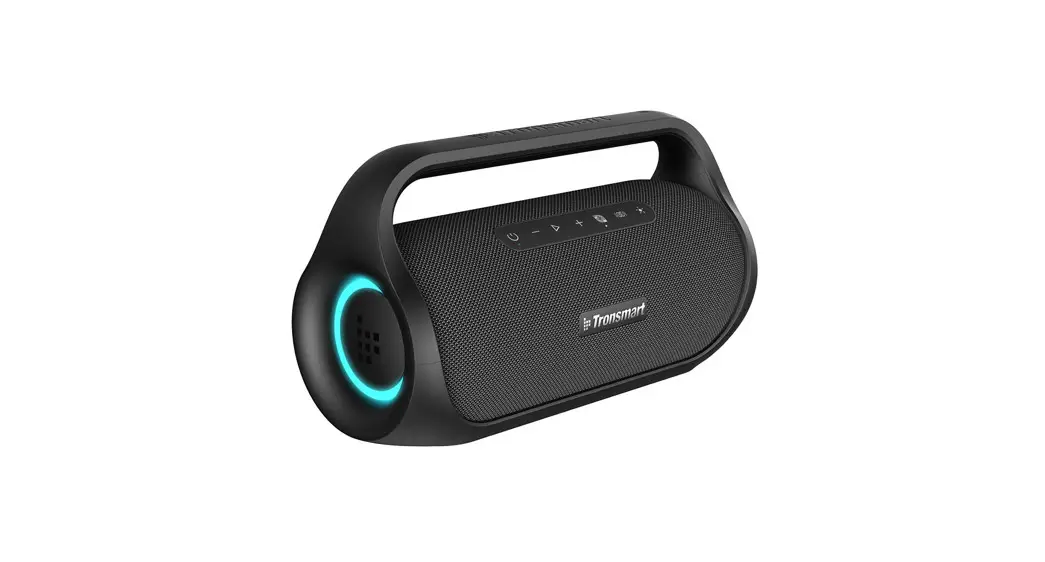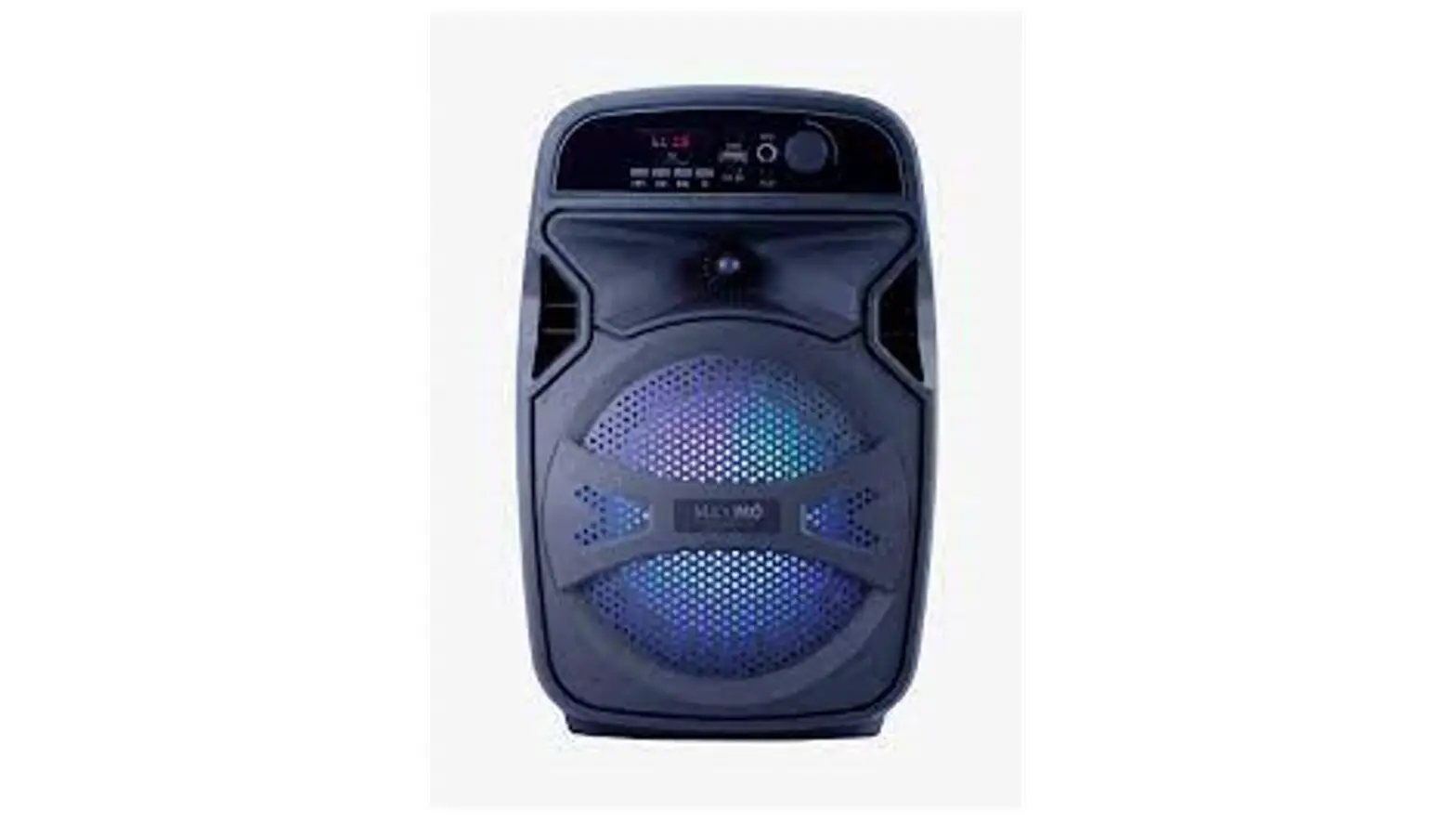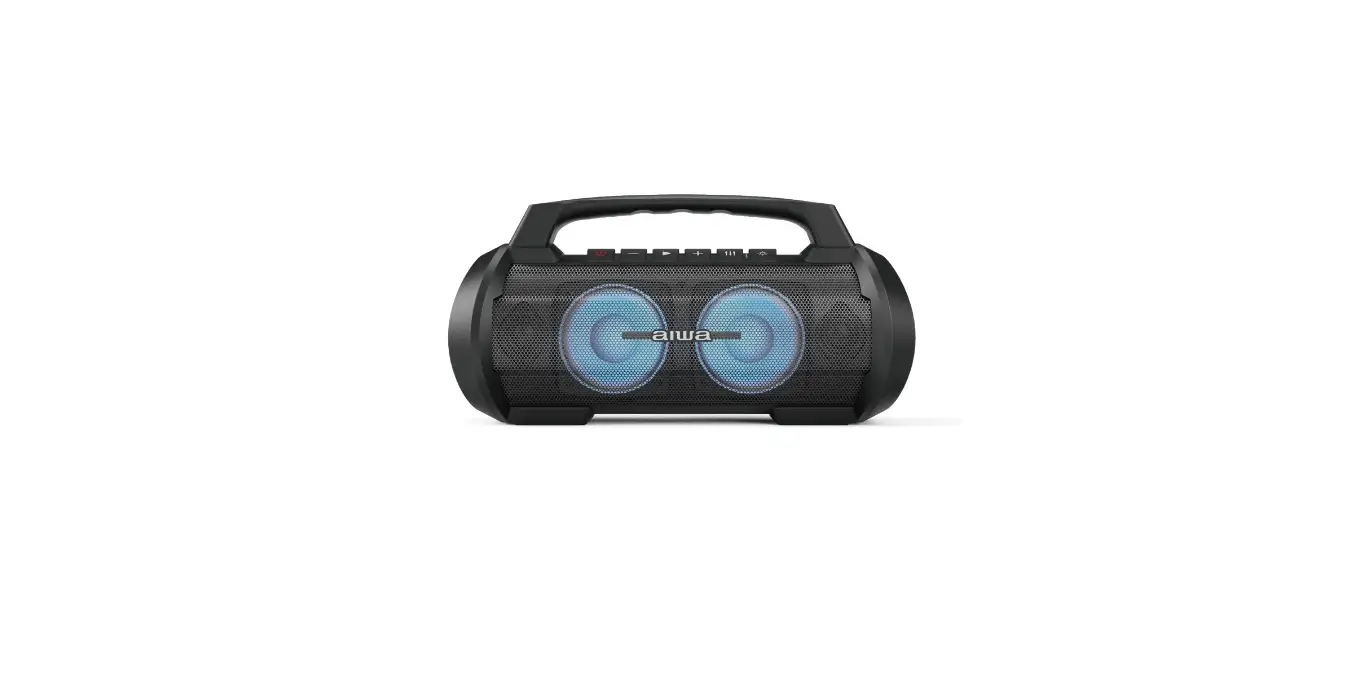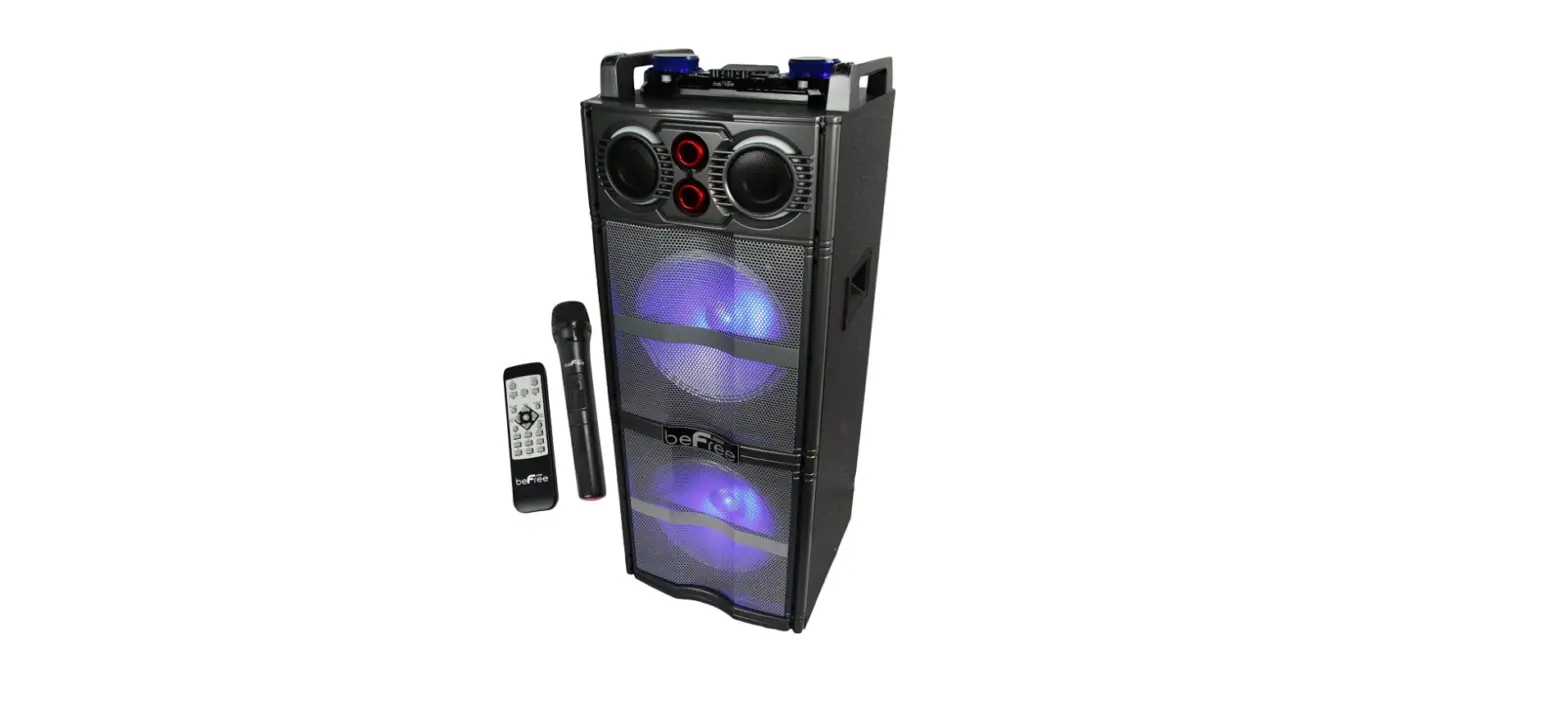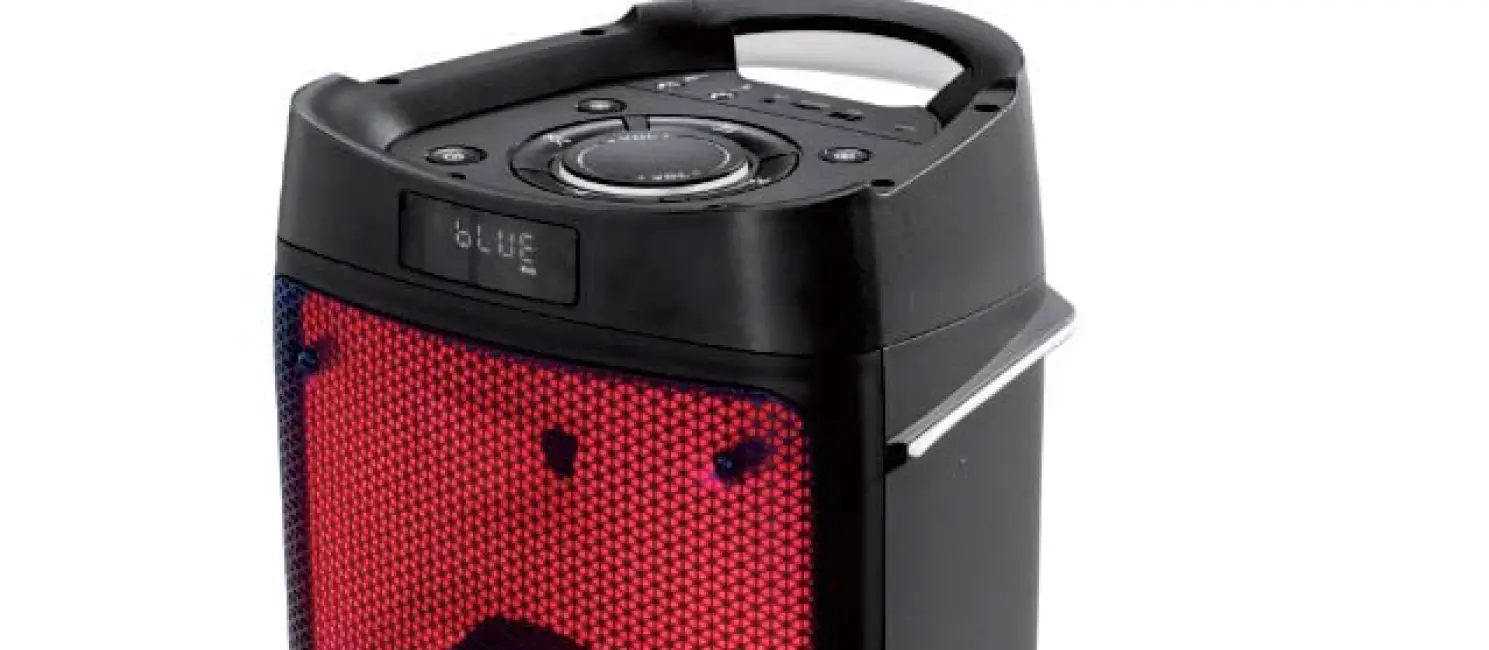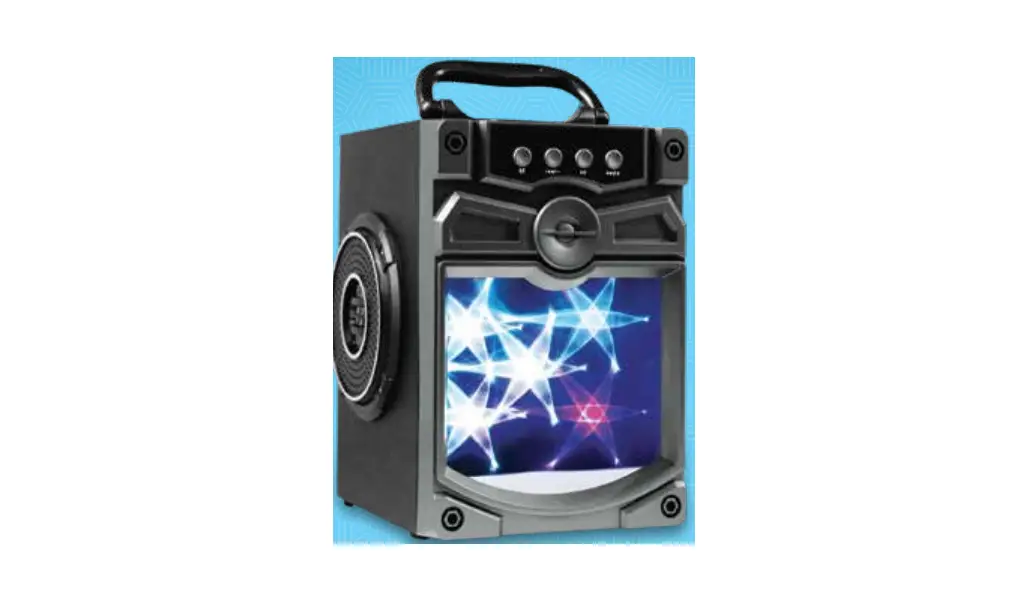

iGear iG-953 Rock Star Portable Party Speaker
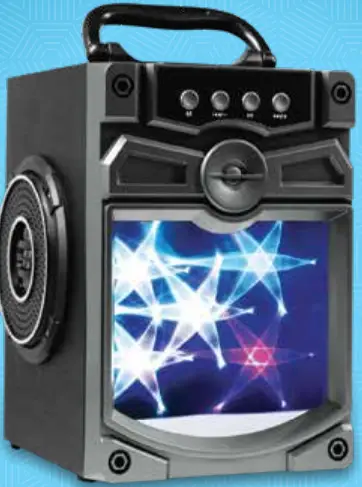
Thank you for purchasing the new Karaoke Wireless Speaker, Rockstar. Please read this manual carefully before operating your product and pay close attention to the precautions, which are mentioned bellow.
Saftey
Store this user manual in a safe place for future reference.
- The basics
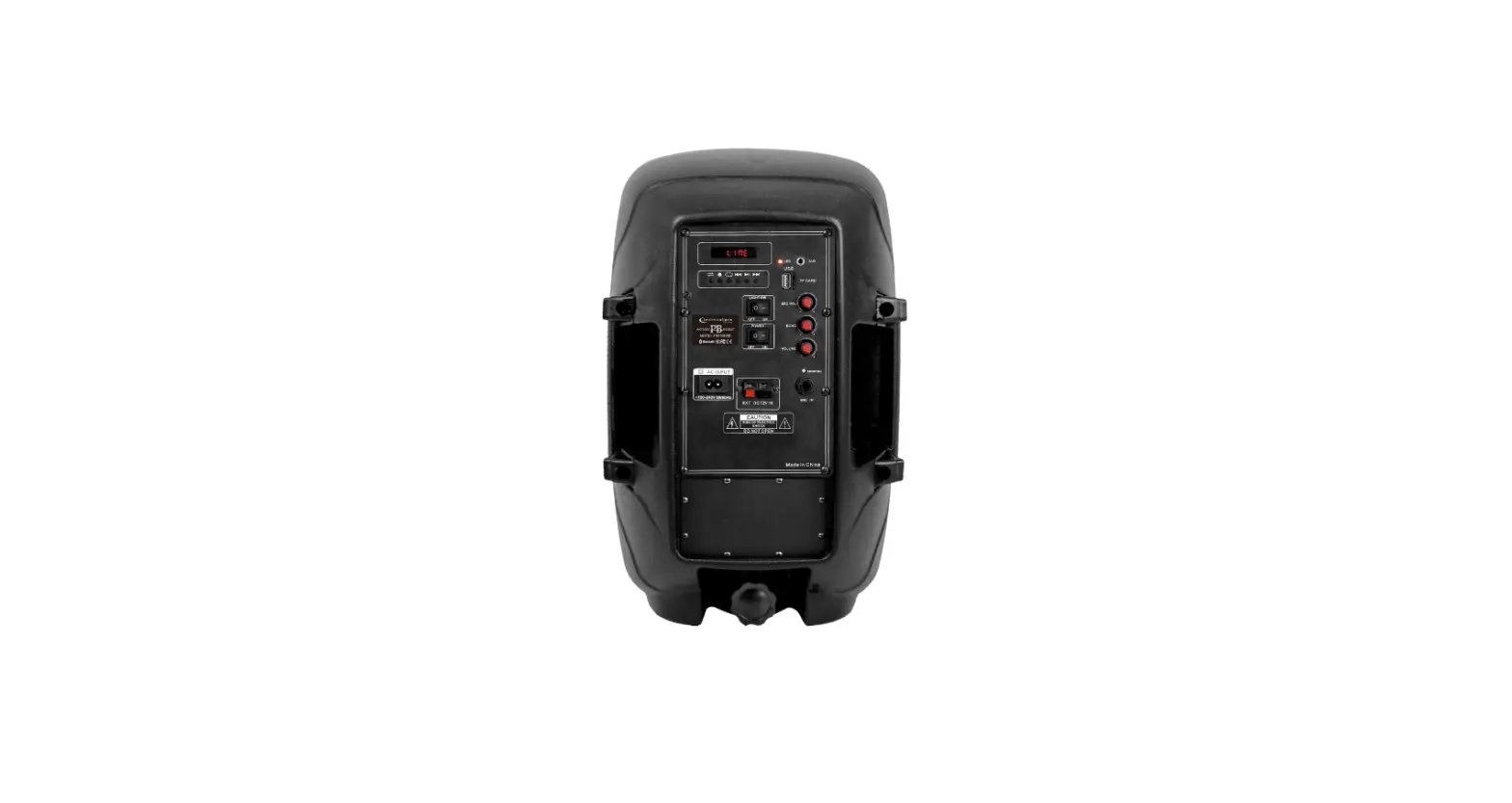
- AUX input: external audio source connection to a PC, digital media player, or any mobile phones etc.
- One end of the cable should be inserted into the DC 5V jack and the other end with the USB jack should be inserted into the USB port of the PC or the supplied DC5V adaptor.
- MIC input – Connect the microphone which is included with the unit to the jack USB port.
- TF Card slot – max size of 64GB
- Press M to select between Bluetooth/FM/USB/Aux-in modes.
- Press and hold to charge the LED light mode: OFF/ON/Flash.
- When in Bluetooth /FM/USB mode, short press to move to the previous channel/track. Press and hold to turn down the volume.
- Bluetooth connection and operation
- Turn on the speaker unit and the switch on the Bluetooth on your mobile or any other device and search for the speaker model name
“Rockstar” to connect. - If you have previously connected the device to unit, the connection will establish automatically.
- Once the Bluetooth device has been connected to the unit using the above steps, you can playback your favourite music using the
 key to Play/Pause. Press the
  /- and
  /+ buttons to go to the previous or next tracks. Press and hold the /- and /+ buttons to turn the volume up and down or use the front knob.
- Turn on the speaker unit and the switch on the Bluetooth on your mobile or any other device and search for the speaker model name
- AUX-in
Using the audio cable, plug one end into the audio jack of the external device and the other end into the unit’s AUX jack. Press the M button to switch to the Aux-in Mode. Press and hold /- and /+ buttons to turn the volume up and down. When using this mode to hear music, the Previous and Next buttons will only work from the Bluetooth device and not the unit. - USB/TF card
Inset a USB or TF card into the USB/TF slot. Rockstar will read the MP3 format music automatically. Pressto Play/Pause, short press /- and / + to Prev. and Next, Long press/- and/+ button to turn down and turn up the Volume. - FM Radio
Press “M” to charge to FM mode. Press and hold thebutton to search for FM channels automatically. The unit will scan all FM stations and save them to its memory. - Charging
Connect the charging cable to the micro-usb port on the device and the other end to the 5V 1A adaptor included with the unit. When the unit is charging, a RED LED light will turn on. - Accessories
- USB charging cable: 1 piece
- ANX cable: 1 piece
- User manual: 1piece
- Specifications
- Bluetooth version: 2.1 + EDR
- Speaker driver unit size: 4 inch*2
- Output power: 10W
- Speaker impedance: 4 Ohm
- Frequency response: 100Hz-20 KHz
- Signal to noise ratio: >=85dB
- FM’s scan range: 87.5-108.0 MHz
- Bluetooth wireless rang: 10 meters
- Max memory USB/SD: 32GB
- USB charging: DC 5V
- Battery capacity: 1200mAh

 key to Play/Pause. Press the
  /- and
  /+ buttons to go to the previous or next tracks. Press and hold the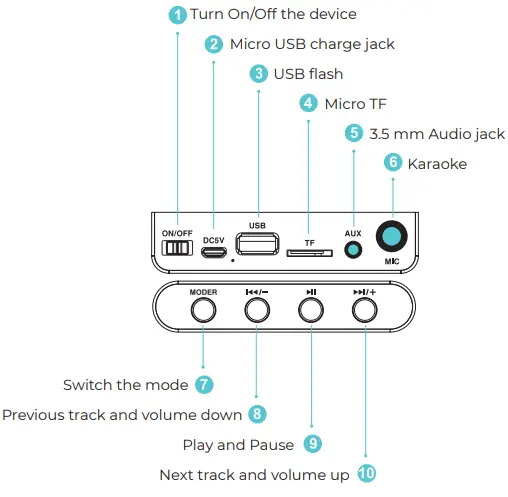
Imported and Marketed By:
iGear Tech Pvt. Ltd. 204, Sai Corporate Park, Laxmi Nagar, Off Link Road, Goregaon West, Mumbai – 400104.
In case of consumer complaints:
Toll free number – 1800 22 8495
Email: [email protected]
(Between 10am to 5pm, Mon- Fri)