SB User Manual


True Wireless

Light Show
INTRODUCTION
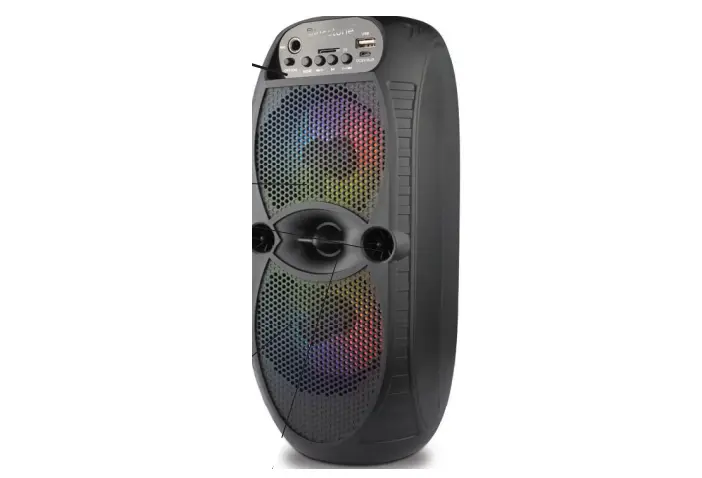
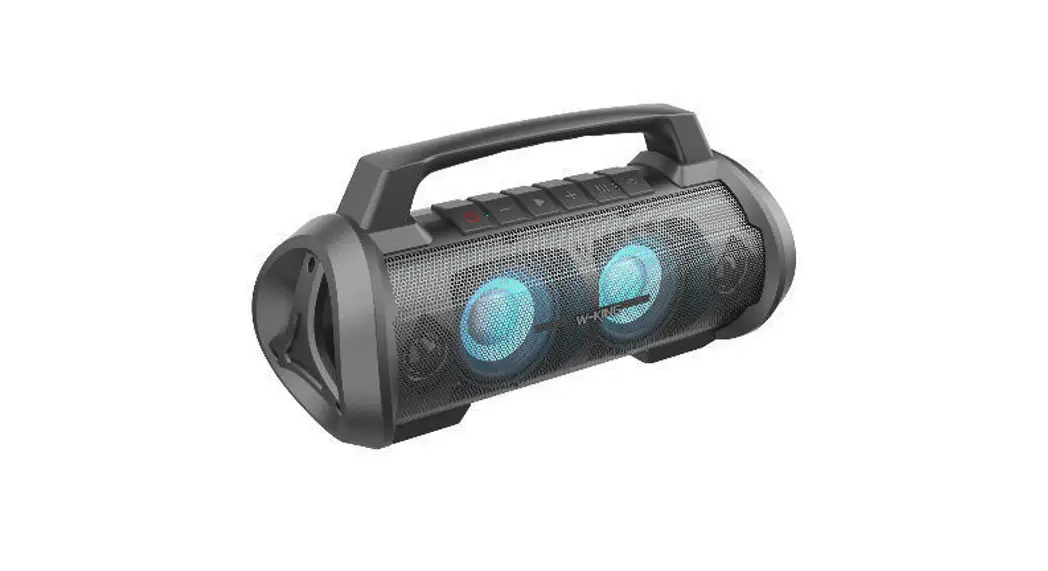
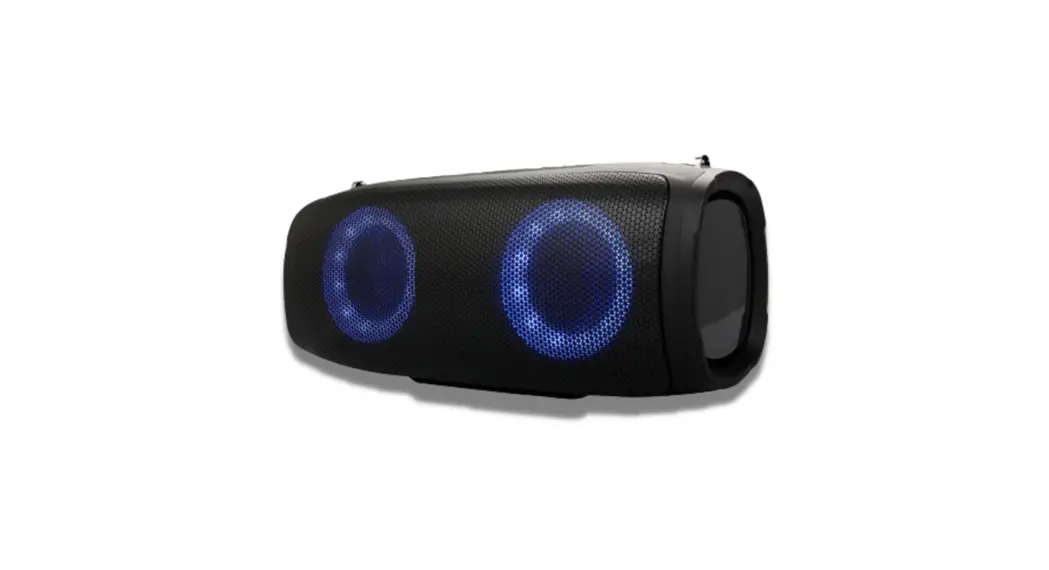
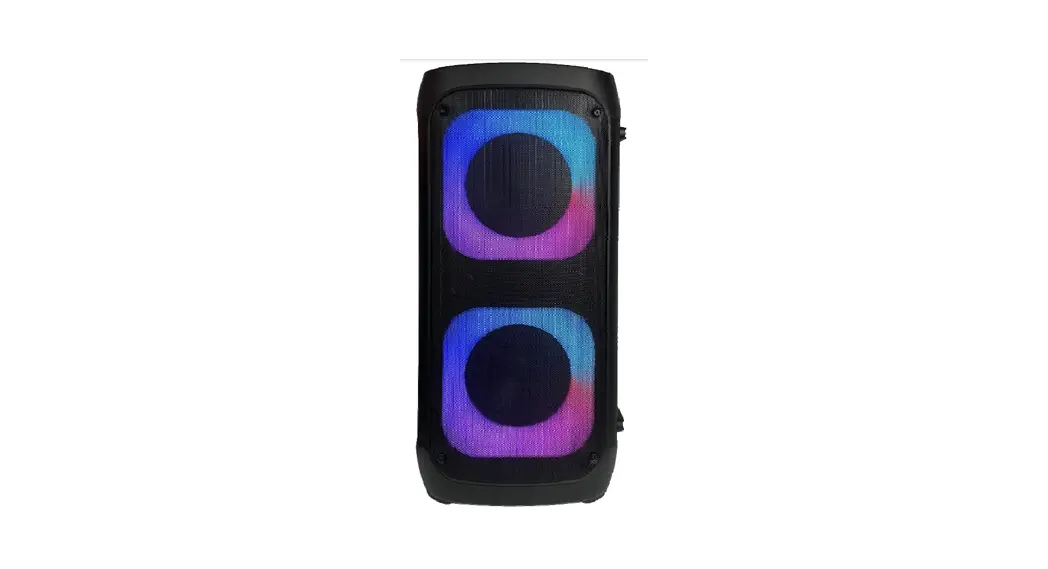
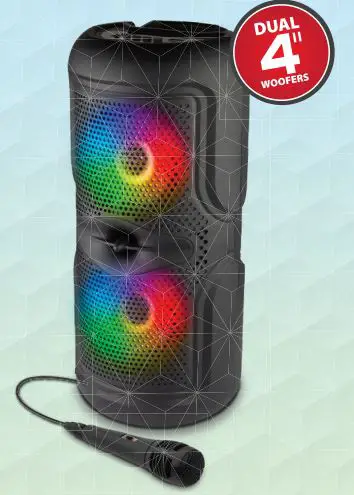
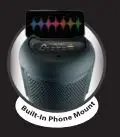
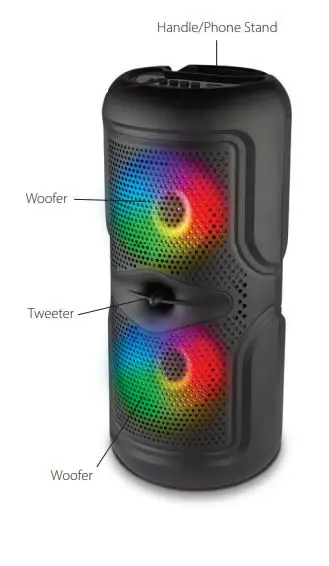
This cylindrical looking speaker is perfect for the next outdoor party and barbecue. It is always invited to the cookout. It has a stunning RGB display in the front out of its two 4″woofers. Its middle tweeter is to allow for more range in sound that would wouldn’t get from a typical speaker. It has a perfect little holding spot for your phone to perch up on. Which makes it the perfect karaoke speaker on the market. A place for your phone? A microphone included? Count me in!
PACKAGE CONTENTS
1x Speaker
1x Microphone
1x Charging Cable
PRODUCT OVERVIEW
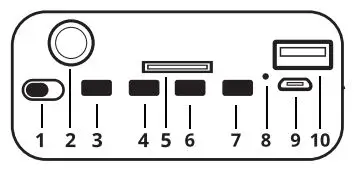
1. Power ON/OFF Switch
2. AUX-In Slot
3. Mode
4. Previous/Volume Down
5. TF/Micro SD Card
6. Play/Pause (Short press for play and pause)/Scan
7. Next/Volume Up
8. LED Indicator
9. Charging Port
10. USB Slot
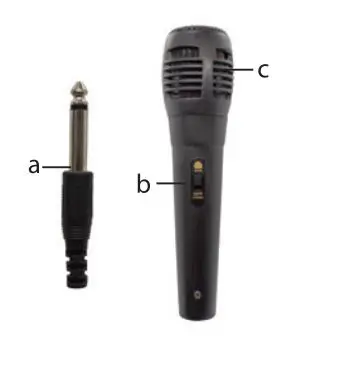
a. AUX Plug
b. ON/OFF Switch
c. Receiver
SPECIFICATIONS & FEATURES
- Speaker is approx 13.5 in tall and a diameter of 6 inches
- Bluetooth: v5.3
- Woofer Size. 2 x 4″
- Woofer Output: 1200W
- Range: 33ft
- Battery: 1200mAh
- Playing time: Up to 5 hours
- Charge Time: 3 hours
- True Wireless Capabilities
- FM Radio
- Inputs: AUX / USB / MicroSD
- Karaoke Mic
HOW TO USE
Using Micro SD (TF) Card Slot – Max Capacity is 16GB
- Insert the Micro SD (TF) Card or USB Drive preloaded with songs.
- Speaker will automatically start playing songs
- During playback, short press the Previous button to go back to the previous track, press the Next button to skip to the next track.
Using Bluetooth
- Power on the product to enter into BT mode.
- Search for and select “Party Bof on your external Bluetooth device.
- The speaker will issue an indication tone after successful connection.
Using Radio
- Press the mode button and choose FM mode.
- Short press Play/Pause button to begin scanning for all available stations.
- Short press it again to stop searching.
- Press Next button to select the next stations.
Using AUX
- Power on the unit, and cycle through Modes to the AUX IN selection.
- Plug your AUX Cable in the AUX IN Port and use device to select/play music.
Using Karaoke
- Insert the plug of the Microphone into the unit’s MIC jack.
CARE AND SAFETY
- Do not use this unit for anything other than its intended use.
- Keep the unit away from heat source, direct sunlight, humidity, water or any other liquid.
- Do not expose the device to extremely high or low temperatures, as it may damage the battery.
- Do not operate the unit if it has been wet or moist to prevent against electric shock and/or injury to yourself and damage to the unit.
- Do not use the unit if it has been dropped or damaged in any way.
- Repairs to electrical equipment should only be performed by a qualified electrician. Improper repairs may place the user at serious risk.
- Keep the unit out of reach of children.
- This unit is not a toy.
| BATTERY DISPOSAL This product contains a lithium polymer battery. Lithium polymer batteries are environmentally safe when fully discharged. Please refer to your local and state laws for battery disposal procedures. |
©SM TEK GROUP INC, AI rights reserved.
Bluestone is a trademark of SM TEK GROUP INC.
New York, NY 10001