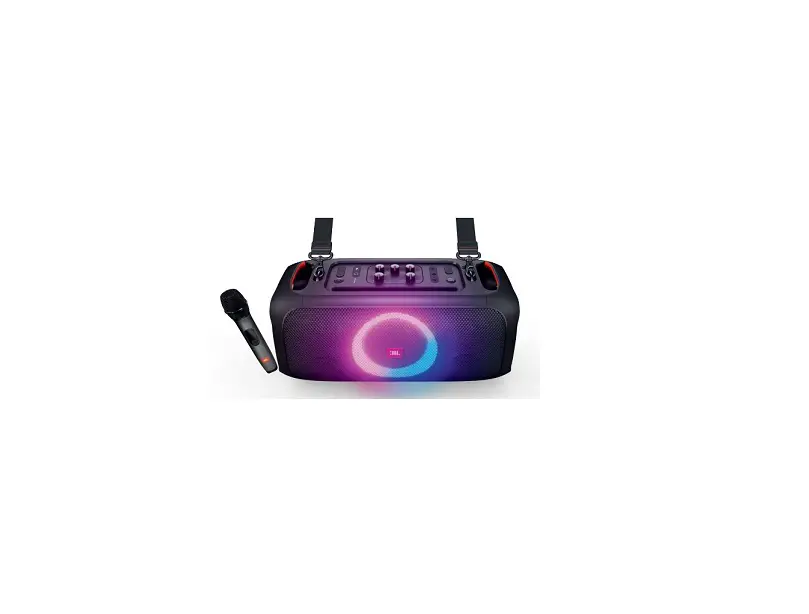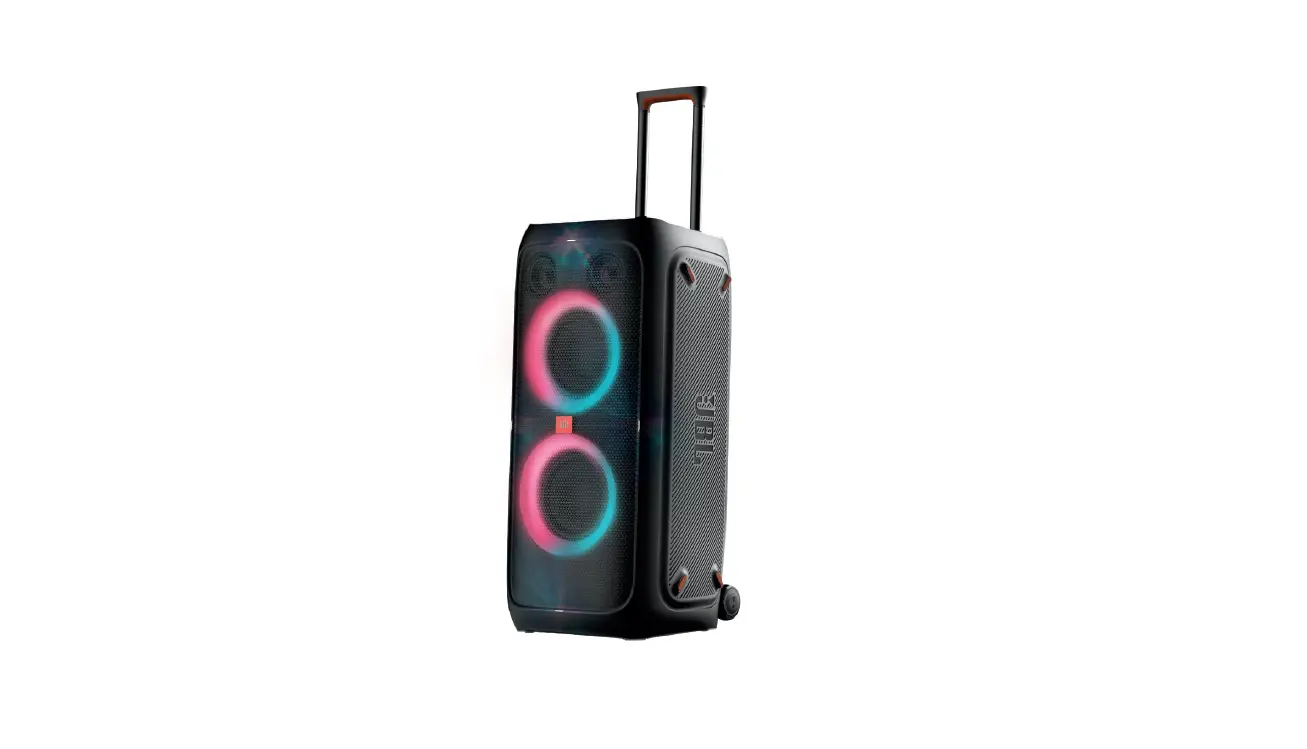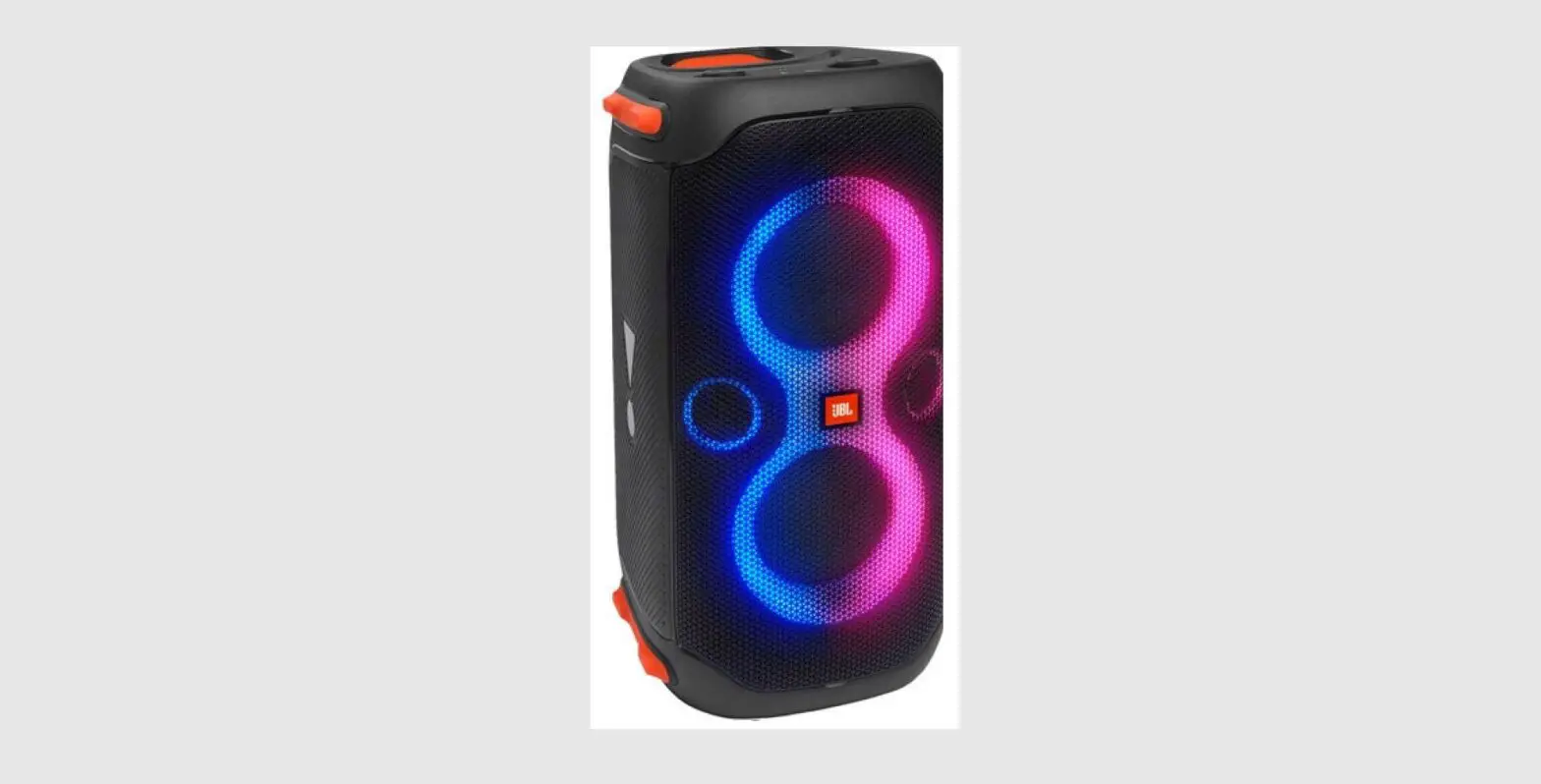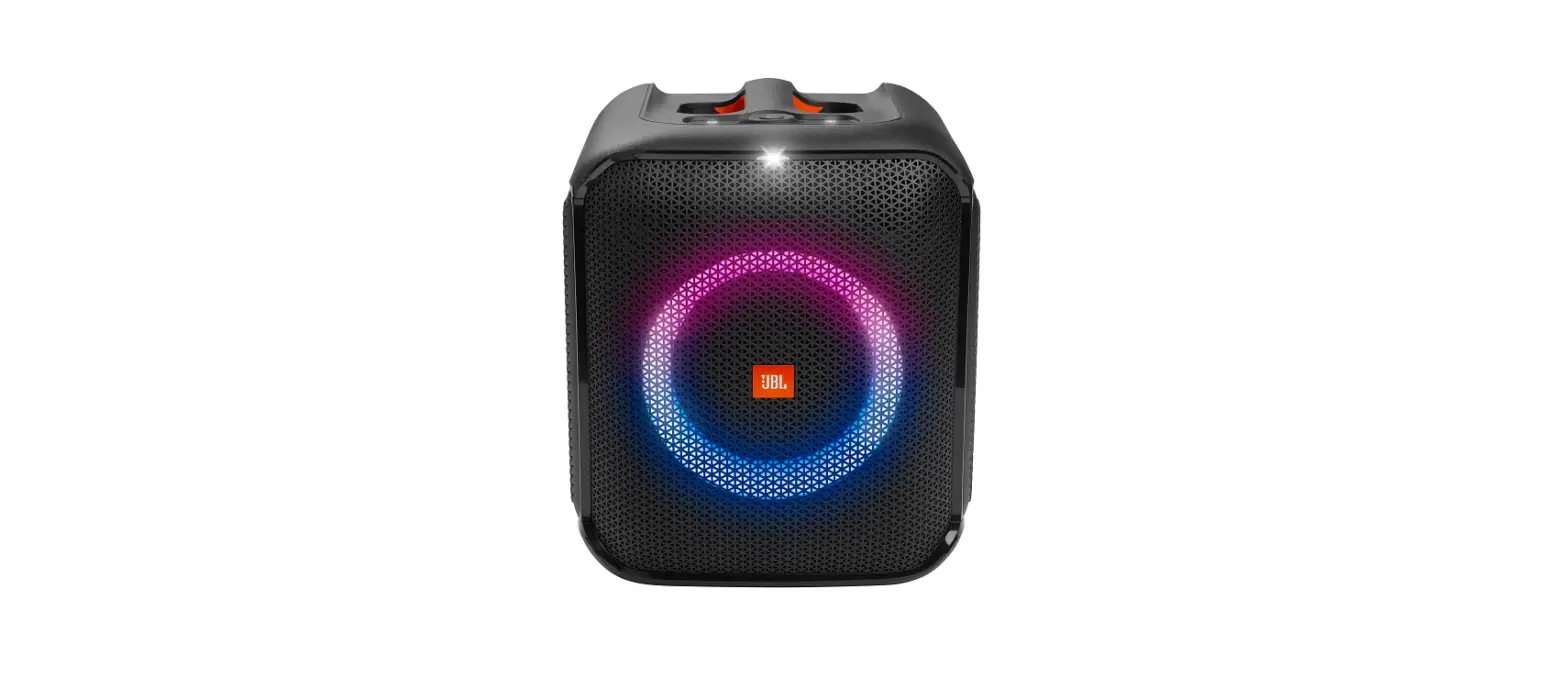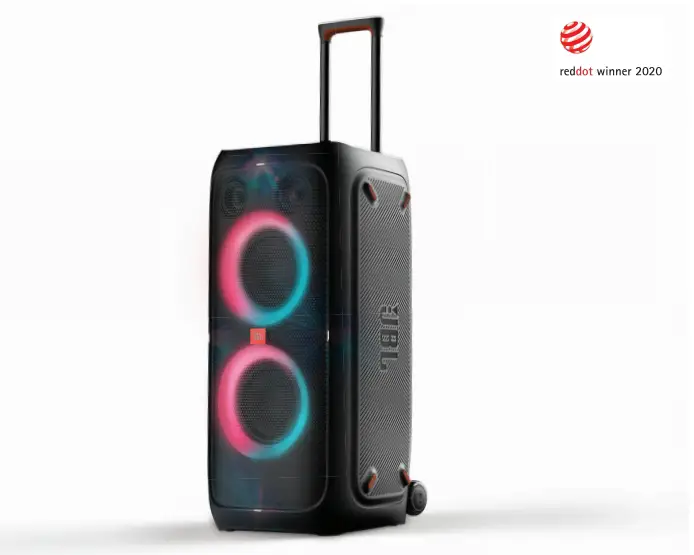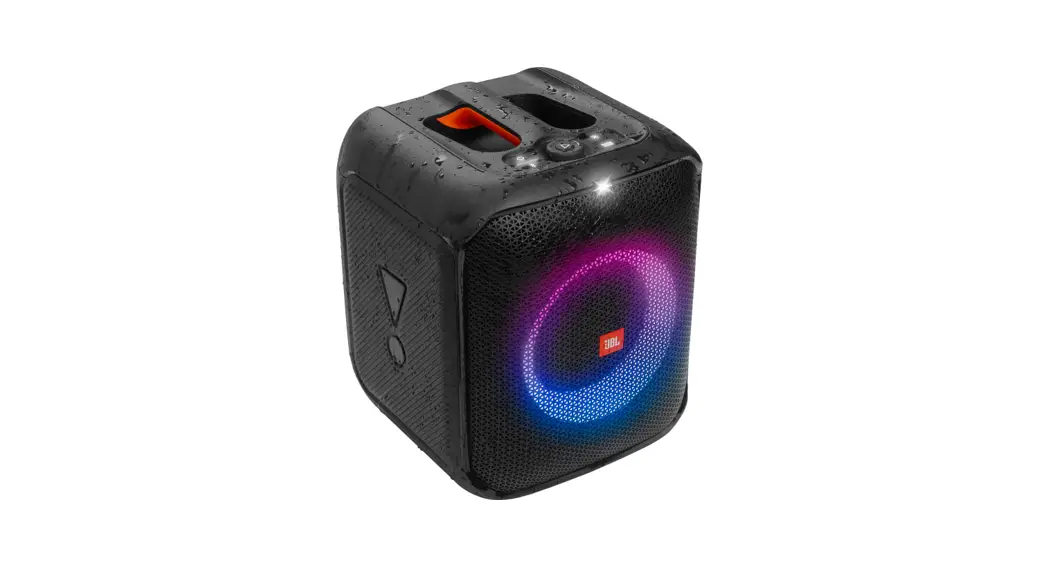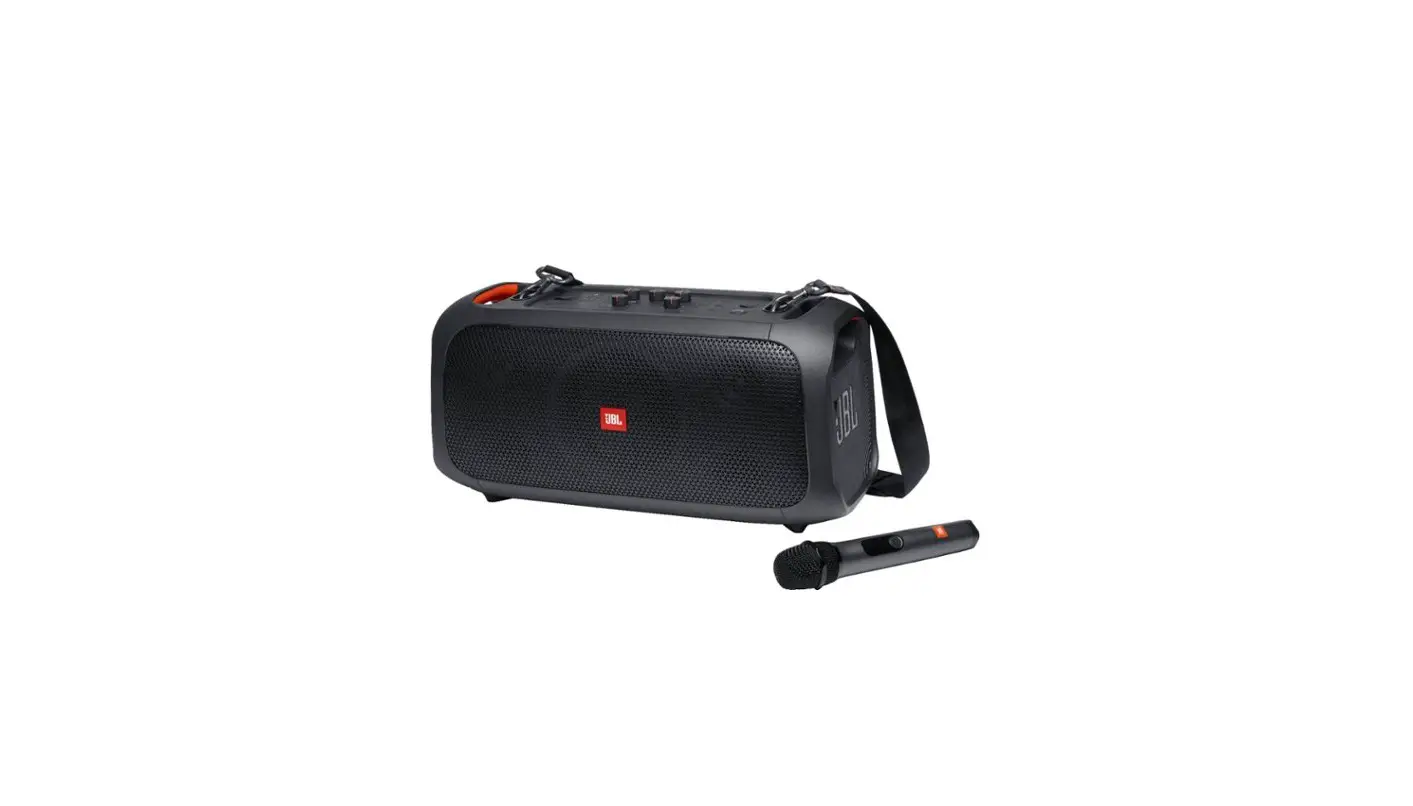

Harman Partybox110 Portable Party Speaker User Guide

Harman Partybox110 Portable Party Speaker User Guide

HARMAN PARTYBOX110 Portable Party Speaker - logoPARTYBOX110 Portable Party Speaker
User GuideHARMAN PARTYBOX110 Portable Party SpeakerHARMAN PARTYBOX110 Portable Party Speaker - fig 2

HARMAN PARTYBOX110 Portable Party Speaker - iconBefore using this product, read the safety sheet carefully.
HARMAN PARTYBOX110 Portable Party Speaker - icon 2

HARMAN PARTYBOX110 Portable Party Speaker - fig 3

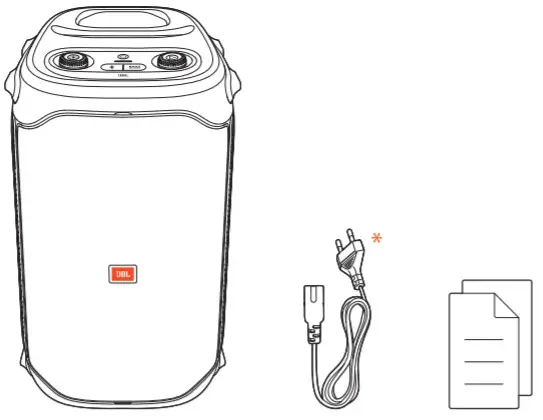
* Power cord quantity and plug type vary by regions.

HARMAN PARTYBOX110 Portable Party Speaker - icon 3HARMAN PARTYBOX110 Portable Party Speaker - fig 4

Download and install the JBL PARTY BOX App to get more from the product.
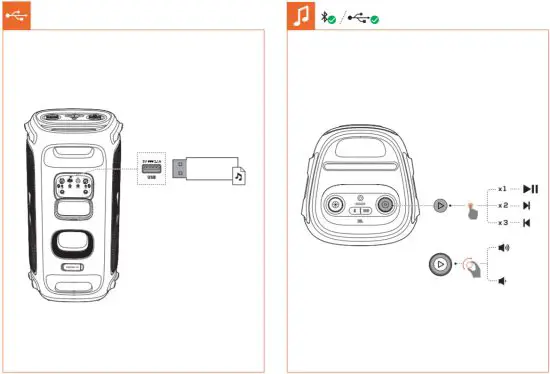
HARMAN PARTYBOX110 Portable Party Speaker - fig 5HARMAN PARTYBOX110 Portable Party Speaker - fig 6HARMAN PARTYBOX110 Portable Party Speaker - icon 6
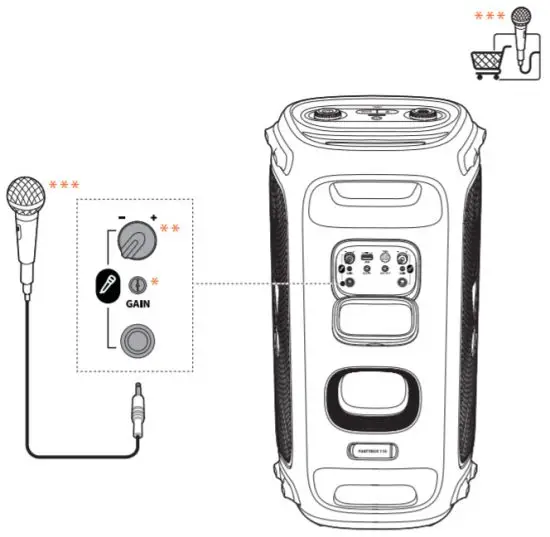
HARMAN PARTYBOX110 Portable Party Speaker - fig 7* Rotate to adjust the microphone gain.
** Rotate to adjust the microphone volume. Press +/- keys to adjust echo, treble, and bass respectively.

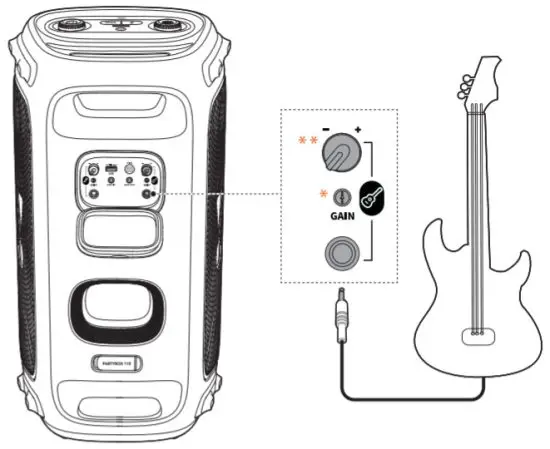
HARMAN PARTYBOX110 Portable Party Speaker - icon 5

HARMAN PARTYBOX110 Portable Party Speaker - fig 8

* Rotate to adjust the guitar gain.
** Rotate to adjust the guitar volume.

HARMAN PARTYBOX110 Portable Party Speaker - icon 7HARMAN PARTYBOX110 Portable Party Speaker - fig 9HARMAN PARTYBOX110 Portable Party Speaker - fig 10

Documents / Resouces

Download manual
Here you can download full pdf version of manual, it may contain additional safety instructions, warranty information, FCC rules, etc.


Related Manuals