
Japan est1951
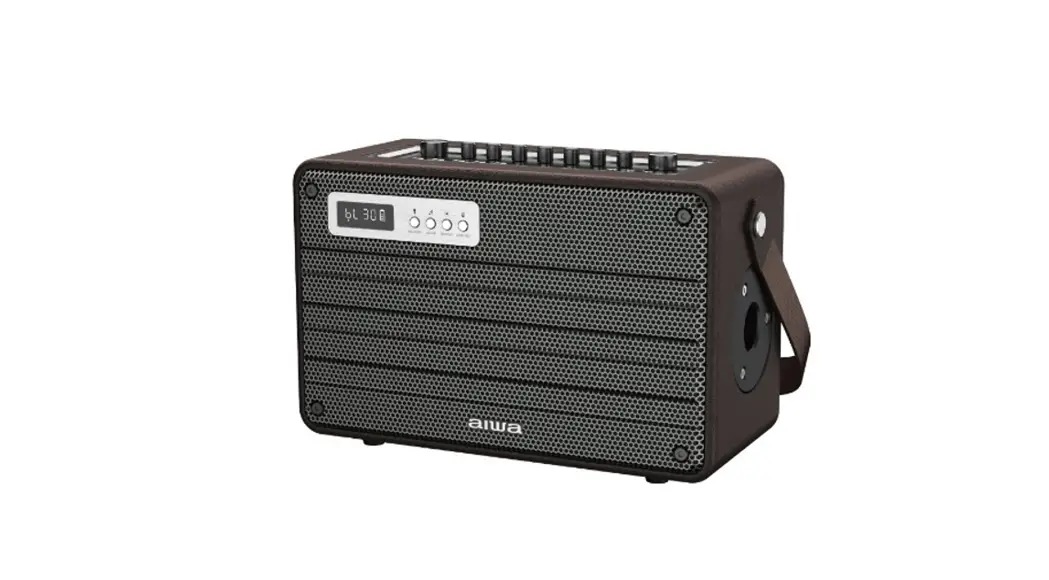
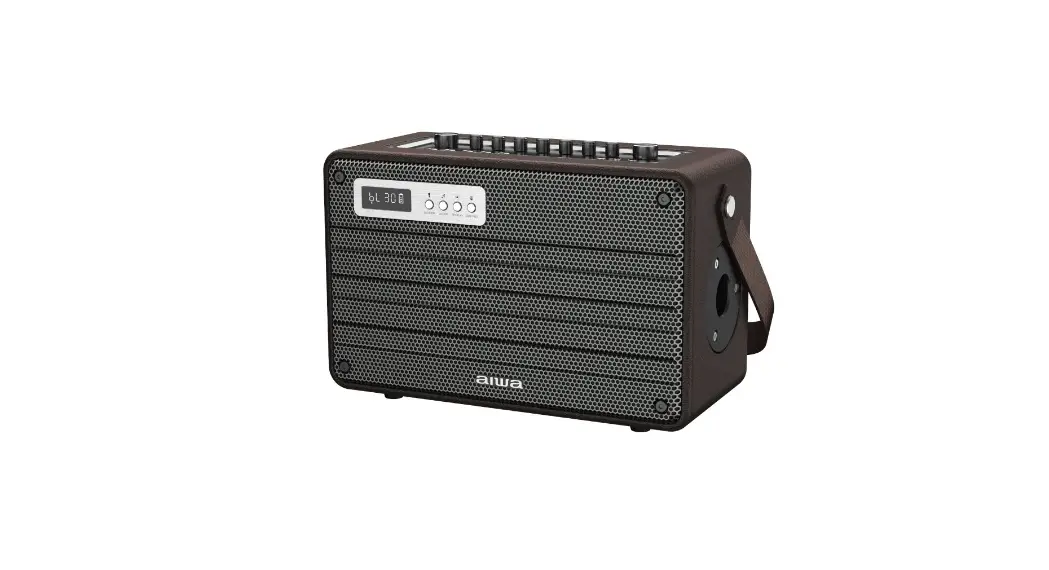
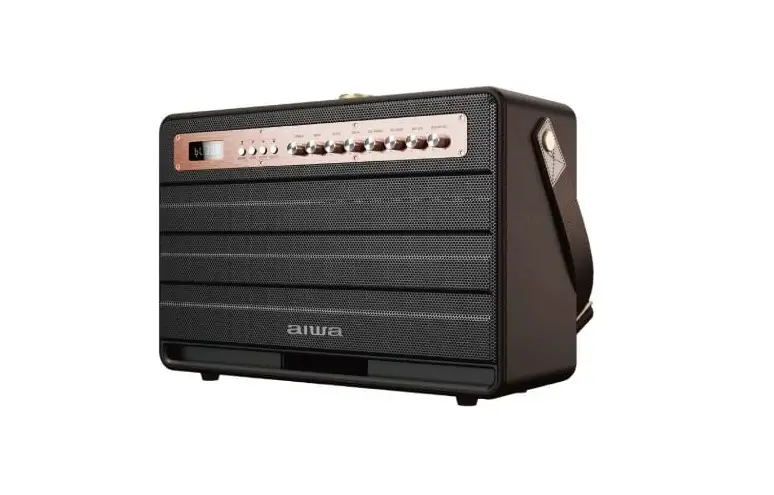
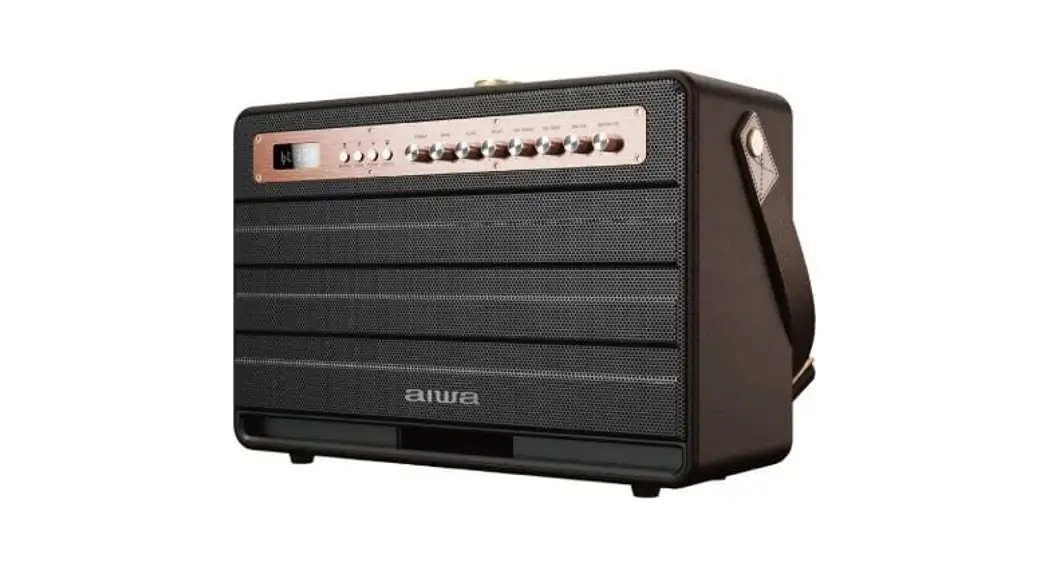
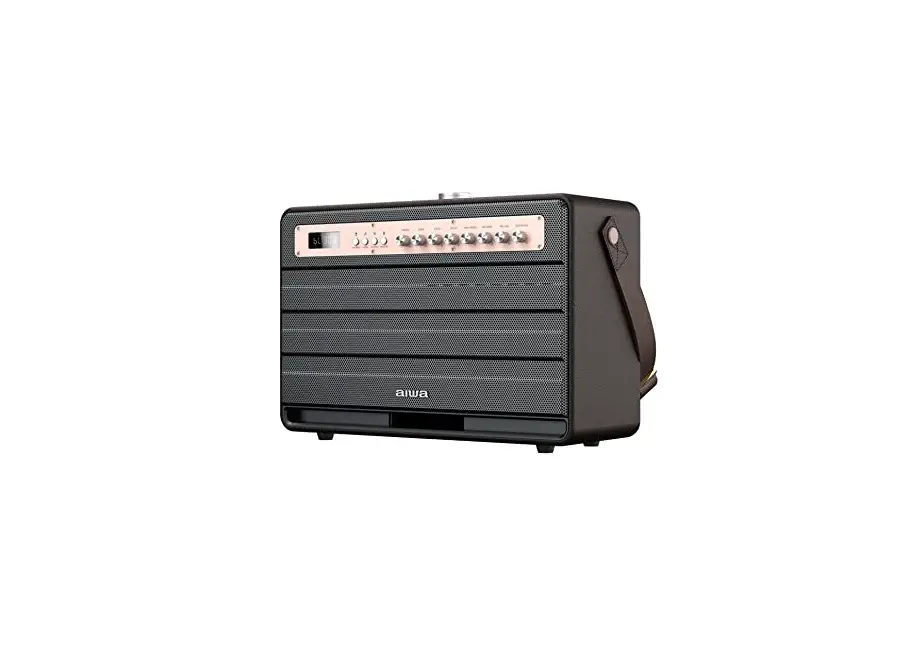
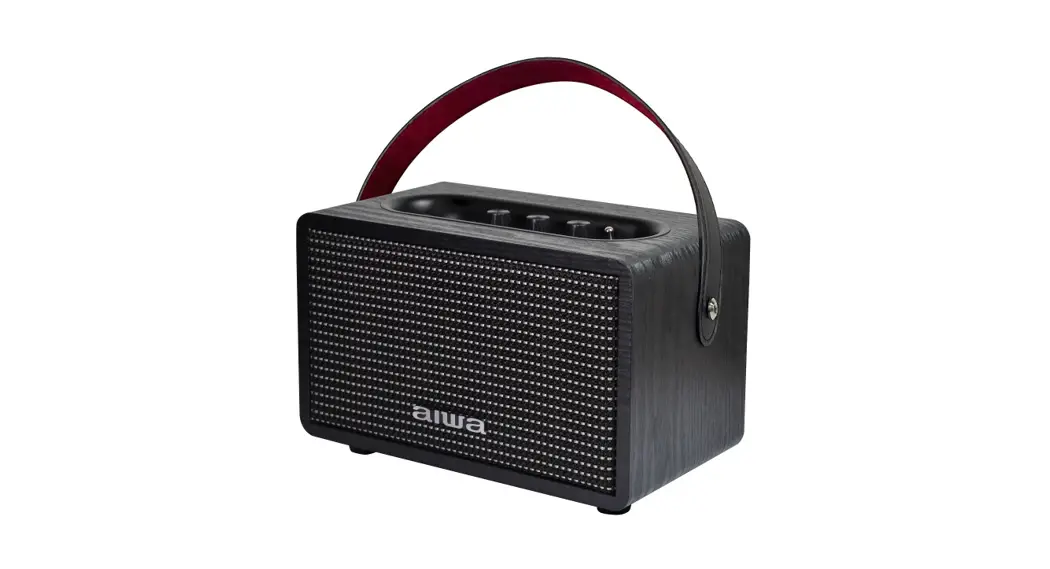
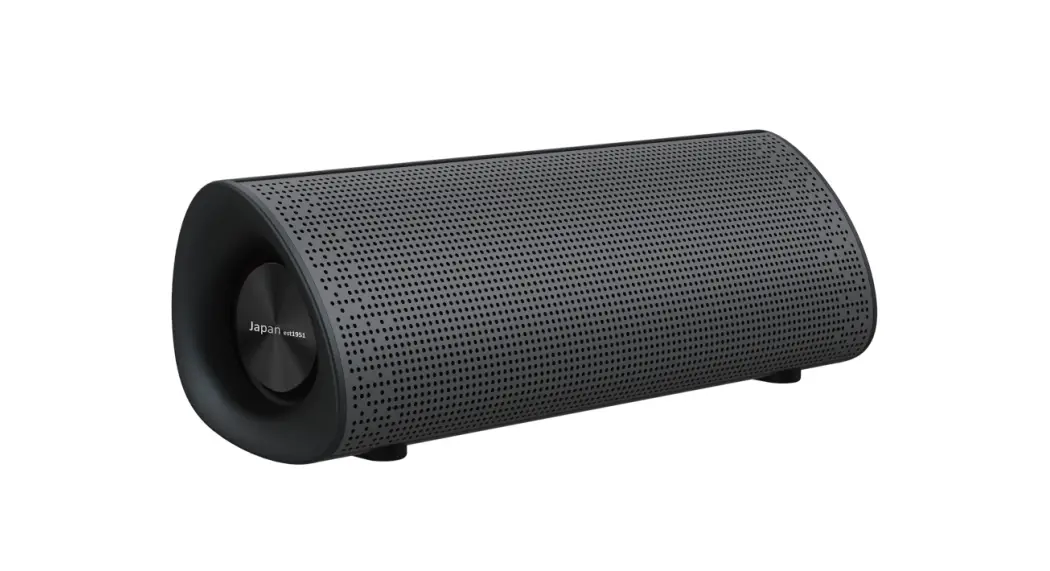
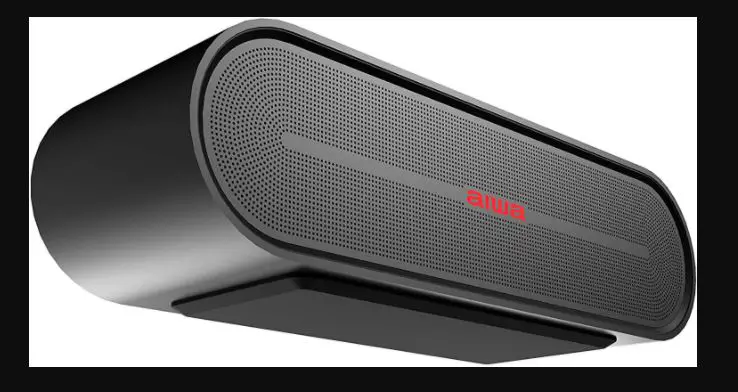
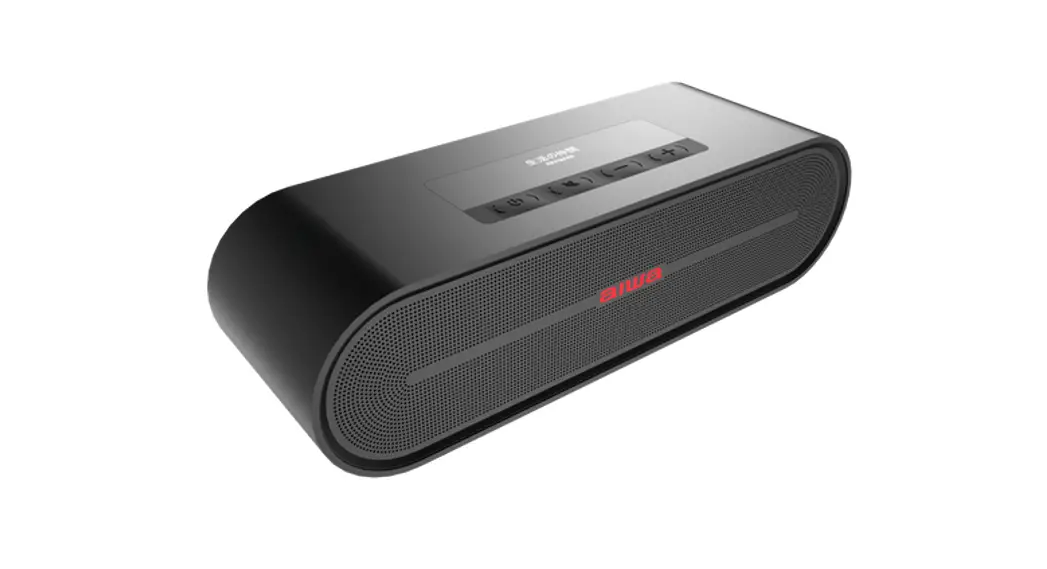
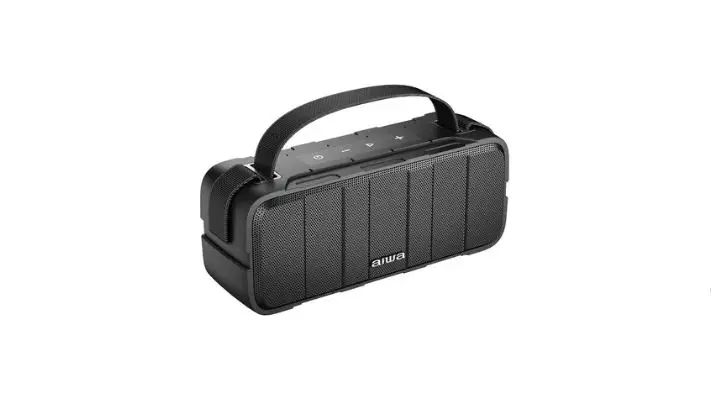
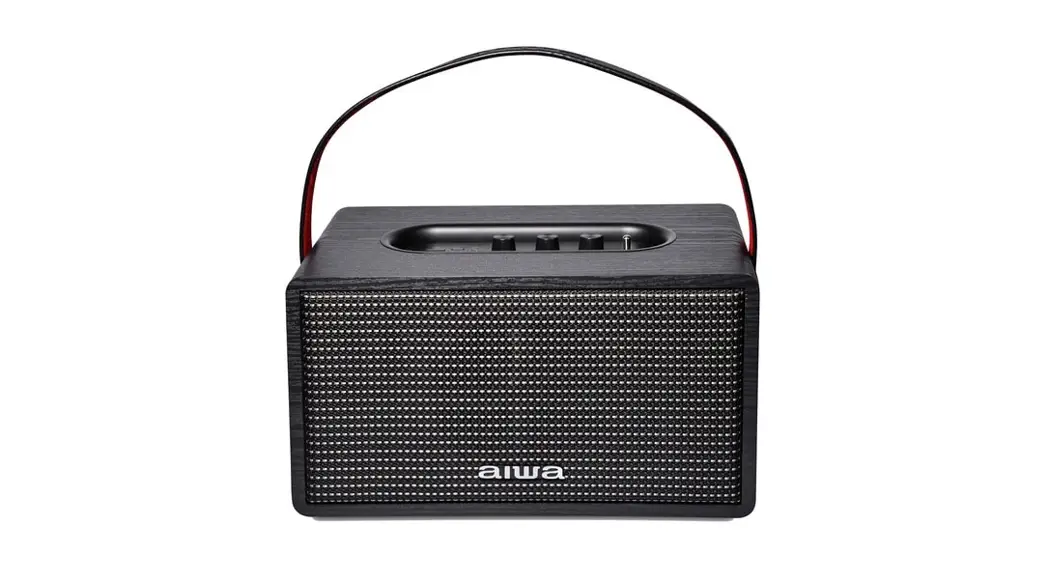
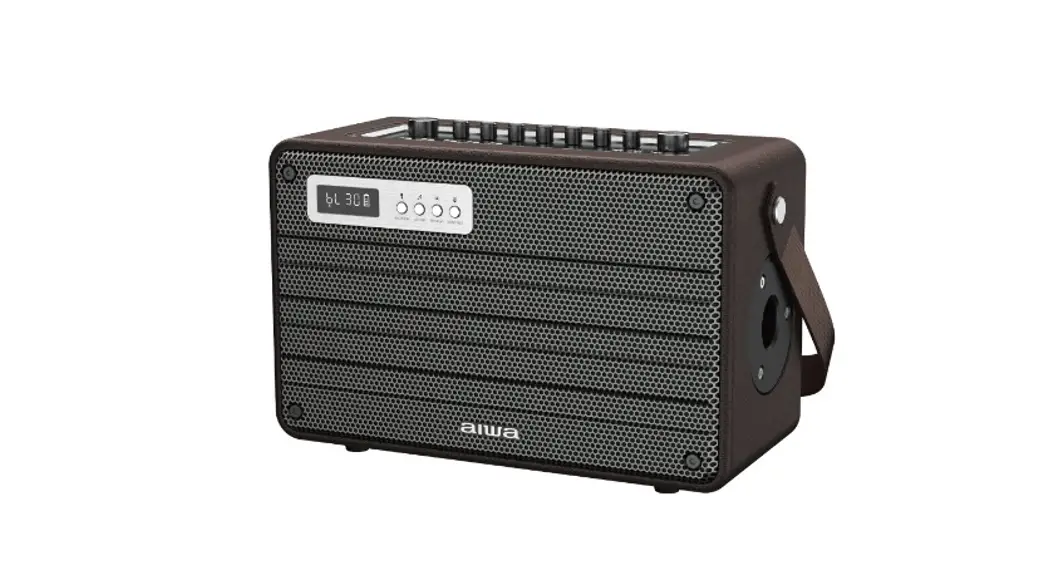
MI-X420 Enigma Lite
User Manual
Aiwa Electronics Int’l Co., Ltd.
Explore more at www.int-aiwa.com
Unboxing
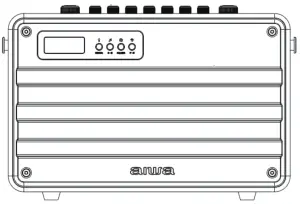
– MI-X420 Enigma Lite Speaker
– Remote Control
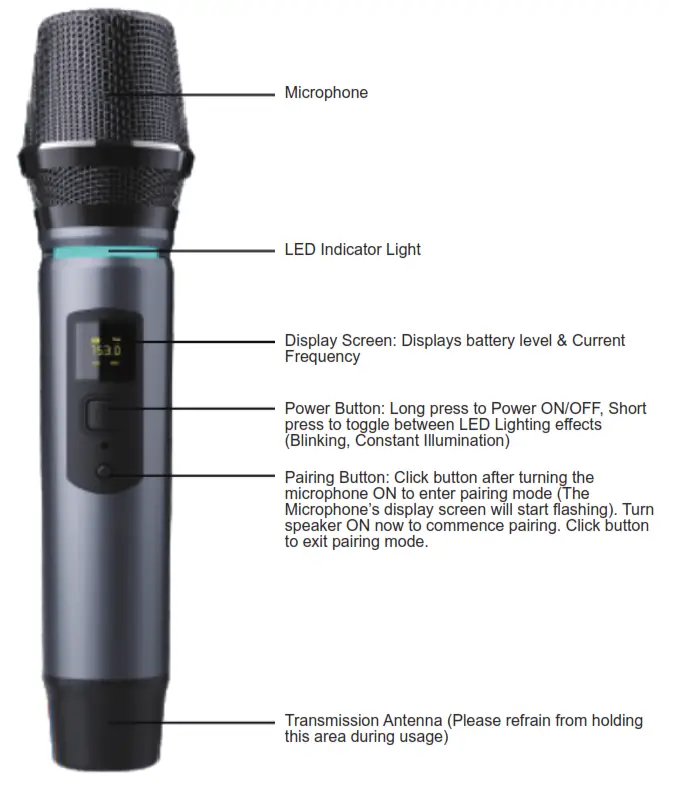
– Microphone
– DC15V 1.6A Charger
– 3.5mm Audio Cable
– Apple Audio Cable
– Android Audio Cable
– User’s Manual
Please refrain from using any damaged components. Contact your local authorized AIWA distributor/customer service should you need any assistance.
Product Specifications
Model Number: MI-X420 Enigma Lite
BT Version: V5.0
IP Rating: RMS Output: 100W
Frequency Response:
50~15kHz
S/N Ratio: ≥ 70dB
Distortion THD: ≤ 10%
Sensitivity: 95dB + 3dB
Supports: TF Card, USB,
Supported Profiles: MP3, WAV, APE, FLAC, WMA
Transmission Distance (Estimated): 10 Meters (No Obstacles)
Battery Capacity: 18000mAh
Playback Time: 3 – 8 Hours (Depends on Volume)
Charging Time: 3-4 Hours
The above are estimated values tested in a practical environment and may vary upon individual usage habits.
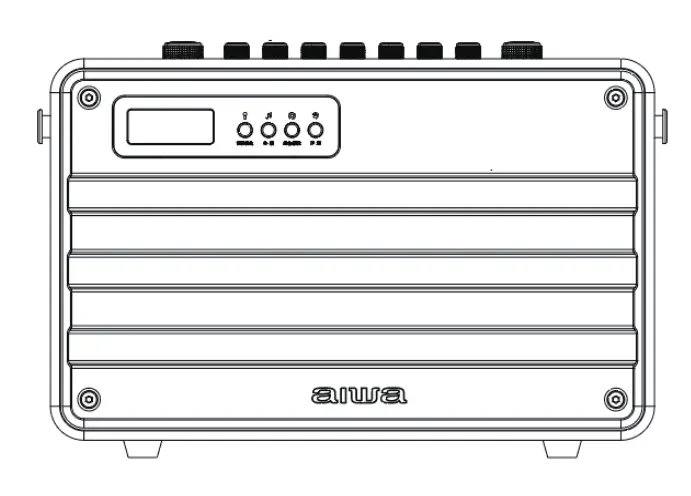
Product Overview
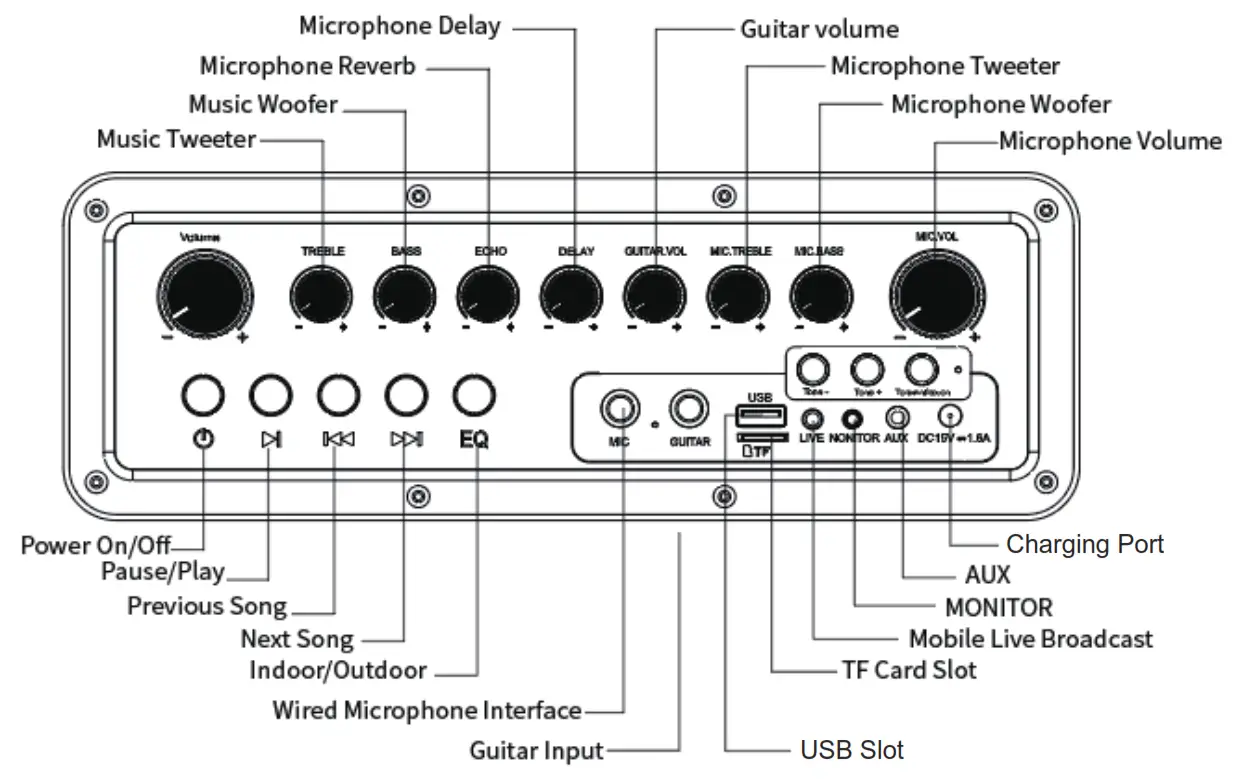
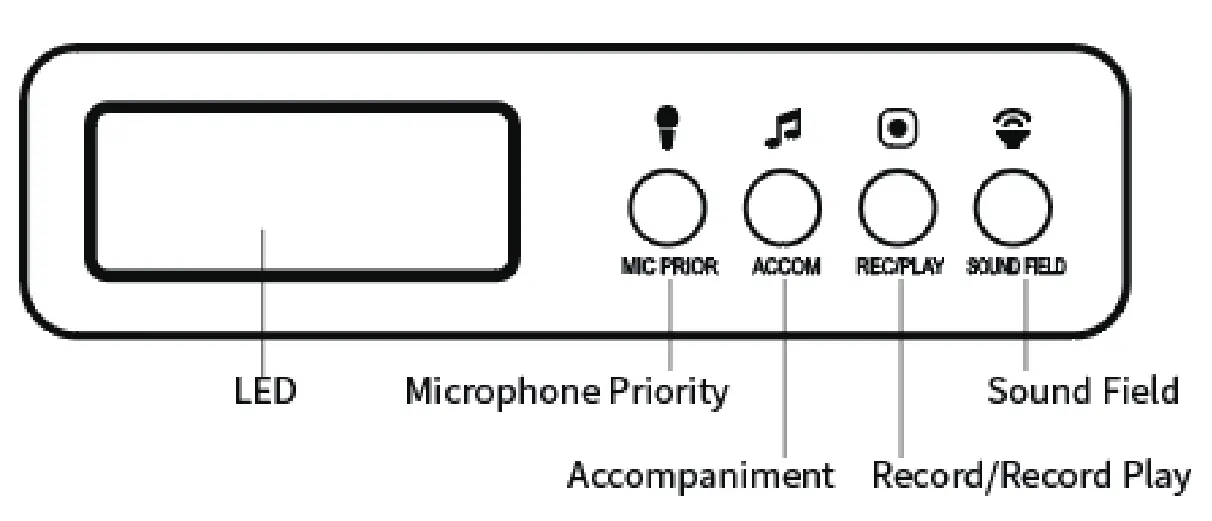
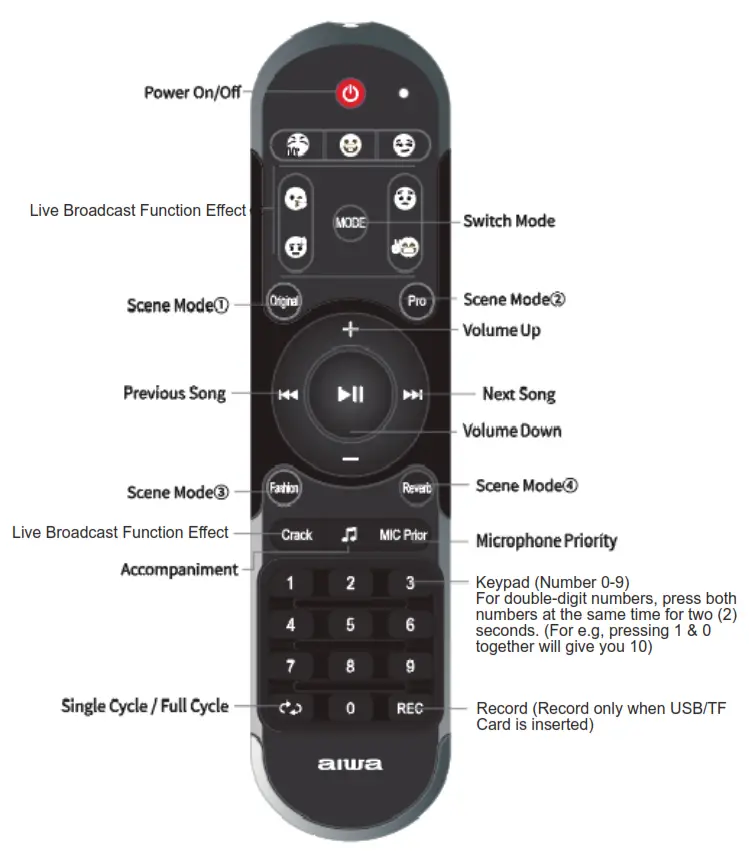
Product Usage Guide
Power ON/OFF:
Long press power button
Music Control:
Play/Pause: Click once (1)
Next Song: Click once (1)
Previous Song: Click once (1)
Assorted Functions:
Record: Insert TF card/ USB into the designated port. Please make sure The microphone is connected. Short press the record button to start/stop recording. (Supports recording accompaniment soundtrack + Microphone input)
Play Recorded Tracks: Long press
Delete Recorded Files: Long press during selected music playback. (Deletes current music playback from recorded files) Change Playback Mode: Short press power button to switch between BT/AUX/USB/TF card playback
AUX Playback Mode: Insert AUX cable and connect it to audio source to start.
TF Card Playback Mode: Insert TF card into TF port.
Sound field switch: Click to cycle between Original-Professional-Popular-Echo sound field profile.
Microphone Delay: Works with all sound field modes except original mode.
Microphone Echo: Works with all sound field modes except original mode.
Tone +/-: Short press the Tone +/- button once. A short press on Tone+ or Tone- to adjust tone accordingly.
Mic Inflexion: Short press the Tone+ or Tone – button to adjust Mic Inflexion accordingly.
Special Effects: Users can play special effects through the remote control.
Microphone Priority: Press the mic priority button on the remote control first.
Accompaniment: Press the accompanying button on the remote control/Accompany button on the speaker.
EQ: Short press mode button on the speaker/ Long press mode button on the remote control to cycle between various EQ modes.
Monitor/Earphone Function: Simple plugin your earphones/headphones into the monitor port. The speaker will now be muted. Long press the sound field button to the un-mute the speaker. (Playback will commence in both speaker and earphones/headphones.
Perform Factory Reset:
Insert the needle into the reset button until the speaker powers down.
Connecting the Product
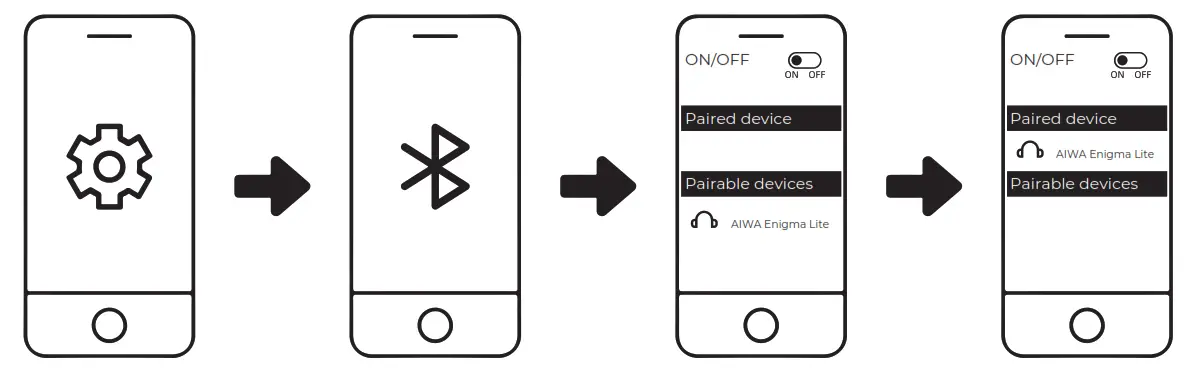
1. Turn on Bluetooth (BT) on your mobile device.
2. Turn on the speaker.
3. Search and connect to “AIWA Enigma Lite” from your mobile device
TWS Function
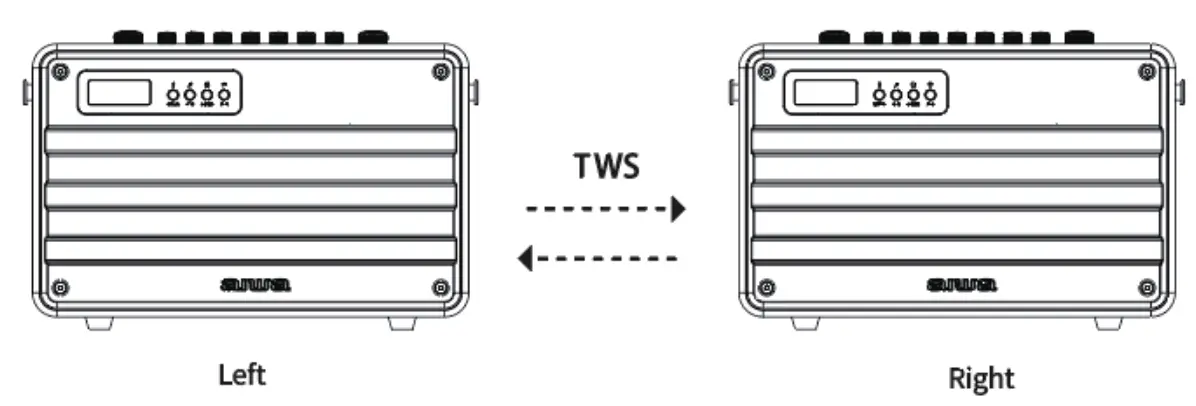
Power ON/OFF:
- Turn on Both speakers. *LED Screen flashes on both units
- Choose one of the units to function as the “Main unit”, long-press the “Play” button on this unit and it will enter TWS pairing mode. *LED Screen flashes
- *Main unit LED screen flashing slowly + LED screen lights up without flashing indicates successful pairing of both speakers
- Turn on Bluetooth (BT) on your mobile device
- Search and connect to “AIWA Enigma Lite” from your mobile device
- Playback should now commence via both speaker units at the same time.
- Long press the “Play” button to disable TWS pairing. *LED Screen Flashes
Battery & Charging
Charging the speaker:
Insert DC 5V adapter
*Red LED Light lights up
*Red LED Light extinguishes upon the full charge
Approximate charging time: 3-4 Hours
Japan est1951
Aiwa Electronics Int’l Co., Ltd.
Explore more at www.int-aiwa.com