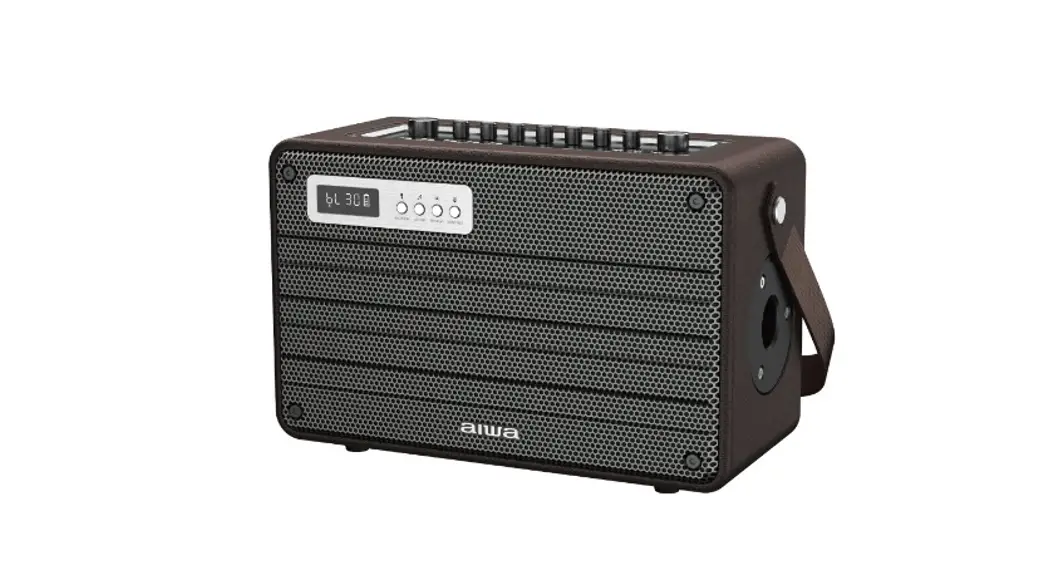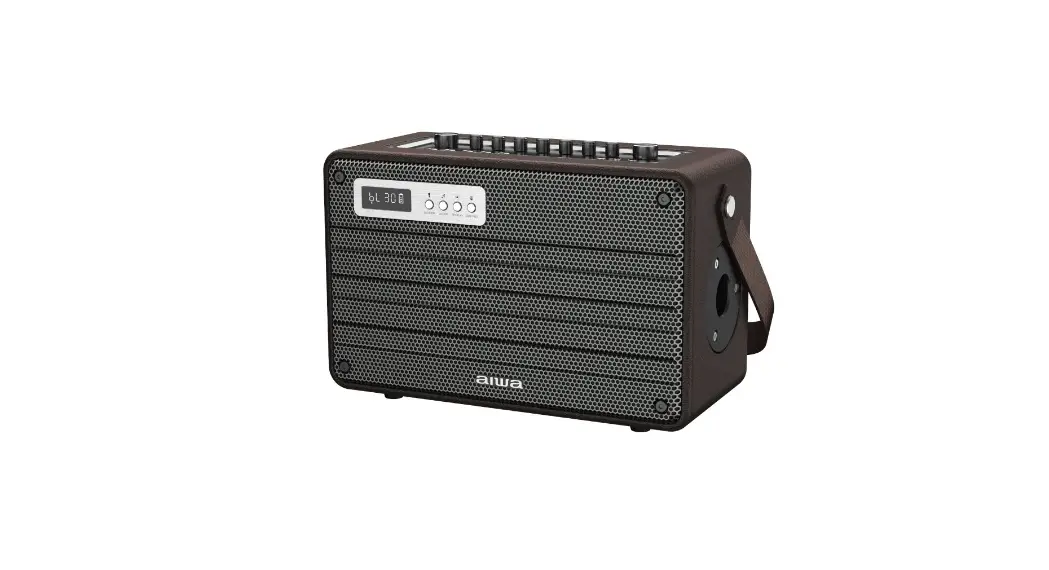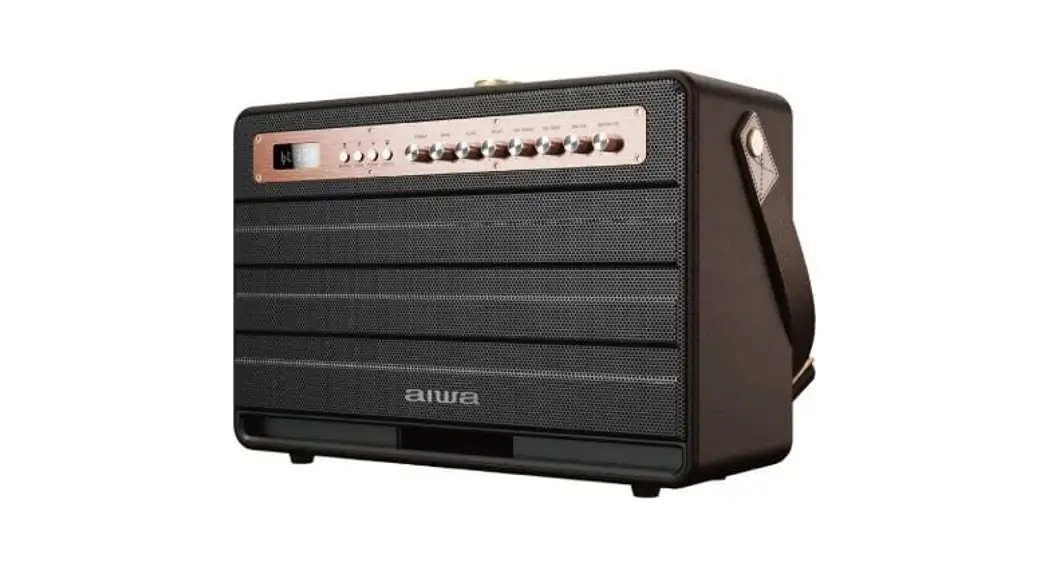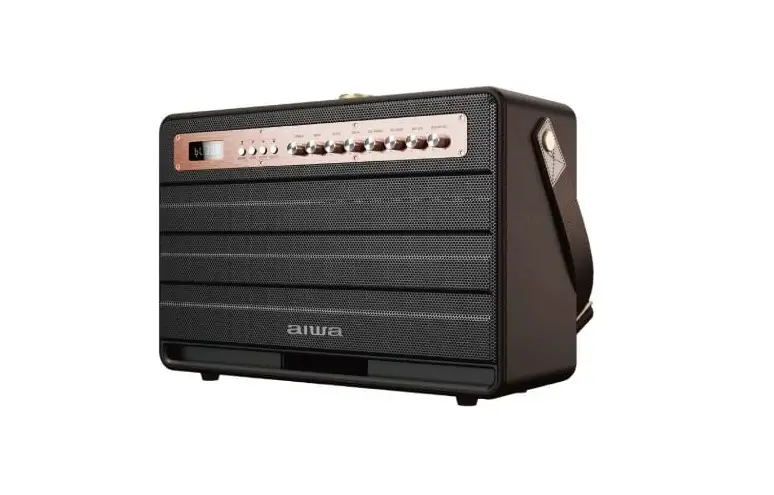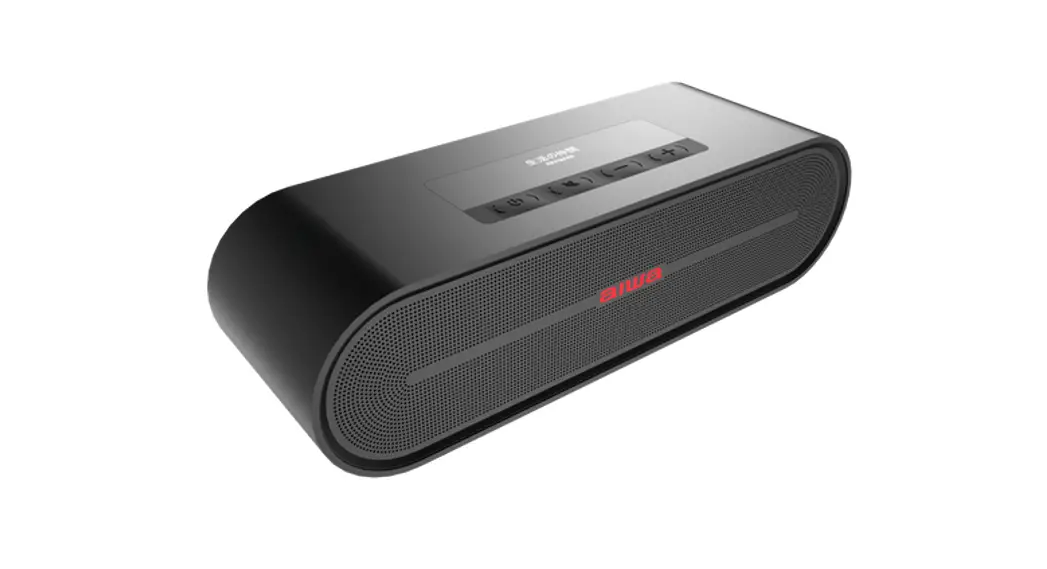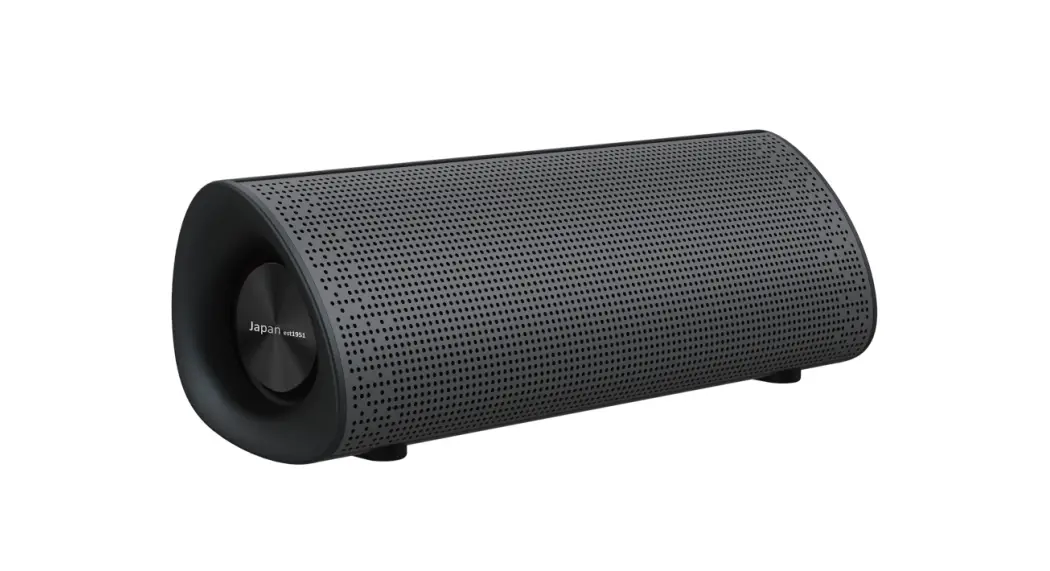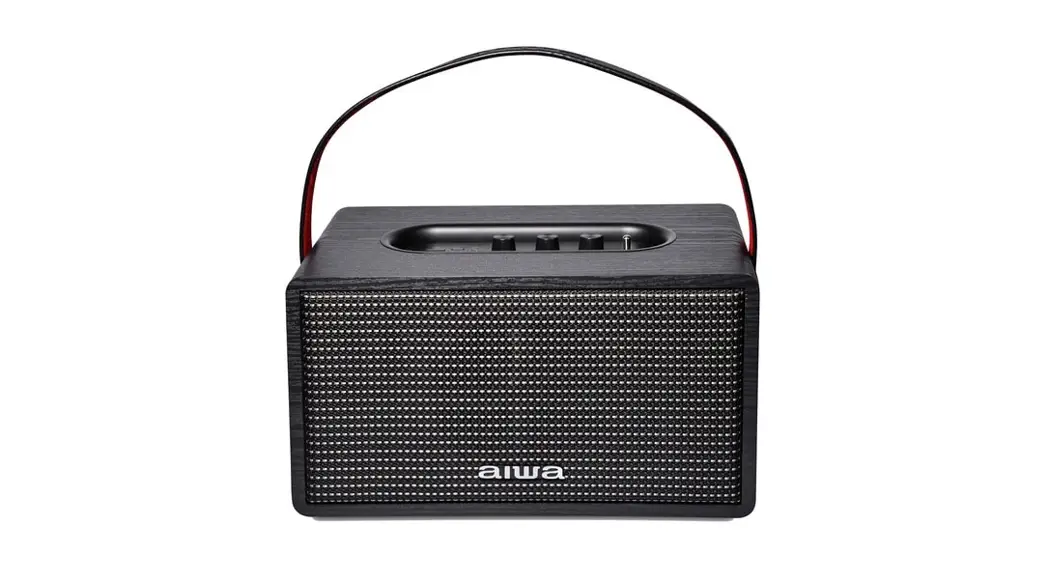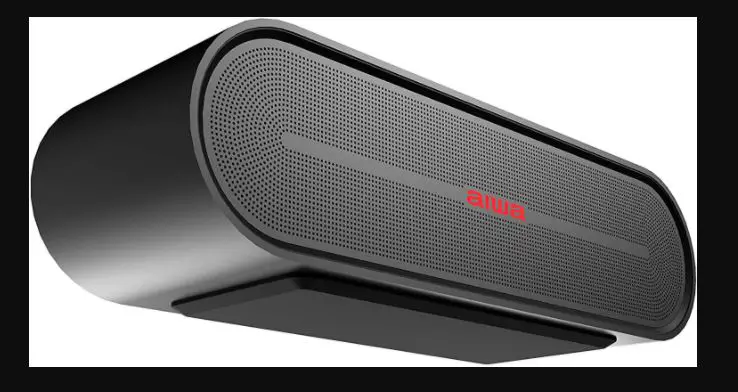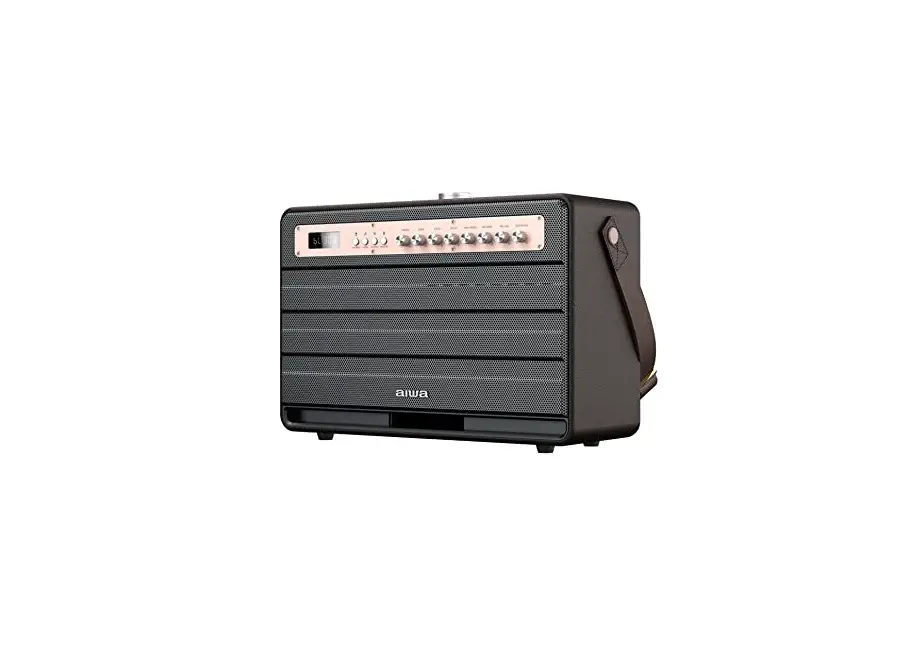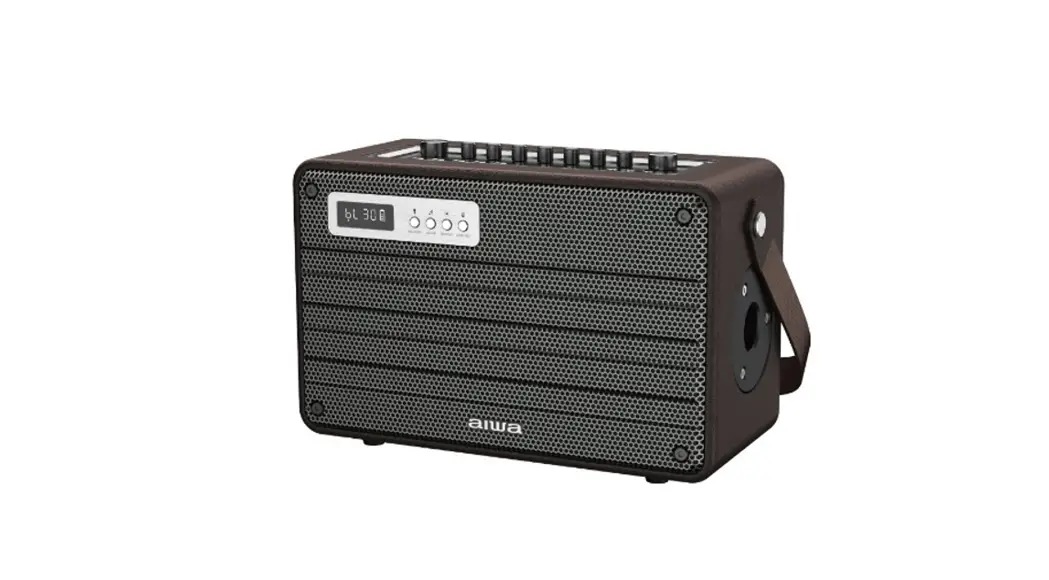

MI-X800 Enigma Alpha
User Manual 
AWA Electronics international Co.. Ltd.
Explore more at www.int-alwa.com
Unboxing
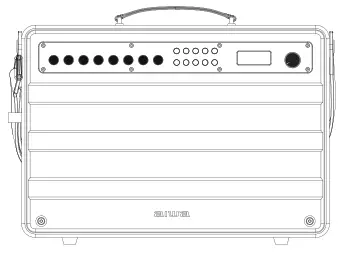
– MI-X800 Enigma Alpha Speaker
– Microphone2
– Remote control’l
– User manual”l
– DC24V charger
– 3.5mm Audio cable1
– Apple Audio cablel
– Android Audio cablel
Please refrain from using any damaged components.
Contact your local authorized AIWA distributor/customer service should you need any assistance.
Product Specifications
Model Number: MI-X800 Enigma Alpha
BT Version. V5.0
RMS Output: 200W
S/N ratio: 275dB8
Distortion THD: $10%
Frequency Range: SOHz–15KHz
Sensitivity: 102±3dB8
Size. 454181323mm±5mm
Battery capacity, 18V/5000mah (Total 55000, 25000mah)
Charging time: about 6 hours
Working time: 2-12 hours (vary with volume)
Charging voltage/Current: DC 24V/1.5A
Support TF card, USB Disk, Music format MP3, WAV, APE, FLAC, WMA
Transmission distance: 10M (due to environmental factors and Bluetooth devices)
·# Charge Regularly
In order to guarantee the battery lifetime, please charge it at least one time in 6 months.
Product Overview
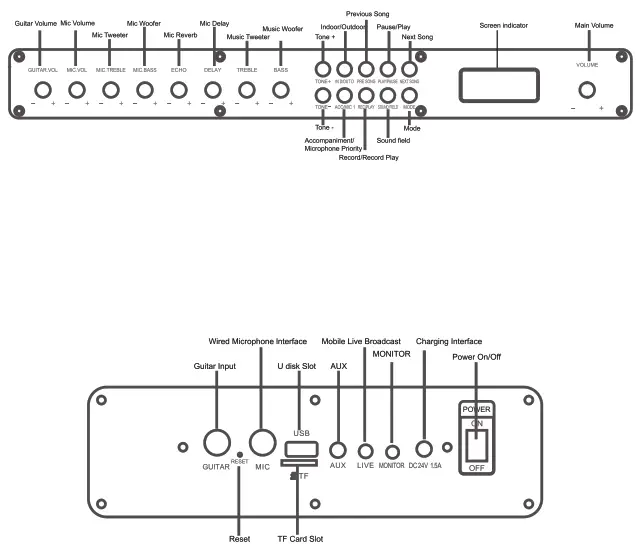
Product Usage Guide
| Items | Operation Method | Screen status |
| Power On | Power switch to “On” | LED On |
| Power Off | Power switch to “Off” | LED Off |
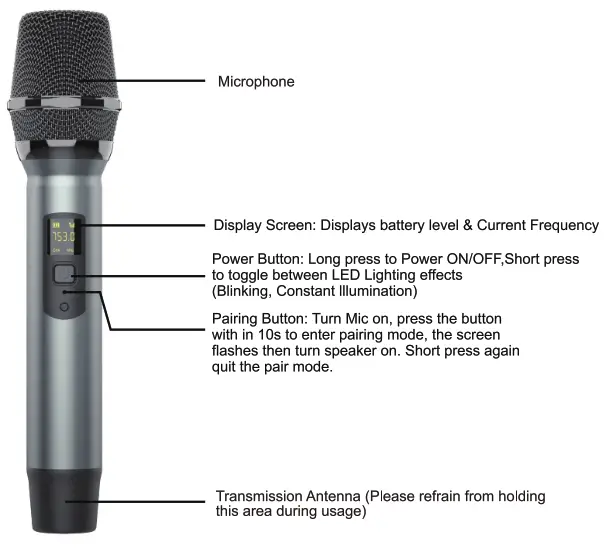
| Bluetooth Pairing | Power On, Choose Bluetooth “AIWA Enigma Alpha ” to match | Wait for pairing: BUN flash Pair successfully: BUN on Bluetooth Icon on |
| Disconnect Bluetooth | Long press the mode buttons | Wait for pairing: BUN flash Bluetooth Icon co |
| TWS Pairing | Long press the “Play” button to start TWS pairing | LED Flash |
| TWS Successful Pairing | / | Slave speaker LED on, master LED flashes |
| Record | Make sure TF card/ U Disk is inserted into and microphone is connected. Short press the Record button to record voice; support recording the accompaniment sound and the microphone sound into the U disk and TF. short press Record button again to quit Record(Remark: only can record under the BT and AUX Mode) | REC Icon light on |
| Play Record | Long press record play button to play the record files | REC Icon light on |
| Delete Record files | long press play button when playing the current record files can delete files. (Only can work in record situation), | dELE Icon on |
| Mode | Short press mode button, Switch Bluetooth/AUX/USWIF | / |
| AUX Mode | Insert AUX cable to AUX mode | AUX Icon on |
| TF Card Mode | Insert TF Card to the TF port | U/T Icon on |
| USB Flash Disk | Insert U disk to U disk port | U/T Icon on |
| Main Volume | Rotate the main volume to right/ clockwise volume up Rotate to left/ counterclockwise volume down | Uxx (0-30) Xx for volume |
| Treble Volume | Rotate treble volume to right/ clockwise volume up Rotate to left / counterclockwise volume down | AHxx ( -6-6) Xx for volume |
| Bass Volume | Rotate bass volume to right/ clockwise volume up Rotate to left/ counterclockwise volume down | Abxx (-6-6) Xx for volume |
| Microphone Volume | rotate right/ clockwise volume up rotate left/ counterclockwise volume down | Udxx(0-20) Xx for volume |
| Microphone treble | rotate right/ clockwise treble increase rotate left/ counterclockwise treble down | hxx(-6-6) Xx for volume |
| Microphone bass | rotate right/ clockwise bass increase rotate left/ counterclockwise bass down | bxx(-6-6) Xx for volume |
| Microphone Echo | rotate right/ clockwise Echo increase rotate left/ counterclockwise echo down | Exx(0-20) Xx for volume |
| Microphone Delay | rotate right/ clockwise Microphone delay more Time rotate left/ counterclockwise delay Less Time | txx(0-20) Xx for Time |
| Guitar/Instrument Volume | Rotate Guitar volume to right/ clockwise volume up Rotate to left/counterclockwise volume down | tx(0-20) Xx for volume |
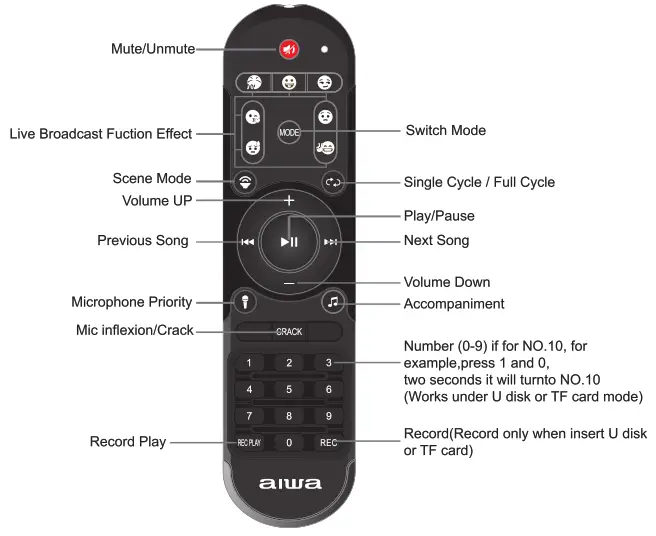
| Sound field switch | Short press scene mode button on the remote control and change the sound field among Original, Professional, Popular, Echo | Original: PYOF Professional: POPF Popular: YEUY Echo: OYIG |
| Mic inflection/Crack | Short press the crack button on the remote control, (can change among the Male, female, Baby, Monster, Original) | show UCXX (can change among the Male, female, Baby, Monster, Original)) |
| Tone +/• | Short press the tone ‘P to Increase/Decrease the tone of the music being played | show tyXX(0-5) |
| Insert the live broadcast cable into the speaker jack, and another side connect to live broadcast devices, Use another device connected to the speaker by AUX or Bluetooth, through this, you can transfer all the sound to the live broadcast phone | / | |
| Live broadcast effect | Through the remote control, there are applause, kiss, Awkward, laughter, contempt, , silence seven special effects | |
| Previous Song | Short press Pre song button | / |
| Next Song | Short press Next song button | / |
| Microphone Priority | Long press the microphone on the remote Control first or ACC/MCC 1 button on the speaker |  |
| Accompaniment | Short Press the accompanying button on the remote control or ACC/MCC 1 on the speaker |  |
| Pause/Play | short press the “Play/Pause” button | / |
| EQ | Short press the EQ button on the Speaker | Indoor mode: INT Outdoor mode: OUT |
| Monitor/Earphone function | Simply insert earphones to the Monitor port, the speaker will muse, the sound will come out from earphones. long Press EQ button, Both speaker and earphone will have sound, long press again, the speaker will muse | / |
| Low power | When the battery is lower than 20% | Battery icon has power display |
| Low Battery shutdown | When the battery is lower than 10% | Battery icon has power display |
| Reset | Insert the needle into the reset button till the speaker power off | / |
| Charging | Insert DC 24V adapter | Red LED on |
| Charge Finished | / | Red LED off |
TWS Function
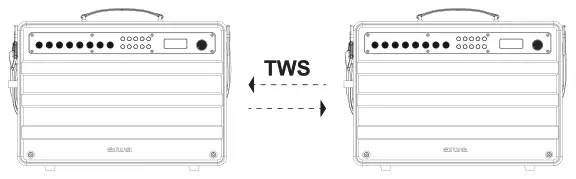
- Turn on two speakers, you will see the LED screen flashes.
will go to automatically pair mode. LED screen flashes at the time. - Select one device as the main speaker, long-press Play” button, and you
- After successfully paired, the LED screen flashes, the auxiliary machine
The LED screen is on, and the main speaker’s Bluetooth symbol is flashing slowly. - Turn on your phone’s Bluetooth, search AIWA Enigma Alpha, and connect. The two devices play music simultaneously. LED screen flashes.
- Disconnect TwS- Long press the Play button to disconnect the TwS pairing.
AIWA Electronics International Co. Ltd.
Explore more at www.int-aiwa.com  https://www.int-aiwa.com/download.php