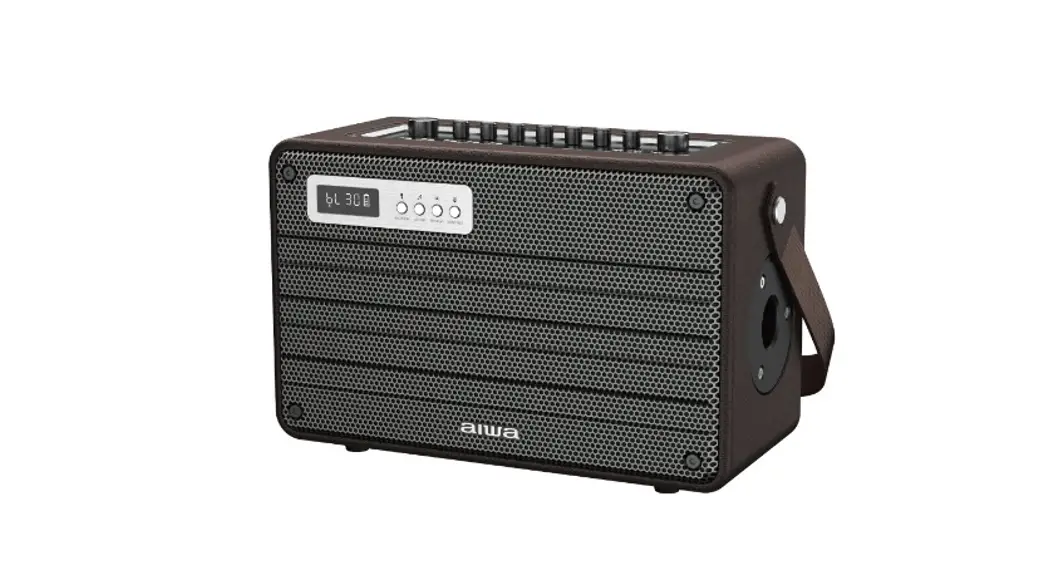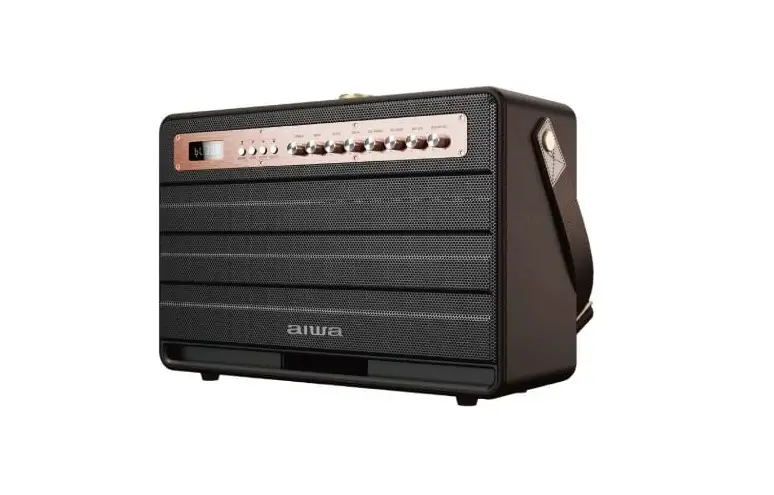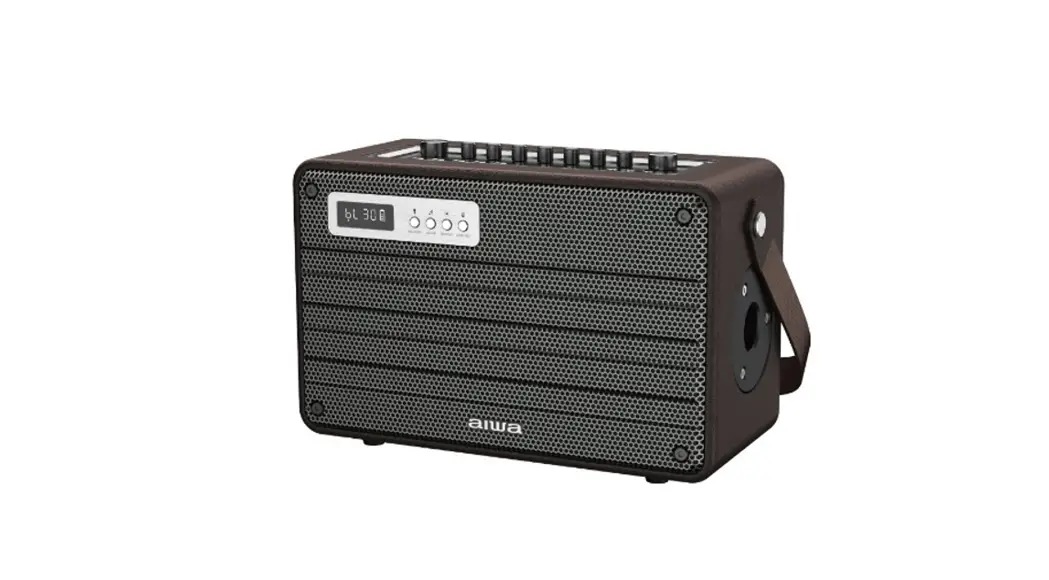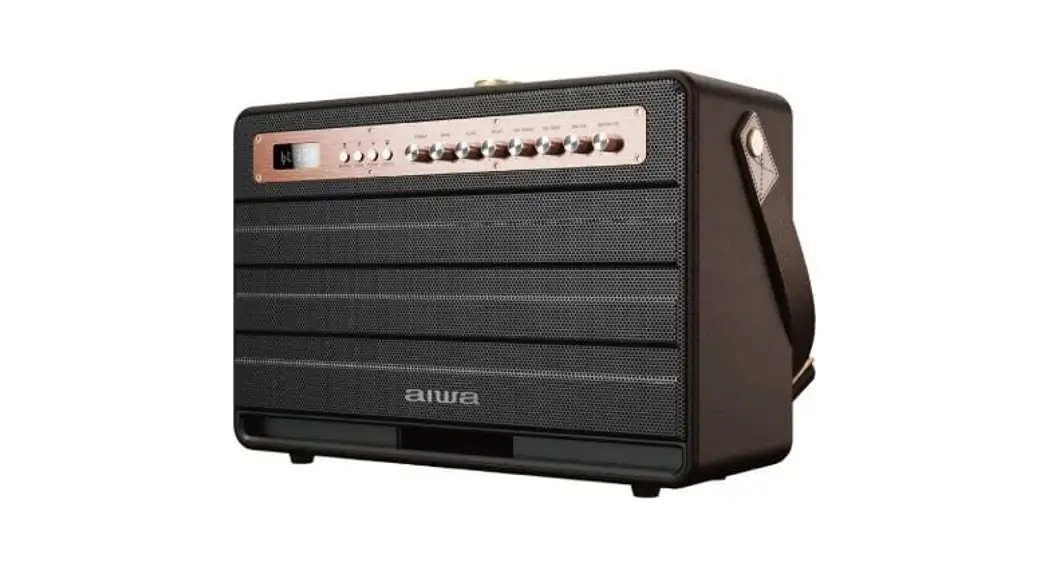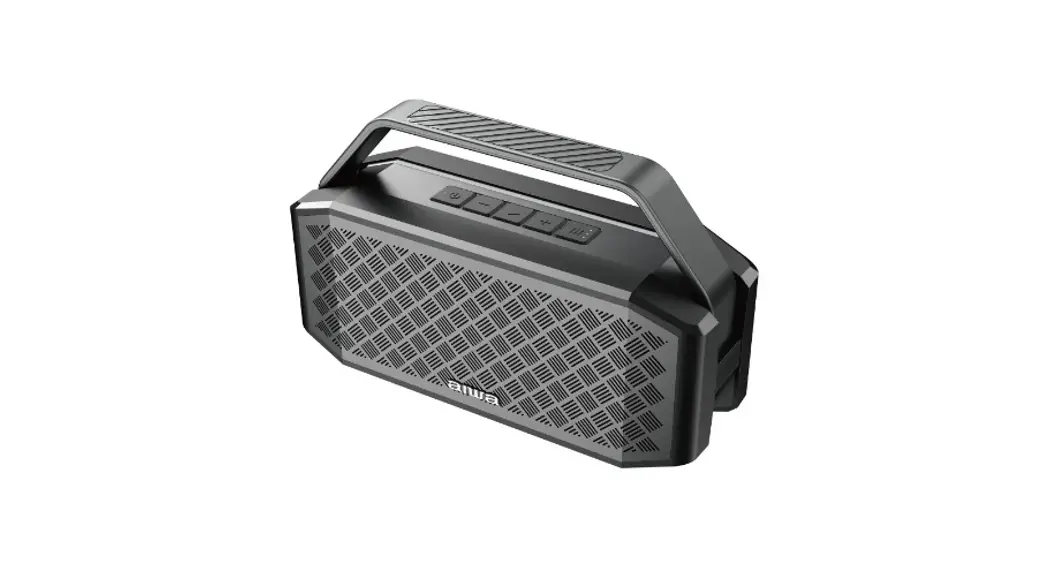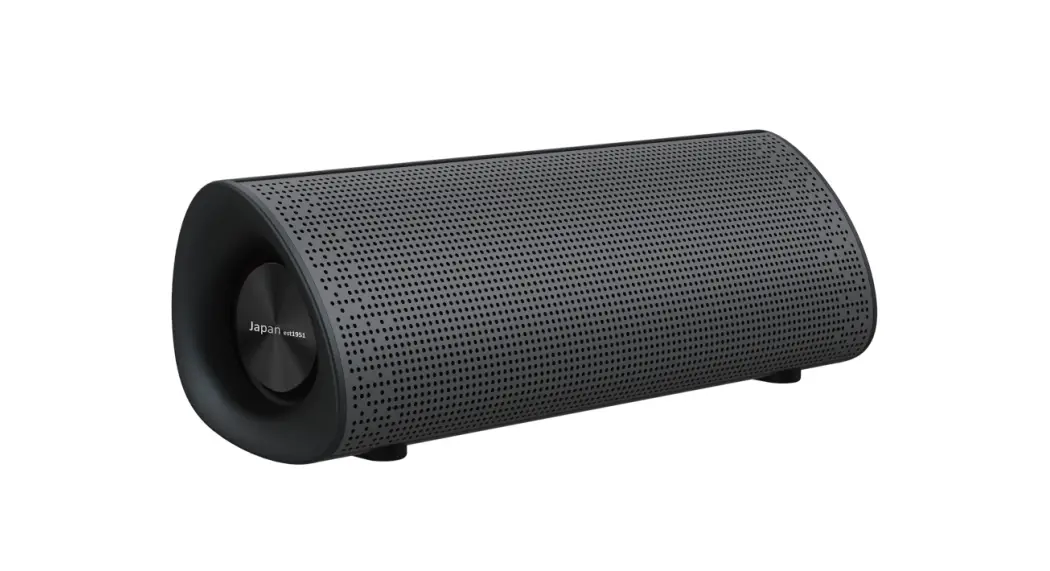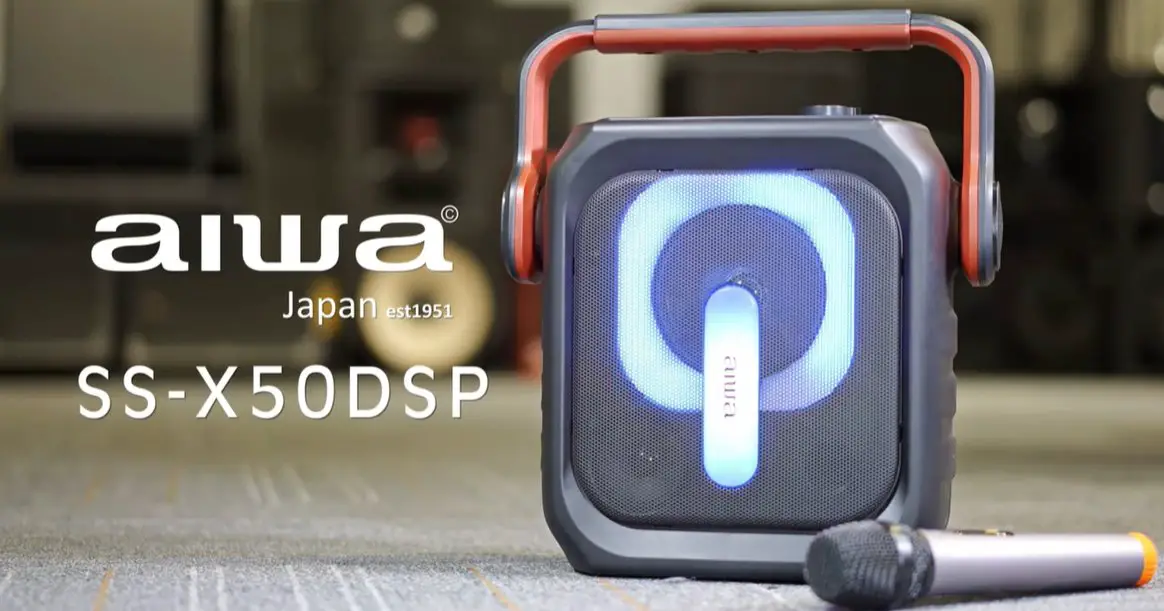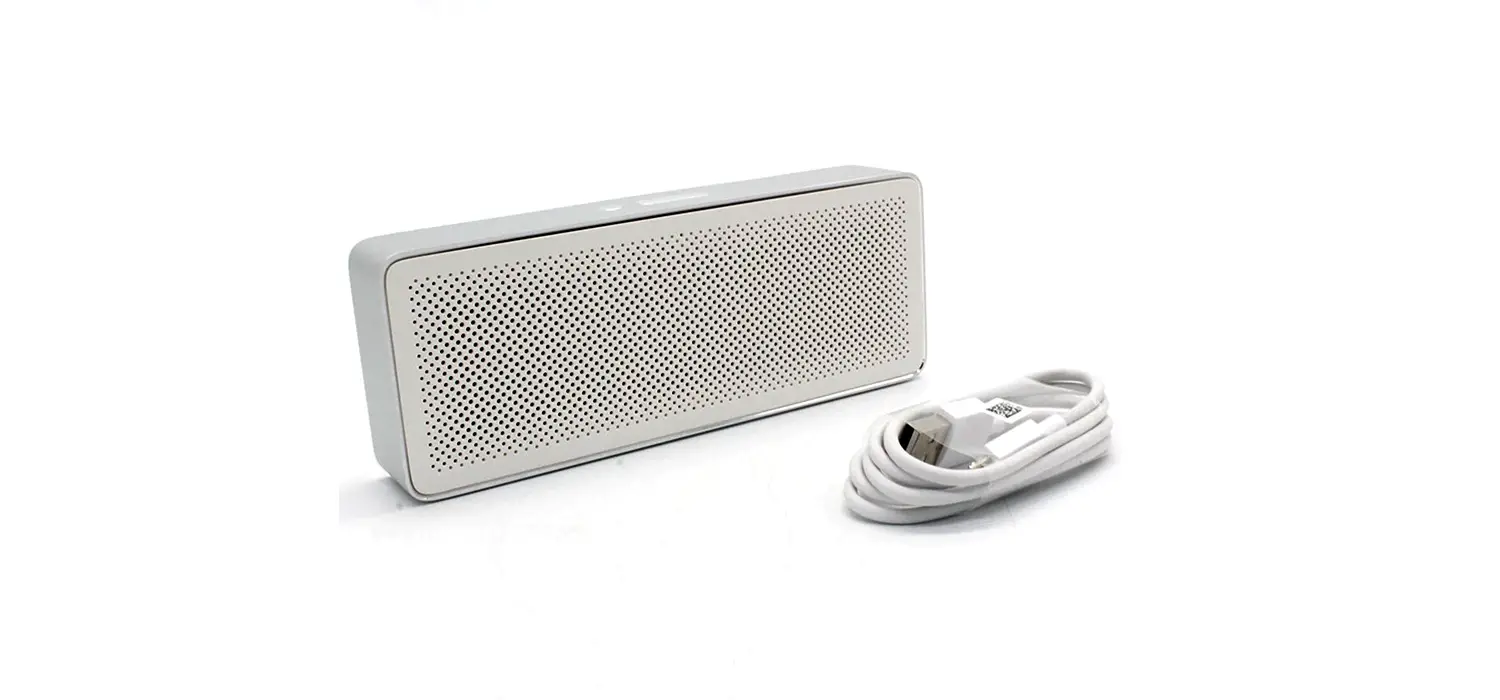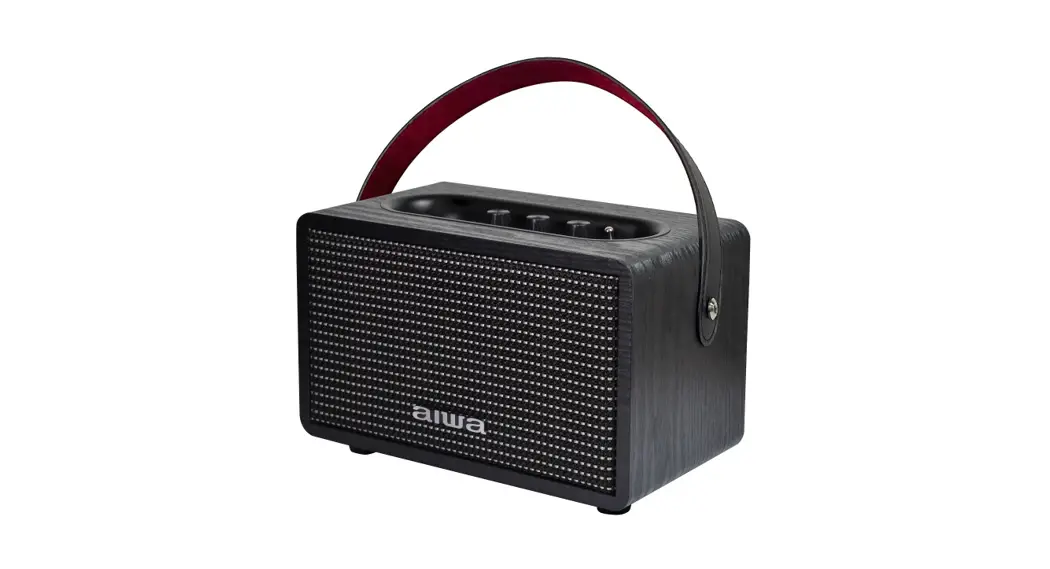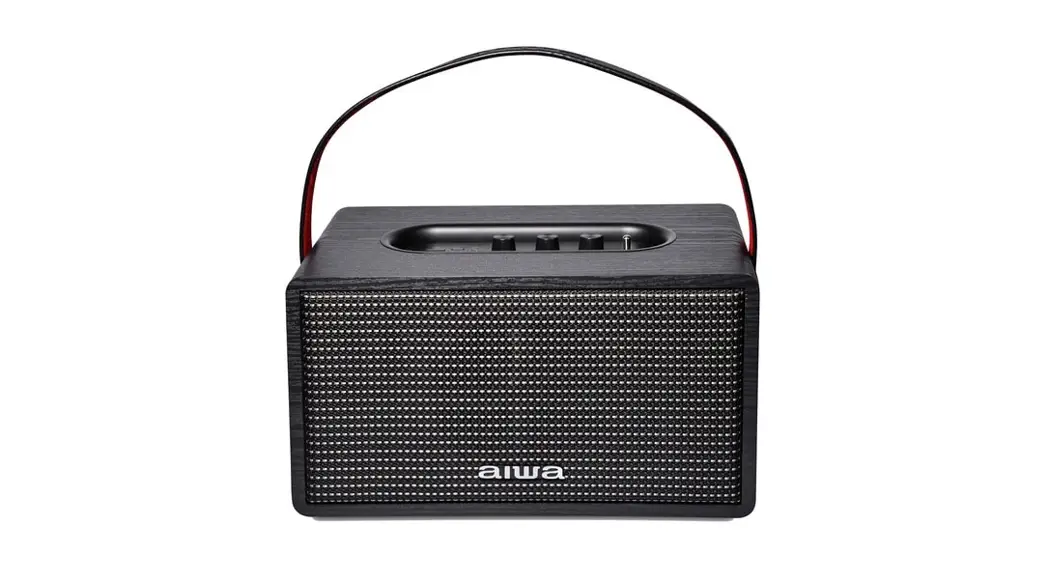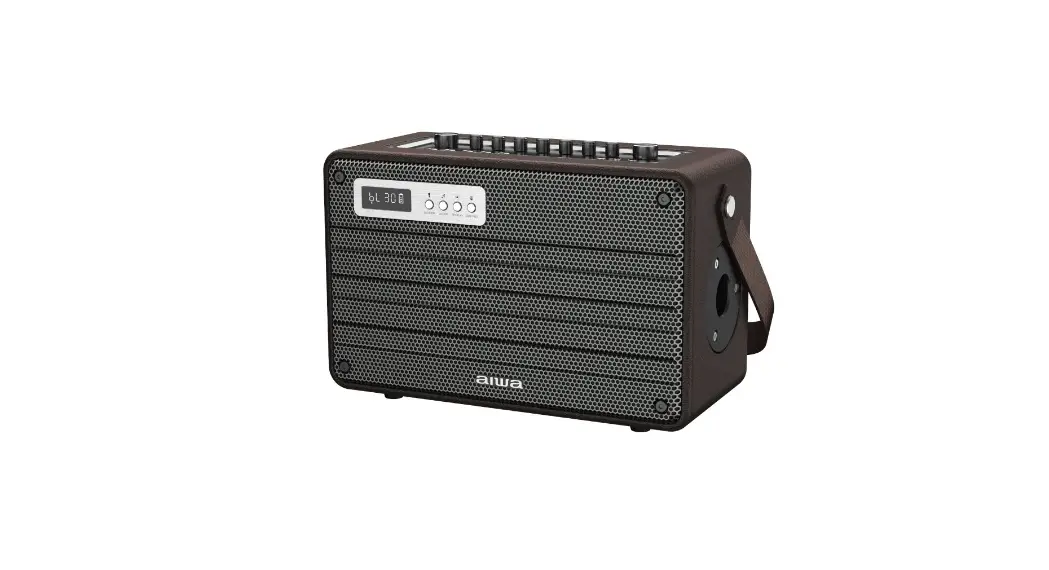

MI-X420
User Manual
Aiwa Electronics Int’l Co., Ltd.
Explore more at www.int-aiwa.com
Unboxing
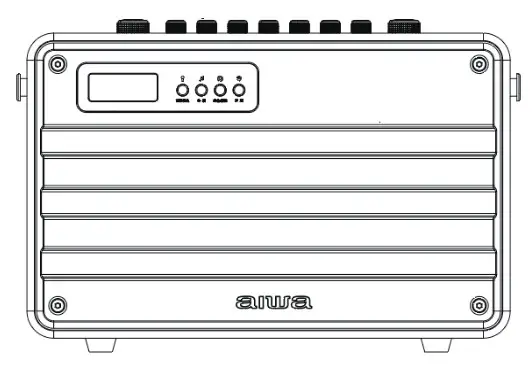
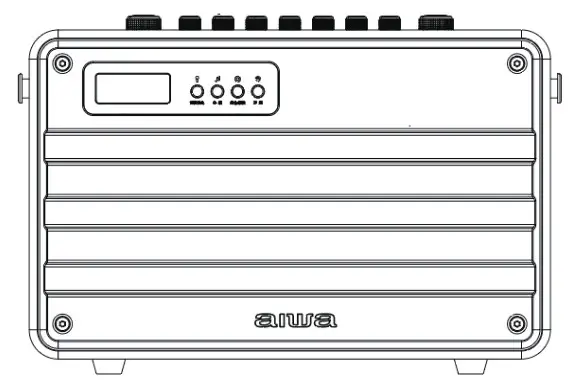
– MI-X420 Speaker
– Remote Control
– Microphone
– DC15V 1.6A Charger
– 3.5mm Audio Cable
– Apple Audio Cable
– Android Audio Cable
– User’s Manual
Please refrain from using any damaged components.
Contact your local authorized AIWA distributor/customer service should you need any assistance.
Product Specifications
Model Number: MI-X420
BT Version: V5.0
IP Rating: RMS Output: 100W
Frequency Response:
50~15kHz
S/N Ratio: ≥ 70dB
Distortion THD: ≤ 10%
Sensitivity: 95dB + 3dB
Supports: TF Card, USB,
Supported Profiles: MP3, WAV, APE, FLAC, WMA
Transmission Distance (Estimated): 10 Meters (No Obstacles)
Battery Capacity: 18000mAh
Playback Time: 3 – 8 Hours (Depends on Volume)
Charging Time: 3-4 Hours
The above are estimated values tested in a practical environment and may vary upon individual usage habits.
Product Overview
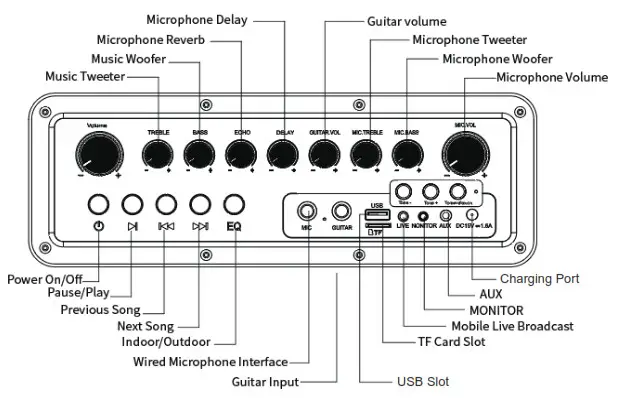
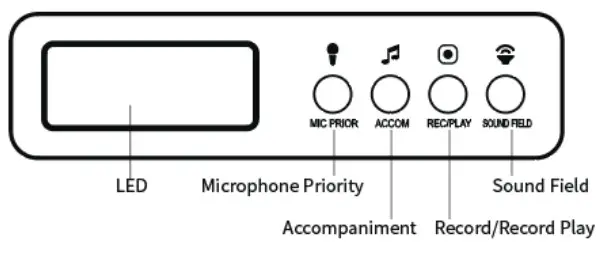
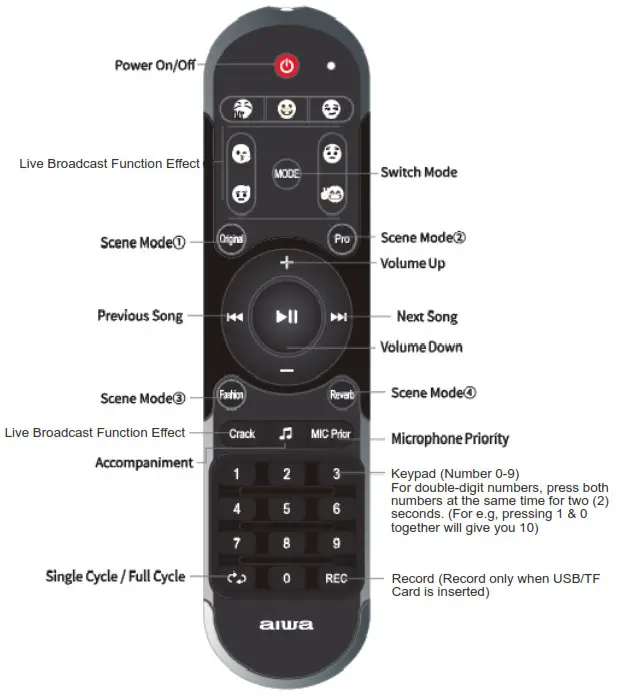
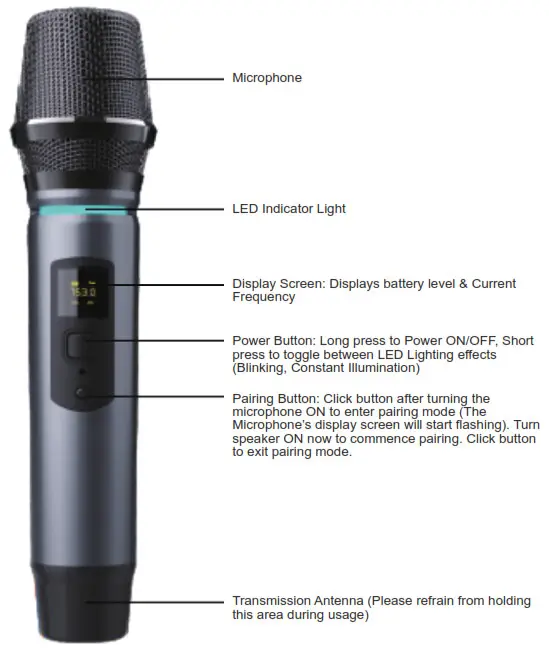
Product Usage Guide
Power ON/OFF:
Long press power button
Music Control:
Play/Pause: Click  once (1)
Next Song: Click  once (1)
Previous Song: Click  once (1)
Assorted Functions:
Record: Insert TF card/ USB into the designated port. Please make sure
The microphone is connected. Short press the record button to start/stop recording. (Supports recording accompaniment soundtrack + Microphone input)
Play Recorded Tracks: Long press
Delete Recorded Files: Long press during selected music playback.
(Deletes current music playback from recorded files)
Change Playback Mode: Short press power button to switch between
BT/AUX/USB/TF card playback
AUX Playback Mode: Insert AUX cable and connect it to audio source to start.
TF Card Playback Mode: Insert TF card into TF port.
Sound field switch: Click to cycle between Original-Professional-Popular-Echo sound field profile.
Microphone Delay: Works with all sound field modes except original mode.
Microphone Echo: Works with all sound field modes except original mode.
Tone +/-: Short press the Tone +/- button once. A short press on Tone+ or Tone- to adjust tone accordingly.
Mic Inflexion: Short press the Tone+ or Tone – button to adjust Mic Inflexion accordingly.
Special Effects: Users can play special effects through the remote control.
Microphone Priority: Press the mic priority button on the remote control first.
Accompaniment: Press the accompany button on the remote control/ Accompany button on the speaker.
EQ: Short press mode button on the speaker/ Long press mode button on the remote control to cycle between various EQ modes.
Monitor/Earphone Function: Simple plugin your earphones/headphones into the monitor port. The speaker will now be muted. Long press the sound field button to the un-mute speaker. (Playback will commence in both speaker and earphones/headphones.
Perform Factory Reset:
Insert the needle into reset button until the speaker powers down.
Connecting the Product
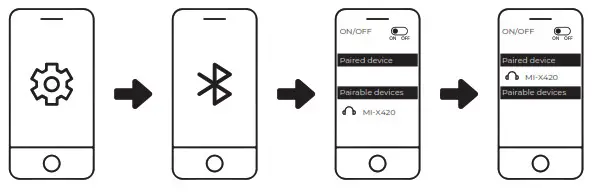
- Turn on Bluetooth (BT) on your mobile device.
- Turn on the speaker.
- Search and connect to “MI-X420” from your mobile device
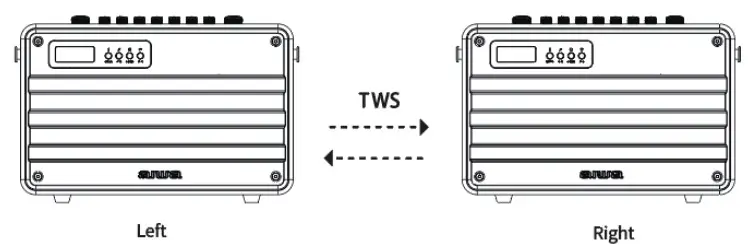
TWS Function
Power ON/OFF:
- Turn on Both speakers. *LED Screen flashes on both units
- Choose one of the units to function as the “Main unit”, long-press the “Play” button on this unit and it will enter TWS pairing mode. *LED Screen flashes
- *Main unit LED screen flashing slowly + LED screen lights up without flashing indicates successful pairing of both peakers
- Turn on Bluetooth (BT) on your mobile device
- Search and connect to “AIWA MI-X 420” from your mobile device
- Playback should now commence via both speaker units at the same time.
- Long press the “Play” button to disable TWS pairing. *LED Screen Flashes
Battery & Charging
Charging the speaker:
Insert DC 5V adapter
*Red LED Light lights up
*Red LED Light extinguishes upon full charge
Approximate charging time: 3-4 Hours
Aiwa Electronics Int’l Co., Ltd.
Explore more at www.int-aiwa.com