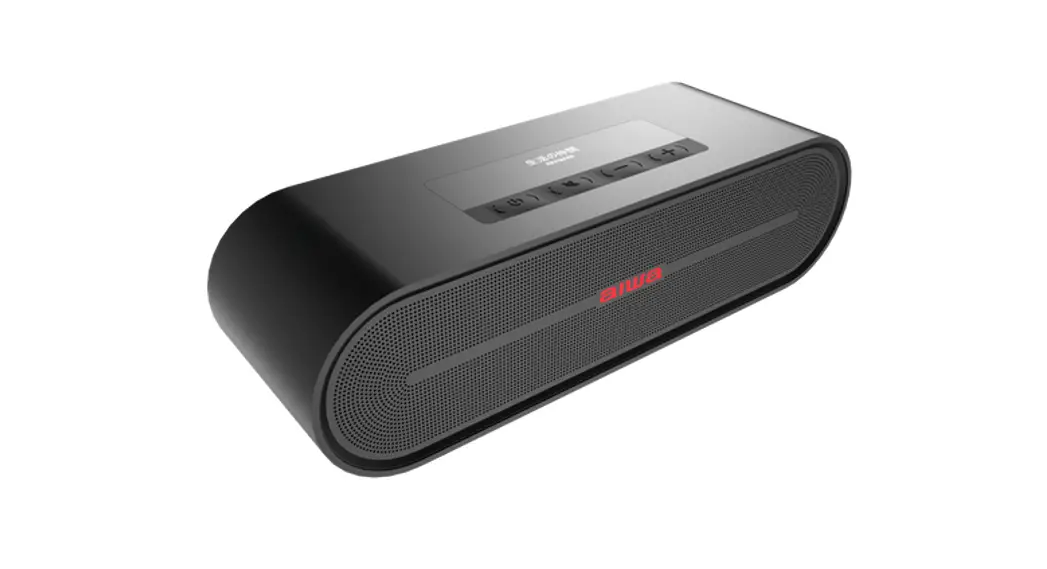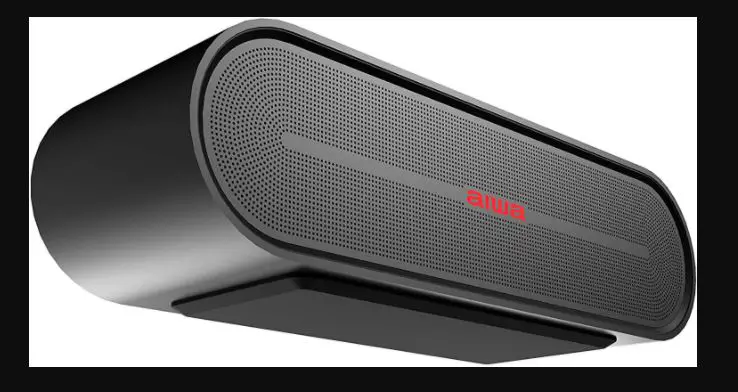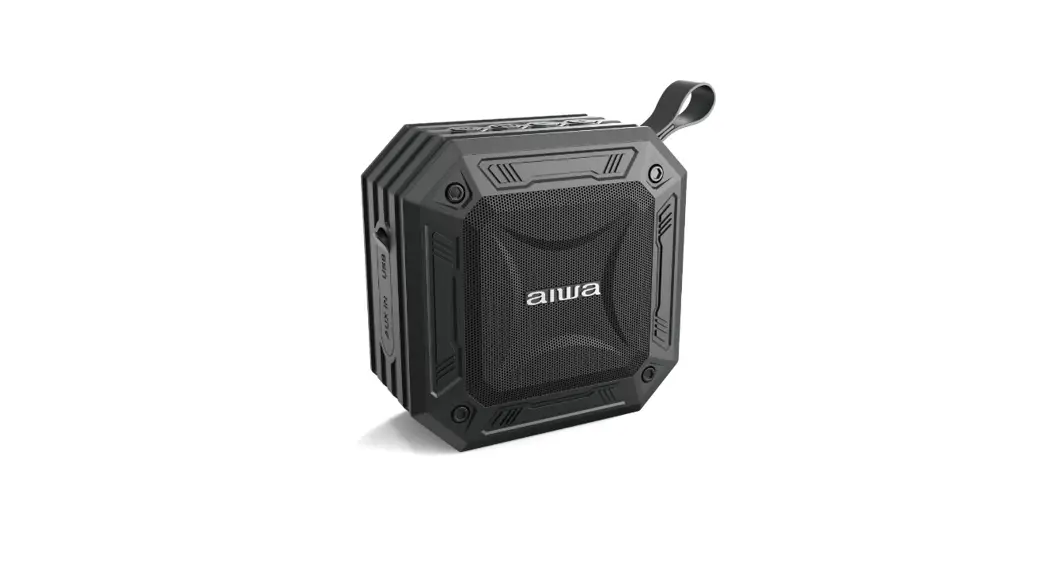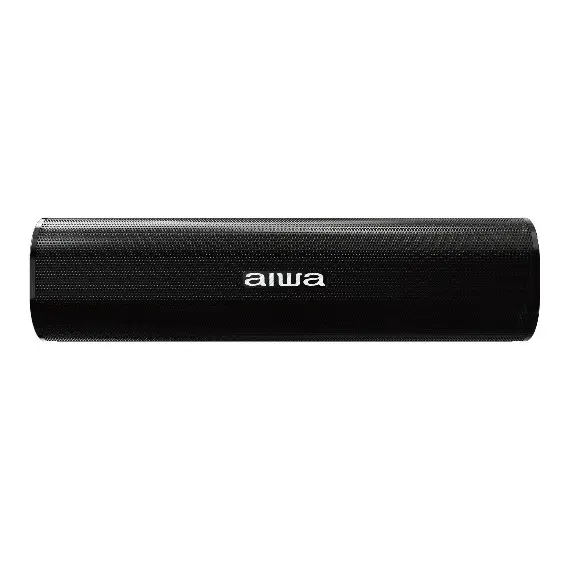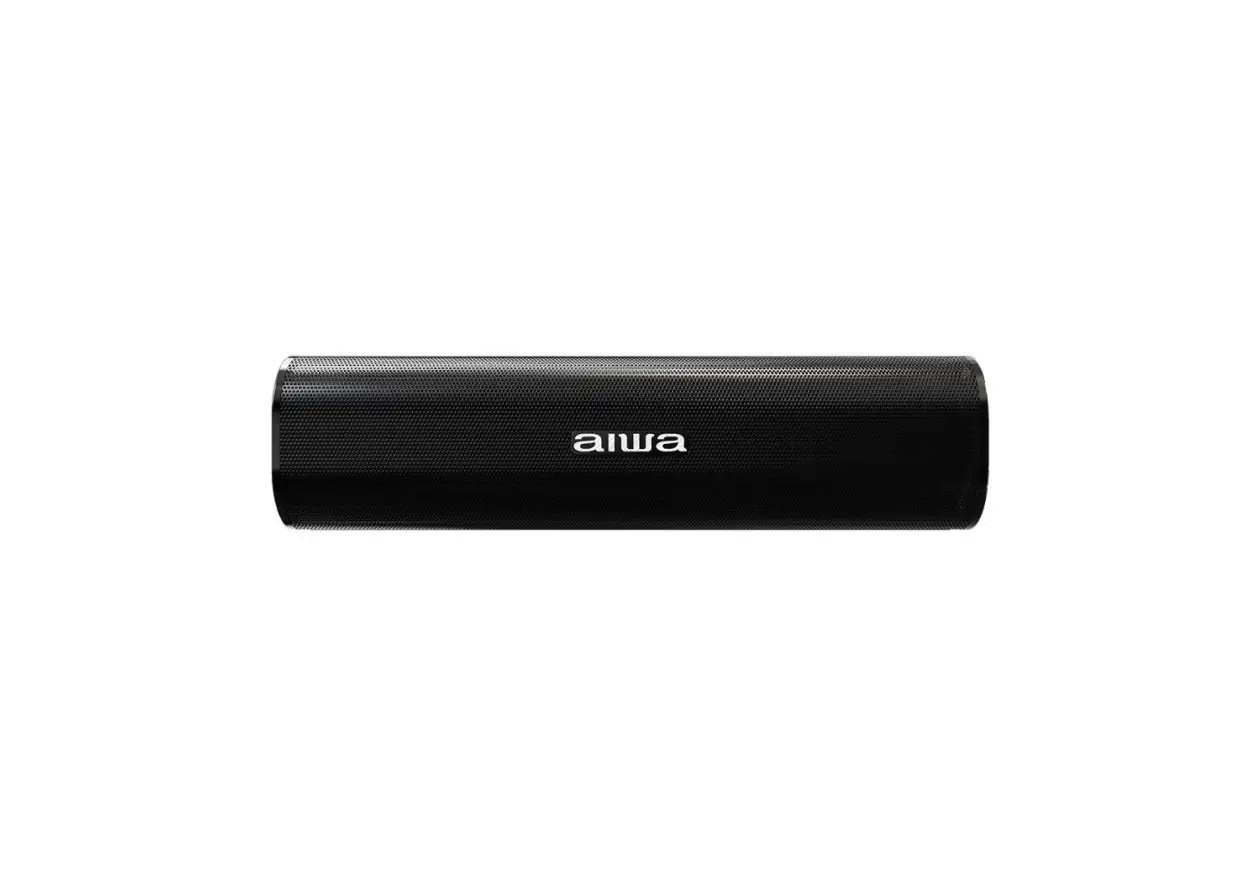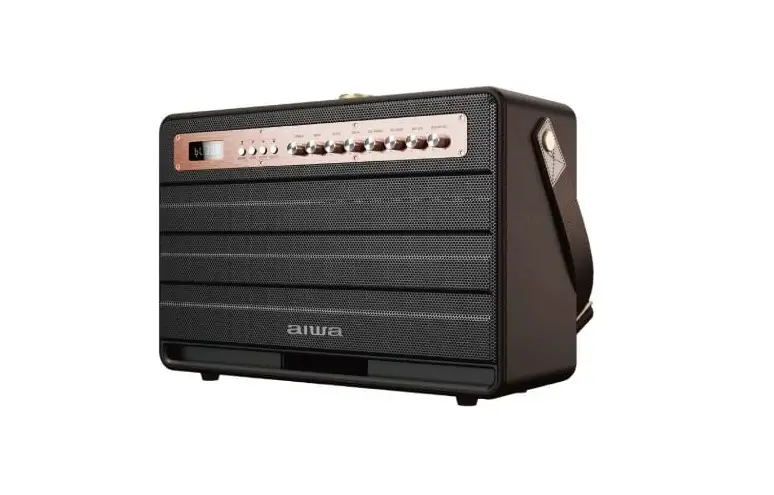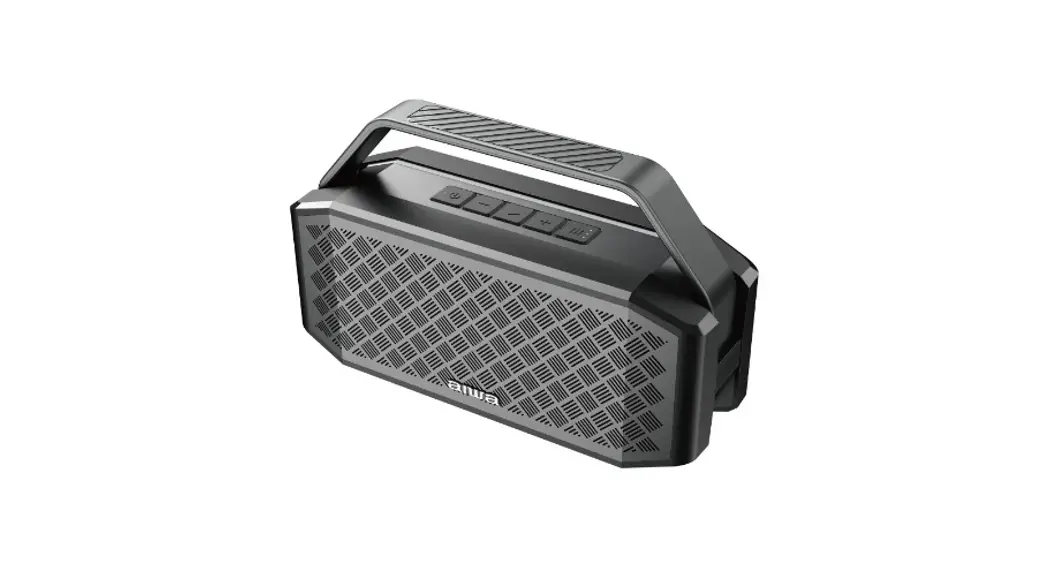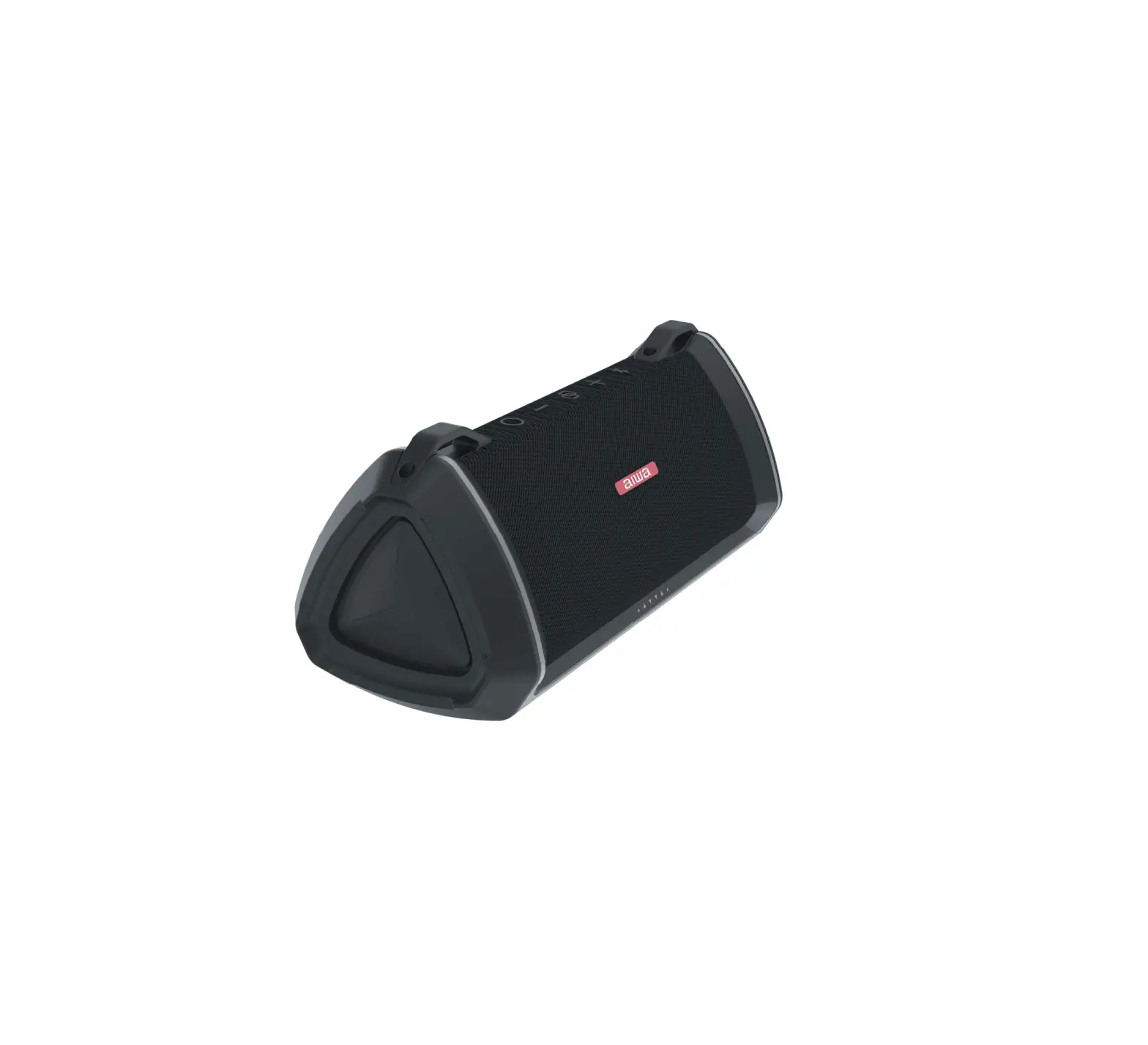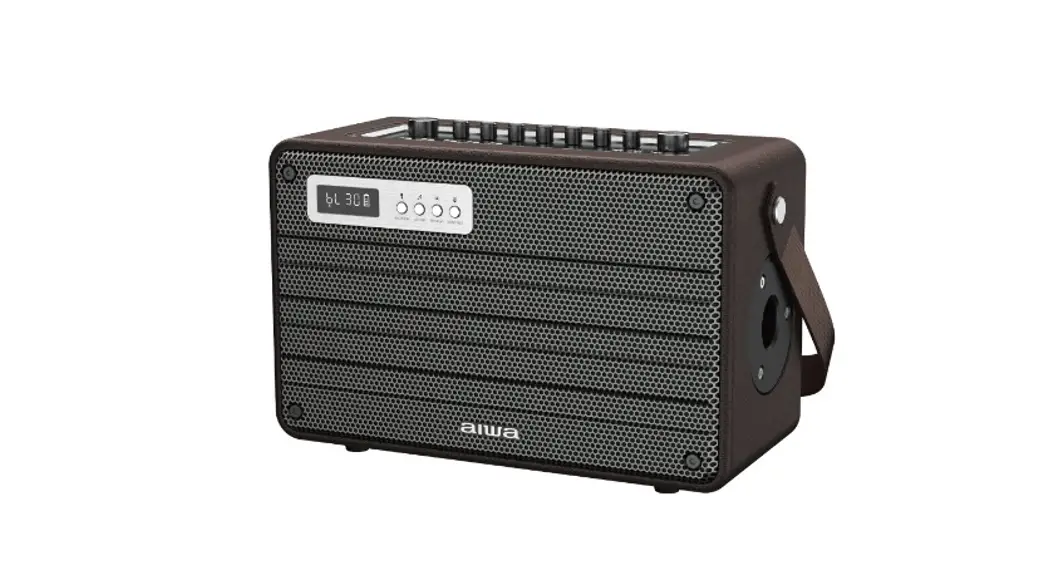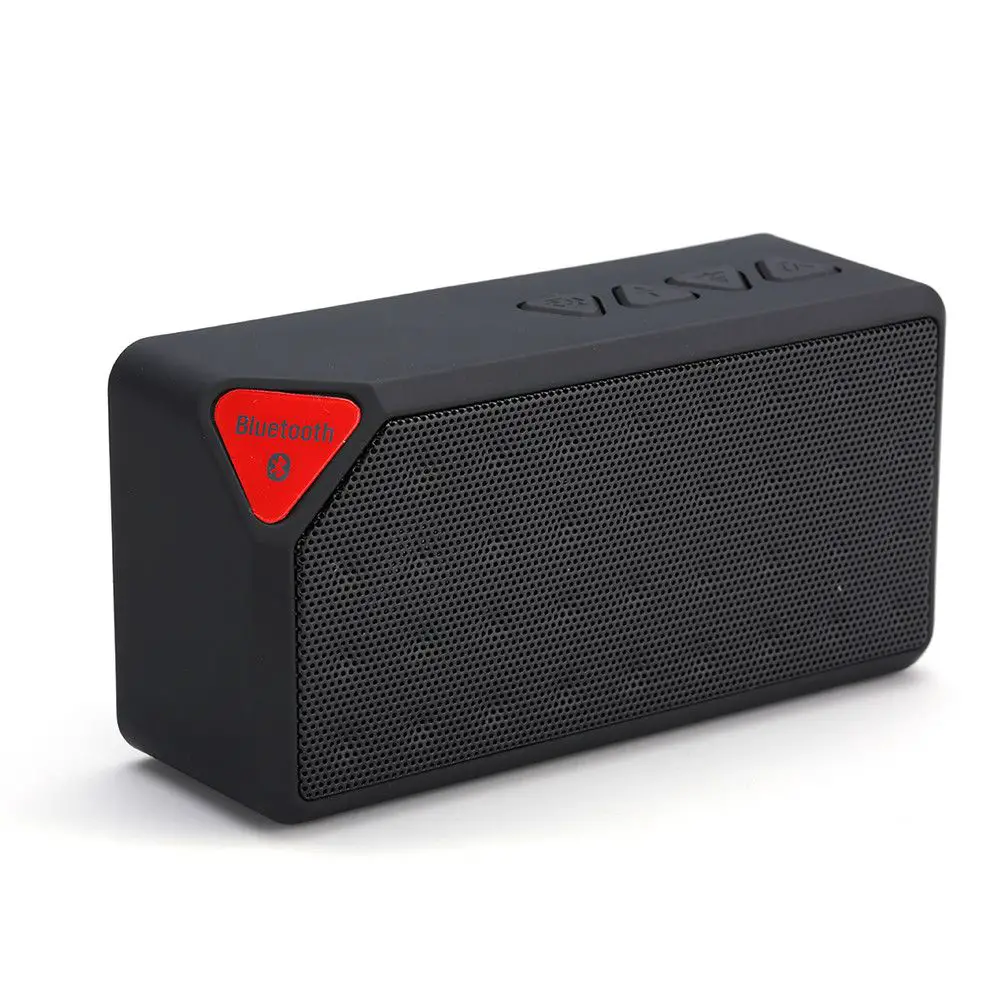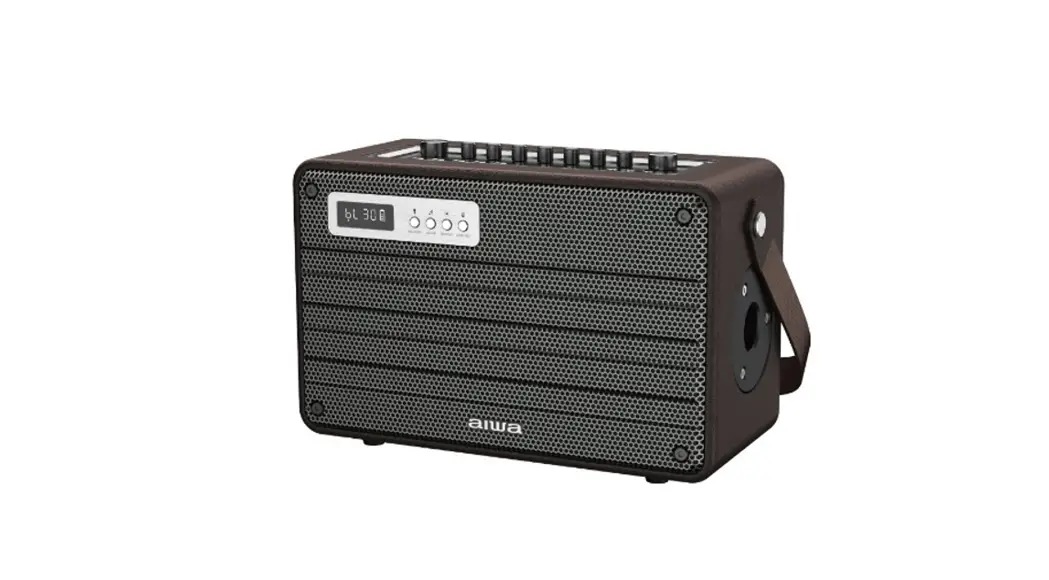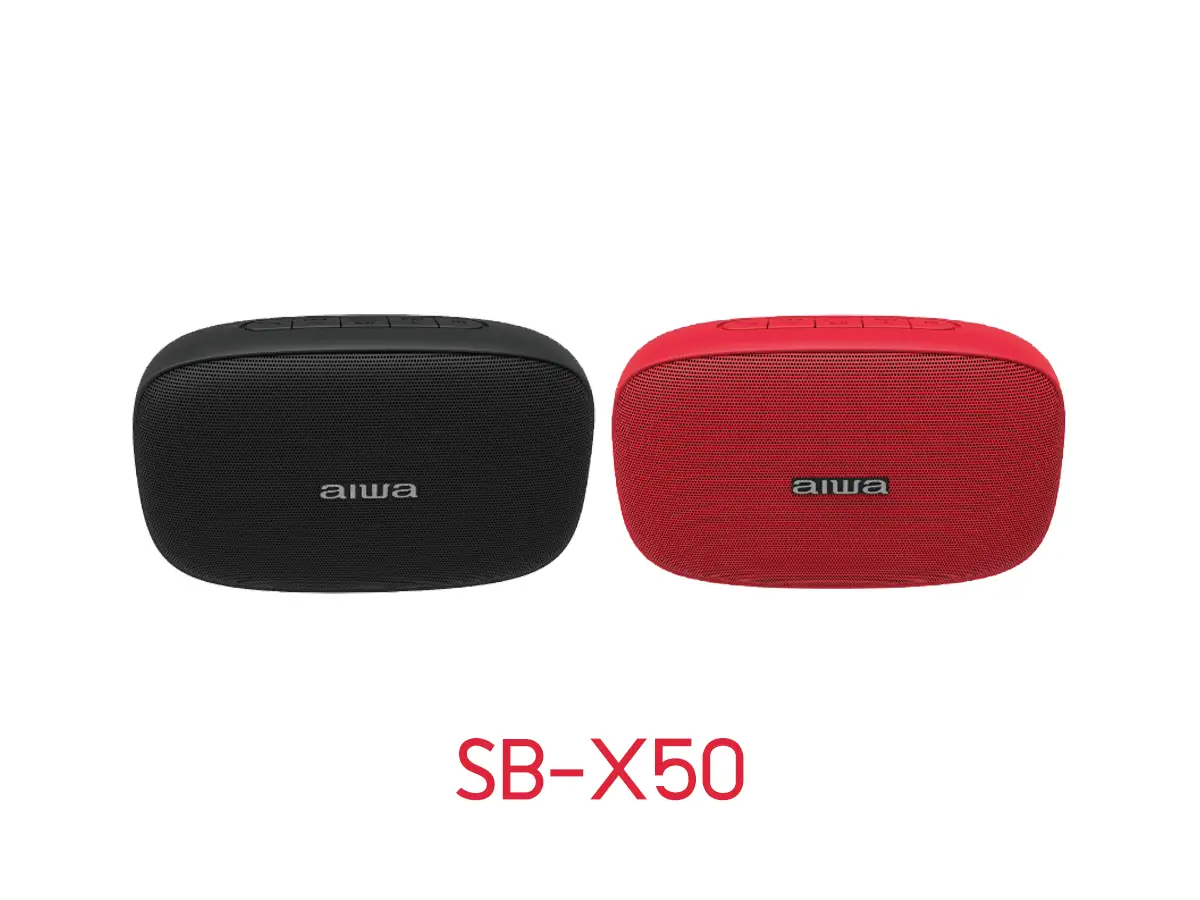

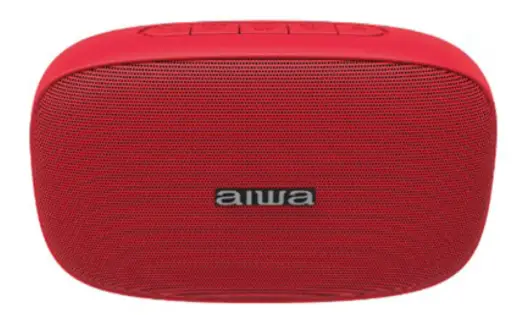
aiwa SB-X50 Mini Bluetooth Speaker
Important Safety Instructions
- Please do not install device near any form of heat sources.
- Please use accessories specified by the manufacturer.
- Please refer all servicing to qualified personnel should there be any form of damage to the device.
- Keep this user manual for future reference/ troubleshooting.
- Please heed ALL safety cautions.
SAFETY CAUTIONS
- Keep device AWAY from fire and heat sources at all times.
- Do NOT attempt to disassemble or alter the device.
- Do NOT expose the device to excessive heat. (Direct sunlight e.g.).
- Do NOT immerse/ expose device to any form of fluids.
- Product label is located at the bottom of the product.
Unboxing
Please refrain from using any damaged components.
Contact your local authorised aiwa distributor/customer service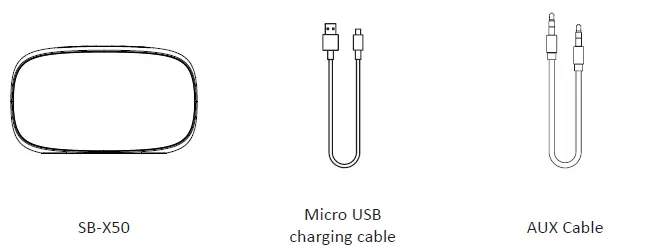
Device Overview
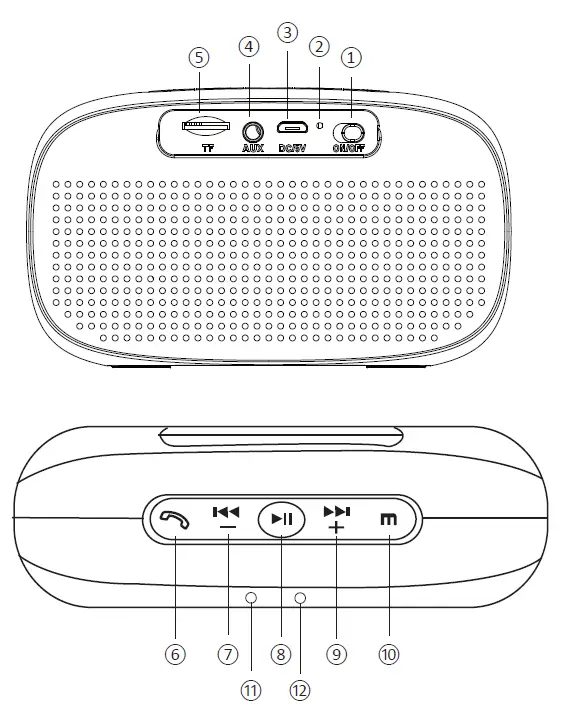
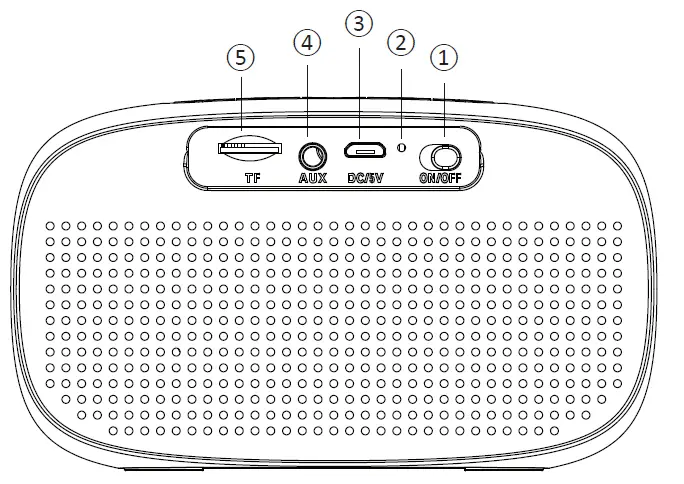
- Power switch
- Charging light indicator
- Charging port
- AUX In
- TF Card Port
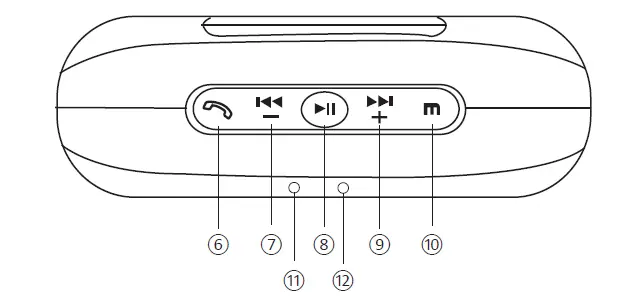
- Calls button
- Volume -/ Previous song (Short press)
- Play/ Pause/ TWS Connection/ Disconnection
- Volume +/ Next song (Short press)
- Mode button
- Microphone
- Work Signal light indicator
Device Walkthrough – Power ON / OFF
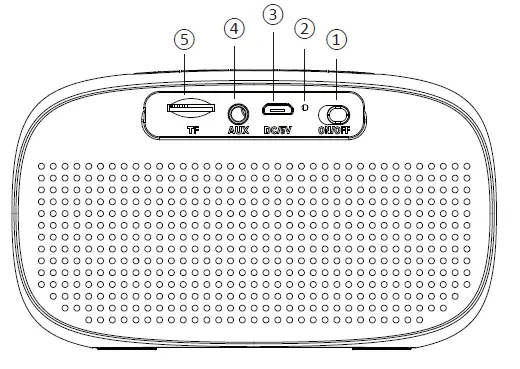
Slide the power switch to ON position.
Device Walkthrough – Connection
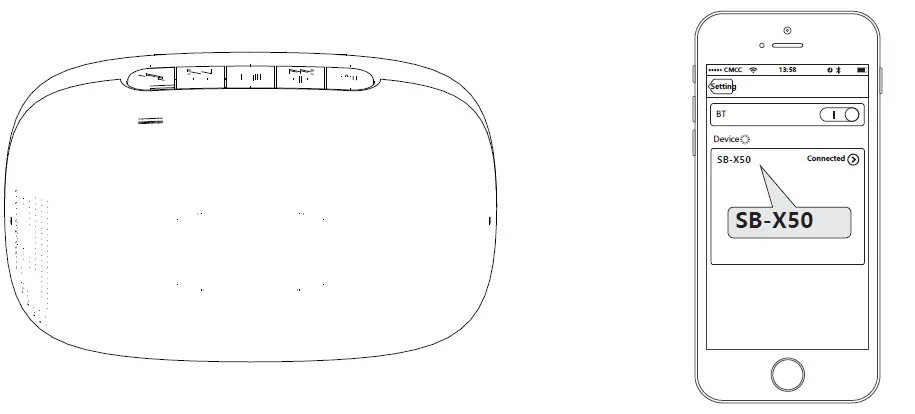
- Power on SB-X50.
- Find “SB-X50” in the list of your mobile device and connect.
- Long press play/pause button (Refer to device overview page) to terminate connection.
- *Make sure there’s only one device connecttng at the same time*
- * Make sure devices are within working distance (within 10 metres)*
- * Use mode button to interchange playback mode (as in this order)*
AUX Connection
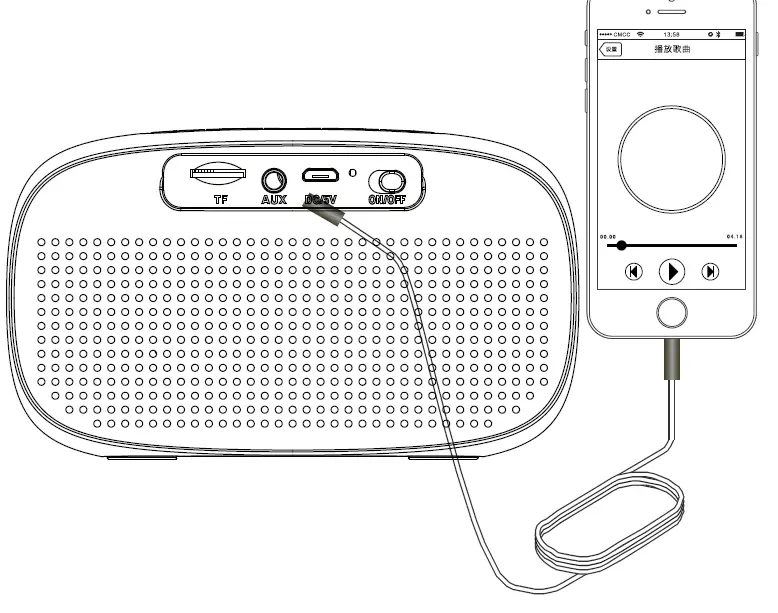
- Power on SB-X50.
- Connect 3.5mm AUX cable.
*Use mode button to interchange playback mode (as in this order).*
TF Card Playback Mode
Insert TF card into TF card port (Refer to device overview page).
*Use mode button to interchange playback mode (as in this order).*
Answering Calls
- Short press calls button to answer an incoming call.
- Long press calls button to reject an incoming call.
- Short press calls button to end an ongoing call.
True Wireless Stereo
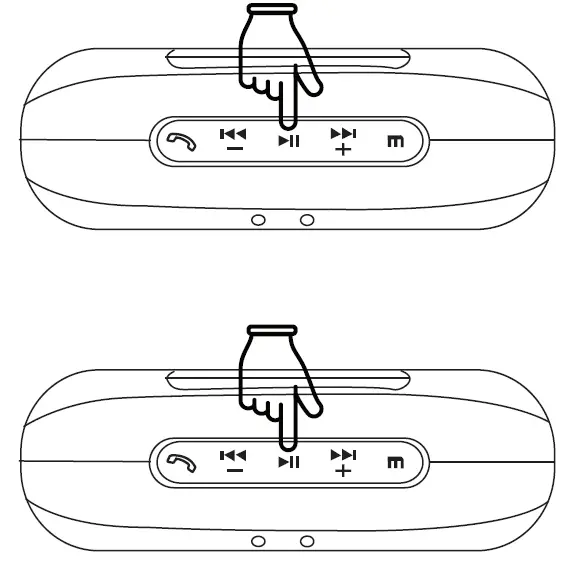
- Perform Bluetooth connection (Refer to Device Walkthrough – Bluetooth Connection) with the selected host speaker unit (Choose any 1 between the 2).
- Double press the dedicated TWS function button on the host speaker unit to enter TWS pairing mode. (Refer to Device Overview)
- *Long press the dedicated TWS function button to exit TWS mode.*
- Turn on the other speaker unit, TWS connection will start automatically (Make sure both units are in close proximity).
- * TWS pairing mode lasts for 80 seconds only. Double pressing the dedicated TWS function button will have no effect within this period.*
- * Speaker unit in TWS Mode > Power off > Power On > Speaker unit will remain in TWS Mode.*
Battery & Charging
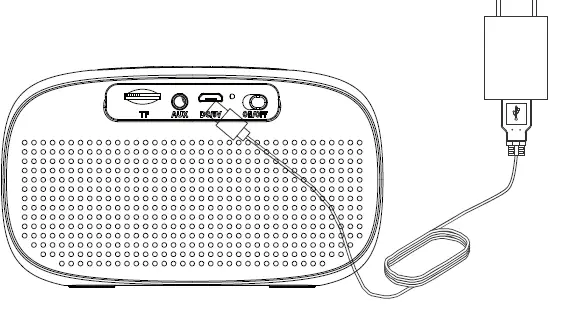
Connect Micro-USB charging cable to any power source and to SB-X50 as shown.
Charging time – Approx. 3 Hours
Playback time – Approx. 6 Hours
*Low battery indicator – “Beep” sound every 15 seconds X 3 before device automatic shutdown*
Troubleshooting
I can’t find “SB-X50” on my device’s list/ unstable connection.
- Make sure “SB-X50” and your device are within working distance.
- Make sure SB-X50 is charged and has enough power.
- Re-attempt to pair again
Disconnection occured within working distance.
Please make sure there are no metals or other materials within a relatively close range which will interfere with the connection.
Customer service
For more product information please visit www.int-aiwa.com.
Contact your local authorized dealer/ customer service. Refer to the warranty label provided in the box.
Limited Warranty
Please refer to the warranty label provided in the box.
Note: Disassembling device voids warranty.
Note: Liquid submersion voids warranty.
Device specifications
- Model – SB-X50
- Rated power – 10W
- Technology – V5.0
- Bluetooth Profile – A2DP, HFP, HSP, AVRCP
- Frequency response – 100Hz – 20KHz THD – ≤5%, @ 1KHz, 126mV
- Connection Range – 15M
- Battery Capacity – 1000mAh
- Speaker Dimension – 123 x 53 x 71 mm
- Weight – 250g
Aiwa Electronics Int’l Co., Ltd. Explore more at www.int-aiwa.com