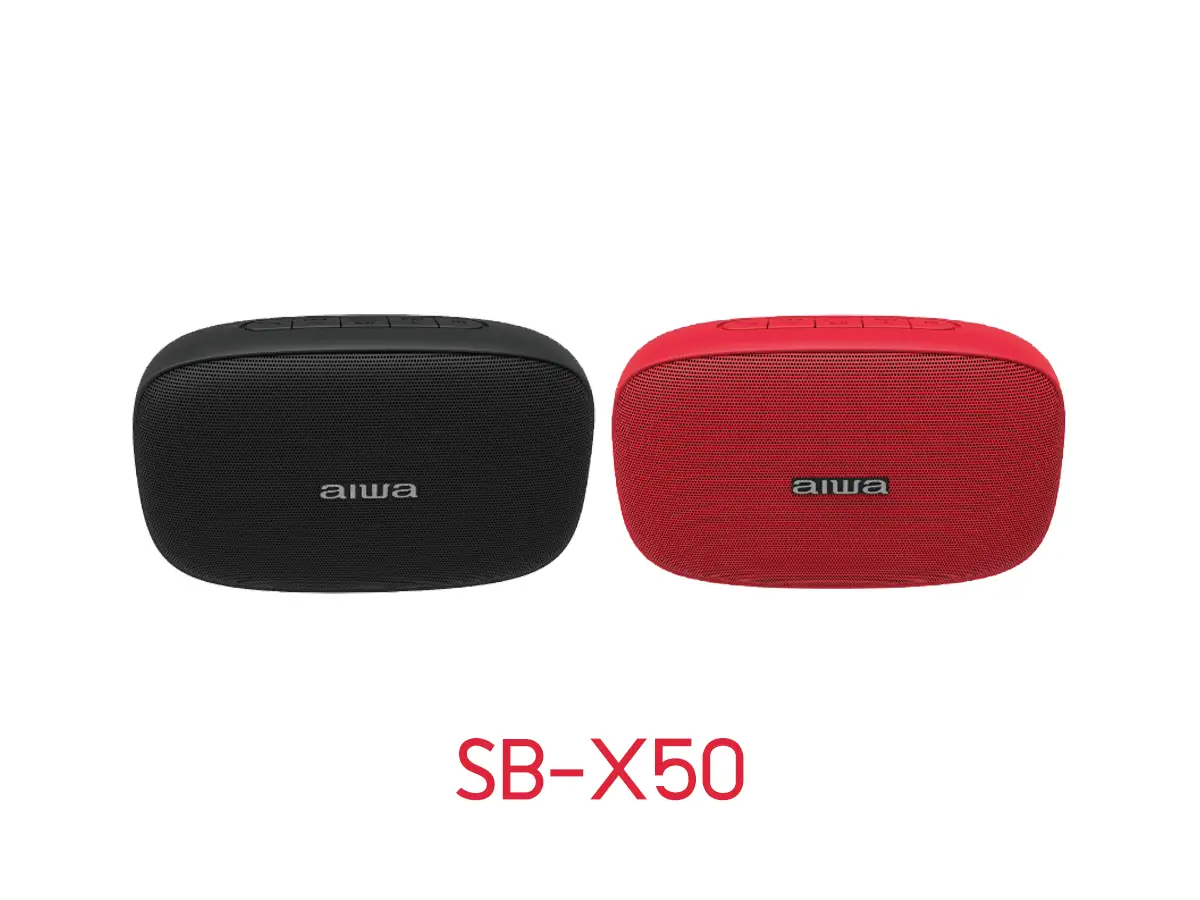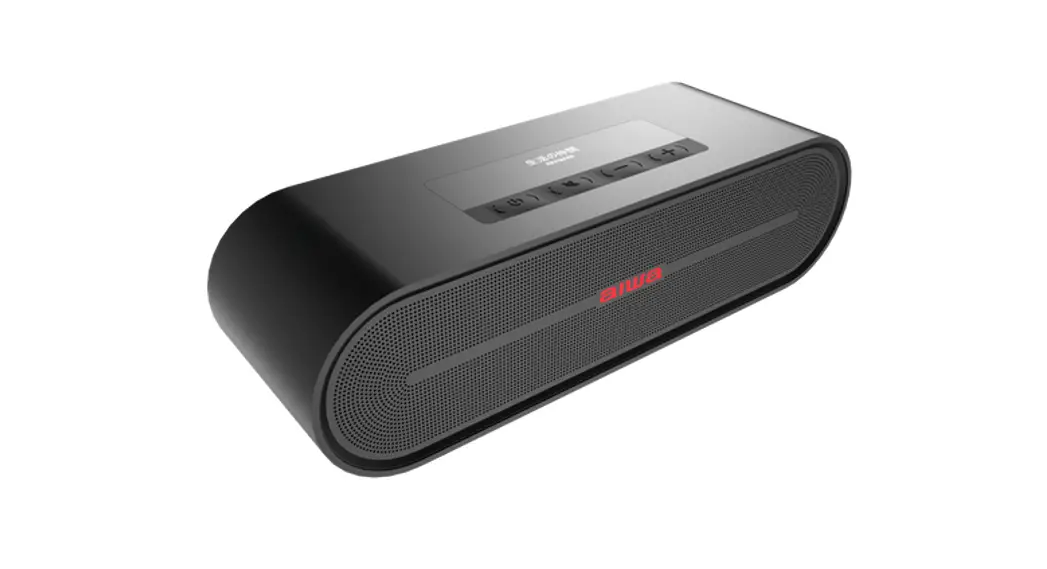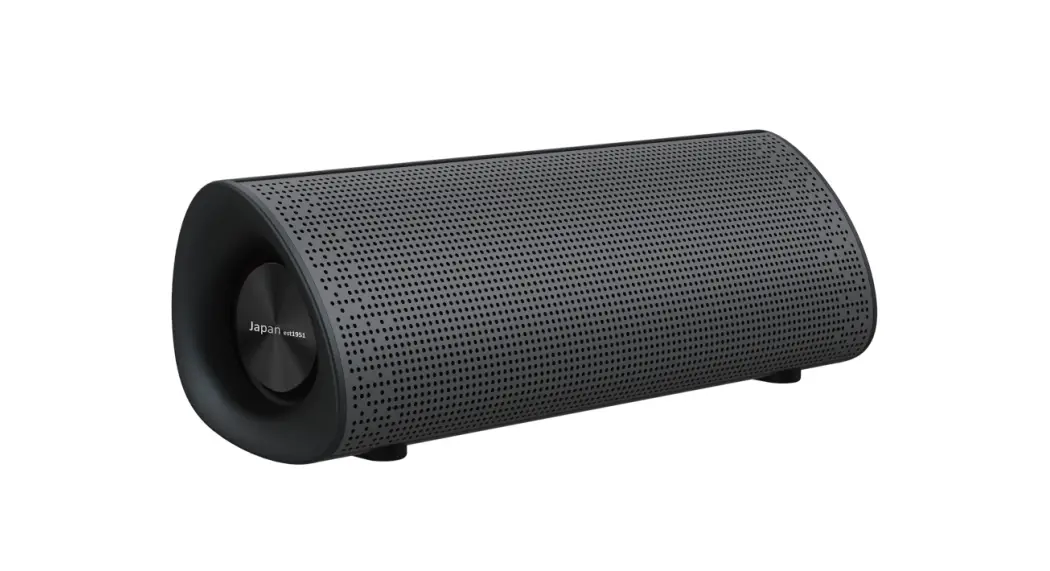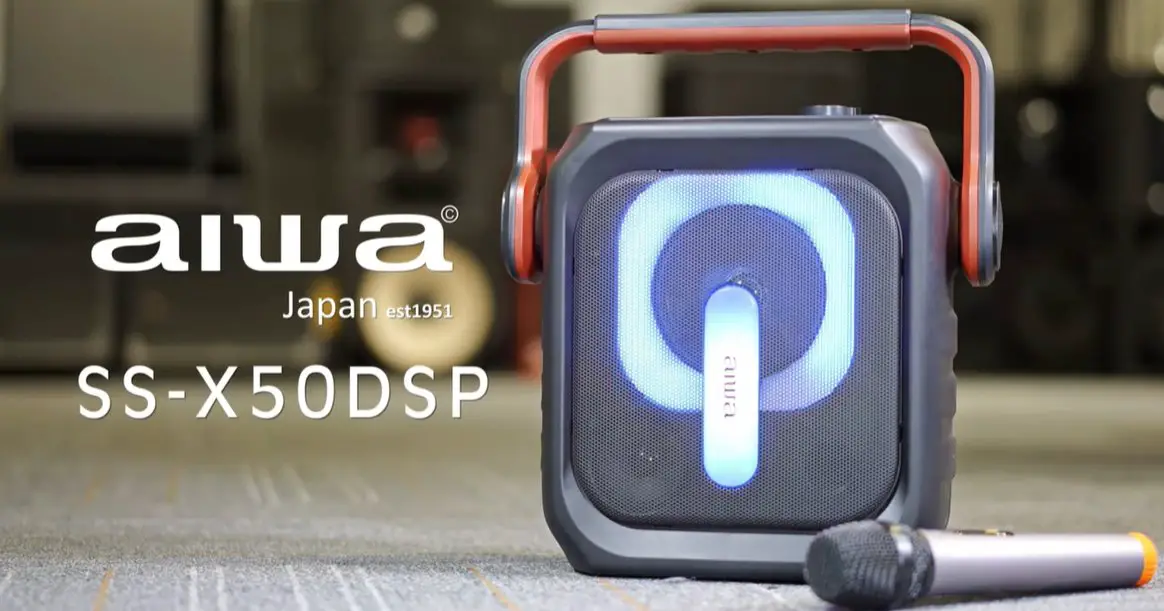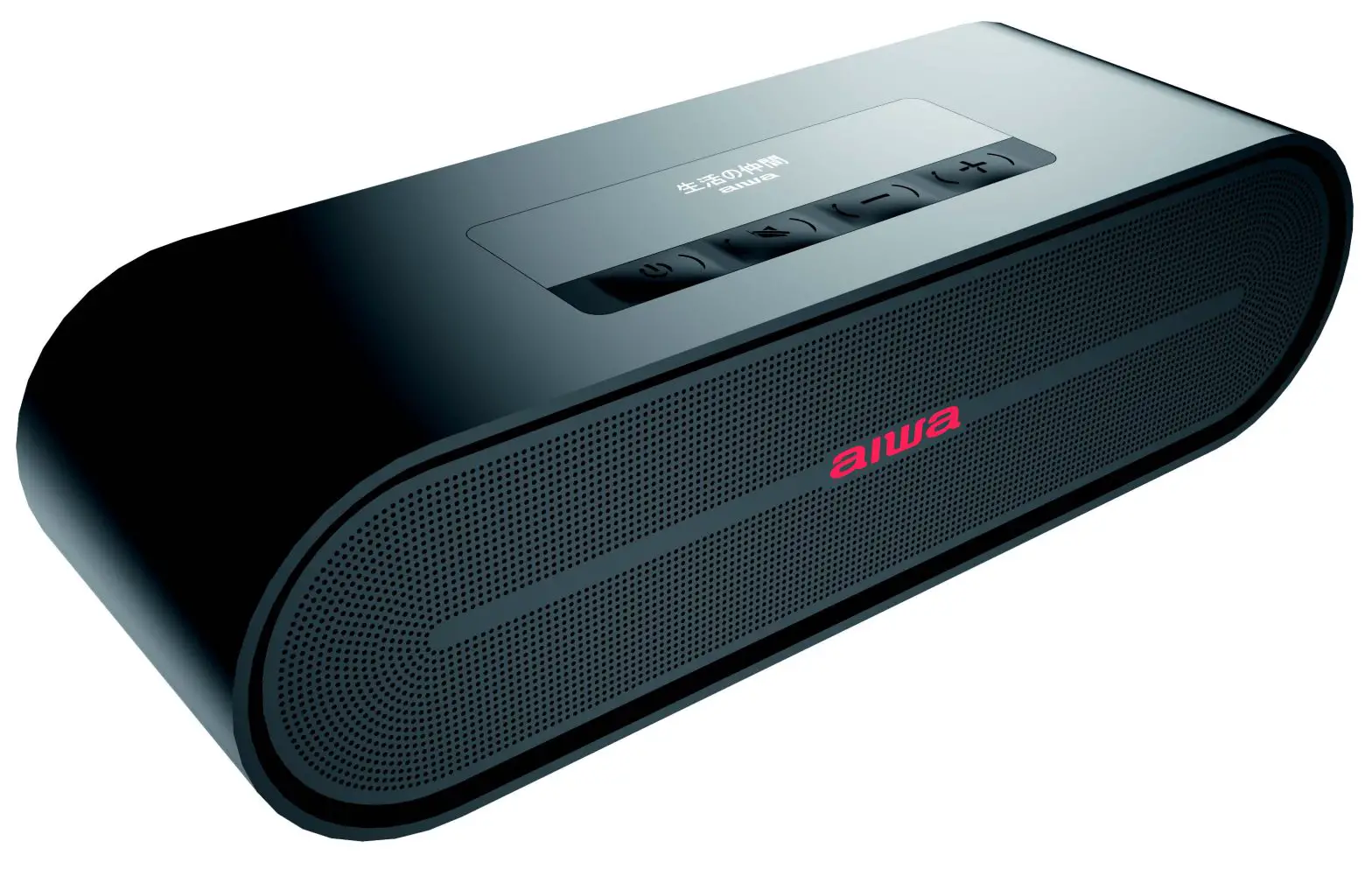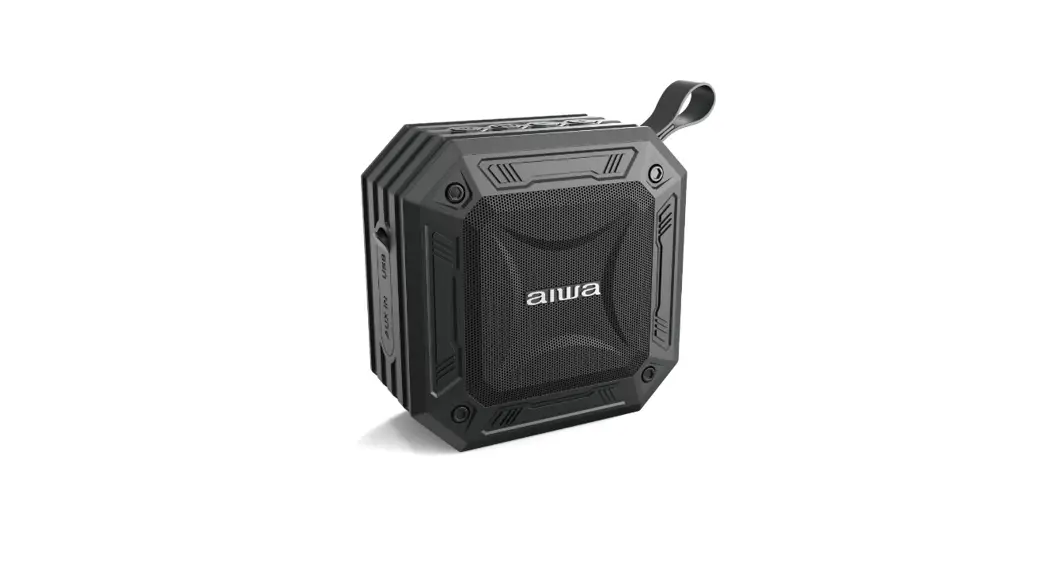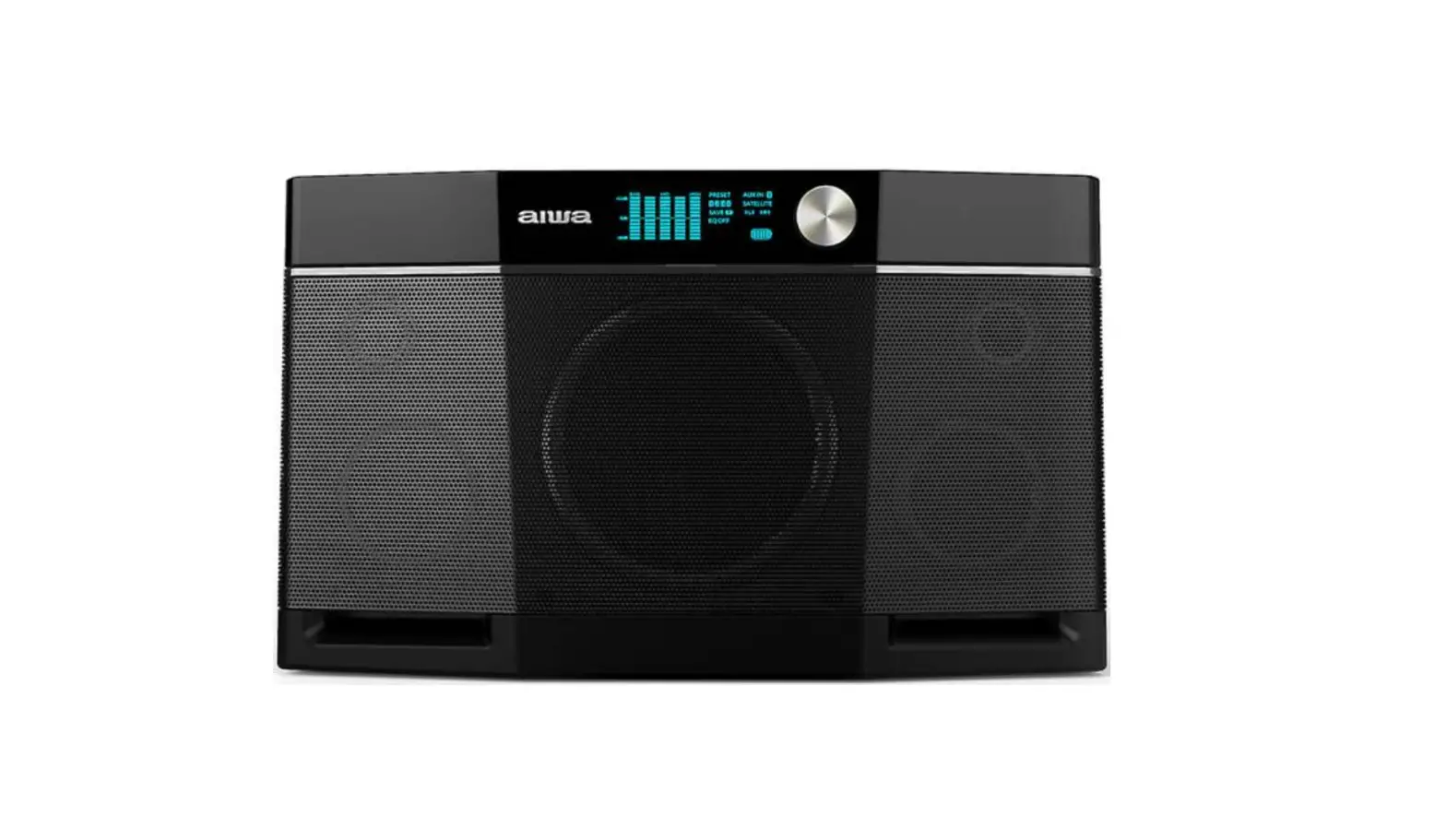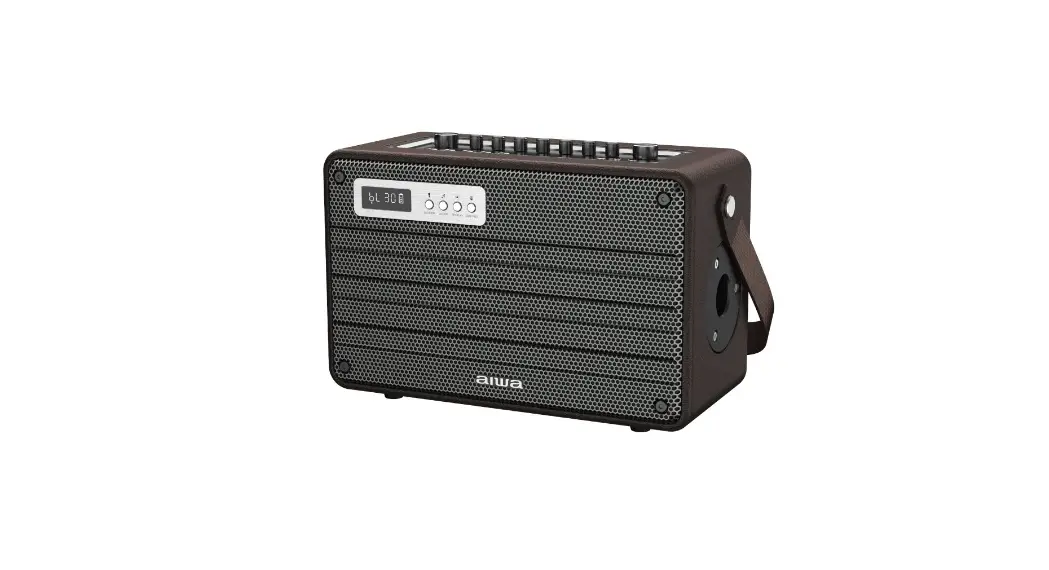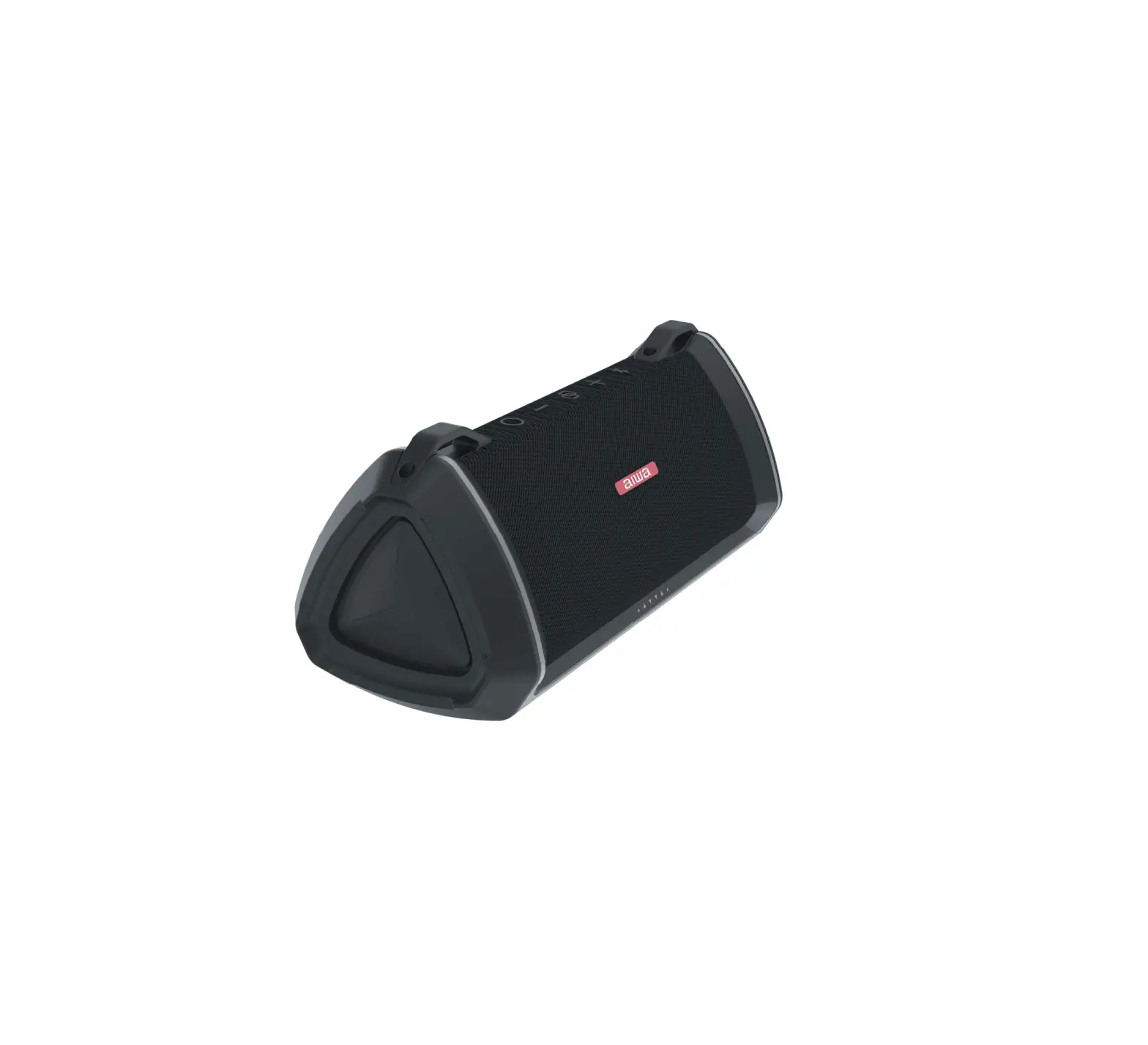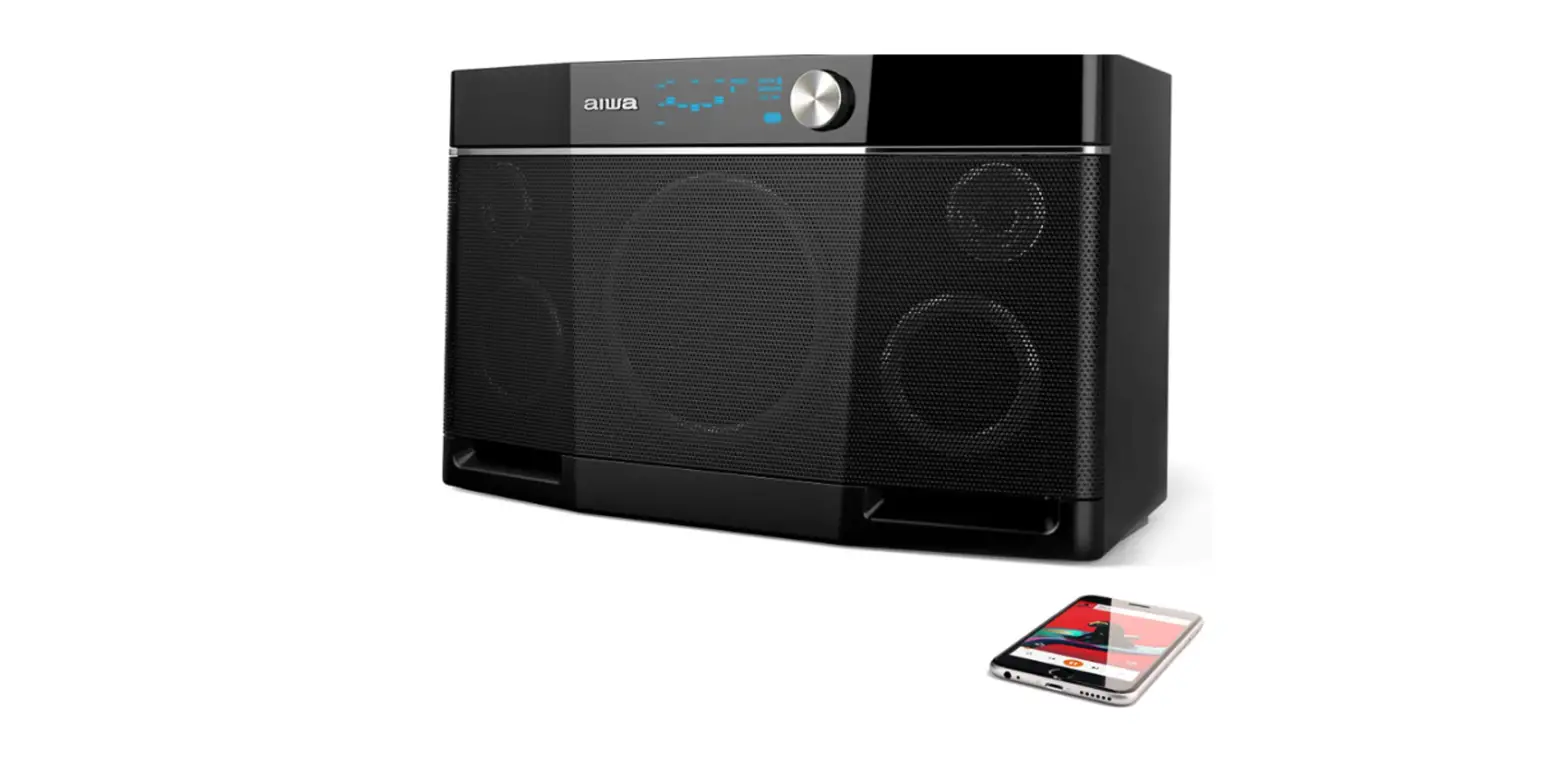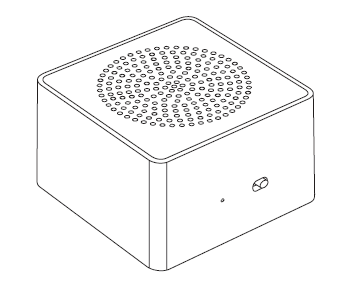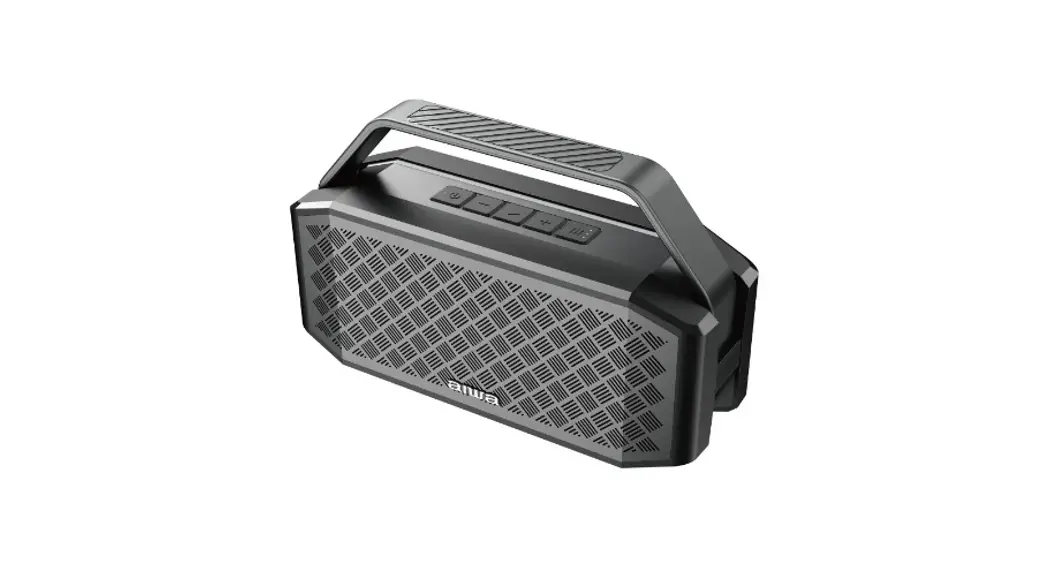
Aiwa SB-X350A Bluetooth Speaker User Manual

Unboxing
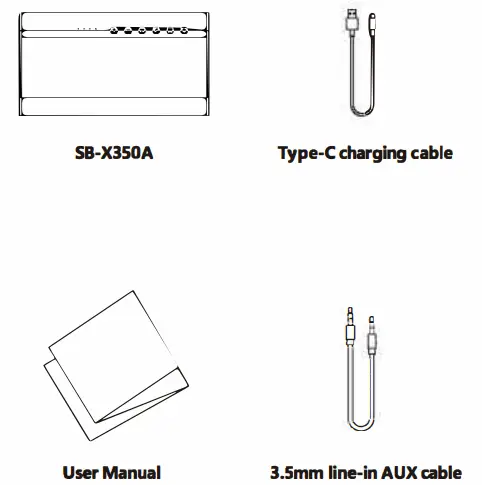
Product Overview
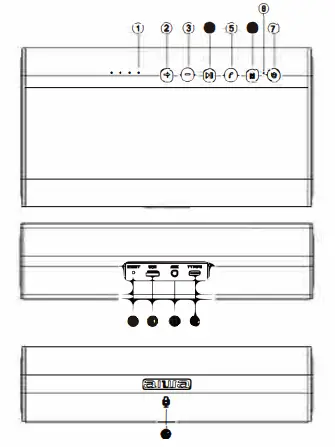
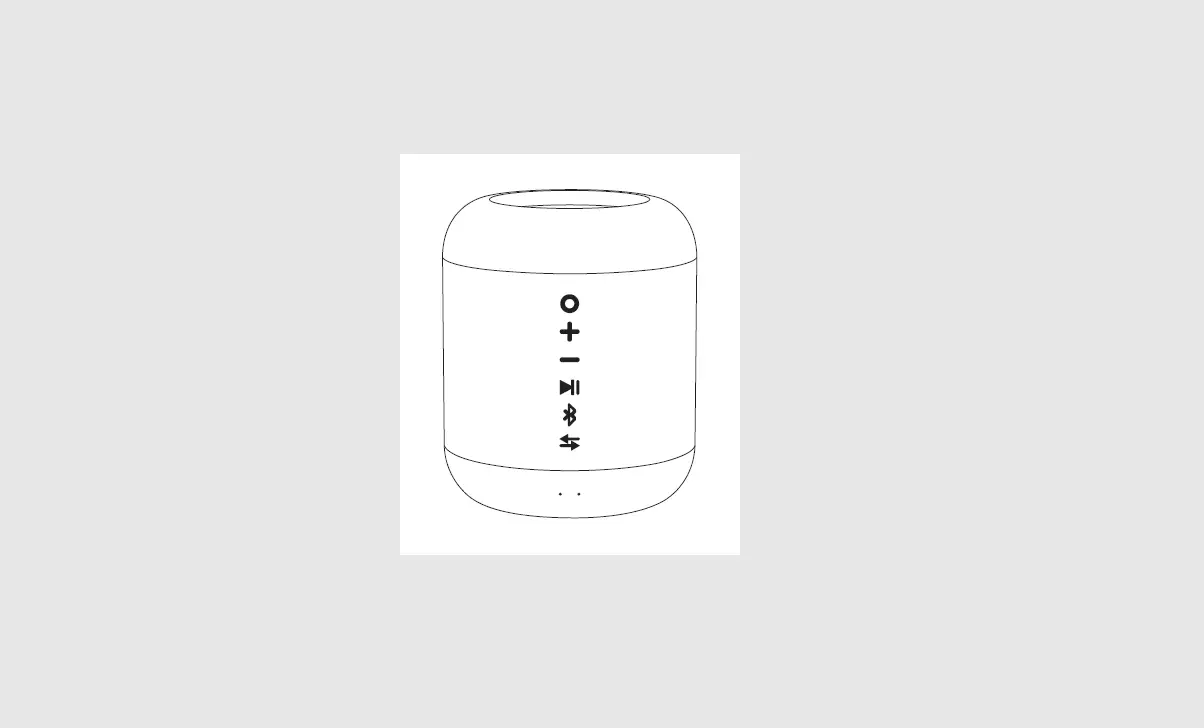
- Battery life indicator light
- Volume+/Next track
- Volume- /Previous track
- Play/Pause/TWS connection/BT Disconnection
- Hands-Free calling
- Mode
- Power button
- Status indicator light
- Reset button
- USB driver slot
- AUX in slot
- Type-C charging port
- Built-in microphone
Power ON/OFF
Hold down power button  for 3 seconds.
Switching playback modes
Short press mode button  to switch between BT-AUX-USB mode.
TWS Connection/ BT Disconnection
Double press  to initiate TWS connection.
Long press  to disconnect BT connection.
Volume +/-, Next/Previous Track
Long press  &
&  button to decrease & increase audio volume respectively.
Short press & to trigger previous & next track respectively.
USB driver playback
Insert the USB driver (Audio prompt accompanied by Orange indicator light indicates successful connection). Playback will start immediately
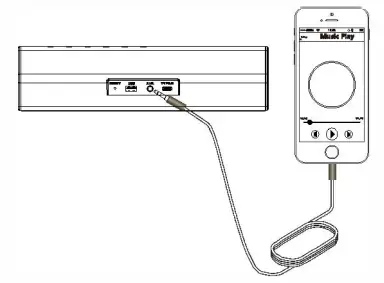
AUX Line-in Playback
Power up the speaker, insert 3.5mm audio cable. (White indicator light indicates successful connection).
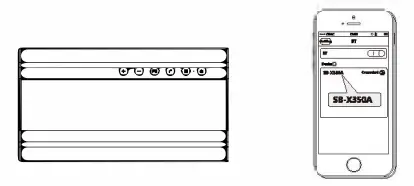
BT Connection
- Power on SB-X350A.
- Find “SB-X350A” in your mobile BT devices list and connect.
Battery & Charging
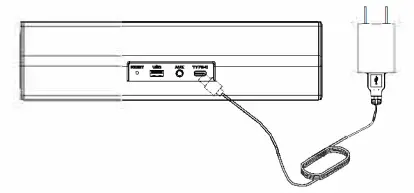
Connect USB Type-C charging cable to any power source and to SB-X350A as shown.
*Supports 5V quick charging. Maximum quick charging output 40 W*
*Charging time: 3-5hours*
*Playback time: 6-8hours*
Connect+ Mode. (TWS)
Perform bluetooth connection (Refer to Device Walkthrough – Bluetooth Connection) with the selected host speaker unit
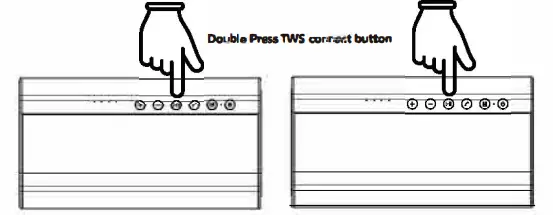
Double press dedicated TWS function button on the host speaker unit to enter TWS pairing mode.
(Refer to Device Overview)
Turn on the other speaker unit and Double press dedicated TWS function button TWS connection will start automatically
To connect more speaker unit, repeat the last step.
In Connect+ Mode. (TWS)
- Short press play/pause button on the host speaker unit, all the devices will proceed play/pause instruction.
- Short press play/pause button on the guest speaker unit, only the guest speaker unit play/pause.
- Double press play/pause button on the host speaker unit, host speaker unit exit Connect+ Mode, but stay on bluetooth connect, all the guest speaker unit will stay on Connect+ Mode.
- Double press play/pause button on the guest speaker unit, guest speaker unit exit Connect+ Mode.
*Connect up to 100 units within a 20 (m) meter radius.*
*Only Compatible with model: SB-X350A & SB-X350J (QCC3031 Chipsets).*
LED Indicator light
Blue BT mode:
Flash quickly – BT ready to pair
Flash slowly – BT connected successfully / Pause
Stay on – Playing music
White AUX mode: Stay on – AUXIN Playing/ Pause
OrangeUSB mode:
Stay on – USB Play
Flash slowly – Pause
TWS Ready to pair: (Blue and white blinking light)
TWS Successful Connection/ Paused: Blue and white light flashes slowly
TWS Audio Playback: Blue and white light
Low battery:
Audio prompt “Beep” will be played. Speaker will shutdown after 3 prompts.
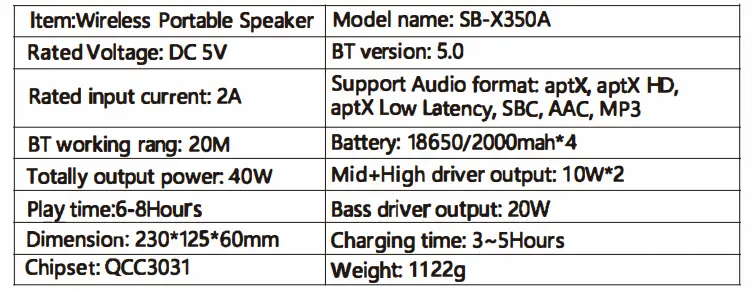
Specification
Aiwa Electronics Int’l Co., Ltd.
Explore more at www.int-aiwa.com