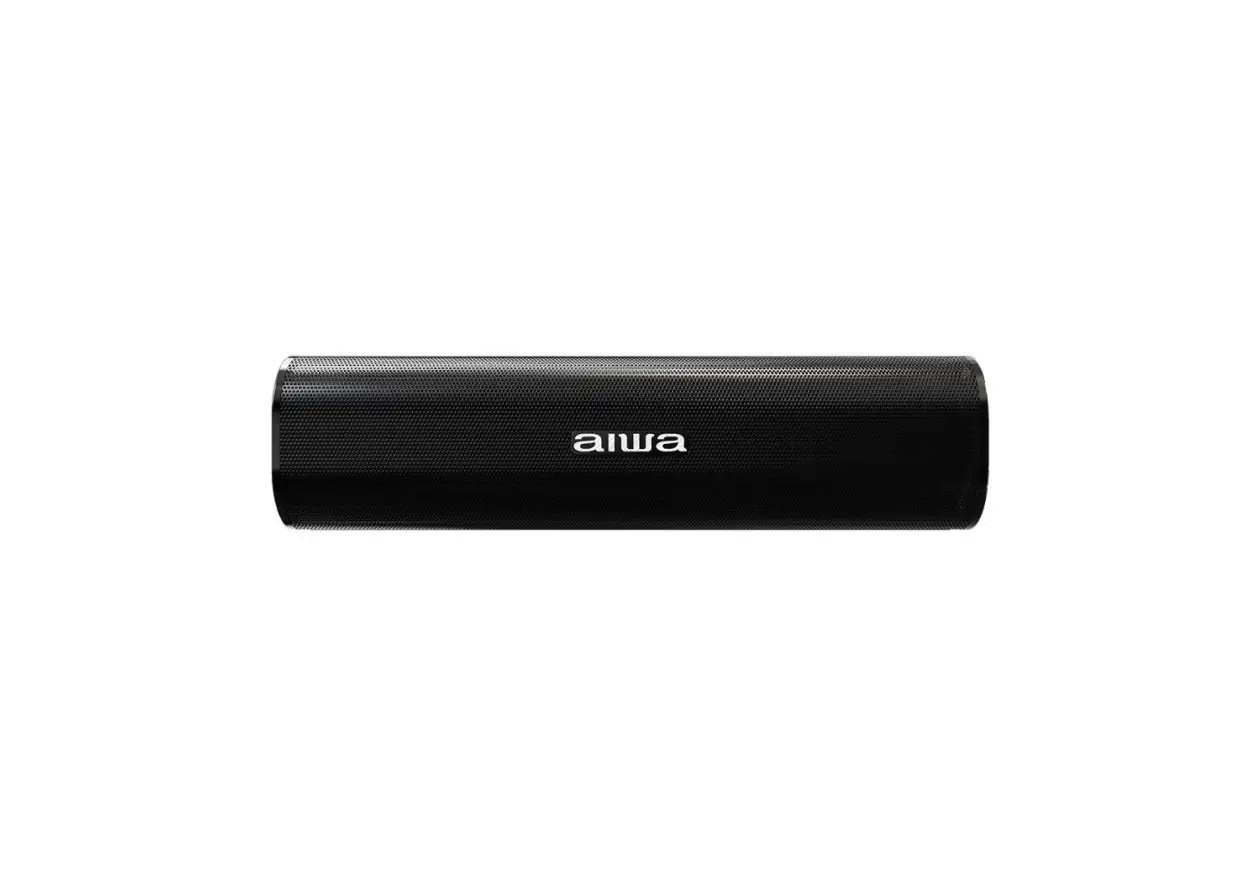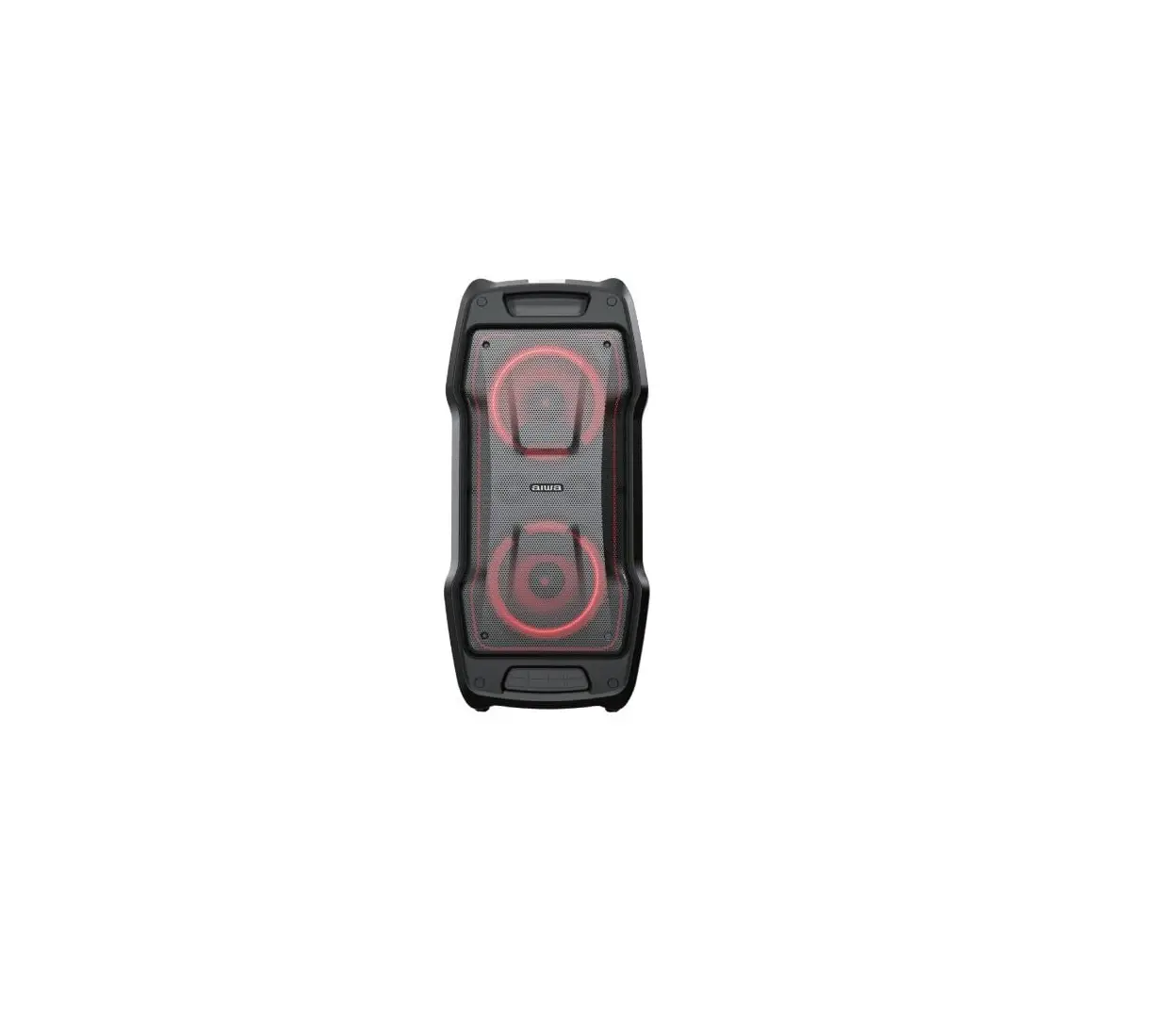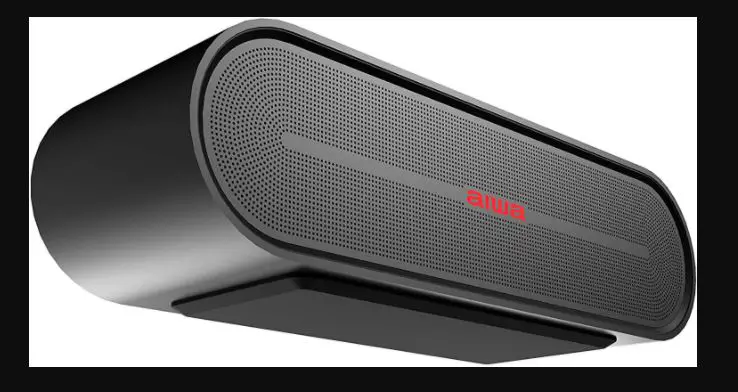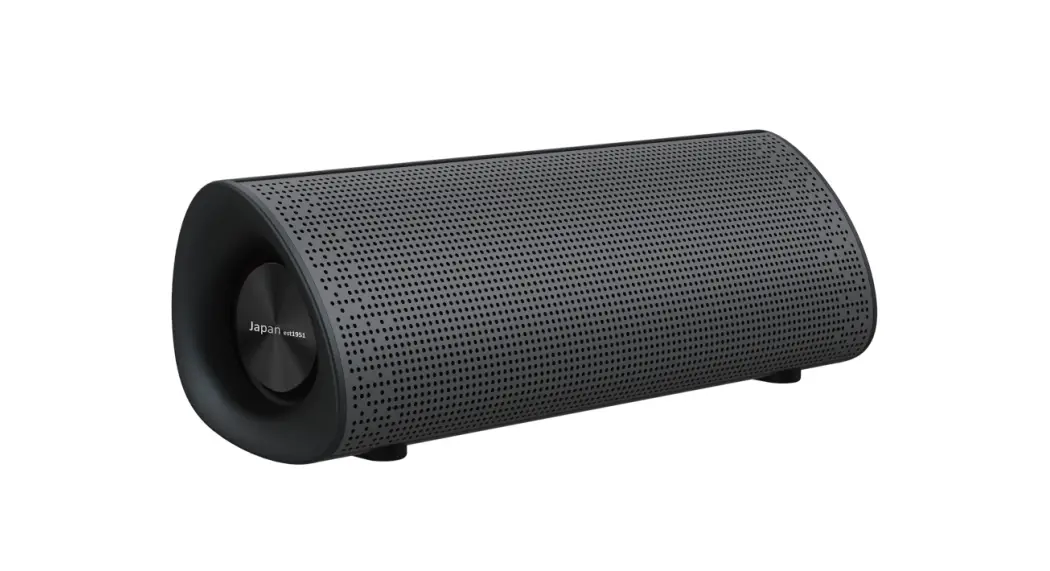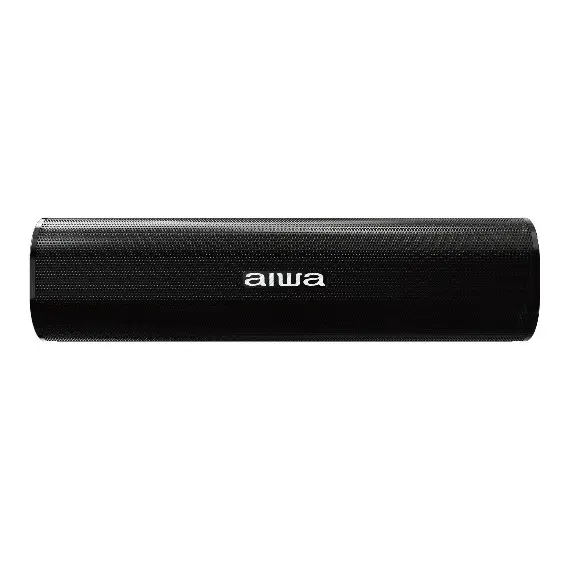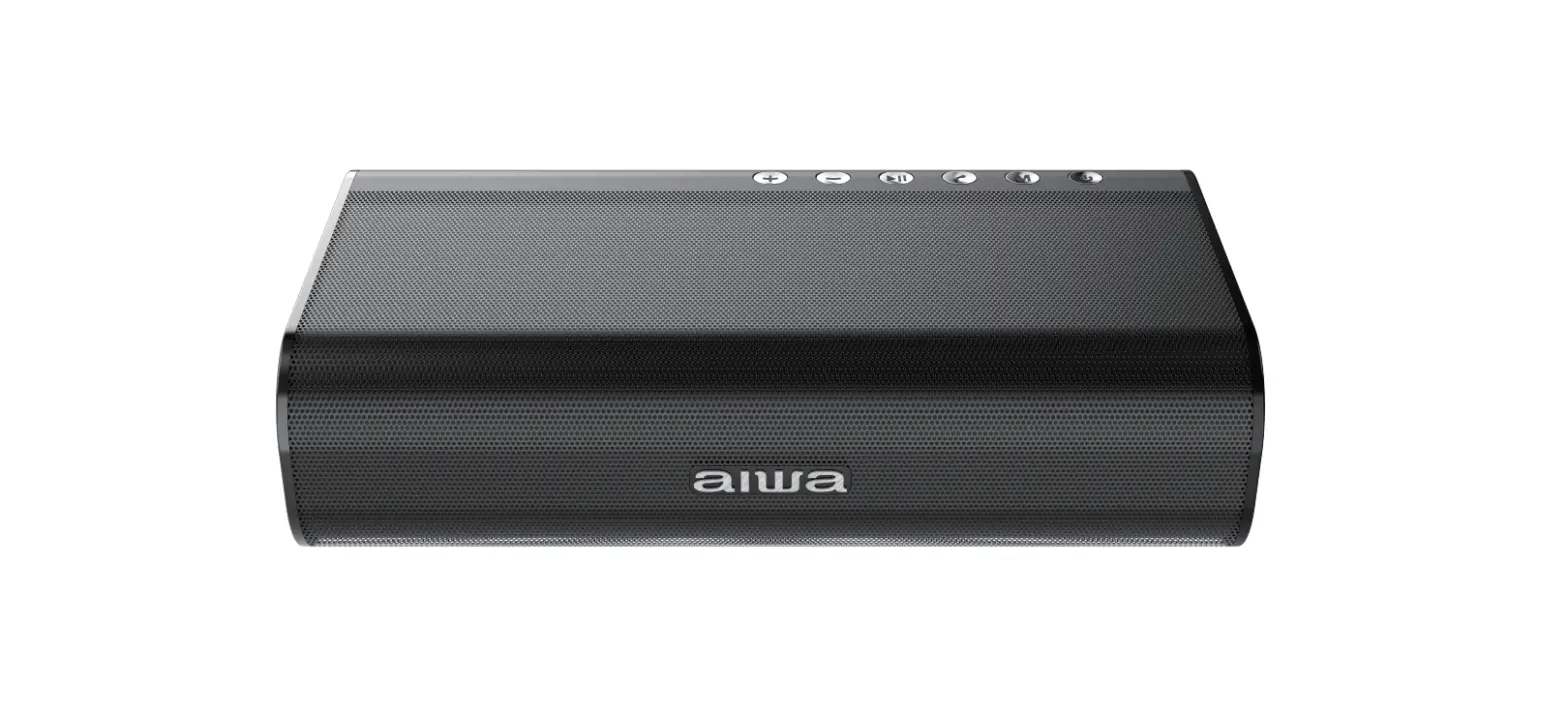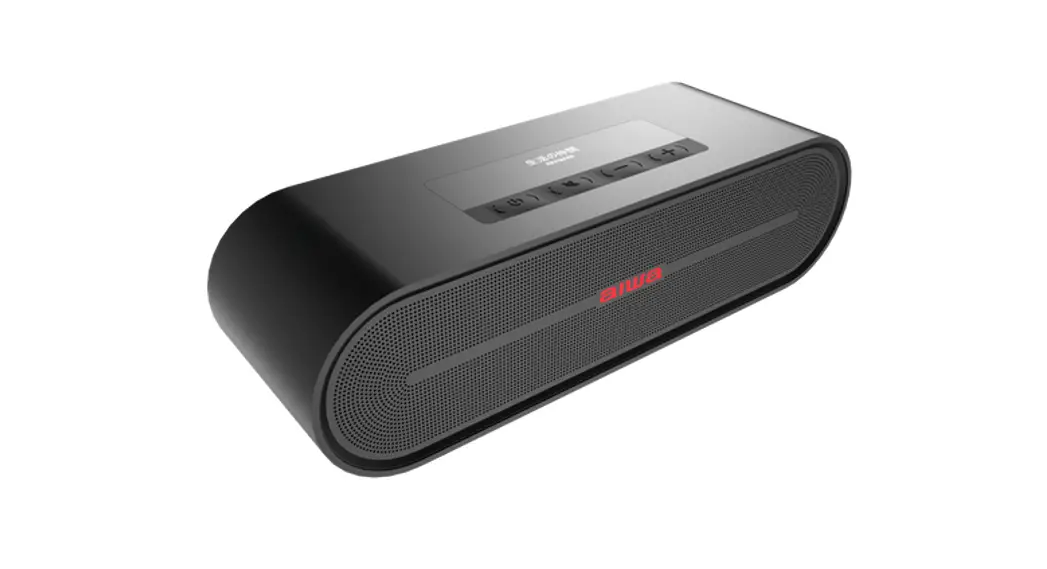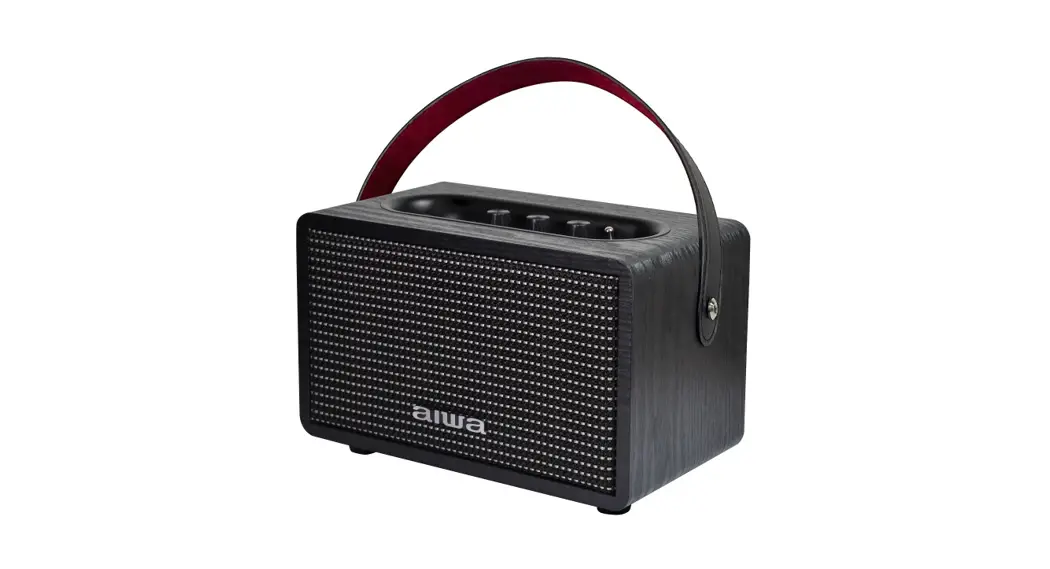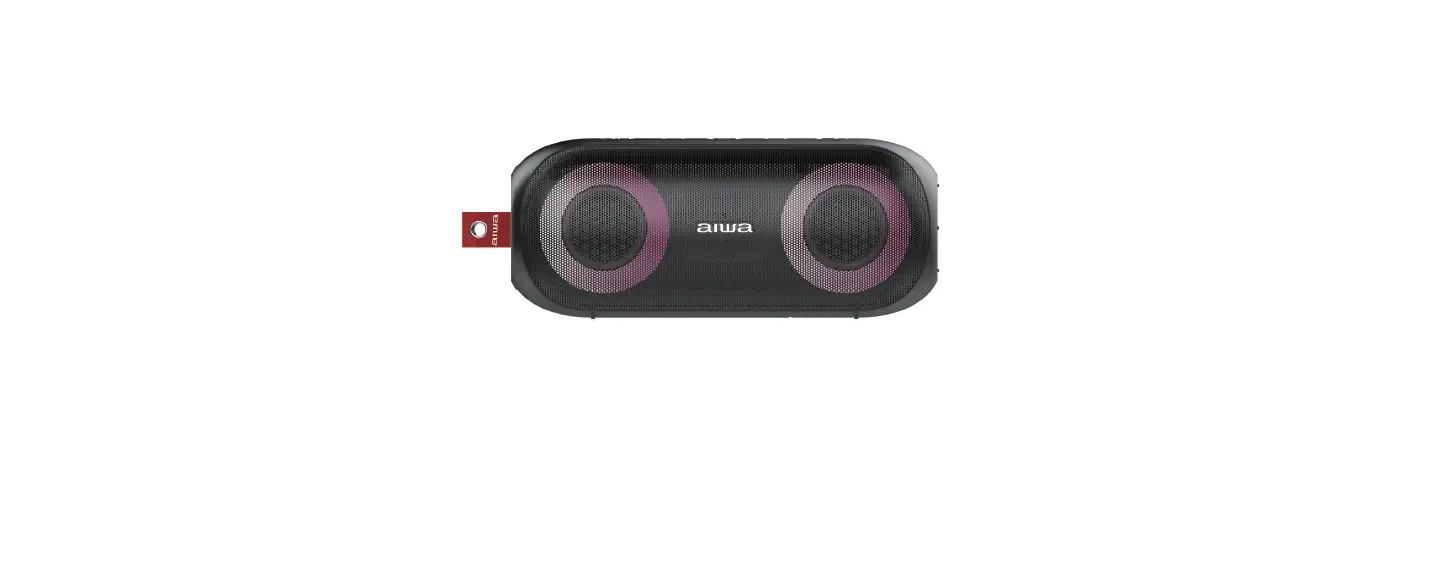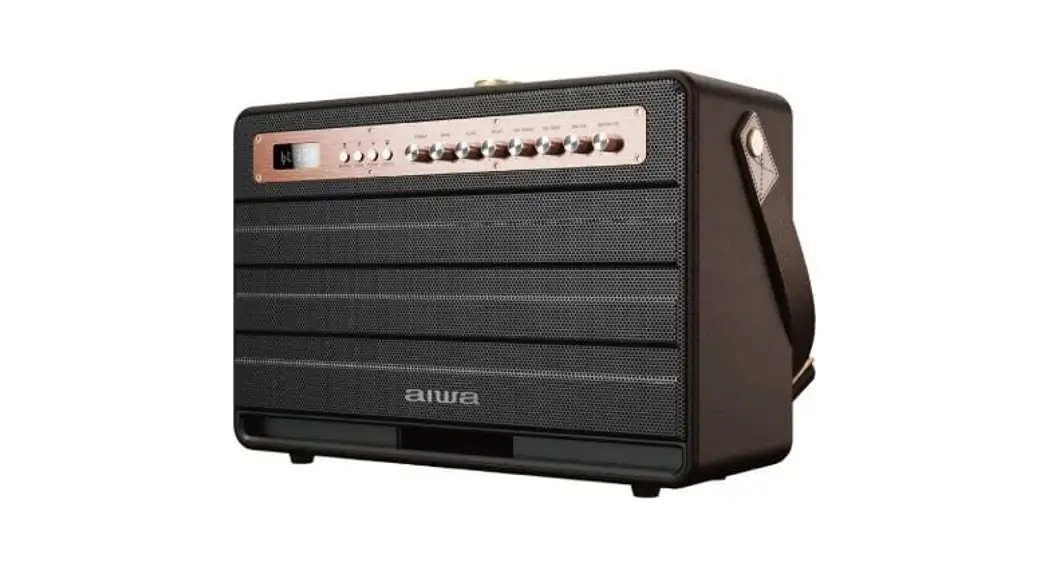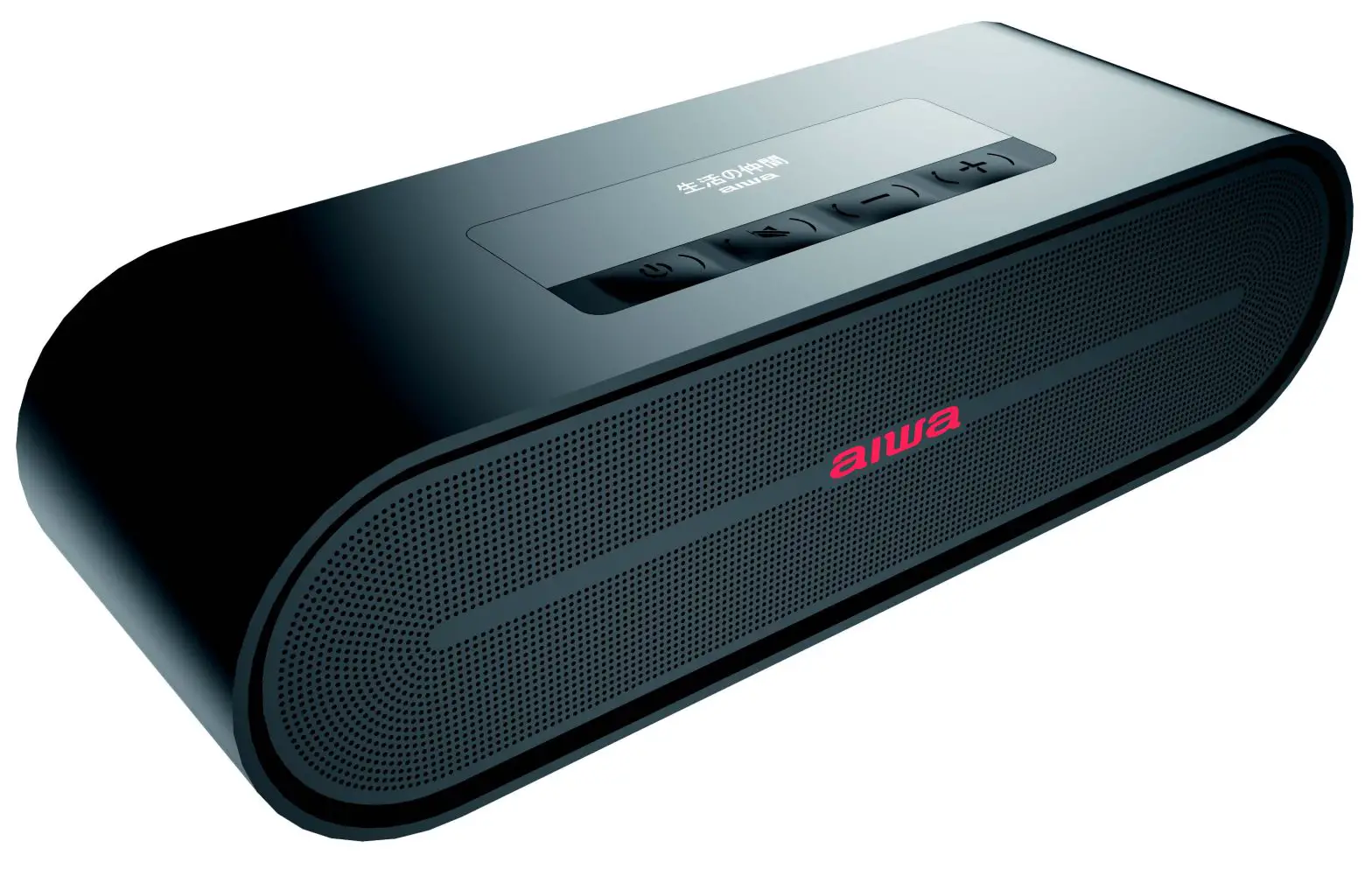

aiwa SB-X350J Compact High Performance Desk Speaker User Manual
SB-X350J
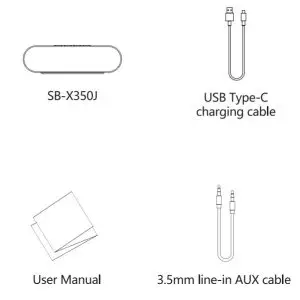
Product List
Instructions
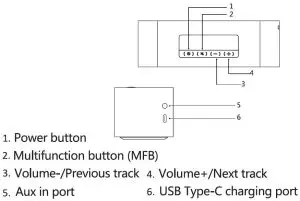
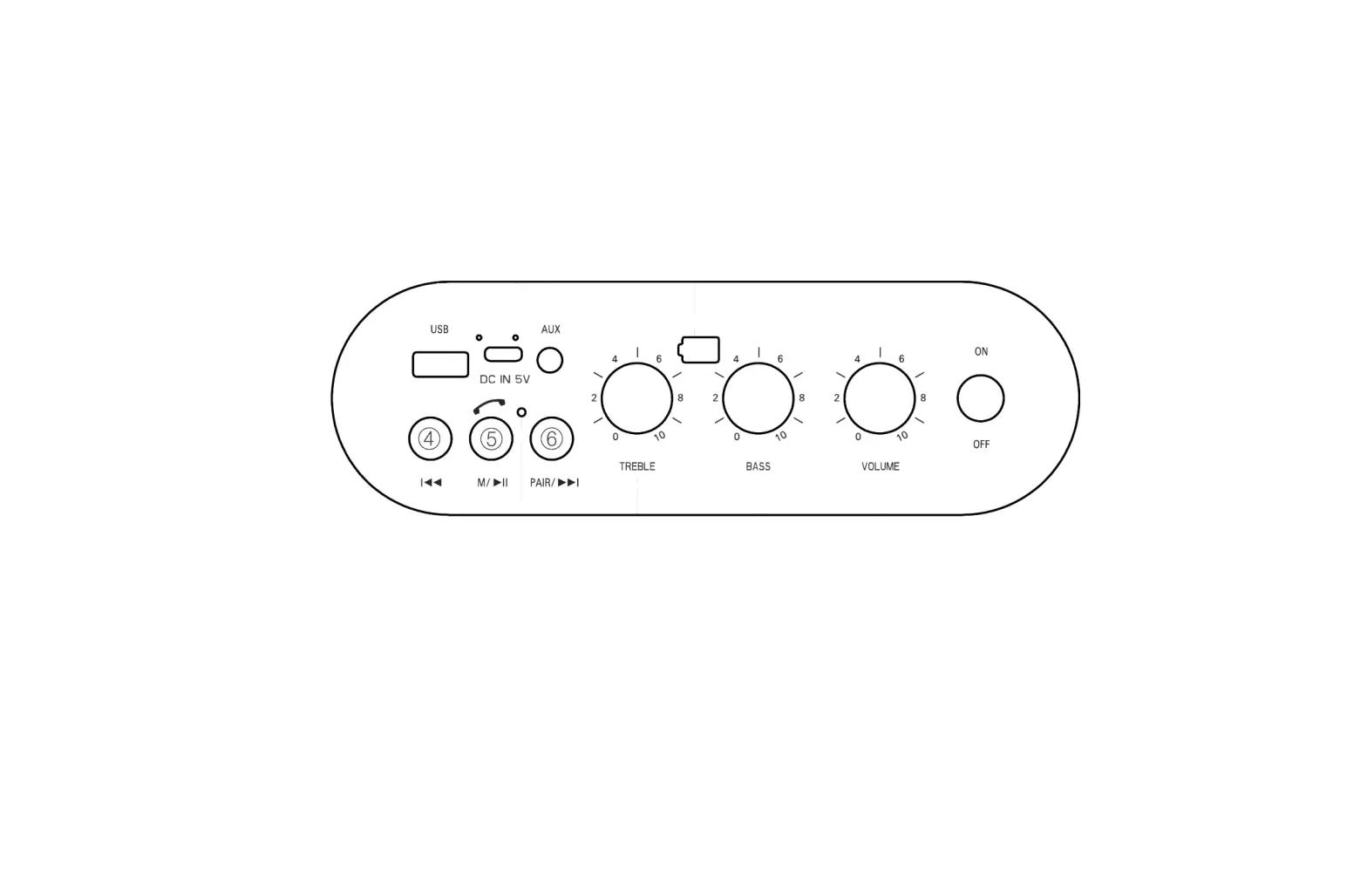
Power button
To turn on SB-X350J, press and hold the Power button for 3 seconds.
Multifunction button
Short press to play/pause, double press to connect a second speaker, and long press to disconnect Bluetooth.
Volume-/Previous Track button
Short press to go to previous track, long press to reduce the volume.
Volume+/Next Track button
Short press to go to the next track, long press to increase the volume.
Aux in port
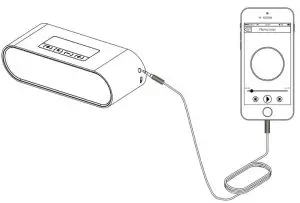
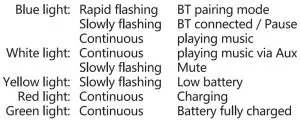
Insert the 3.5 audio cable with the device on and the white aux indicator light will illuminate and the speaker will play from the audio cable source automatically.
USB Type-C charging port
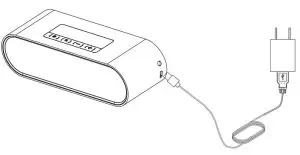
Use the provided cable with any standard USB power supply to charge the device (USB power supply not provided).
Connecting with Bluetooth
If the speaker has not been used before, or is not in range of a previous paired device, it will automatically enter pairing mode, as indicated by the rapid blinking Bluetooth indicator. On your device, pair to the new device called “SB-X350J.” Upon successful connection, the Bluetooth indicator will blink slowly. Subsequently, the speaker will automatically connect to that device if it is in range, or enter pairing mode if not.
To disconnect from a device and connect to a new device, press and hold the MFB, this will disconnect the speaker and cause it to re-enter pairing mode, which will allow a new device to connect to the speaker.
Connect+ Mode. (TWS)
Perform bluetooth connection (Refer to Device Walk through – Bluetooth Connection) with the selected host speaker unit Double press dedicated TWS function button on the host speaker unit to enter TWS pairing mode.
(Refer to Device Overview) Turn on the other speaker unit and Double press dedicated TWS function button TWS connection will start automatically To connect more speaker unit, repeat the last step.
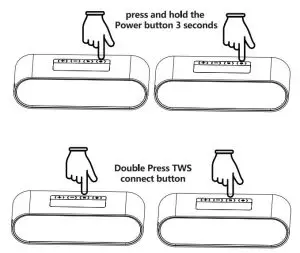
In Connect+ Mode. (TWS)
- Short press play/pause button on the host speaker unit, all the devices will proceed play/pause instruction.
- Short press play/pause button on the guest speaker unit, only the guest speaker unit play/pause.
- Double press play/pause button on the host speaker unit, host speaker unit exit Connect+ Mode, but stay on bluetooth connect, all the guest speaker unit will stay on Connect+ Mode.
- Double press play/pause button on the guest speaker unit, guest speaker unit exit Connect+ Mode.
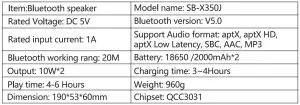
*Connect up to 100 units within a 20 (m) meter radius.*
*Only Compatible with model: SB-X350A & SB-X350J (QCC3031 chipsets).*
LED Indicator lights
Low battery requirement:
When battery is low, Speaker will send out low battery alarm beep, Yellow LED on one beep each 15s, speaker will turn off after 3 beeps.
Specification
Aiwa Electronics Int’l Co., Ltd.
Explore more at www.int-aiwa.com
Read More About This Manual & Download PDF: