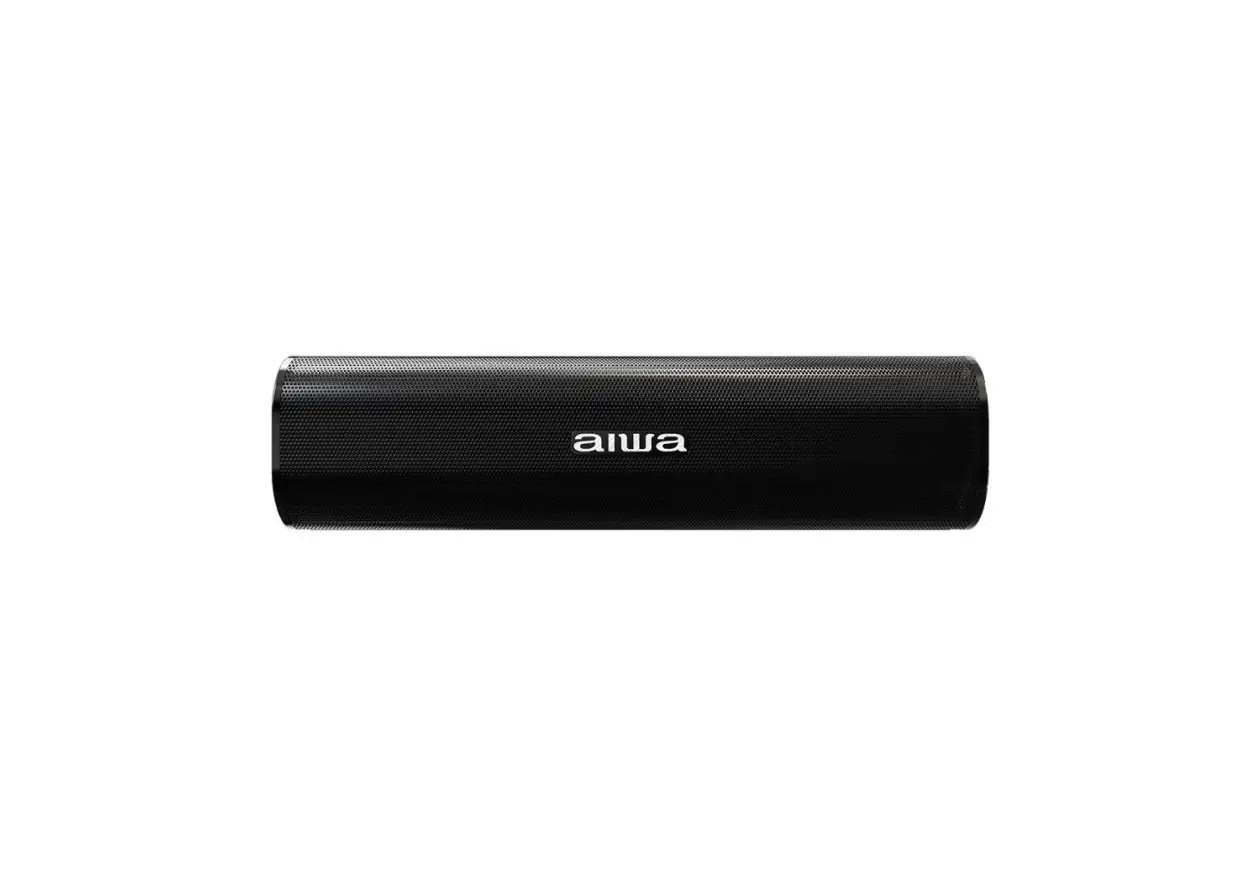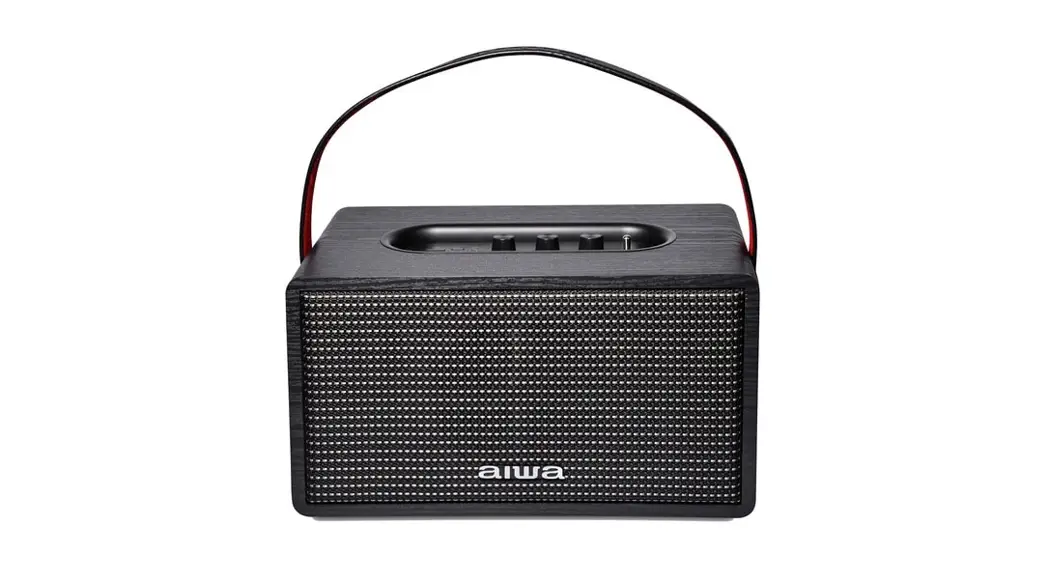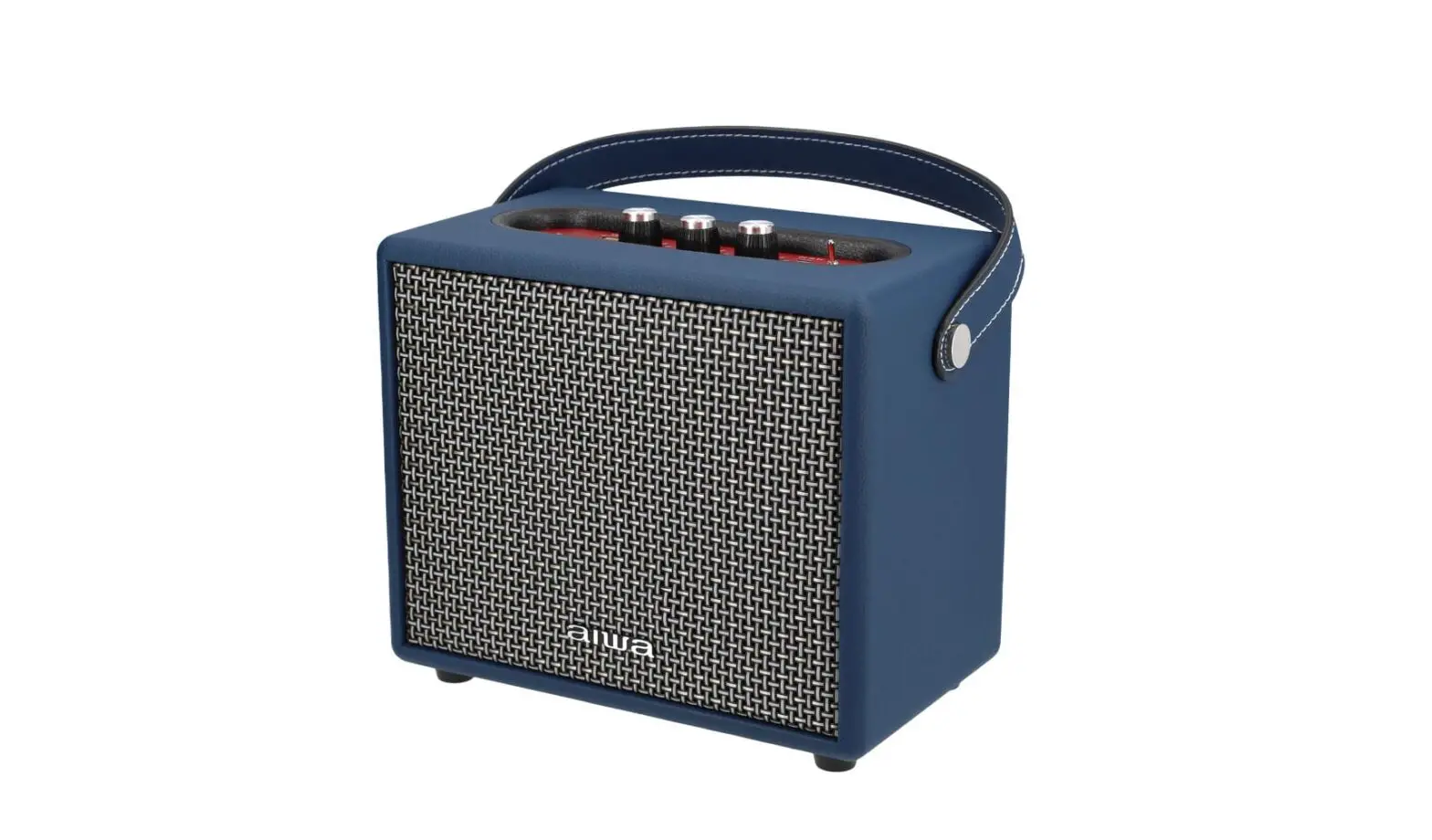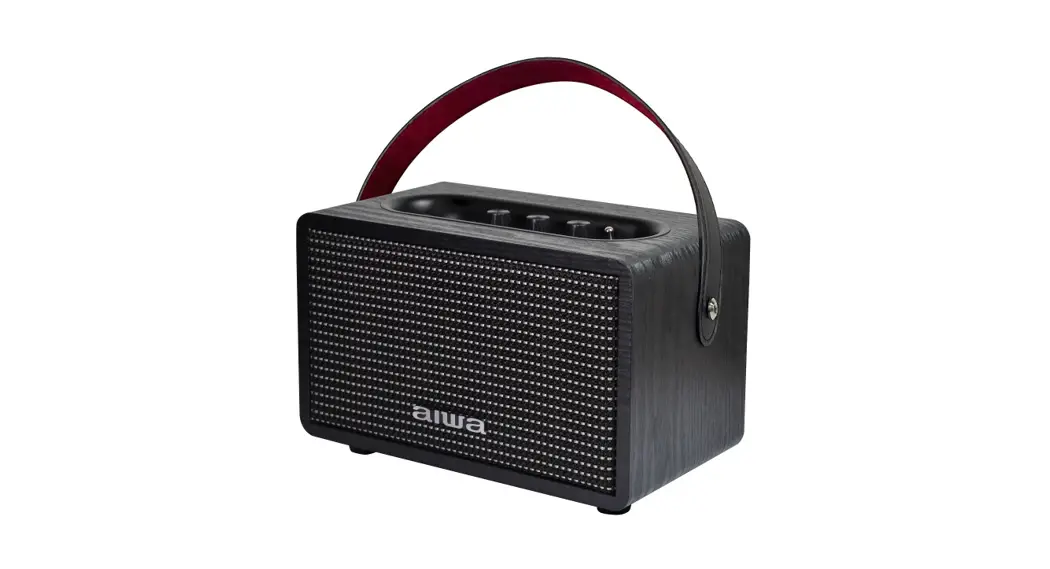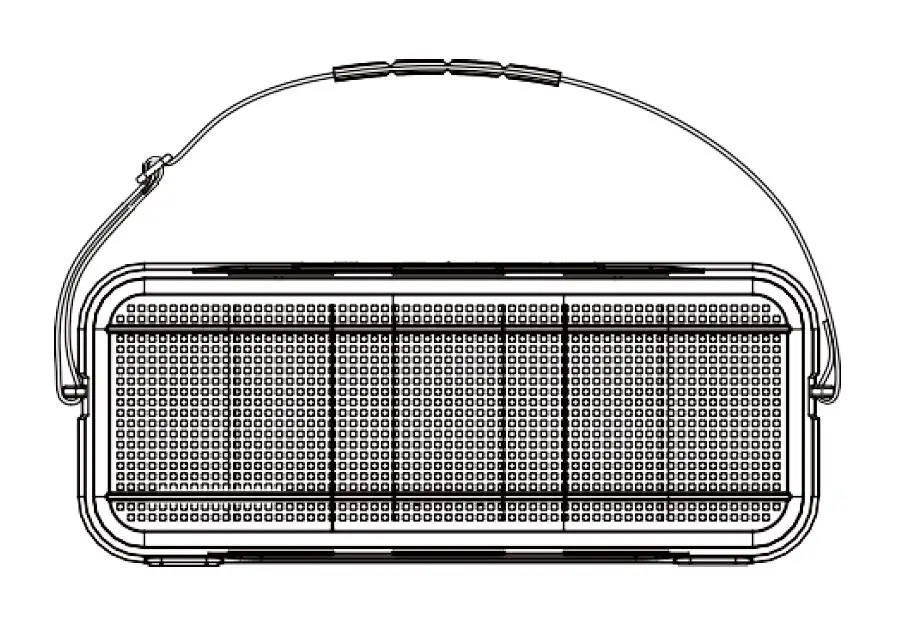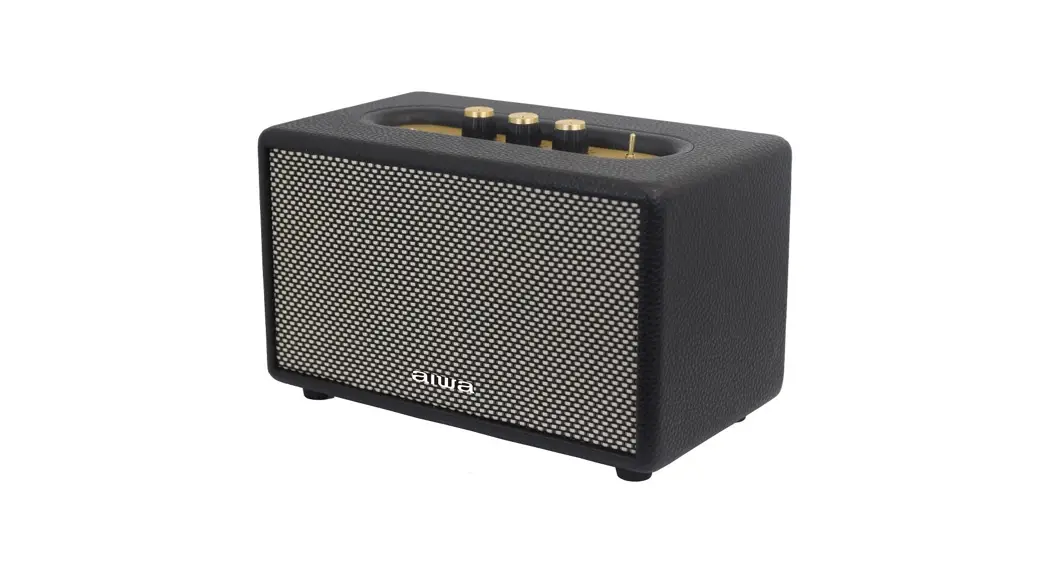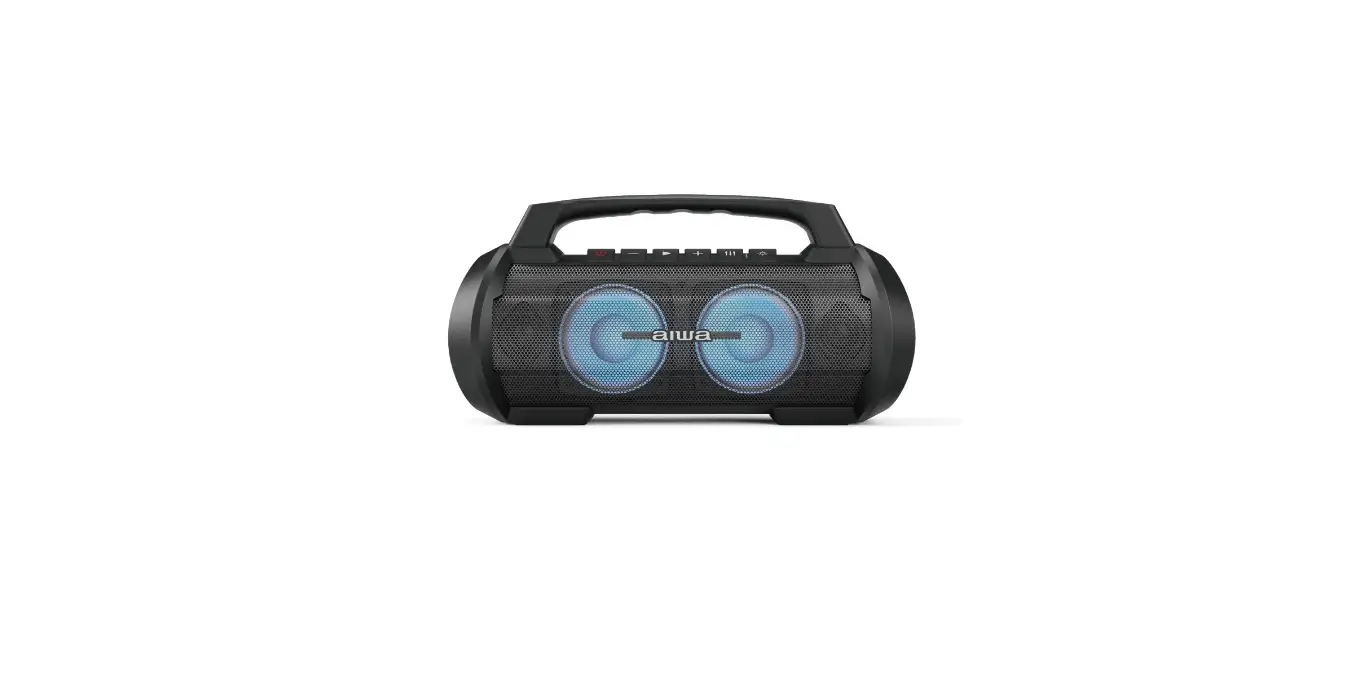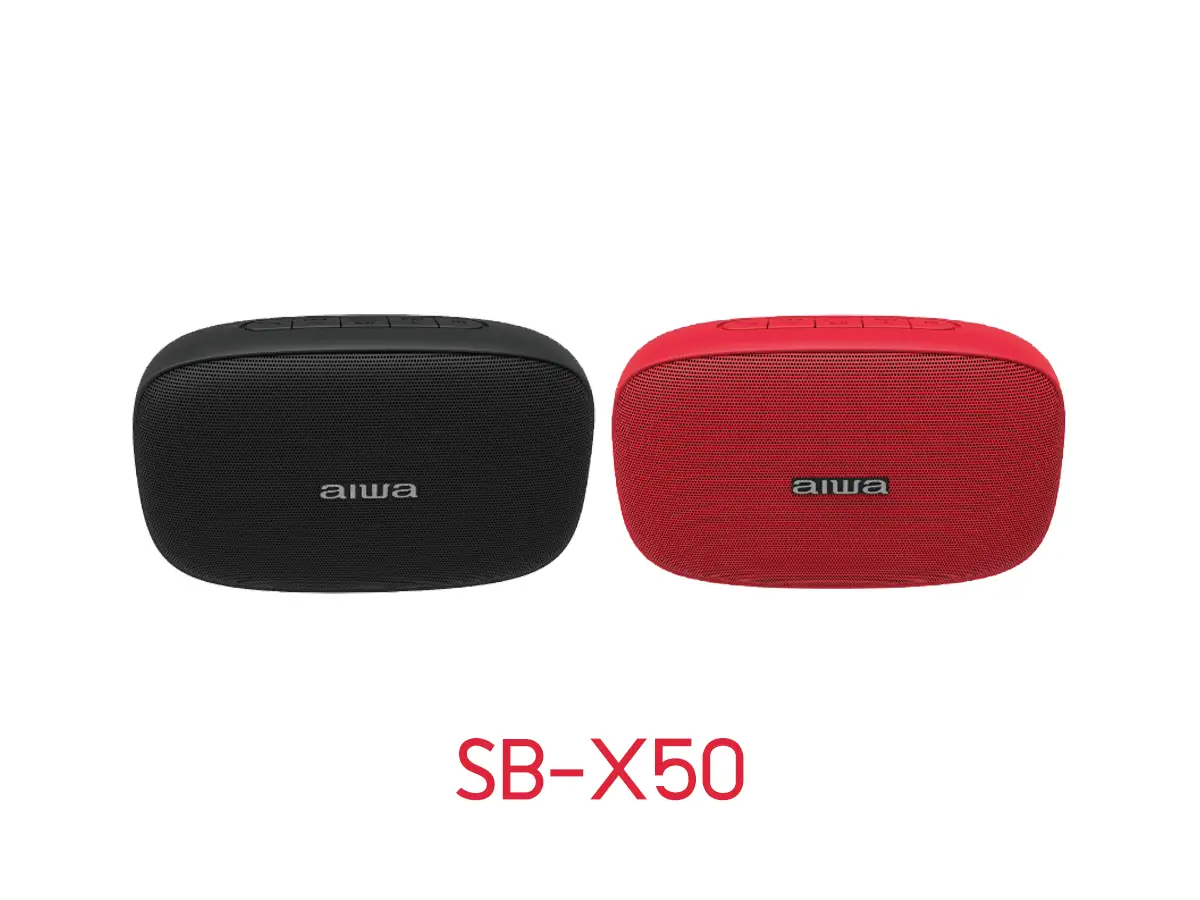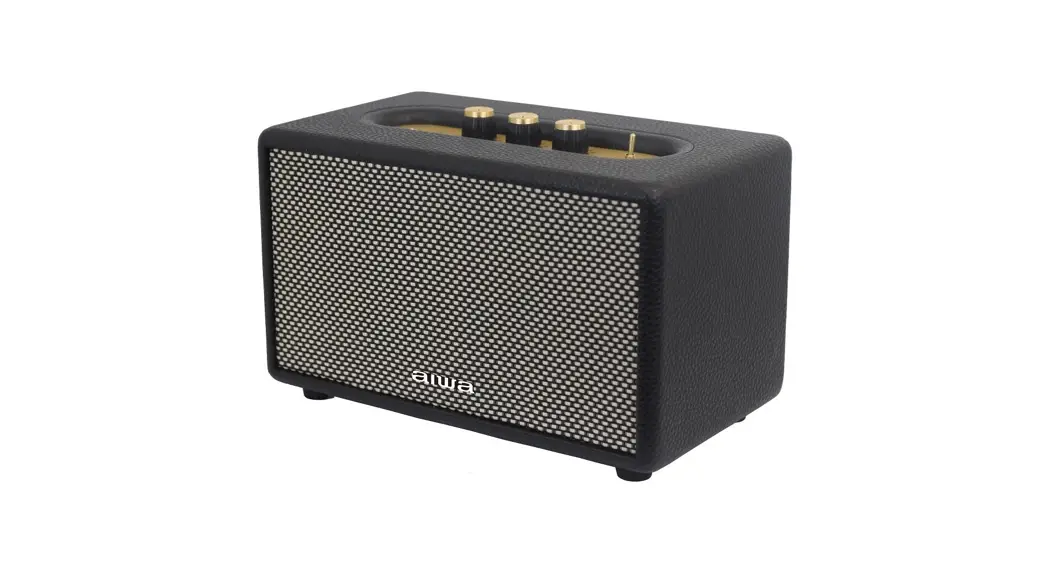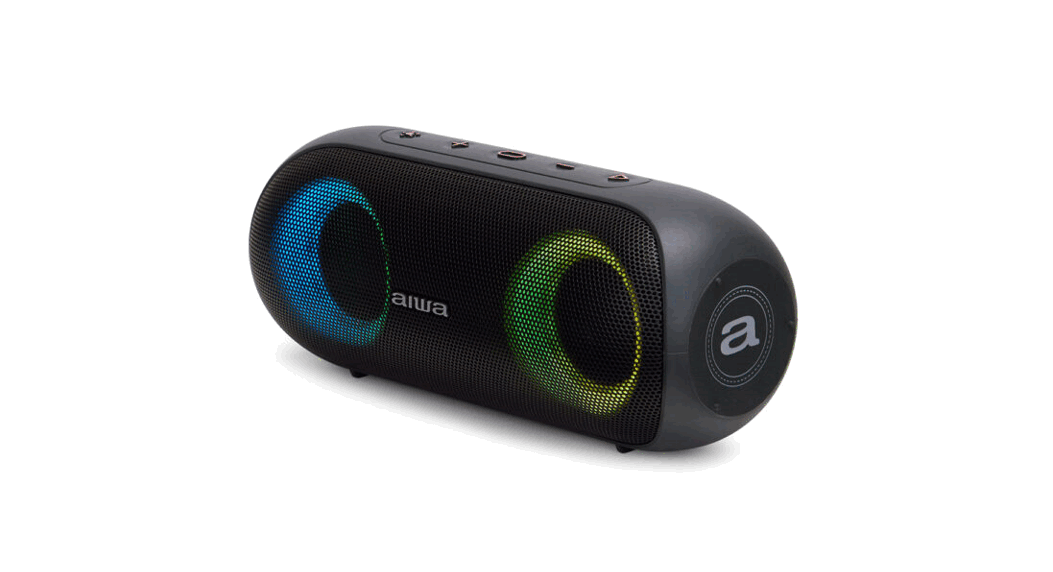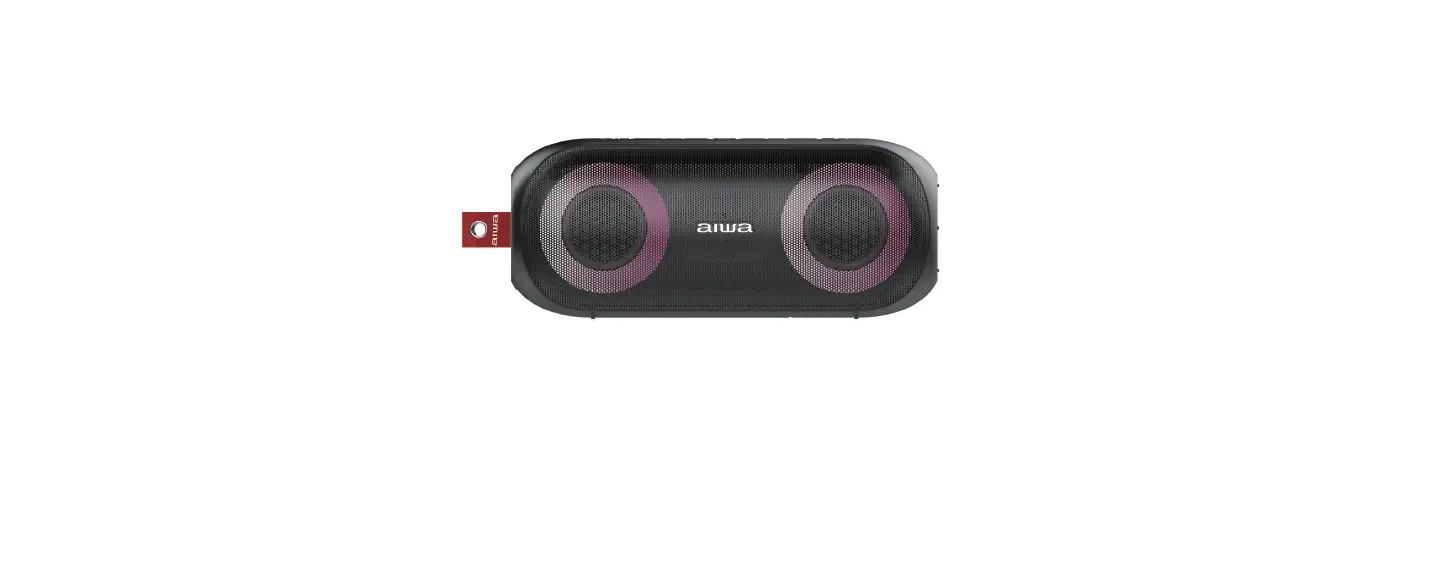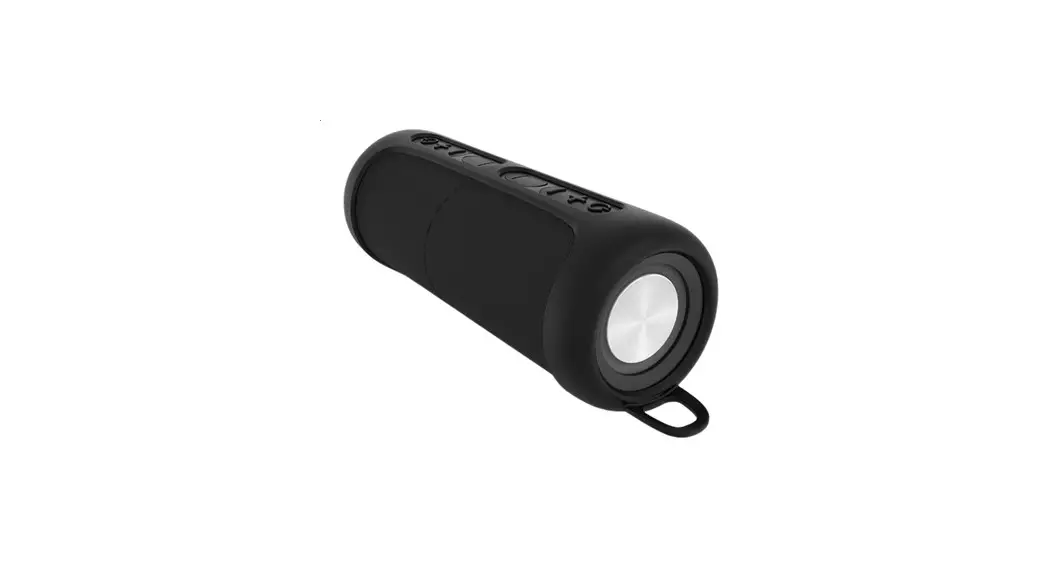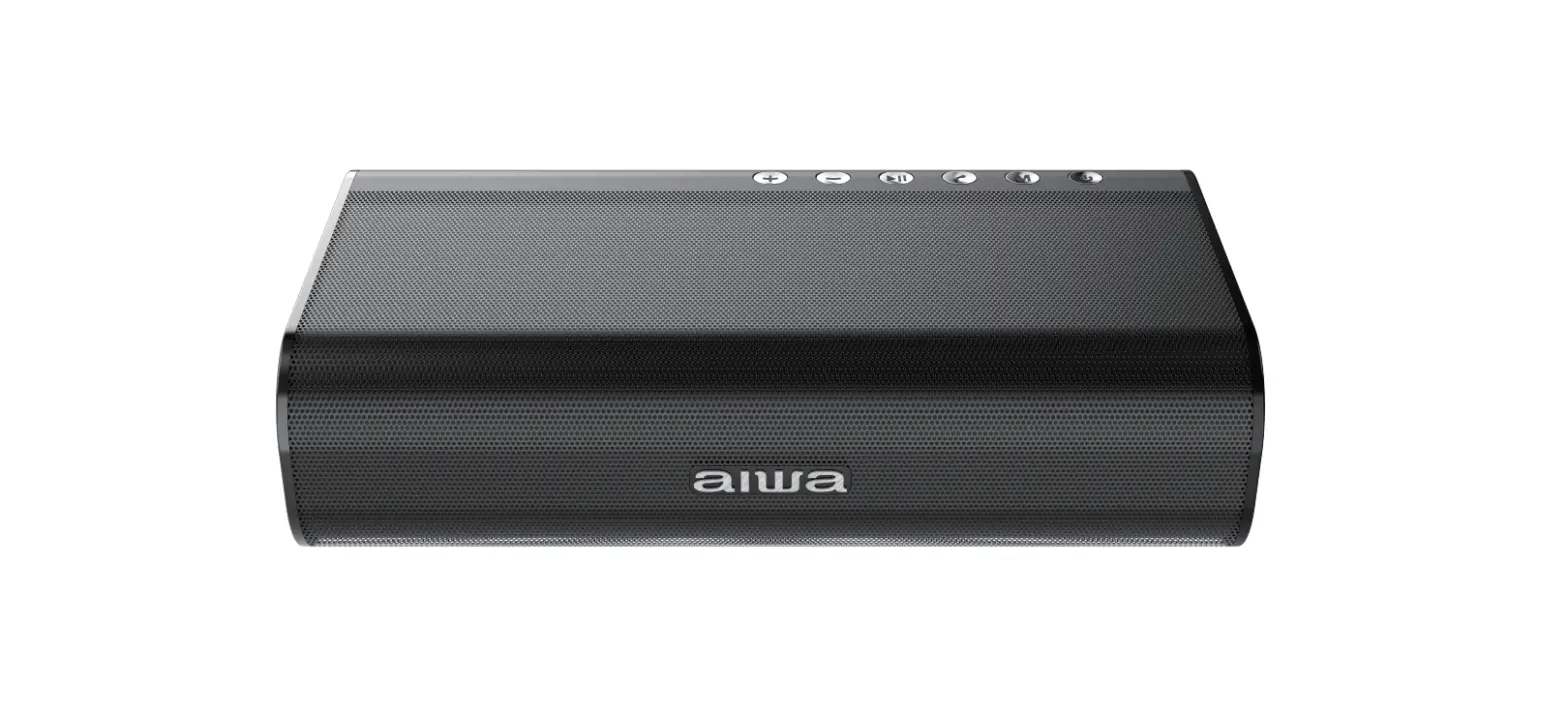
aiwa SB-X150 II THEATREMAX Wireless Portable Speaker 40W User Manual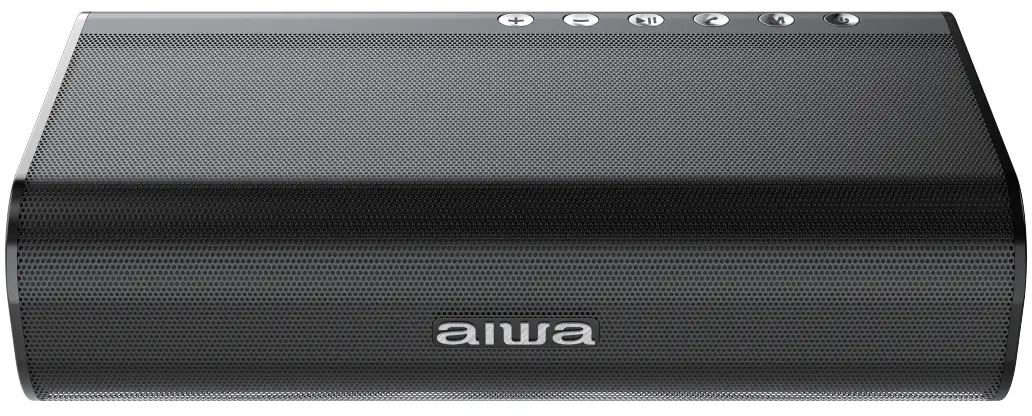
Unboxing
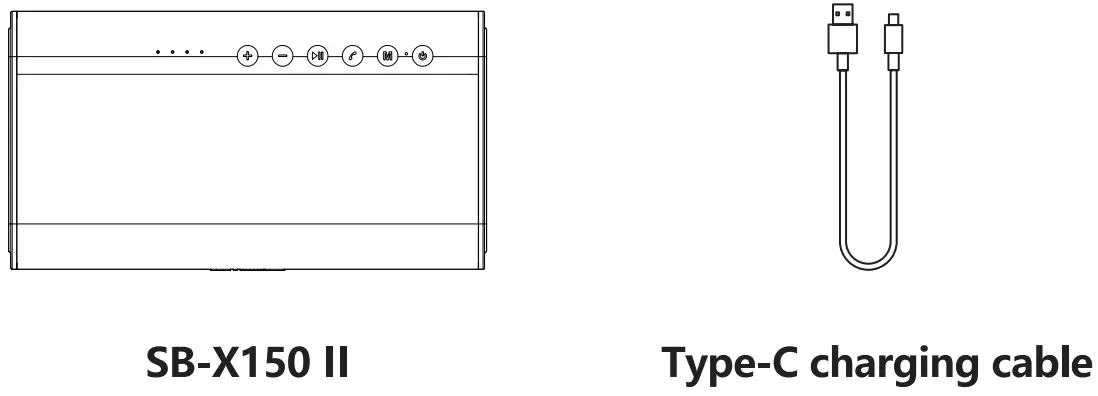
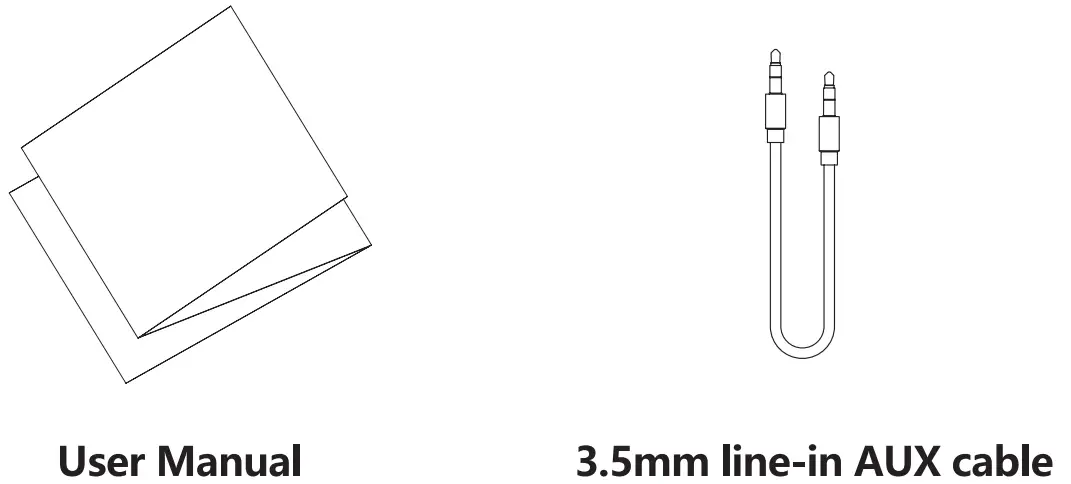
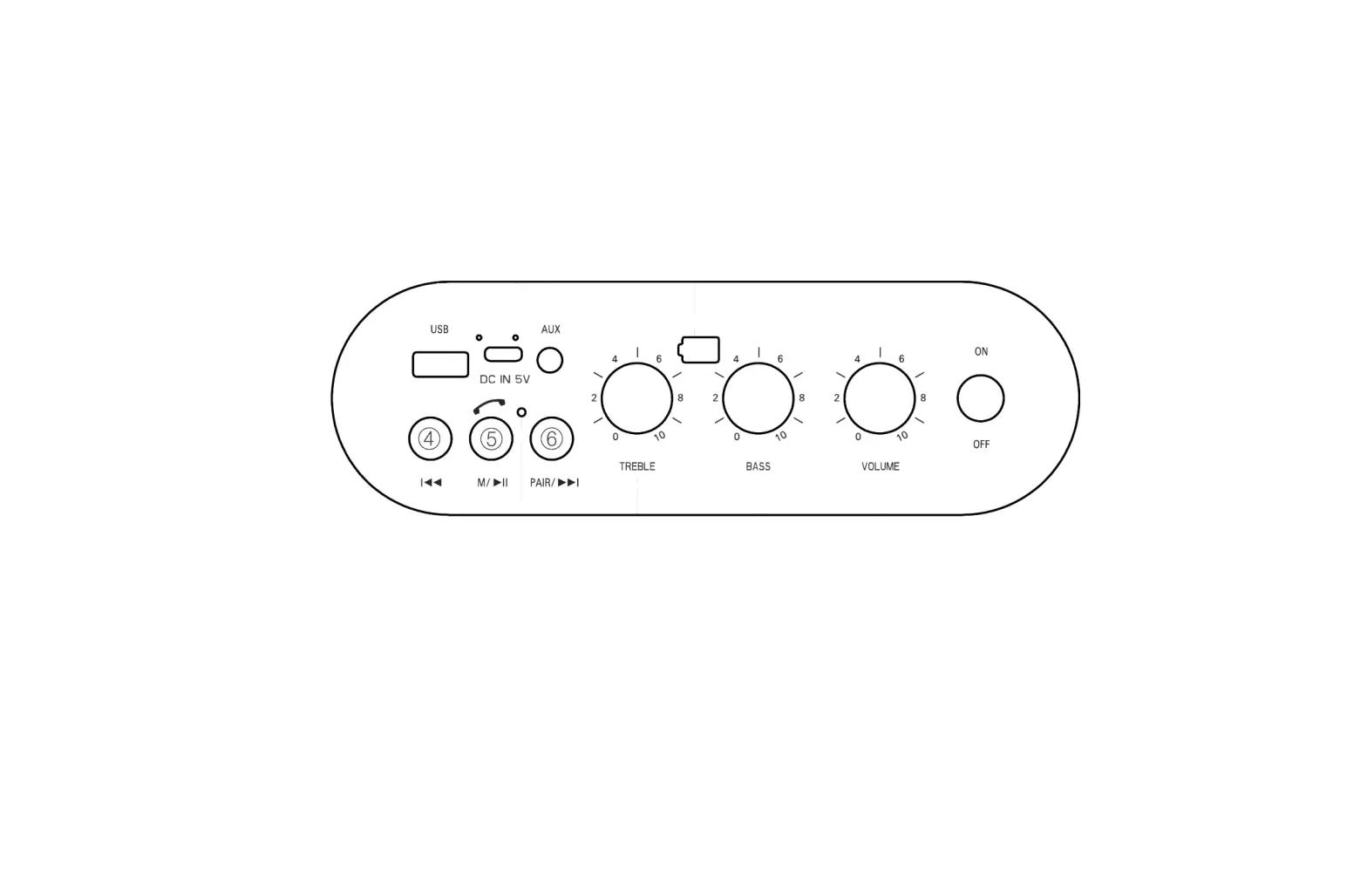
Product Overview
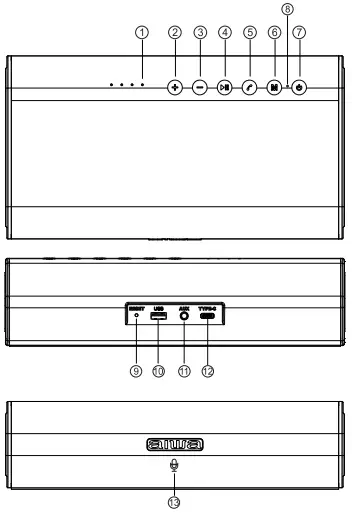
- Battery life indicator light
- Volume+/Next track
- Volume-/Previous track
- Play/Pause/TWS connection/BT Disconnection
- Hands-Free calling
- Mode
- Power button
- Status indicator light
- Reset button
- USB driver slot
- AUX in slot
- Type-C charging port
- Built-in microphone
Power ON/OFF
Hold down power button  for 3 seconds.
Switching playback modes
Short press mode button  to switch between BT-AUX-USB mode.
TWS Connection/ BT Disconnection
Double press  to initiate TWS connection.
Long press to disconnect BT connection.
Volume +/-, Next/Previous Track
Long press  &
&  button to decrease & increase audio volume respectively. Short press & to trigger previous & next track respectively.
USB driver playback
Insert the USB driver( Audio prompt accompanied by Orange indicator light indicates successful connection).Playback will start immediately
AUX Line-in Playback
Power up the speaker, insert 3.5mm audio cable. (White indicator light indicates successful connection).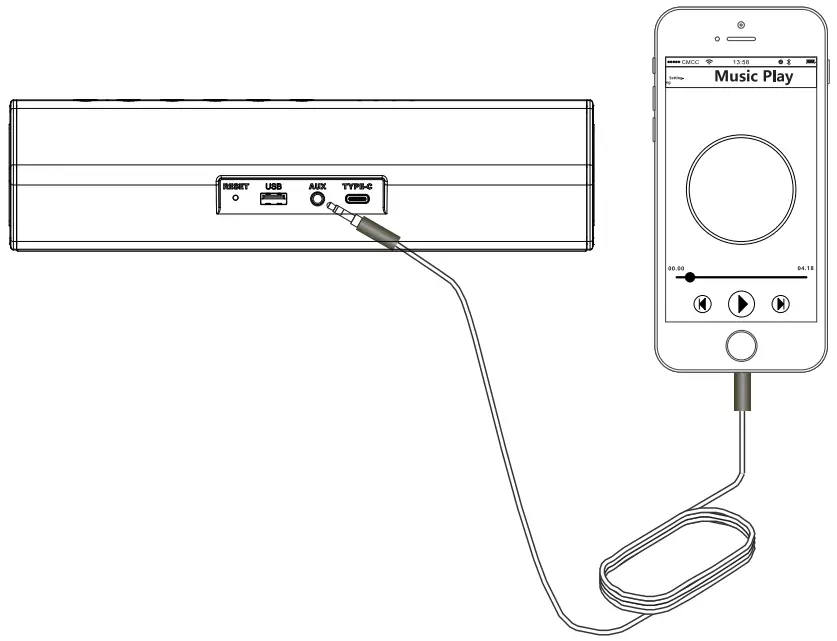
BT Connection
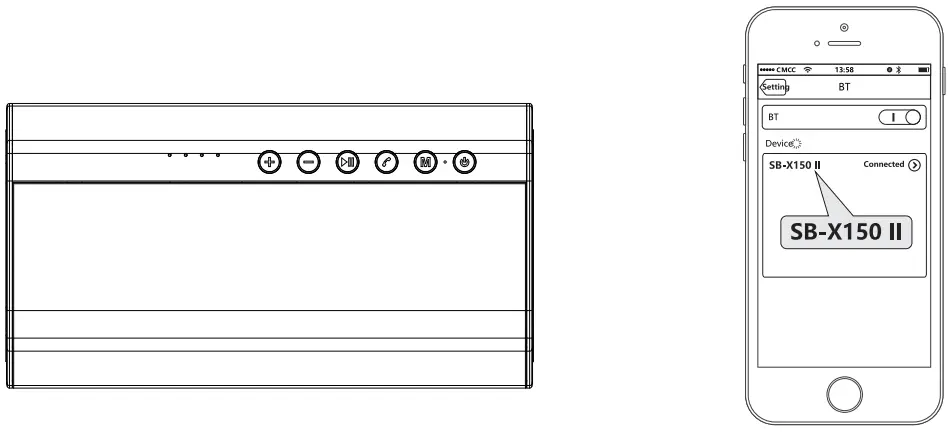
- Power on SB-X150 II.
- Find “SB-X150 II” in your mobile
Battery & Charging
Connect Micro-USB charging cable to any power source and to SB-X150 II as shown.
*Supports 5V,9V,15V,20V quick charging. Maximum quick charging output: 40 WA
*Charging time:3-5hours*
*Playback time:6-8hours*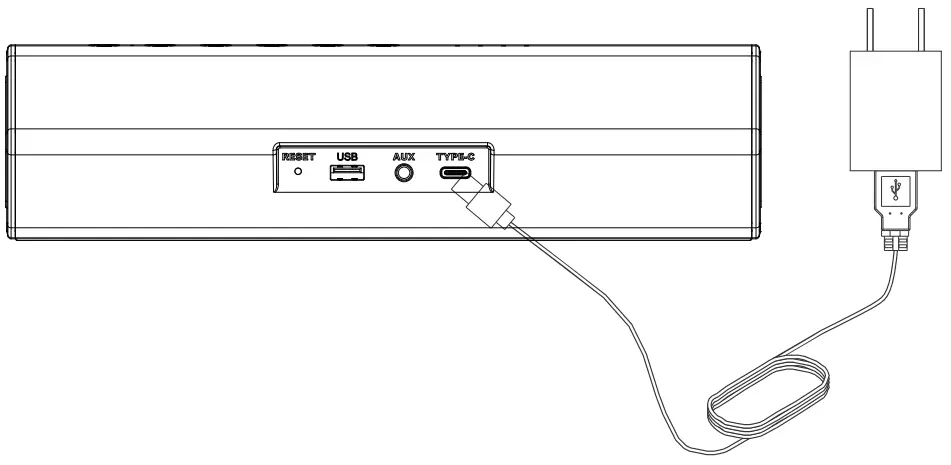
TWS (True Wireless Stereo) Playback
Double press TWS button on both devices simultaneously to connection.
(Product is compatible with our SB-X Range 100/120/15011. to www.int-aiwa.com for more updated information regarding our Product line-up.
Perform BT connection (refer to BT Connection) with host unit only (Flshing Indicator Lights)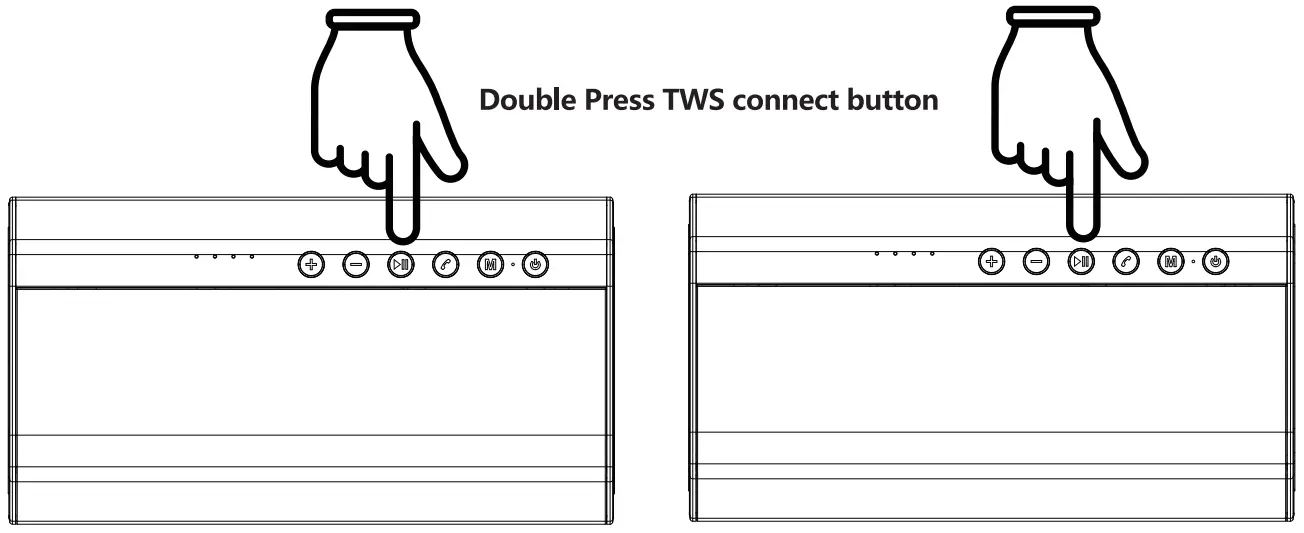
TWS (True Wireless Stereo) Disconnection
Long press TWS button to stop TWS connection.
Connect to 2 devices
The SB-X150 II can connect up to 2 devices.
Perform BT connection twice sequentially (refer to BT Connection) with the speaker unit.
SB-X150 II will prioritize the first connected device s playback. Pausing of the first device playback is necessary for secondary device playback.
LED Indicator light
BT mode:
Flash quickly BT ready to pair
Flash slowly BT connected successfully
Stay on Playing music
Flash Slowly Pause
White AUX mode:
Stay on AUX IN Playing
Flash slowly Pause
Orange USB mode:
Stay on USB Play
Flash slowly Pause
Low Battery:
Audio prompt ” Beep” will be played. Speaker will shutdown after 3 prompts.
Specification
| Item:Wireless Portable Speaker | Model name:SB-X150 II |
| Rated Voltage:DC5V | BT version:5.0 |
| Rated input currentlA | Support Audio formataptX/SBC/AAC/MP3 |
| BT working rang:20M | Battery:18650/2000mah*4 |
| Mid&high driver output:10W*2 | Bass driver output:20W |
| Play time:6-8Hours | Charging time:3-‘5Hours |
| Dimension:2301 25*60mm | Weight:1122g |
Aiwa Electronics Inel Co., Ltd.
Explore more at www.int-aiwa.com