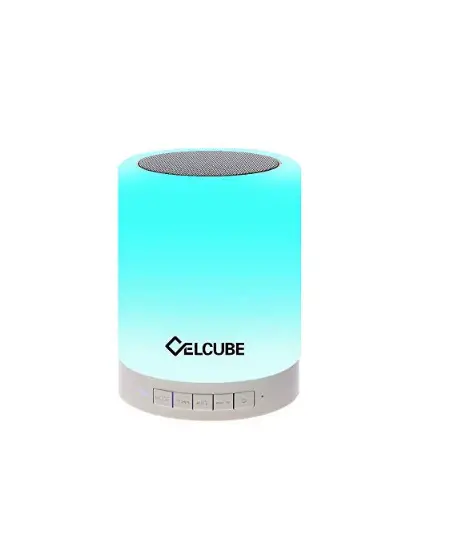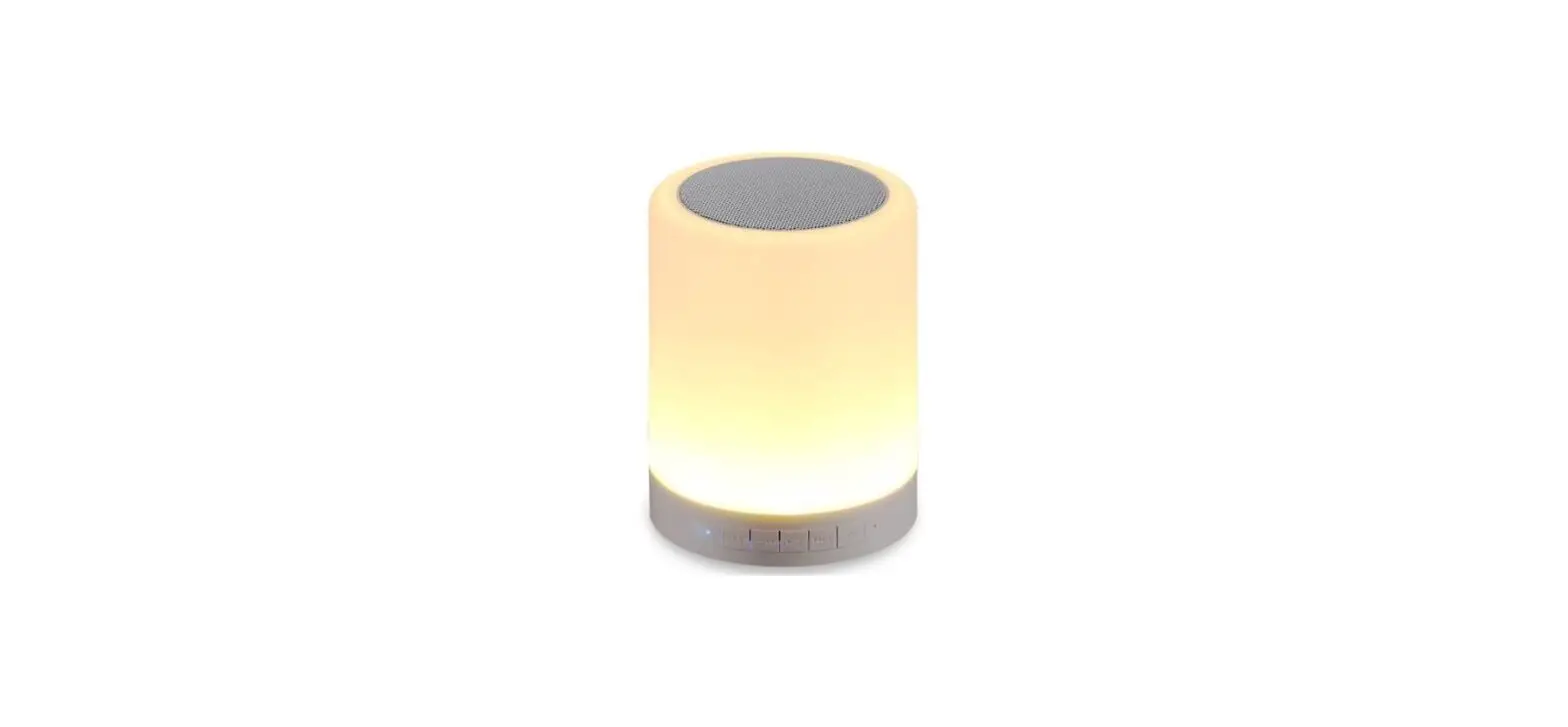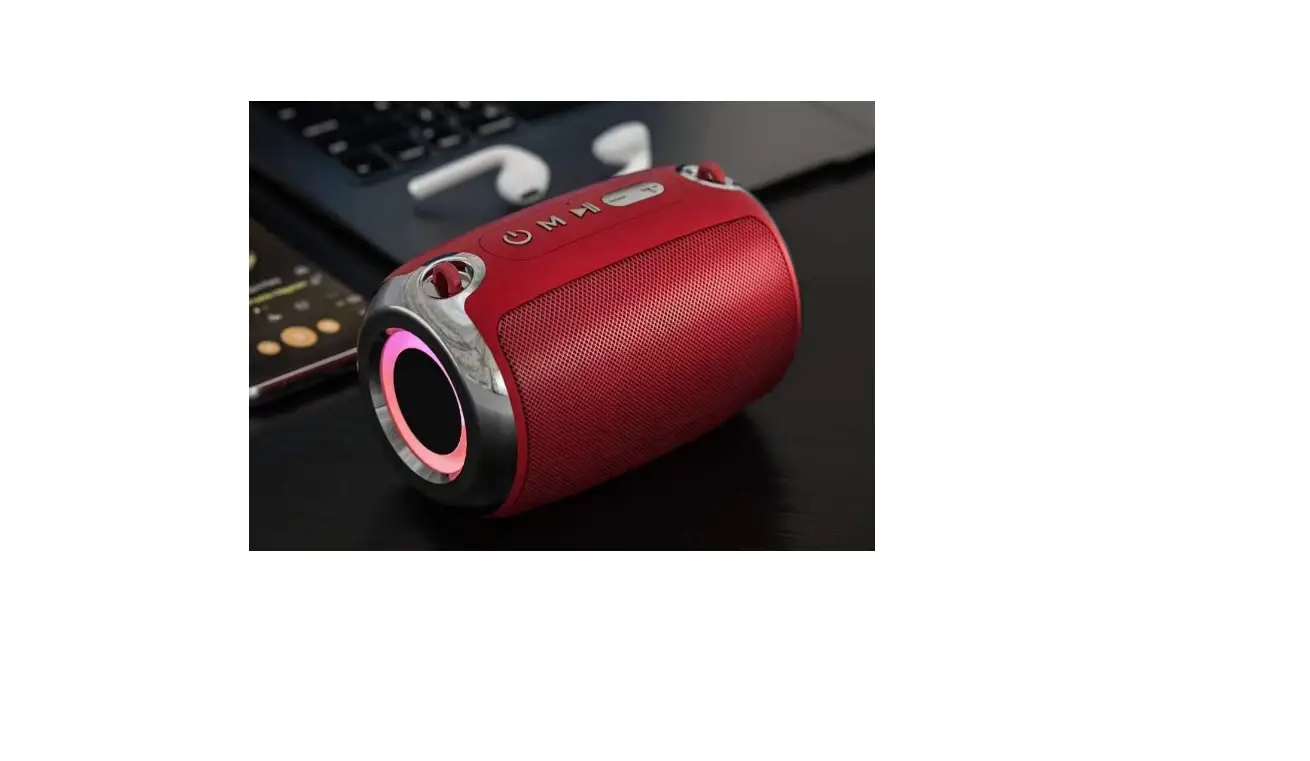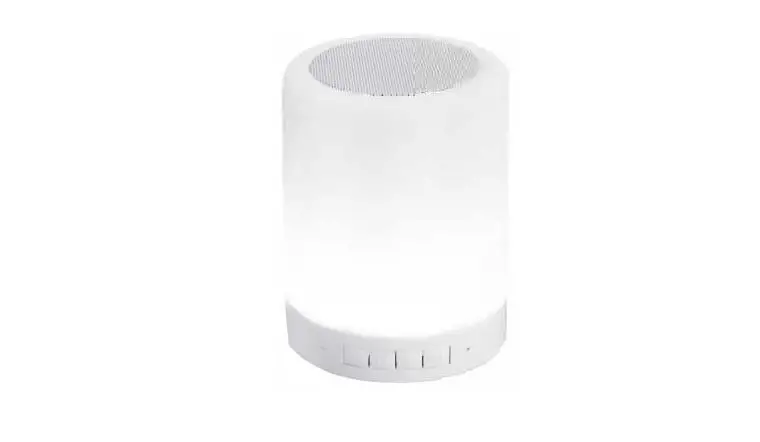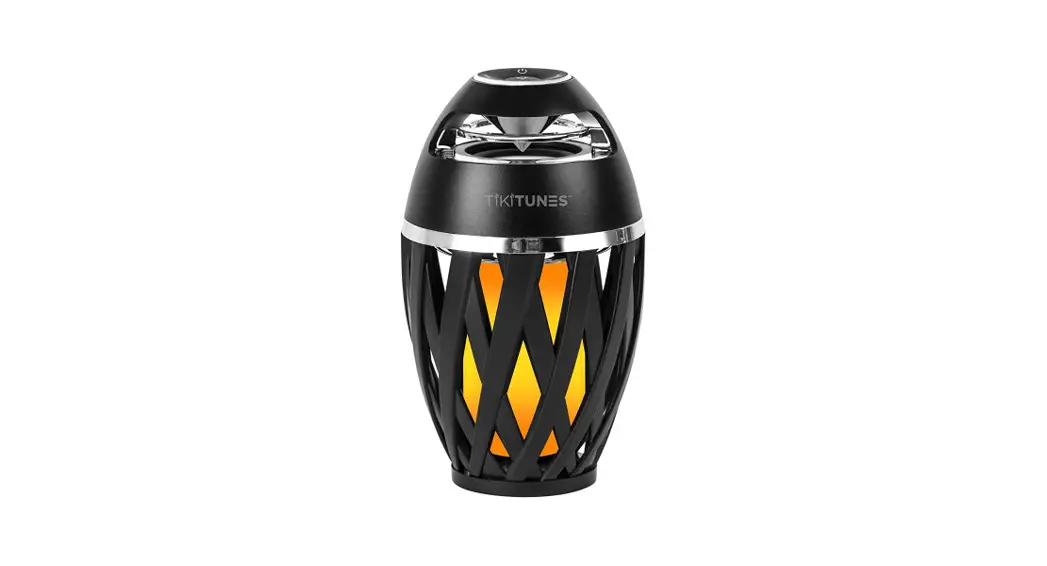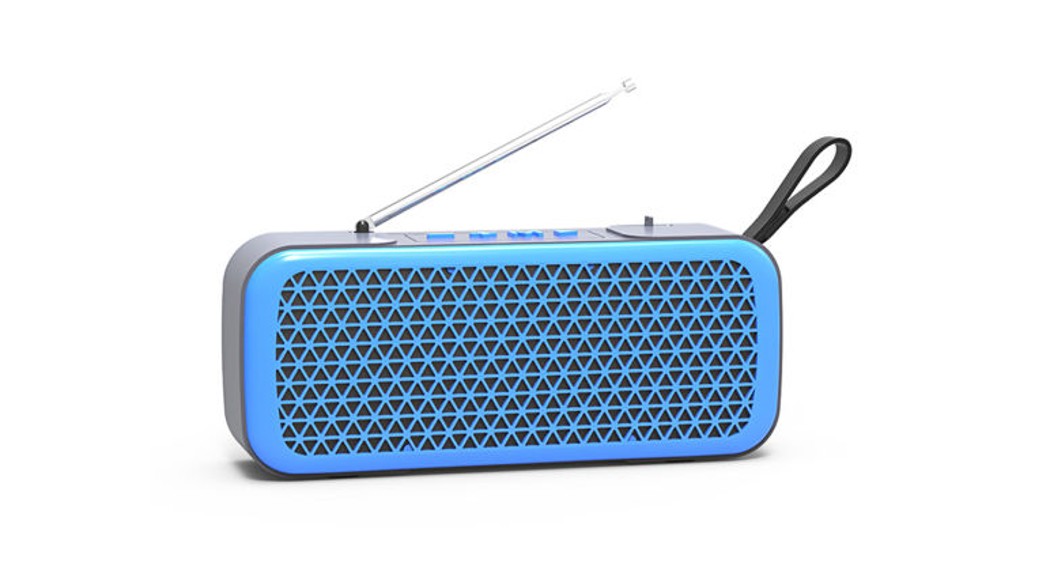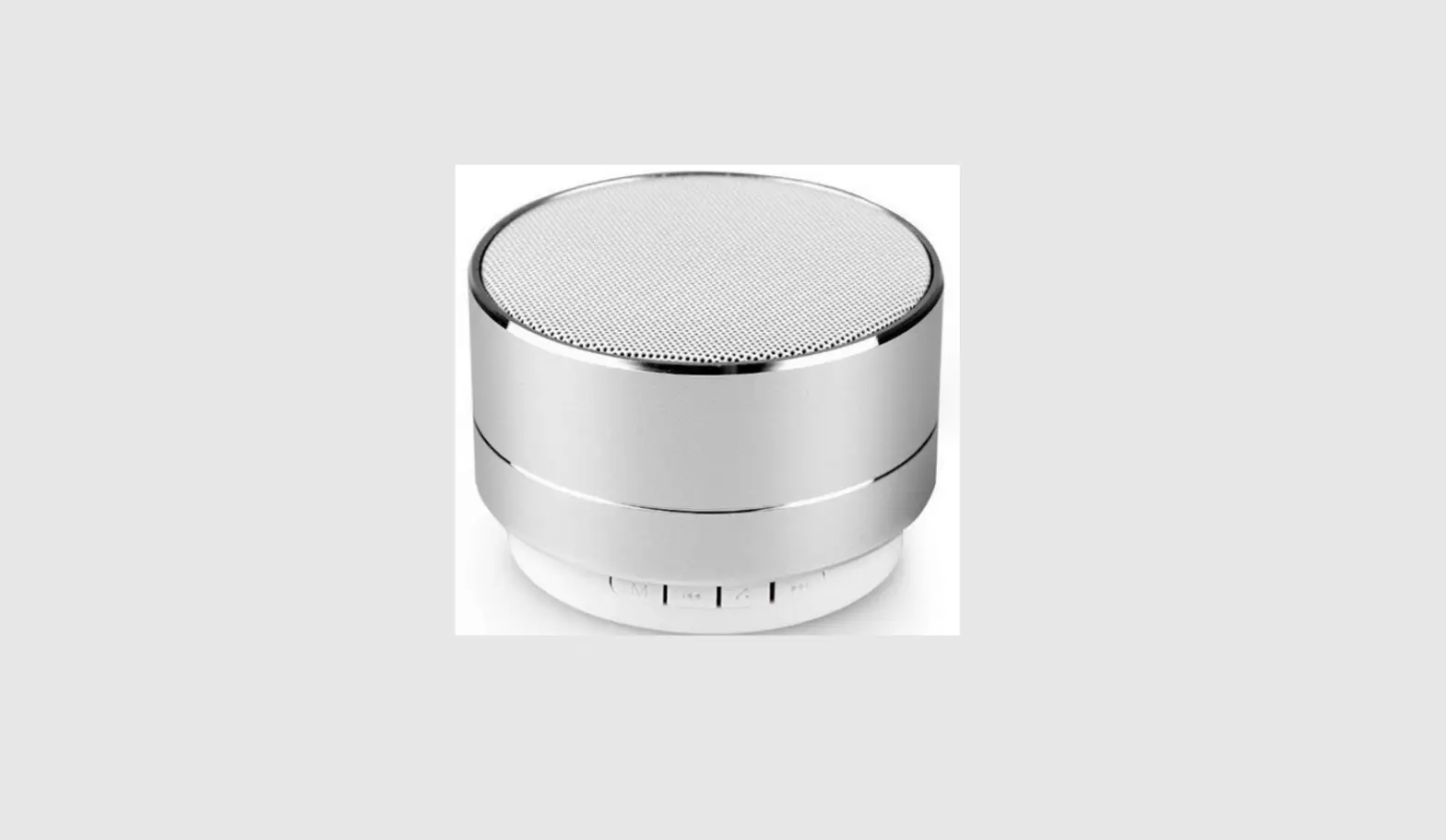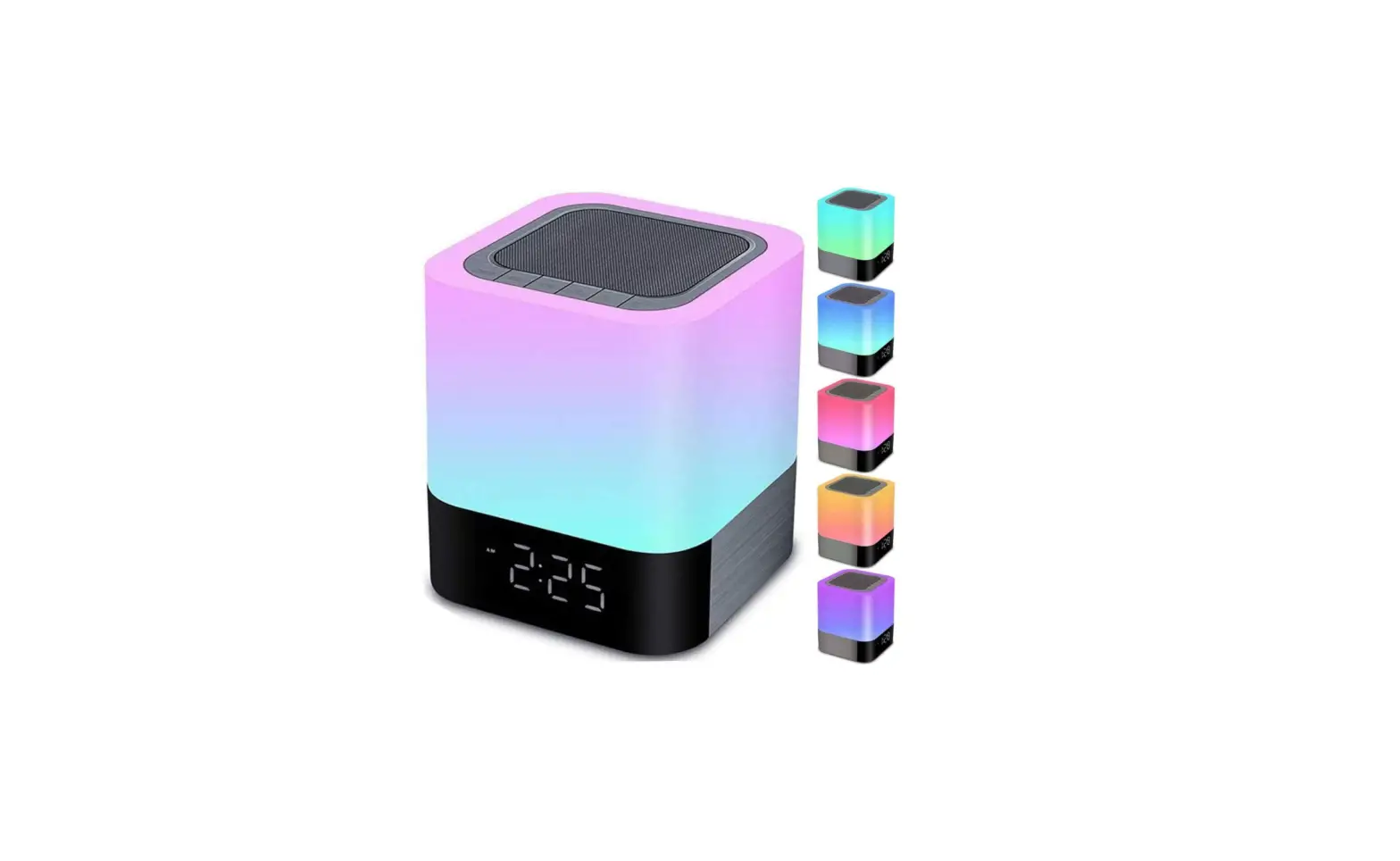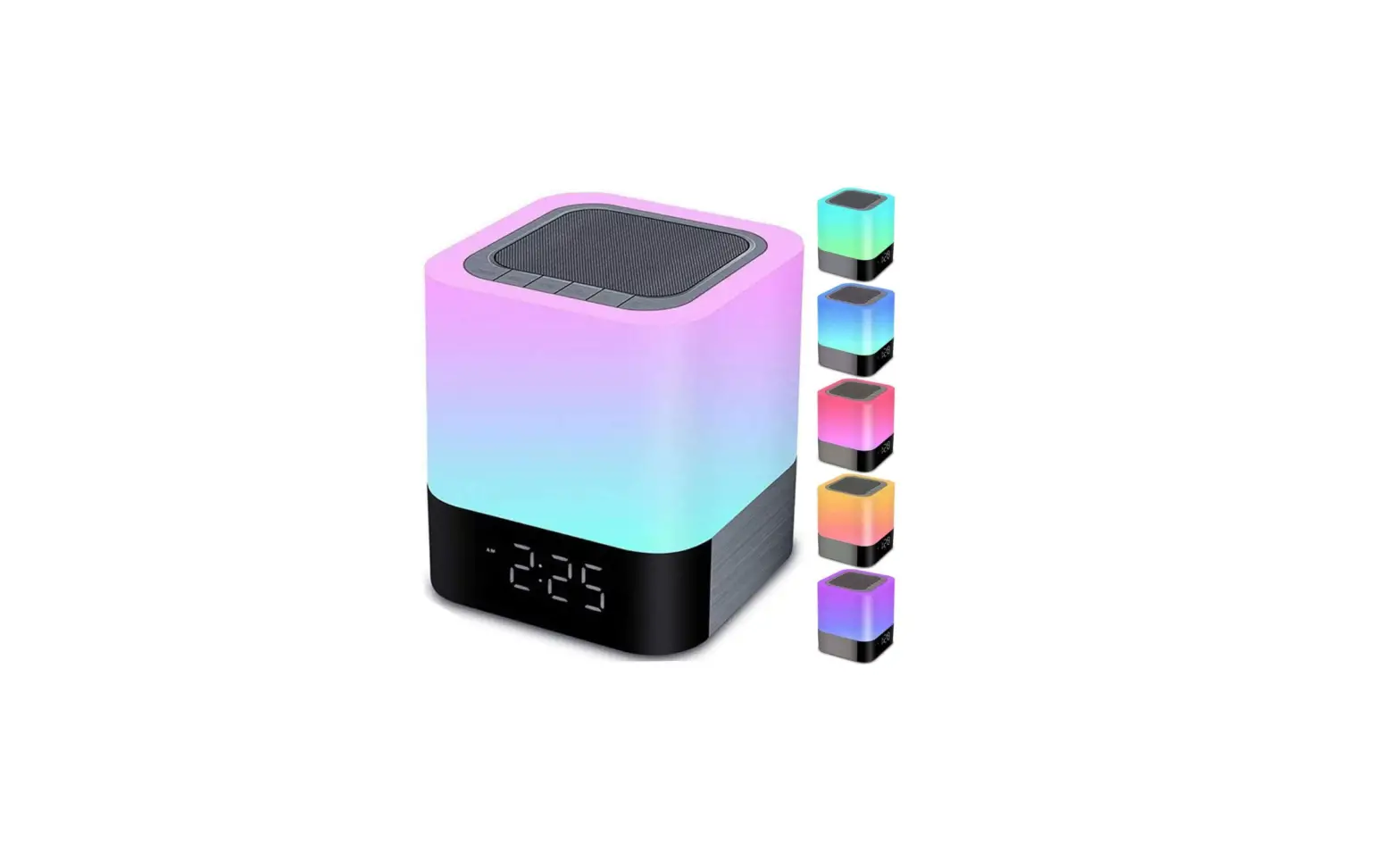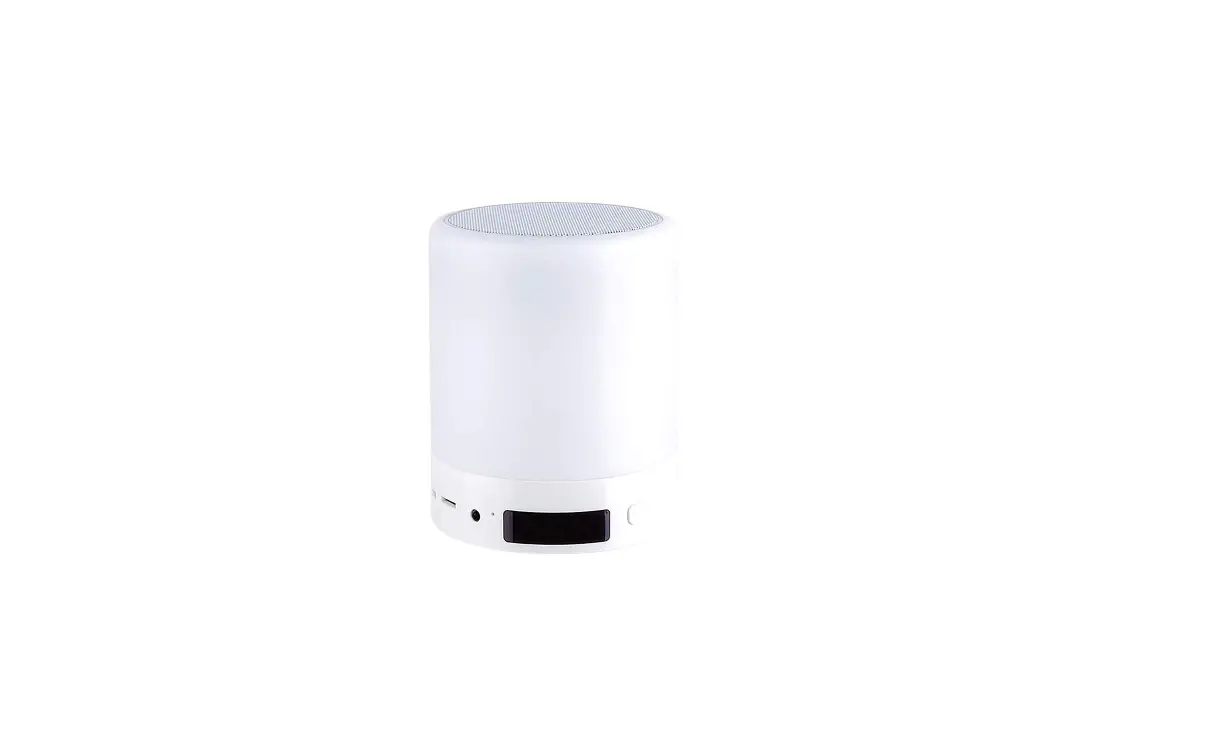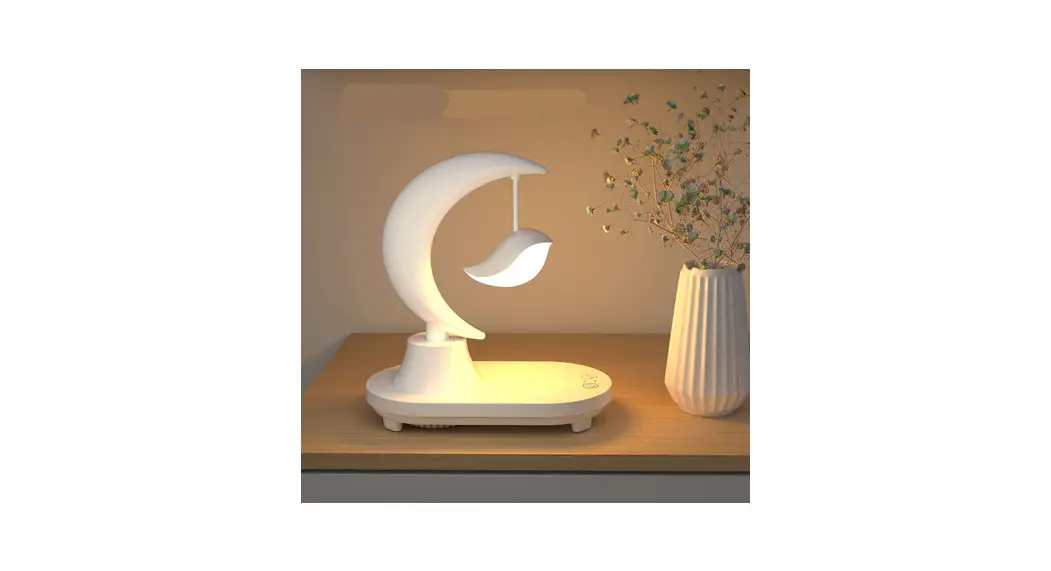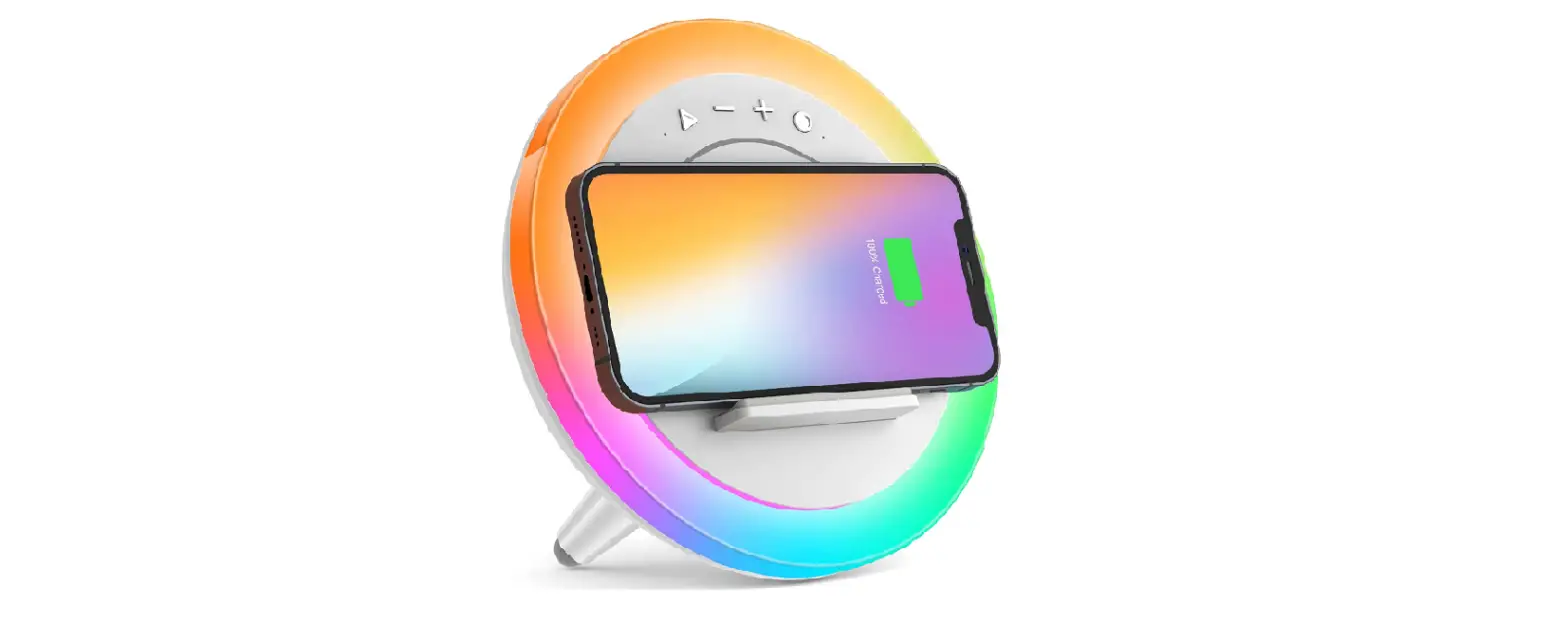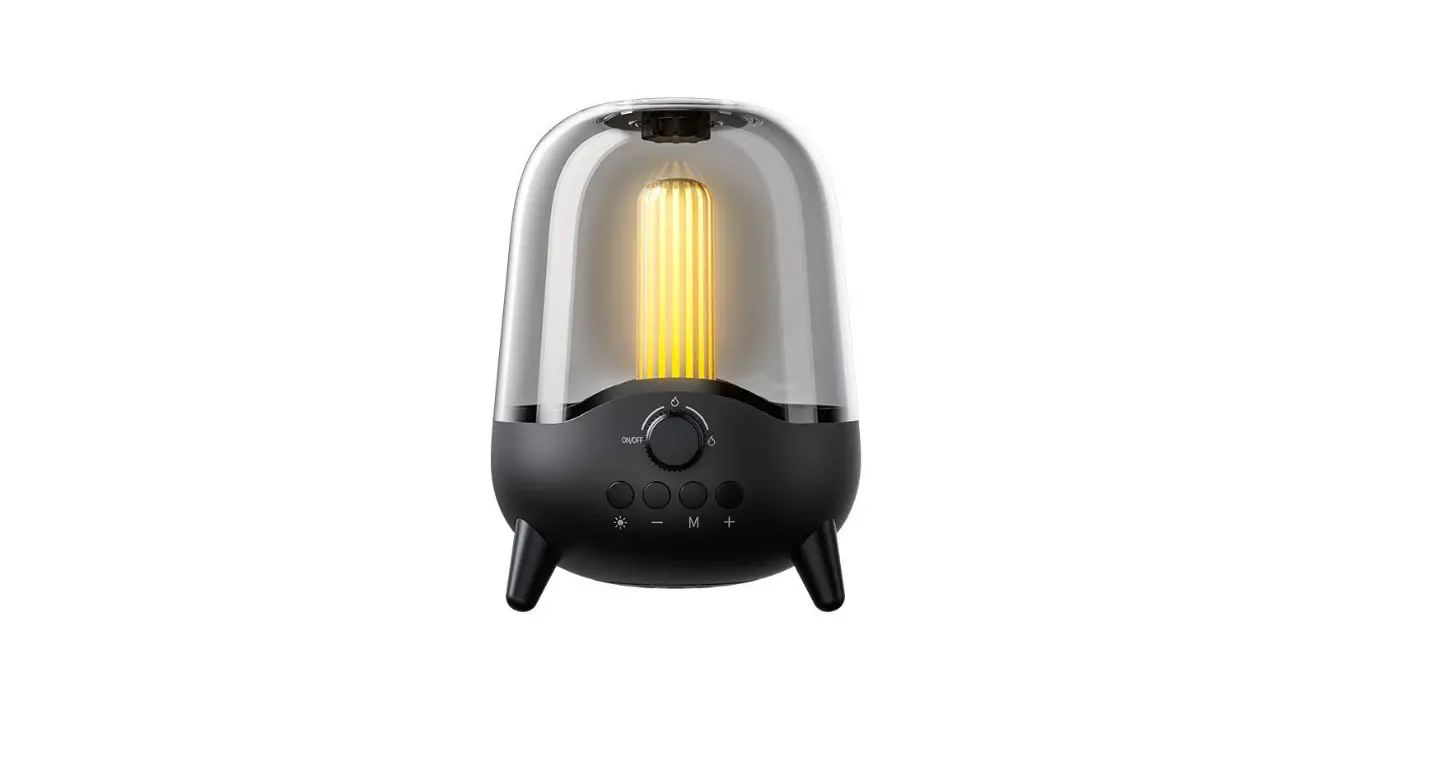

Dongguan P-20 Breathing Night Lights Bluetooth Speaker
 Introduction
 Introduction
Thanks for purchasing intelligent atmosphere Bluetooth speakers.In order to let you make good use of this product and enjoy after-sales service,please carefully read this operation manual before using the product and take good care of the warranty card and qualifier.
Please follow the below safety tips before using the Bluetooth speaker.
- Read and understand all safety tips.
- Obey the warning and instruction information on the product.
- Please charge the product once each month to prolong the lithium battery life-span when you do not use the product for long time.
- Please use an adaptor with an output of 5V/1A to charge the product to avoid damage to the product.
- Keep the product away from rain, moisture and liquor.
- Keep the product away from the high-temperature hot source.
- Keep the product avoid dropping, striking and under great pressure.
Warm reminder
Please charge the lithium battery 6 hours for first use and 3 hours for usual use.
Suggest use 5V/1A USB adaptor to charge lithium battery.
The lithium battery goes into sleep mode if it has not been used for a long time,please charge the battery long time to activate it.Before activating the battery,the product maybe can not be turned on because of low voltage,or the sound is not stable.
The package includes the follows:
- Bluetooth speaker:1 pc
- Type-C charging cable: pc
- Audio cable: 1 pc
- Operation manuals: 1 pc.
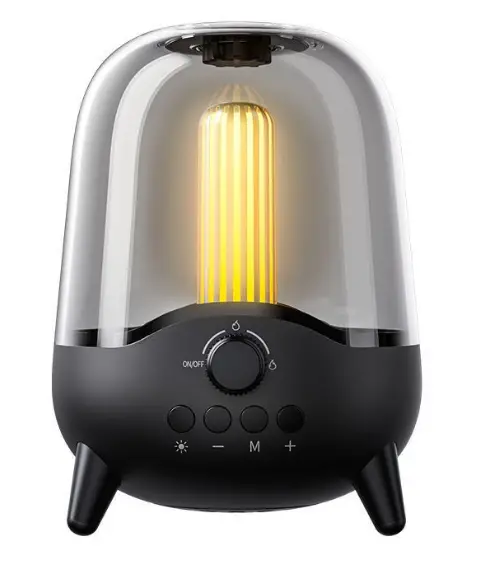
Function diagram
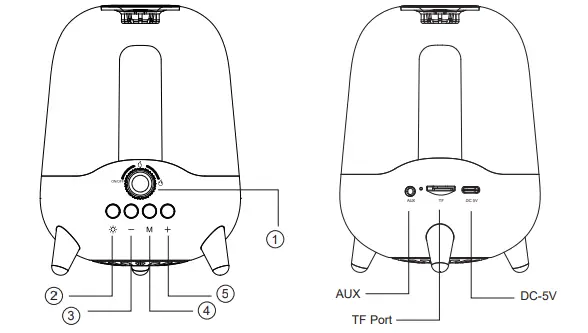
| 1 |  | Turn cockwise:Turn on / Lighten candlelight Counterclockwise rotation:Turn off / Dim candlelight |
| 2 |  | Short press:Switch light mode between Candlelight / Long press:Close / Turn on light |
| 3 |  | Short press:Decrease the volume Long press: Previous song Double-click:Disconnect TWS matching |
| 4 |  | Short press:Pause / Play Long press:Switch mode between Bluetooth / FM Radio Double-click:Automatic searching / Disconnect bluetooth |
| 5 |  | Short press:Increase the volume Long press:Next song
|
Night Lights function
- Night Light mode: clockwise rotation “
 ” button on and light on.
 - candlelight mode: press “
 ” button to switch the light mode, short press again to exit candlelight mode.
 - Turn off the light: long press ” ” button for three seconds to turn off the light (sound function to keep working).
Bluetooth mode
- Turn on Bluetooth: turn clockwise to turn on the product and enter into Bluetooth mode(with a warning tone),it means the Bluetooth is scanning.
- Bluetooth match: press to connect when the phone finds Bluetooth of“P-20”, the match will succeed after a few seconds(with a warning tone of success).
- After connecting Bluetooth: while playing songs, press the “+” and“-” buttons to increase or decrease volume, long press the “+” and “-” buttons to play next or previous song, and press the “M” button to play or pause.
- Disconnect BlueTooth: Double-click the “M” button.
FM mode
- Long press the “M” button to enter into FM mode. Double-click the “M” button to scan and save stations. After scanning, the product plays the first station.Long press the “+”and“-” buttons to switch stations.
- Turn off the radio: press the “M” button.
Scanning time and result depend on local stations’ signal strength.
TF card mode
The speaker reads the TF card and plays songs after the TF card is inserted. Press buttons to control the playing of songs.
AUX mode
Use 3.5mm audio cable to connect the product and AUX, There will be a warning tone after the connecting succeeds,then the product will play AUX audio
TWS mode
- After turning on two products, they will match(with a warning tone of success),then connect the phone with one of the two P-20s by Bluetooth, the two P-20s will work for the phone synchronously to get better stereo.
- Disconnect TWS: Double-click “-” button to disconnect two P-20s.
Charging
Use USB cable(of the product) to charge the lithium battery.After charging,the indicator turns red and it means the charging works,the indicator turns off after the charging is completed.
Trouble removal
- The product powers off ater it is turned on:the battery is low, please charge the product.
- The product powers off or restarts while playing: the battery is low, please charge the product.
- No sound from the speaker: check if turn on the volume.
- No function or improper function for buttons: turn off the product and restart the product.
- Fail to match Bluetooth: Firstly check if Bluetooth is turned on; Secondly, check if there is scanning; Finally check if the matching is correct.
Technical specification
| Product name : Night Lights Bluetooth Speaker | Frequency response: 200HZ-20KHZ |
| Model No : P-20 | Wireless range: 10 m |
| Bluetooth version: 5.0 | Case material: PC+ABS |
| Product size: 110 (D)*148mm(H) | Battery capacity: 3.7/1800mAh |
| Speaker diameter: 52mm | Power source input: 5V/1A |
| Speaker power: 3 Ohms 5W*1 | Playing time:5-6 hours for playing songs |
| Functions: bluetooth,FM,TF and candlelight | Color:black,pink and green |
| SNR: ≥80db |
FCC Rules
This device complies with part 15 of the FCC Rules. Operation is subject to the following two conditions: (1) this device may not cause harmful interference, and (2) this device must accept any interference received, including interference that may cause undesired operation.
Any changes or modifications not expressly approved by the party responsible for compliance could void the user’s authority to operate the equipment.
NOTE: This equipment has been tested and found to comply with the limits for a Class B digital device, pursuant to Part 15 of the FCC Rules. These limits are designed to provide reasonable protection against harmful interference in a residential installation. This equipment generates, uses and can radiate radio frequency energy and, if not installed and used in accordance with the instructions, may cause harmful interference to radio communications. However, there is no guarantee that interference will not occur in a particular installation.
If this equipment does cause harmful interference to radio or television reception,
which can be determined by turning the equipment off and on, the user is encouraged to try to correct the interference by one or more of the following measures:
- Reorient or relocate the receiving antenna.
- Increase the separation between the equipment and receiver.
- Connect the equipment into an outlet on a circuit different from that to which the receiver is connected.
- Consult the dealer or an experienced radio/TV technician for help.
The device has been evaluated to meet the general RF exposure requirements. The device can be u sed in portable exposure conditions without restriction