 FLASHLIGHT
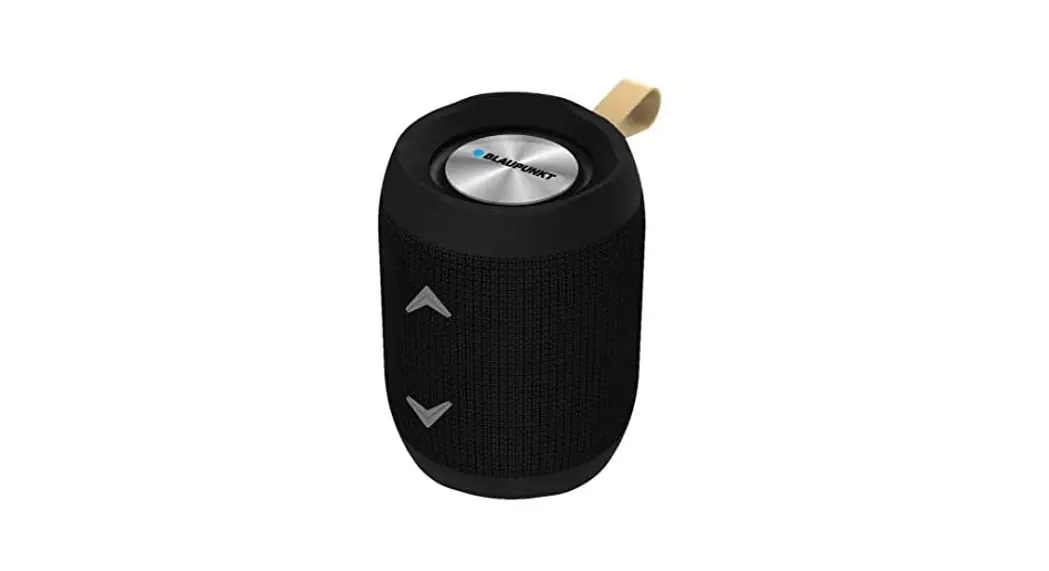
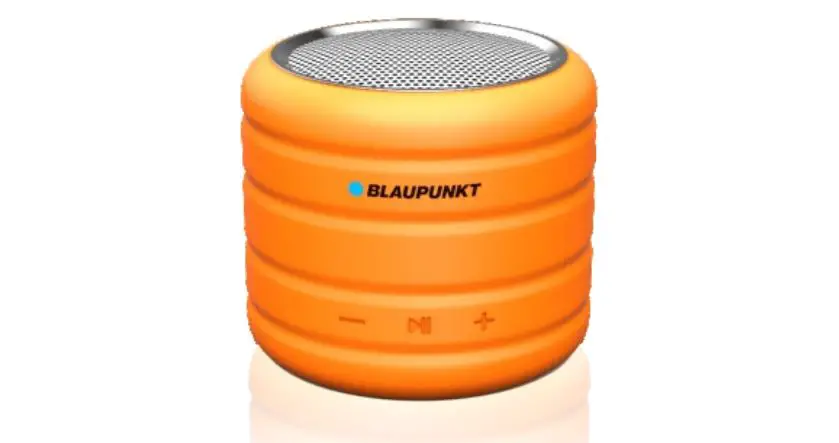
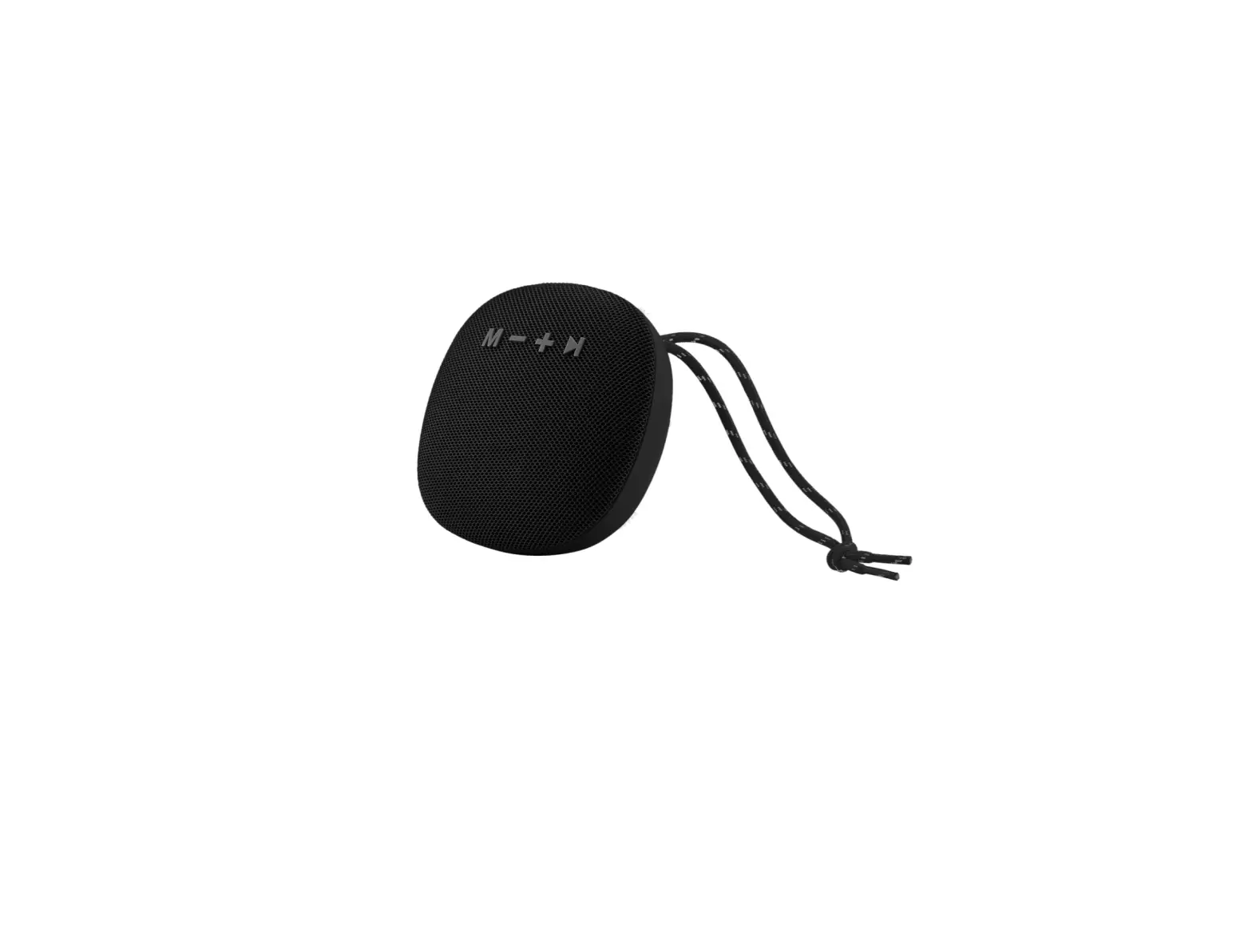
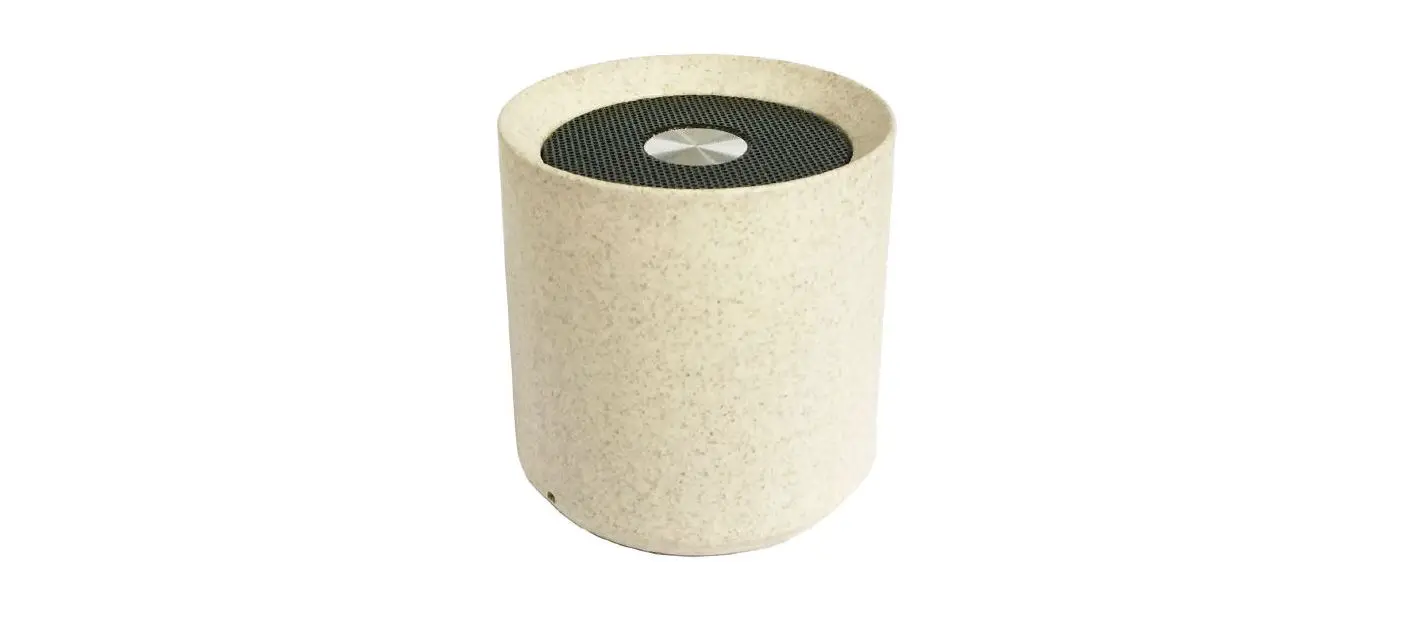
WIRELESS SPEAKER
Dear customer:
Thank you for choosing our product. please read all the instructions carefully and retain the manual for future use.
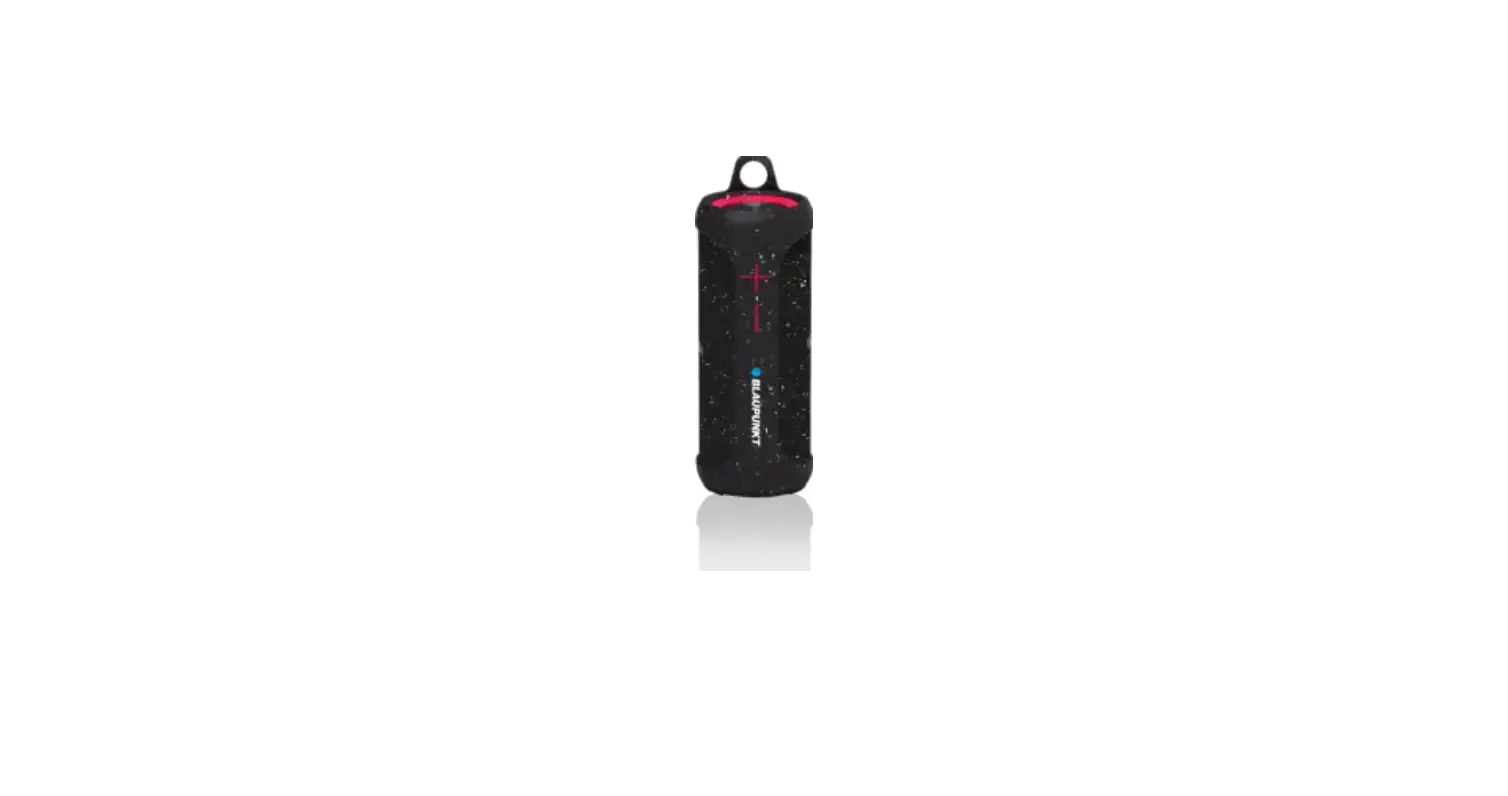
Presentation of the product
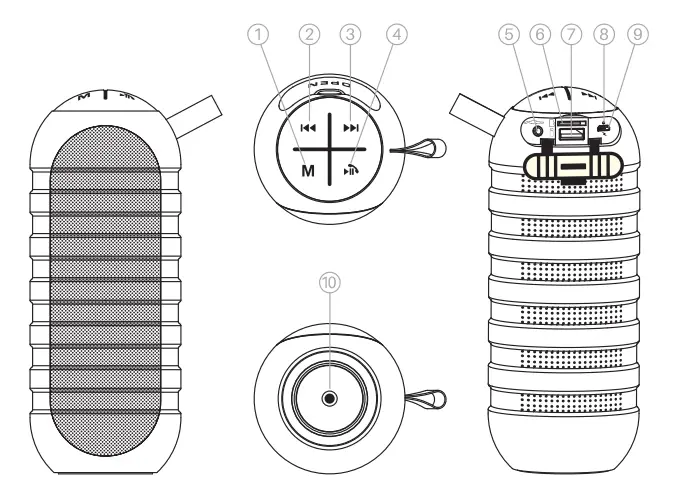
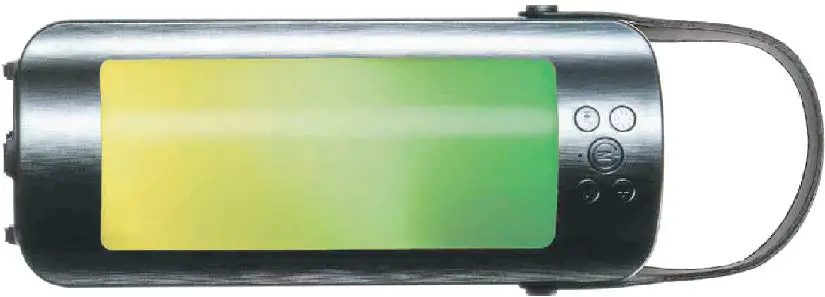
- Long press : ON/OFF switch
Mode switch : Wireless / FM / AUX / USB / TF Card Mode switch - Short press : Previous song
- Long press : Volume decrease Double press : Flashlight / SOS
- Short press : Next song
- Long press : Volume increase Double press : TWS connection
- Short press : Pause / Play / Hands free call / Long press : Auto search for radio station
- AUX input micro TF card slot
- USB Flash drive slot LED indicator
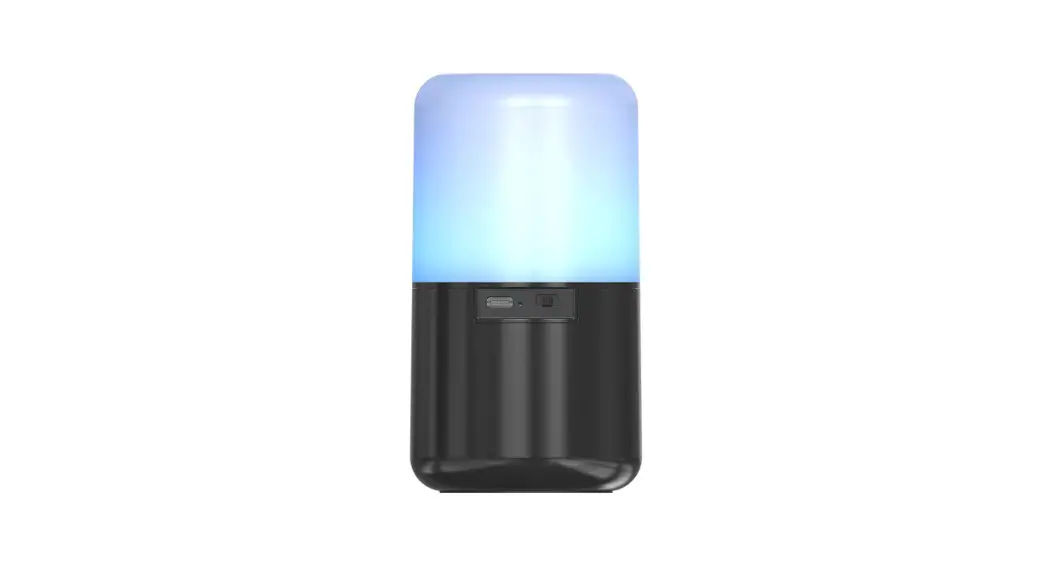
- Charging port
- LED Light
Charging the speaker
The speaker has built in rechargeable battery. When the battery is drained out, speaker would turn off automatically. Please recharge the battery
Plug the Micro USB end of the USB rechargeable cable into the charging port. Plug the other end into a US8 port on your computer or other devices made for USB charging. Red LED Light illuminates indicating that the device is being charged. Once the speaker is fully charged, LED Light would turn OFF,
Important reminder
Please do not disassemble, repair or transform the product
- This product used lithium battery, please do not discard or put it in the fre.
■ Do not expose this product to rain or humidity, so as to avoid the damages to the Please do not recharge the device repeatly, or the lithium battery inside would be aging quickly. - In the FM radio mode, please insert the charging line to the charging port, to get better radio signals and better listening experience.
Pairing the device
- Long press key M to power on the speaker.
- You wilt hear beeping sound and words The wireless device is ready to pair. The status LED will flash blue, indicating that the device is in pairing mode
- Set your wireless-enabled device to search for wireless devices.
- When the wireless-enabled device fnds the wireless devices, select” BLAUPUNKT BTLED tom the list of found devices.
- After a successful paining, words The wireless device is connected successfully will be heard, indicating that the device is paired and the status LED will stay solid blue
Listening to music wirelessly
Please ensure that your device ( Mobile phone, tablet or other devices ) is paired with the Wireless Speaker to stream music wirelessly. once it is paired, play music from your device.
| Music mode | Function | Operation buttons |
| Playing music | Increase Volume | Long press key key |
| Playing music | Decrease Volume | Long press key key |
| Playing music | Pause | Short press key key |
| Pause | play | Short press key |
| Playing music | Previous track | Short press key |
| Playing music | Next track | Short press key |
Note: the above functions can be used in all mode, such as Wireless play mode, USB flash drive play mode, Mnico TF card play mode, as well as FM radio mode. In AUX input mode, you need to control the medias through the media source devices. you need to operate with the source devices for previous / next track.
Hands free calling function
Please ensure your mobile phone is paired with the wireless speaker.
| Hands free mode | Function | Operation buttons |
| Incoming call | Answer incoming call | Short press key |
| Incoming call | Reject incoming call | Long press key 3 seconds |
| Incoming call | End the call | Short press key |
| ON the line | Increase volume | Long press key |
| ON the line | Decrease volume | Long press key |
| Standby mode and connected to a device | Redial last number | Short press key 2 times |
TWS connection
- Turn ON two speakers.
- Double press the
 button on any one of the wireless speakers and you will hear Ding Dong, then the speakers are connected successfully in TwS mode
 - Search for” BLAUPUNKT BTLED in your mobile phone and pair it with this device.
- Enjoy your music
- If you don’t need Tws mode, please double press the Mi button, you will hear ‘Ding Dong’ voice then the speakers are not in TWS mode
Flashlight and sos function
- Turn ON speaker
- Double press the button to turn flashlight on, double press to activate SOS function, double press the button to turn flashlight off.
Stream music from TF card or USB flash drive
- Turn ON the speaker.
- Insert the micro TF card or USB flash drive preloaded with songs, into the micro TF card slot or USB flash drive slot of the speaker correspondingly, sound message ‘USB mode” or “TF card mode” respectively will be heard. Speaker would automatically start playing songs from the micro TF card or USB flash drive.
Listening to FM radio
- Turn ON the speaker.
Insert the Micro US8 end of the US8 rechargeable cable into the charging port, and eave the other end of the cable open. US8 rechargeable cable serves as FM antenna while in FM Radio mode - Short press key M to each time until it reaches FM radio mode, sound message The Radio Mode” will be heard
TO AUTO-SCAN the stations, long press the key for 3 seconds - Short press key in to pause FM playback twill take few minutes to search all the stations. once all the stations are scanned, they get registered in memory, automatically
- Short press key or to skip selected stations
- Long press key or to decrease or increase the volume
Play music through “Auxiliary” mode
- Turn ON the speaker.
- Insert one end of the auxiliary cable (included) into the auxiliary port, sound message AUX mode” will be heard. Plug the other end to the audio device (such as phone /MP3 / Player / computer / tablet..etc)
- Select your favorite song at the source device to play.
- Long press key or to decrease or increase the volume
Note: media can be controlled only through the source devices, while playing music in auxiliary mode.
Tips!!
When the speaker is not in use, turn it OFF in order to save the battery power.
Troubleshooting
| Problem | Possible cause | Solution |
| Low sound level | Source ( Tablet, Mobile phone, Laptop, etc. ) volume too low. | Adjust source volume |
| Low battery or battery dead | Low battery or replace battery | |
| Sound distorted | Low battery or battery nearly dead | Low battery or replace battery |
| No sound at all | Source ( Tablet, Mobile phone, Laptop. ) turned off. | Turn the source on |
| Speaker turned off | Turn the speaker on | |
| Media paused on source | Play media from source | |
| Wireless BT cannot connect | There are short functional obstacles in the product | Restart the speaker |
| Product has been connected with other devices | Disable wireless BT of other source devices and search for wireless BT again |
Specifications
| Speaker | 2 pcs, 52 mm |
| Built-In Rechargable Battery | 1200 mAh, Built-in Lithium battery |
| Bluetooth Version | 5.0 |
| FM Frequency Range | 87-109Mhz |
| Micro SD Card/ USB drive | Support upto 32 GB |
| Power Input | DC 5V (1.0A) |
| Charging Time | Approx 2.5 Hours |
| Unit Size | 8.2*8.2*20.9 cm |
| Multiple Functions | TWS Connection/ AUX Input / FM Radio/USB Drive / Hands-Free Call/ Flash Light /SOS Function |
Safety instructions
- Keep the speaker away from heat sources, direct sunlight, humidity, water and any liquids
- Do not operate the speaker if it has been exposed to water, moisture or any other liquids to prevent against electric shock, explosion and/ or injury to yourself and damage to speaker,
- Do not use the speaker if it has been dropped or damaged in any way.
- Repairs to electrical equipment should only be performed by a qualifed electrician.
- Improper repairs may place the user at serious risk
- Do not use the speaker with wet hands
- Do not put objects into any of the openings.
- Keep the speaker free from dust, lint etc.
- Do not use this speaker for anything other than its intended use
- Keep the speaker out of reach of children
- This appliance is not a toy.
- Batteries ( battery pack or batteries installed ) shall not be exposed to excessive heat place, such as sunshine, fre or the like.
Care and maintenance
Read the following recommendations before using the wireless speaker. following these you will be able to enjoy the product for many years
- Do not expose the unit to liquid, moisture or humidity to avoid the product’s internal circuit being affected
- Don’t use abrasive cleaning solvents to clean the unit
- Do not expose the unit to extremely high or low temperature as this will shorten the life of electronic devices, destroy the battery or distort certain plastic parts.
- Don’t dispose of the unit in fre as it will result in an explosion
- Don’t expose the unit to contact with sharp objects as this will cause scratches and damage
- Don’t let the unit fall down onto the floor. the internal circuit might get damaged
- Don’t attempt to disassemble the unit as it may get damaged if you are not professional
Safety Warranty Information 1 Year*
If you have issue with our BLAUPUNKT BT Speaker product please contact our service center Service Centre.
Authorized Service Center Blaupunkt Speakers
Address: Envent World Wide Pvt Ltd. Khasra. No- 15/15(4-16),
Village Samalkha, Tehsil Vasant Vihar, New Delhi- 110037
E-Mail: [email protected] Tel. 18008434333
Please prepare & submit the following information during the telephone or e-mail notification to facilitate the process:
- Serial Number
- Date of purchase
- A copy of proof of purchase in case of warranty
Note- Important Information
Please use the original packaging or other suitable packaging to protect the unit in transit.