
https://maxell-latin.com/productos/bt-distrikt-portable-bt-speaker
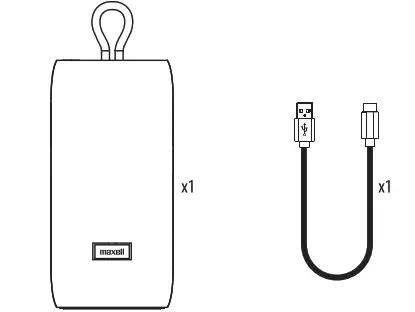
PACKAGE INCLUDES
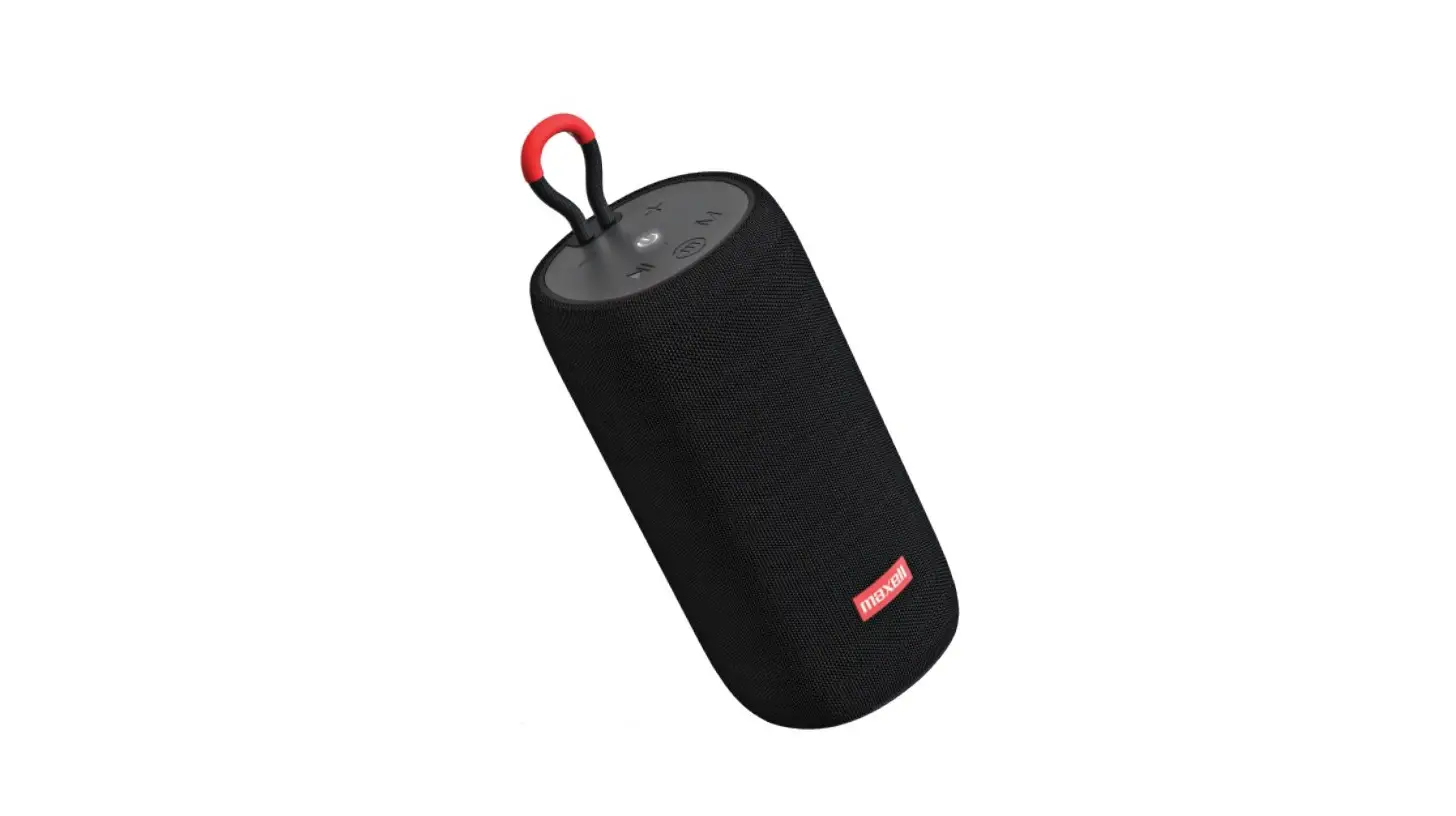
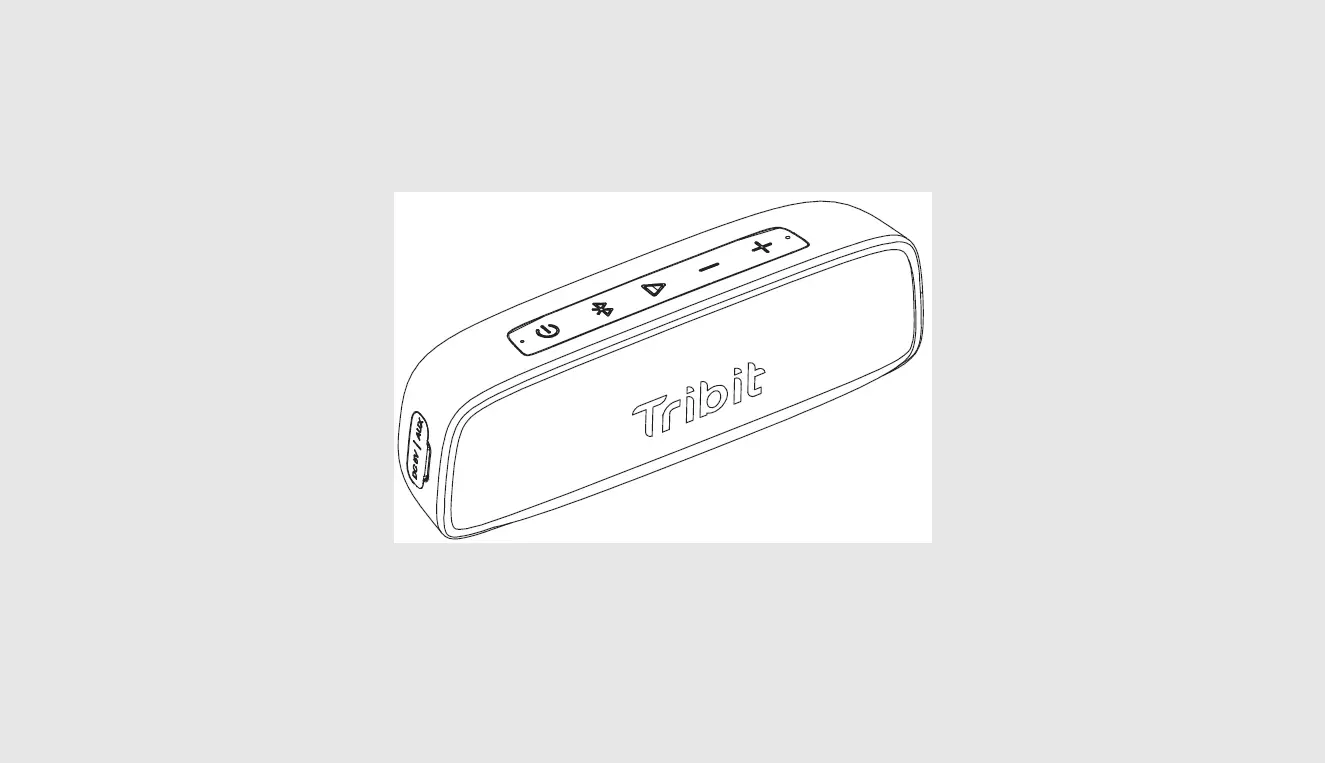
LOCATION OF CONTROLS
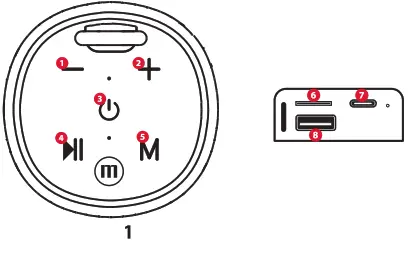
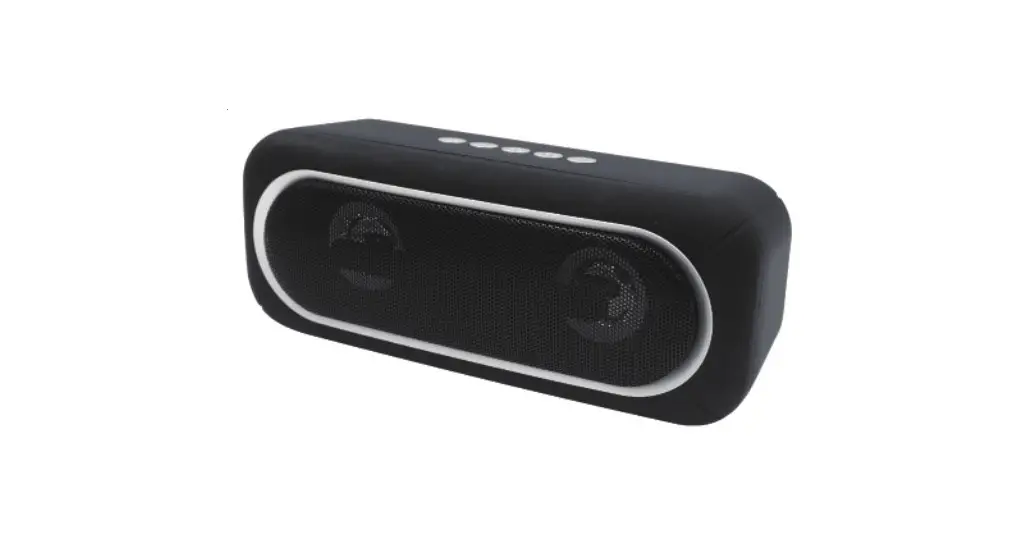
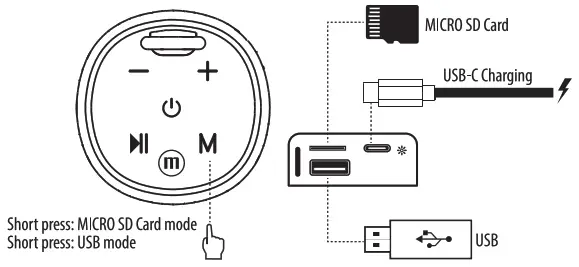
| 1 Volume- | 5 Mode Button |
| 2 Volume+ | 6 Micro SD Audio Reader |
| 3 Power | USB-C Charging Port |
| 4 Play/Pause | USB Audio Reader |
SPECIFICATIONS
Bluetooth version 5.2
Speaker: 66MM
Battery capacity: 2550mAh
Charging input : 5V/1000mAh
Talk or music: About 7 hours (50% volume)
Charging time: About 3.5-4 hours
Operating range: 10M
Output Power 10W
Connection Type: USB-C 5V
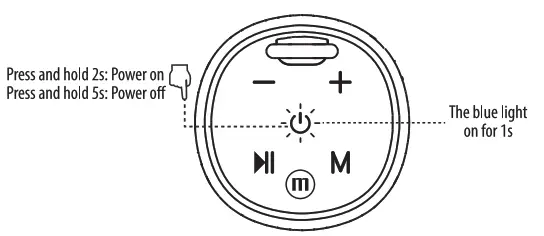
POWER
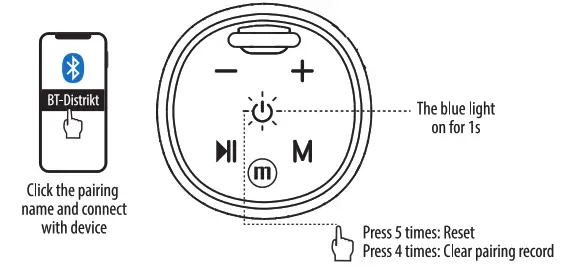
BLUETOOTH
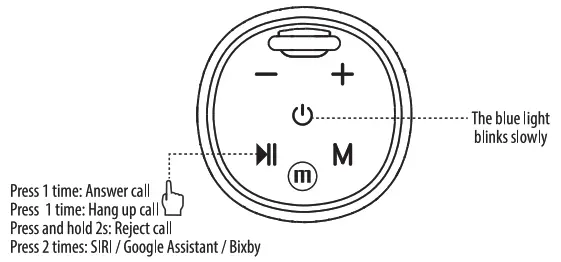
MUSIC CONTROL
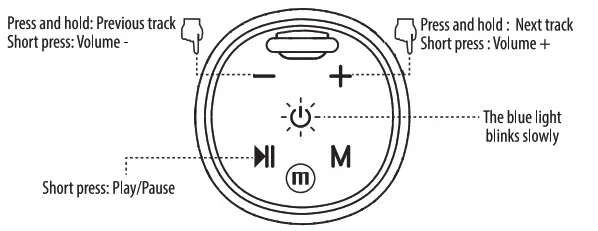
ON CALLS
CONNECTIONS
BATTERY
low battery – “Low battery” warning at 10% charge, it will warn again at 5%; Speaker will power off when battery is at 1% charge.
Power On – The blue light will flash for 1s, before powering on.
Power Off – The blue light will flash for 1s, before powering off.
Auto Power – Off After 3min of inactivity speaker will automatically power off
Charging – indicator light will turn solid red.
Charging complete – About 3-4 Hours to charge fully, red light will turn off.
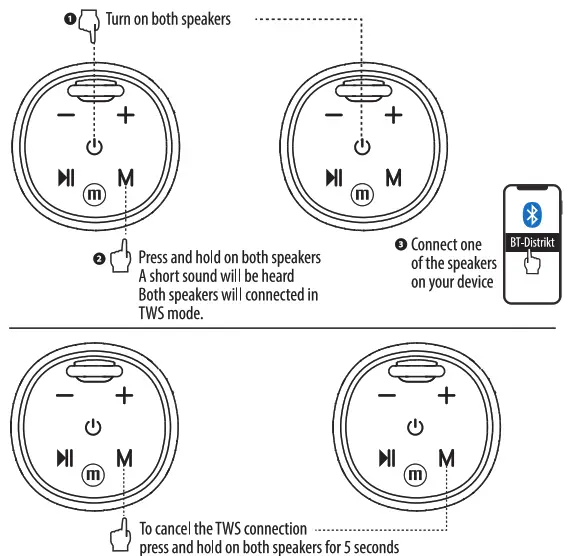
TWS FUNCTION
Maxell Corporation of America, 3 Garret Mountain Plaza, 3rd Floor, Suite #300, Woodland Park, NJ 07424. www.maxell-usa.com.