
USER MANUAL
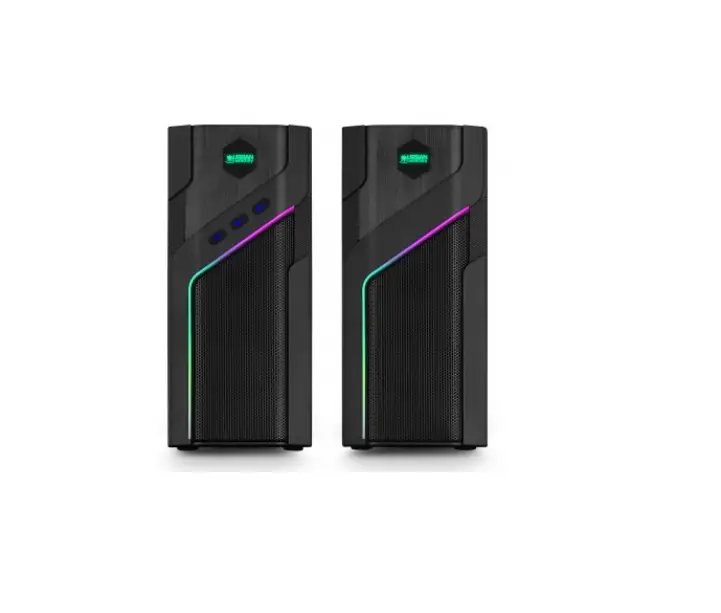
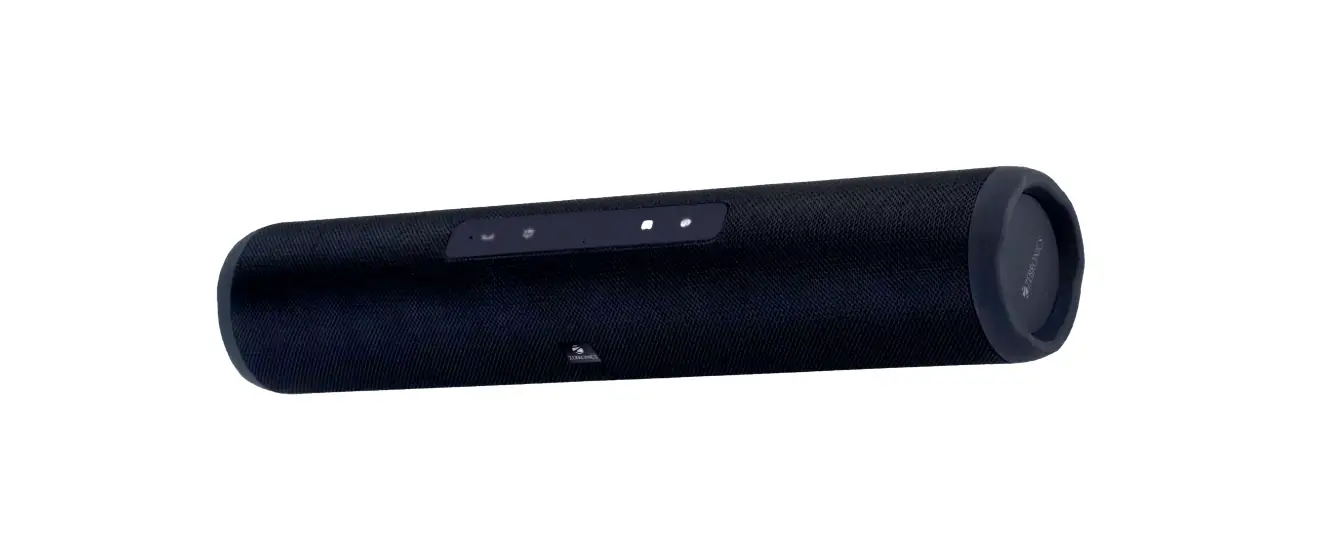
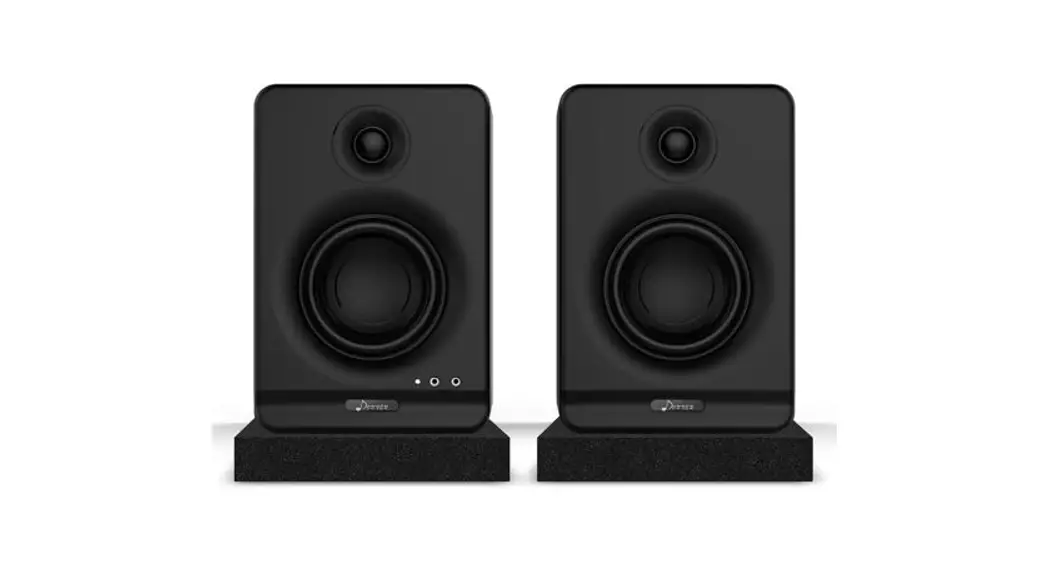
Donner Rainbow BT Speaker
Thank you for choosing Donner Rainbow BT Speaker DBS-R30!
Please read this instruction manual carefully before using this product. Be sure to save these instructions for future reference.
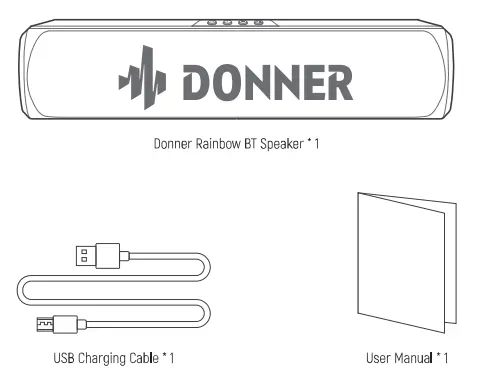
IN THE BOX
BASIC FUNCTION
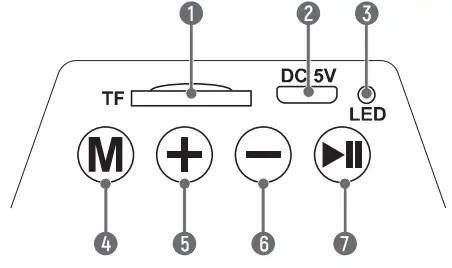
- In the powered-on state, insert a TF card into the slot. It will switch to TF mode automatically
- Plug the USB cable into the DC5V USB port for charging.
- • Steady red = Being charged Light off = Fully charged
• Blinking blue = BT pairing Steady blue = BT connected  • Short press to switch light effect
• Double press to enter TWS mode
• Long press to switch mode. From TF mode (Inserted) to BT mode. • Long press to play the next song
• Short press to turn up the volume • Long press to play the previous song
• Short press to turn down the volume • Long press to power on or power off
• Short press to play or pause
 • Short press to switch light effect
 • Long press to play the next song
 • Long press to play the previous song
 • Long press to power on or power off
USING THE SPEAKER
BT CONNECTION
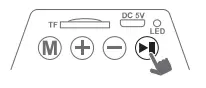 Long press to turn on the power, and the speaker will enter the BT mode automatically.
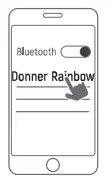 Turn on the BT of your device and search °Donner RainboW’ to connect
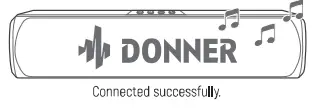
Note:
- Each time you power on your speaker “Donner Rainbow”, it will automatically connect to the last connected device if available within the BT range.
- Each time you power on your speaker “Donner Rainbow”, the speaker will be in TF mode by default if the TF card is inserted. If no TF card is inserted, it will be in BT mode.
- The speaker will automatically power off if it fails to connect with any smart devices beyond 10 minutes and without a TF card inserted.
TWS CONNECTION
- Power on Speaker 1 and Speaker 2 which are in BT mode.

- Choose any one of them and double-press M, then Speaker 1 and Speaker 2 will automatically pair with each other.

- Turn on the BT of your device and search “Donner Rainbow. to connect. Then you can enjoy stereo surround sound from the right and left channels.



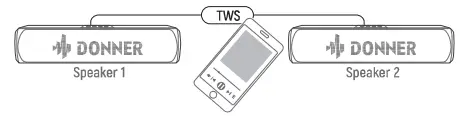
Note
- Once the two speakers are paired in the TWS mode, they will automatically enter the TWS mode if you power on the two speakers together next time.
- To exit the TWS mode, choose any one of the speakers and double-press to disconnect TWS.
SAFETY INFORMATION
- Do not store it in the following environments: Direct sunlight, high temperature, excessive humidity, excessive dust, and strong vibration.
- Do not disassemble or modify this product to avoid the danger of fire and electric shock.
- Do not submerge in water or drop water onto or into it.
- Do not place this product on an uneven surface or any other unstable place.
- Before cleaning the instrument, always remove the USB cable. Do not clean the product with thinners, alcohol, or similar chemicals to avoid discoloration.
- Do not insert small objects into the product.
SPECIFICATIONS
| Model | DBS-R30 |
| BT Version | 5.1 |
| BT Frequency | 2.4GHz |
| BT Range | ≥10M (No obstacles between) |
| Charging Port | Micro_USB |
| Charge Voltage | DC 5V±0.2V |
| Charging Current | ≥1A |
| Dimension | 60*60*280mm / 2.36.2.3611in |
| Weight | 448g / 0.99lb |
Note: Design, accessories, and specifications are subject to change without notice.
Email: [email protected]
www.donnermusic.com
Copyright © 2022 Donner Technology.
All rights reserved. Made in China
U.S.A. Tel: 001 571 3705977
U.K Tel: 0044 2080 895 663