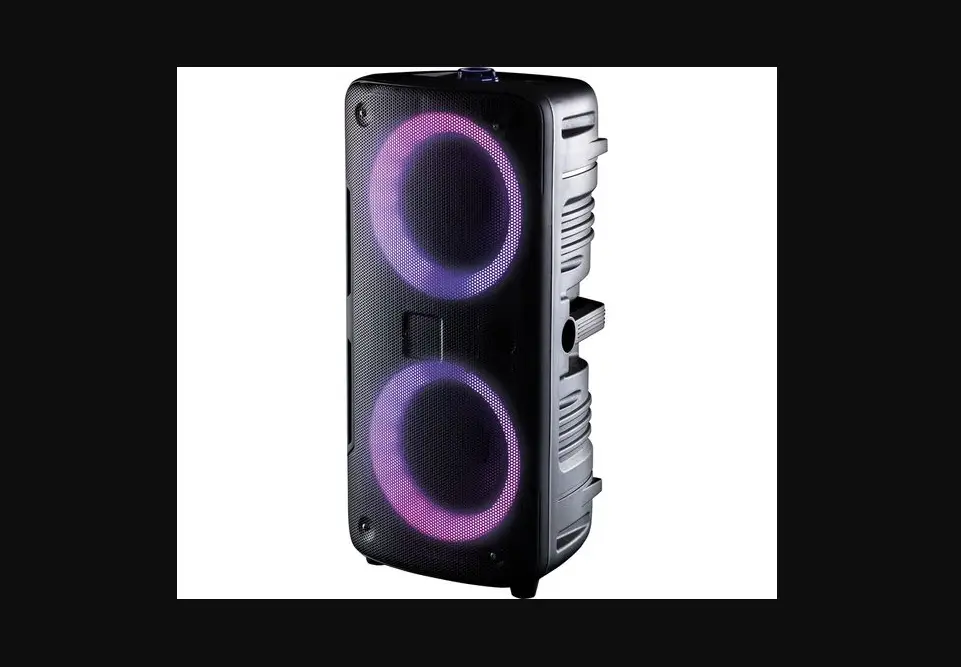
 BTS141 User Manual
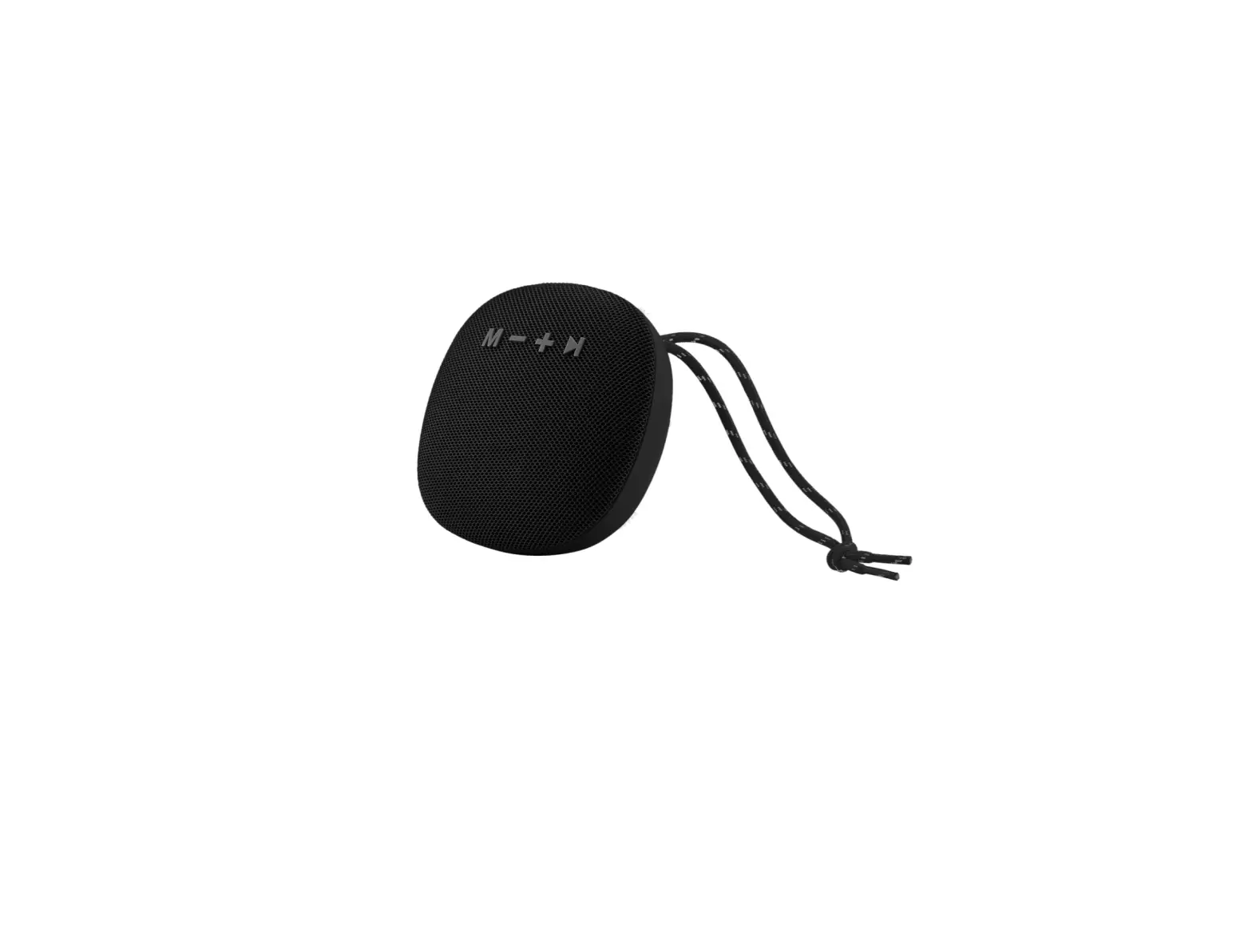
BTS141 Speaker
Thank you for purchasing AGPTEK product. Please read this [User Manual] carefully before using the product, retain it in for future use.
Note:
To find out how to use S2 or if you have a problem, please refer to User Manual.
This [User Manual] can help you understand how to use and troubleshoot the problem.
For better use this product, please connect the speaker to computer with USB 2.0/3.0 port or a 5V/1A charger (not quick charger) by the included USB cable. Usually, it will be fully charged in 3hours.
Register AGPTEK Forum
Please visit www.agptek.com/forum and register AGPTEK official forum to get better customer support.
Manufacturer: Betrue Technology Company Limited.
Address: D07, 5/F, King Yip Factory Building, 59 King Yip Street, Kwun Tong, Kowloon, Hong Kong.
E-mail: [email protected].
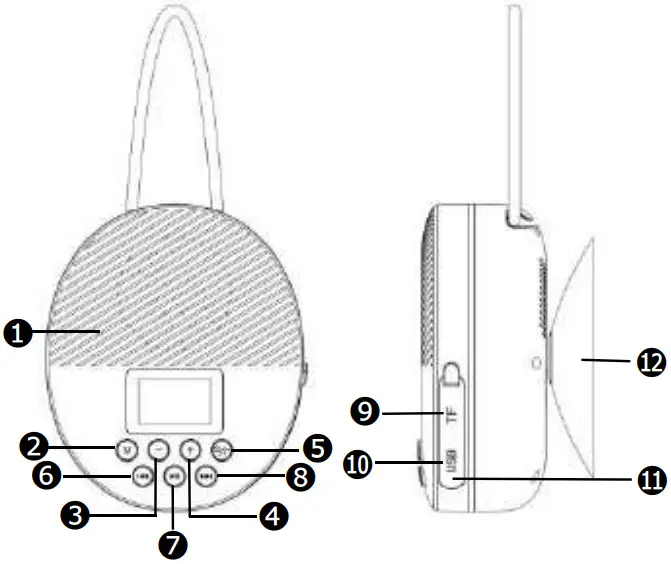
| 1 | MIC Hole (For Hand-Free) |
| 2 M | M Button (Cycle Time/Bluetooth/FM/TF mode) |
| 3 – | Volume down |
| 4 + | Volume up |
5  | Power On/Off, Pick up/Ignore/Hang up/Last dialed call |
6  | Previous track |
7  | Play, Pause |
8  | Next track |
| 9 | TF card slot |
| 10 | Micro USB socket(Under Rubber Seal Cover) |
| 11 | Reset hole(Under Rubber Seal Cover) |
| 12 | Vacuum Cupule |
LED Digital Screen
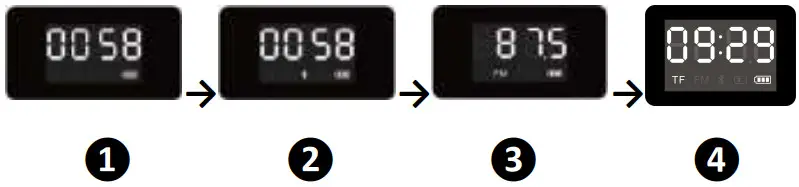 After booting up this product, this speaker will display the Time Calibration Interface ❶ firstly. Press M button to cycle through different interface, such as Bluetooth Mode ❷, FM Function ❸, TF Card Mode ❹ (Available when TF card is inserted).
Time Calibration
- In power on mode, press the “M” to switch to clock mode if it is in other mode.
- Press and hold the “M” to go to hour set, the number of hour will blink on LED display.
- Press the “
 ” or “
 ” button for adjusting the hour time as current time.
 - Short press the “
 ” button to confirm the hour time set and go for Minute set. The number of minute will blink on LED display.
 - Press the “” or “” button for adjusting the minute time as current time.
- Short press the “” button to confirm the minute time set.
Note:
- For maintain the battery life and performance, if speaker isn’t used for a while, the battery might need to be recharged. Charge the battery at least once every month.
- Connect the Micro USB socket with the PC’s USB port Power or DC 5V, 1000mA through USB cable.
 Note: Please tighten the Rubber Seal Cover after charging to prevent water from penetrating nto the speaker.
 - Disconnect the USB cable when it is done.
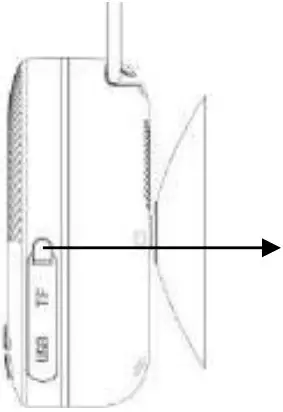 Note: Please tighten the Rubber Seal Cover after charging to prevent water from penetrating nto the speaker.
Playing Music Via Bluetooth
- Power on and Pairing
1. Press and hold button to turn on the device. A series of tones will sound. If it is in clock mode, press button M to switch to Bluetooth mode, the
  icon is blinking quickly.
2. Then turn on your device’s Bluetooth, the device will enter to Bluetooth searching mode automatically, if not, please search manually, then tap the related selection to manually enter to searching mode. (Refer to the user manual when necessary).
3. Your device show “AGPTEK S2” to select it for pairing. Waiting for some seconds, you will see connected message as shown on your device. (For some Bluetooth devices, you may need to input “0000” as pairing password).
4. If pairing is successful, the icon will constantly show on the display. Then you can start to play music by the device.
5. Press and hold to turn off the device when it is not in use. - Disconnect from paired device
1. Press and hold to switch to new “Searching/Pairing” mode, the paired device will be disconnected. Or, you can choose “Disconnect” from Bluetooth paired device list on your mobile device.
In this case; the Bluetooth Speaker will turn back into “Searching/Pairing” mode in seconds, a series of tones will sound and the is blinking fast.
2. Now, you can process for new mobile device pair or power off the Bluetooth Speaker.
Note: If Bluetooth is not connected for more than 8 minutes, this device will shut down automatically. - Auto re-connect with paired device and New pairing


 Agptek forum - Index