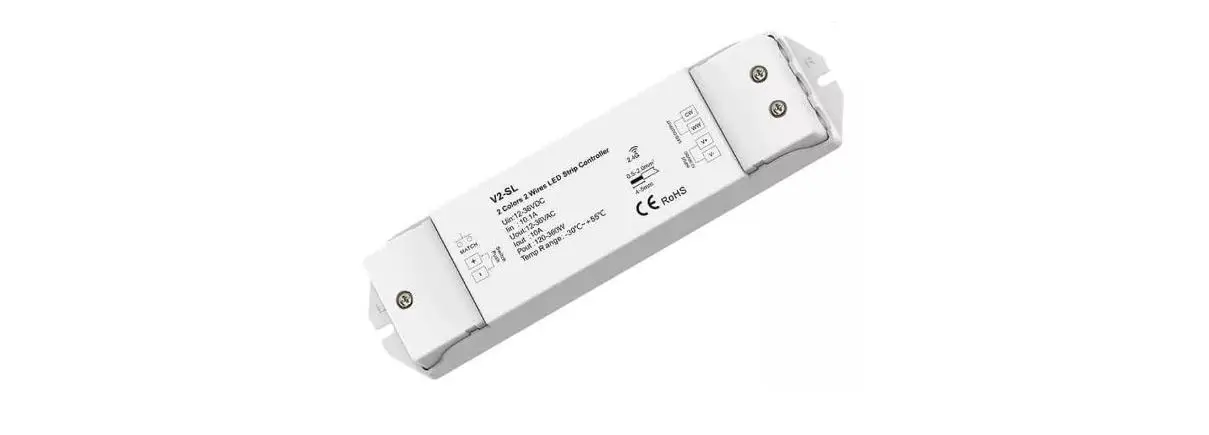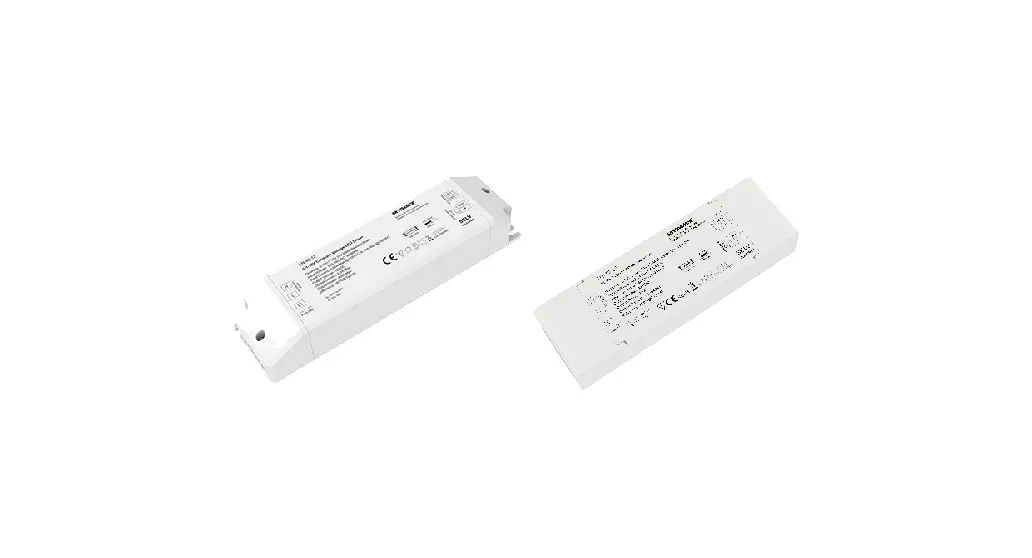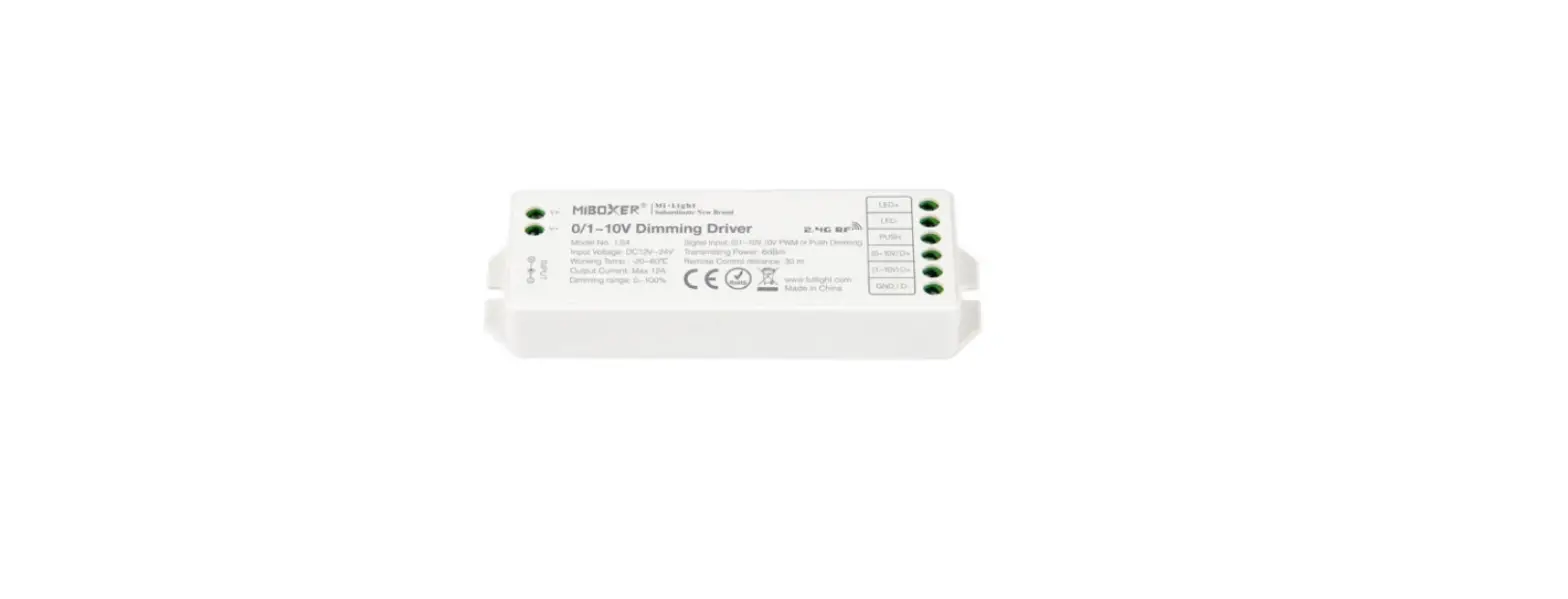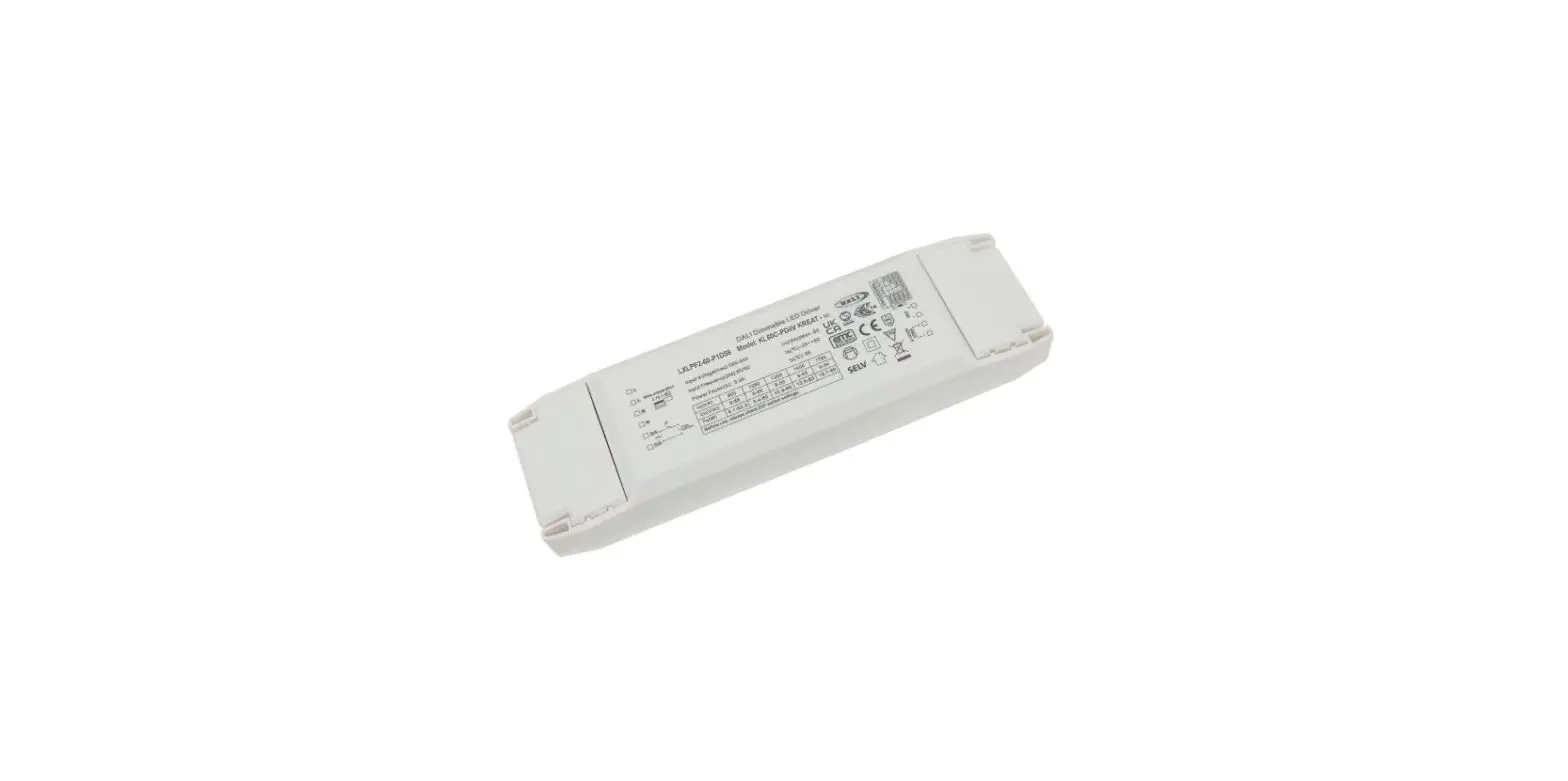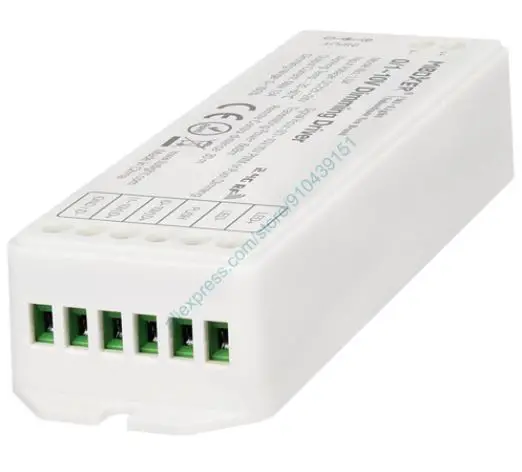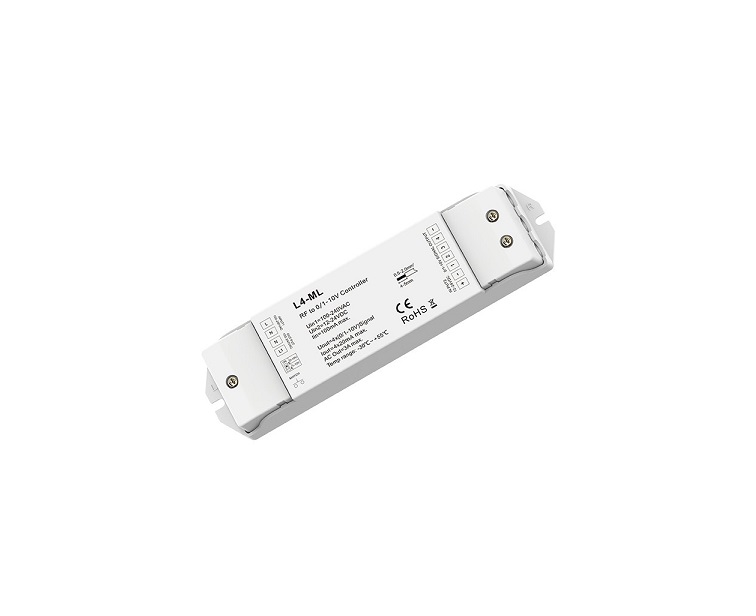

UNBRANDED LV2 2 Channel 0-1-10V LED Dimming Driver
 Features
 Features
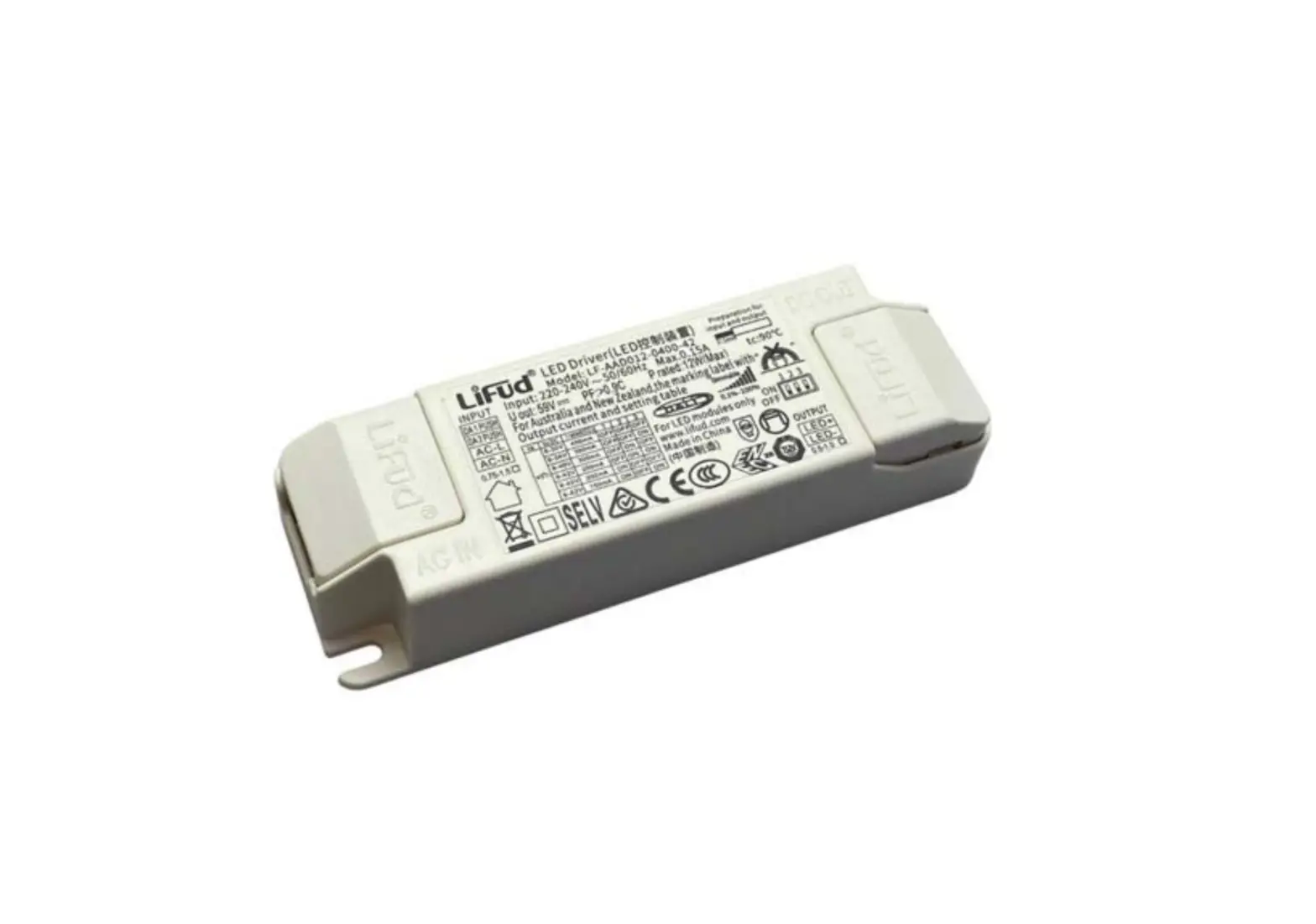
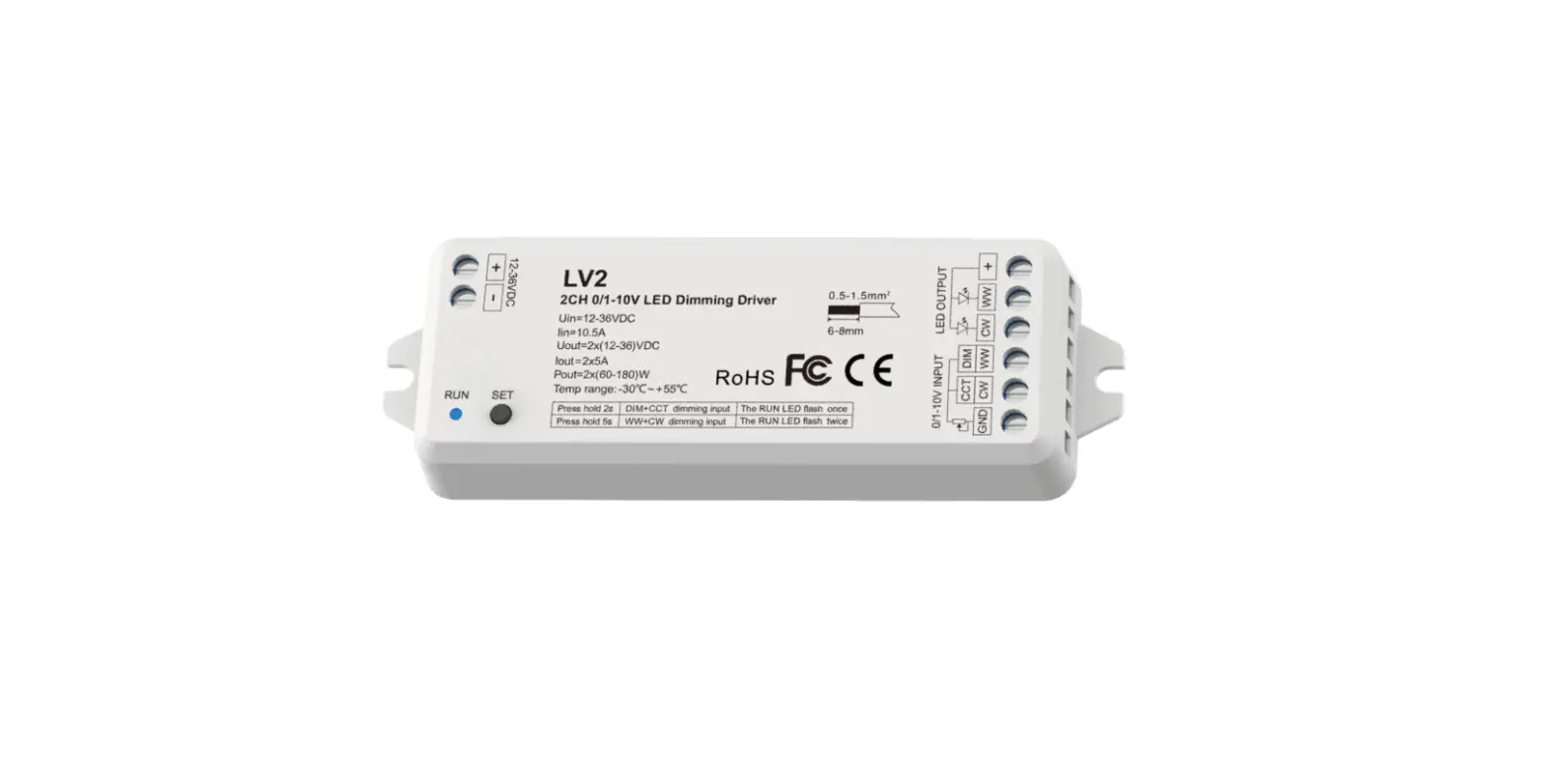
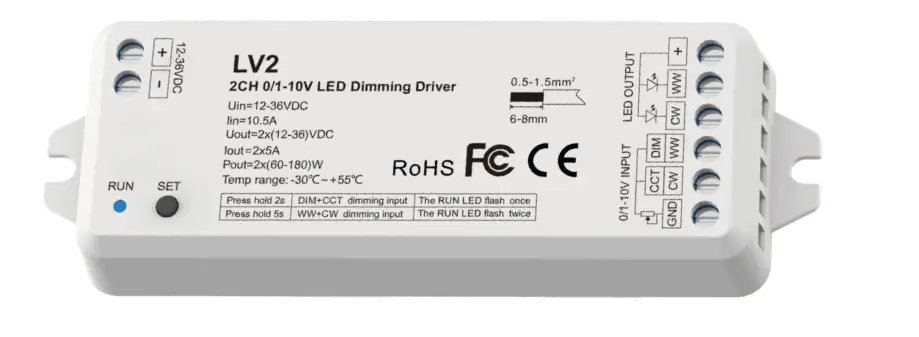
- 2 channel 0/1-10V LED dimming driver, 2 channel PWM constant voltage output.
- For dual color control, the two 0/1-10V input can be set as warm white and cool white respectively, or one for brightness adjust and the other for color temperature adjust.
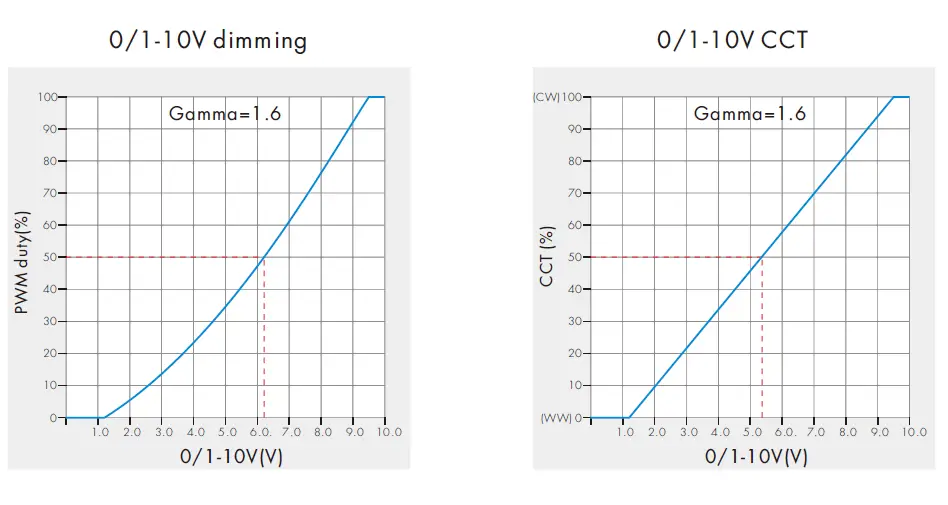
- 0~100% dimming range via logarithmic characteristic can be very comfortable for human eyes.
- Compatible with active or passive 0-10V, 1-10V dimmer, can solve the fluorescent lamp dimming system compatible with LED lighting.
Technical Parameters
| Input and Output | |
| Input voltage | 12-36VDC |
| Input current | 10.5A |
| Output voltage | 12-36VDC |
| Output current | 2CH,5A/CH |
| Output power | 2 x (60-180)W |
| Output type | Constant voltage |
| Environment | |
| Operation temperature | Ta: -30 OC ~ +55 OC |
| Case temperature (Max.) | T c: +85OC |
| IP rating | IP20 |
| Warranty and Protection | |
| Warranty | 5 years |
| Protection | Reverse Polarity |
| Safety and EMC | |
| EMC standard (EMC) | ETSI EN 301 489-1 V2.2.3 ETSI EN 301 489-17 V3.2.4 |
| Safety standard(LVD) | EN 62368-1:2020+A11:2020 |
| Certification | CE,EMC,LVD |
| Dimming data | |
| Input signal | 0/1-10V |
| Dimming range | 0 -100% |
| Dimming curve | Logarithmic |
| PWM Frequency | 2KHz |
Mechanical Structures and Installations
Wiring Diagram
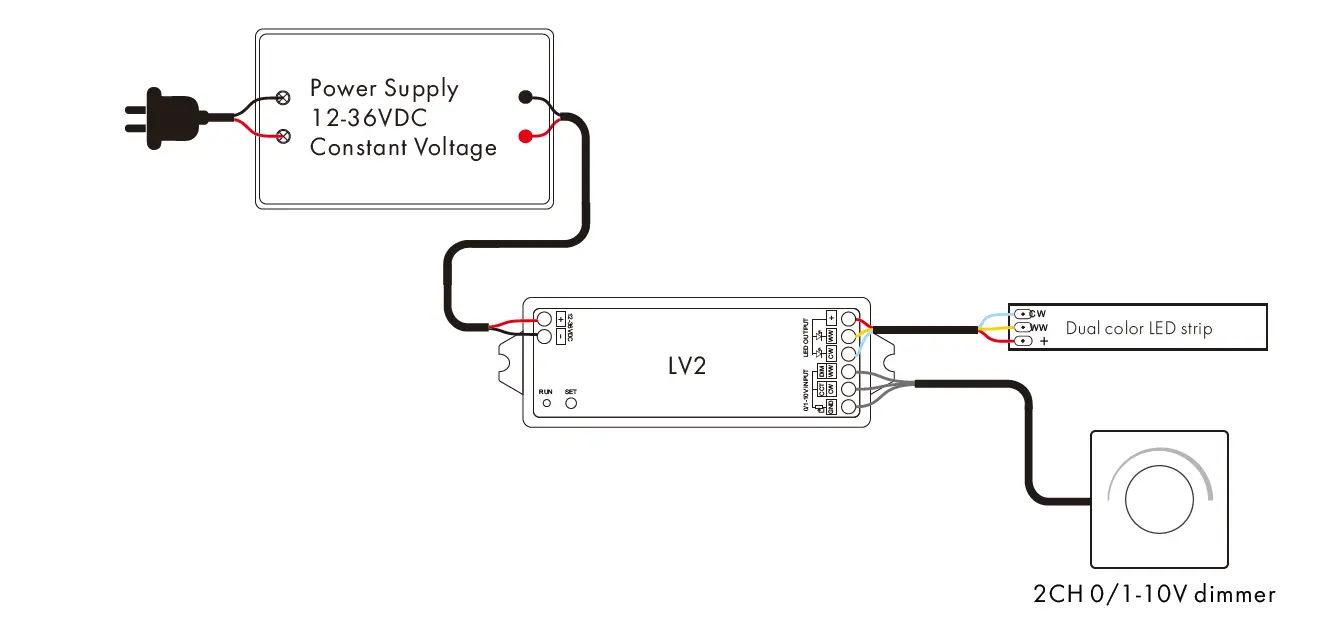
Note:
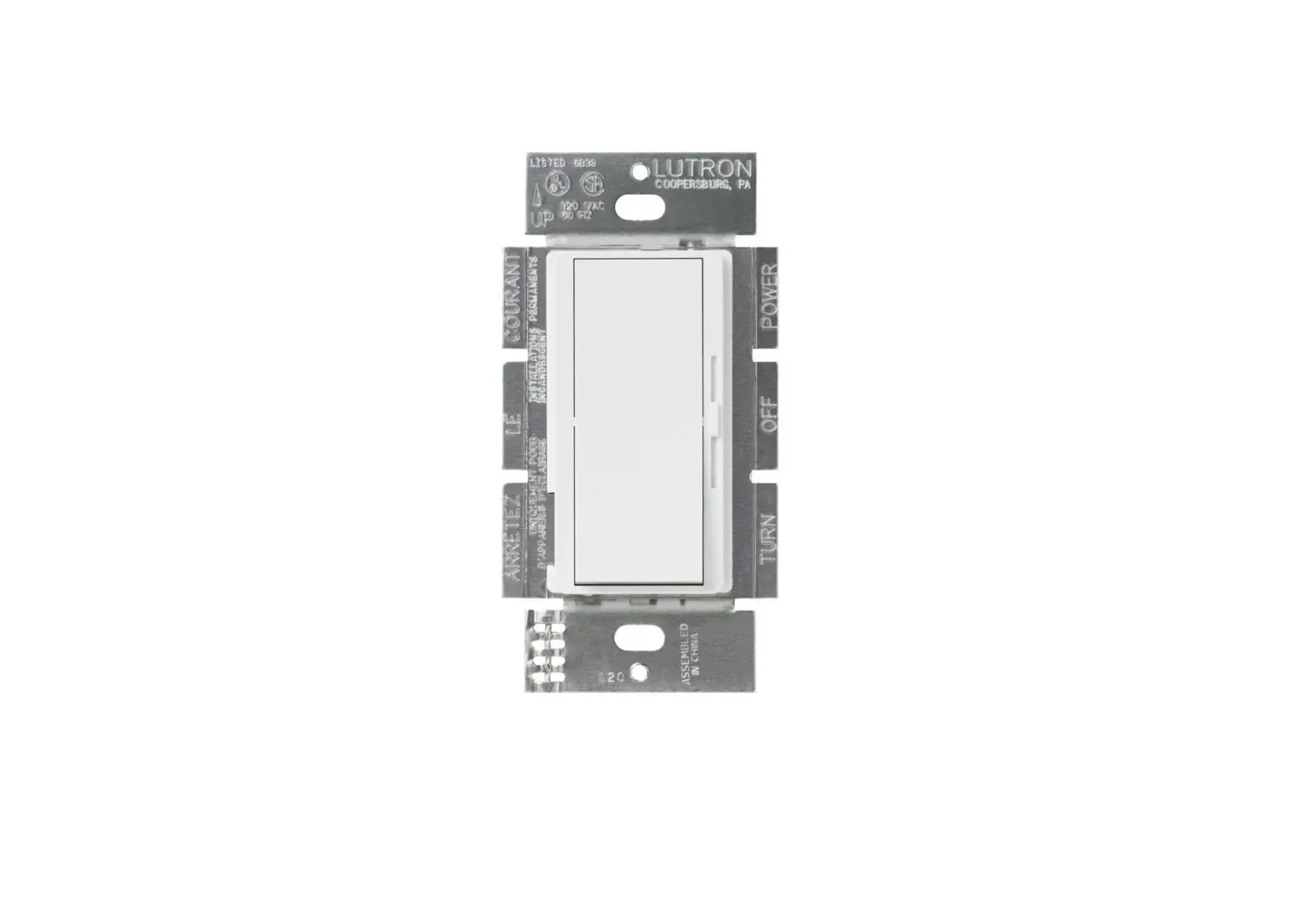
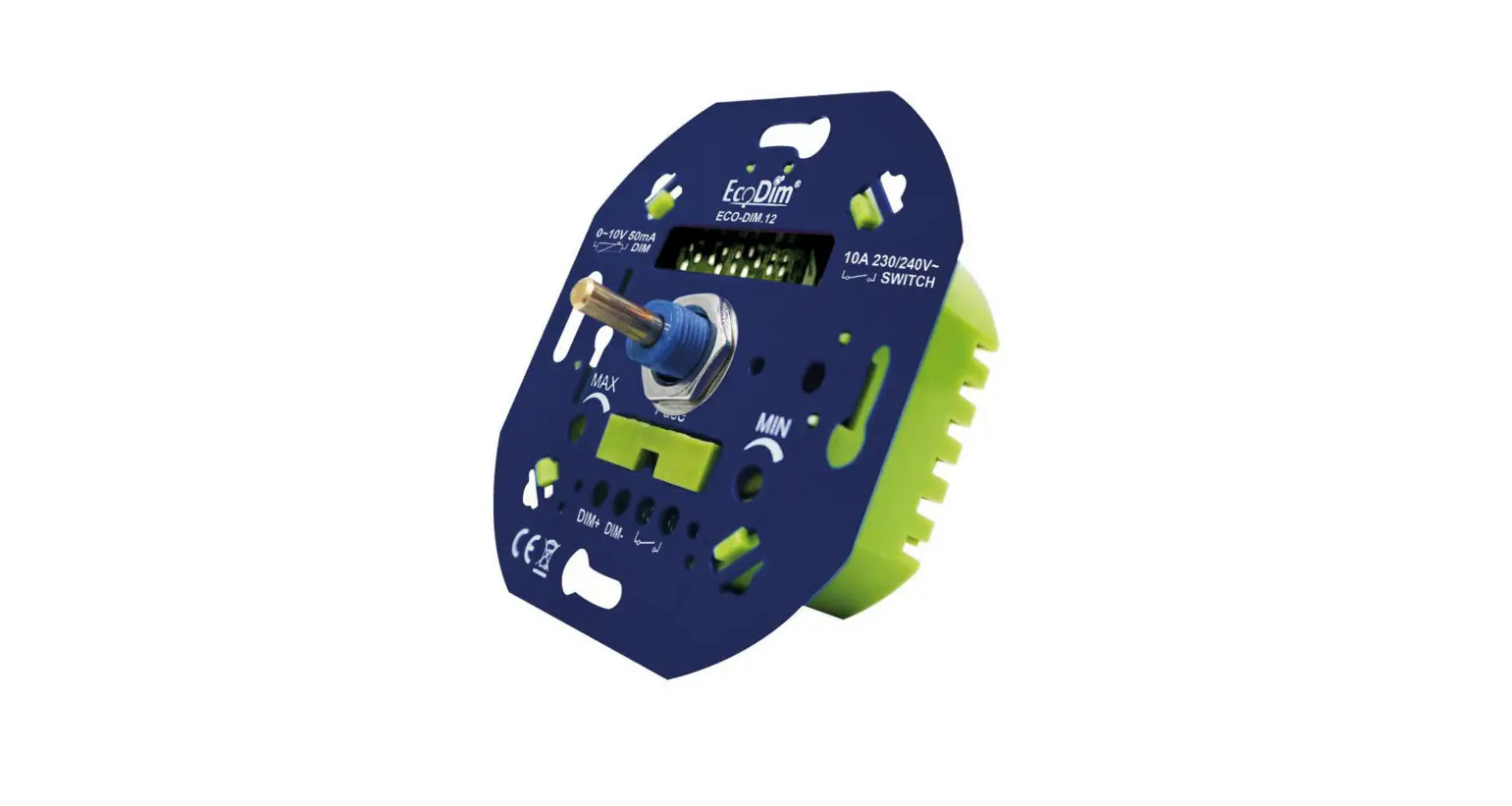
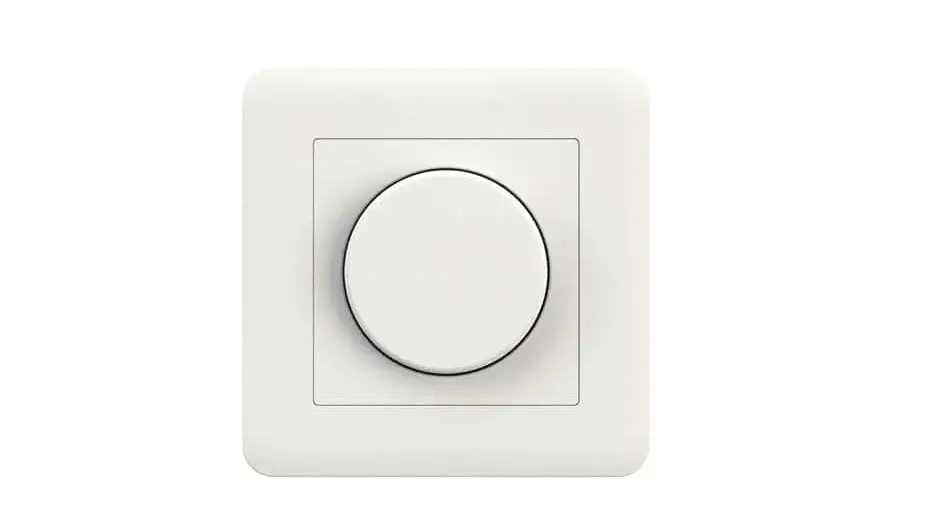
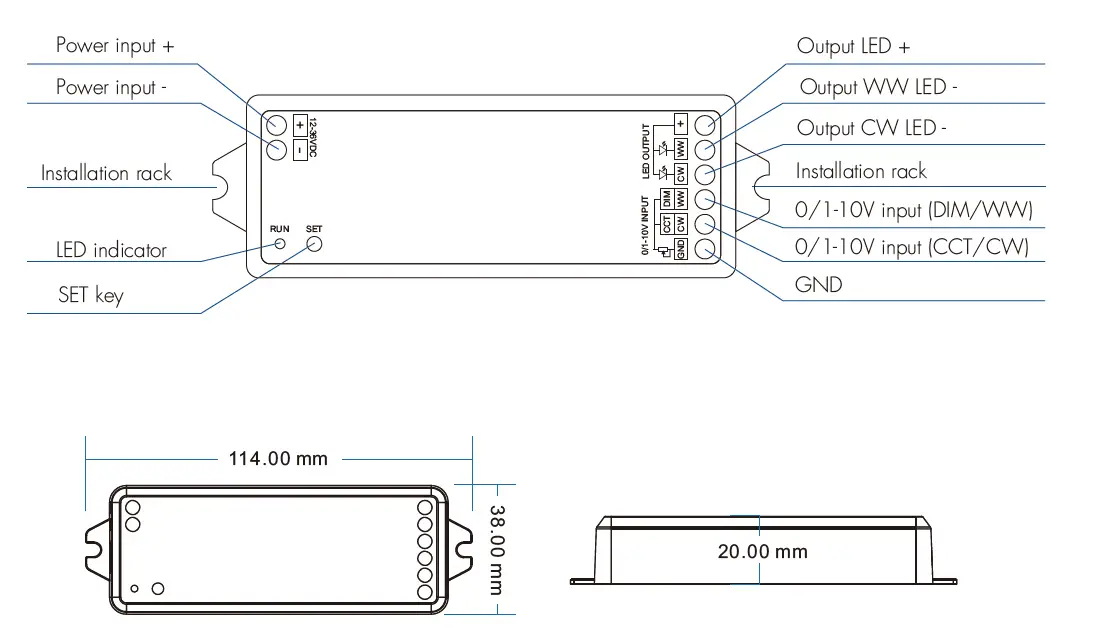
- The 0/1-10V input is operable via commercially available simple rotary wall switchs designed
for 0/1-10V dimming equipment or from decicated system central dimming controllers. - Compliant with 0-10V, 1-10V, 10V PWM, RX (4 in 1).
- We recommend the number of LED drivers connected to 0/1-10V dimmer does not exceed 50 pieces, The maximum length of the wires from dimmer to LED driver should be no more than 50 meters.
Key function
Press the “SET” key to switch two dimming mode.
- Set DIM+CCT dimming mode:
Press and hold the “SET” key for 2s, the “RUN” indicator will flash once.
Set DIM dimming input for brightness adjust, CCT dimming input for color temperature adjust (factory setting). - Set WW+CW dimming mode:
Press and hold the “SET” key for 5s, the “RUN” indicator will flash twice.
Set WW dimming input for WW LED channel brightness adjust, CW dimming input for CW channel brightness adjust.