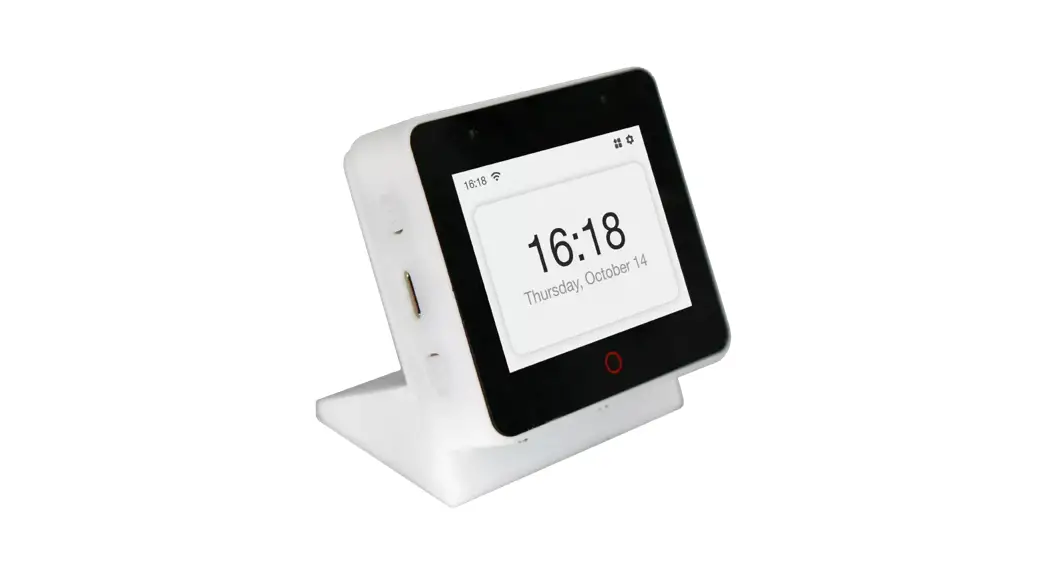
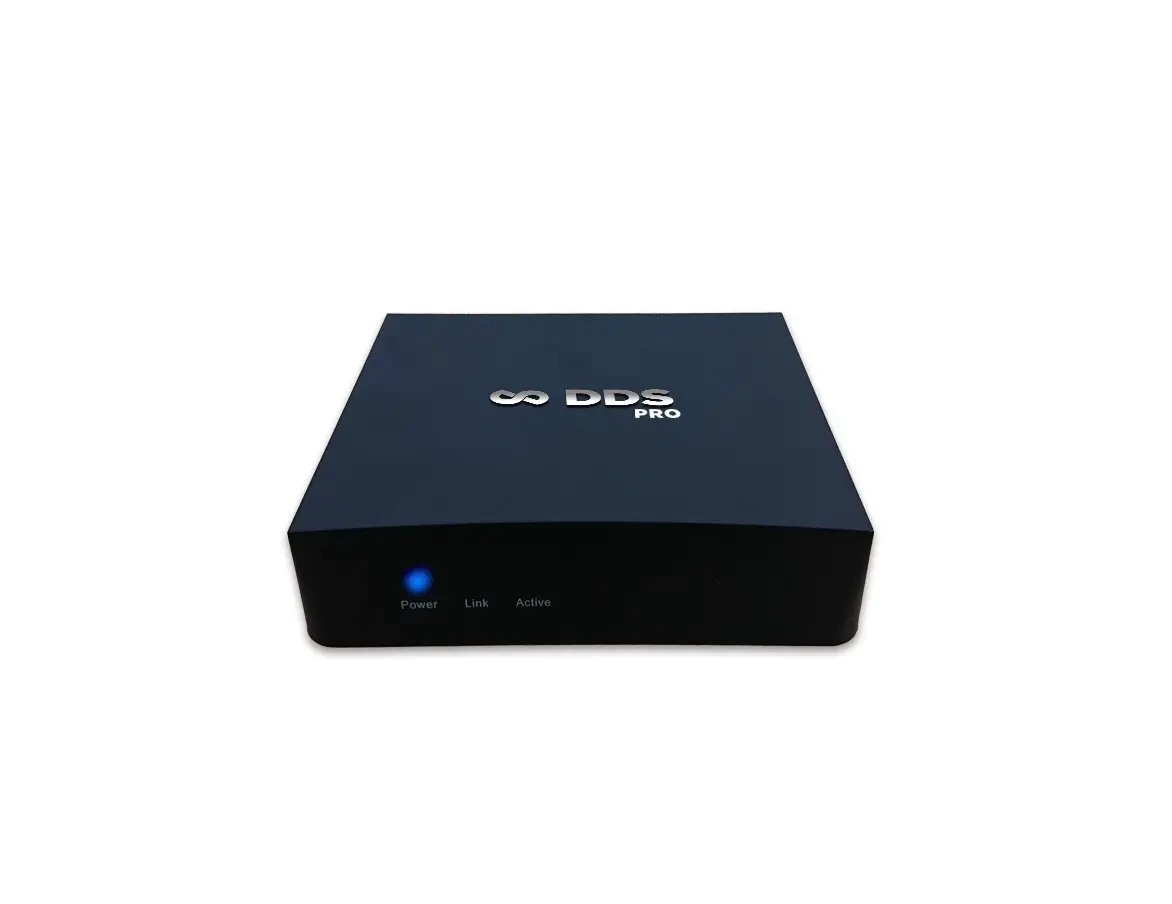
FOX ESS HV25 BMS Box
Product Information
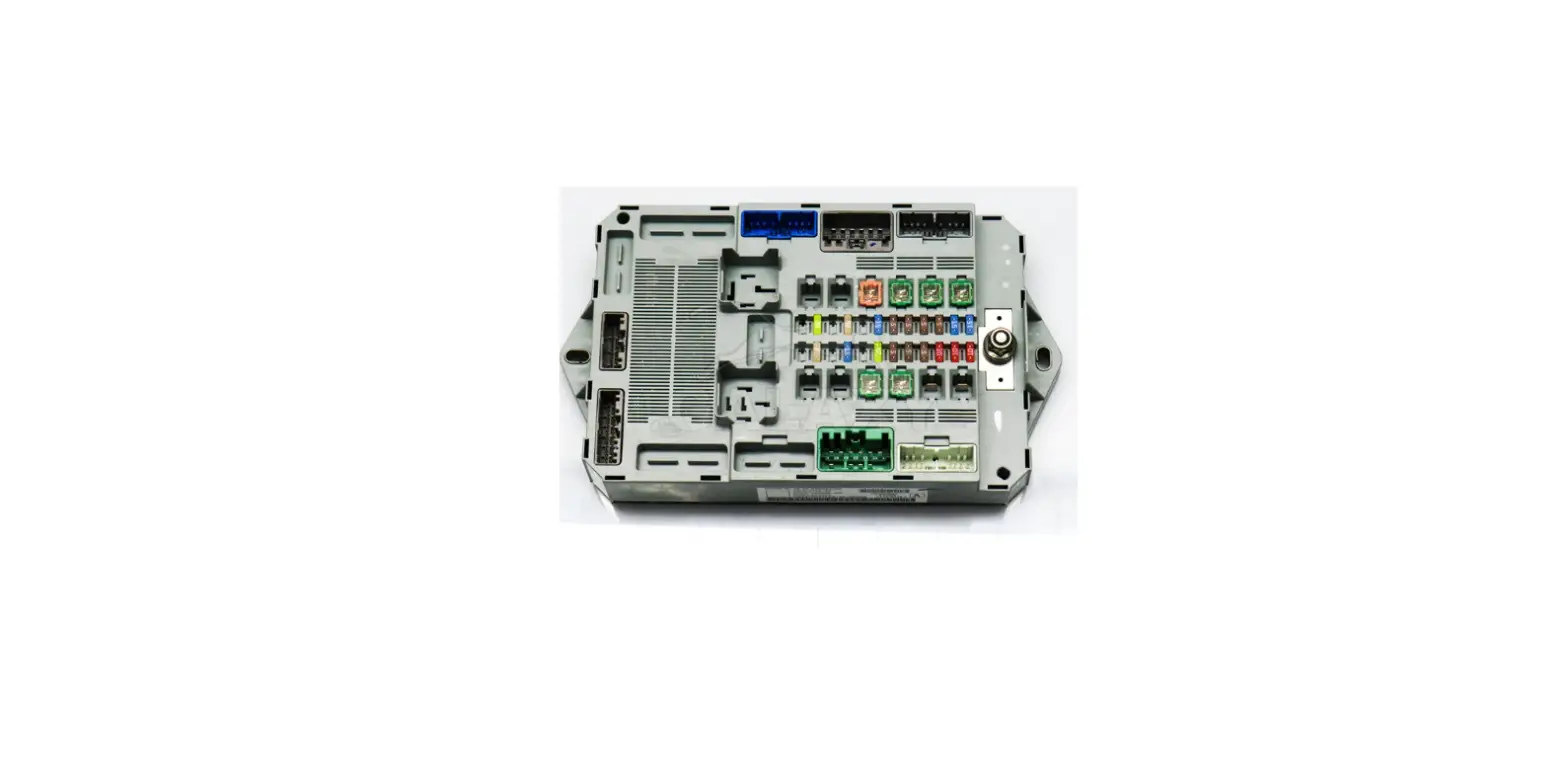
The product is called Mira-BMS, which is a battery management system used for managing batteries in a system. It comes with various components and tools required for installation and operation.
Tools Required
- Screw Driver
- Crimping Modular
- Safety Shoes
- Multimeter
- Safety Gloves
- Safety Goggles
- Plier
- Ribbon
Packing List for Mira-HV25:
- A – Communication cable 0.21m
- B – Battery Power cable 0.19m
- C – Grounding cable 0.19m
- D – Mounting screw pack
- E – Fixing bracket (provided separately)
- F – Installation guide
- G – User Manual
Packing List for Mira-BMS:
- A – Mounting screw pack
- B – Main negative battery connection cable (0.17m)
- C – Main positive battery connection cable (1.3m)
- D – Communication cable (BMS-inverter) (1.2m)
- E – Grounding cable (1m)
- F – Fixing bracket (provided separately)
- G – DC positive output cable (1.2m)
- H – DC negative output cable (1.2m)
- I – Installation guide
- J – User manual
Terminals for Mira-BOX:
- BAT IN +
- BAT IN –
- DC Switch
- DC OUT +
- DC OUT –
- POWER switches
- B-Start switches
Terminals for Mira-HV25:
- Positive terminal
- Negative terminal
- PCS MODULE
- Earth terminal
- DIP switches
- SOC LED
- Alarm LED
- Handle
Product Usage Instructions
Installation Steps
- Place the front bracket and back bracket as shown.
- Insert the battery module into the bracket from the front horizontally and tighten the four screws on the side.
- Locate the brackets for the second battery on top of the first pair of brackets and fasten the connecting button on the side.
- Insert the battery module into the bracket from the front horizontally and tighten the four screws on the side.
Wiring Steps
Battery Power Cable
Step 1: Connect the power cable starting from the first battery module in series with other battery modules (Orange opposite, black negative). A ‘click’ sound indicates the connections are secured. The positive and negative connection of the battery cable is shown below.
Grounding Cable: Connect the grounding cable to ensure that all
batteries are grounded. Wiring shall be connected in the sequence
as shown below.
DC OUT+ DC OUT- BMS COM
Communication Cable Connection
Step 1: Take the main positive cable (two orange plugs) and the main negative line (two black plugs) to connect the Mira-BMS.
Step 2: Then connect the MODULE on the Mira-BMS to the CAN-1 of the first battery module, connect the CAN-2 of the previous battery module to CAN-1 of the next battery module, leave the last module’s CAN-2 vacant. Wiring shall be connected in the sequence as shown below.
DC OUT+   DC OUT-   BMS COM
Mira-BMS
System Start Up
Mira-BMS operation:
- Normal mode: Turn on DC switch first, then press the ‘POWER’ button.
- Black start (No grid-connected): Press the ‘B-start’ switch, turn on the DC switch, and then press the ‘POWER’ switch.