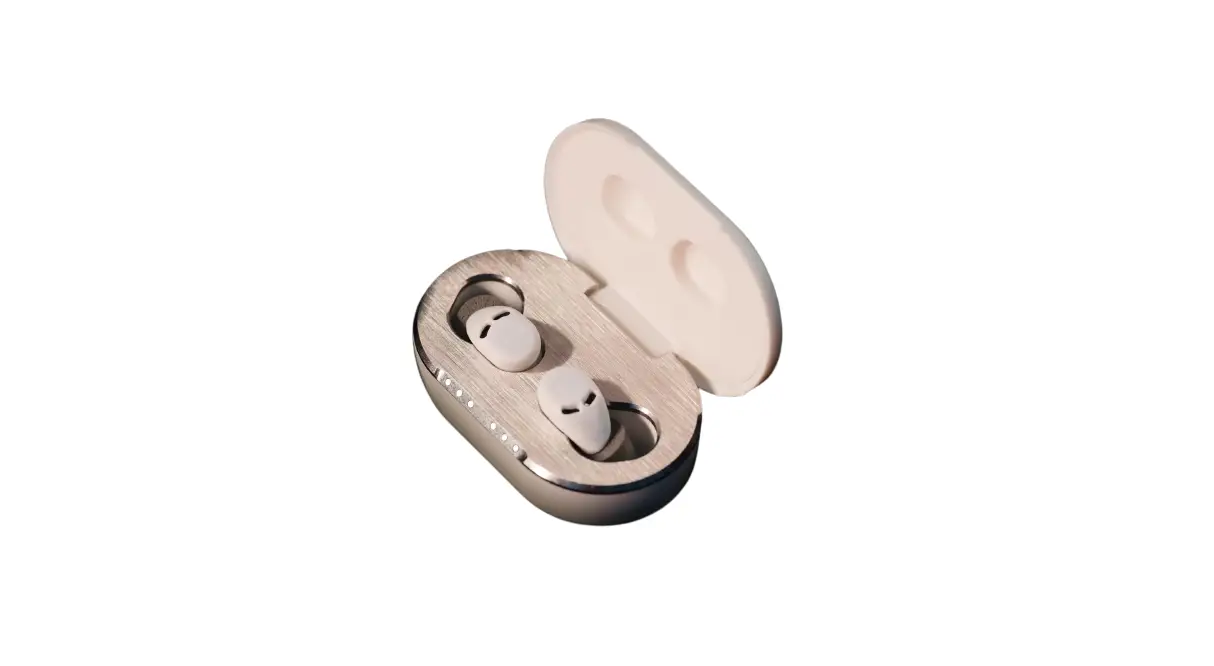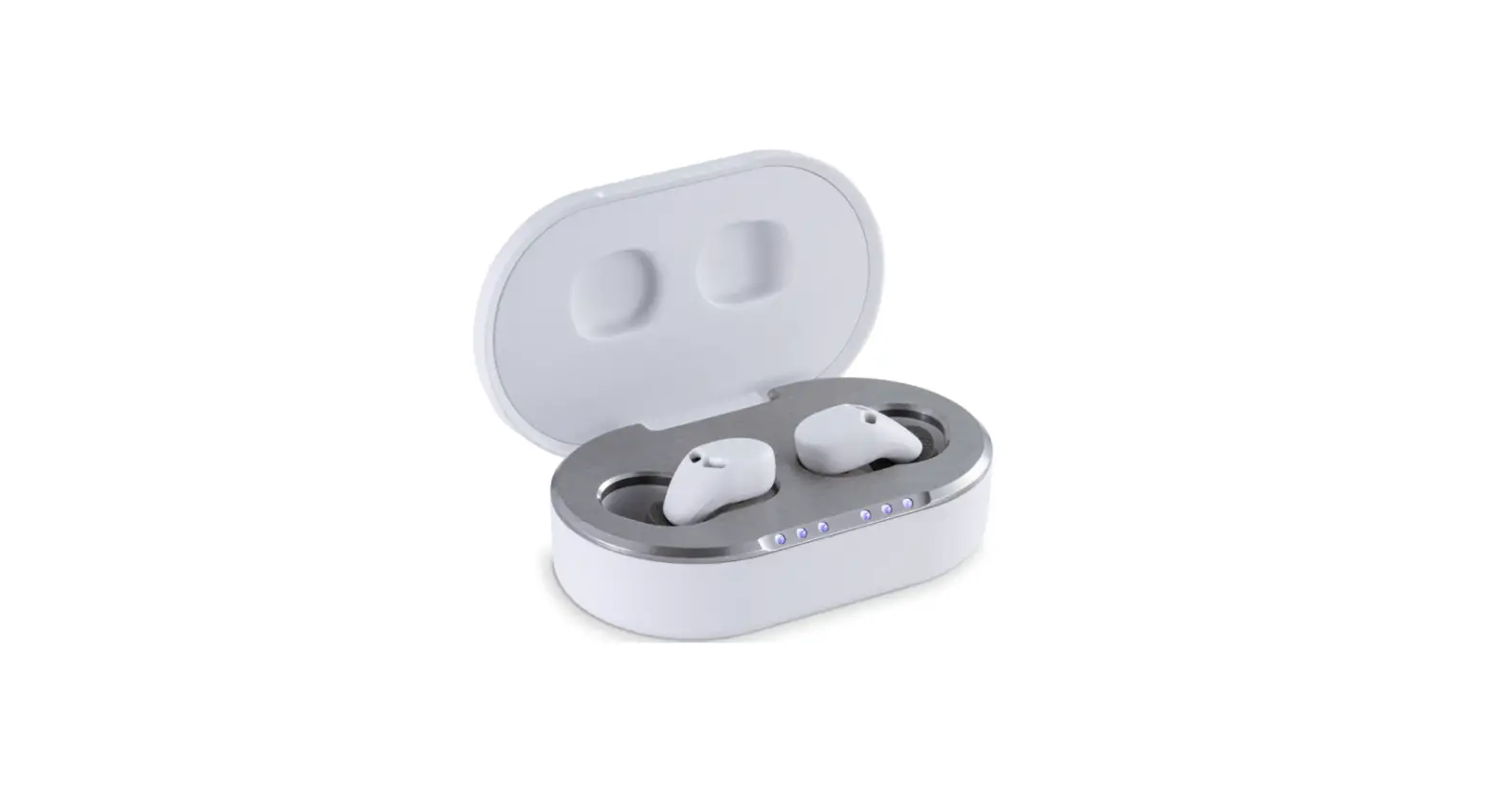
Quieton 2 Earbuds User Guide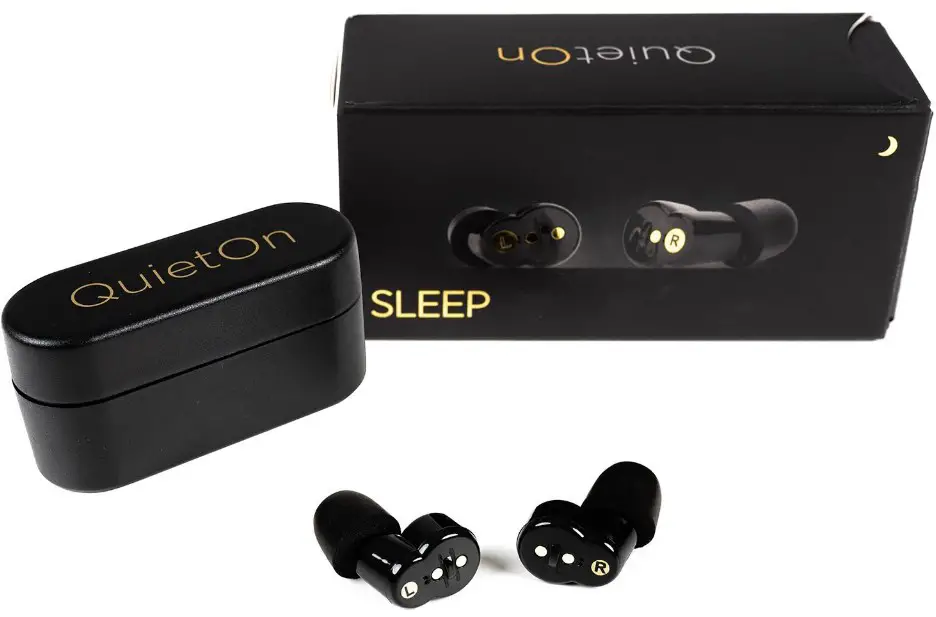
QUICK GUIDE FOR AN EASY START
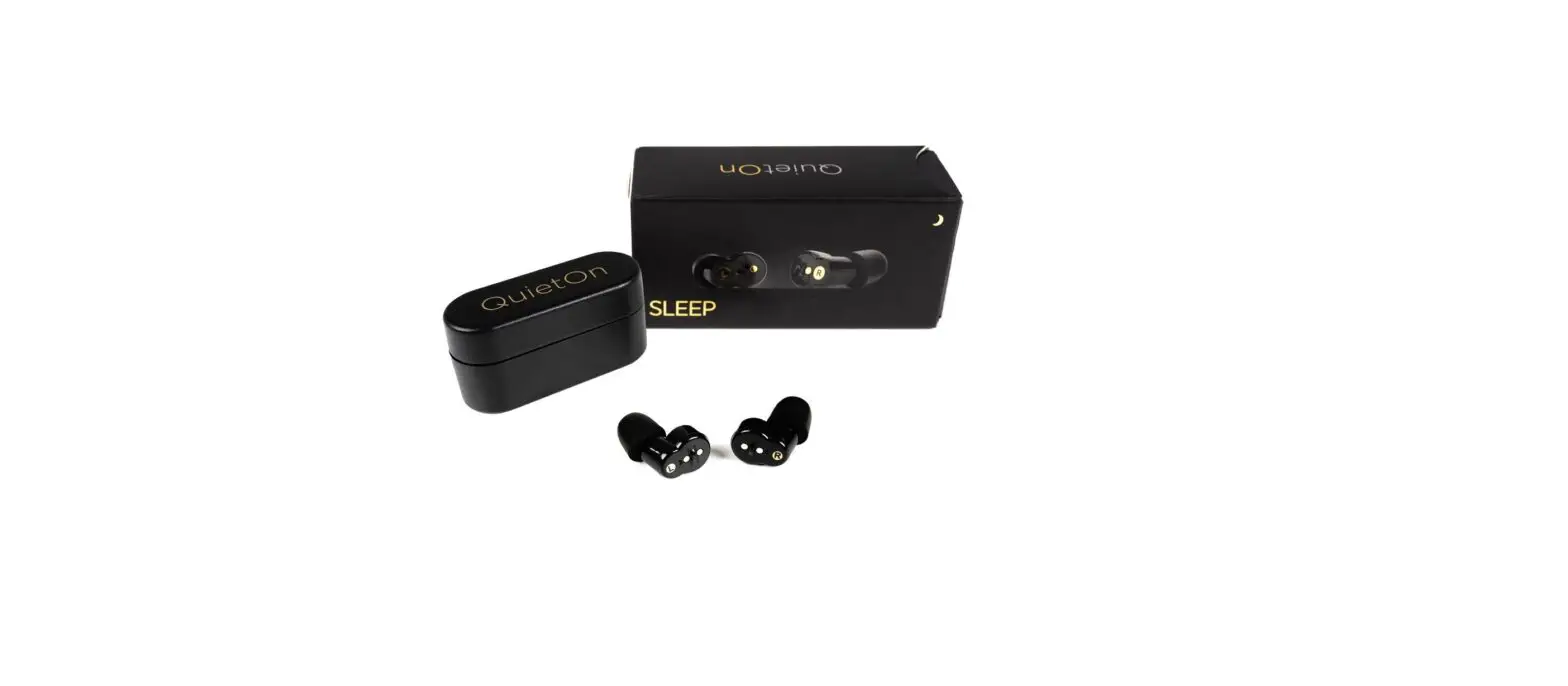
Thank you for choosing QuietOn 3.1! The earbuds feature both active noise cancellation and passive noise reduction to provide optimal noise attenuation.
We want you to have the best experience with QuietOn 3.1 and by following these instructions you learn how to easily use the earbuds. To ensure full noise cancelling performance and comfort, it’s important that the earbuds are worn correctly.
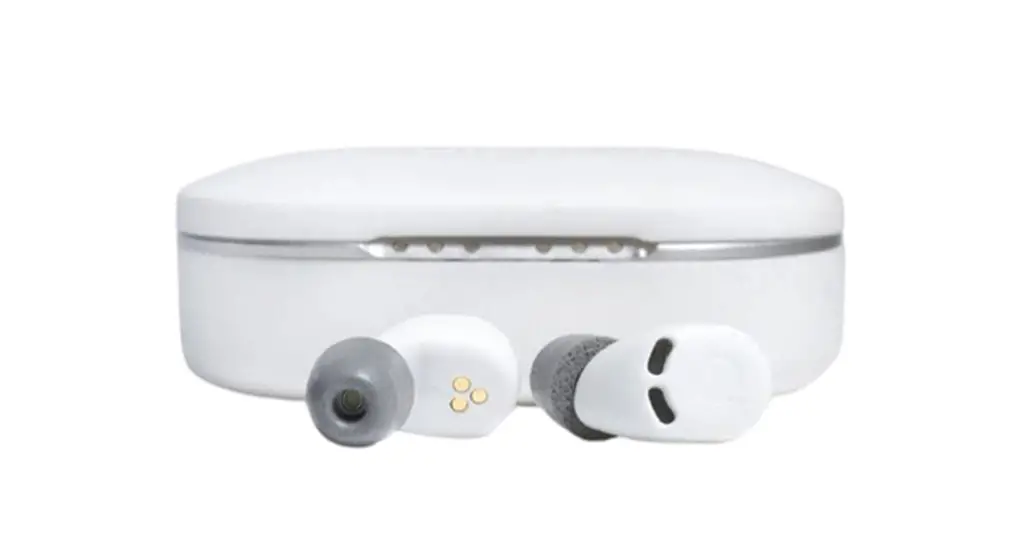
There are different sizes of foam eartips than can be found in the package to guarantee the best comfort – so that you can enjoy the restful sleep you deserve!
How To Insert The Earbuds
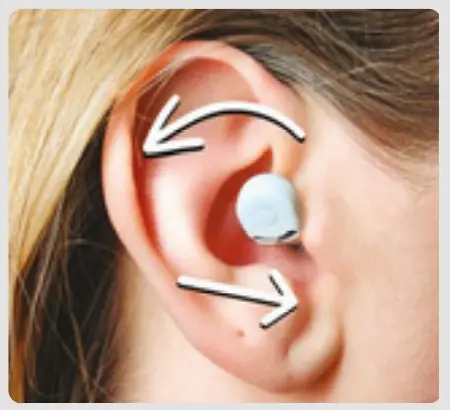
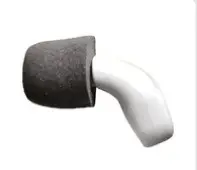
- Choose the correct earbud for each ear. The letters “R” and “L” indicate the right and left earbud. Hold the earbud upwards so that the foam part is down- wards, as shown in the first picture. When holding the earbud, squeeze the foam with your other hand a few times so it softens the foam and it’s easier to insert in the ear.

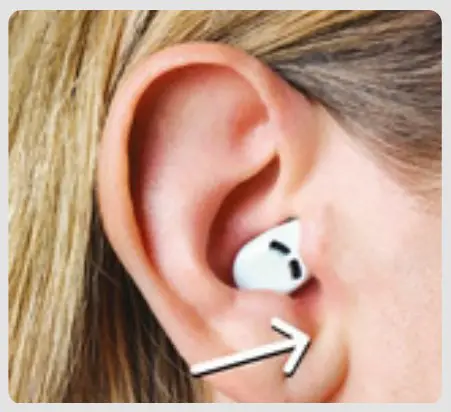
- After softening the foam, insert the earbud in the same upward position into the ear. When pressing the earbud into the ear canal, rotate it backwards at the same time, in the direction as shown in the second picture.

- It is important that the earbud is deep enough in the ear canal, so remember to push it in firmly. It takes about 20 seconds for the active noise cancelling to activate after the earbud is taken out of the charging case.

- The active noise cancelling mode activates after 20 seconds once you have taken the earbuds out from the charging case, You can clearly hear the active noise cancelling turning on. If you didn’t notice the change please insert the earbuds back to the charging case and try inserting them again in the ears within 20 seconds. Also make sure that the earbuds are charged.
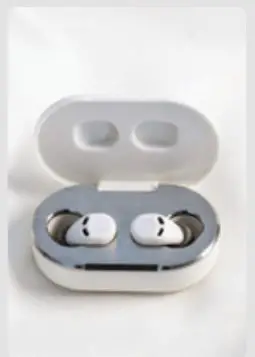
Take the earbuds from the case
Insert the earbuds in the ears
Notice the hearthrough mode
Hear how the noise cancelling starts





How To Change The Eartips
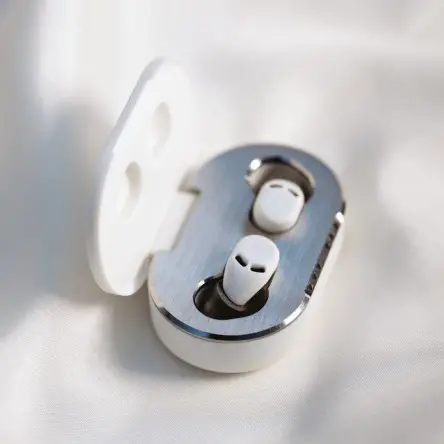
First choose the correct size of foam tips for yourself. It is crucial that you find those that seal your ear canal, because only then you experience the best possible noise cancelling.
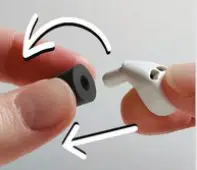
When removing the foam tip, rotate the tip when you pull it off the earbud. No need to use your finger nails.
When inserting the foam tip, rotate the tip at the same time when pressing it towards the earbud like screwing the tip into the earbud.
You can also try a bigger foam tip if you are unsure of the best size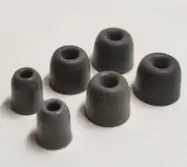
Summary

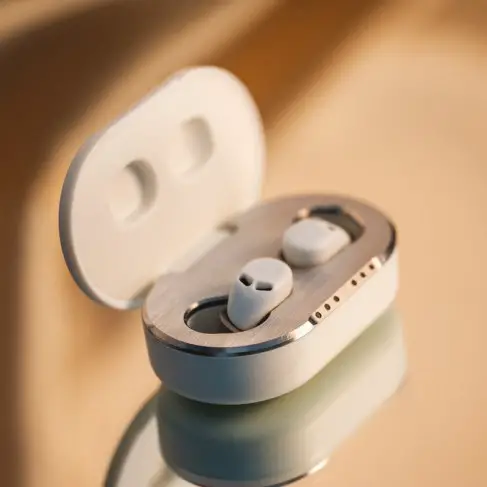
- Ensure that the earbuds are airtightly positioned by selecting the correct sized eartip.
- It takes 20 seconds for the active noise cancelling to activate.

- The earbud is inserted correctly in the ear when you can barely see the earbud in the mirror.
- It takes a few days for the ears to get used to the earbuds and it’s totally normal.

If you have any questions we are here to help you!

 quieton
 quieton
 quietonearbuds
 QuietOnEarbuds
 www.quieton.com

 QuietOn earbuds - The best earbuds for sleeping