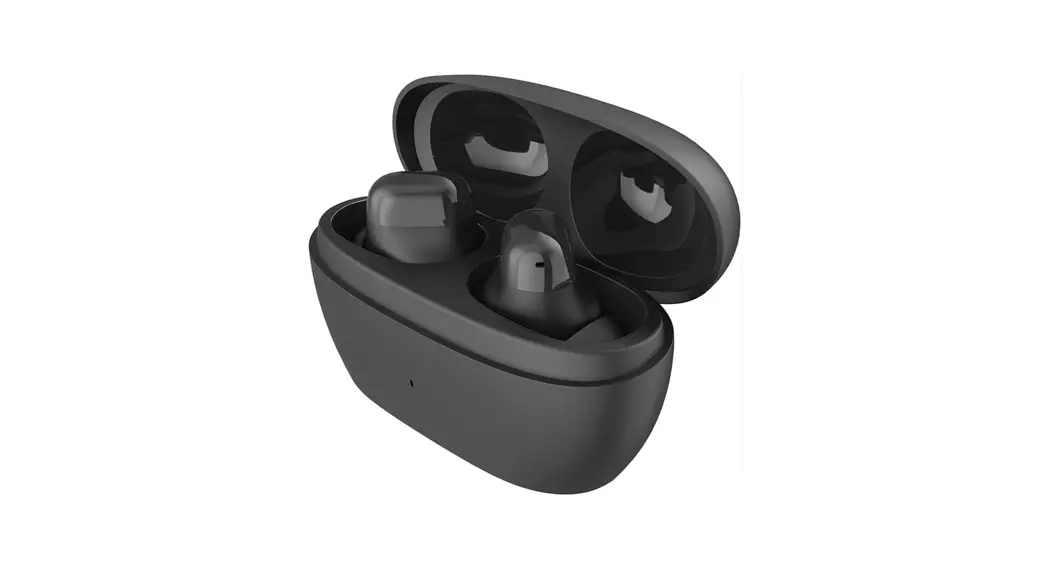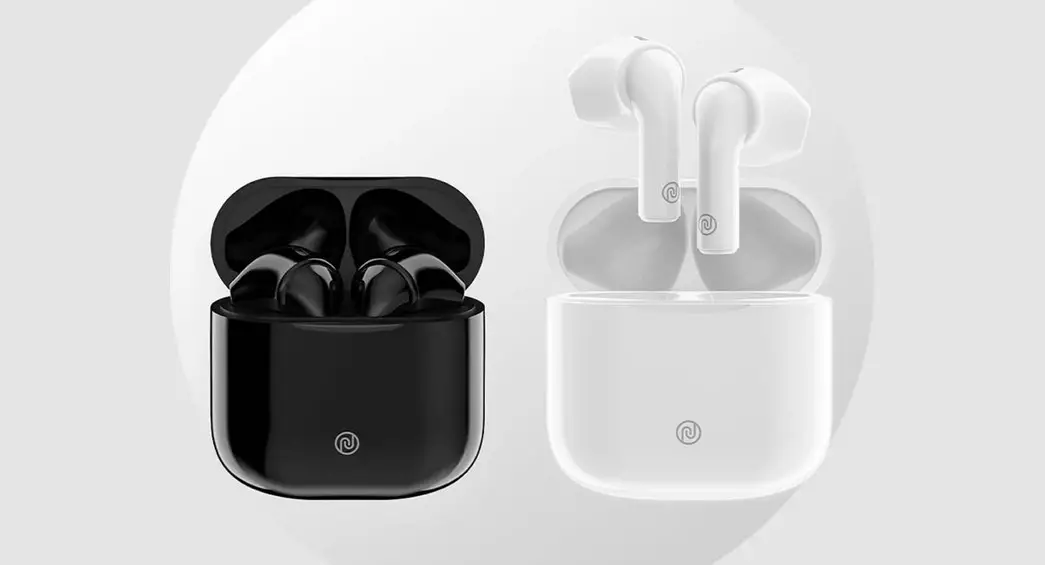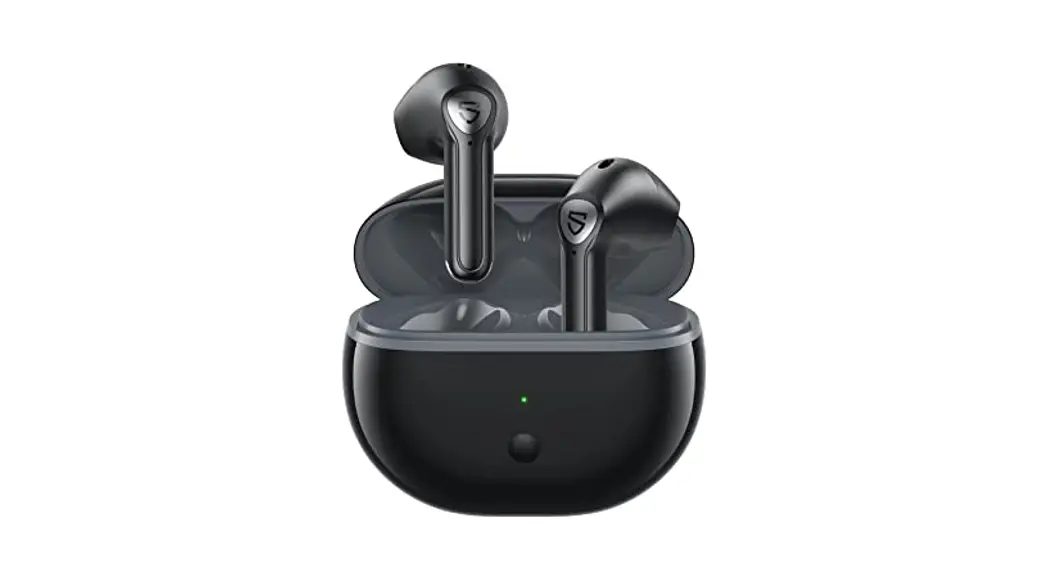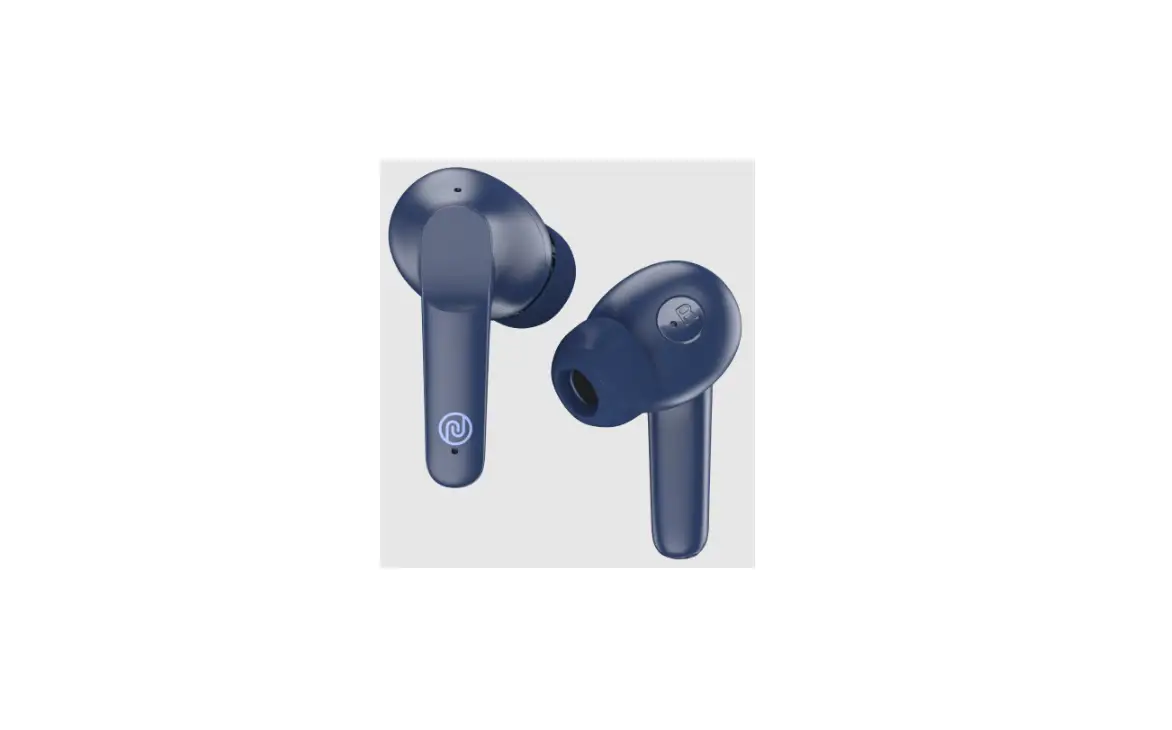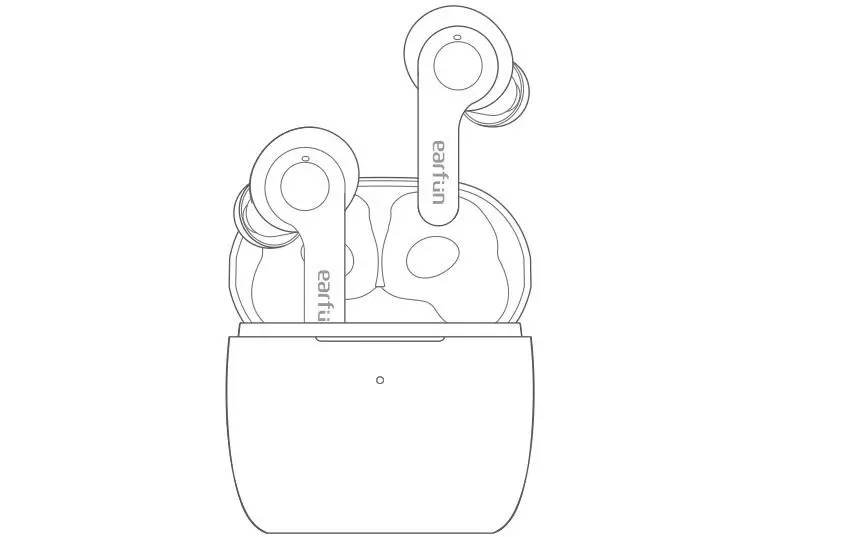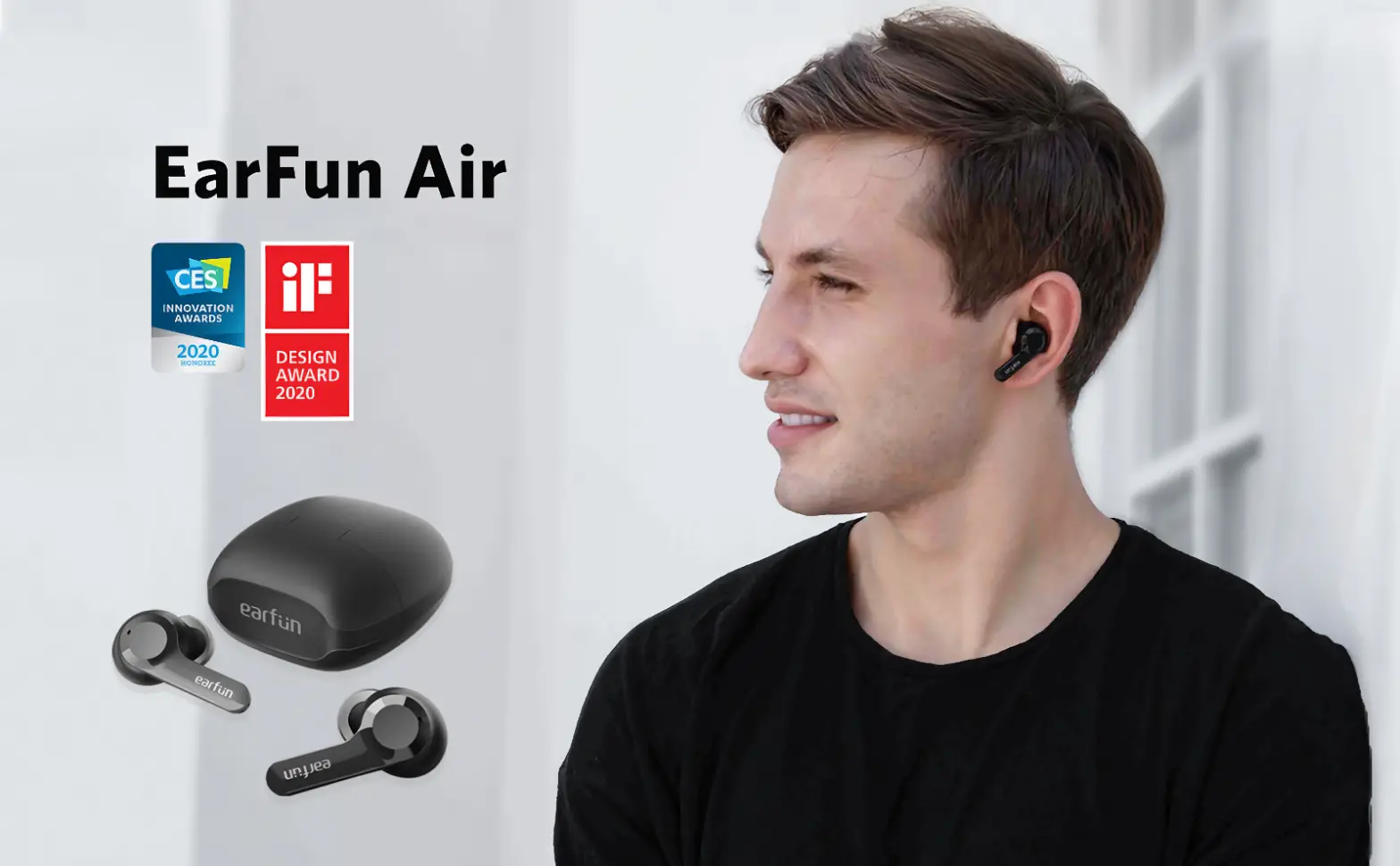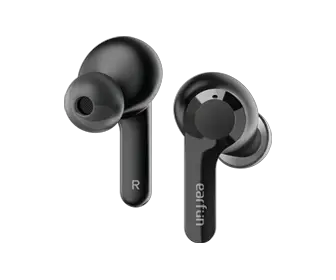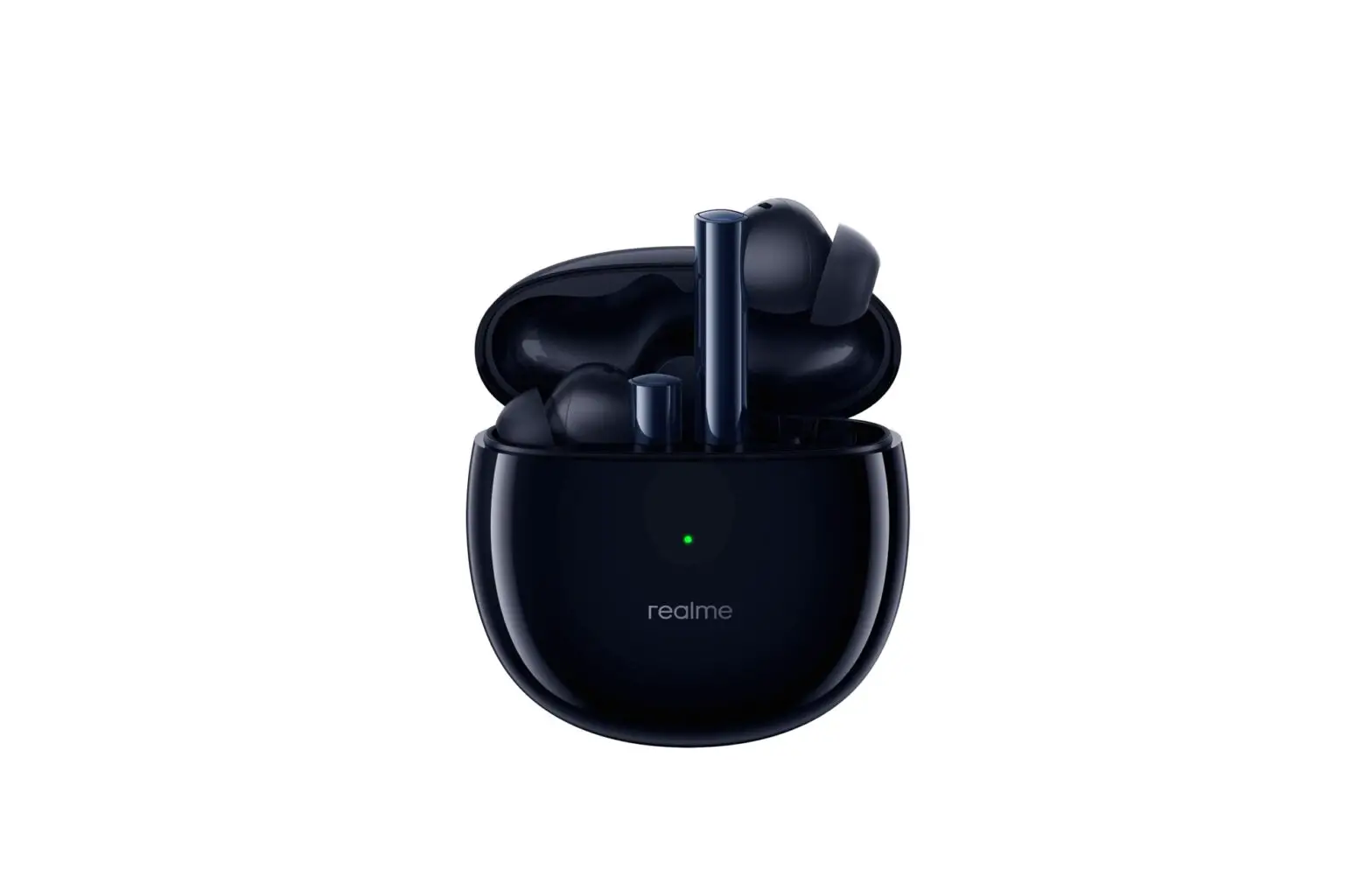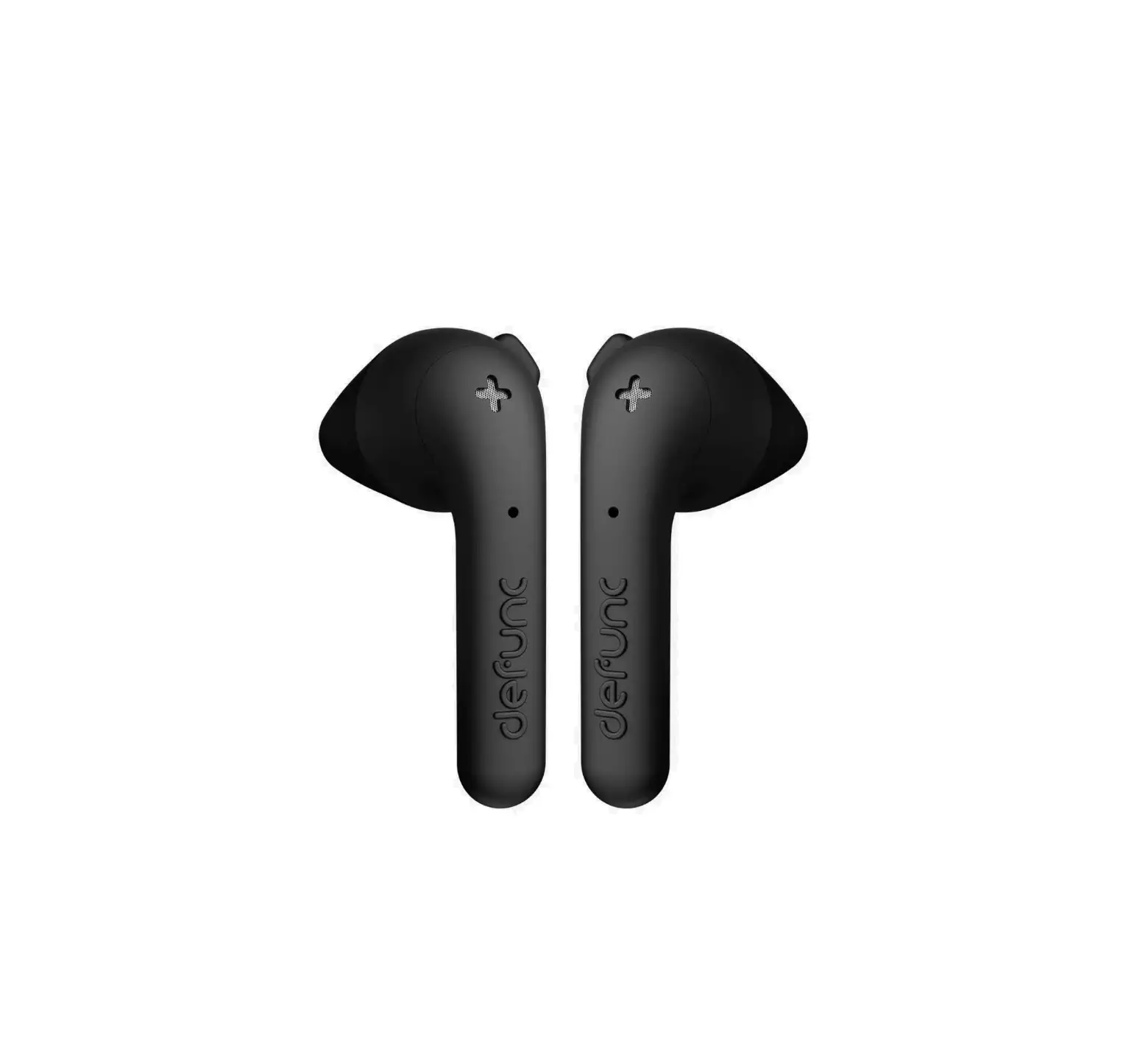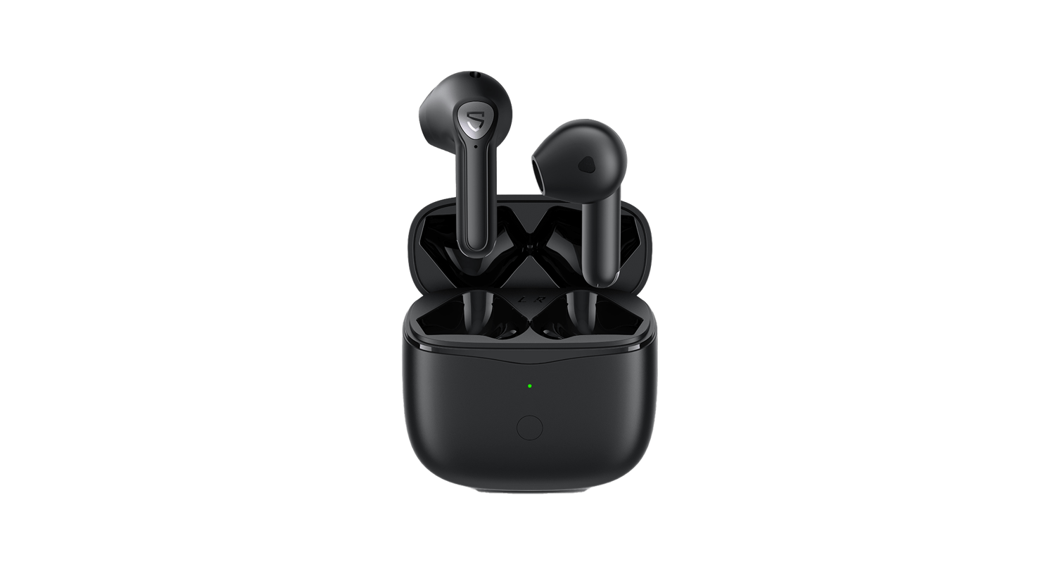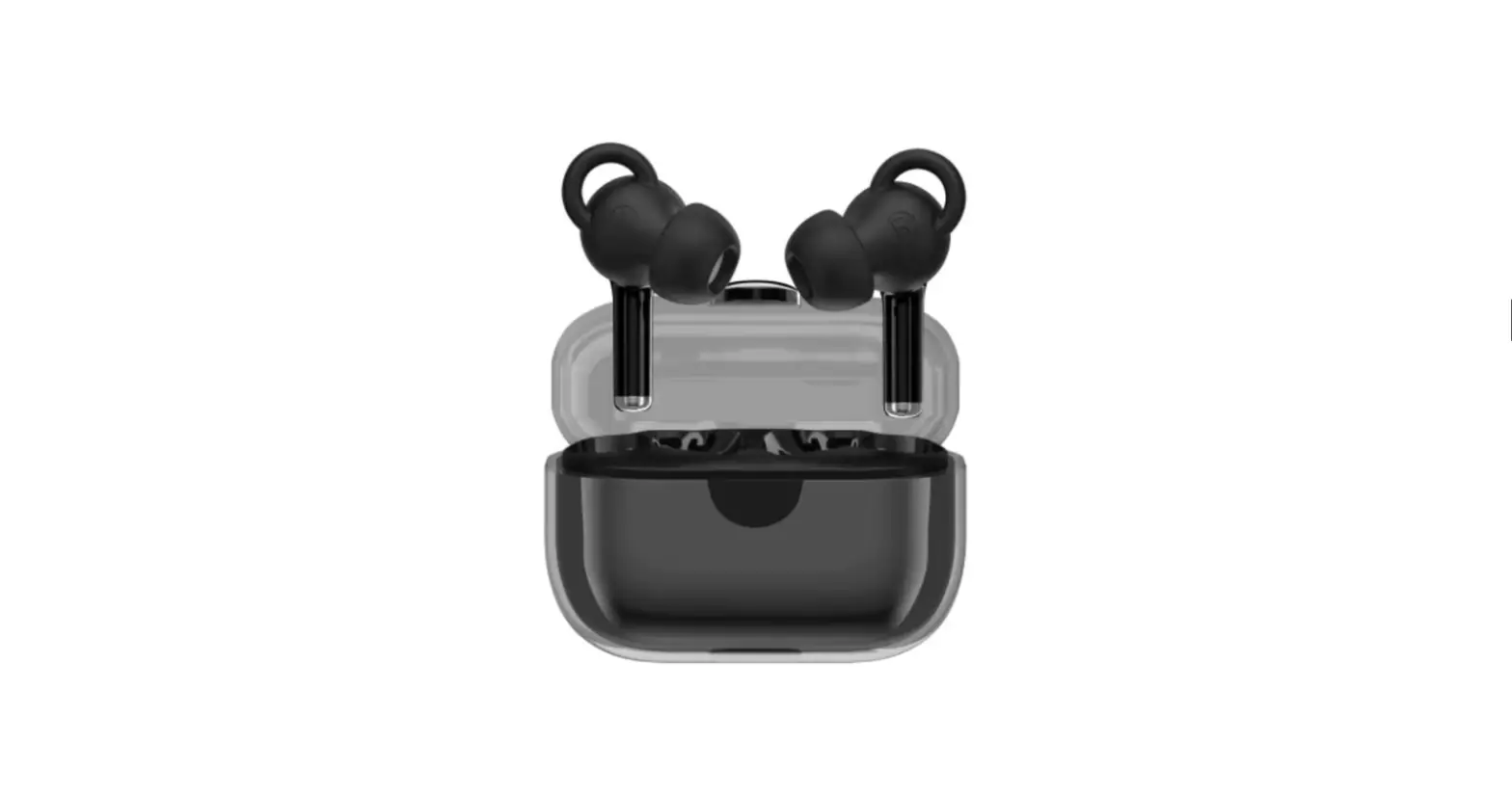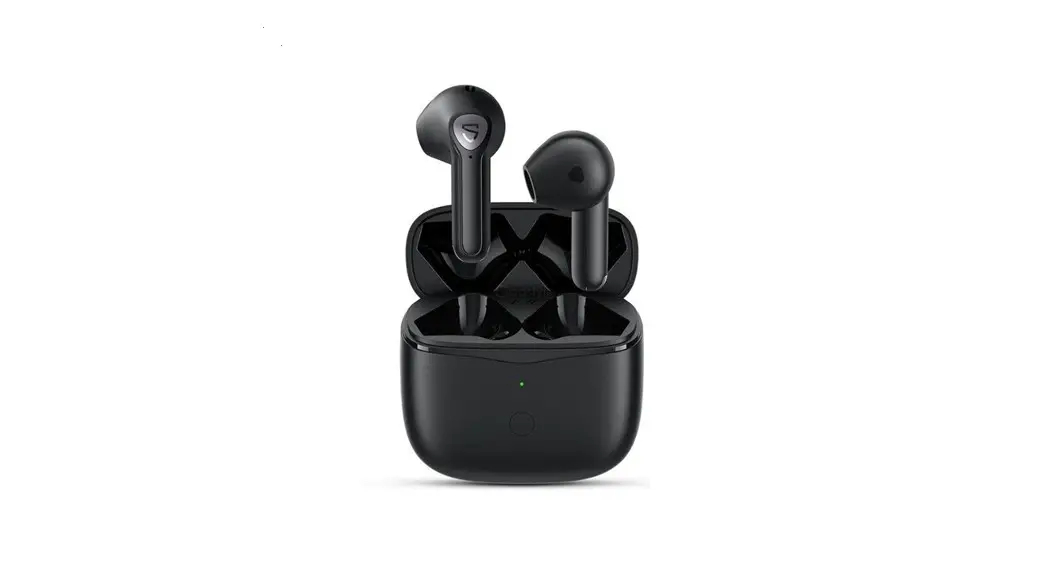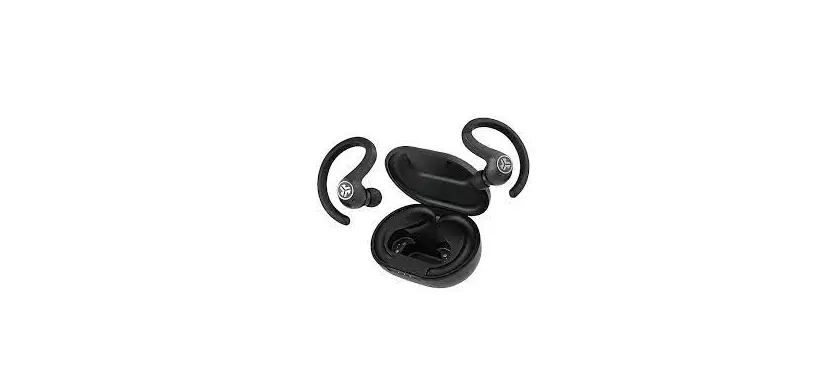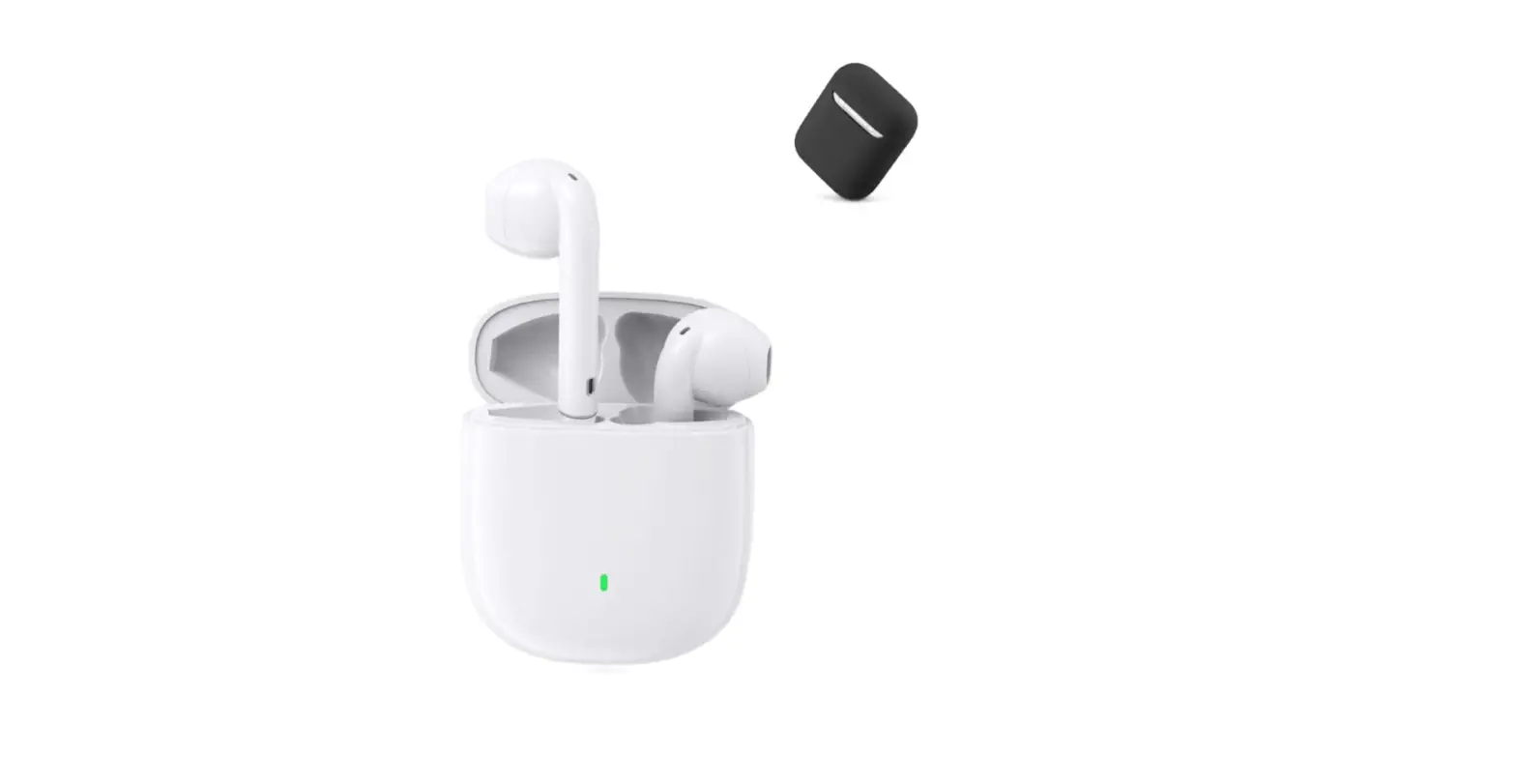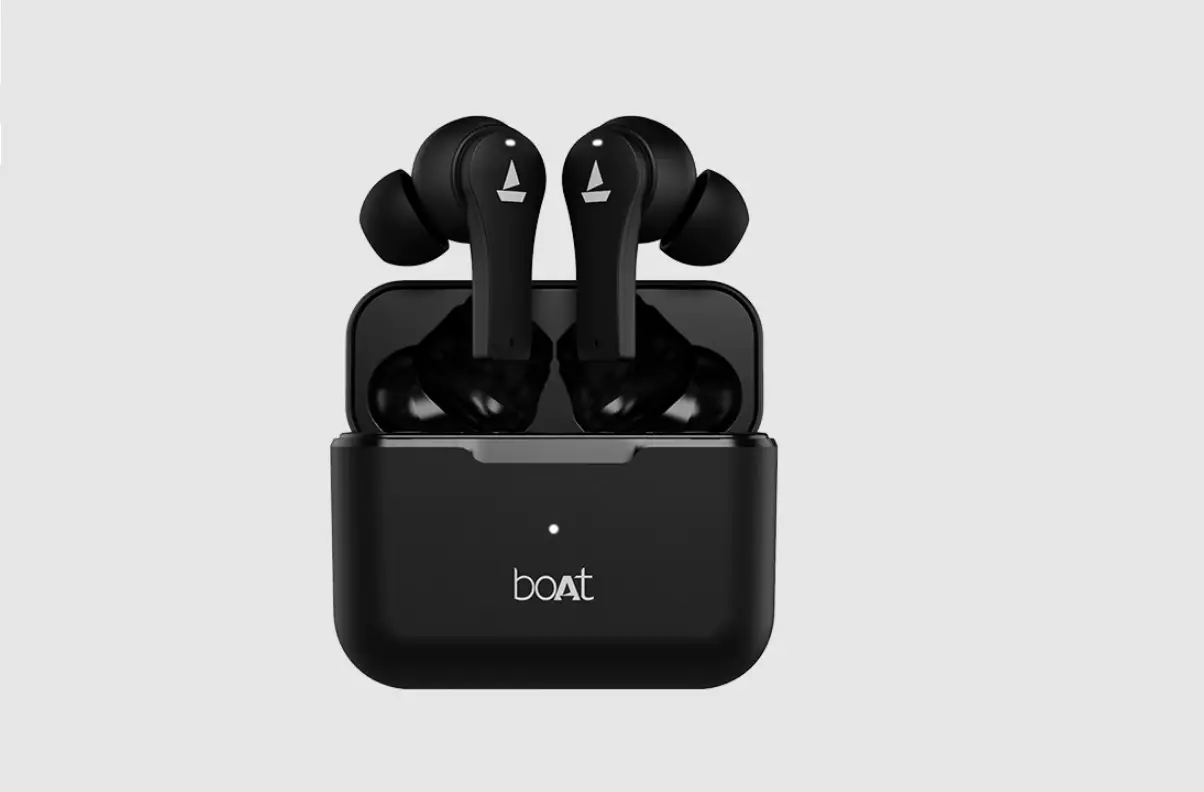

SPECIFICATIONS
- Earbud Weight: 4.5 grams
- Speaker Driver Size:13 mm
- Supported Profiles: HFP, HSP, A2DP, AVRCP
- Bluetooth Version: 5.0
- Earbud Charging Time: Up to 1.5 hours
- Working Voltage: 3.7V
- Standby Time: 60 hours
- Playtime: 4 hours at 60% volume
- Bluetooth Range: 10m
- Waterproof Rating: IPX4
- Working Temperature: -1st to +60.0
CHARGING CASE SPECIFICATION
- Charging Case Weight: 38 grams
- Charging Port: USB Type-C
- Number of Earbud Charges from Case: Up to 4 times
- Case Charging Time: Up to 2 hours
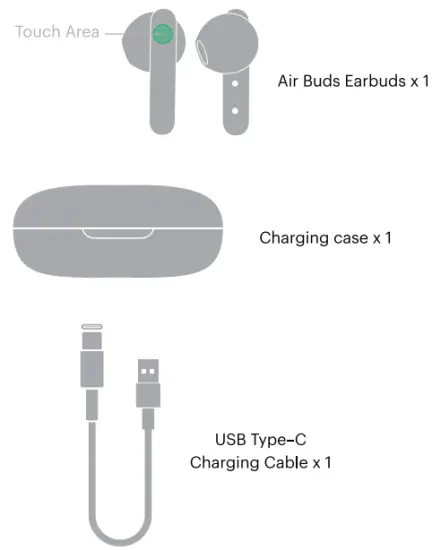
PACKAGE CONTAINS
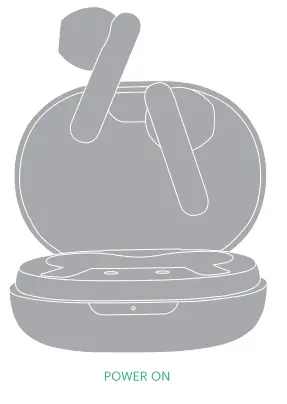
POWER ON
The earbuds will automatically turn on once removed from the charging case.
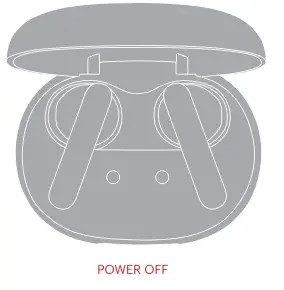
 POWER OFF
The earbuds will automatically turn off once placed inside the charging case.
 PAIRING Take out the earbuds from the charging case and turn on the Bluetooth on your device.
- Select ‘Add Device’ and from the list of devices, select Air Buds.
- Your Air Buds are now paired with your device and ready to use!
Note: Your Air Buds will automatically connect to the last paired device as soon as you remove them from the charging case again.
RESET
- Before resetting, make sure that Air Buds are fully charged and are disconnected from other Bluetooth devices.
- On your paired device, remove or delete Air Buds from the list of paired devices in the Bluetooth Menu.
- Place both the earbuds inside the charging case.
- Long press both the earbuds for 6 seconds while they are inside. Your Noise Air Buds have now been reset and are ready to pair again.
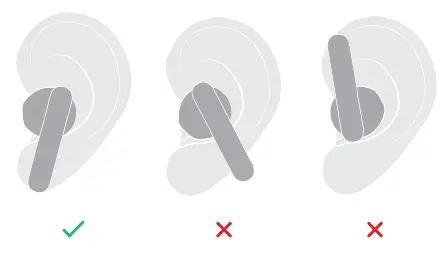
Follow the images and chart to learn how to wear the earbuds in the right manner.
CONTROLS
 Play/Pause Tap twice on either earphone Play/Pause Tap twice on either earphone | 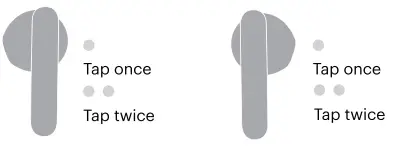 |
 Previous Song Tap the left earphone thrice Previous Song Tap the left earphone thrice | 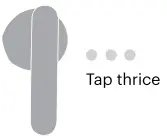 |
 Next Song Tap the right earphone thrice Next Song Tap the right earphone thrice | |
 Volume Up Tap the right earphone once Volume Up Tap the right earphone once | 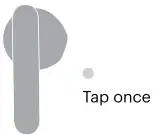 |
 Volume Down Tap the left earphone once Volume Down Tap the left earphone once | |
 Answer/End a Call Tap once on either earphone to answer Tap twice on either earphone to end Answer/End a Call Tap once on either earphone to answer Tap twice on either earphone to end | |
 Reject Call Touch and hold either earphone for 2 seconds Reject Call Touch and hold either earphone for 2 seconds | 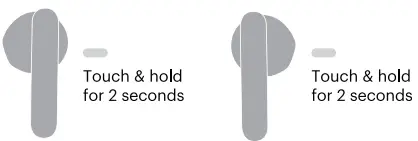 |
 Voice Assistant Touch and hold either earphone for 2 seconds Voice Assistant Touch and hold either earphone for 2 seconds | |
CHARGING
EARBUDS
Place both earbuds in the case to charge them. The earbuds LED will light up white for 5s and then turn off.
| White |  |
CASE
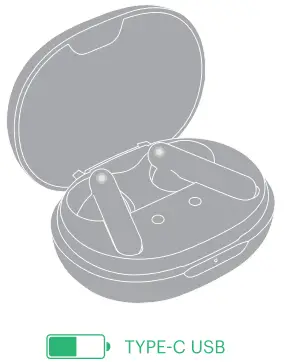
Charge the case via the supplied USB Type-C from any PC, laptop or USB charger. White LED flashes slowly while charging constant white LED when fully charged.
| White LED Flashes | |
| White |  |
 WARRANTY
 WARRANTY
The warranty covers your Noise product, including accessories against manufacturing defects (if any) for 1 year from the date of purchase.
Things that are not covered in the warranty
- Unauthorized tampering, modifications or repairs of the product.
- Physical damage of the product on the account of abuse, handling, storage, installation, or testing including any use that is not in accordance with the product manual or documentation, or any other instruction provided along with the Noise product.
For further information on product replacement/refund-related queries, please refer to the terms and conditions mentioned in our online return policy section on www.gonoise.com.
WARRANTY REGISTRATION
www.gonoise.com/pages/warranty-registration
√ SUPPORT AND SERVICE 1 YEAR LIMITED WARRANTY
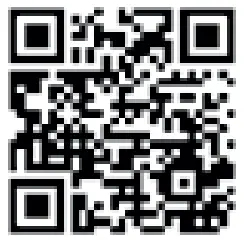 SCAN ME
https://www.gonoise.com/pages/warranty-registration
CUSTOMER QUERY For any assistance, please reach out to us at support. noise.in
SAFETY FOR YOU AND YOUR NOISE AIR BUDS
Follow these tips and you & your Air Buds will be happy together for a very long time. Do not expose Air Buds to liquids, moisture, or humidity. It has electronics and a battery in it. Neither of them likes getting wet.
 Don’t use abrasive cleaning solvents to clean your Air Buds. Wipe them down with a slightly damp cloth if and when necessary.
 Do not expose Air Buds to extremely high or low temperatures as this may damage the battery or even deform the plastic parts.
 Don’t throw your Air Buds in a fire to dispose of them. The internal battery may explode.
 Don’t try to disassemble your Air Buds. There are no user-serviceable parts inside it.
 Try not to drop your Air Buds and keep them away from sharp objects such as keys in your pockets.
 Only charge your Noise Air Buds from 5V USB ports such as phone chargers and laptops or PCs.
 Never listen to music at high volumes or you may permanently damage your hearing.
 Pay attention to your surroundings and never wear ANY headphones while riding, driving or walking in traffic. You do not come with any warranty.
Air Buds
Please refer to this manual before using the product
FCC Statement
This device complies with part 15 of the FCC rules. Operation is subject to the following two conditions: (1) this device may not cause harmful interference, and (2) this device must accept any interference received, including interference that may cause undesired operation. Changes or modifications not expressly approved by the party responsible for compliance could void the user’s authority to operate the equipment. NOTE: This equipment has been tested and found to comply with the limits for a Class B digital device, pursuant to part 15 of the FCC Rules. These limits are designed to provide reasonable protection against harmful interference in a residential installation. This equipment generates uses and can radiate radio frequency energy and, if not installed and used in accordance with the instructions, may cause harmful interference to radio communications. However, there is no guarantee that interference will not occur in a particular installation. If this equipment does cause harmful interference to radio or television reception, which can be determined by turning the equipment off and on, the user is encouraged to try to correct the interference by one or more of the following measures:
- Reorient or relocate the receiving antenna.
- Increase the separation between the equipment and receiver.
- Connect the equipment into an outlet on a circuit different from that to which the receiver is connected.
- Consult the dealer or an experienced radio/TV technician for help.
The device has been evaluated to meet general RF exposure requirements. The device can be used in portable exposure conditions without restriction.