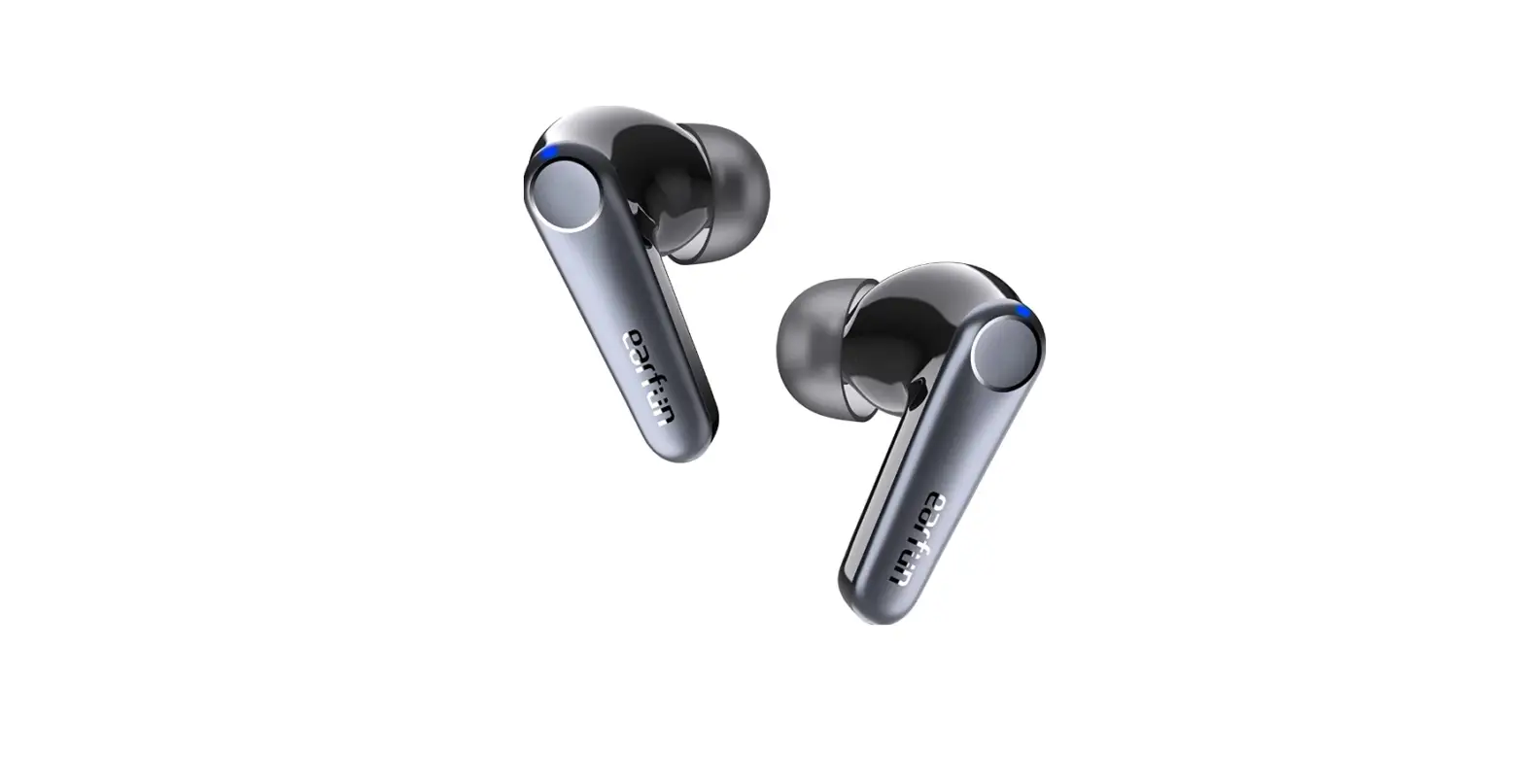
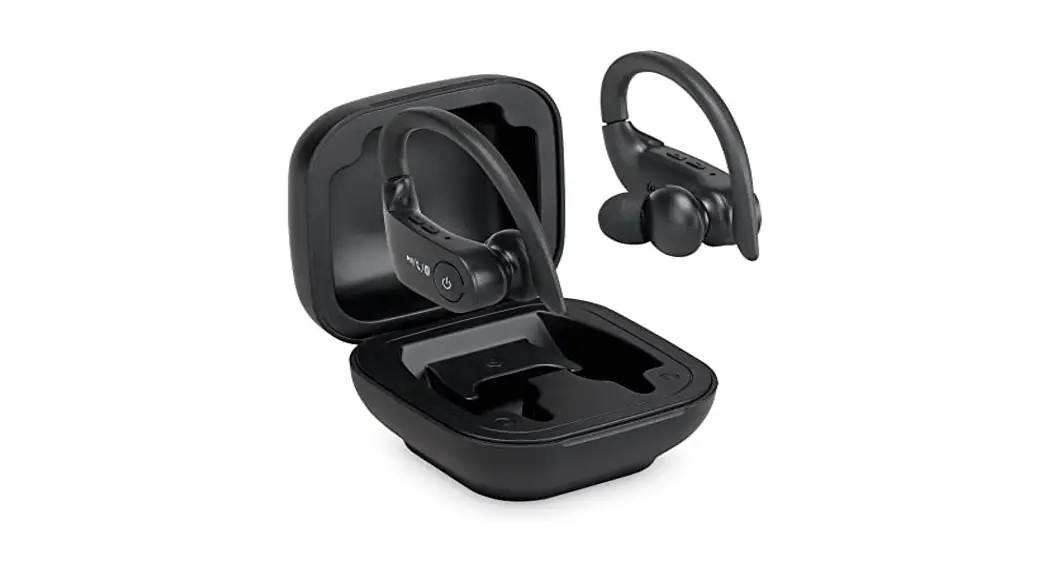
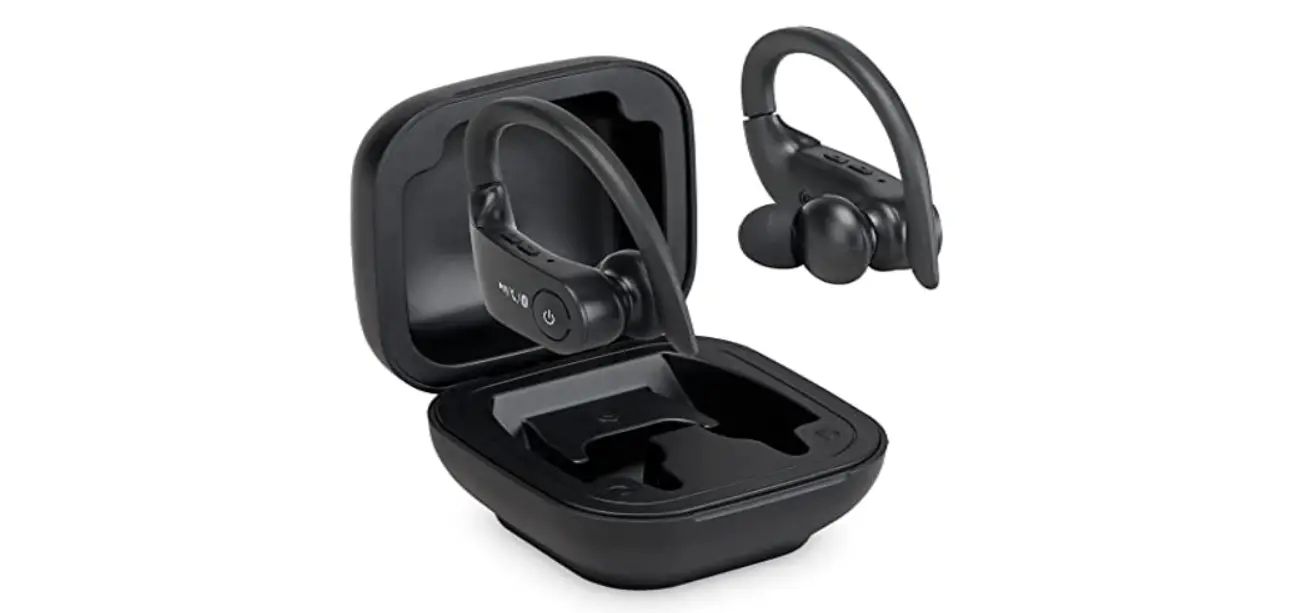
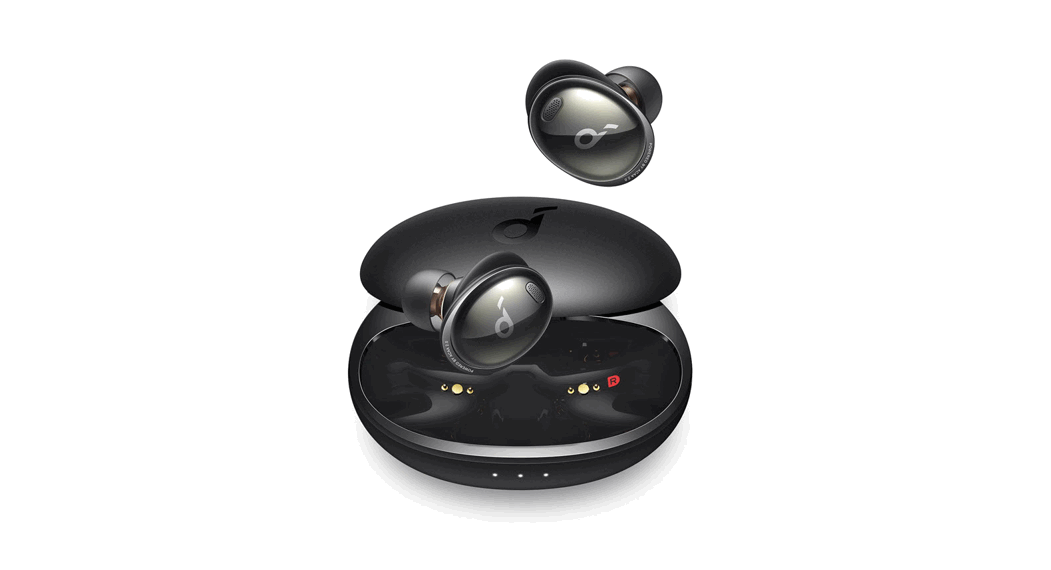
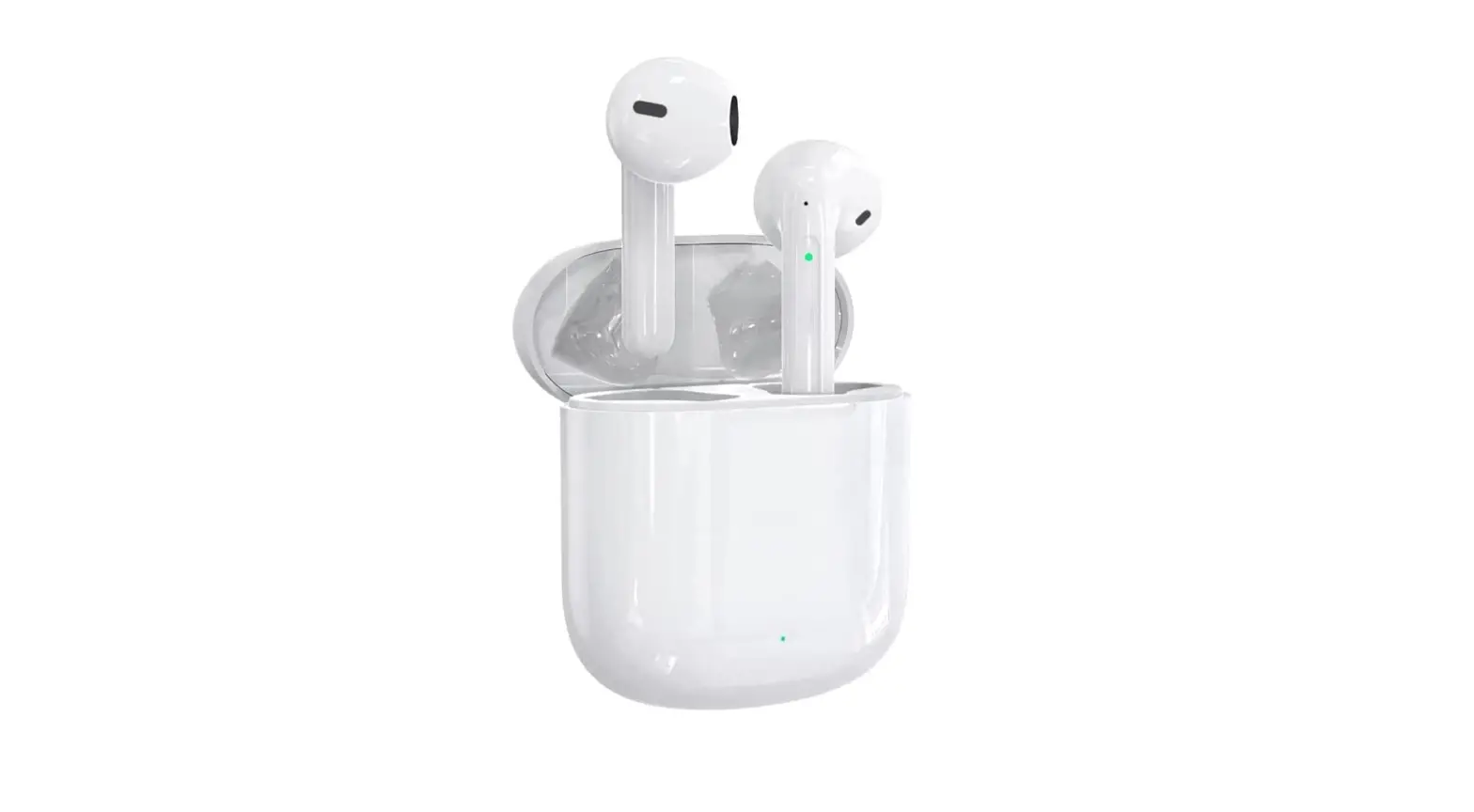
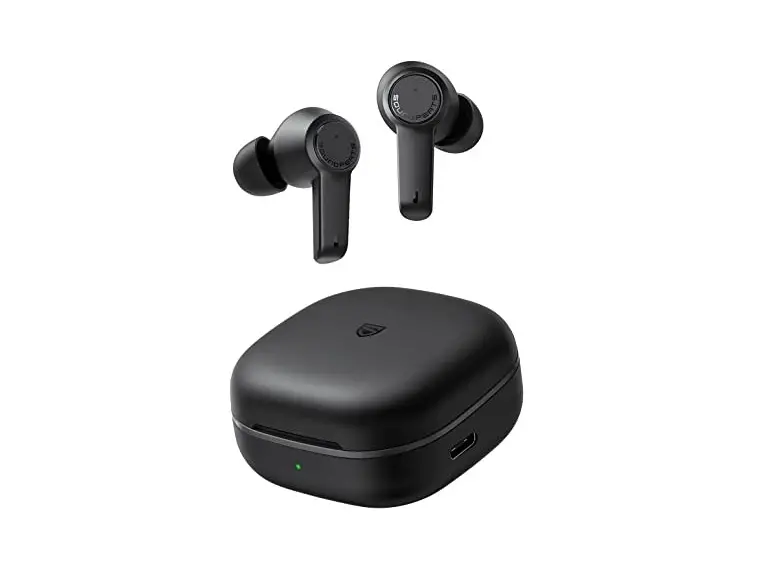
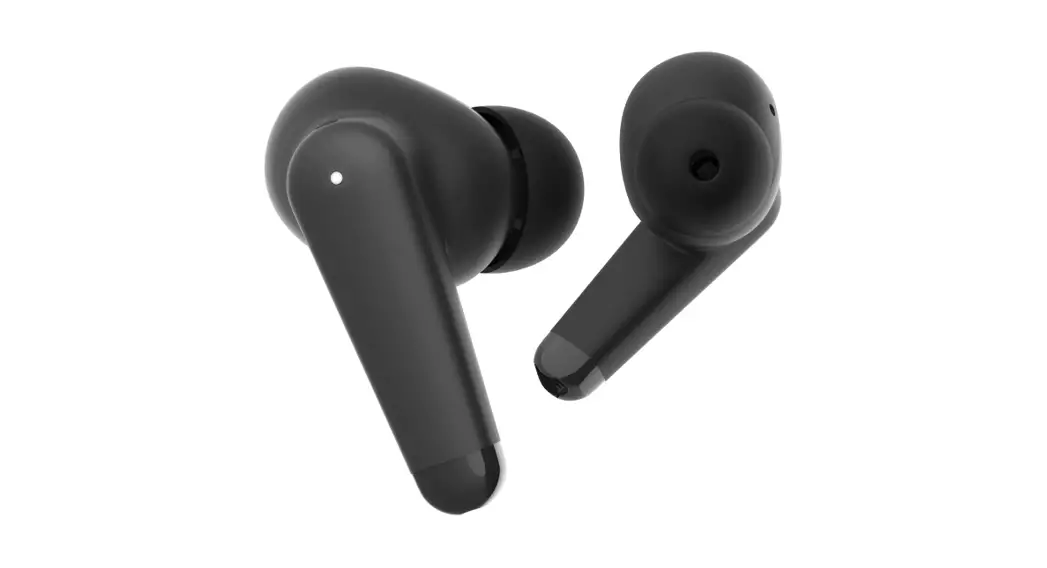
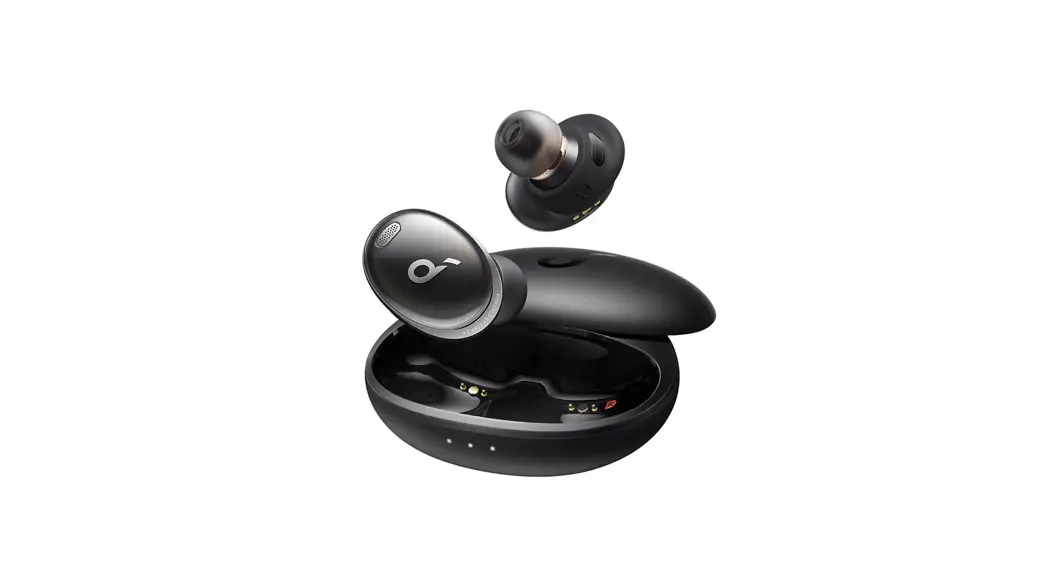
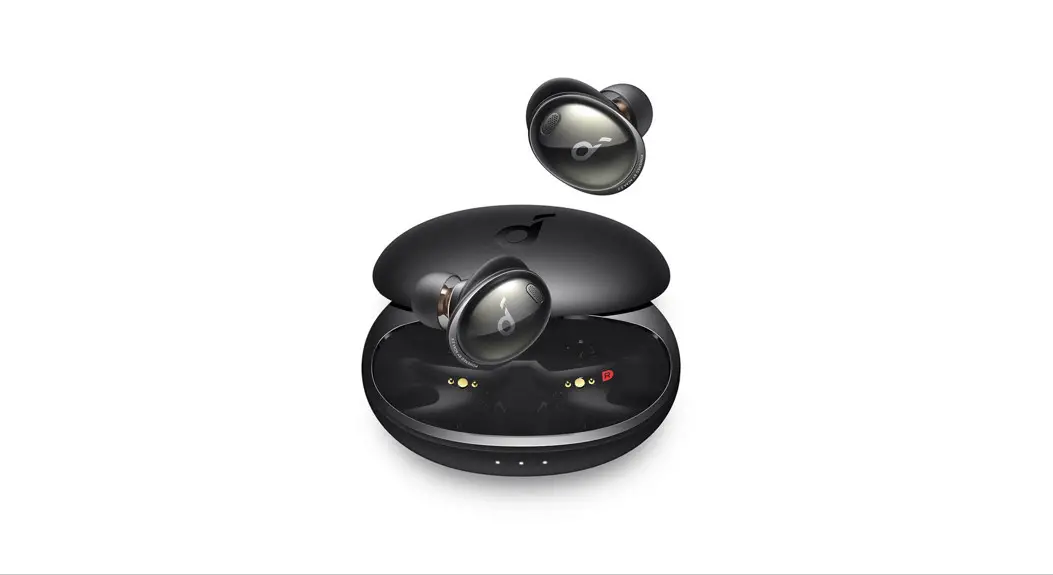
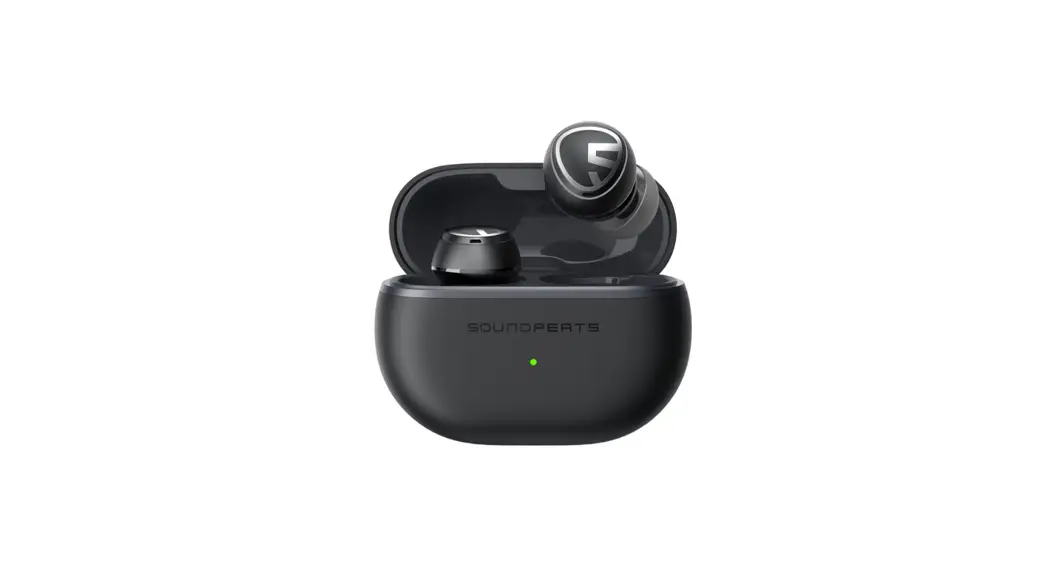
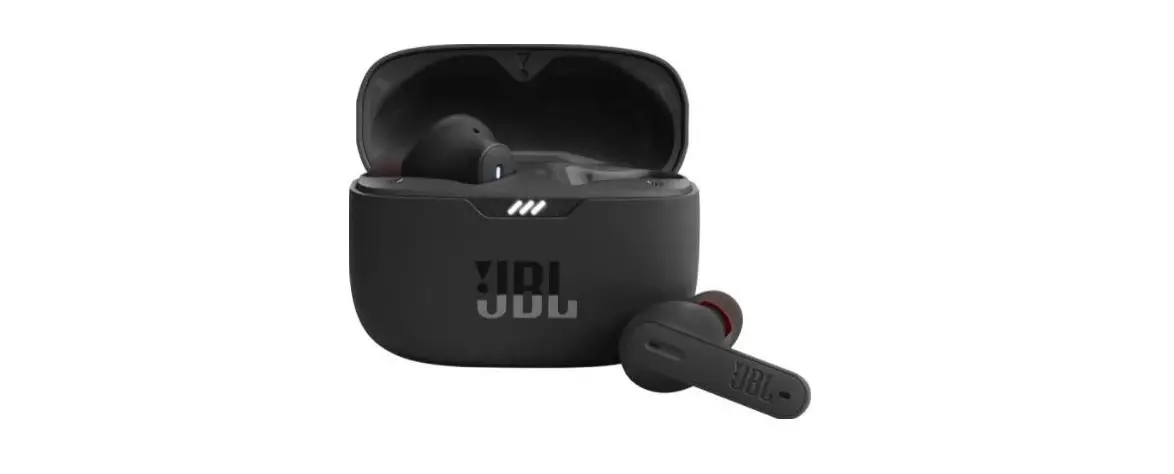
AIR+ 3rd GEN True Wireless Noise Cancelling Earbuds
Product Information
The product is the LIBRATONE AIR+ 3rd GEN, a pair of earbuds
with various features and customization options. It can be
connected to mobile devices via Bluetooth for music playback and
phone calls.
Product Usage Instructions
1. App Download
To use the LIBRATONE AIR+ 3rd GEN, download the Libratone App
from the Apple App Store or Google Play Store. Search for
‘Libratone’ and download the app.
2. Connection Setup
Place the earbuds in the charging case with the lid open. Press
and hold the button on the back of the case until the L/R lights
blink. Then, go to the Bluetooth settings on your mobile device and
search for ‘Libratone earbuds’ to establish a connection.
3. Playback Control
To control music playback or answer/hang up phone calls, double
tap either earbud in use. For further customization of this
feature, use the Libratone App.
4. Multiple Connected Devices
The earphones can be used among 3 connected devices. To switch
between devices, triple tap either earbud in use. Use the Libratone
App for further customization of this feature.
5. Battery Level Check
To check the battery level of the charging case, press the
button on the case. The battery level will be indicated by the
number of light blinks on the charging port. Three white blinks
indicate a high battery level, two white blinks indicate a middle
battery level, one white blink indicates a low battery level, and
one red blink indicates that charging is required.
6. Ear Tips Selection
Select the best fitting ear tips that can seal your ear canals
properly. This will ensure the best sound quality and noise
isolation performance.
7. Libratone App
For more advanced and interesting features, use the Libratone
App. You can find additional information and user manuals on the
official website, http://support.libratone.com.
Please note that upgrades after the product launch may not be
reflected in the provided user manual. Refer to the Libratone App
or the official website for the latest detailed user manual.
App Download App
Search ‘Libratone’ in Apple App Store or Google Play to download App.
App Store”Libratone”
With earbuds in charging case and lid open, press and hold button on back until L/R lights blink.
L/R
Then go to Bluetooth settings on mobile device and find Libratone earbuds for connection. “”Libratone
DEVICES Libratone AIR+
Playback Control
Double tap either earbud in use to play/pause music or to answer/hang up phone calls. Use Libratone App to further customize the feature.
// Libratone App
Multiple Connected Devices
Earphones can support being used among 3 connected devices. Triple tap either earbud in use to toggle. Use Libratone App to further customize the feature. 3 Libratone App
3 2 1
Short press button on case to check its battery level by light blinks of charging port.
Battery Level
High
Middle
Low
Need to charge
Light Blinks 3x white 2x white 1x white 1x red
3 2 1 1
Suche nach ‘Libratone’ im Apple App Store bzw. Google Play Store.
Recherchez le terme “Libratone” sur Apple Store et Google Play pour télécharger l’appli.
Apple App StoreGoogle PlayLibratone
C App StoreGoogle Play”Libratone”
Apple App Store Google Play “Libratone” .
Wenn sich die beiden Kopfhörer in der Ladebox befinden, öffne den Deckel und halte den Funktions-Knopf auf der Rückseite der Ladebox lange gedrückt um in den Kopplungsmodus zu gelangen. Die beide L/R Indikatoren fangen an zu blinken.
Lorsque les écouteurs sont dans le boîtier de charge, ouvrez le couvercle et maintenez le bouton multifonction enfoncé pour que les écouteurs soient en mode de couplage. Les voyants L/R clignoteront.
2 LR LED
C L/R
. L/ R .
Suchen Sie nach den Kopfhörern und verbinden Sie diese in den “Einstellungen” – “Bluetooth” mit Ihrem Smartphone.
Rechechez les écouteurs et connectez-les dans les “Paramètres”-“Bluetooth” de votre appareil mobile.
– Bluetooth
C””Libratone
“”- “Bluetooth” .
Die Ohrhörer doppelt antippen, um Musik abzuspielen/anzuhalten oder um Telefonate anzunehmen/zu beenden.Die Funktion kann in der Libratone App angepasst werden.
Touchez 2x rapidement les oreillettes pour mettre en lecture / pause votre musique, décrocher ou raccrocher lors d’un appel telephonique. Cette fonction peut être customisée dans l’application Libratone.
-JCSBUPOF
C// Libratone App
2 .
Die Ohrhörer können mit 3 verbundenen Geräten verwendet werden. Tippe dreimal den Ohrhörer, um zwischen den Geräten zu wechseln. Verwende die Libratone-App, um die Einstellungen weiter anzupassen.
Les écouteurs supportent la commutation entre les 3 derniers appareils connectés. Appuyez 3 fois sur l’oreille pour commuter. Cette fonctionnalité peut être personnalisée dans “l’appli Libratone”.
33 LibratoneAPP
C3 Libratone App
3 . . Libratone .
Drücke kurz auf die Funktionstaste um den Akkustand des Case zu überprüfen.
Veuillez appuyer court le bouton multifonction arrière pour vérifier le niveau de charge de la batterie du boîtier de charge à travers le voyant.
C
.
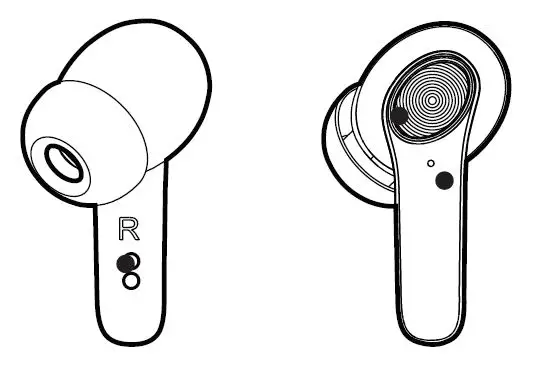
Ear Tips Selection
Select the best fitting ear tips, which can perfectly seal your ear canals, to get the best sound quality and noise isolating performance.
Find more advanced and interesting features in Libratone App.
Libratone App
User Manual
The upgrades after product launch will not be reflected here. Please get the latest detailed user manual from Libratone App or official website, http://support.libratone.com.
Libratone App http://support.libratone.com
Wähle die am besten passenden Ohrstöpsel, die deine Gehörgänge perfekt abdichten. So erreichst du die beste Klangqualität und Geräuschisolierung bei einem angenehmen Tragekomfort – es ist eine kleine Sache, aber mit großer Wirkung.
Sélectionnez une paire de bouchons d’oreilles de taille appropriée et assurez-vous qu’ils s’adaptent bien à l’oreille pour une bonne expérience sonore et une réduction du bruit et une stabilité du port.
C,
, .
Entdecke weitere smarte und interessante Funktionen in der Libraton App.
Trouvez et découvrez d’autres fonctionnalités intellegentes et intéressantes sur l’appli Libratone.
LibratoneApp
CLibratone App
Libratone .
Die Funktionserweiterung nach der Produkteinführung wird hier nicht berücksichtigt. Ein ausführlicheres und aktuelles Benutzerhandbuch findest du in unserer App oder auf unserer Webseite. http://support.libratone.com
Les mises à jour des fonctionnalités après la sortie du produit ne seront pas reflétées ici. Vous pouvez trouver le manuel d’utilisateur détaillé sur l’appli et l’adresse suivante: http://support.libratone.com
http://support.libratone.com .
C Libratone App http://support.libratone.com
” ” . http://support.libratone.com .
LIBRATONE AIR+ 3rd GEN Quick Guide
 Castoro