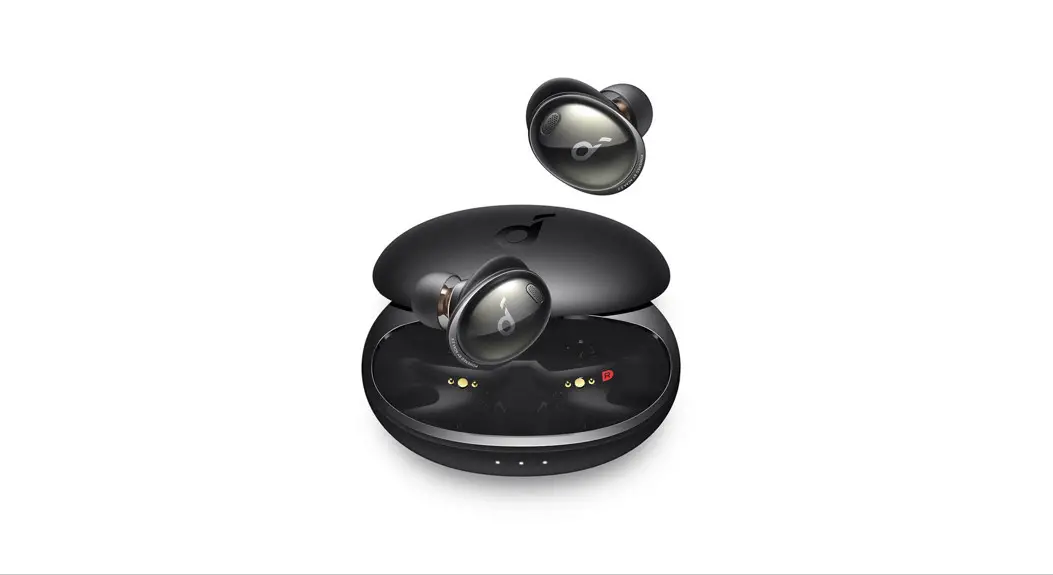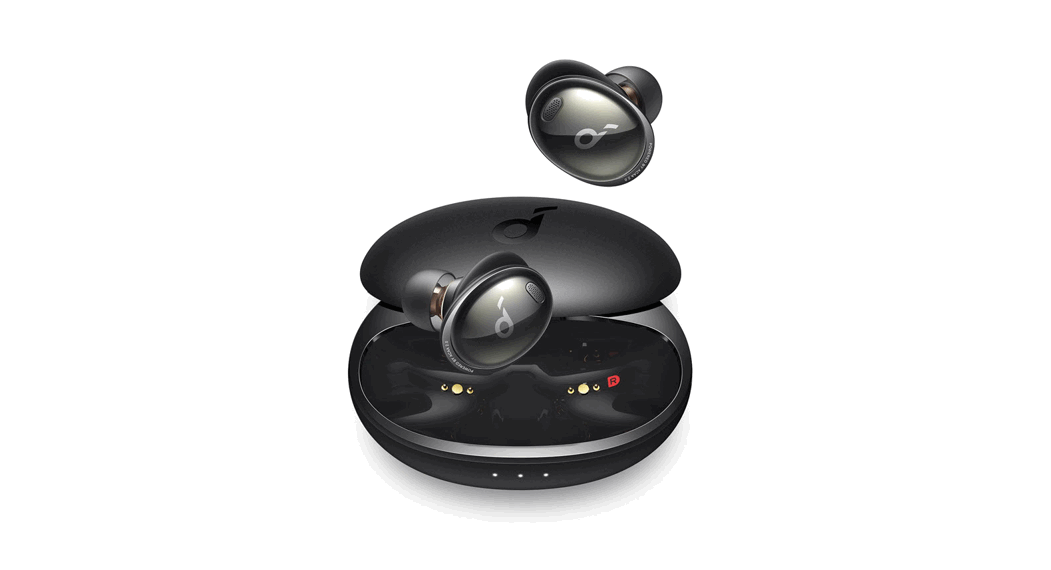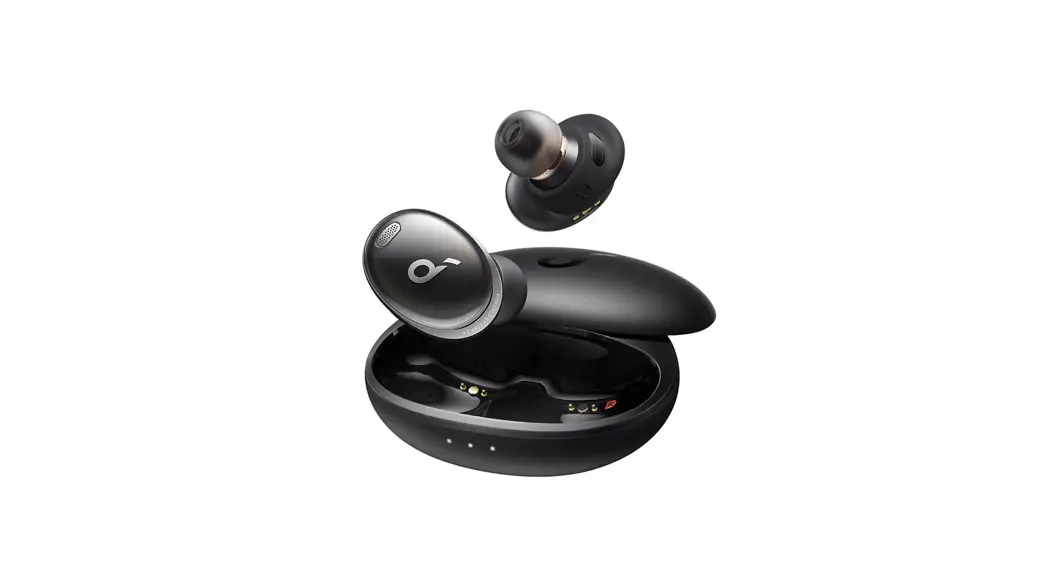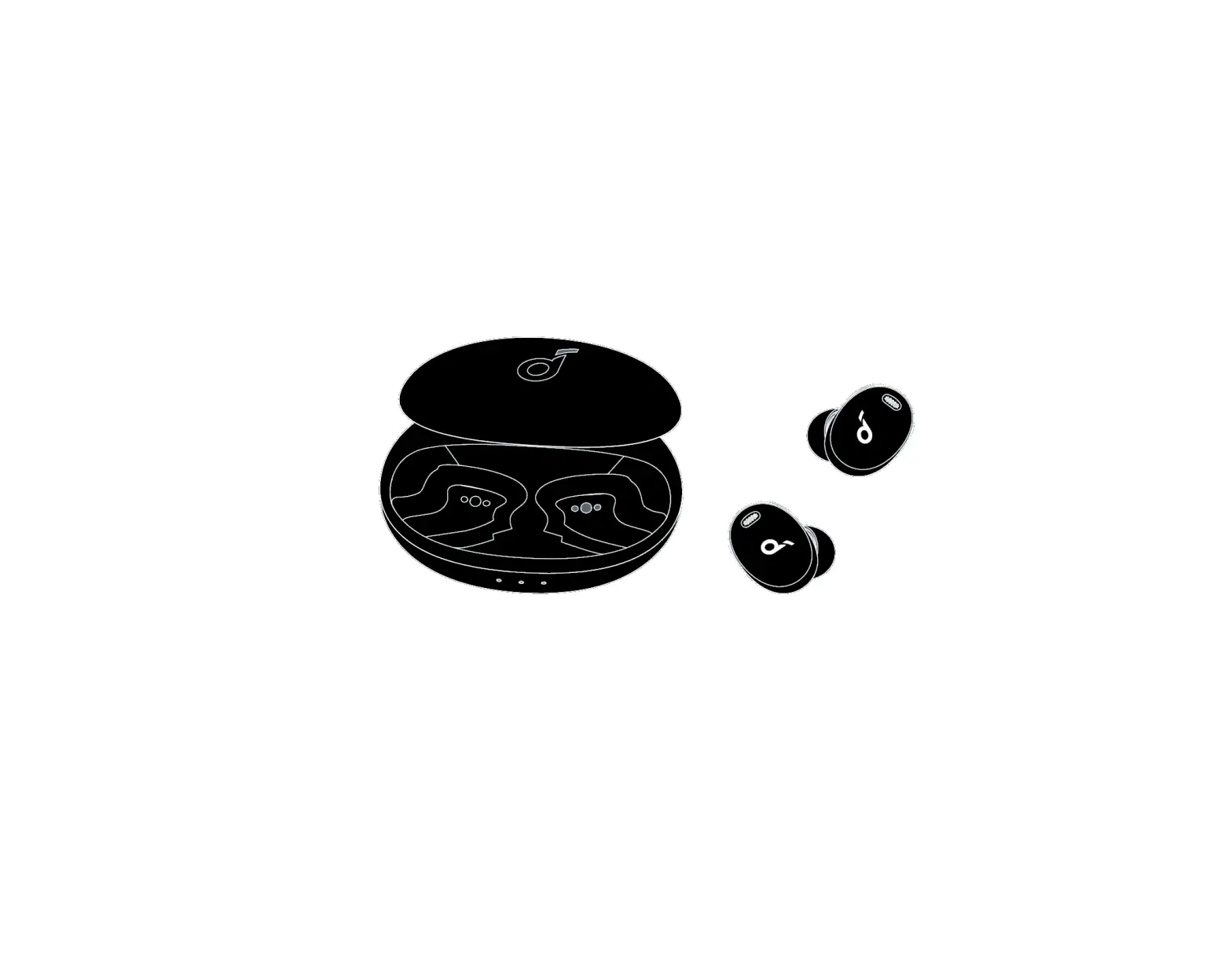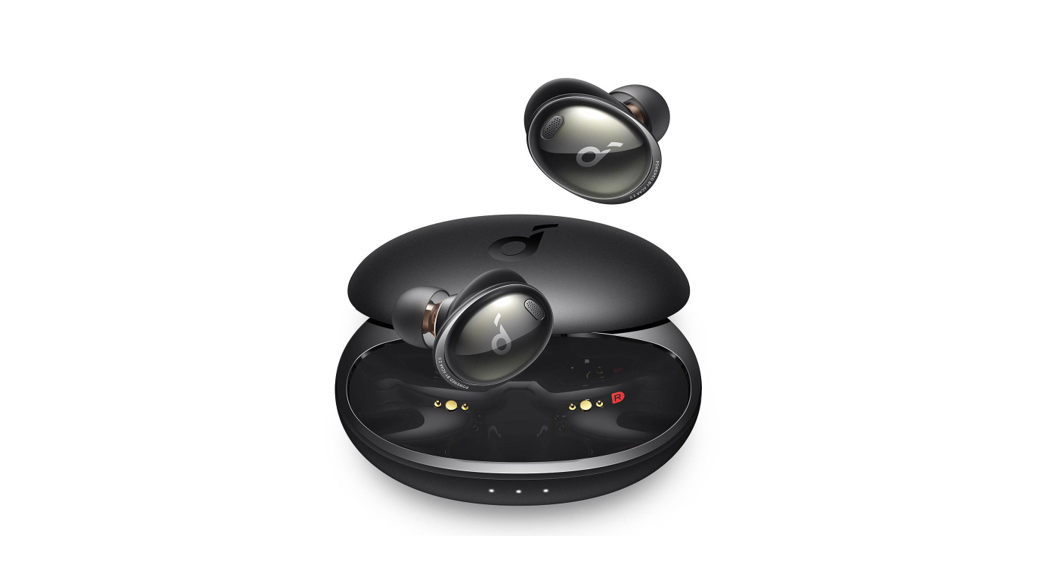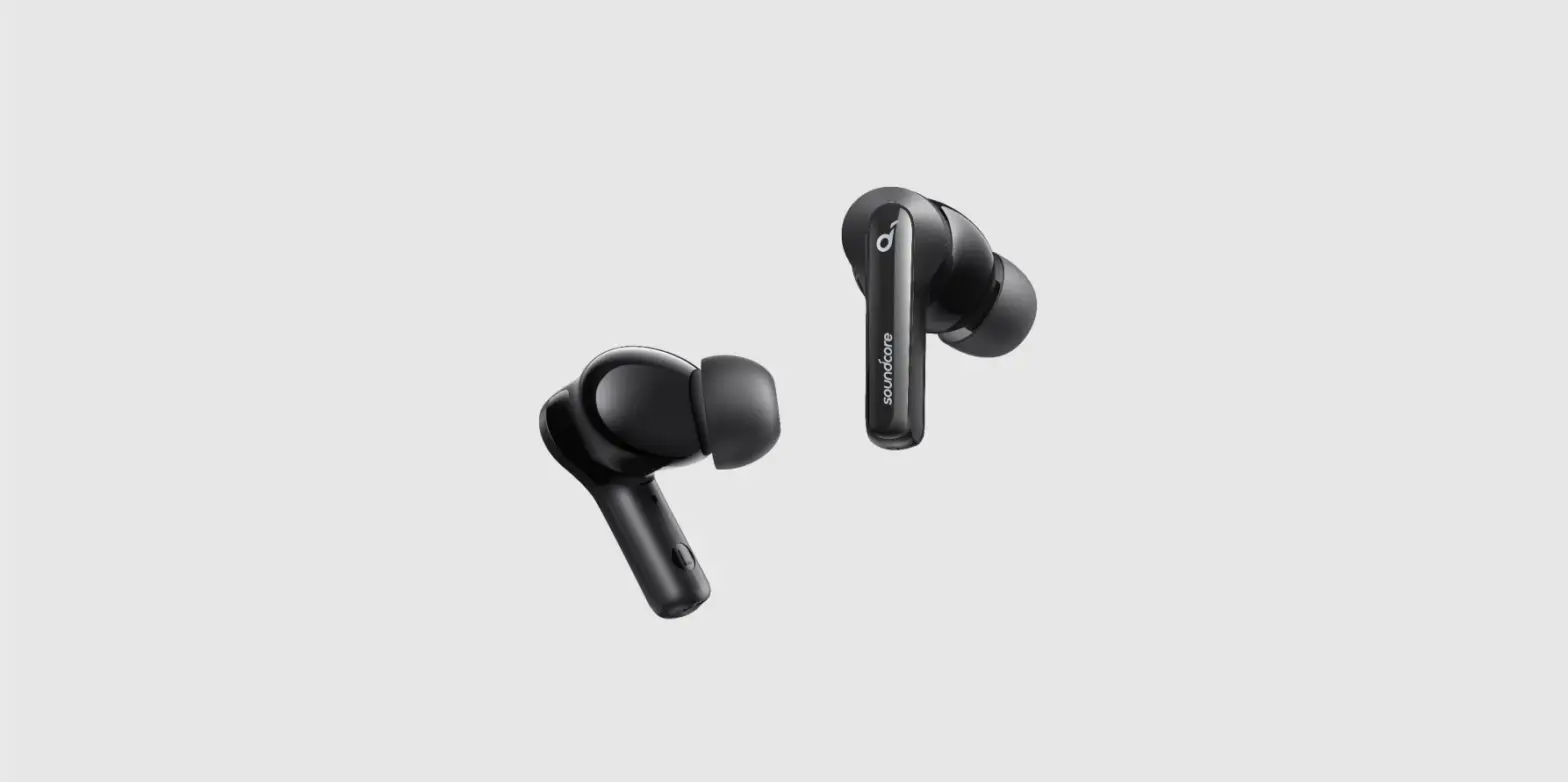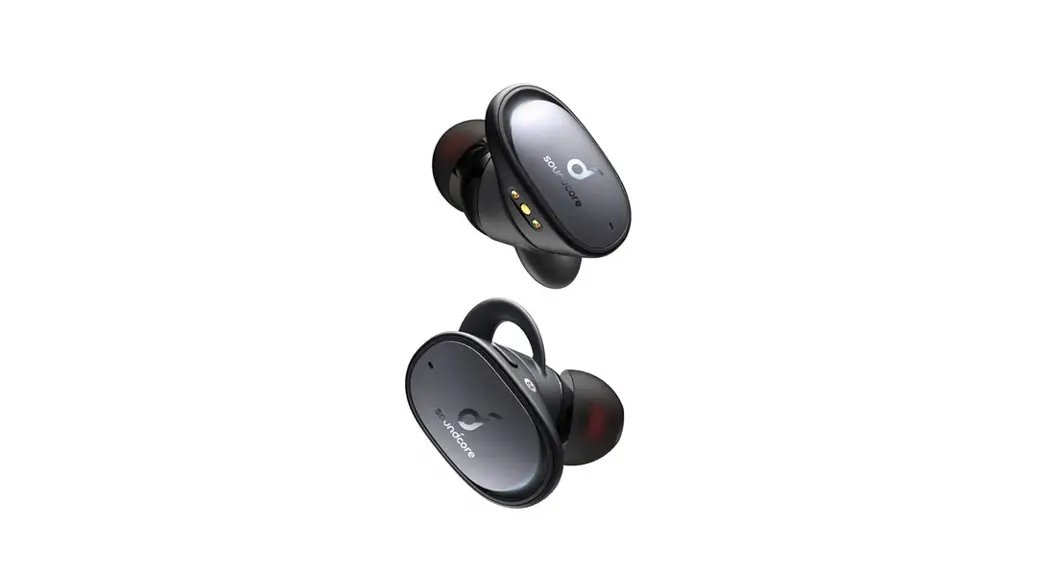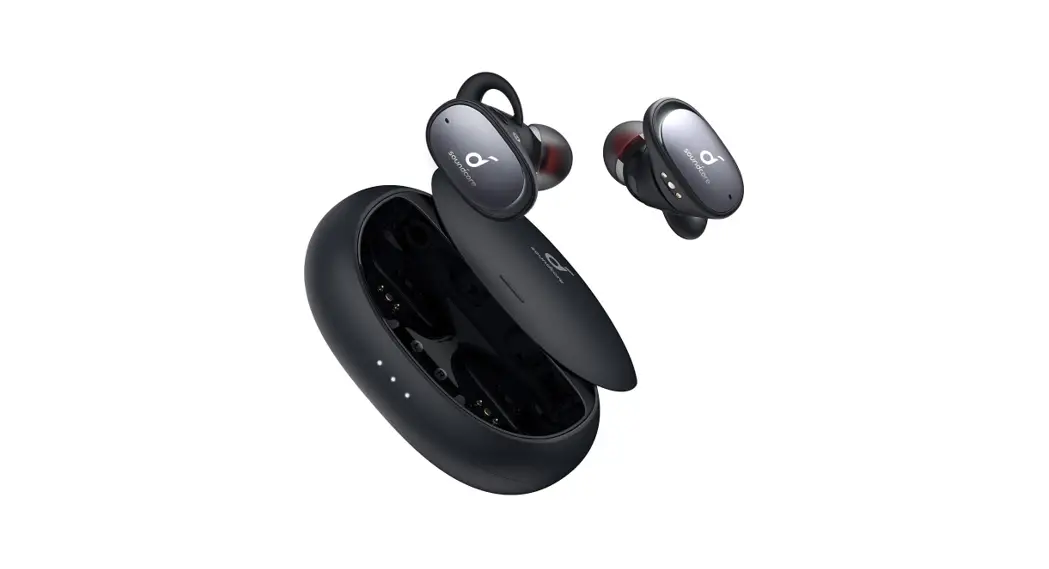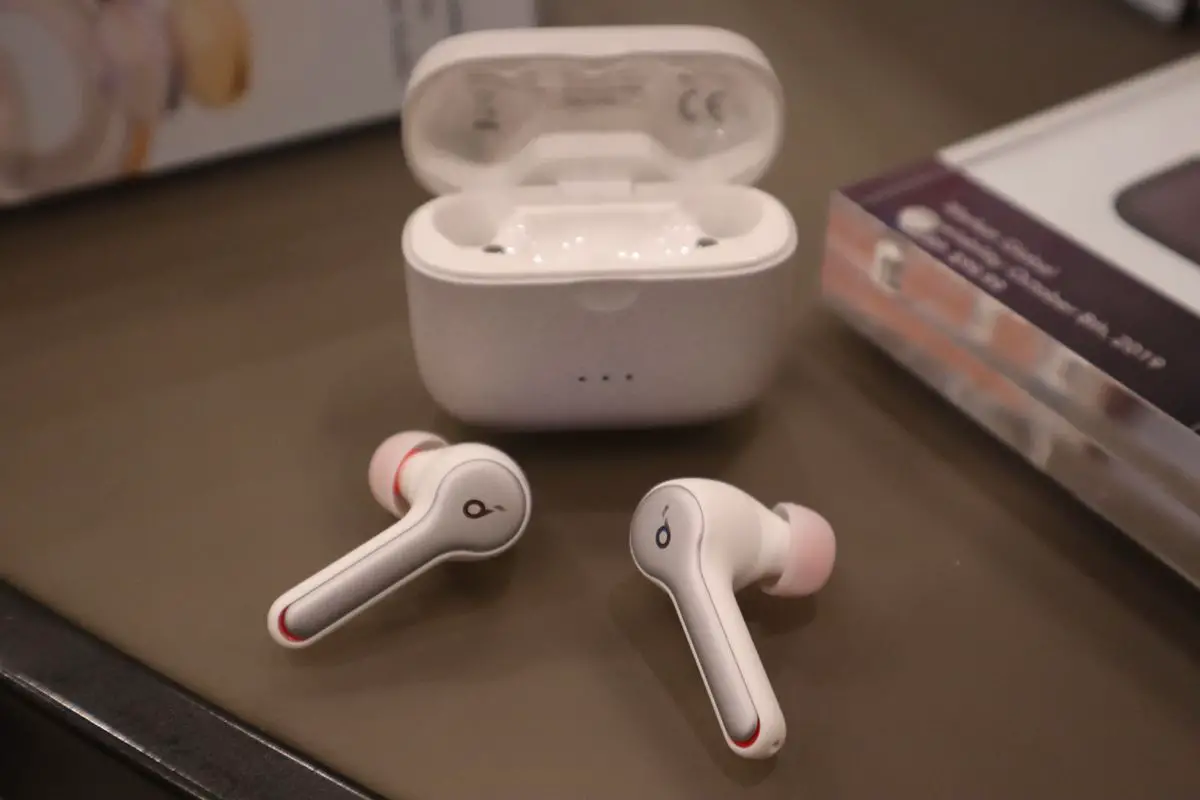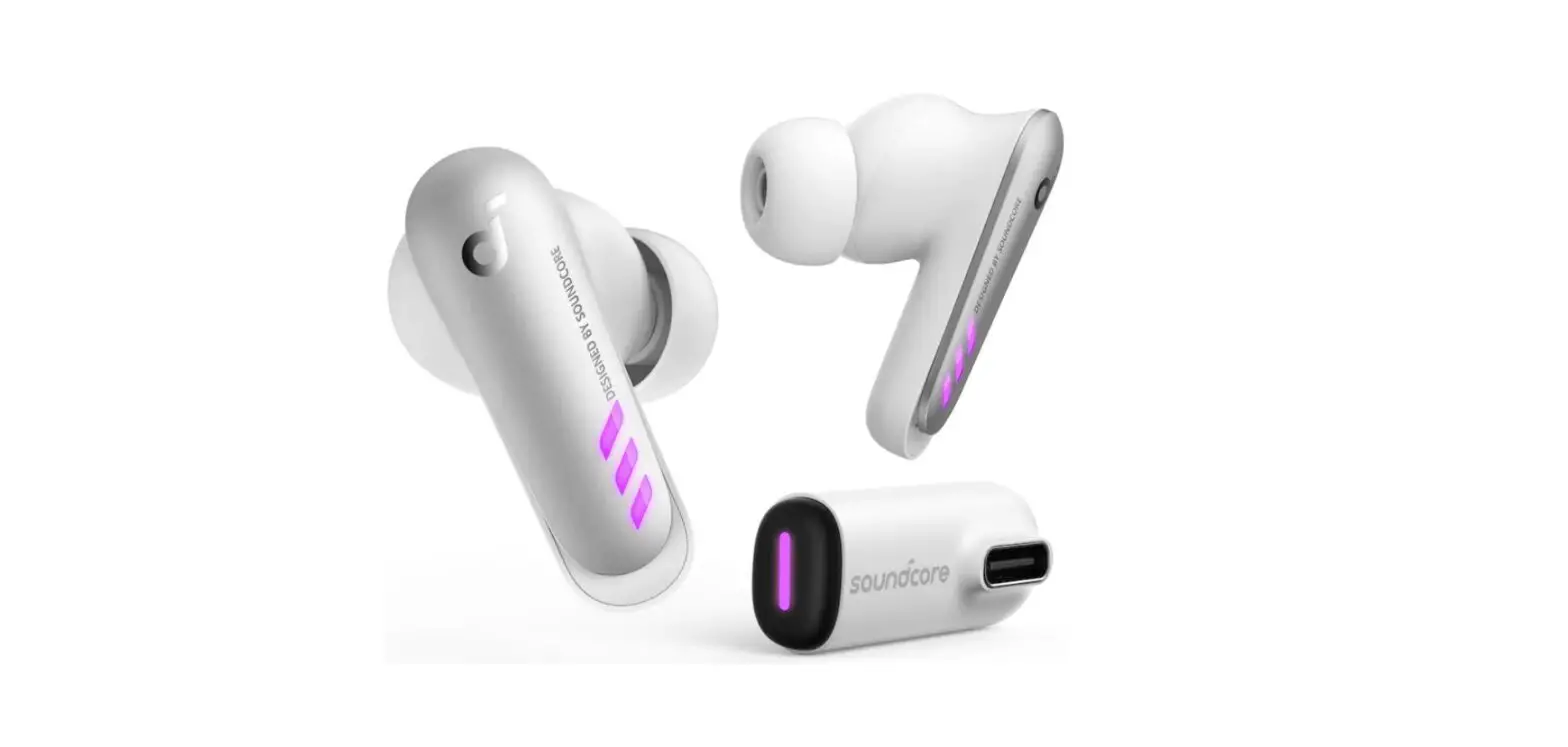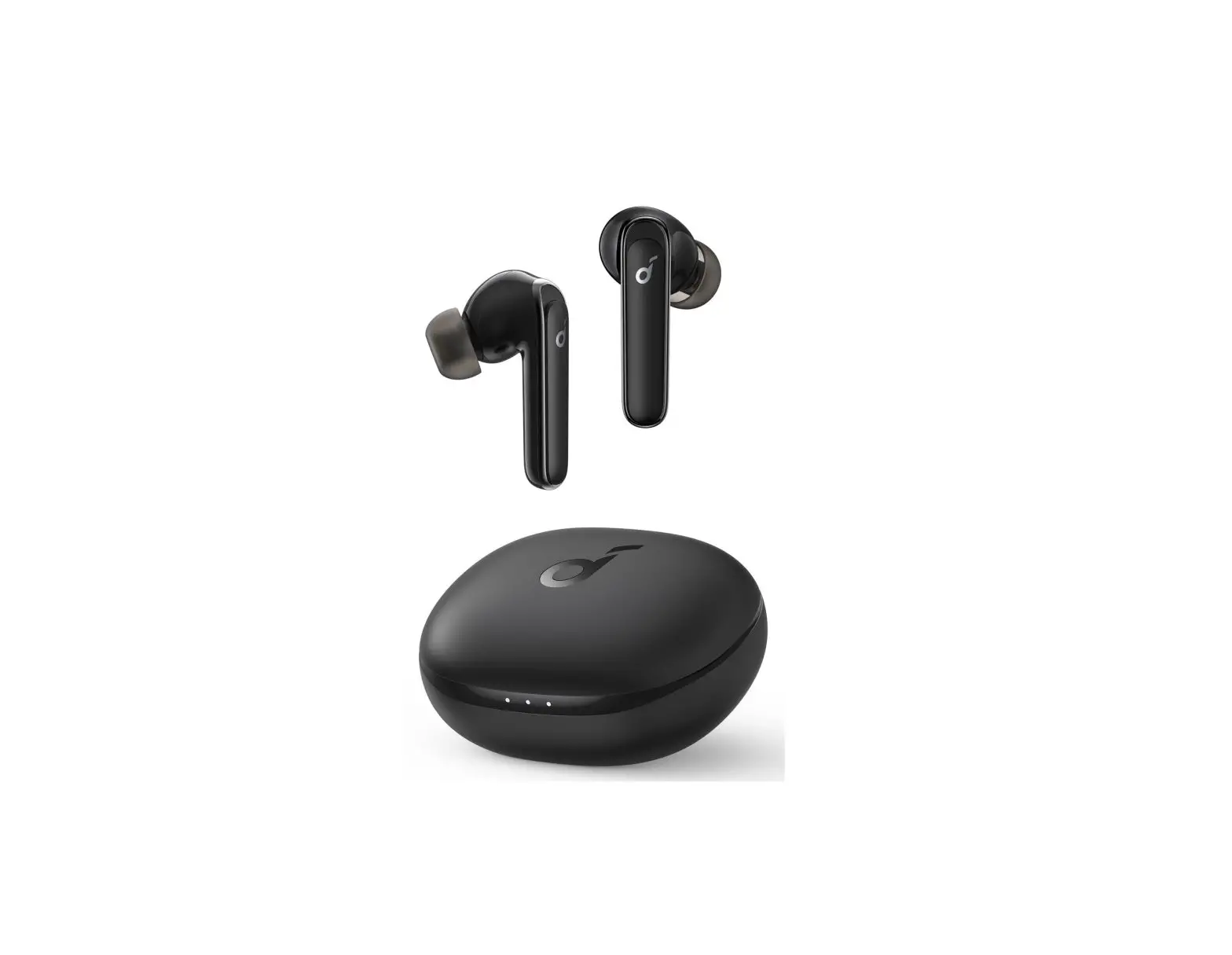

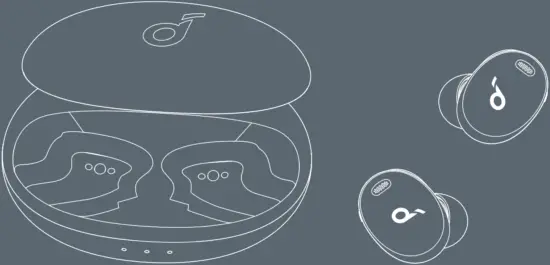
Soundcore Liberty 3 Pro
Quick Start Guide
For FAQs and more information, please visit :




@SoundcoreAudio @soundcoreaudio @soundcoreaudio
Model: A3952, A3952L, A3952R 51003003175 V1
 SUPPORT 1
 SUPPORT 1
For FAQs, detailed user manuals and more information, please visit www.soundcore.com/support
 APP 2
APP 2
 APP 2
APP 2
Google Play and the Google Play Logo are trademarks of Google Inc.

Apple and the Apple logo are trademarks of Apple Inc.
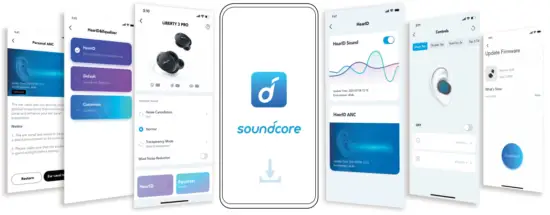
Download the Soundcore app to create your personal HearID profile, adjust the equalizer, customize controls, switch ambient sound modes, update firmware, and explore more.
WEARING 3
 WEARING 3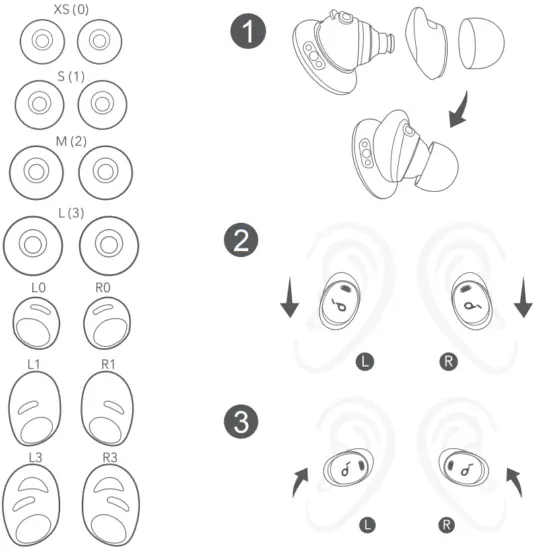
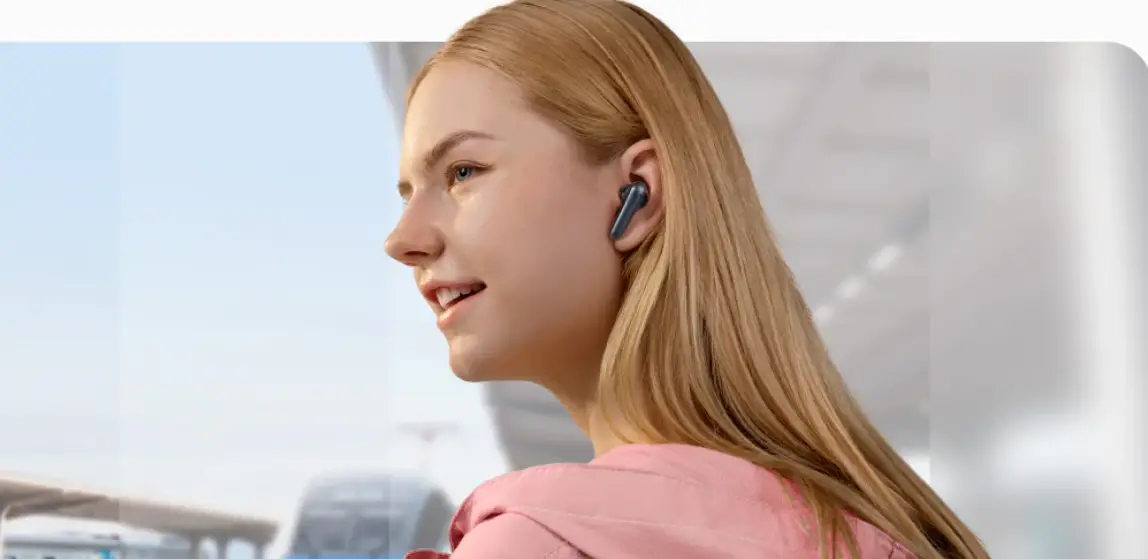
Choose the EarTips and EarWings that fit your ears best. Twist the earbuds until the EarWings are wedged against the ridge of your ears.
 CHARGING 4
 CHARGING 4
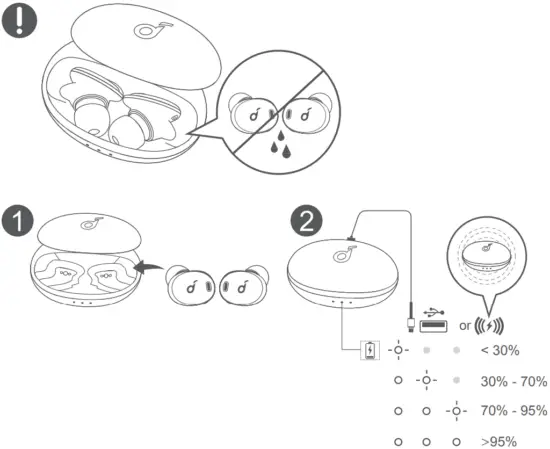 Fully dry off the earbuds and the USB-C charging port before charging.
Use an original or a certified USB-C charging cable to prevent any damage.
For wireless charging, position the charging case at the center of your wireless charger.
POWERING ON/OFF 5
 POWERING ON/OFF 5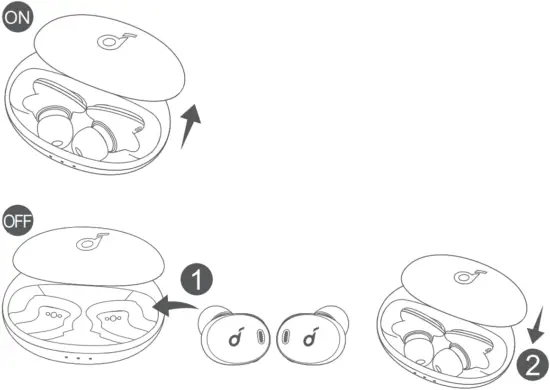
Open the charging case, the earbuds will automatically power on. To power off, place the earbuds in the charging case and close it.
To manually power on, wear both earbuds, then press and hold the touchpad on both earbuds for 3 seconds.
 AUTOMATIC PAIRING 6
 AUTOMATIC PAIRING 6
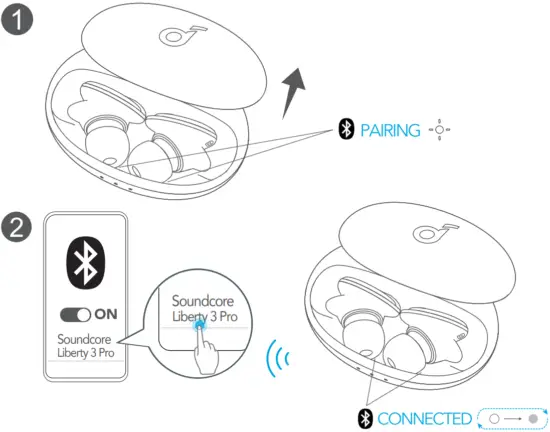 Open the charging case, the earbuds will automatically enter Bluetooth pairing mode.
Select “Soundcore Liberty 3 Pro” on your device’s Bluetooth list to connect.
MANUAL PAIRING 7
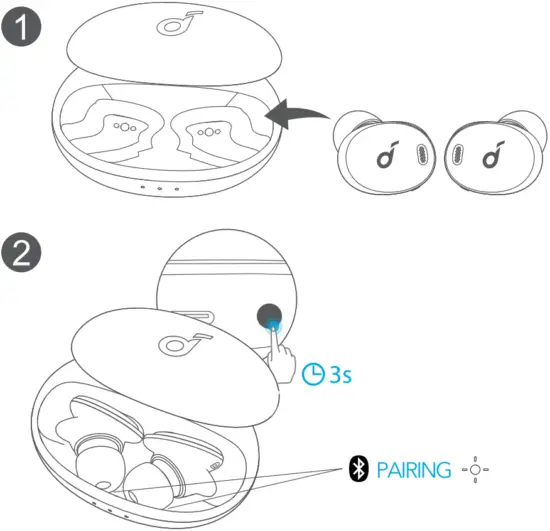
Place the earbuds in the charging case and leave the case open, then press and hold the button on the charging case for 3 seconds until the LED indicators flash white.
CONTROLS 8
 CONTROLS 8
STEREO MODE MONO MODE
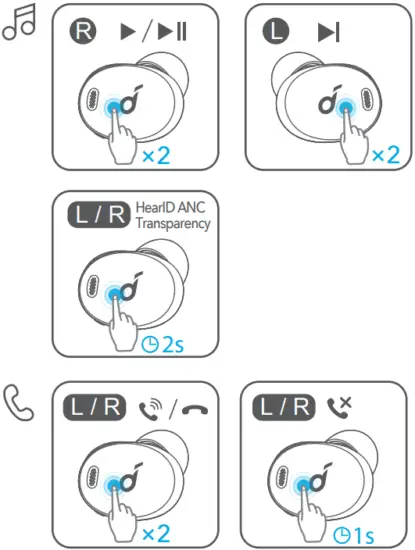
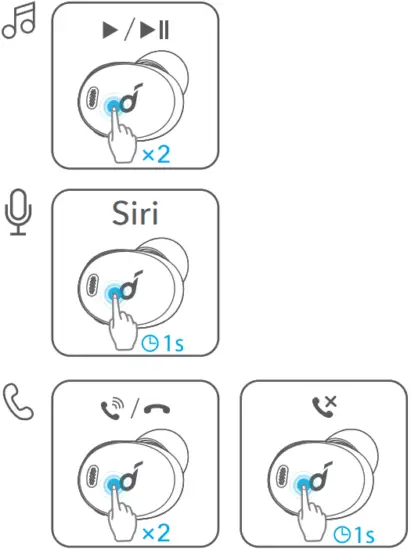
x2: Tap twice 1s: Press and hold for 1 second 2s: Press and hold for 2 seconds
AMBIENT SOUND 9
 AMBIENT SOUND 9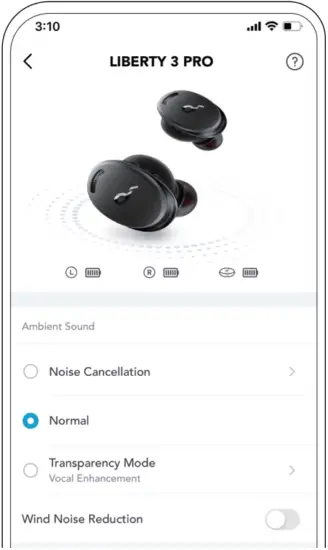
You can switch HearID ANC mode or transparency mode to normal mode in the Soundcore app.
- HearID ANC: Take the ear canal test and tailor your noise cancellation experience.
- Transparency: Stay aware of your surroundings while listening to music.
 LDAC 10
 LDAC 10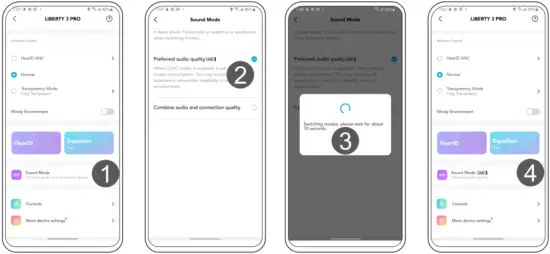
Use devices powered by Android 8.0 or later to experience LDAC quality sound.
You can enable or disable LDAC using the Soundcore app.
 WEARING DETECTION 11
 WEARING DETECTION 11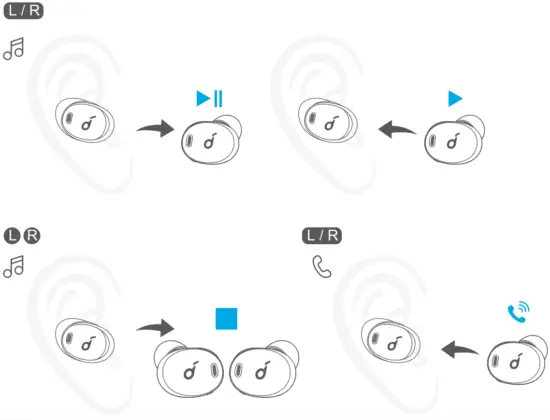
The playback will automatically pause when removing either earbud and will resume when wearing it again. Wear either earbud to automatically answer an incoming call.
 MULTIPOINT 12
 MULTIPOINT 12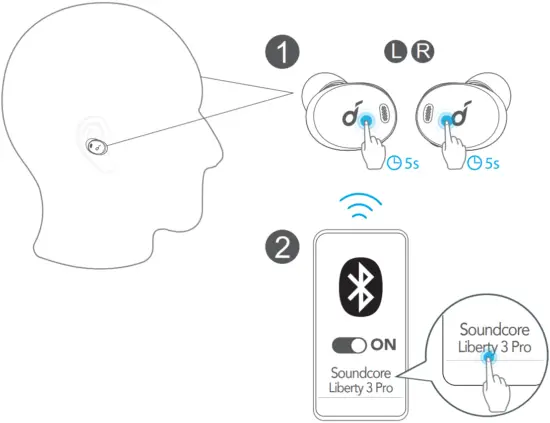
The earbuds can connect with two Bluetooth devices at the same time.
To pair with another device, wear the earbuds, then press and hold the touchpad on both earbuds for 5 seconds simultaneously.
 RESET 13
 RESET 13
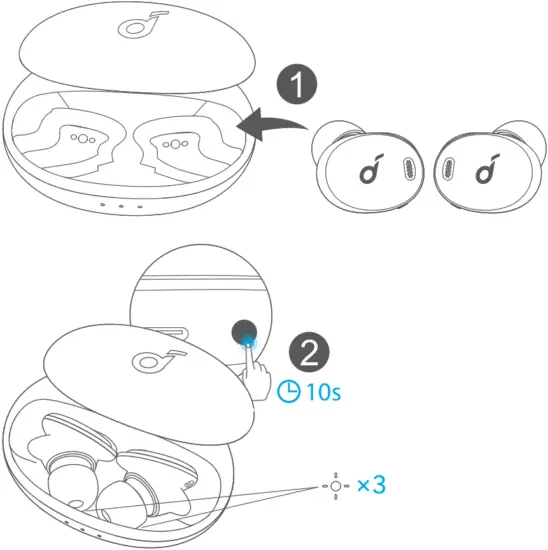 Reset if the earbuds cannot properly pair with each other or with other devices.
Delete the pairing history from your Bluetooth device first. Place the earbuds into the charging case and leave the case open. Press and hold the button on the case for 10 seconds until the LED indicators rapidly flash white 3 times.
LED LIGHT GUIDE 14
 LED LIGHT GUIDE 14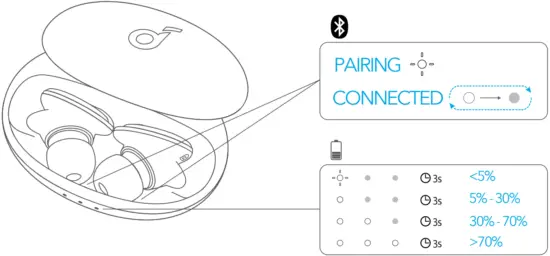
 Steady white
 Flashing white
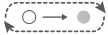 Breathing white
 Light off

Customer Service
| Service Client |
18-month limited warranty
Lifetime technical support
Our warranty is additional to the legal rights consumers have buying this product.

[email protected]
[email protected] (For Middle East and Africa Only)
[email protected]

+1 (800) 988 7973 (US) Mon – Fri 6:15 – 17:00 (PT)
+44 (0) 1604 936200 (UK) Mon – Fri 6:00 – 17:00 Sat – Sun 6:00 – 14:00 (GMT)
+49 (0) 69 9579 7960 (DE) Mo-Fr 6:00-11:00 Uhr
03 4455 7823 9:00 – 17:00
+86 400 0550 036 9:00 – 17:30
+82 02-1670-7098 10:00 – 17: 00
+971 42463266 (Middle East & Africa) Sun-Thu 9:00 – 17:30 (GMT+4)
+971 8000320817 (UAE) Sun-Thu 9:00 – 17:30 (GMT+4)
+966 8008500030 (KSA) Sun-Thu 8:00 – 16:30 (GMT+3)
+965 22069086 (Kuwait) Sun-Thu 8:00 – 16:30 (GMT+3)
+20 8000000826 (Egypt) Sun-Thu 7:00 – 15:30 (GMT+2)
Input: 5V  0.5A
0.5A
Fast charging: 15-minute charging for 3-hour playtime
Playtime (varies by volume level and contents): Up to 8 hours (Up to 32 hours with the charging case)
Anker Innovations Limited
Room 1318-19, Hollywood Plaza, 610 Nathan Road, Mongkok, Kowloon, Hong Kong
ANKER TECHNOLOGY (UK) LTD
Suite B, Fairgate House, 205 Kings Road, Tyseley, Birmingham, B11 2AA, United Kingdom
Anker Innovations Deutschland GmbH
Georg-Muche-Strasse 3, 80807 Munich, Germany
 Soundcore EN
 Soundcore EN
 Anker (アンカー) Japan公式サイト – Anker Japan公式サイト