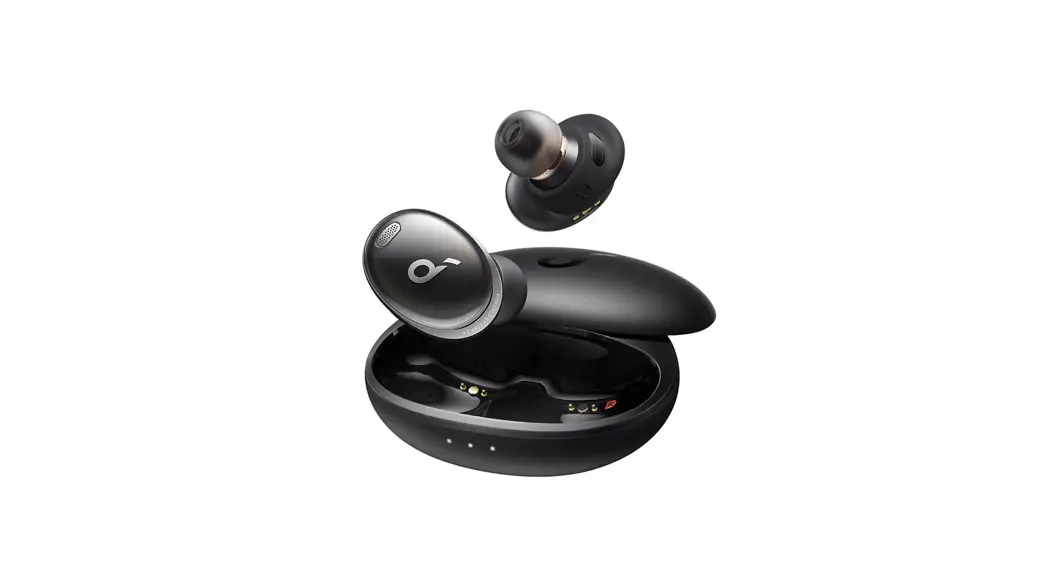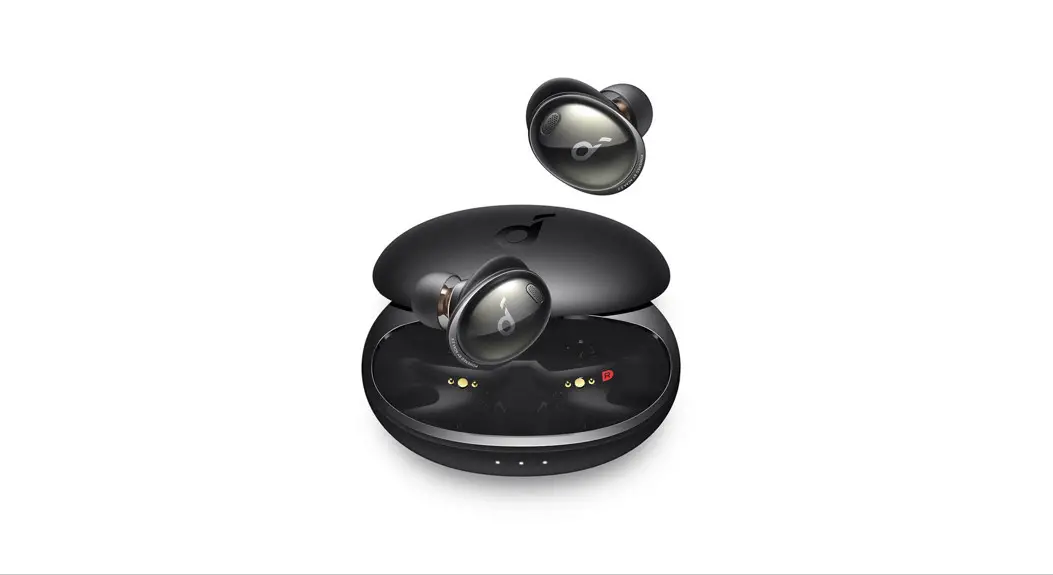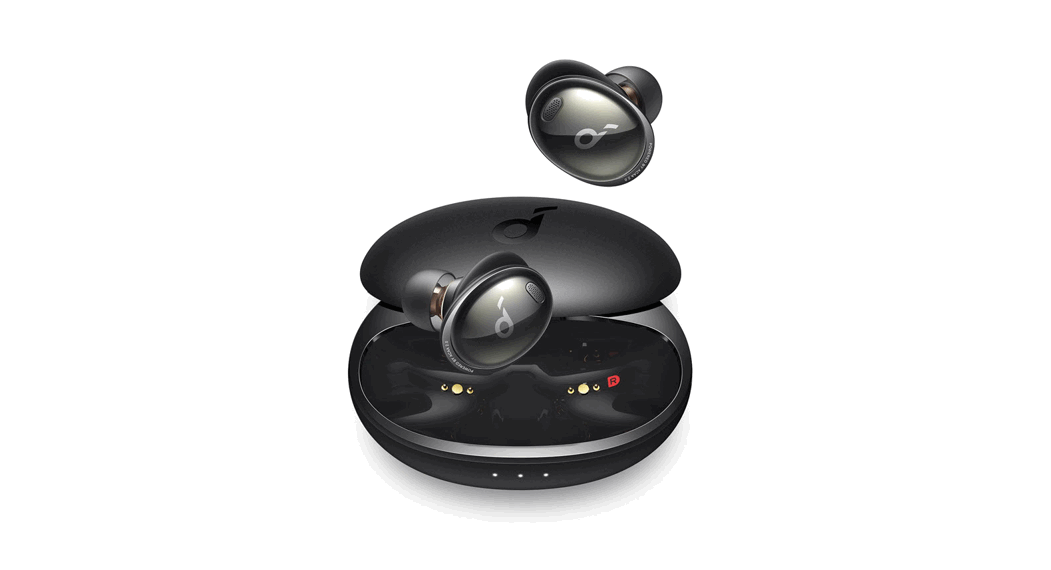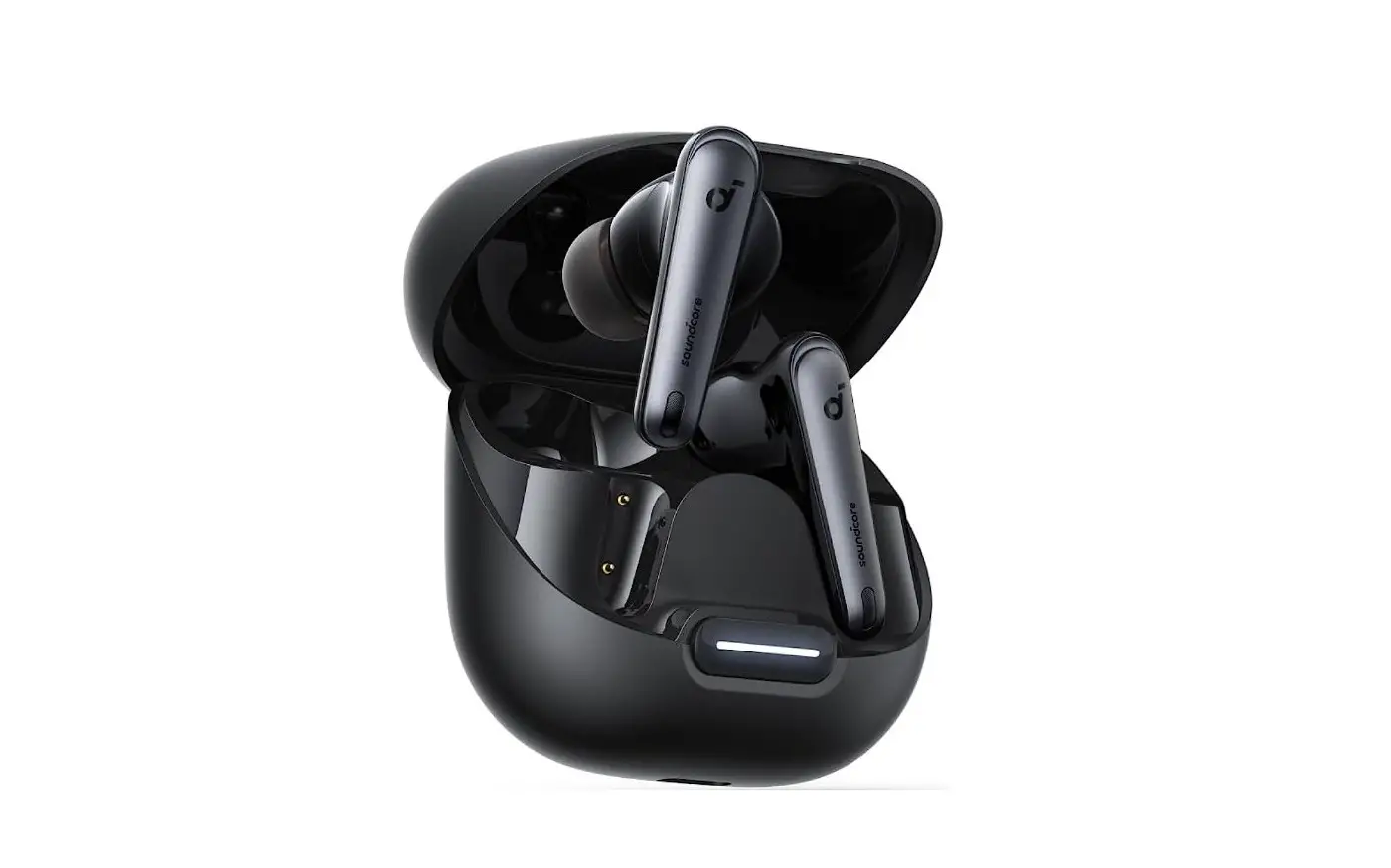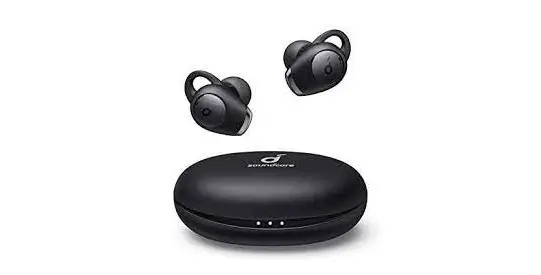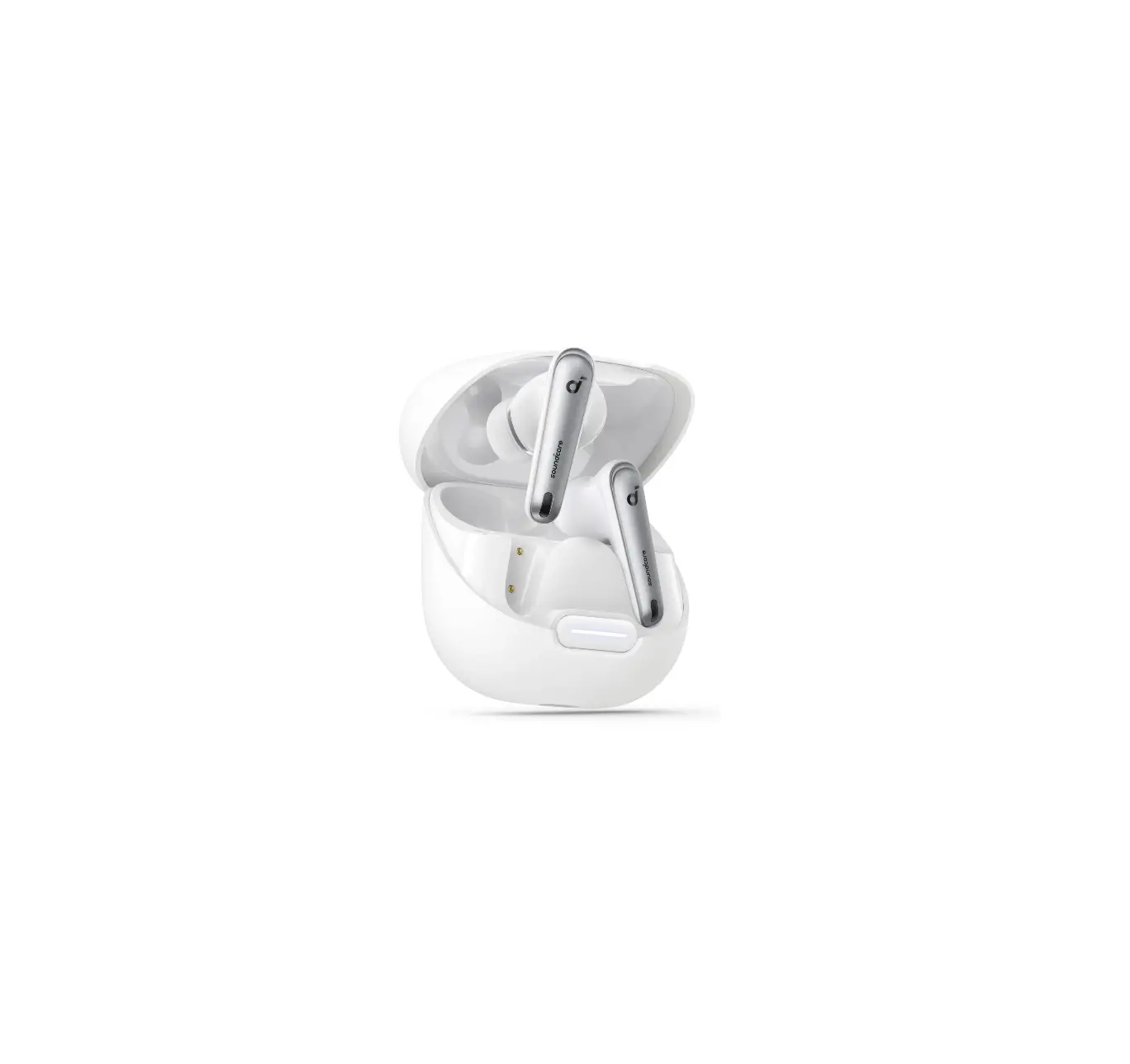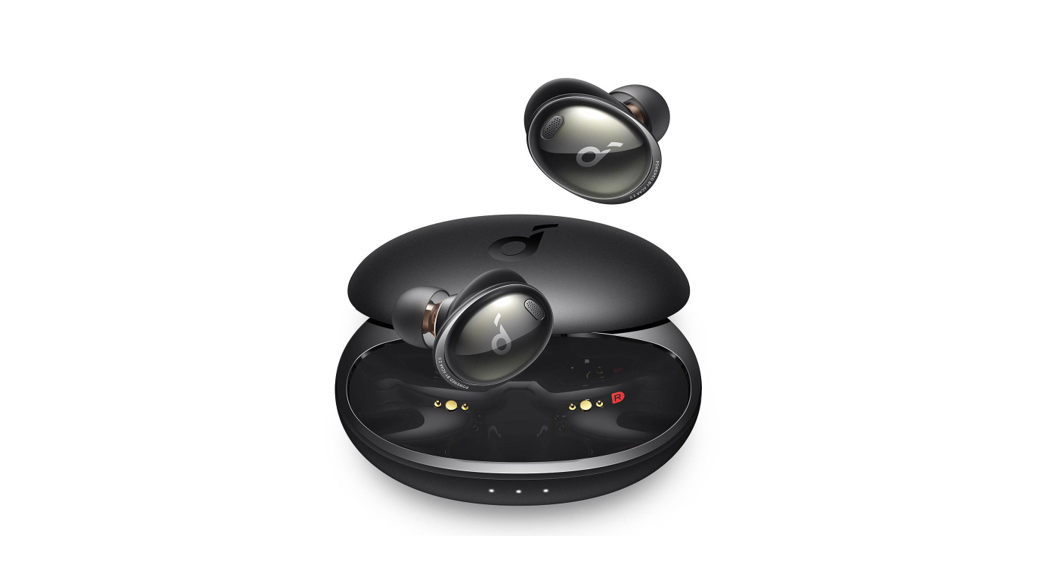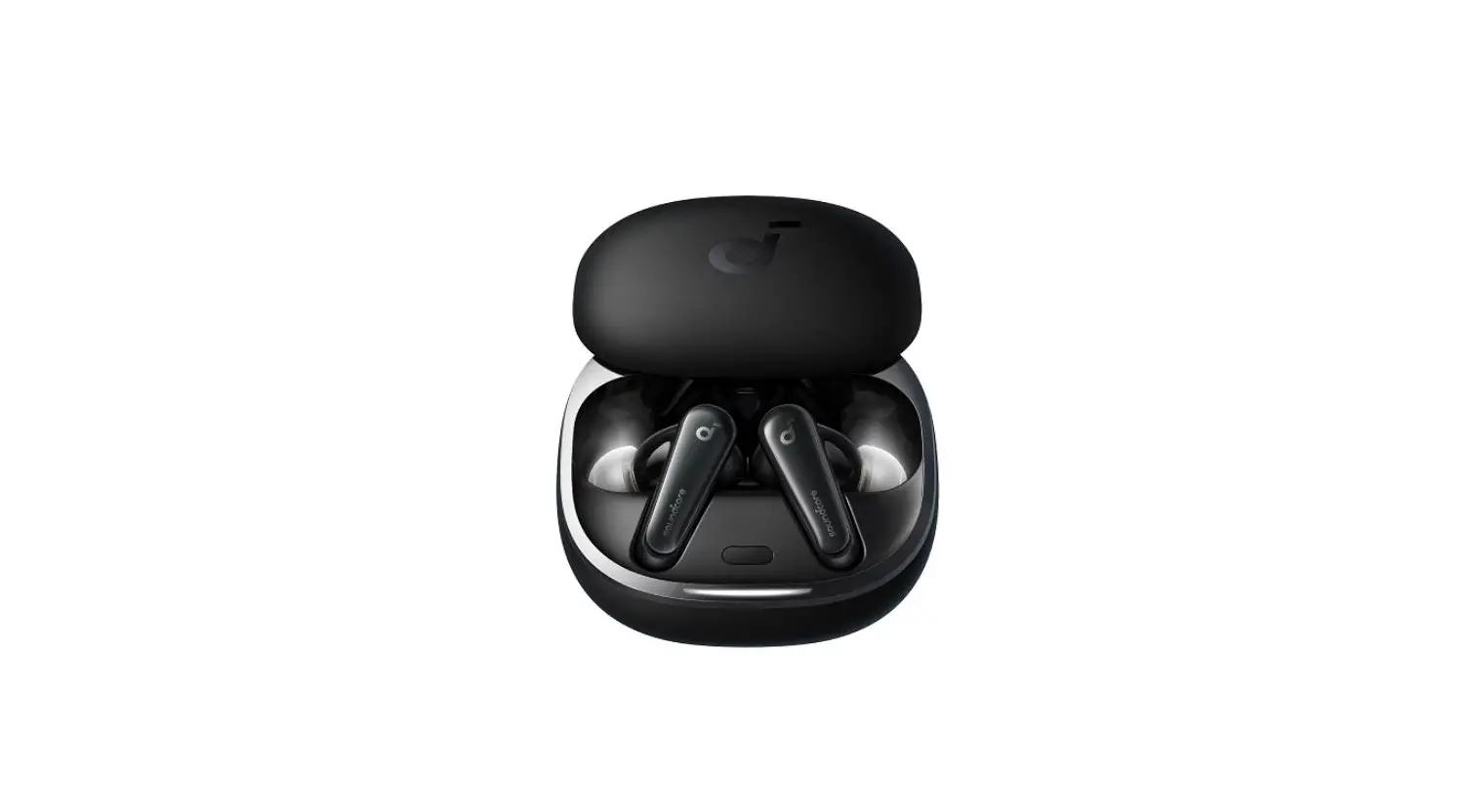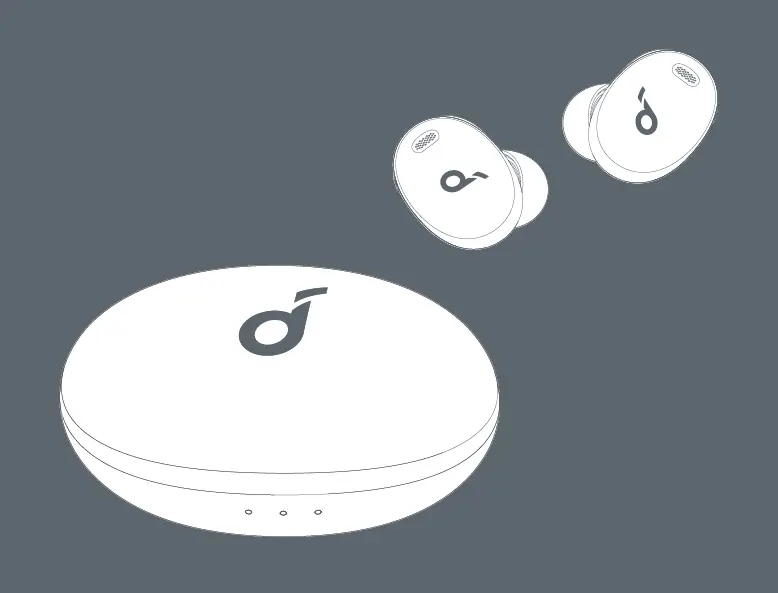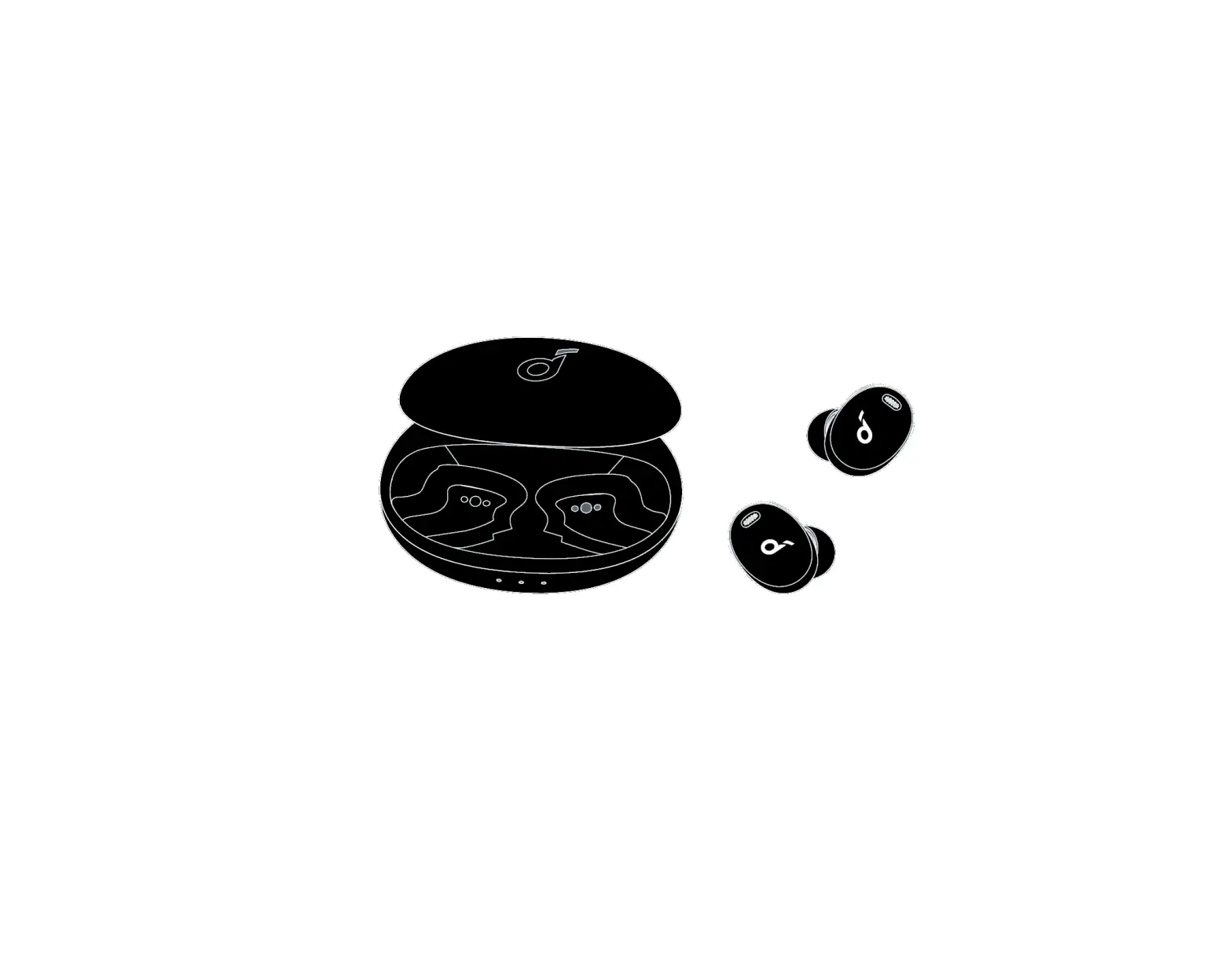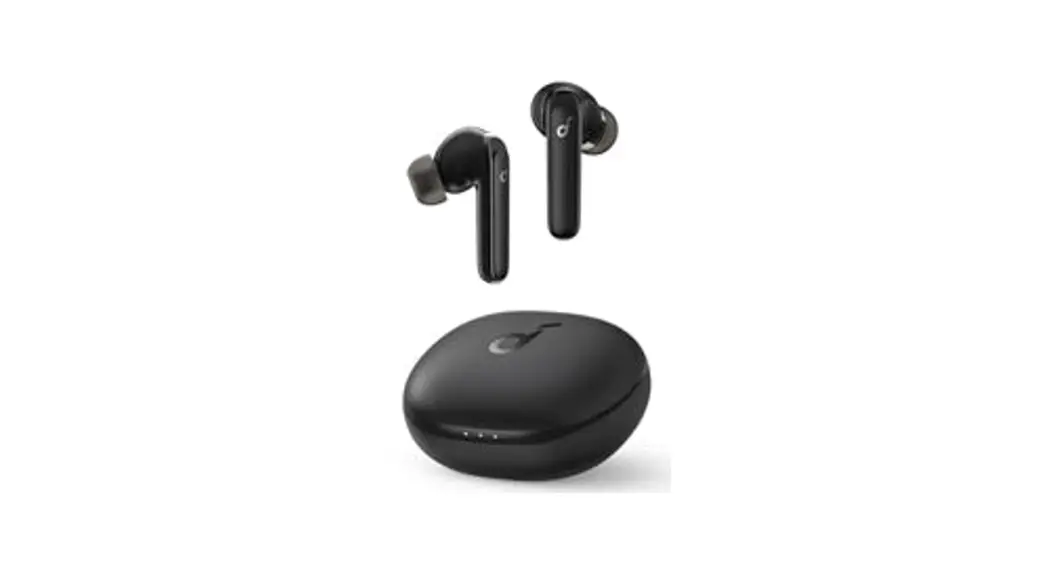

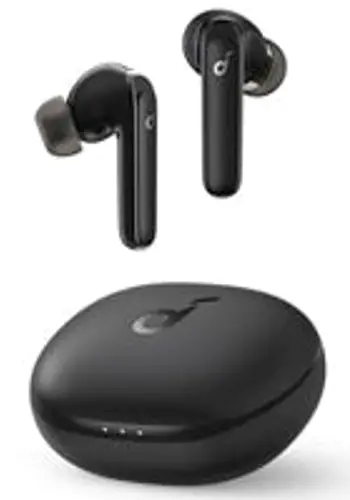
soundcore Liberty 4 NC
USER MANUAL
 APP
APP
 APP
APP
http://dl-soundcore.soundcore.com/qcdl?flow=soundcore
Download the soundcore app to get the most out of your earbuds with 3D surround sound, ambient sound modes, HearID sound, gaming mode, firmware updates, and more.
If your earbuds cannot connect with the soundcore app, re-install the app or update it to the latest version in your mobile app store.
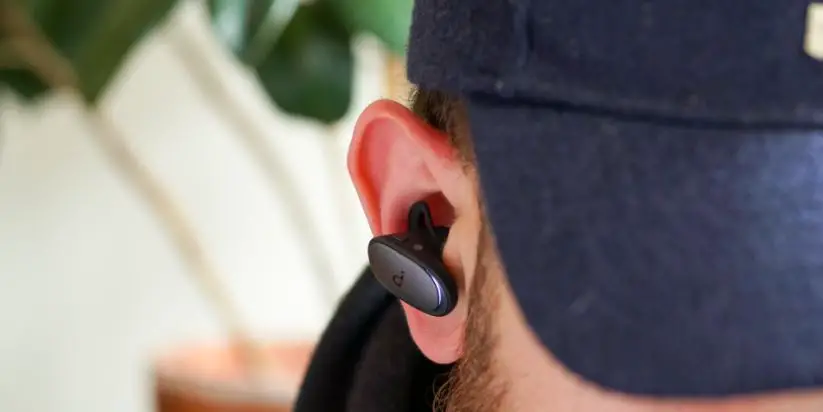
 WEARING
 WEARING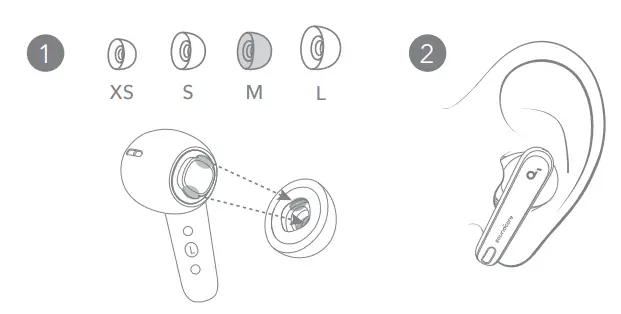
Choose the ear tips that fit your ears best and take a fit test in the soundcore app to ensure you get the best ANC performance.
 CHARGING
 CHARGING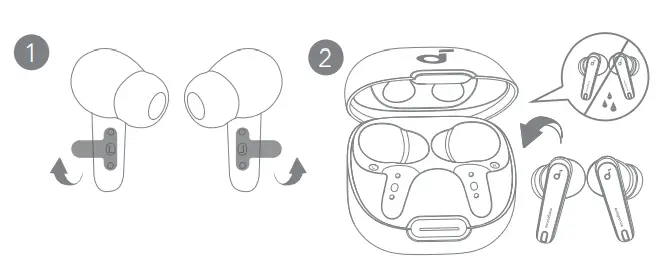
- Tear off the insulation sticker on the earbuds before first use.
- Place the earbuds in the charging case and close it.
• Fully dry off the earbuds and the USB-C charging port before charging.
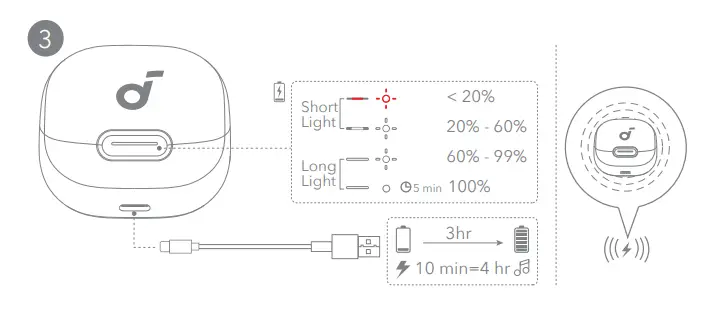
- Connect the charging case to the power supply by using a certified USB-C charging cable. Alternatively, position the charging case at the center of your wireless charger for wireless charging.
• Fully charge both the earbuds and the charging case before the first use.
 POWERING ON & PAIRING
 POWERING ON & PAIRING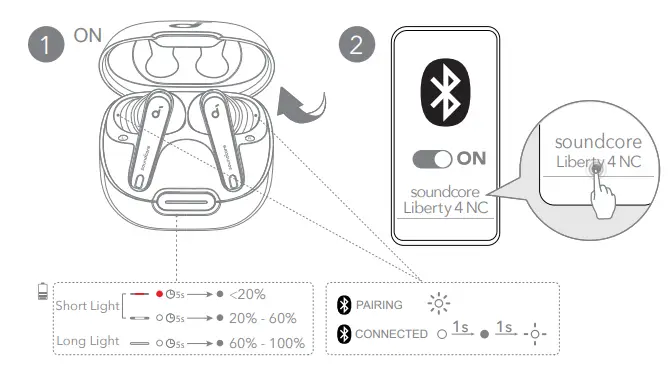
Open the charging case, the earbuds will automatically power on and enter Bluetooth pairing mode. Select “soundcore Liberty 4 NC” from your device’s Bluetooth list when connecting for the first time.
 DUAL CONNECTIONS
 DUAL CONNECTIONS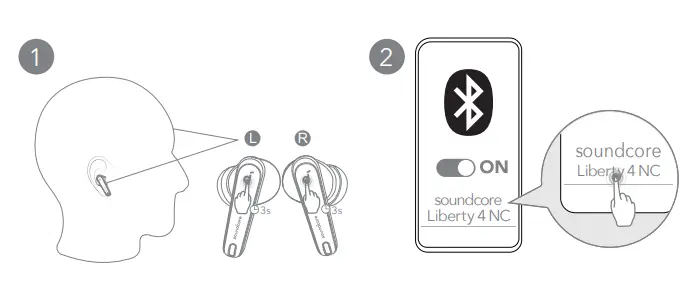
There are two ways to connect the earbuds with two Bluetooth devices at the same time.
Option A: To pair with another device, wear the earbuds, then press and hold the touchpad on both earbuds for 3 seconds simultaneously.
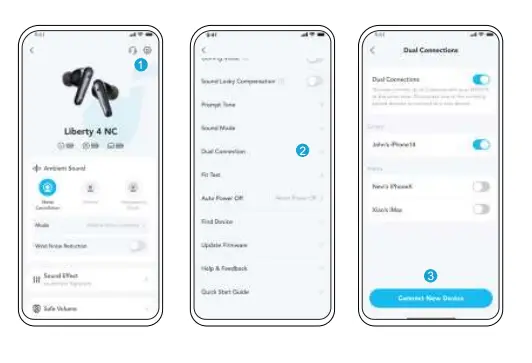
Option B: In the soundcore app, go to settings and select Dual Connections > Connect New Device.
 MANUAL PAIRING
 MANUAL PAIRING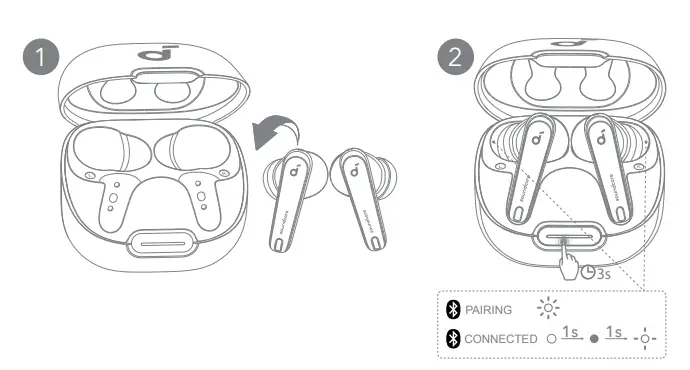
To manually enter Bluetooth pairing mode, place the earbuds in the charging case and leave the case open. Press and hold the charging case button all the way down for 3 seconds until the LED indicators flash white rapidly.
 CONTROLS
 CONTROLS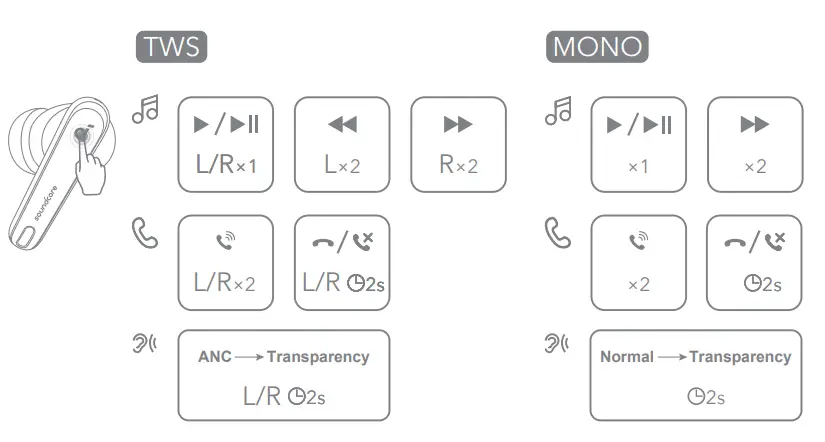
You can also customize controls in the soundcore app.
| TWS mode | Mono mode | ||
 | Play/Pause | Tap once (UR) | Tap once |
| Next track | Tap twice (R) | Tap twice | |
| Previous track | Tap twice (L) | / | |
 | Answer a call | Tap twice (UR) | Tap twice |
| End/Reject a call | Tap and hold for 2 seconds (UR) | Tap and hold for 2 seconds | |
 | Switch ambient sound modes (ANC/ Transparency) | Tap and hold for 2 seconds (UR) | Tap and hold for 2 seconds |
 AMBIENT SOUND
 AMBIENT SOUND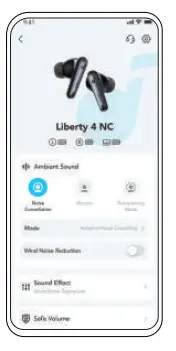
You can select noise cancellation, normal, or transparency mode in the soundcore app.
- Adaptive ANC: Optimize noise cancellation by adapting to your ears and environment.
- Transparency: Stay aware of your surroundings while listening to music.
 LDAC
LDAC
 LDAC
LDAC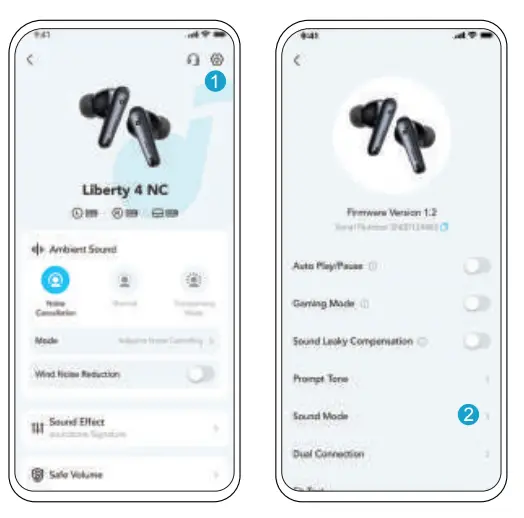
- Use devices powered by Android 8.0 or later to experience LDACquality sound.
- LDAC provides higher-quality sound, increases power consumption, and reduces playtime.
- Enable LDAC in a low-interference environment to ensure a stable Bluetooth connection.
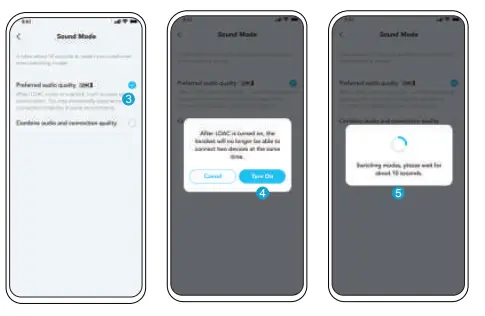
1. Go to settings in the soundcore app.
2. Click on “Sound Mode”.
- Select “Preferred audio quality” to switch to LDAC codec.
- You will be notified that the earbuds do not support LDAC when connected to two devices. Select “Turn on” to continue.
- It takes about 10 seconds to switch audio codecs. You may be asked to update the earbuds’ firmware if available.
 WEARING DETECTION
 WEARING DETECTION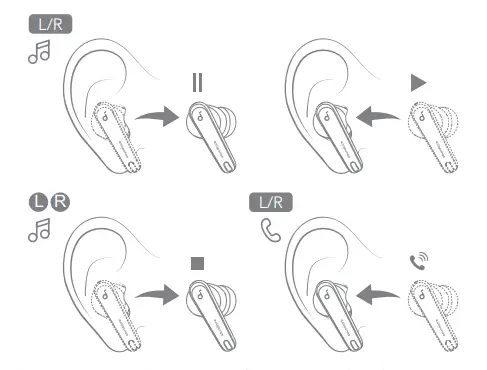
Playback will automatically pause when an earbud is removed and will resume again once you wear it. Wear either earbud to automatically answer an incoming call.
POWERING OFF
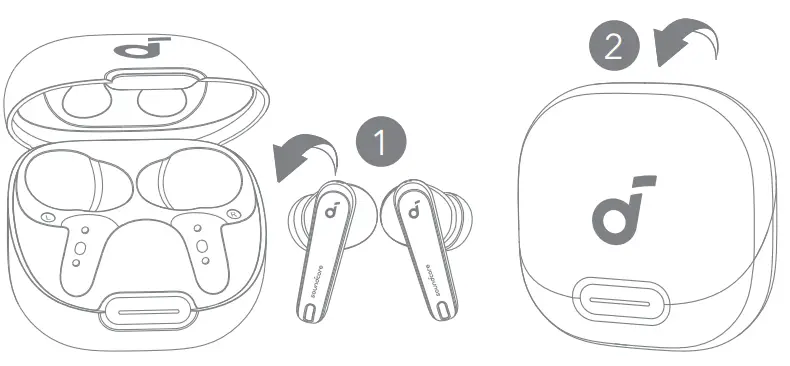
To power off, return the earbuds to the charging case and close it. The earbuds will automatically power off after 30 minutes if they are not connected. The duration can be set in the soundcore app.
 RESET
RESET
 RESET
RESET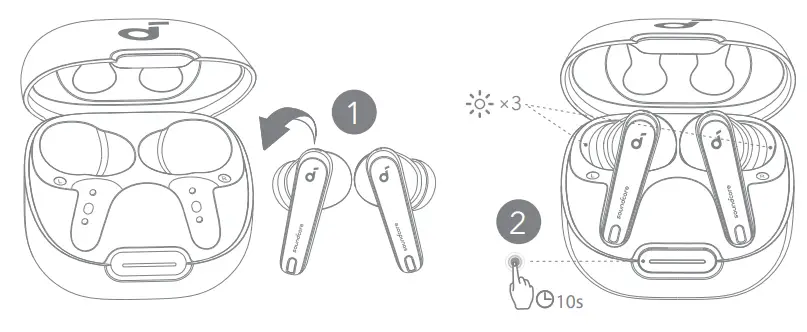
Reset if the earbuds have issues pairing with each other or with other devices. Delete the pairing history from your Bluetooth device first.
Place the earbuds in the charging case and leave the case open.
Press and hold the charging case button for 10 seconds until the LED indicators flash white rapidly three times.
 LED LIGHT GUIDE
 LED LIGHT GUIDE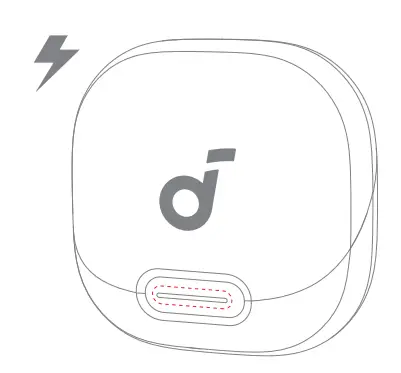
| LED | Description | Battery level during charging |
 | Short light breathing red | < 20% |
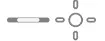 | Short light breathing white | 20% – 60% |
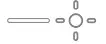 | Long light breathing white | 60% – 99% |
 | Long light steady white for 5 minutes | 100% |
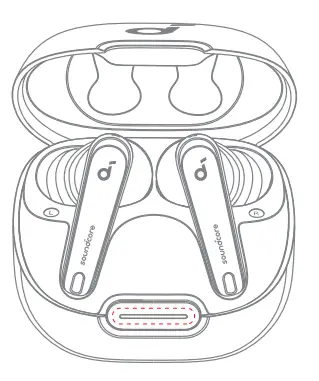
| LED | Description | Battery level |
 | Short light steady red for 5 seconds, and then off | < 20% |
 | Short light steady white for 5 seconds, and then off | 20% 2070, – 60% |
 | Long light steady white for 5 seconds, and then off | 60% – 100% |
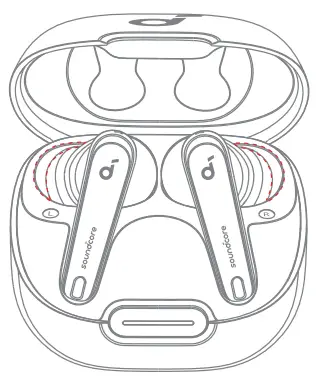
| LED | Description | Status |
 | Flashing white three times | Reset completed |
 | Flashing white | Pairing |
 | Steady white for 1 second, off for 1 second, and then flashing white slowly | Connected |
 FIRMWARE UPDATE
 FIRMWARE UPDATE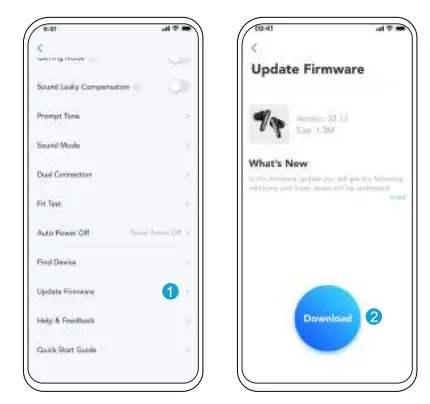
You will be informed once a new firmware version is detected when you connect the earbuds to the app. Ensure the earbuds are placed in the charging case and the case remains open until the firmware update is complete. During the update, ensure the earbuds are being charged and avoid any usage.
 SPECS
SPECS
 SPECS
SPECSSpecifications are subject to change without notice.
| Input | 5V  0.8A 0.8A |
| Rated output power | 5mW |
| Battery capacity | 53mAh x 2 (earbuds); 800mAh (charging case) |
| Charging time | Up to 3 hours |
| Playtime (with ANC off) | Up to 10 hours (50 hours in total with the charging case) |
| Playtime (with ANC on) | Up to 8 hours (40 hours in total with the charging case) |
| Driver unit | 11mm dynamic driver |
| Frequency response | 20Hz – 40kHz |
| Impedance | 10 Ω |
| Waterproof rating (earbuds) | IPX4 |
| Bluetooth version | 5.3 |
| Bluetooth range | 10m / 33ft |