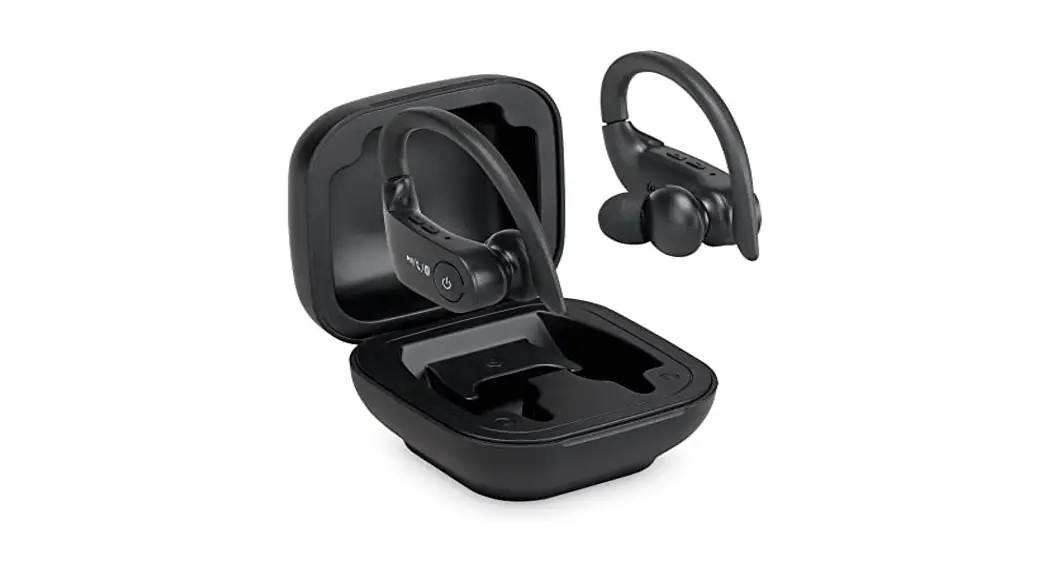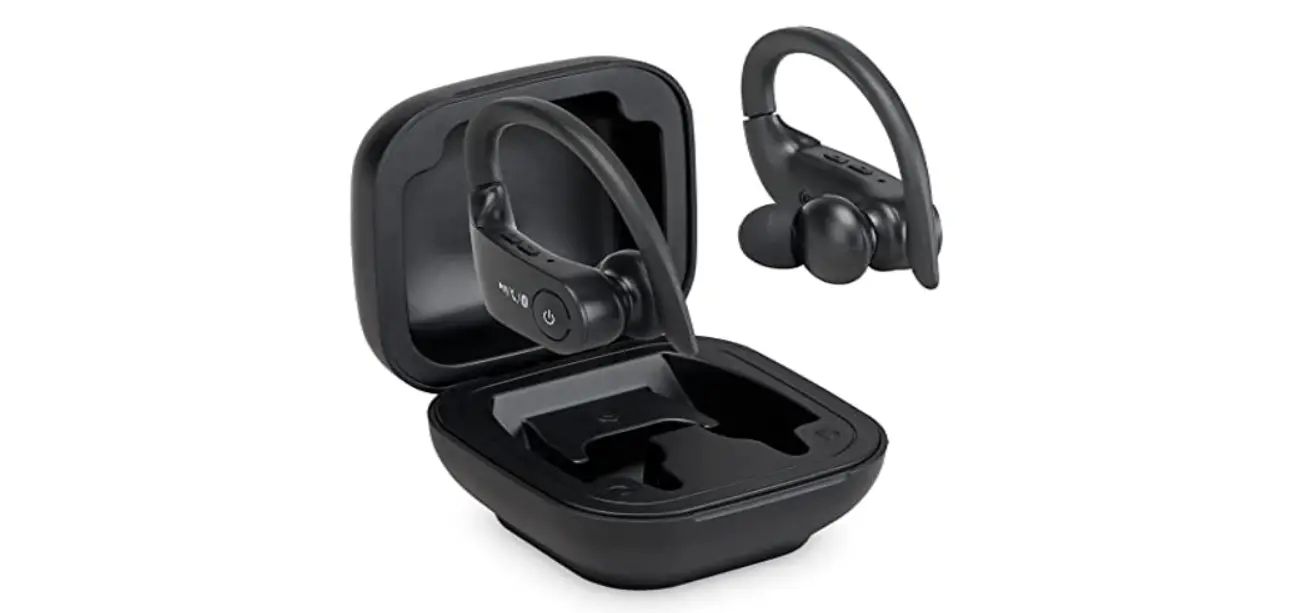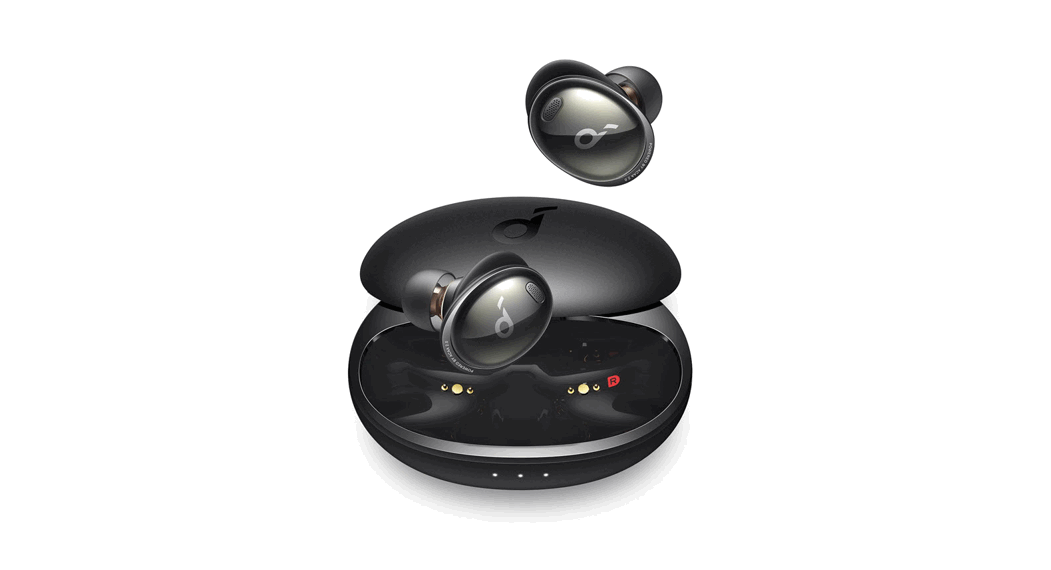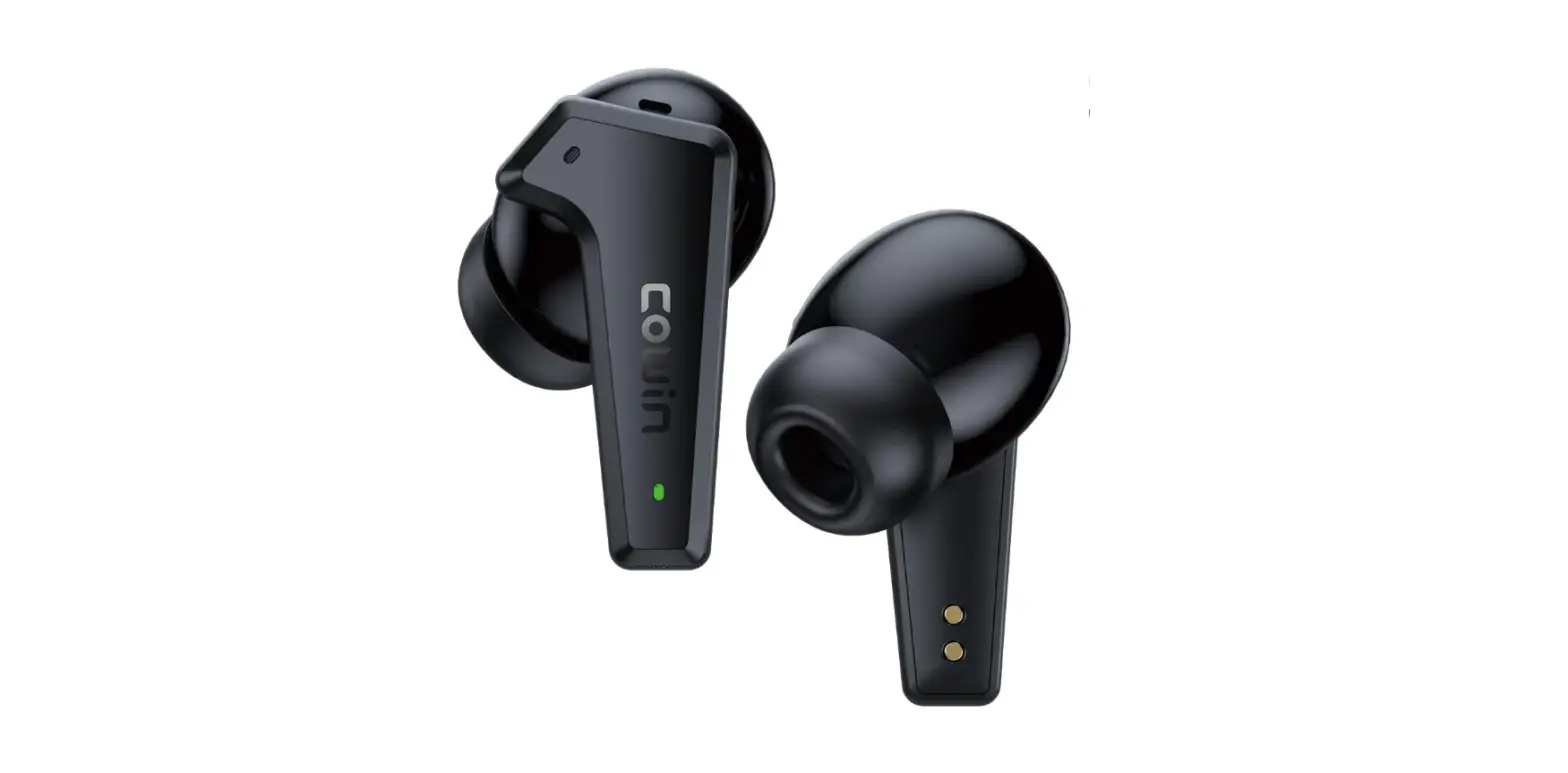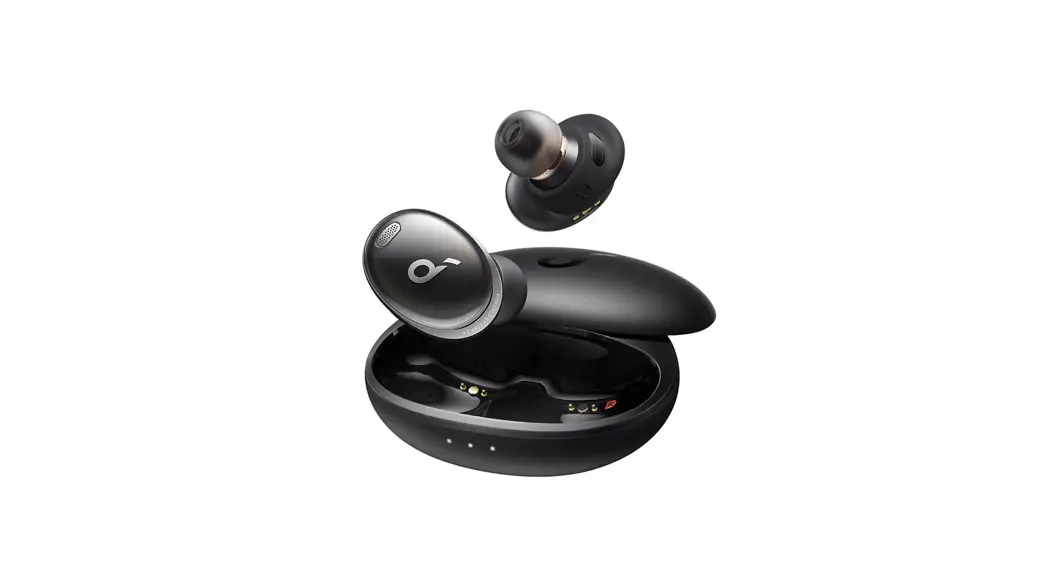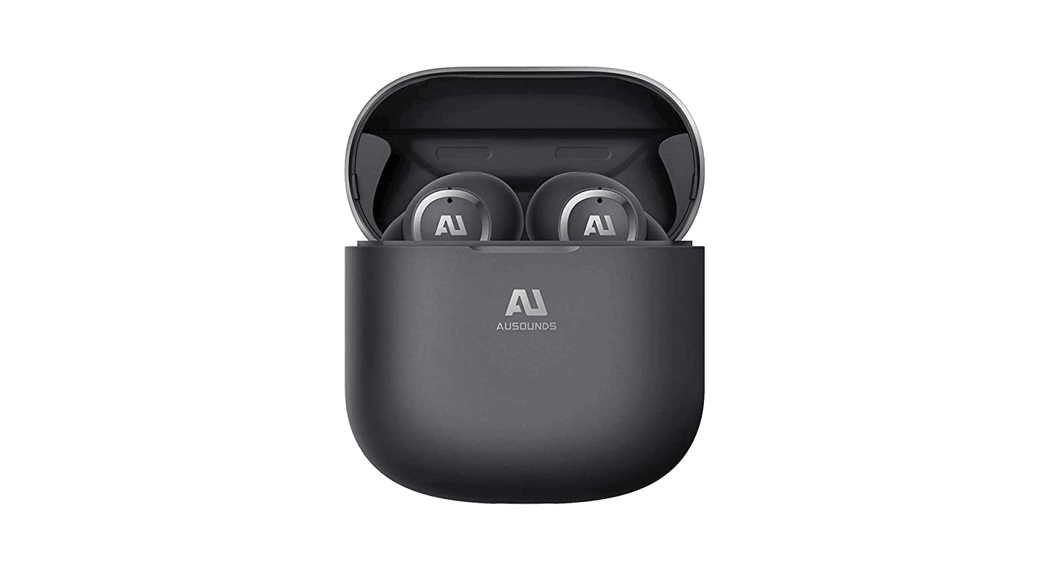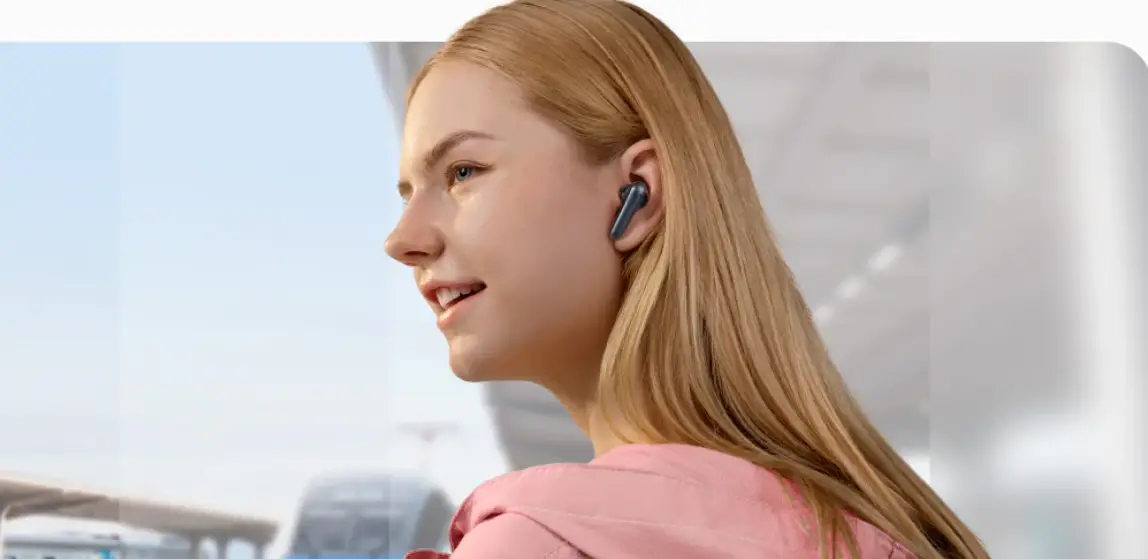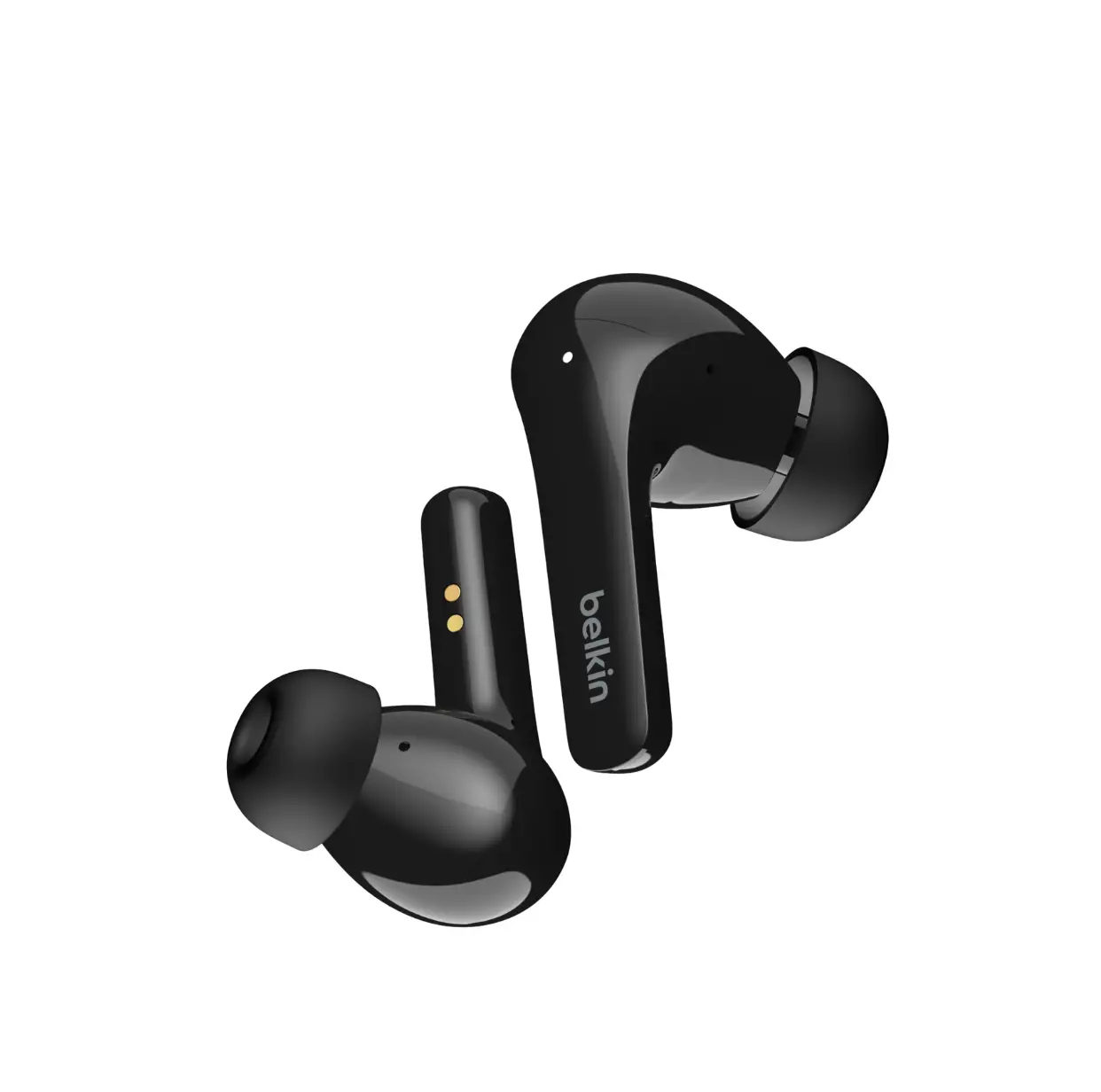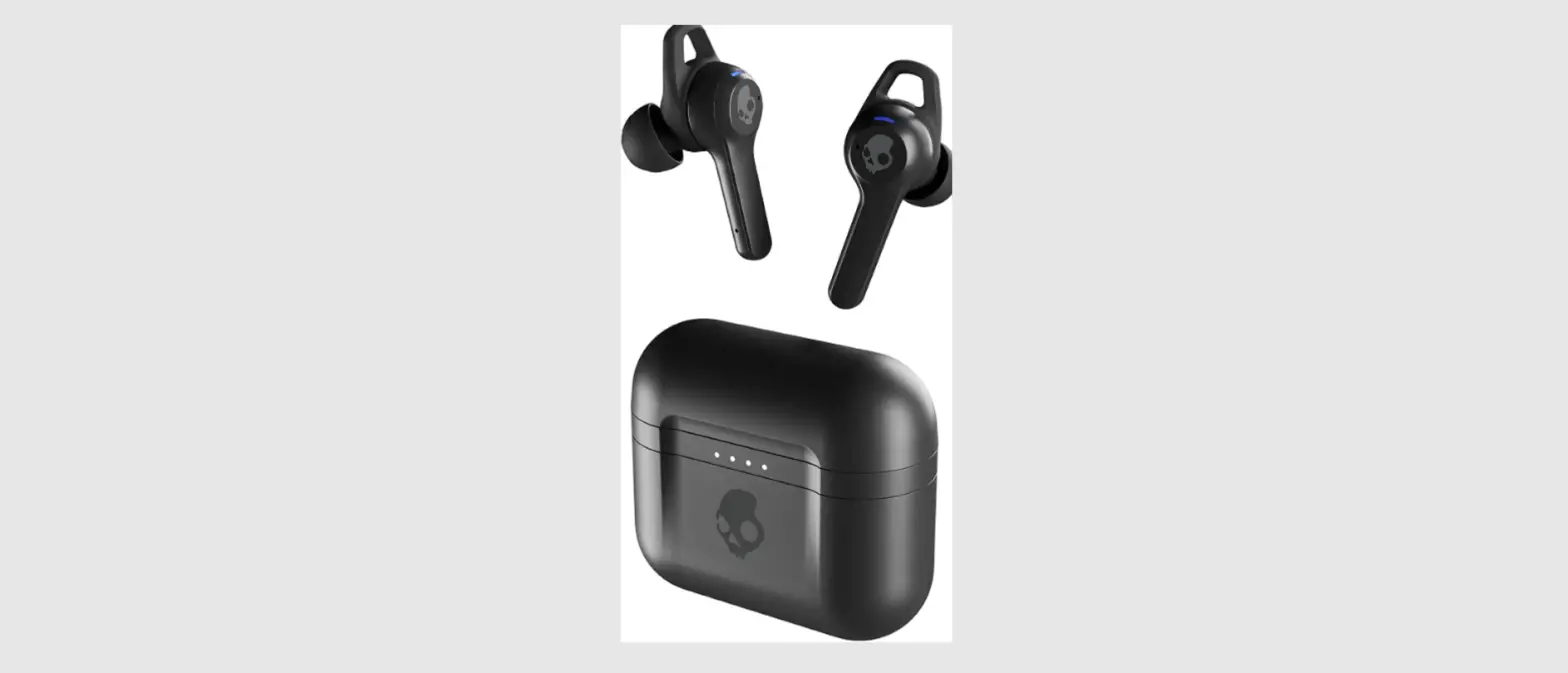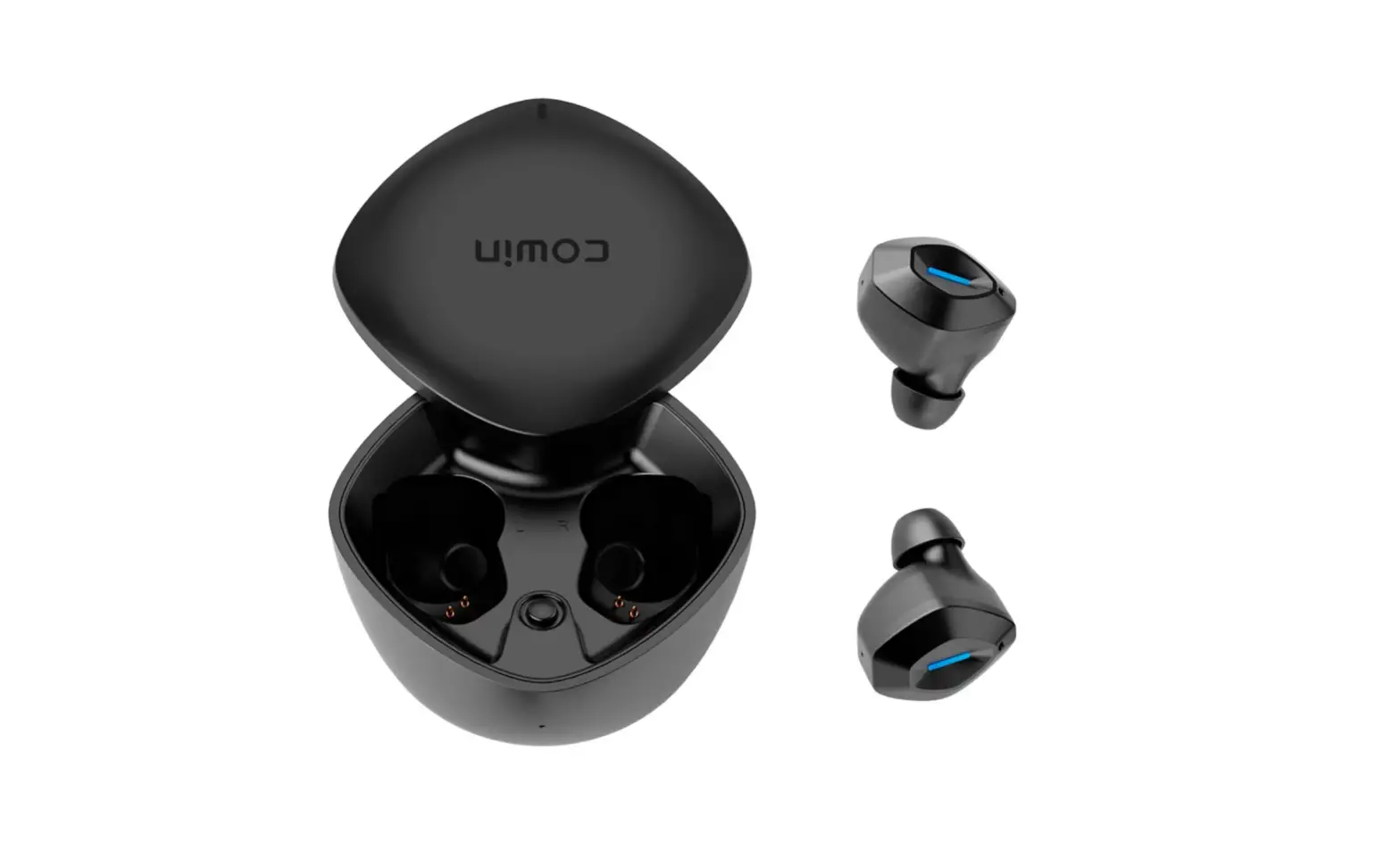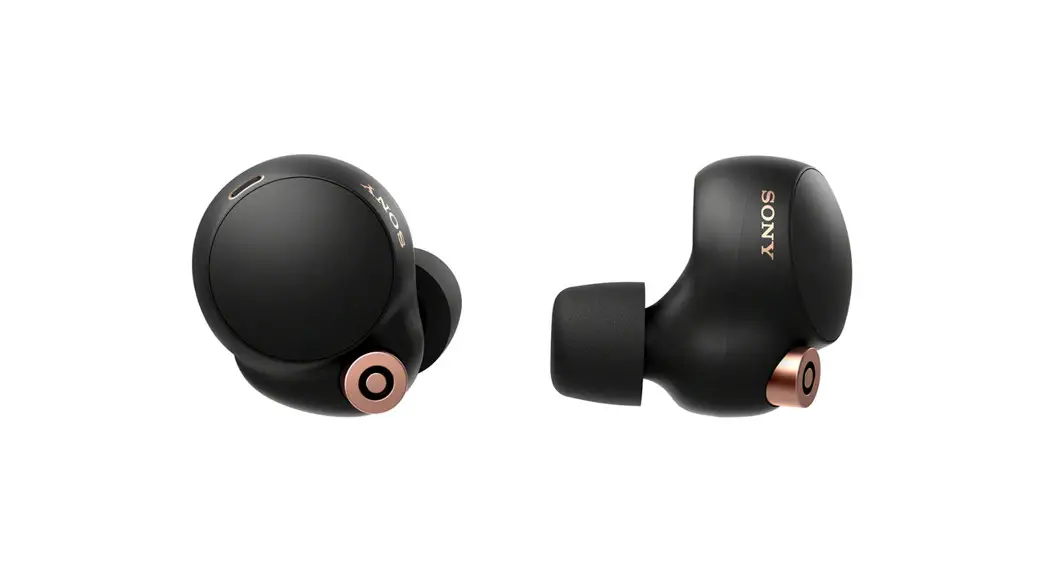

TRULY WIRELESS NOISE CANCELING EARBUDS
Quick Start Guide | User Manual
FCC ID: 2A3WX-ONE
ARKTIS ONE
INTRODUCTION
Box Contents
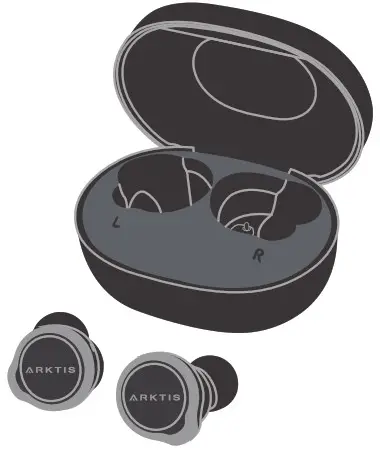 ARKTIS ONE
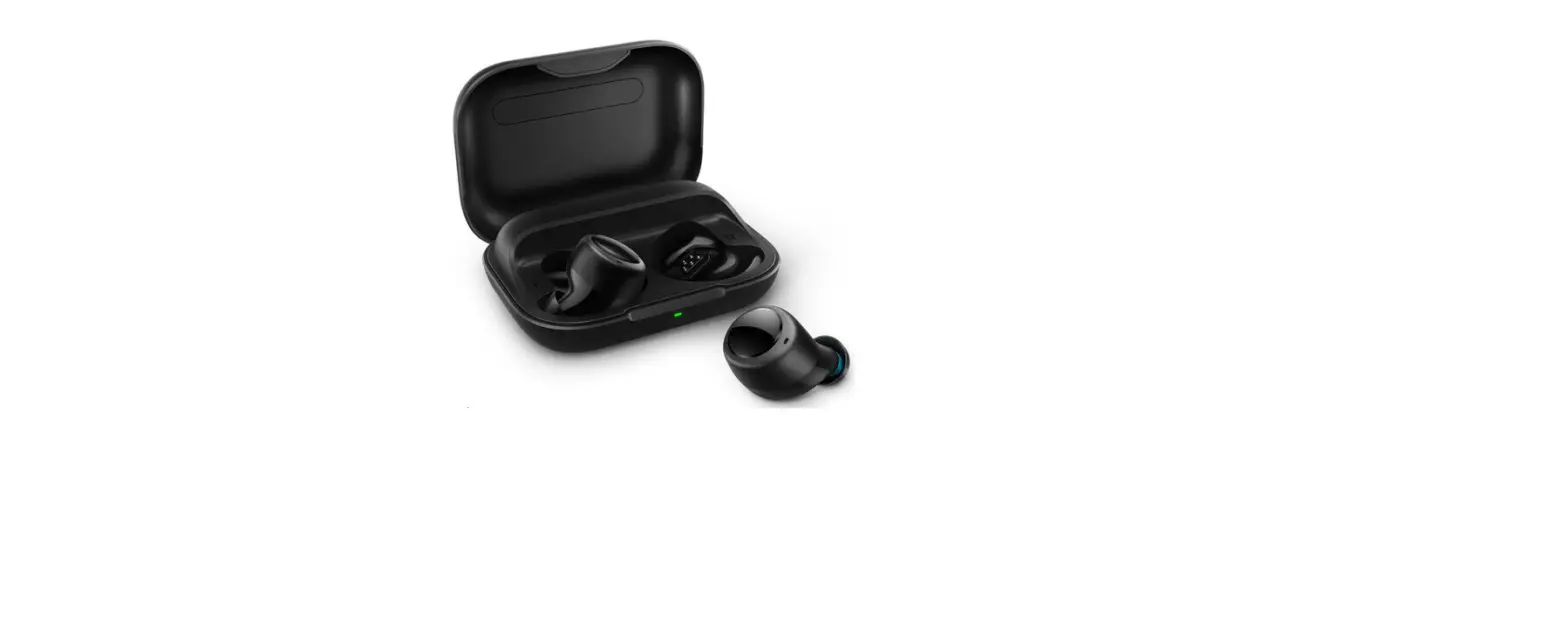
Truely wireless earbuds with charging case
Quick start guide / User manual (This booklet)
Warranty Card

Ear-tips x 3 S / M / L
*M size ear-tips are attached to ARKTIS ONE in-box
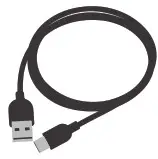 Charging cable USB-C to USB-A
Overview
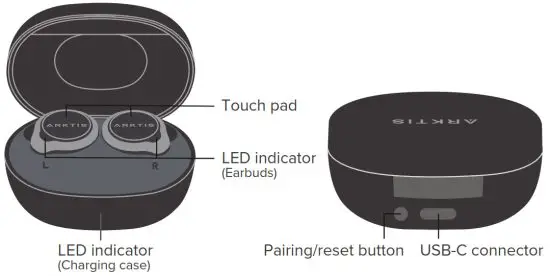
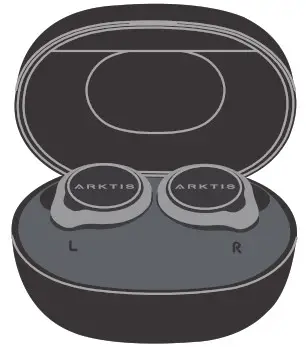
- Open the charging case (Note). The earbuds will automatically power on.
Note: Please remember to remove the stickers on the earbuds first and then return the earbuds to the charging case.
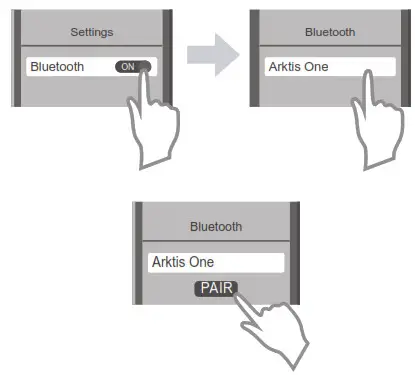
- Go to Settings Bluetooth.
- Wait for “Arktis One” to appear in the OTHER DEVICES list on iOS or the AVAILABLE DEVICES list on Android OS.
- Select “Arktis One” and tap it to pair.
- Remove the earbuds from the charging case. Put them on and start to enjoy your music.
 Power On/Off
 Power On/Off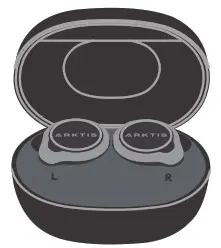
- The Arktis One earbuds will turn on automatically when the charging case is open.

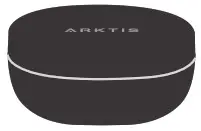
- The Arktis One earbuds will turn off automatically when the charging case is closed after the earbuds are placed back into the case.
Charging
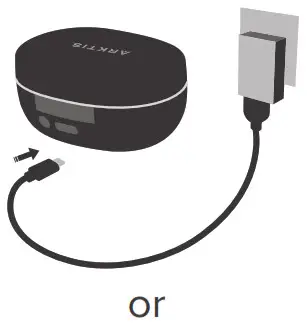
- Connect Arktis One charging case to a power source with the provided USB-C cable, or

- Put the charging case on a wireless charging pad, which connects to a power source

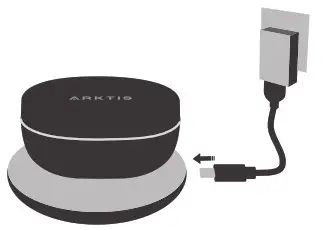
Note: Wireless charging pad is not included in the box
Bluetooth Pairing
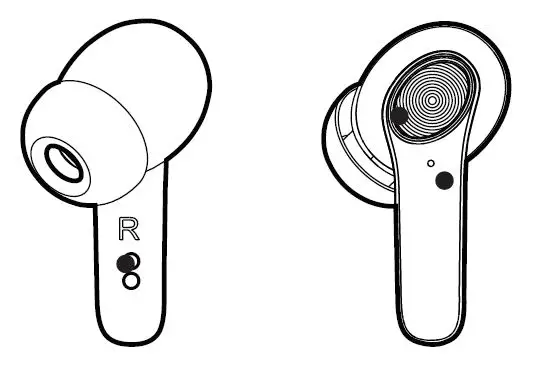
- Remove both earbuds from the charging case.

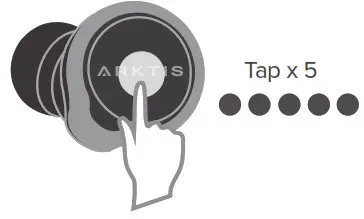
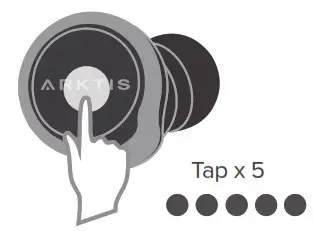
- Tap the touchpad on either earbud 5 times. The earbuds will then enter pairing mode with LED light flashing.
Notes:
- If the earbuds ever connect with one or multiple devices previously, they will automatically try to connect to the most recent connected device every time after power on.
- If the most recent connected device is not available in 30 seconds, the earbuds will try to connect to the next most recent connected device, based on the pairing device record stored in the earbuds.
- The earbuds will be disconnected if beyond Bluetooth signal range. They will automatically reconnect to the same device if back in the signal range in 30 seconds.
Touch Control

| ANC On/Off (Active Noise Cancellation) |  | Tap x 2 |
| Play/Pause |  | Tap x 1 |
| Next Track |  | Tap x 2 |
| Previous Track | | Tap x 3 |
| Volume Up | | Tap x 2, hold on 2nd tap |
| Volume Down | | Tap x 2, hold on 2nd tap |
| Answer/End Call | | Tap x 1 |
| Reject Call | | Tap and hold for 1 second |
| Voice Assistant | | Tap and hold for 1 second |
LED Behavior
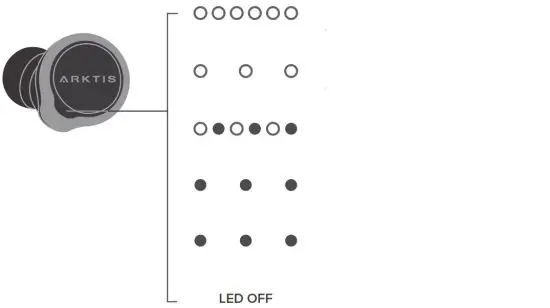 | Power-on but not connected with any device |
| Power on and connected with a device | |
| Pairing mode | |
| Battery low (<20%) when not connected with any device | |
| Charging | |
| Battery fully charged |
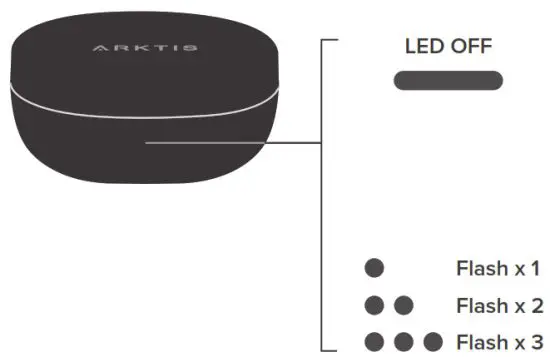 | While being charged Battery Level 100% Battery Level 1% – 99% |
| Not being charged When open or close the case, Battery Level 70% – 100% Battery Level 30% – 70% Battery Level 1% – 30% |
Clear Pairing Device Record
- Put the earbuds into pairing mode by tapping either earbud 5 times.

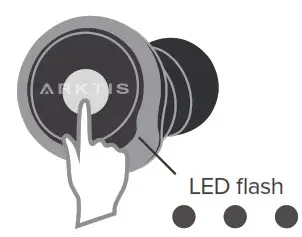
- Press and hold the touchpad until the LED light on the earbud flash blue 3 times.

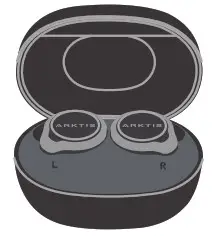
- Place the earbuds back in the charging case and leave them for 10 seconds. The pairing device record is now cleared.
Reset to Factory Settings
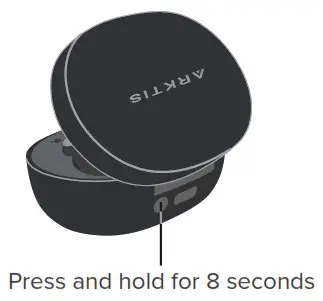
- Place the earbuds back in the charging case and keep the case open.
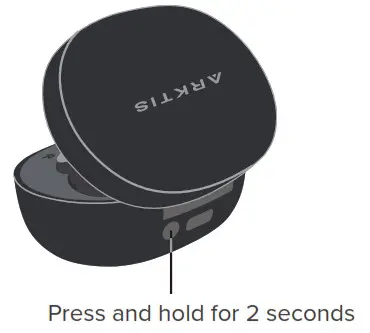
- Press the button located in the back of the charging case for 8 seconds. The earbuds will be reset to the original factory settings.
Specifications
| Model Name | ARKTIS ONE |
| Processor | Qualcomm® QCC5141 Bluetooth® audio processor |
| Bluetooth version | 5.2 |
| Bluetooth range | 10 meters |
| Bluetooth frequency | 2.402 – 2.480GHz |
| Bluetooth transmission power | < 8.0dBm |
| Bluetooth profiles supported | Bluetooth profiles supported |
| Audio codec supported | Audio codec supported |
| Speaker driver | 10mm graphene dynamic drive |
| Frequency response range | 20 – 20,000Hz |
| Impedance | 32Ω |
| Playback time | ANCON: up to 8 hours, with up to an additional 16 hours with charging case ANC OFF: up to 10 hours with up to an additional 20 hours with charging case |
| Charging time | A 5-minute charge for up to 1-hour playback time (ANC off mode). Less than 2 hours for a full charge (when charging via the USB-C cable provided) |
| Charging case connection | USB-C cable or wireless charging |
| Battery | 85mAh (per earbud) 500mAh (charging case) |
| Water resistance rating | IPX4 (for earbuds only) |
| Water resistance rating | 6.8g (per earbud) 58g (both earbuds + charging case) |
Please read the following safety and operational instructions before using your earbuds and accessories. Keep these instructions for your reference and follow the instructions to
ensure correct and safe operations.
General
The operating, storage, and charging temperature is from 5°C to 35°C (40°F to 95°F). Please avoid putting the earbuds and the charging case under direct sunlight for an
extended period.
Warnings
Exposure to high volume sound levels or excessive sound pressure may cause temporary or permanent damage to your hearing. Although the appropriate volume setting varies with everyone, you should always use your earbuds with the volume at moderate levels and avoid prolonged exposure to high volume sound levels. The louder the volume, the less time is required before your hearing could be affected. You may experience different sound levels when using your earbuds with different devices and settings. If you
experience hearing discomfort, please stop listening with your earbuds and have your hearing checked by your doctor. o Some advice by hearing experts in order to protect your hearing:
- Set the volume control at a low position before putting on your earbuds and raise it just enough to hear sounds comfortably.
- Avoid turning up the volume to block out noisy surroundings.
- Avoid listening at excessive volume. A simple yet useful indication is being unable to hear other people nearby speaking to you.
- To prevent possible hearing damage, do not listen at high volume levels for long periods.
- Using the in-ear earbuds will impair our ability to hear sounds while operating a motor vehicle or riding a bicycle, which may cause a severe hazard to you and others.
- Check local laws regarding the use of earbuds while driving. If you use the earbuds while driving, ensure your attention and focus remain on driving safely.
- Install and use the earbuds following the instructions provided. Do not force ear-tips down the ear canal. If ear-tip becomes stuck in the ear canal, seek medical attention
immediately. - Ensure ear-tips and earbuds are kept clean and free of ear wax buildup to maintain the specified product performance.
- Applying excessive pressure to the earbuds may injure the outer ear. Do not wear the earbuds while sleeping or in other situations where pressure may be exerted against the earbuds.
- Do not disassemble or insert anything into the product or charger because this may cause damage to the internal components or harm to oneself.
- Keep out of reach of children and infants. The earbuds and their small components and accessories may pose a choking hazard.
Charging Warnings
Ensure that the voltage rating corresponds to the power supply you intend to use.
- Charge by using the qualified AC adapter and a power source.
- Charge the earbuds according to the instructions supplied with the product.
Battery Warnings
To avoid the risk of explosion, fire, or leakage of toxic chemicals, please observe the following warnings:
- Do not dispose of the product in a fire or heat above 100°C.
- Do not attempt to open the earbuds and battery, or remove the battery.
Recycling Your product is designed and manufactured with high-quality materials and components, which can be recycled and reused. When you see the crossed-out wheel bin symbol attached to a product, it means the product is covered by the European Directive 2002/96 EC:
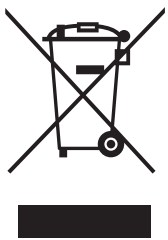 Never dispose of your product with other household waste. Please inform yourself about the local rules on the separate collection of electrical and electronic products. The correct disposal of your old product helps prevent potentially negative consequences on the environment and human health. Your product contains batteries covered by the European Directive 2006/66/EC, which cannot be disposed of with normal household waste. The device complies with RF specifications when the device is used at 0mm from your body.
Hereby, ARKTIS Inc. declares that the product complies with essential requirements and other relevant provisions of Directive 2014/53/EU.
Compliance with FCC rules
1. This device complies with Part 15 of the FCC Rules. Operation is subject to the following two conditions:
(1) This device may not cause harmful interference.
(2) This device must accept any interference received, including interference that may cause undesired operation.
1. Changes or modifications not expressly approved by the party responsible for compliance could void the user’s authority to operate the equipment.
NOTE: This equipment has been tested and found to comply with the limits for a Class B digital device, pursuant to Part 15 of the FCC Rules. These limits are designed to provide reasonable protection against harmful interference in a residential installation. This equipment generates uses and can radiate radio frequency energy and, if not installed
and used in accordance with the instructions, may cause harmful interference to radio communications. However, there is no guarantee that interference will not occur in a
particular installation. If this equipment does cause harmful interference to radio or television reception, which can be determined by turning the equipment off and on, the
user is encouraged to try to correct the interference by one or more of the following measures:
- Reorient or relocate the receiving antenna.
- Increase the separation between the equipment and receiver.
- Connect the equipment into an outlet on a circuit different from that to which the receiver is connected.
- Consult the dealer or an experienced radio/TV technician for help.
Radiation Exposure Statement:
This equipment complies with the FCC radiation exposure requirements.
The device can be used in portable exposure conditions without RF restriction.



NCC
Obtain more information and get support at www.arktisaudio.com
©2021 ARKTIS Inc. All rights reserved.
The Bluetooth® word mark and logos are registered trademarks owned by Bluetooth
SIG, Inc. and any use of such marks by ARKTIS Inc. is under license. Other trademarks and trade names are those of their respective owners.
Qualcomm aptX Adaptive is a product of Qualcomm Technologies International, Ltd.
Qualcomm is a trademark of Qualcomm Incorporated, registered in the United States and other countries.
Made in China.
 Arktis Audio – 即將開張