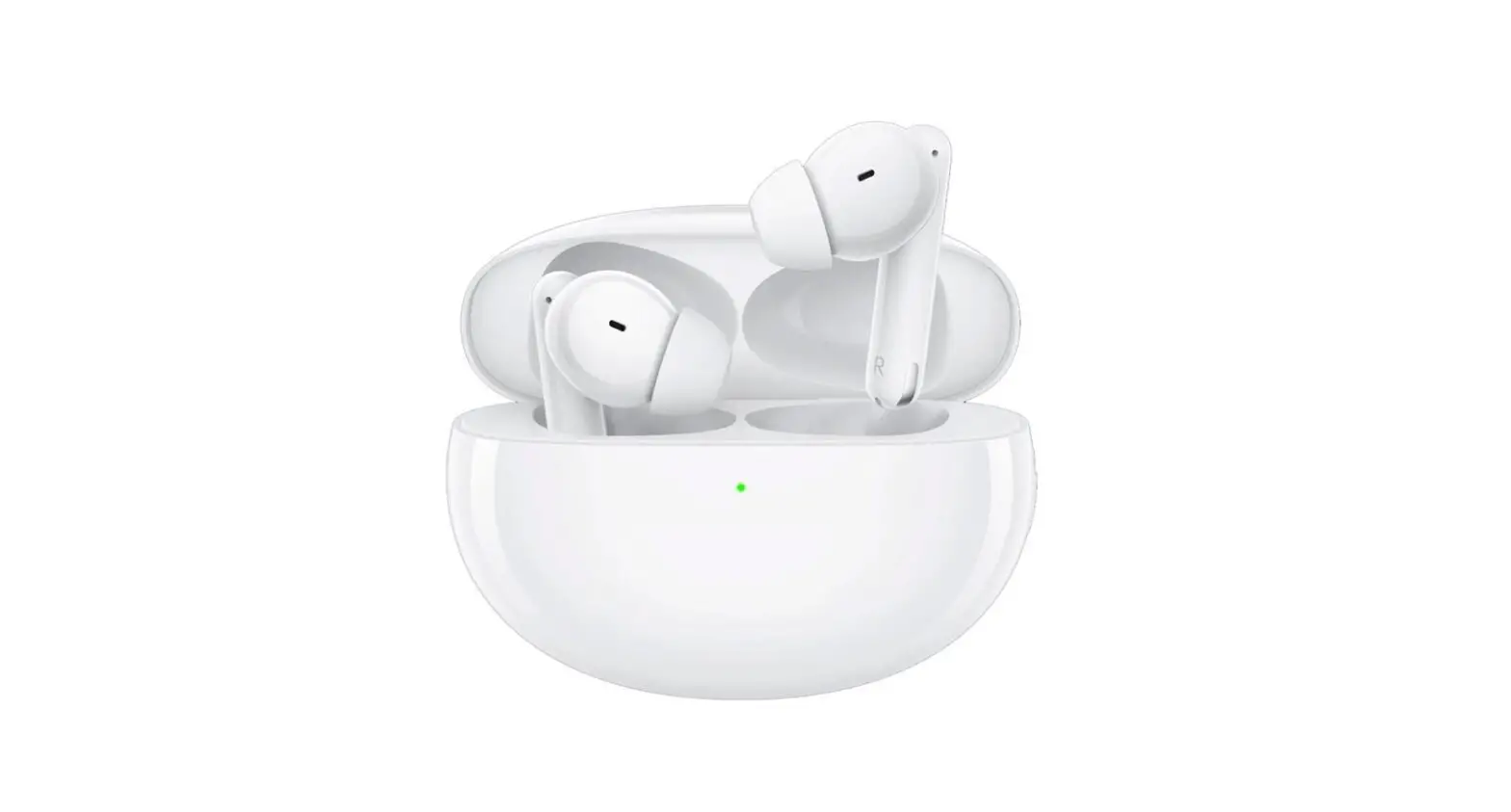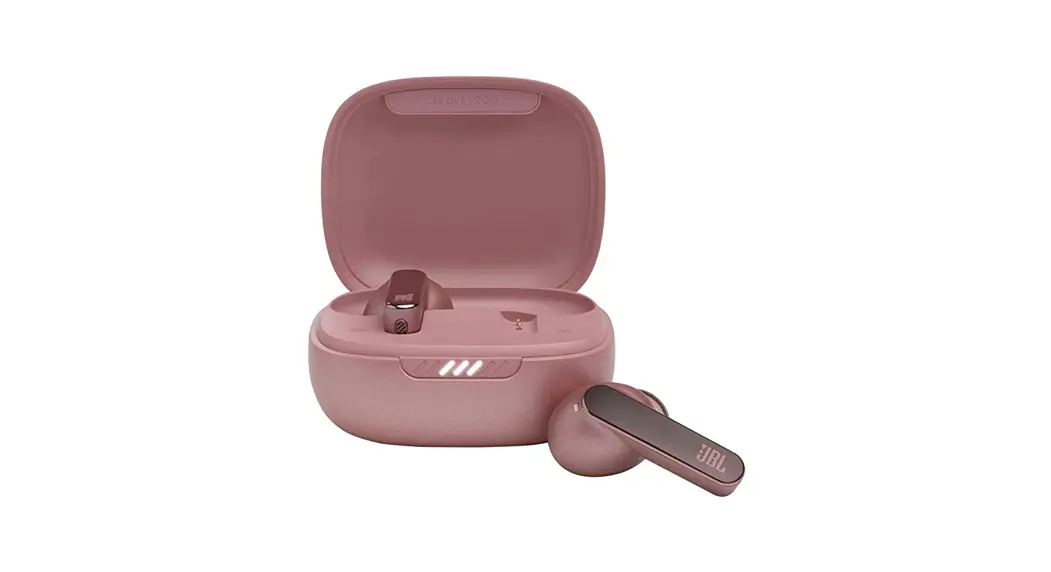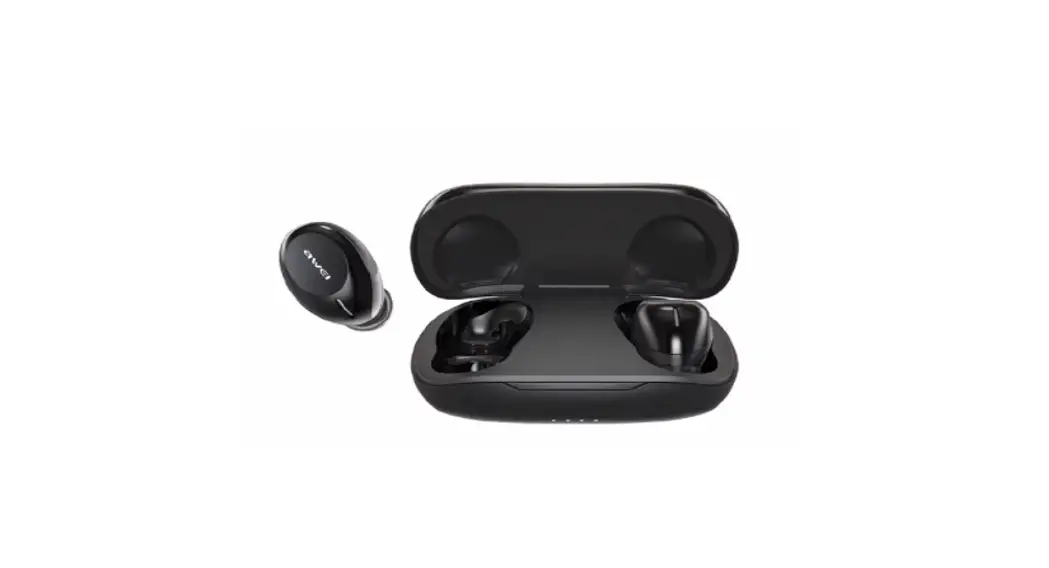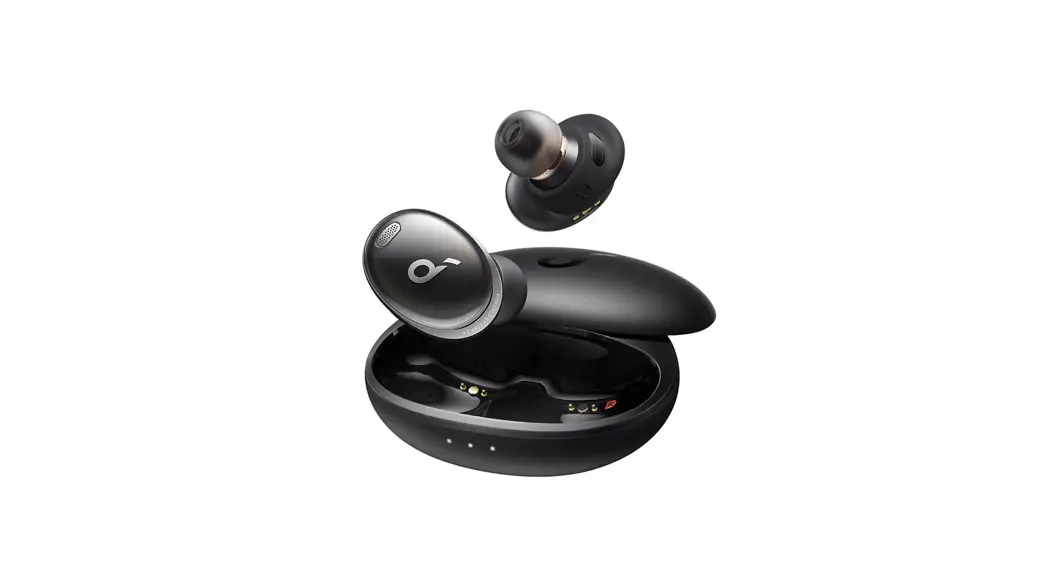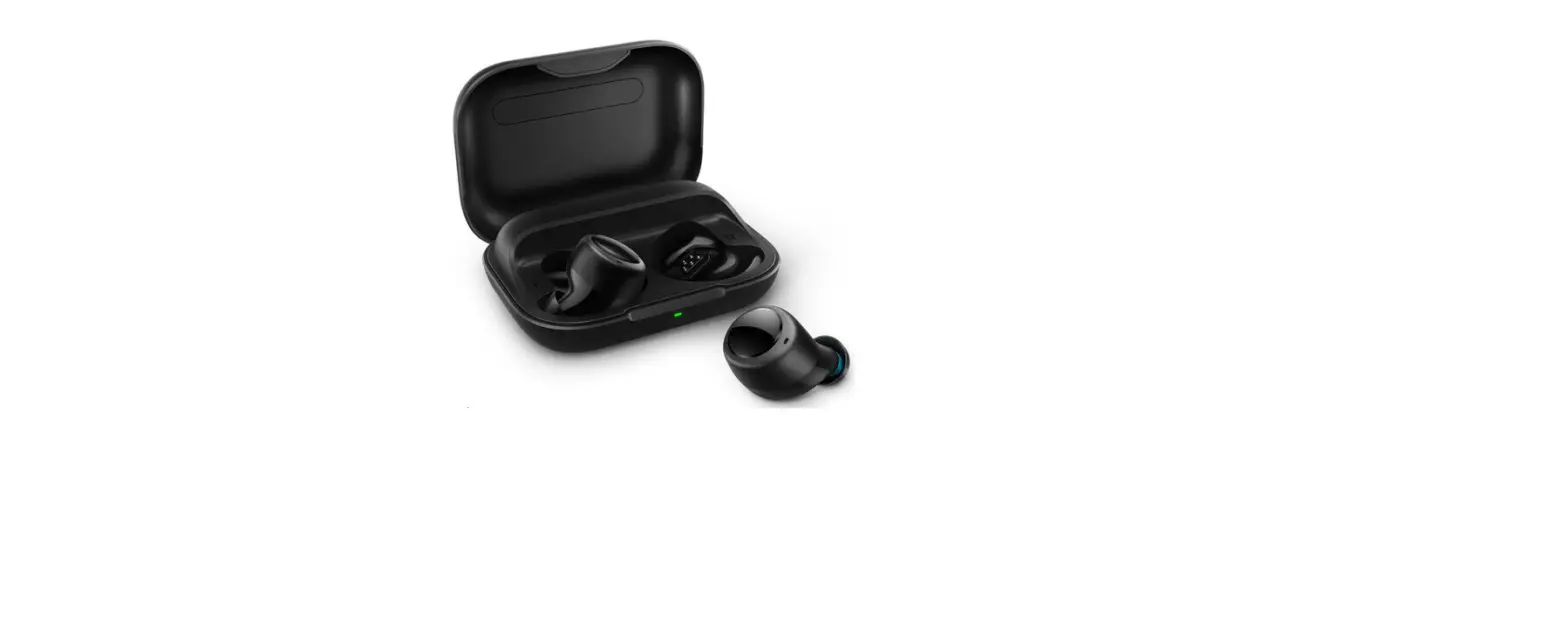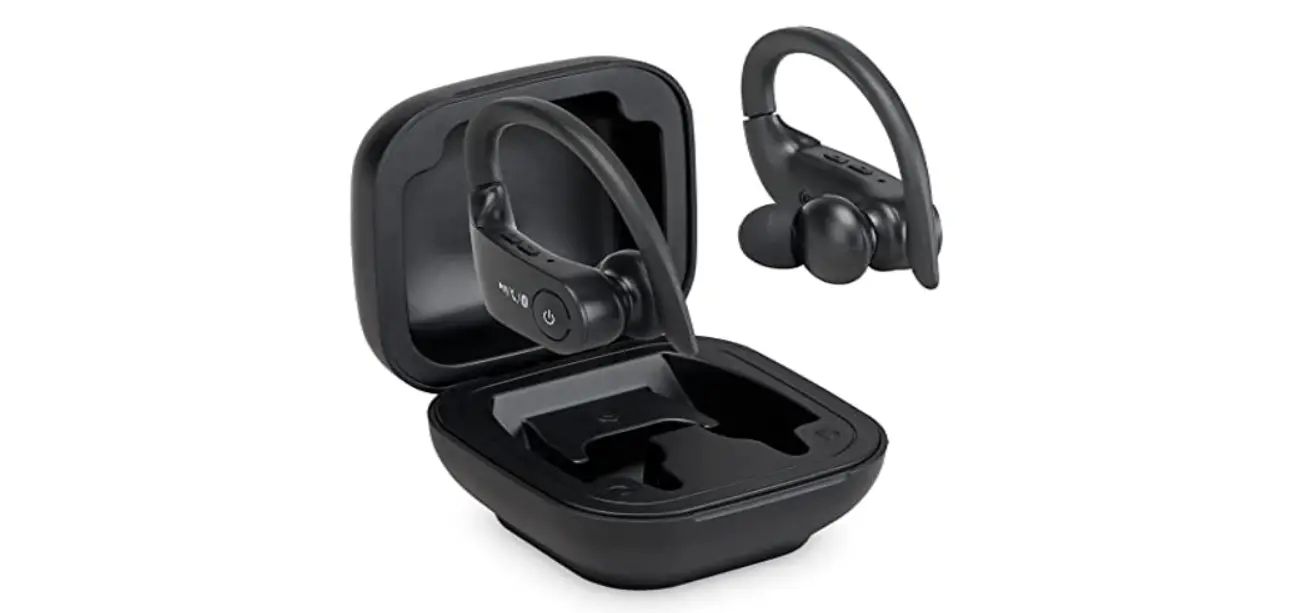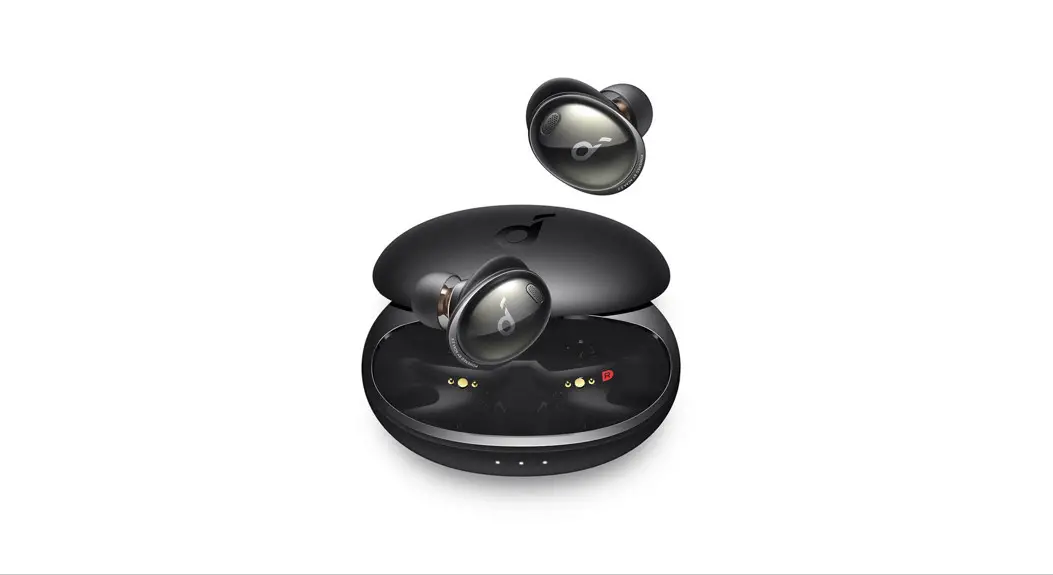


RAVENS
TRUE WIRELESS
NOISE CANCELLING
EARBUDS

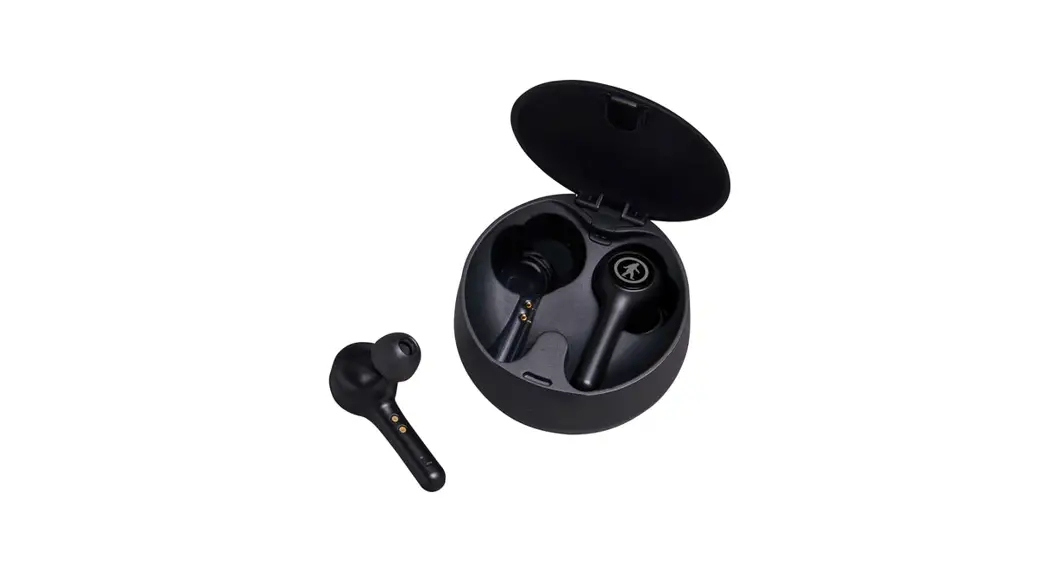
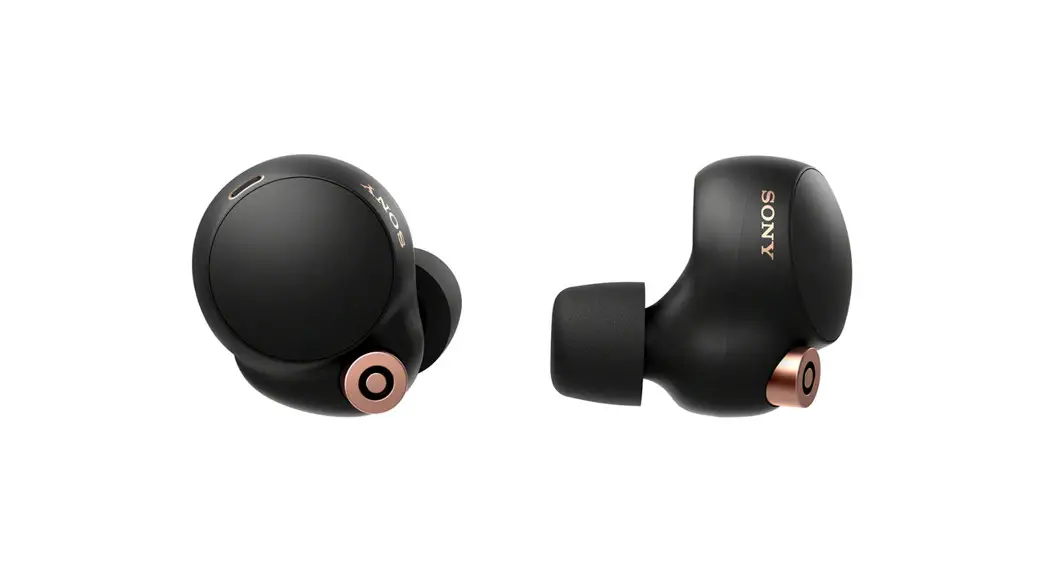
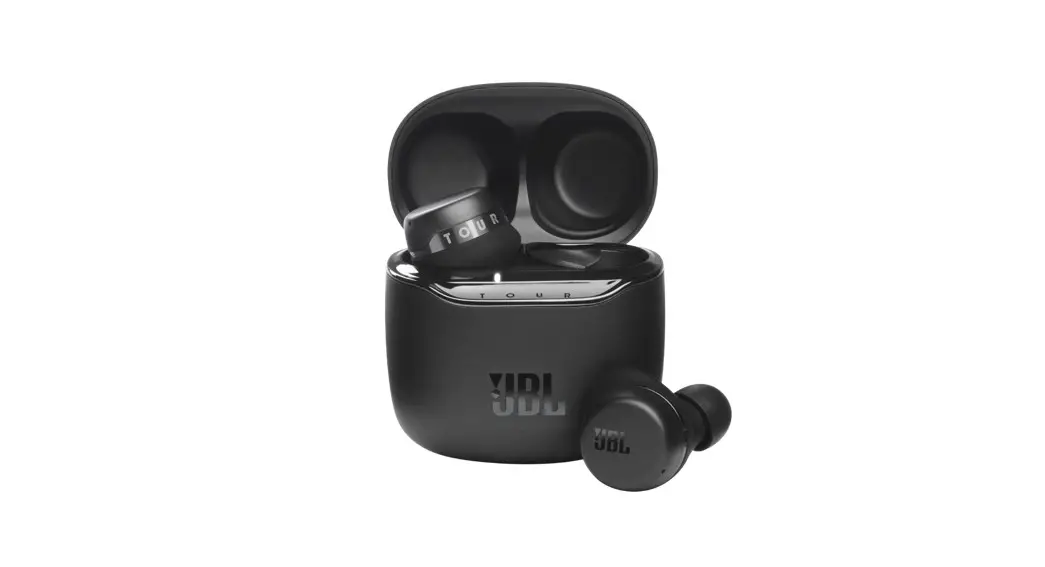
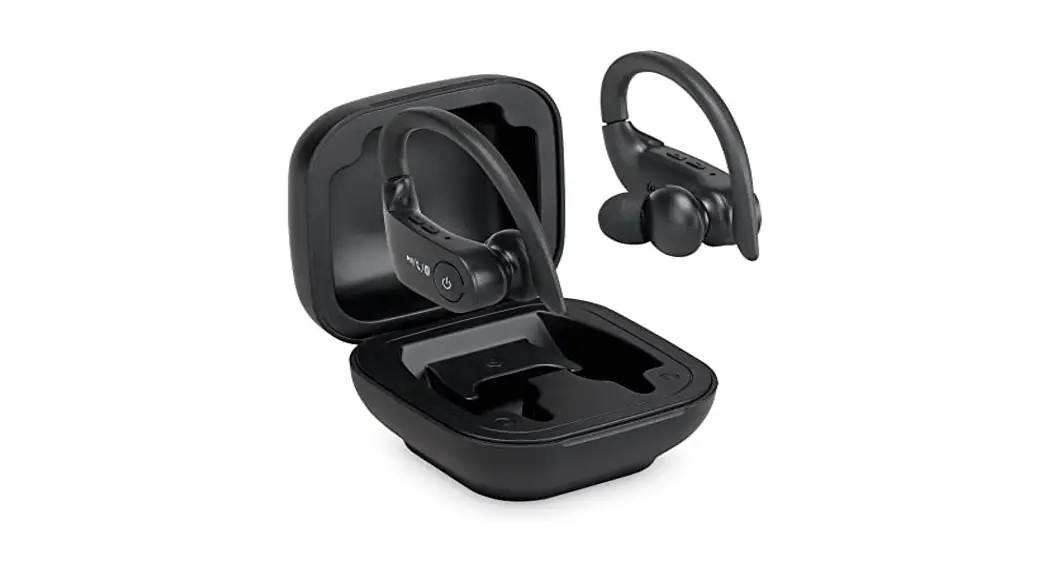
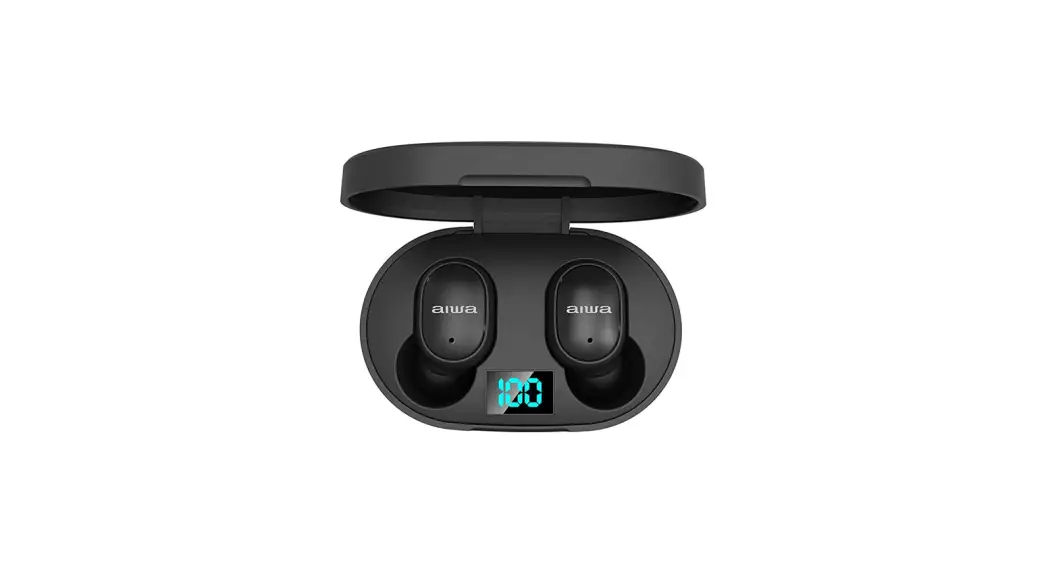
Good call on picking up the Outdoor Tech Ravens True Wireless, Noise Cancelling Earbuds. Your experience of the universe will soon be enhanced powerfully. This manual exists to help make sure that you use them correctly, so you’re definitely going to want to relax for a hot second and look through this.
Kisses,
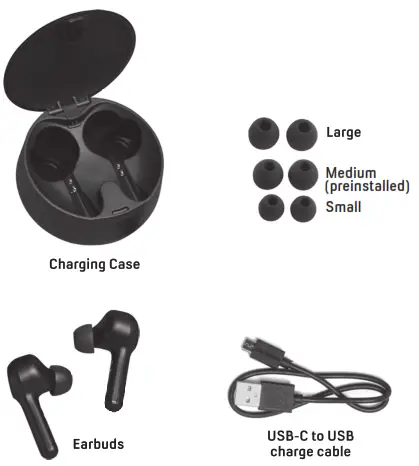
WHAT IS INCLUDED
ANATOMY
POWER ON/OFF
How to TURN ON: Turn On:
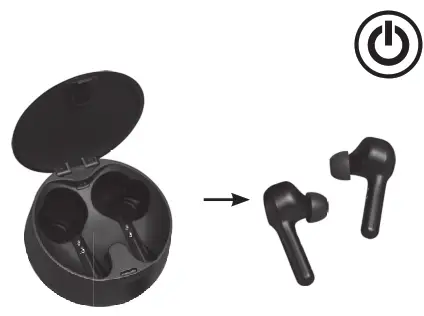
Method 1: Open the charging case. Take both earbuds out from the case, they will turn on and connect with each other automatically. Method 2: Whilst the earbuds are off, press and hold the multi-function button on both earbuds for 2 seconds. LEDs on both earbuds will flash white for 1-2 seconds and you will hear a voice prompt ‘Power ON” from both earbuds.
How to TURN OFF:
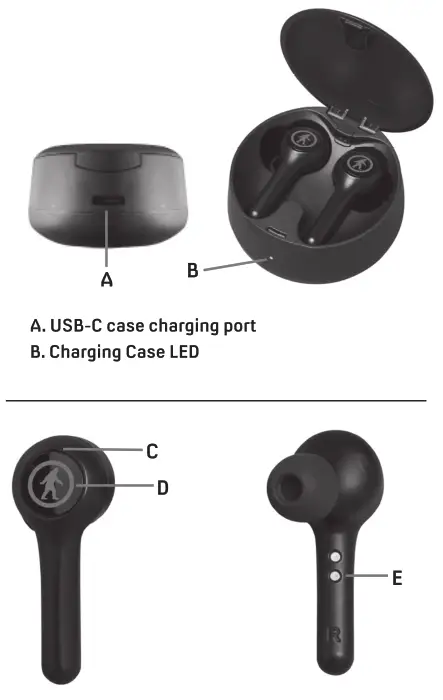
Turn Off: Method 1: Put the earbuds back into the charging case, and close completely, they will automatically turn off. .C. LED Indicator Light Method 2: Whilst the earbuds are on, press and hold the multi-function button on both earbuds for 5 seconds. LEDs on both earbuds will flash red for 1-2 D. Multi-function Button (MFB) seconds and you will hear a voice prompt ‘Power E. Charging pins OFF” from both earbuds.
PAIRING

Take both earbuds out of the charging case, they will power on and connect with each other automatically. On first use you will hear a voice prompt *pairing”. Enable Bluetooth on your device. Choose: “ODT Ravens” in your phone’s Bluetooth settings. VOICE PROMPT: “connected”
TOUCH CONTROLS
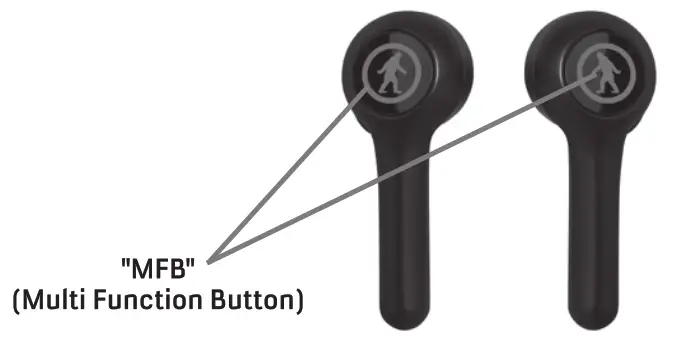
| PLAY/PAUSE MUSIC | Short press the “MFB” button once. |
| VOLUME UP | Long press the “MFB” button on the right earbud (keep holding the “MFB” and the volume will keep going up, there will he a warning sound when you reach the maximum volume) |
| VOLUME DOWN | Long press the “MFB” button on the left earbud (keep holding the “MFB” and the volume will keep going down, there will be a warning sound when you reach the lowest volume) |
| NEXT TRACK | Double press “MFB” button on the right earbud. |
| PREVIOUS TRACK | Double press “MFB” button on the left earbud. |
| ANSWER/NO-CALL | Short press the “MFB” once. |
| REJECT INCOMING CALL | Press and hold the “MFB” for 2 seconds when call is coming in. |
| ACTIVATE VOICE ASSISTANT | Triple press the “MFB” on either earbud. Press it again to cancel. |
| FACTORY RESET | The earbuds must be charging in the case before resetting. Quick double press each of the earbuds successively. |
LED INDICATION GUIDE
| STATUS | DESCRIPTION | VOICE PROMPT |
| Power On | White LED flashes about 1 second | “Power On” |
| Power Off | Red LED flashes h about 1 second | “Power Off” |
| Pairing | White & Red LED flashes alternately on the master earbud | “Pairing” |
| Connect | Both earbuds LEDs will turn off | “Connected” |
| Charging | Red LED is solid when the earbuds are charging | N/A |
CHARGING EARBUDS
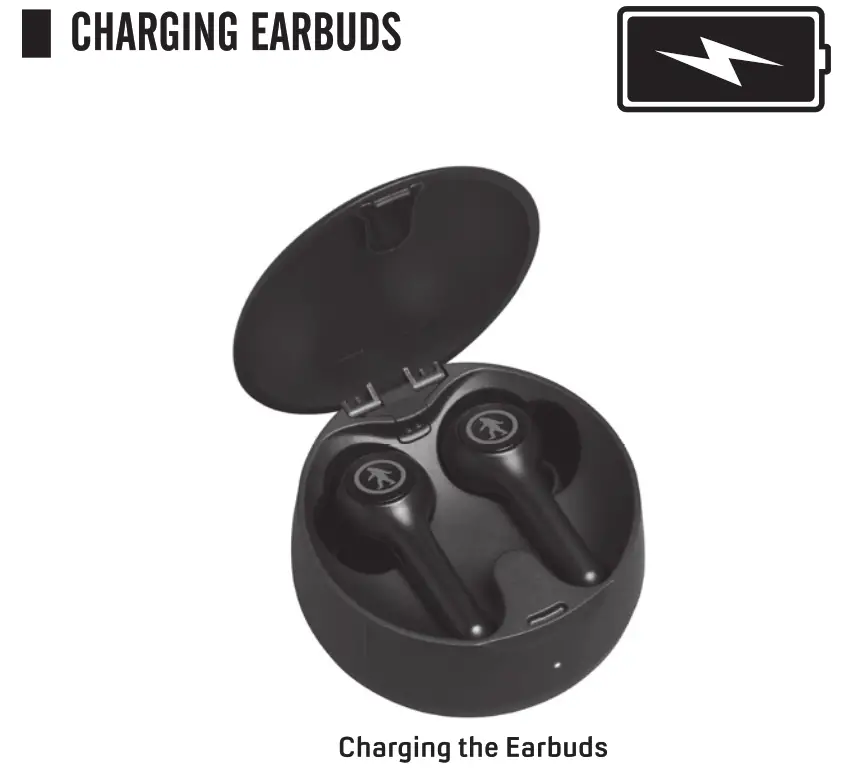
Ensure stickers are removed from the charging points on the stems of the buds. Place ear buds into the charging case. Red light will illuminate on the earbuds to indicate charging.
CHARGING CASE
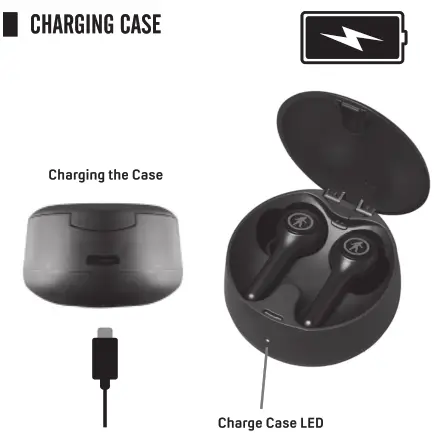
Connect the USB-C end of the supplied charging cable to the charging case charge port.
Connect the USB end of the charging cable to a PC or AC/DC wall adapter (not provided). The charging case LED will be solid red to indicate charging. LED will turn off when the charge is complete.
SPEC

Water/Sweat Resistance Rating: IPX4
|True Wireless/Noise Cancelling
Operating Range Device to Earbud: 10 m (32 feet)
Play Time: 8hrs at 50% Volume
Earbuds Charge Time: 1.5 hrs
Case Charging Time: 1.5 hours
Number of Earbud Charges in the Case: 4 Charges
Speaker Size: 6mm Drivers
Speaker Sensitivity: 102t3dB, 1KHz
Speaker Impedance: 32ohm
Speaker Frequency Range: 20Hz-20KHz
Bluetooth Version: BT5.0
Earbud Battery Info: 901635/500MA
Paired Devices: ODT Ravens Product Features: Answer Call, End Call, Reject Call. Volume Control, Track Control. Play/Pause Music. Siri/Google Assistant Activation

FCC Warning
This device complies with part 15 of the FCC Rules. Operation is subject to the following two conditions:(I) This device may not cause harmful interference, and (2) this device must accept any interference received, including interference that may cause undesired operation. Any changes or modifications not expressly approved by the party responsible for compliance could void the user’s authority to operate the equipment.
This equipment has been tested and found to comply with the limits for a Class B digital device, pursuant to part 15 of the FCC Rules. These limits are designed to provide reasonable protection against harmful interference in a residential installation. This equipment generates uses and can radiate radio frequency energy and, if not installed and used in accordance with the instructions, may cause harmful interference to radio communications. However, there is no guarantee that interference will not occur in a particular installation. If this equipment does cause harmful interference to radio or television reception, which can be determined by turning the equipment off and on, the user is encouraged to try to correct the interference by one or more of the following measures
– Reorient or relocate the receiving antenna.
– Increase the separation between the equipment and receiver.
– Connect the equipment into an outlet on a circuit different from that to which the receiver is connected.
– Consult the dealer or an experienced radio/TV technician for help. The device has been evaluated to meet general RF exposure requirements. The device can be used in portable exposure conditions without restriction.
 FCC ID: 2A2L8-075950