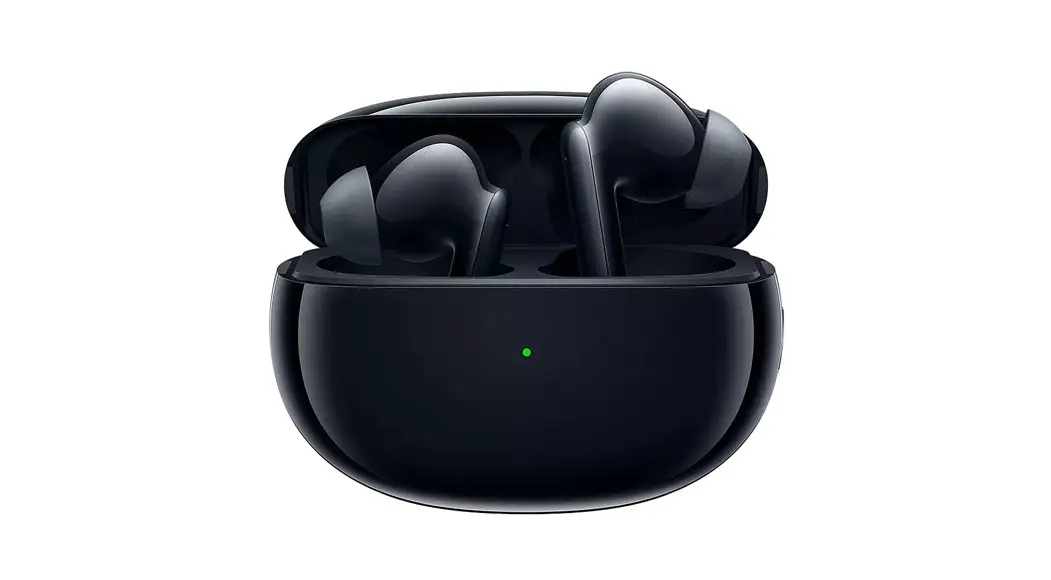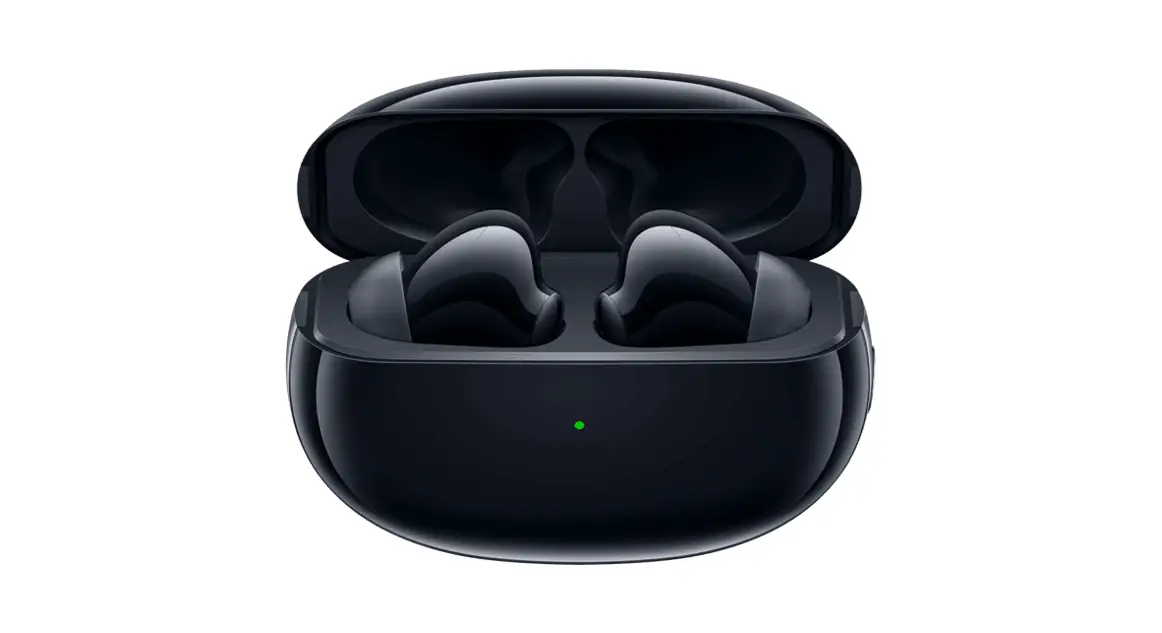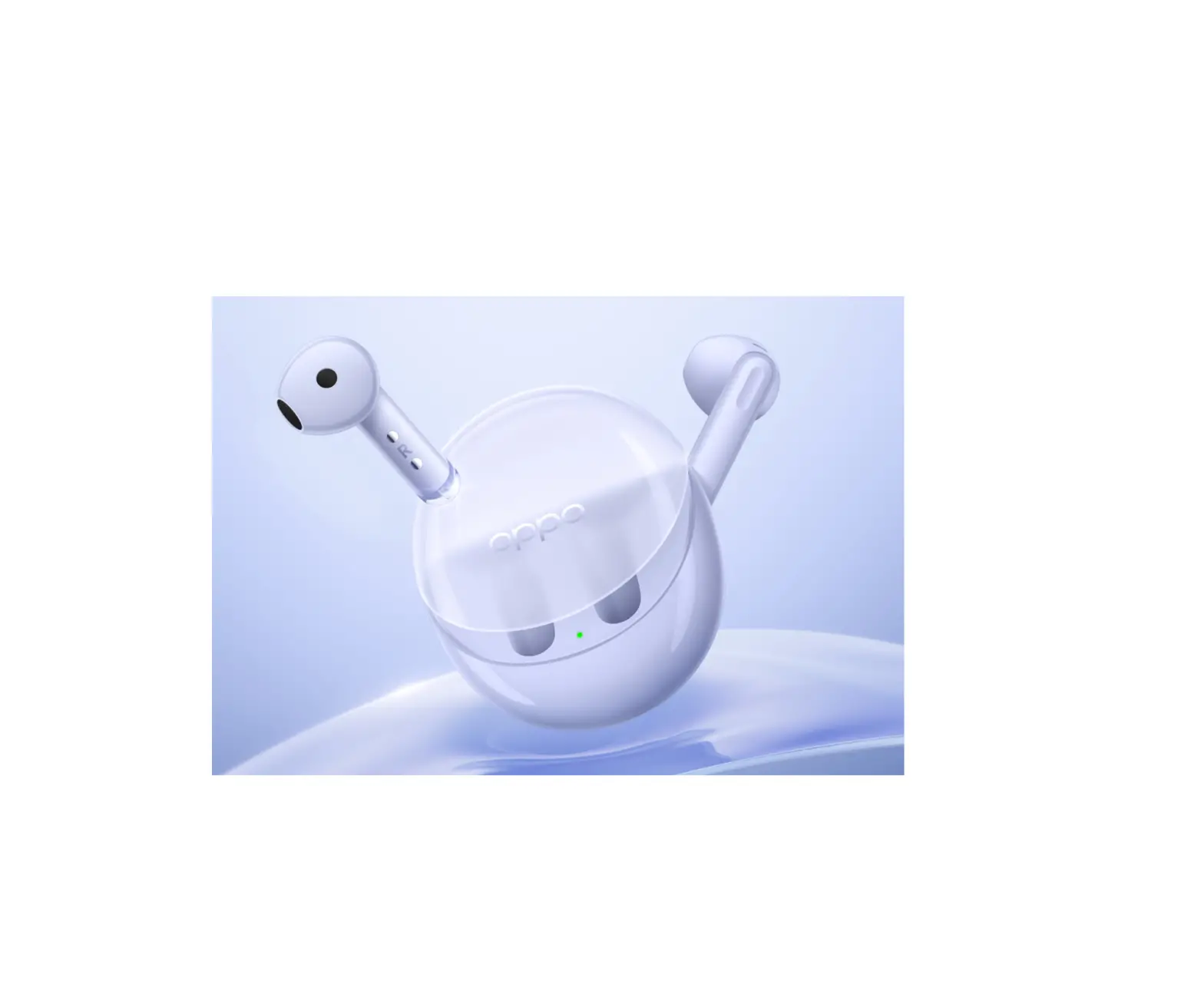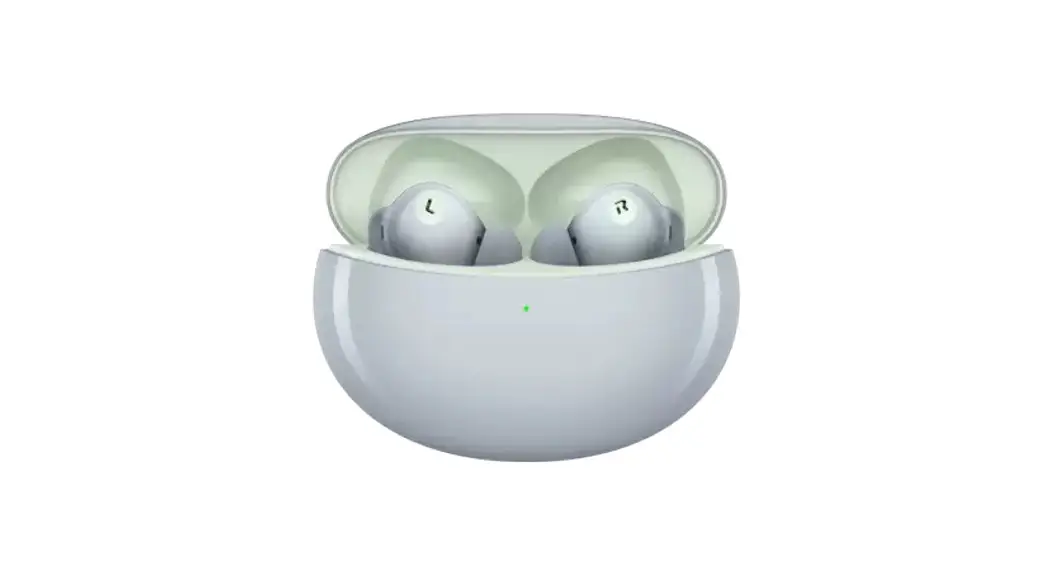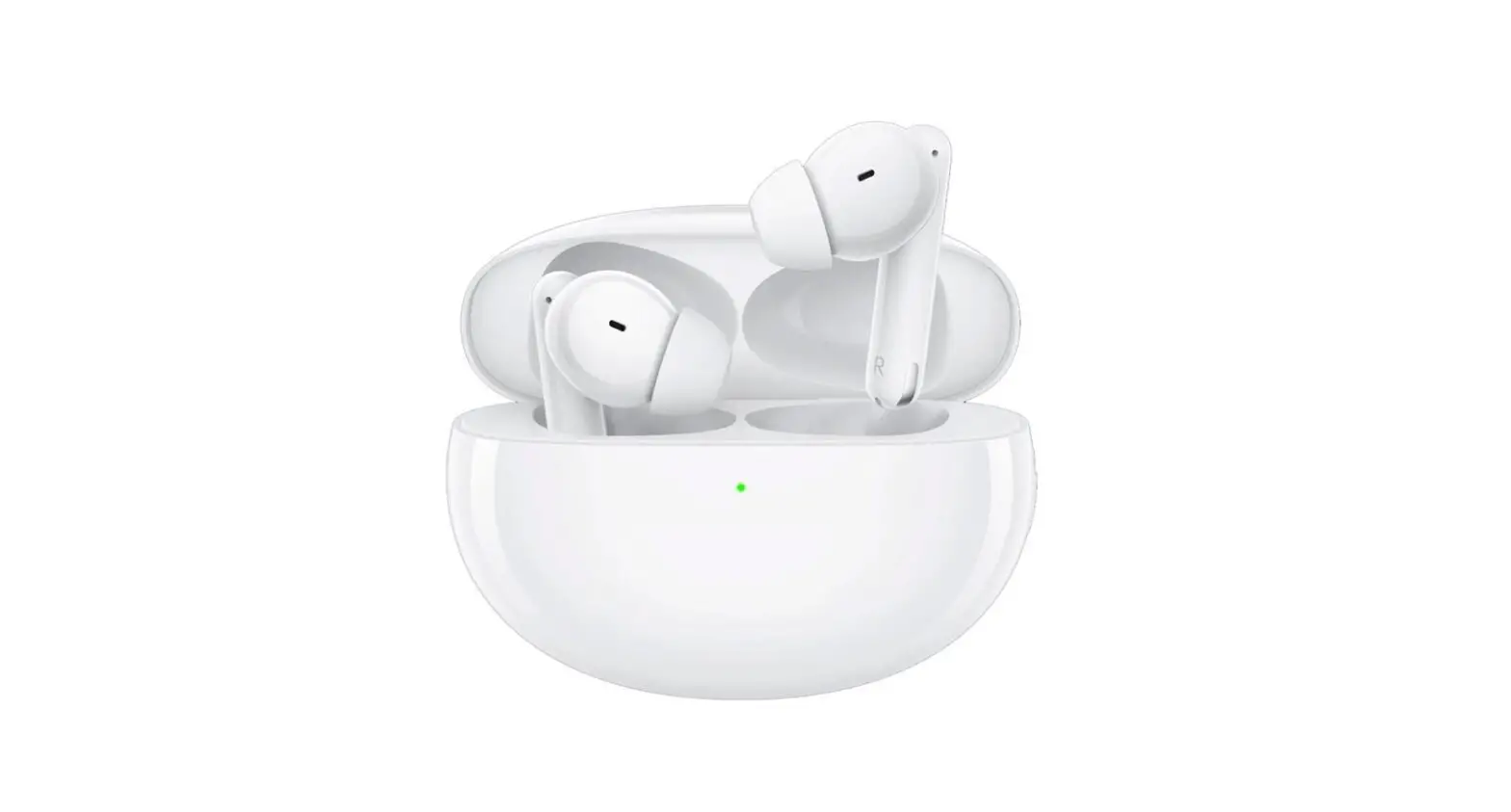
OPPO Enco Free2
True Wireless Noise Cancelling Earbuds
Quick start guide

|
|





 Model: ETI71 MADE IN CHINA 72-009TWS-QSGB4 V2.0
Copyright © Guangdong OPPO Mobile Telecommunications Corp., Ltd. 2021.
All rights reserved.
Overview and package contents
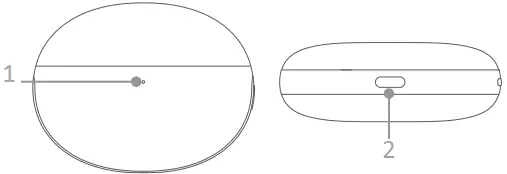
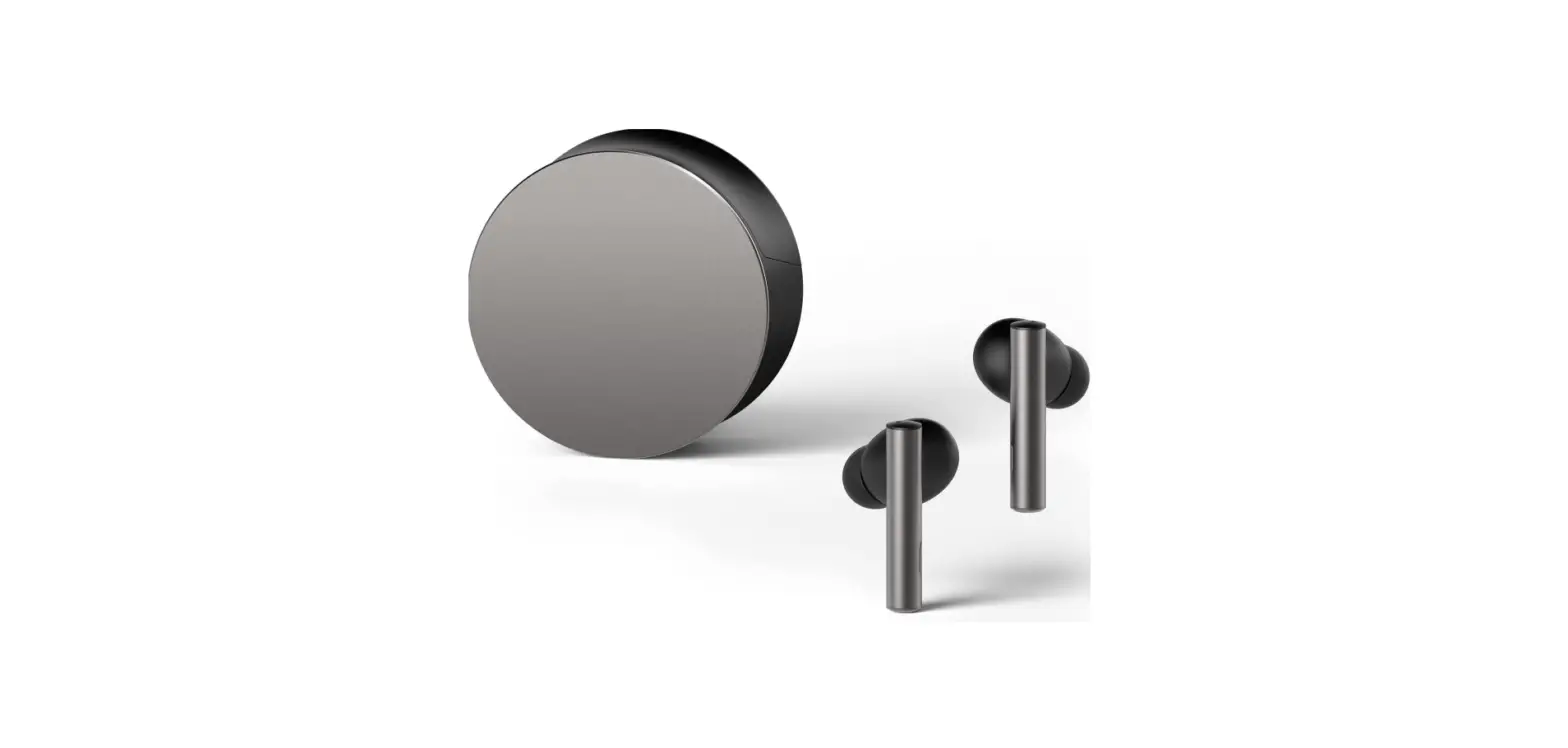
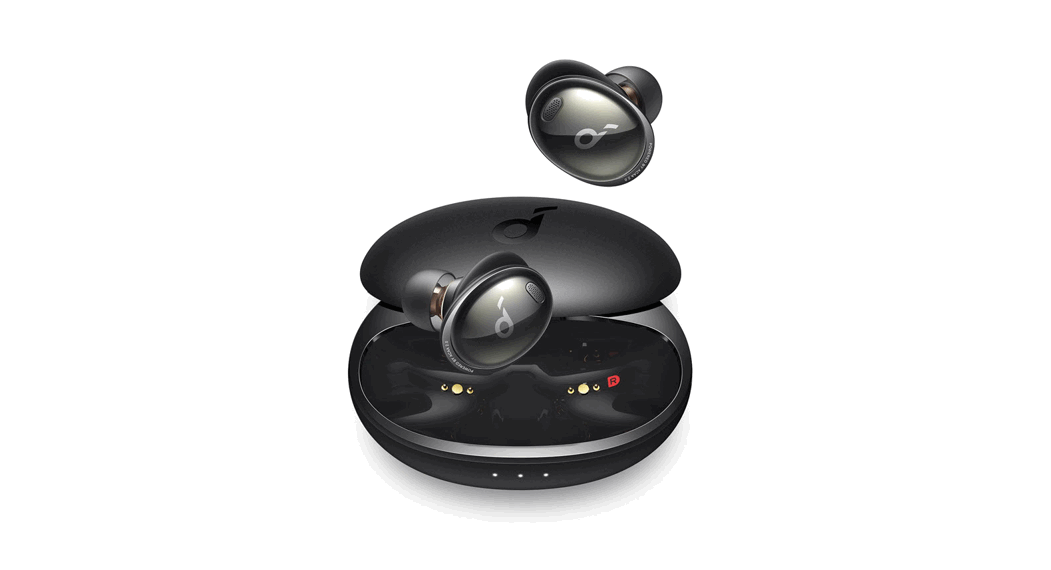
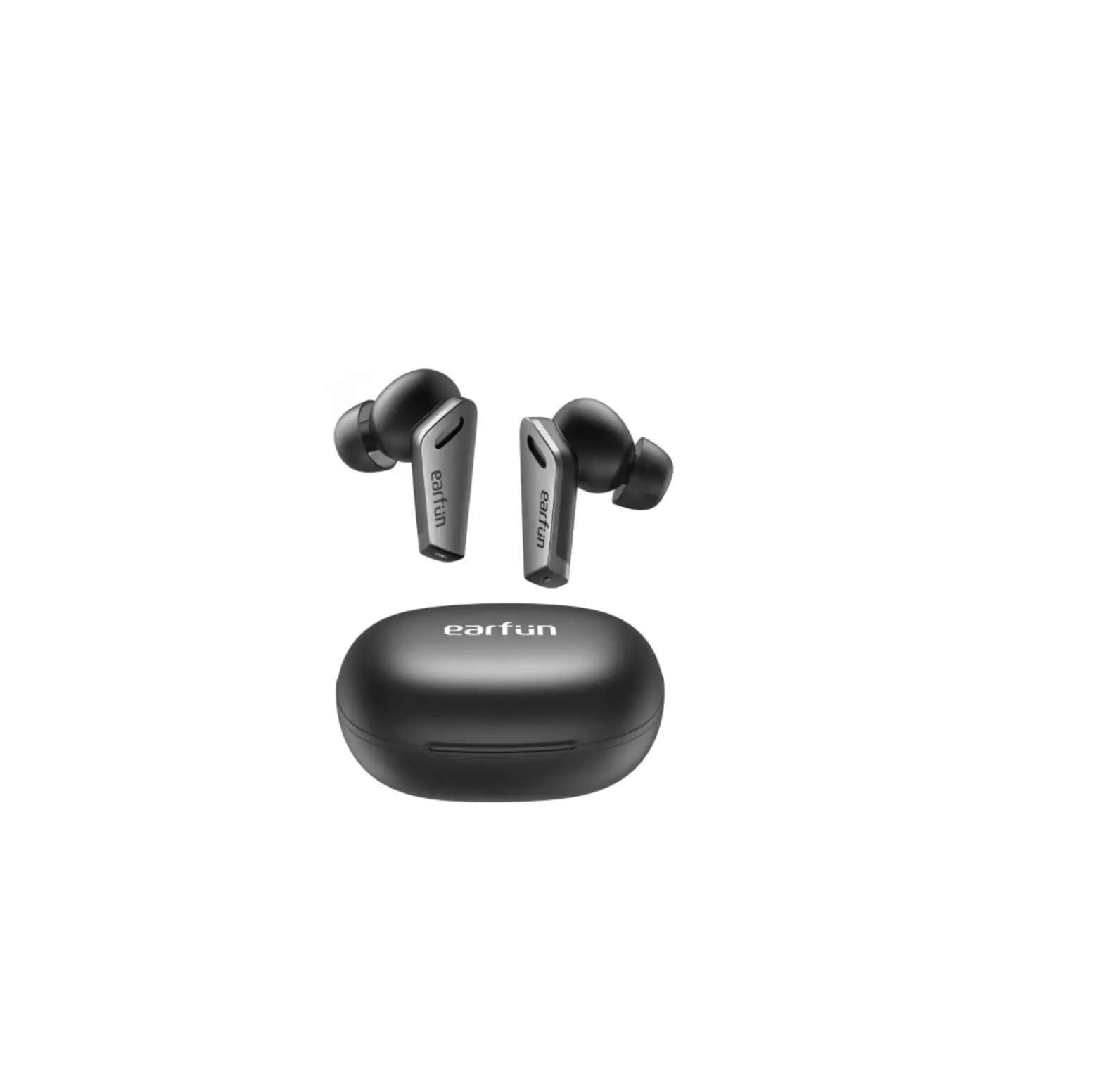
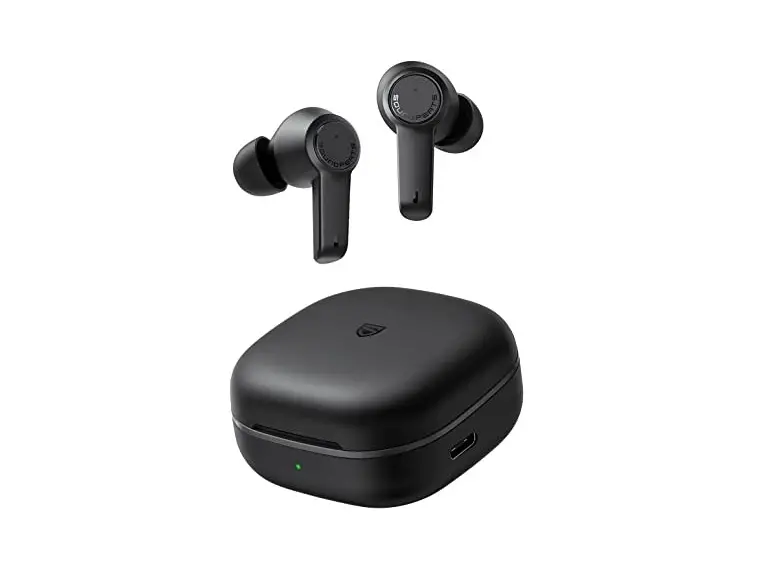
Charging case
- LED indicator
- USB Type-C charging port
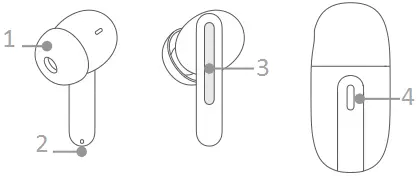
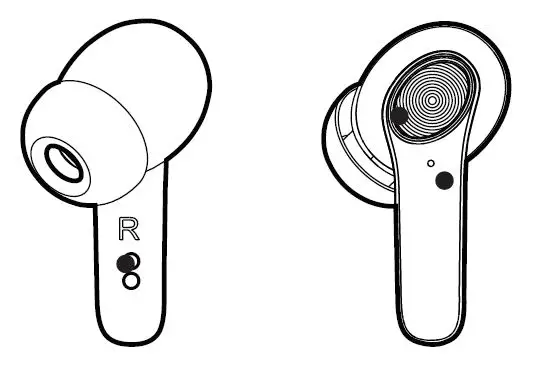
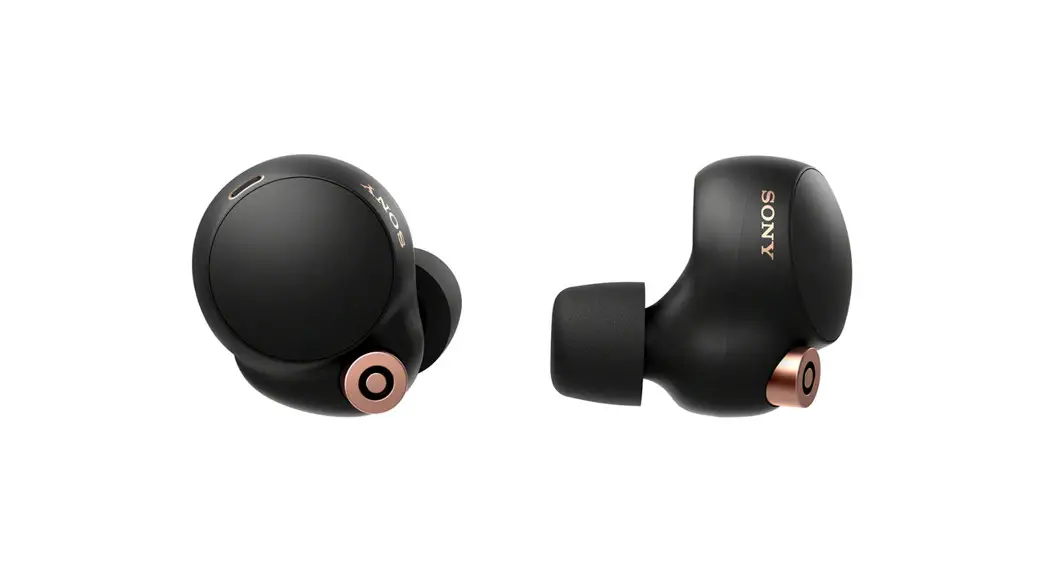
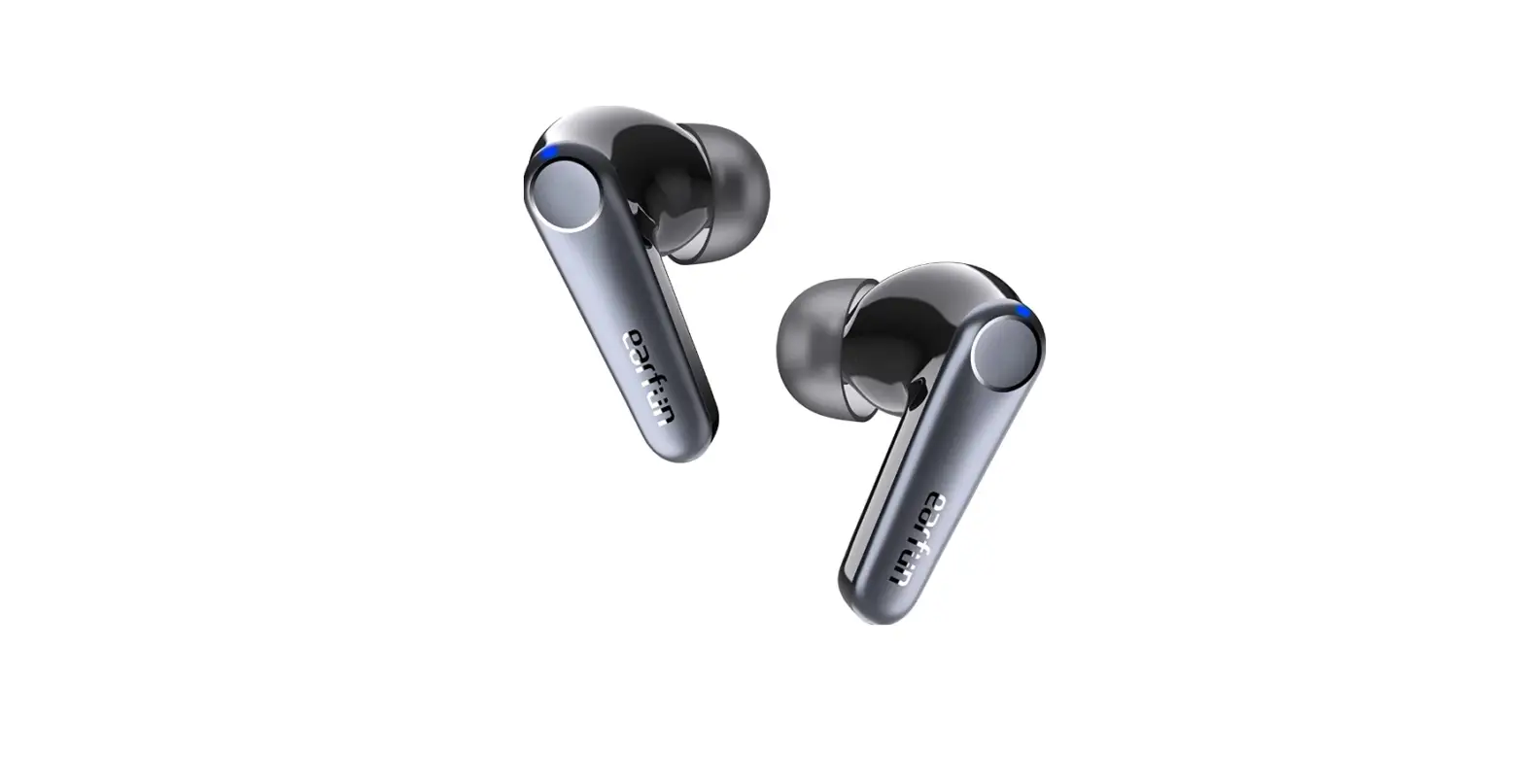
Earbuds
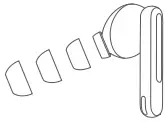
- Ear tip
- Microphone
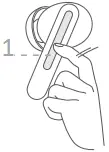
- Touch control area
- Function button
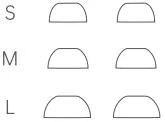
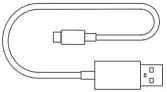

This box contains a pair of OPPO Enco Free2 True Wireless Noise Cancelling Earbuds, a charging case, 3 pairs of ear tips in different sizes (the M-sized ear tips come mounted on the earbuds), a Type-C charging cable, a quick start guide, and a safety guide.
Bluetooth pairing
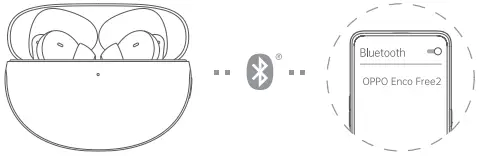
- If you are setting up your OPPO Enco Free2 true wireless earbuds for the first time, open the charging case with your earbuds inside. The earbuds will automatically start pairing with your phone.
- Turn on Bluetooth on your phone:
- Regular pairing: Search for and select “OPPO Enco Free2” on your Bluetooth page to complete pairing.
- Quick pairing: Hold your OPPO Enco Free2 earbuds near an OPPO phone that has Bluetooth turned on. A setup prompt will appear on your phone. Complete pairing according to the onscreen prompts.
 Note: Only some OPPO phone models support quick pairing. For details, visit www.oppo.com.
Pairing with other devices
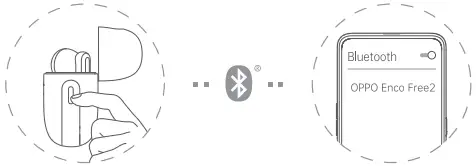
- Open the charging case with your earbuds inside, and press and hold the Function button for 2 seconds until the indicator blinks white. Your earbuds are now ready for pairing.
- Complete pairing on the Bluetooth page of your device.
In-ear detection
When listening to audio with OPPO Enco Free2 earbuds, removing either one of your earbuds will pause playback. Reinserting it will resume playback.
Ear tip fit
An ear tip that fits just right can provide better noise cancellation and sound quality while offering greater comfort. Try to pick a pair of ear tips that make a good seal with your ear canals. Please note that you might need different sizes for your left and right ears. You can take an earbud fit test to choose the best-sized tips. Please refer to the “Earbud functions” section for details.
Charging
Battery level
- When your earbuds are inside the charging case, the indicator shows the battery level of the earbuds. When you remove your earbuds from the charging case, the indicator shows the battery level of the charging case itself.
- Different indicator colors are used to show the battery level. Specifically, red indicates low, yellow indicates medium, and green indicates full or sufficient.
Charging your earbuds
Place your earbuds into the charging case to start charging them. The indicator will show the battery level of the earbuds.
Charging the case
The indicator will light up when charging. Yellow indicates charging in progress, and green indicates charging is complete.
Touch controls
- Play next track: Double-tap either earbud.
- Switch between Noise cancellation and Transparency: Touch and hold an earbud for 1 second.
- Increase/Decrease volume: Slide your finger up or down the stem of an earbud.
- Answer/End calls: Double-tap either earbud.
You can customize touch control settings for the earbuds on your phone. For details, refer to the “Earbud functions” section.
- Touch control area
Double-tap either earbud to take a photo
When using the camera on your phone, double-tap either earbud to take a photo. You can turn on this function on your phone. For details, refer to the “Earbud functions” section.
Noise cancellation
Noise cancellation: Blocks out external sounds so you can hear audio more clearly.
Transparency: Lets in external sounds so you can be more aware of what’s happening around you. Noise cancellation off: No noise cancellation effect.
Personalized noise cancellation
Personalize noise cancellation effects according to your auditory canal structure for a clearer, more immersive sound experience. The noise cancellation effects will change while analyzing the structure of your auditory canal. When the analysis is complete, the best noise cancellation solution will be determined and applied.
You can turn on this function on your phone. For details, refer to the “Earbud functions” section.
Personalized sound boost
Analyze your hearing characteristics via a sound test to generate a personalized sound profile. You can apply this profile whenever you listen to audio to optimize audio effects in real time. You can use this function only after completing the sound test on your phone. For details, refer to the “Earbud functions” section.
Earbud functions
You can set or use any of the previously mentioned earbud functions on your phone. Voice Assistant may not be supported for some phone brands or models.
For ColorOS devices
Go to “OPPO Enco Free2 – EARBUD FUNCTIONS” on the Bluetooth setup page of your phone to customize settings. Touch control customization, earbud fit test, personalized noise cancellation, and personalized sound boost are only available on some phones running ColorOS 11.0 or later versions. Camera control with earbuds is only available on some phones running ColorOS 11.3 or later versions. For the full list of supported phone models, visit www.oppo.com.
For other Android devices
Find the “HeyMelody” app in your app store and install it.
You can set or use earbud functions in the app. Available on phones running Android 6.0 or later versions. Go to the product details page on OPPO’s official website to view the list of app stores where the “HeyMelody” app is available.
For iO5 devices
Find the “HeyMelody” app in the App Store and install it. You can set or use earbud functions in the app.
Restore to factory settings
- Place your earbuds into the charging case and leave the lid open.
- Press and hold the Function button for 15 seconds. When the indicator blinks red 3 times, your earbuds have been restored to factory settings.
Specifications
| • Earbuds model: ETI71 | • Battery capacity: 41 mAh (earbuds) / 480 mAh (charging case) |
| • Charging case model: ETI72 | |
| • Driver: 10 mm dynamic driver | • Media playback time (50% volume)*: Noise cancellation on: 4 h (earbuds) / 20 h (earbuds + charging case) Noise cancellation off: 6.5 h (earbuds) / 30 h (earbuds + charging case) |
| • Frequency response range: 20 Hz – 20 kHz | |
| • Microphone sensitivity: —38 dBV/Pa | |
| • Bluetooth codec: AAC/SBC | |
| • Bluetooth version: 5.2 | • Charging time (wired charging): 90 min (earbuds) 190 min (earbuds + charging case) |
| • Bluetooth range: 10 m | |
| • Battery type: Rechargeable Li-ion Battery | • Charging input (charging case): 5 V  1 A 1 A |
All these specifications were obtained based on tests in OPPO laboratories. The charging time was tested in OPPO laboratories at a temperature of 25°C using a standard OPPO charger. The actual results may differ slightly based on environmental factors and the charger used. This guide is provided for reference only. The actual product may differ in appearance and features.