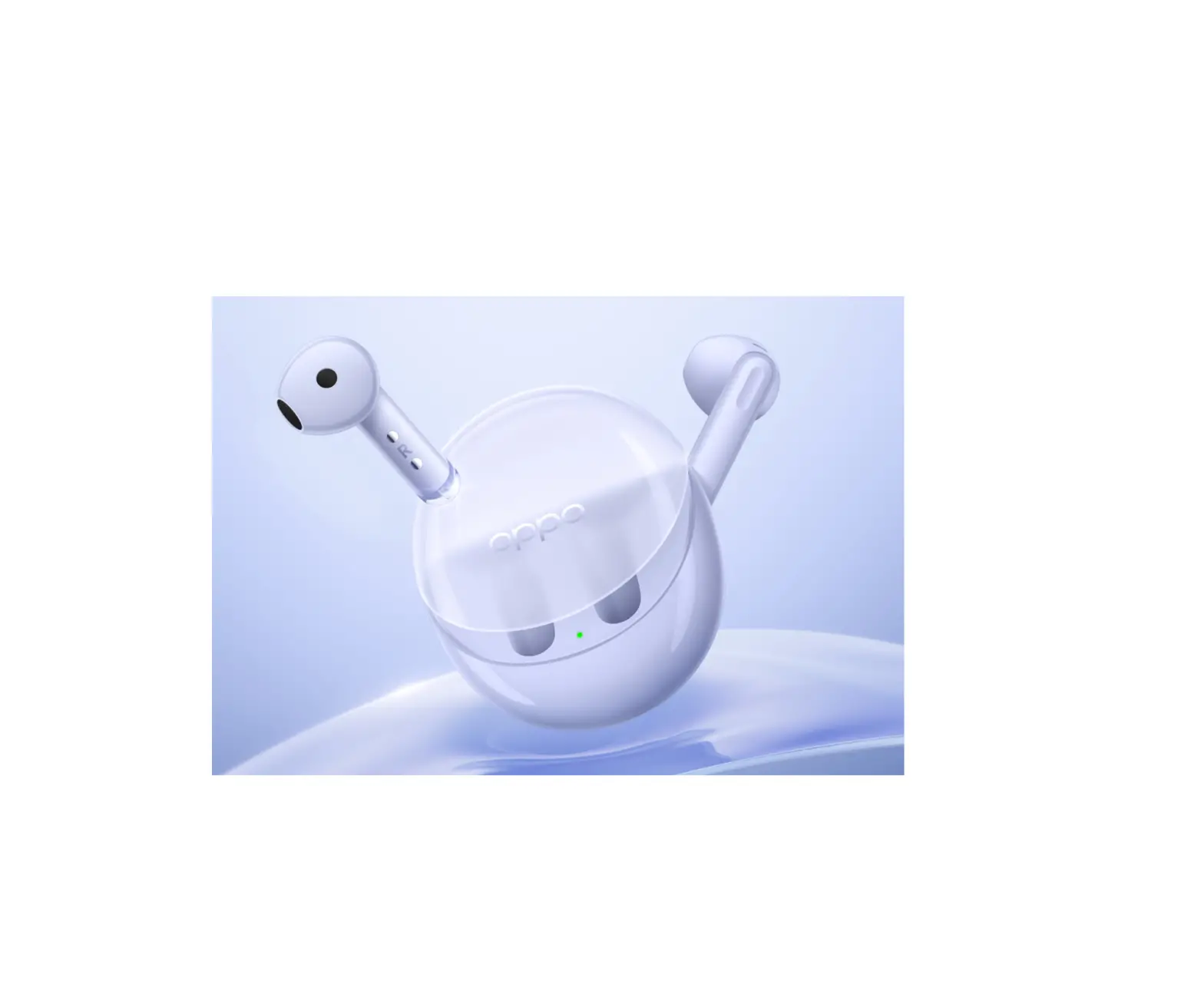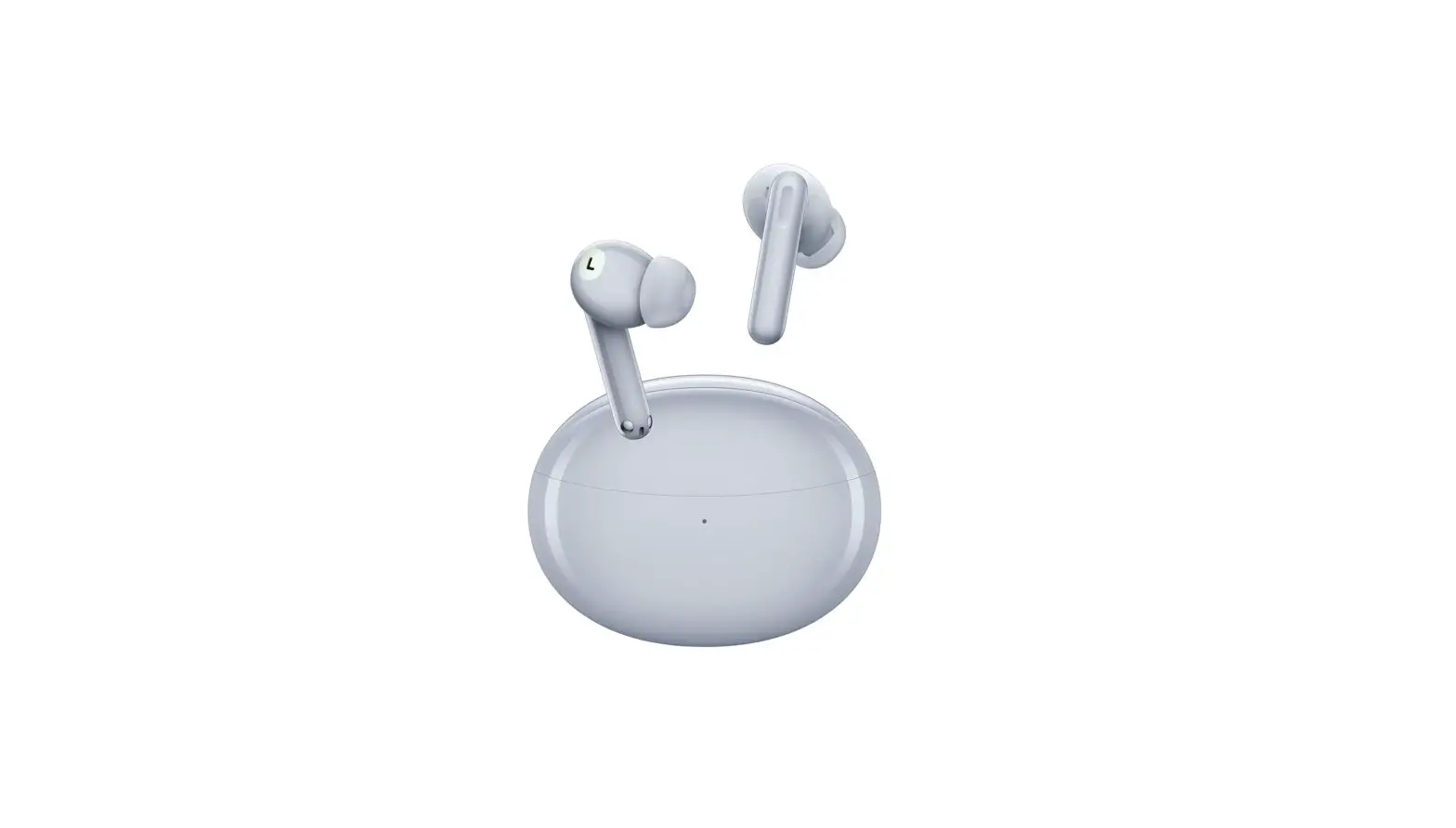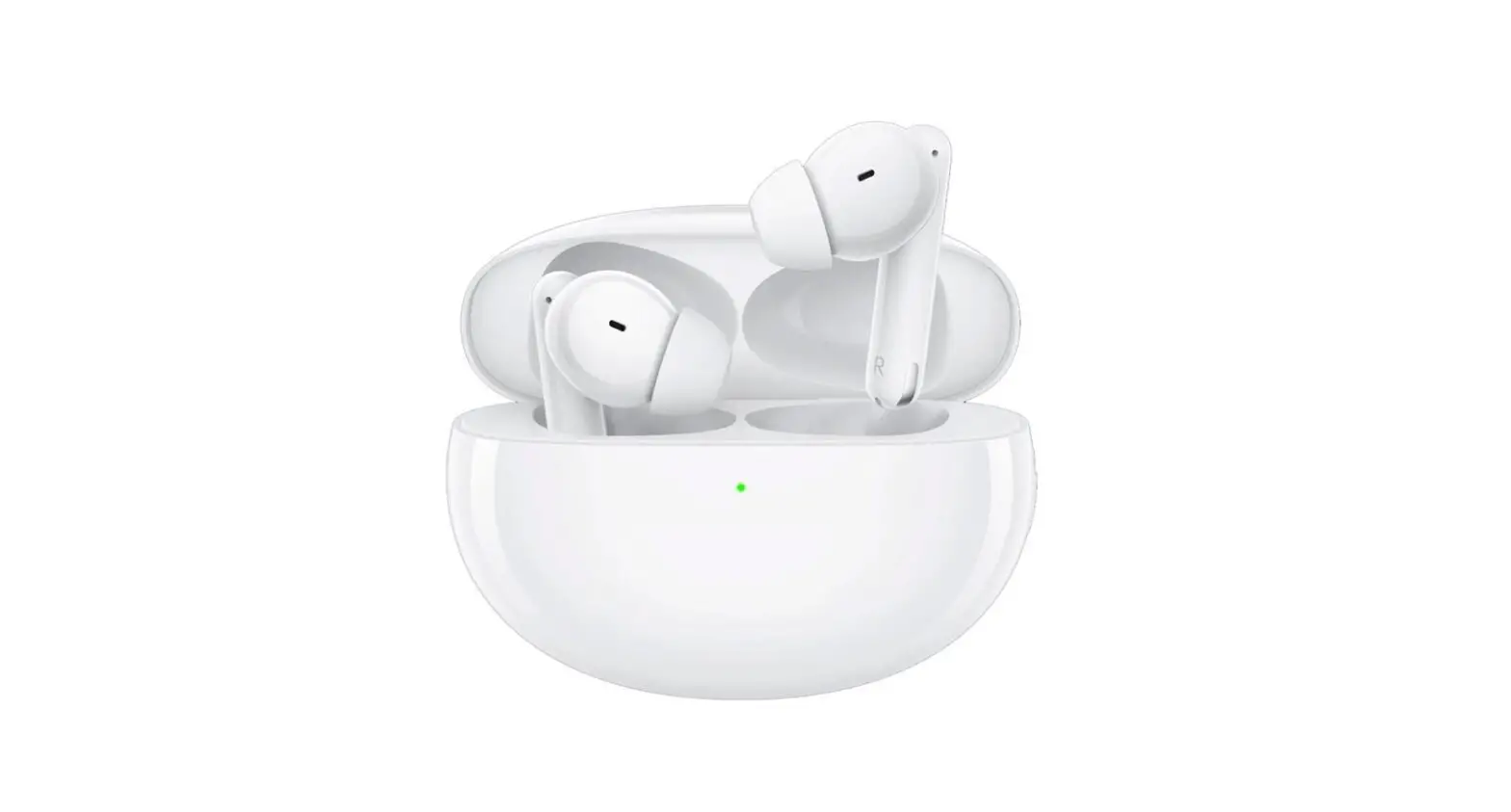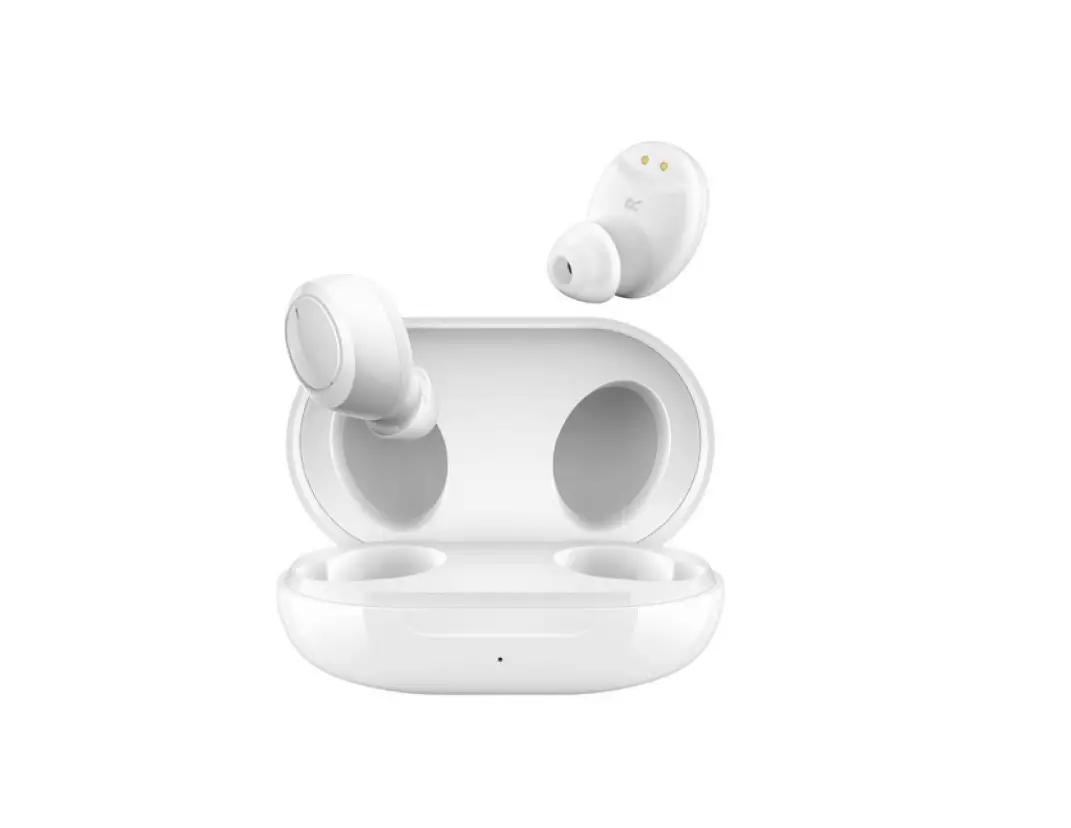
 OPPO Enco Air2 Pro
Quick start guide
Pair earbuds
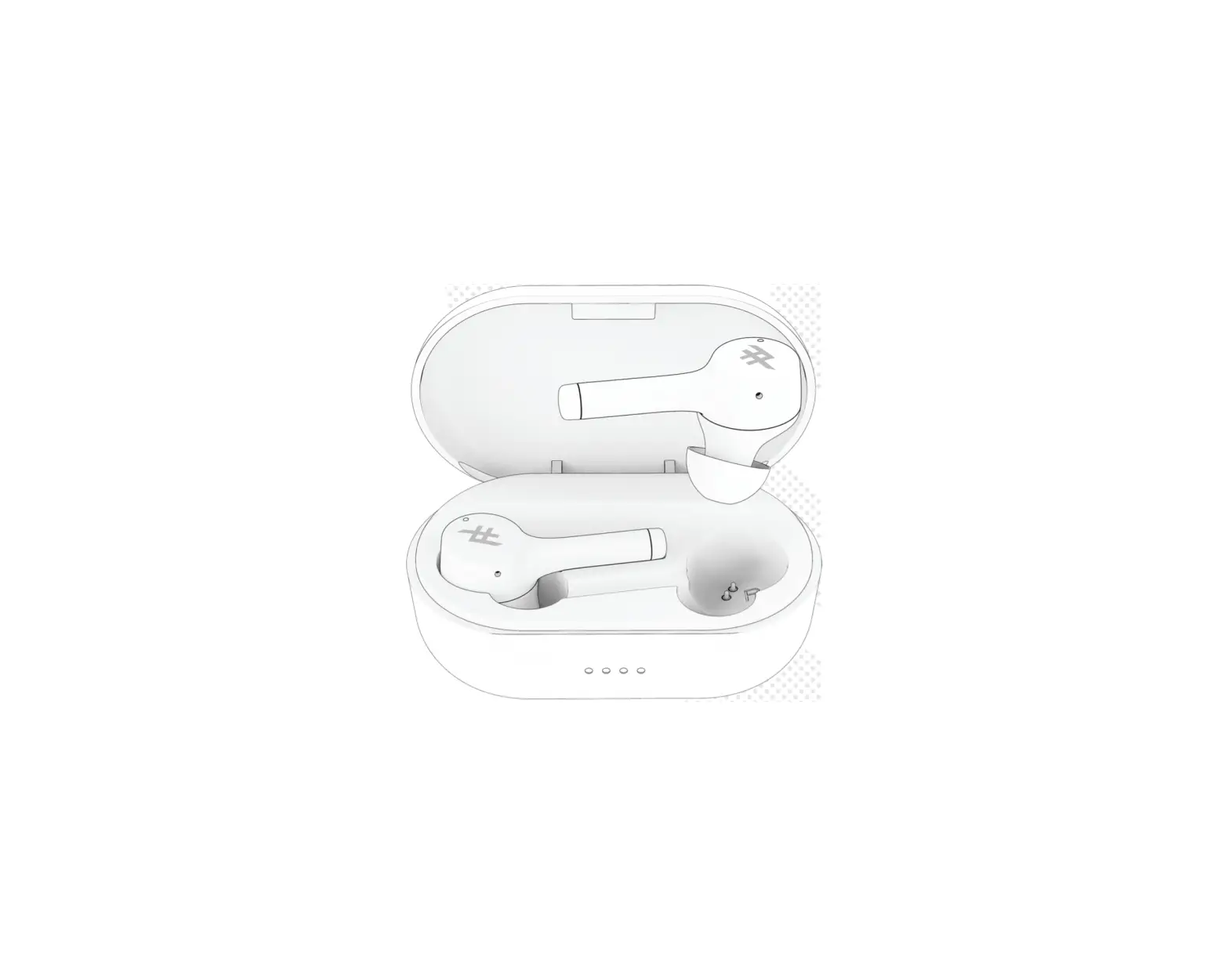
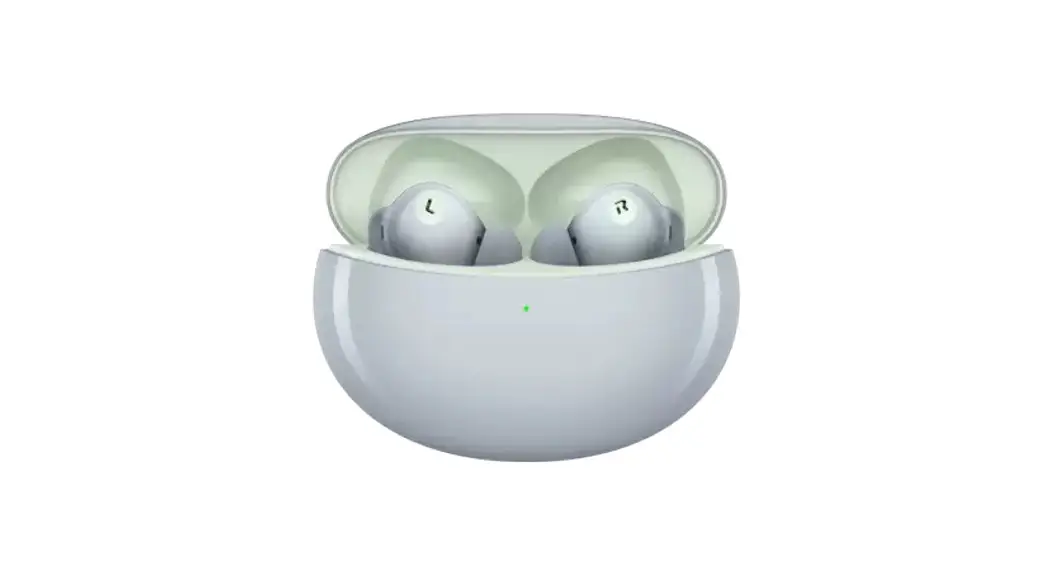
Open the charging case and your earbuds will automatically enter pairing mode.
※ To pair with a new device when your earbuds are already connected to one, take your earbuds out of the charging case and touch and hold on both earbuds for 4 seconds.

How to use
You can customize touch control settings for the left and right earbuds on your phone.
※ To learn more, visit www.oppo.com.
For ColorOS phones
Go to “OPPO Enco Air2 Pro – Earbud functions” from the Bluetooth device list on your phone to customize settings.
For other phones
Install the HeyMelody app from your app store and customize earbud functions in the app.
Touch controls
| Function | Left | Right |
| Next track |  | |
| Answer/End calls | | |
| Switch between Noise cancellation/ Transparency |  | |
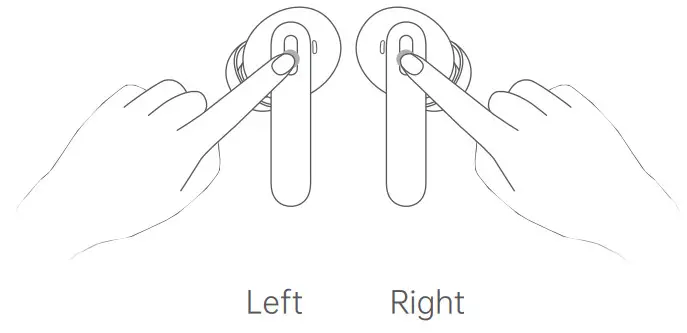 Double-tap Touch and hold
Reset device
Touch and hold the touch control areas on both earbuds for 15 seconds until you hear an alert tone. This will reset the earbuds to factory settings.
Charging
Earbuds
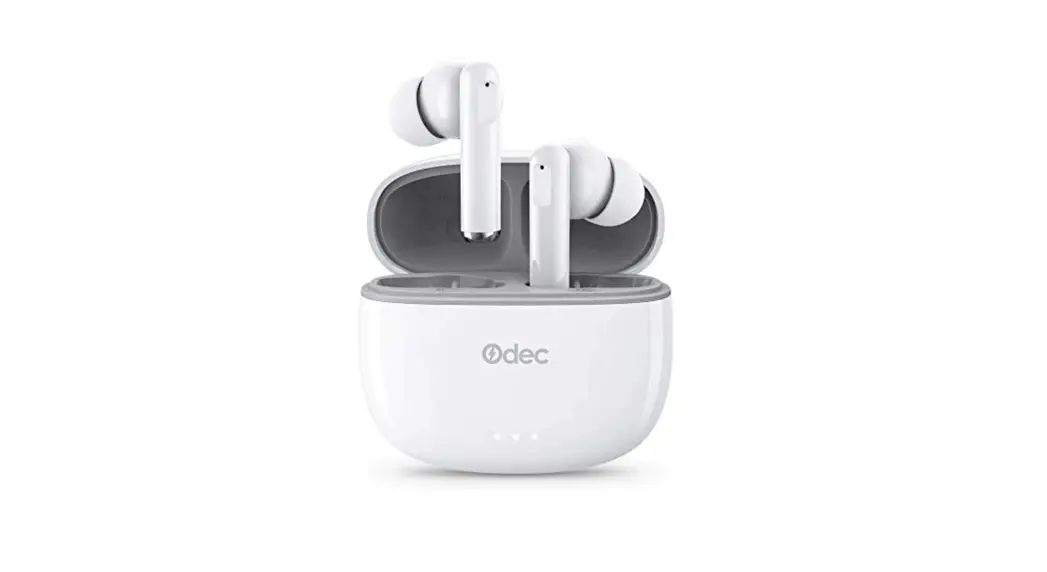
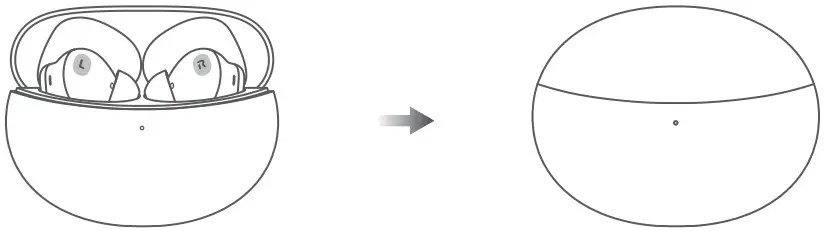
Put your earbuds inside the charging case and close the case lid.
Charging case
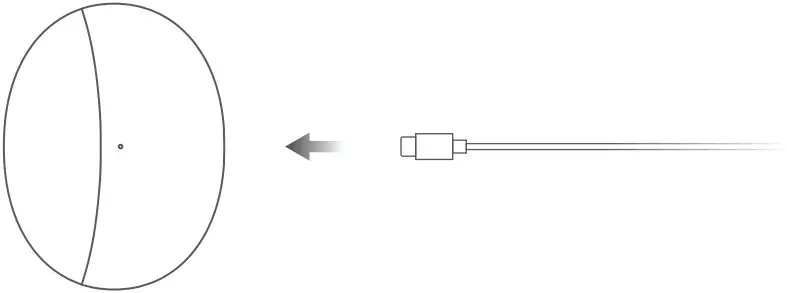
Use a USB-C charging cable to charge the case.
Specifications
| Earbuds model | Charging case model | Charging input (charging case) |
| ETE21 | ETE22 | 5 V ⎓ 1 A |
 72-C09TLZ-QSGB6
Model: ETE21
MADE IN CHINA
72-C09TLZ-QSGB6 V1.0
Copyright © Guangdong OPPO Mobile
Telecommunications Corp., Ltd. 2022.
All rights reserved.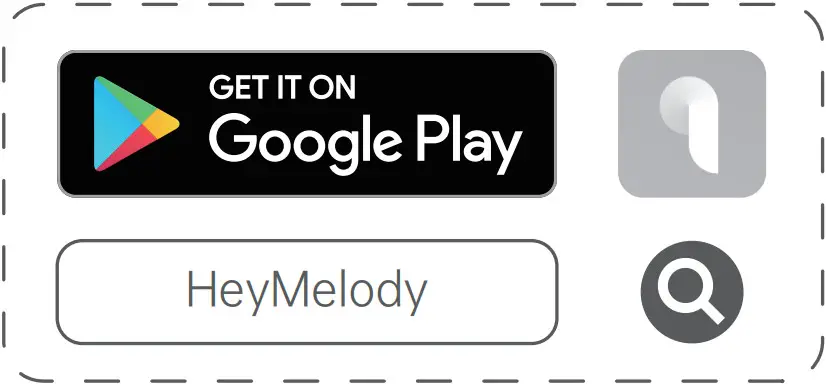
 OPPO Official Site | OPPO Global