 RAVENS
TRUE WIRELESS NOISE CANCELLING
EARBUDS IPX4 WATER-RESISTANT
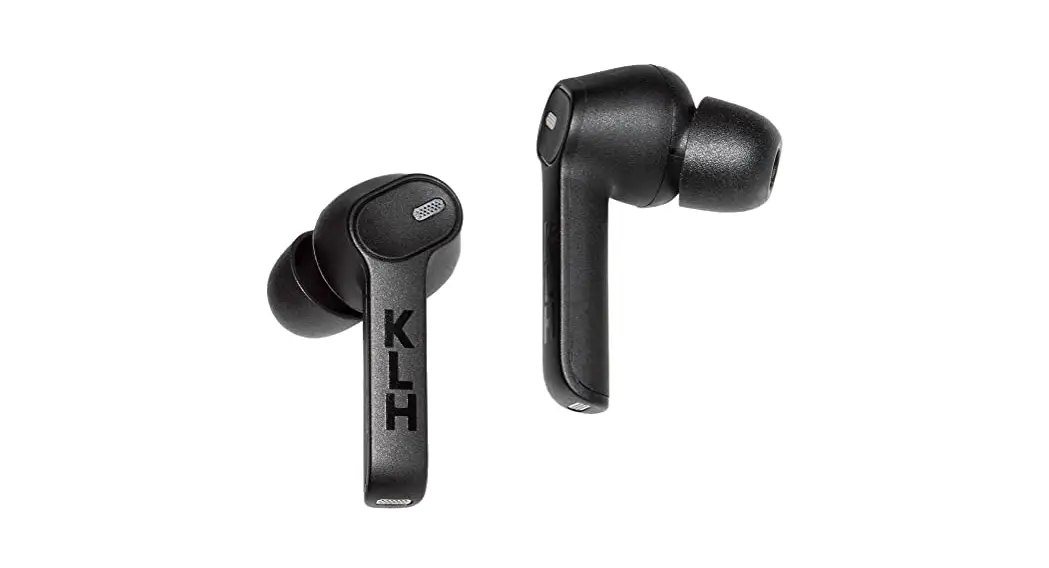
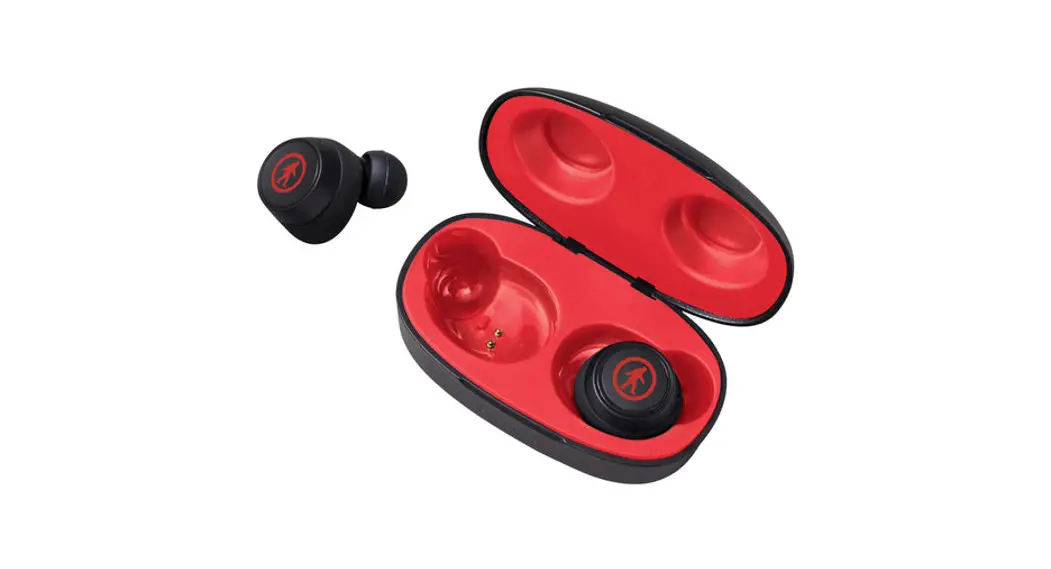
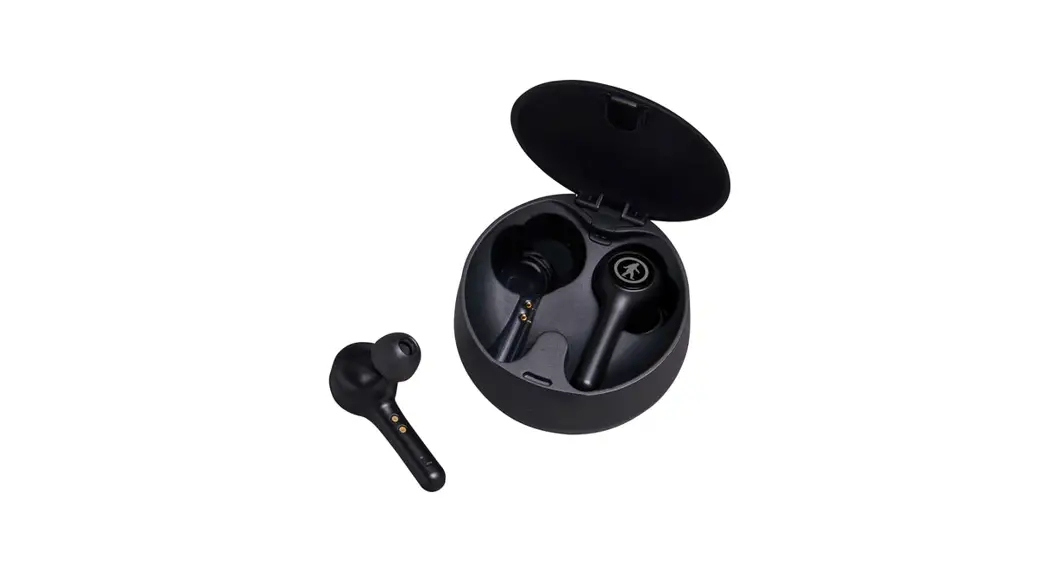
Good call on picking up the Outdoor Tech z, Ravens True Wireless, Noise Cancelling Earbuds. Your experience of the universe will soon be enhanced powerfully. This manual exists to help make sure that you use them correctly, so you’re definitely going to want to relax for a hot second and look through this Kisses.
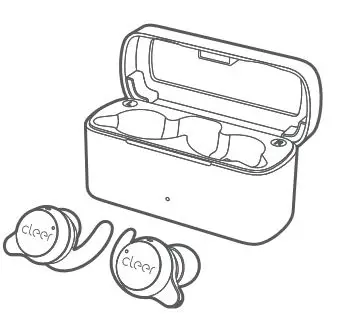
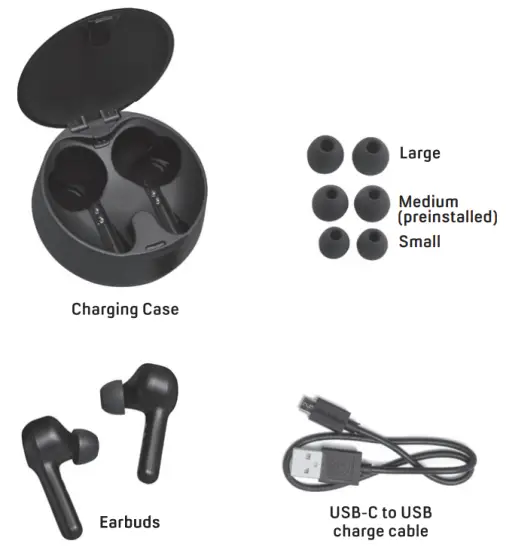
WHAT IS INCLUDED
ANATOMY
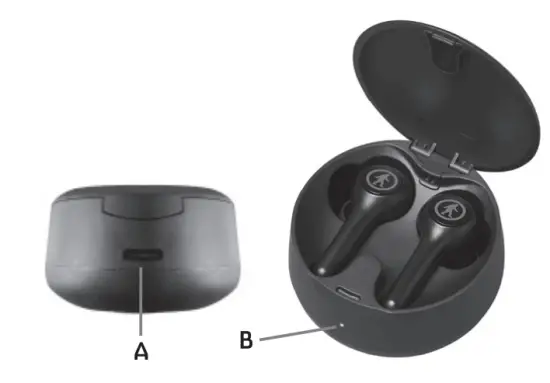
A. USB-C case charging port
B. Charging Case LED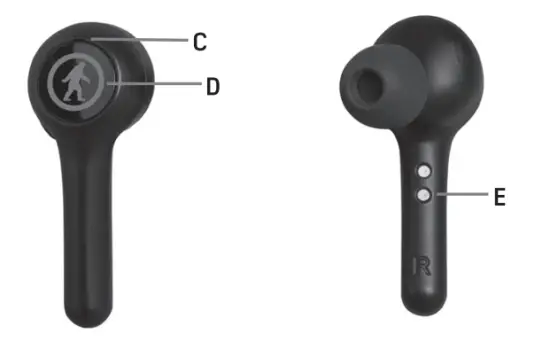
C. LED Indicator Light
D. Multi-function Button (MFB)
E. Charging pins
 POWER ON/OFF
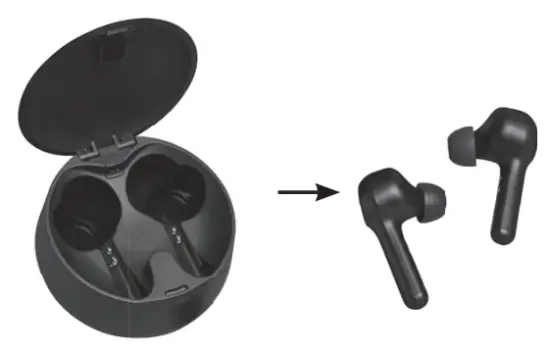
How to TURN ON:
Turn On: Method 1: Open the charging case. Take both earbuds out from the case, they will turn on and connect with each other automatically.
Method 2: Whilst the earbuds are off, press and hold the multi-function button on both earbuds for 2 seconds. LEDs on both earbuds will flash white for 1-2 seconds and you will hear a voice prompt “Power ON from both earbuds.
How to TURN OFF:
Turn Off: Method 1: Put the earbuds back into the charging case, and close completely, they will automatically turn off.
Method 2: Whilst the earbuds are on, press and hold the multi-function button on both earbuds for 5 seconds. LEDs on both earbuds will flash red for 1-2 seconds and you will hear a voice prompt ‘Power OFF” from both earbuds.
 PAIRING
Take both earbuds out of the charging case, they will power on and connect with each other automatically. On first use you will hear a voice prompt “pairing’. Enable Bluetooth on your device.
Choose: ‘DDT Ravens” in your phone’s Bluetooth settings.
VOICE PROMPT: ‘connected-
TOUCH CONTROLS
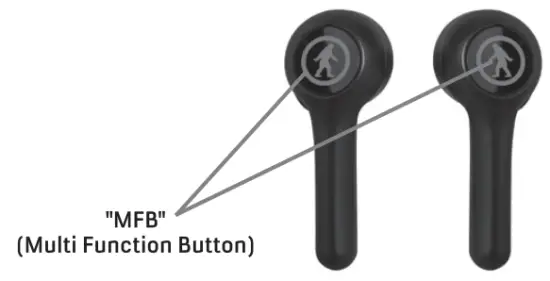
| PLAY/PAUSE MUSIC | Short press the “MFB” button once. |
| VOLUME UP | Long press the “MFB” button on the right earbud (keep holding the “MFB” and the volume will keep going up, there will be a warning sound when you reach the maximum volume) |
| VOLUME DOWN | Long press the “MFB” button on the left earbud (keep holding the “MFB” and the volume will keep going down, there will be a warning sound when you reach the lowest volume) |
| NEXT TRACK | Double press the “MFB” button on the right earbud. |
| PREVIOUS TRACK | Double press the “MFB” button on the left earbud. |
| ANSWER/ENO CALL | Short press the “MR” once. |
| REJECT INCOMING CALL | Press and hold the “MFB” for 2 seconds when call is coming in. |
| ACTIVATE VOICE ASSISTANT | Triple press the “MFB” on either earbud. Press it again to cancel. |
| FACTORY RESET | The earbuds must be charging in the case before resetting. Quick double press each of the earbuds successively. |
LED INDICATOR GUIDE
| STATUS | DESCRIPTION | VOICE PROMPT |
| Power On | White LEO flashes about 1 second | “Power On” |
| Power Off | Read LEO flashes about 1 second | “Power Off” |
| Pairing | White & Red LED flashes alternately on the master earbud | “Pairing” |
| Connect | Both earbuds LEOs will turn off | “Connected” |
| Charging | Red LED is solid when the earbuds are charging | WA |
CHARGING EARBUDS

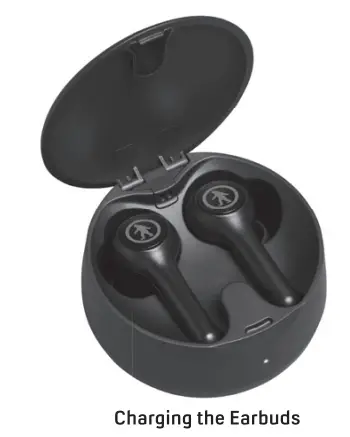
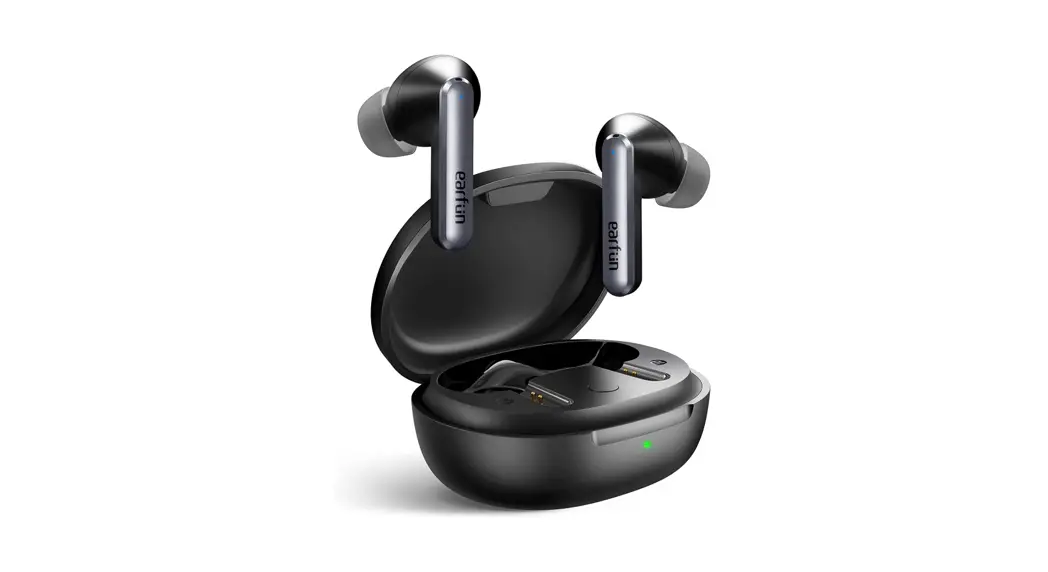
Ensure stickers are removed from the charging points on the stems of the buds. Place earbuds into the charging case. The red light will illuminate the earbuds to indicate charging.
CHARGING CASE
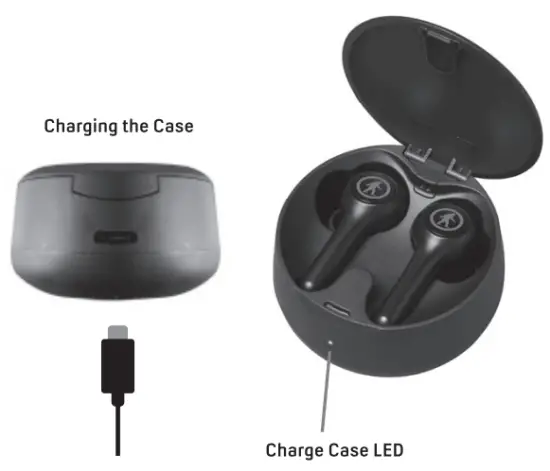
Connect the USB-C end of the supplied charging cable to the charging case charge port.
Connect the USB end of the charging cable to a PC or AC/DC wall adapter (not provided). The charging case LED will be solid red to indicate charging. LED will turn off when the charge is complete.
SPEC
Water/Sweat Resistance Rating: IPX4
True Wireless/Noise Cancelling
Operating Range Device to Earbud: 10 m (32 feet)
Play Time: 8hrs at 50% Volume
Earbuds Charge Time: 1.5 hrs
Case Charging Time: 1.5 hours
Number of Earbud Charges in the Case: 4 Charges
Speaker Size: 6mm Drivers
Speaker Sensitivity: 102±3dB, 1KHz
Speaker Impedance: 32ohm
Speaker Frequency Range: 20Hz-20KHz
Bluetooth Version: BT5.0
Earbud Battery Info: 901635/500MA
Paired Devices: ODT Ravens
Product Features: Answer Call, End Call, Reject Call, Volume Control, Track Control, Play/Pause Music, Siri/Google Assistant Activation
 FCC ID: 2A21.8-0T5950
 DON’T BE SO ANTISOCIAL
  Facebook.com/outdoortechnology Twitter & Instagram: @outdoortech
Questions, comments, complaints, secret desires, or just to say what’s up: email [email protected]
K bye.