
Using Guide
Pairing
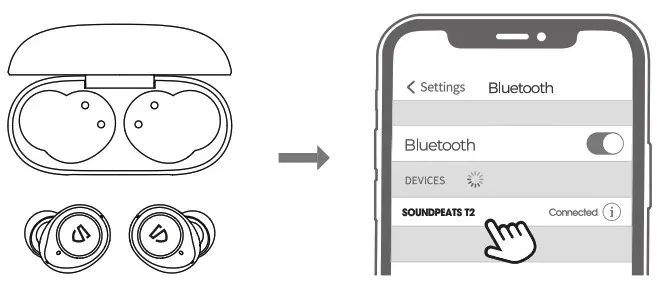
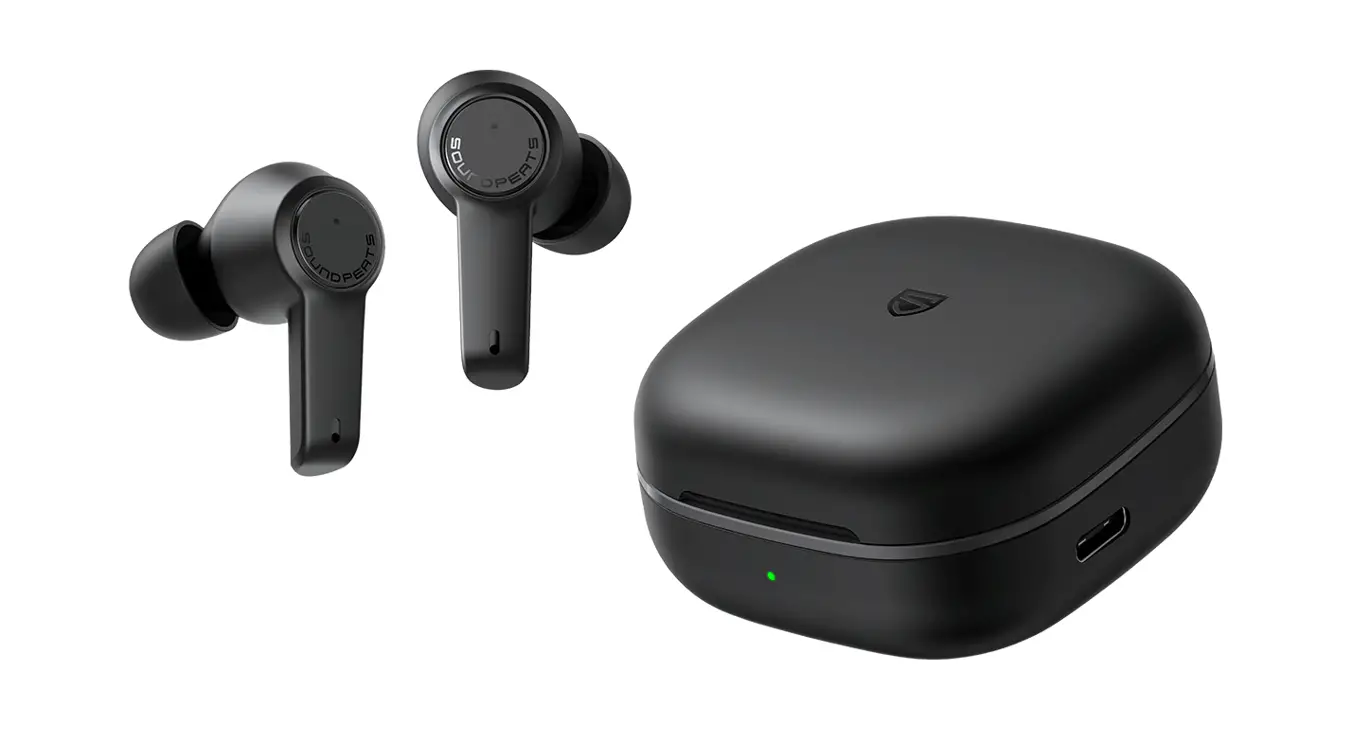
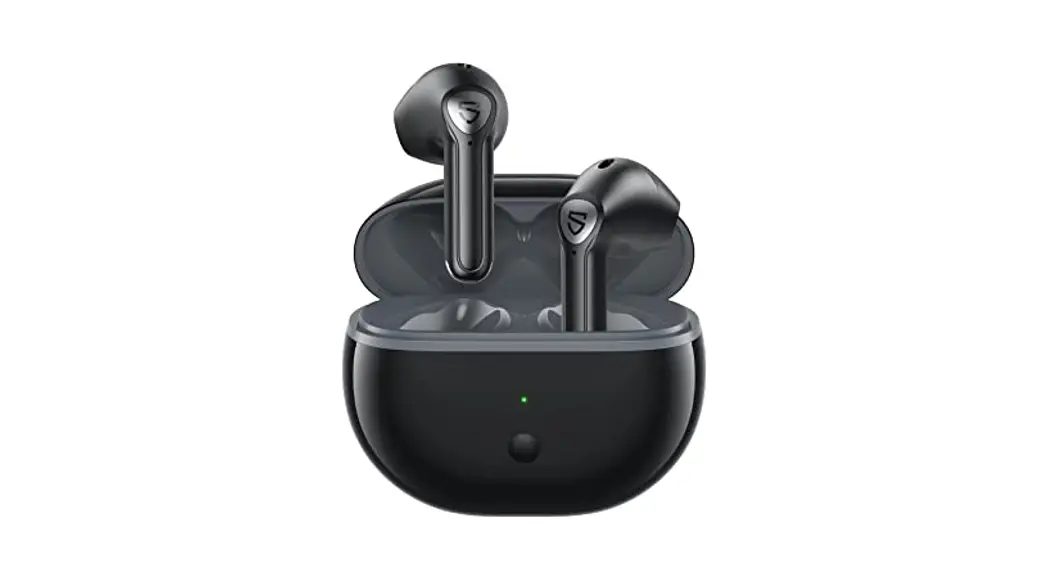
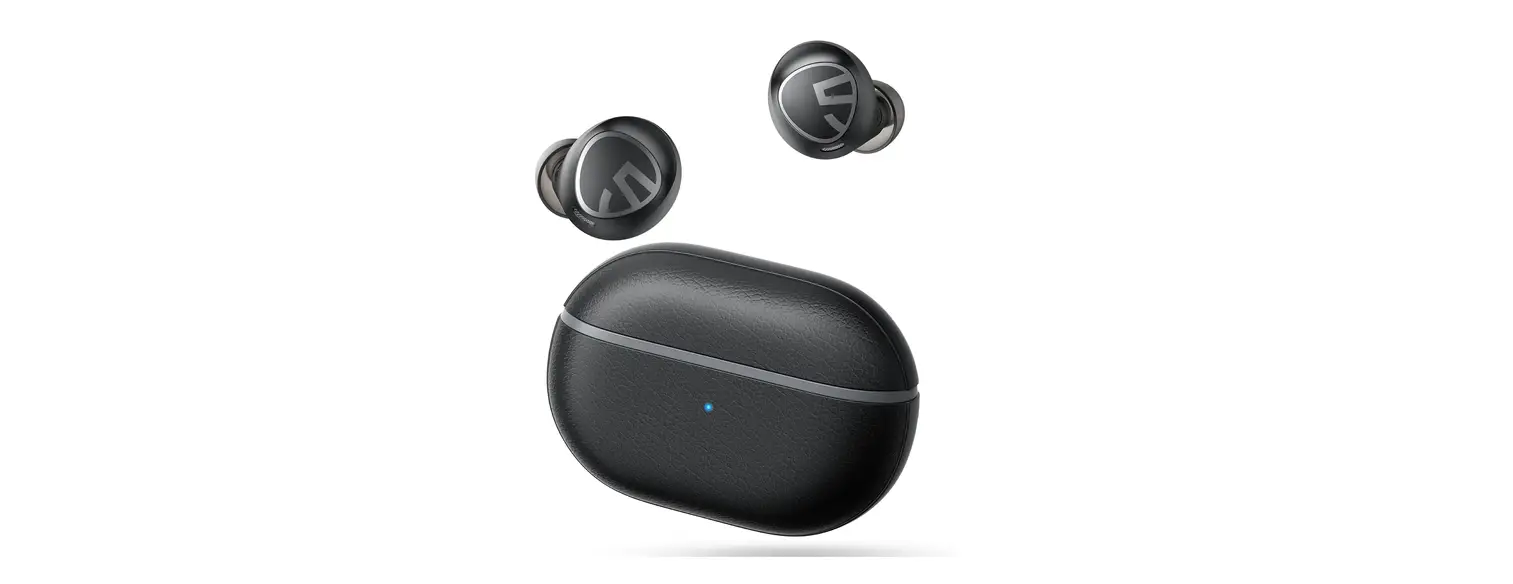
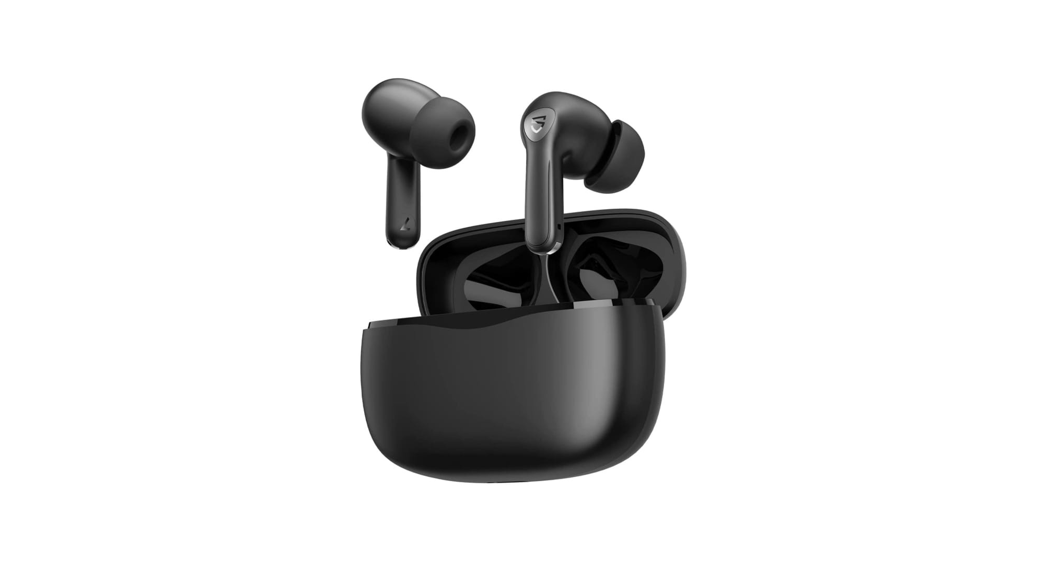
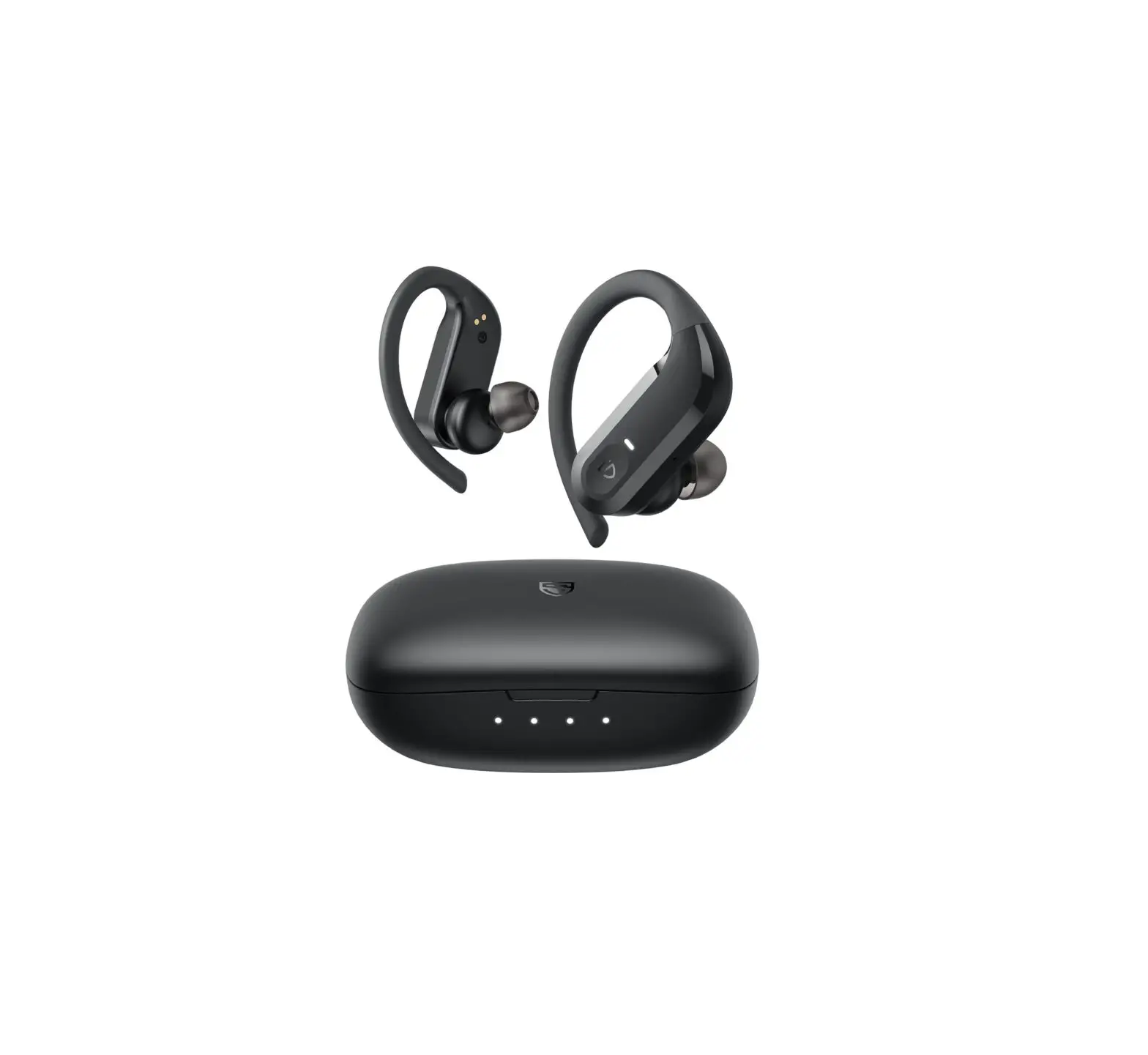
- When the charging case is powered, open the charging case, then both earbuds will enter pairing mode automatically. You will see the indicators flashes in blue and white.
- Activate Bluetooth on the device, and choose “SOUNDPEATS 12” on Bluetooth list to pair.
Reset
- Clear pairing record between the SOUNDPEATS T2 and all your devices.
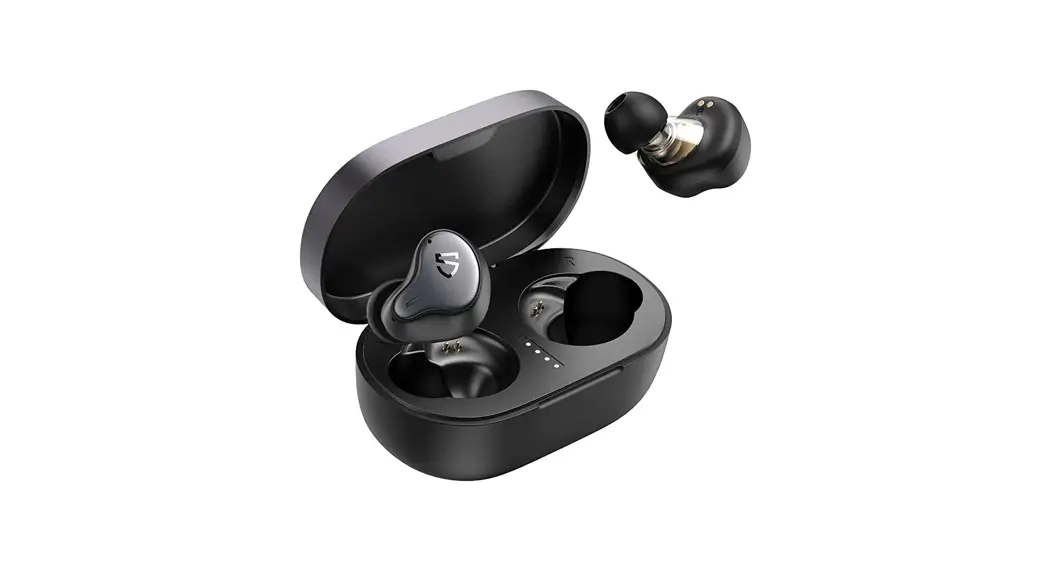
- Take both earbuds out the charging docks and press the multifunction buttons of both earbuds for 10s to make them turn off.
- Long press the multifunction buttons of both earbuds for 10s until the LED light of both earbuds flash white for 5 times indicating reset successfully
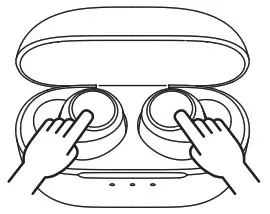
Product Diagram
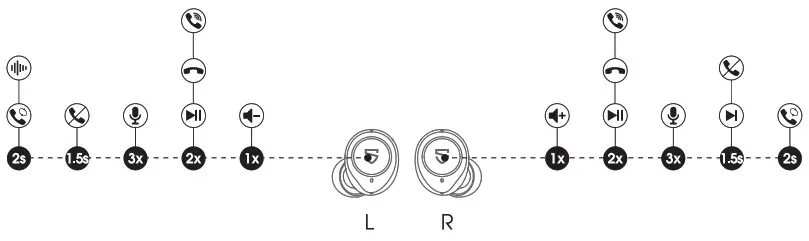
| Power On | Automatically: Open the charging case Manually: Long press the multifunctional button for 1.5s |
| Power off | Automatically: Place the earbuds back into the charging docks and close the charging case Manually: Long press the multifunctional button for l.5s |
| Play/Pause | Double click the multifunctional button |
| Volume- | Click the left button once |
| Volume+ | Click the right button once |
| Next Track | Long press the right button for 1.5s |
| Answer/Hang Up Phone Call | Double click the multifunctional button |
| Reject Phone Call | Long press the multifunctional button for 1.5s |
| Switch Between Two Active Calls | Long press the multifunctional button for 2s |
| Manually Enter Pairing Model | Long press the multifunctional button for 6s |
| Activate Voice Assistant | Triple click the multifactional button |
| Smart Noise Cancellation | Long press the left button for 2s |
| Transparency Model | Long press the left button for 2s |
Q&A
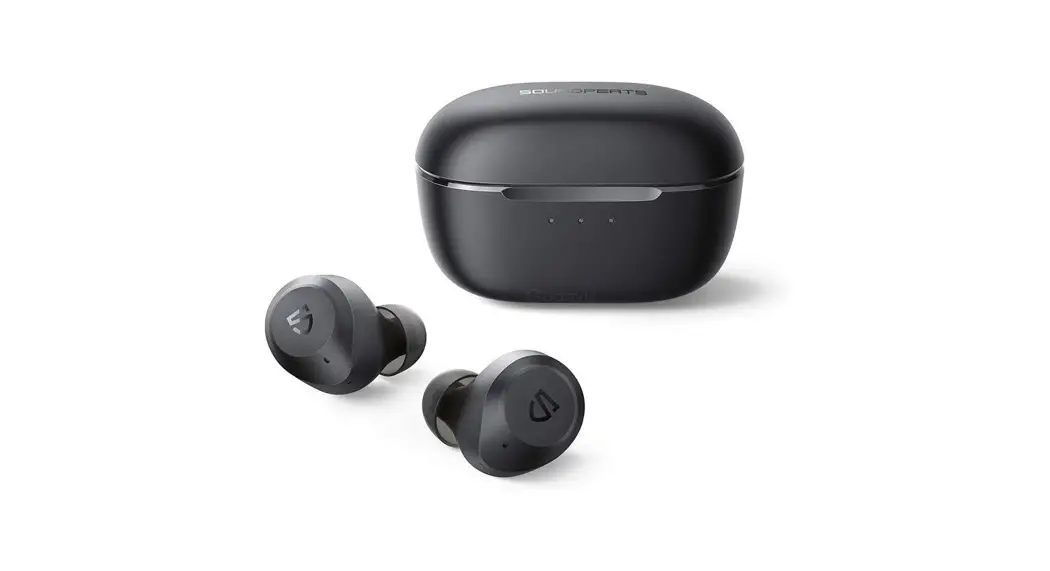
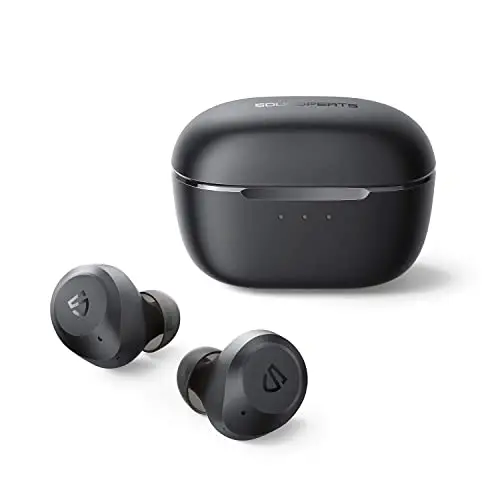
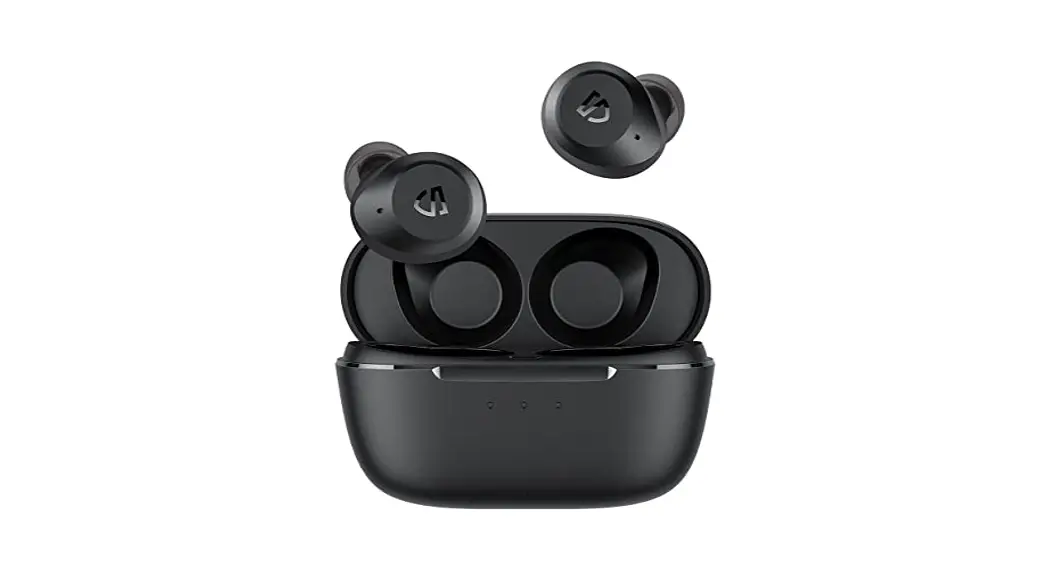
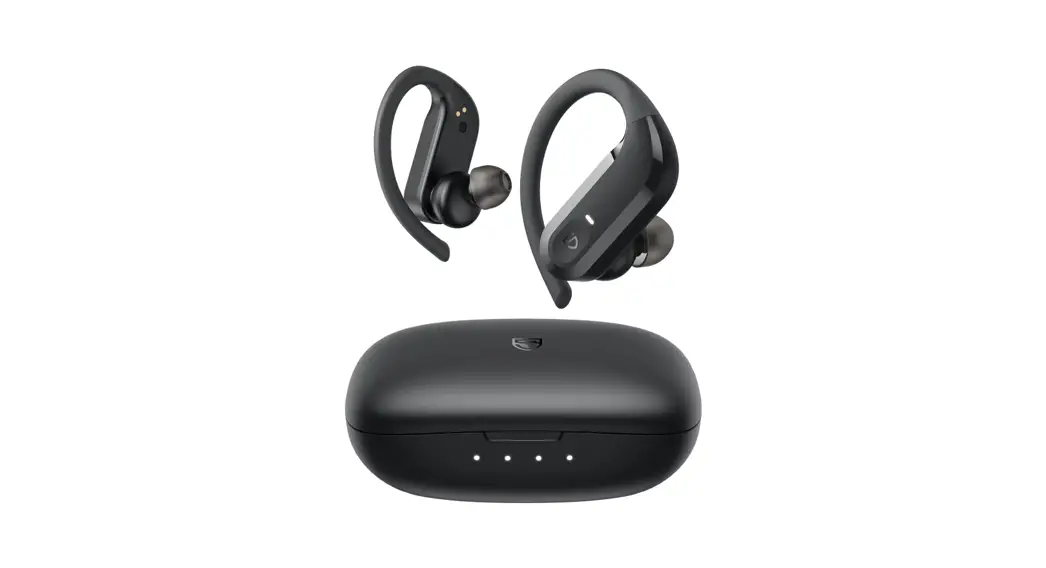
– When the left earbud is placed into the charging case, the first LED indicator flashes, which means the left earbud in charging status.
– When the right earbud is placed into the charging case, the third LED indicator flashes, which means the right earbud in charging status.
– When the battery level of the charging case is 0%-19%, The first LED at the bottom flashes in white
When the battery level of the charging case is 20%-69%, The first LED at the bottom lights up in white And the second LED flashes in white When the battery level of the charging case is 70%-99%, The second LED at the bottom light up in white And the third LED flashes in white
When the battery level of the charging case is 100%, All three LEDs at the bottom light up in white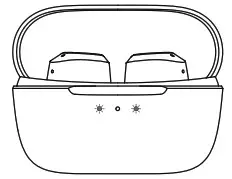
– 1. Connect the charging port with Type-C charging adapter.(Please make sure the current is not Greater than 1A) If the LED indicators flash, which means a charging status.
– 2. Please charge the case at least once every 3months when not in use for a long time.
– 1. The charging case is out of battery. The case will not turn off the earbuds if the case battery dead.
– 2. Please make sure the earbuds are placed properly in the charging case. And wipe the charging metal sheet and pin needle with a microfiber cloth to keep charging connectors on both the earbuds and charging case clean.”
– A single charge of the earbuds will not give you 30 hours playtime constantly. The earbuds work around 10 hours per charge with average use. The charging case provides another 2 recharges.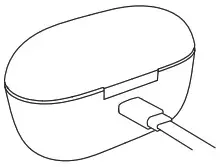
FCC Statement
This equipment has been tested and found to comply with the limits for a Class B digital device, pursuant to Part 15 of the FCC rules. These limits are designed to provide reasonable protection against harmful interference in a residential installation. This equipment generates uses and can radiate radio frequency energy and, if not installed and used in accordance with the instructions, may cause harmful interference to radio communications. However, there is no guarantee that interference will not occur in a particular installation. If this equipment does cause harmful interference to radio or television reception, which can be determined by turning the equipment off and on, the user is encouraged fo try to correct the interference by one or more of the following measures:
- Reorient or relocate the receiving antenna.
- Increase the separation between the equipment and receiver.
- Connect the equipment into an outlet on a circuit different from that to which the receiver is connected.
- Consult the dealer or an experienced radio/TV technician for help.
This device complies with part 15 of the FCC rules. Operation is subject to the following two conditions:
- This device may not cause harmful interference.
- this device must accept any interference received, including interference that may cause undesired operation.
Changes or modifications not expressly approved by the party responsible for compliance could void the user’s authority to operate the equipment.
MANUFACTURER
Shenzhen SoundSOUL Information Technology Company Limited
 Room 1308-1309, Building B, Huinai Square, Chuangye Road, Longhua District, Shenzhen, China. 518109
 [email protected]
 www.soundpeatsaudio.com

FCC ID: 2AFTU-DD016 MADE IN CHINA