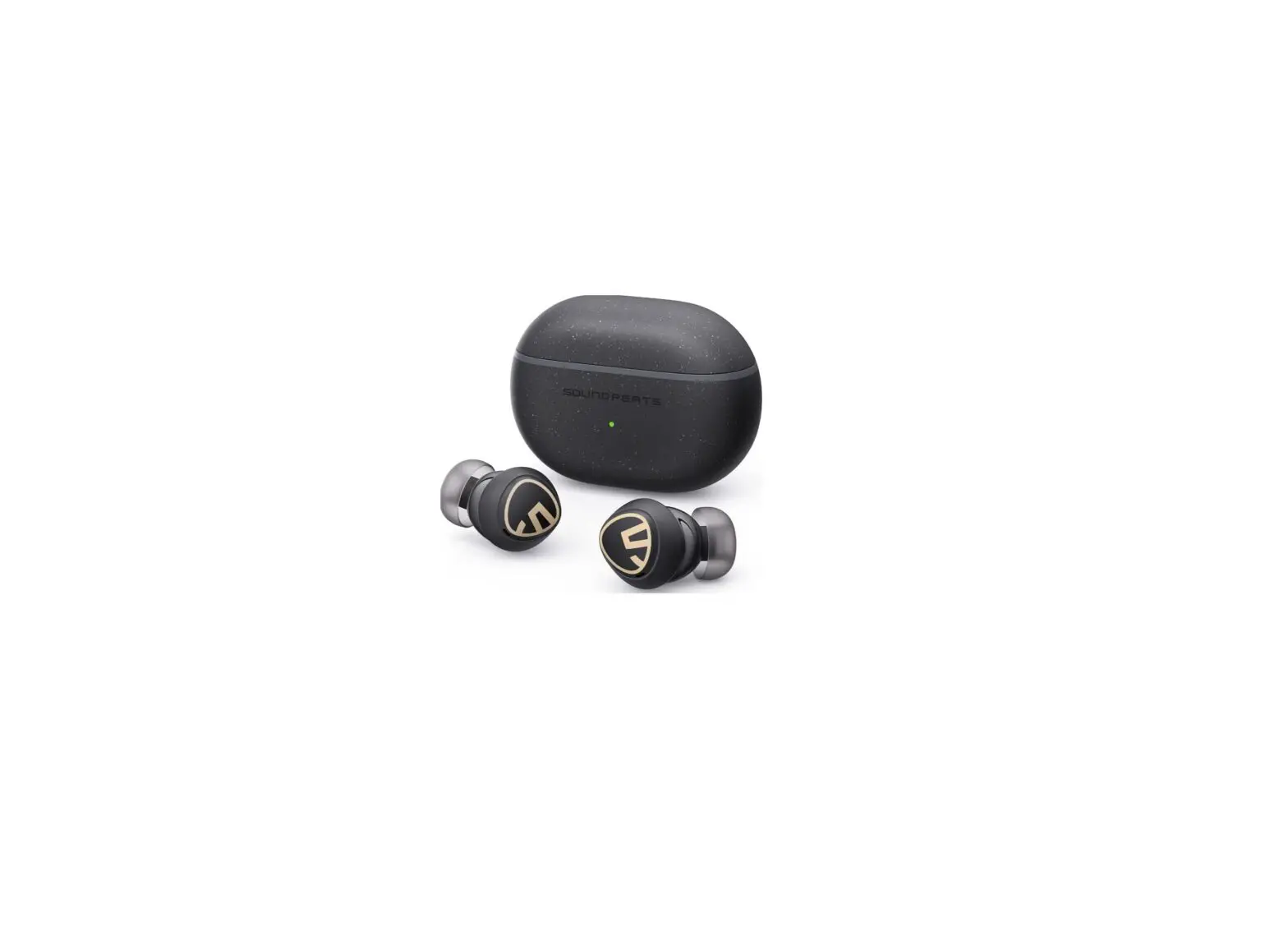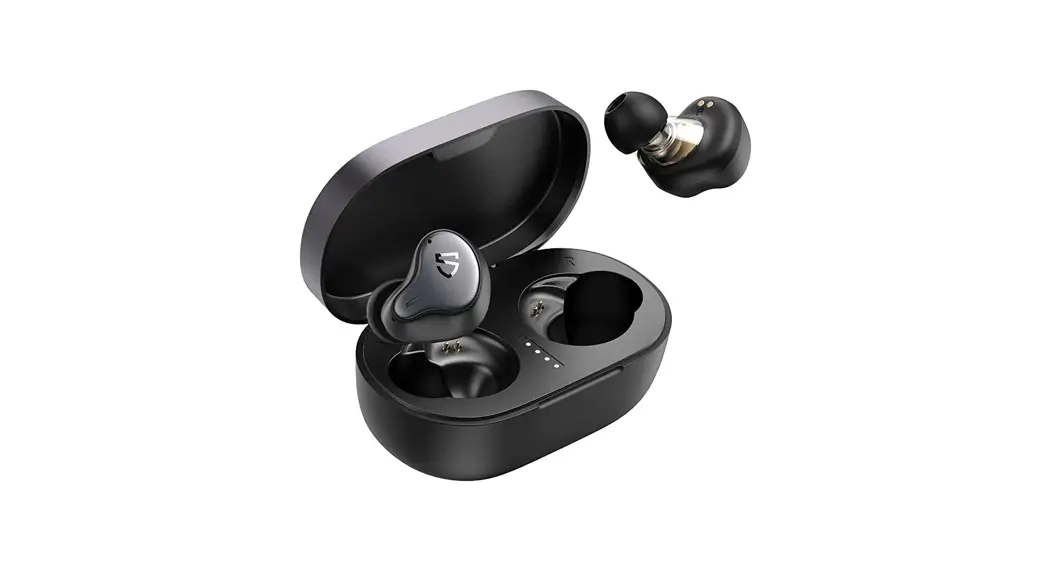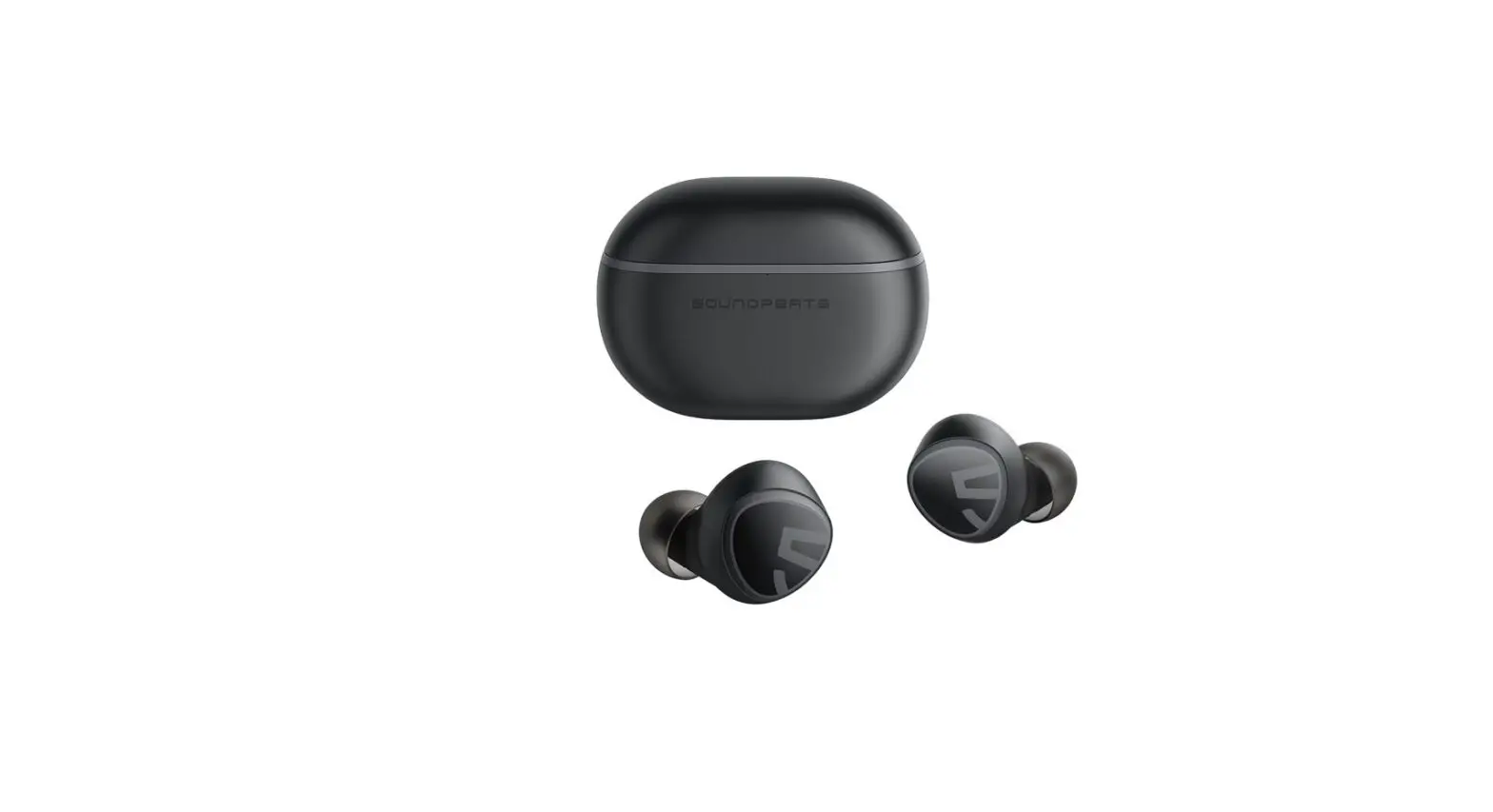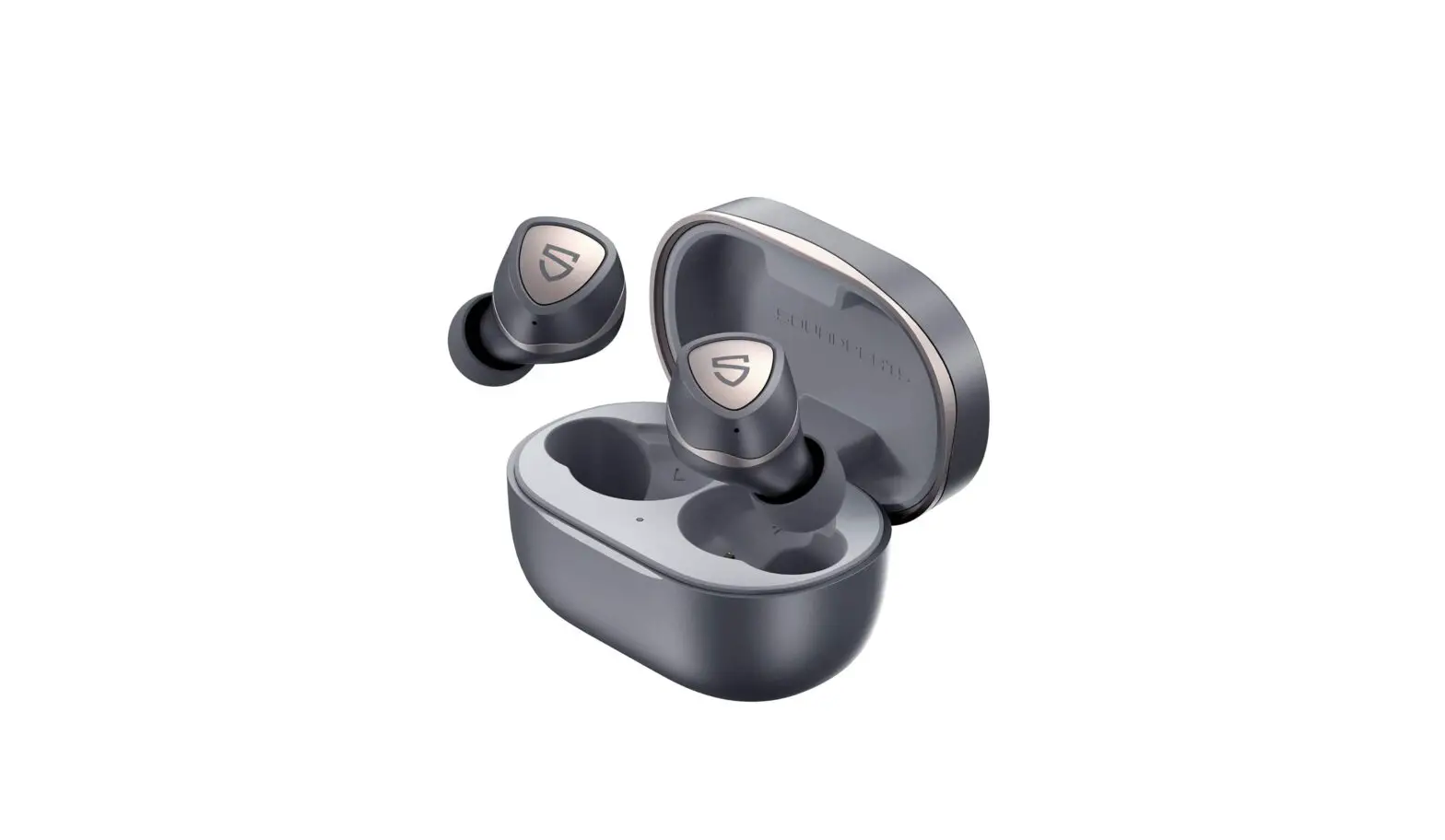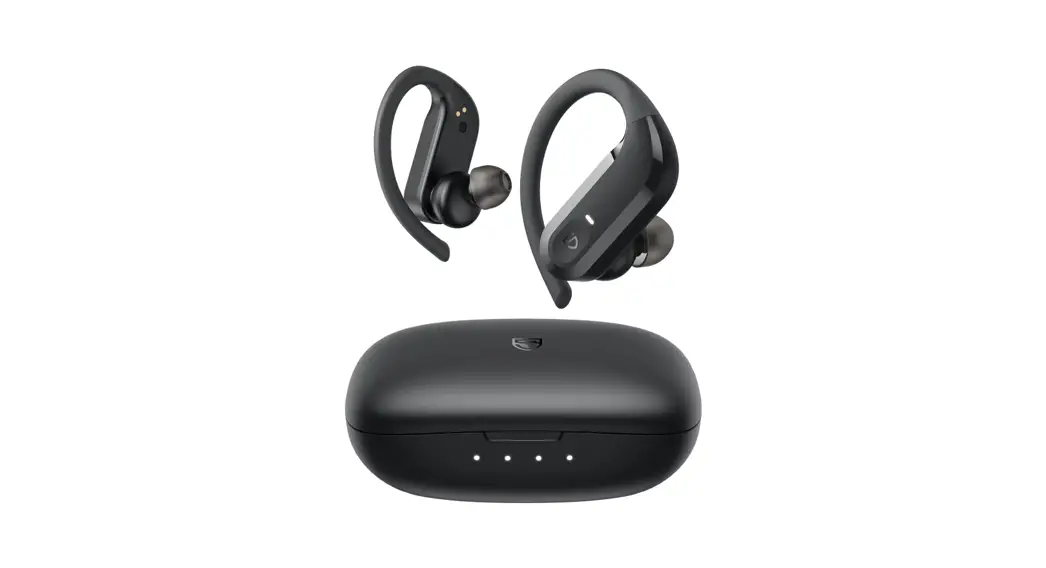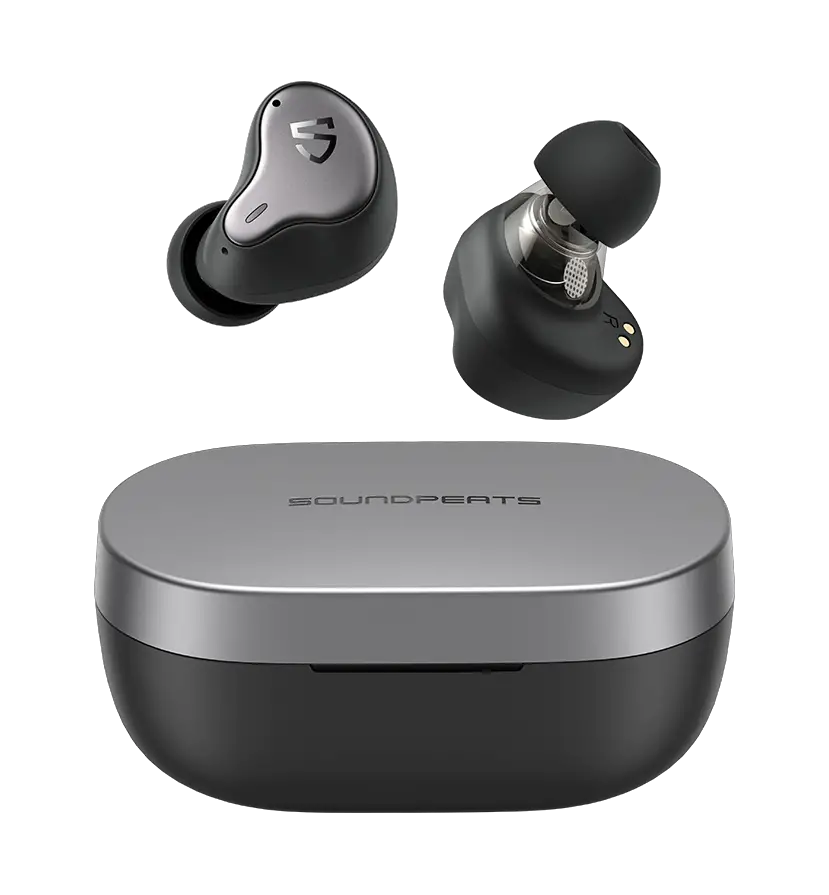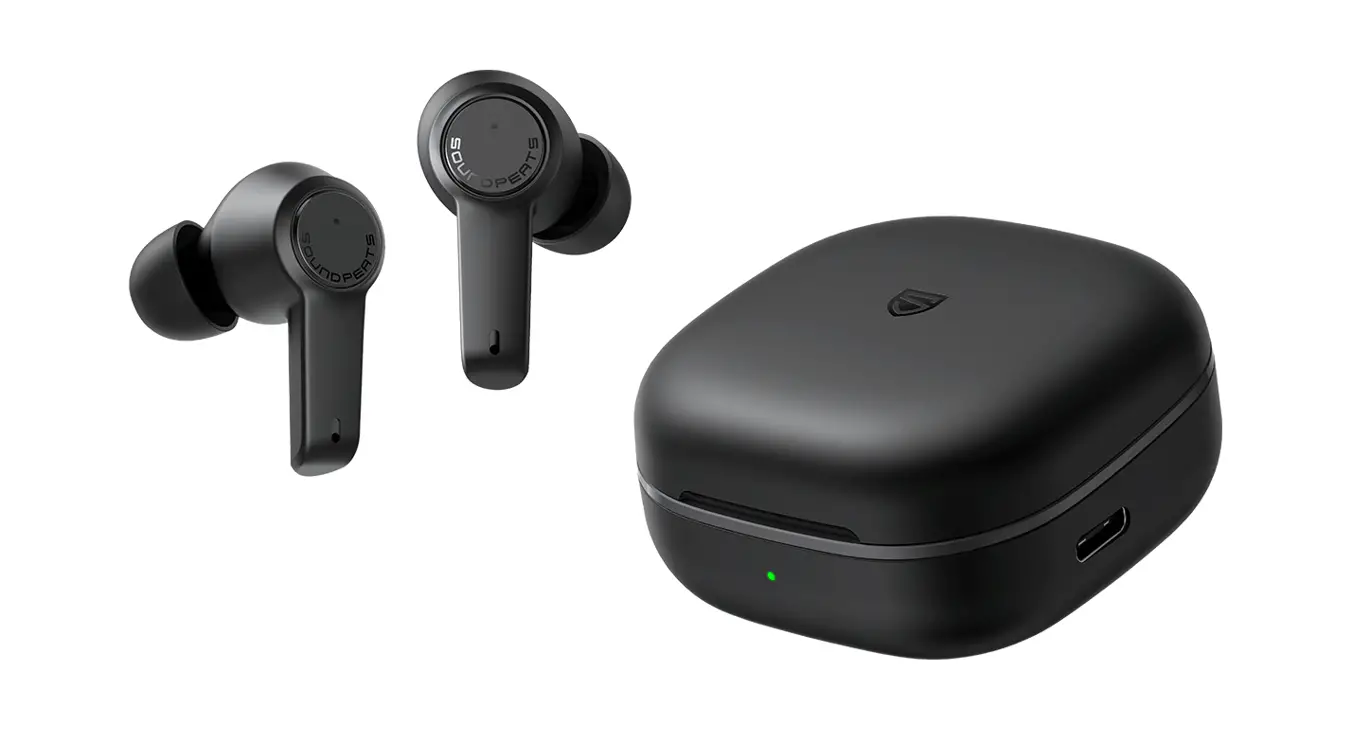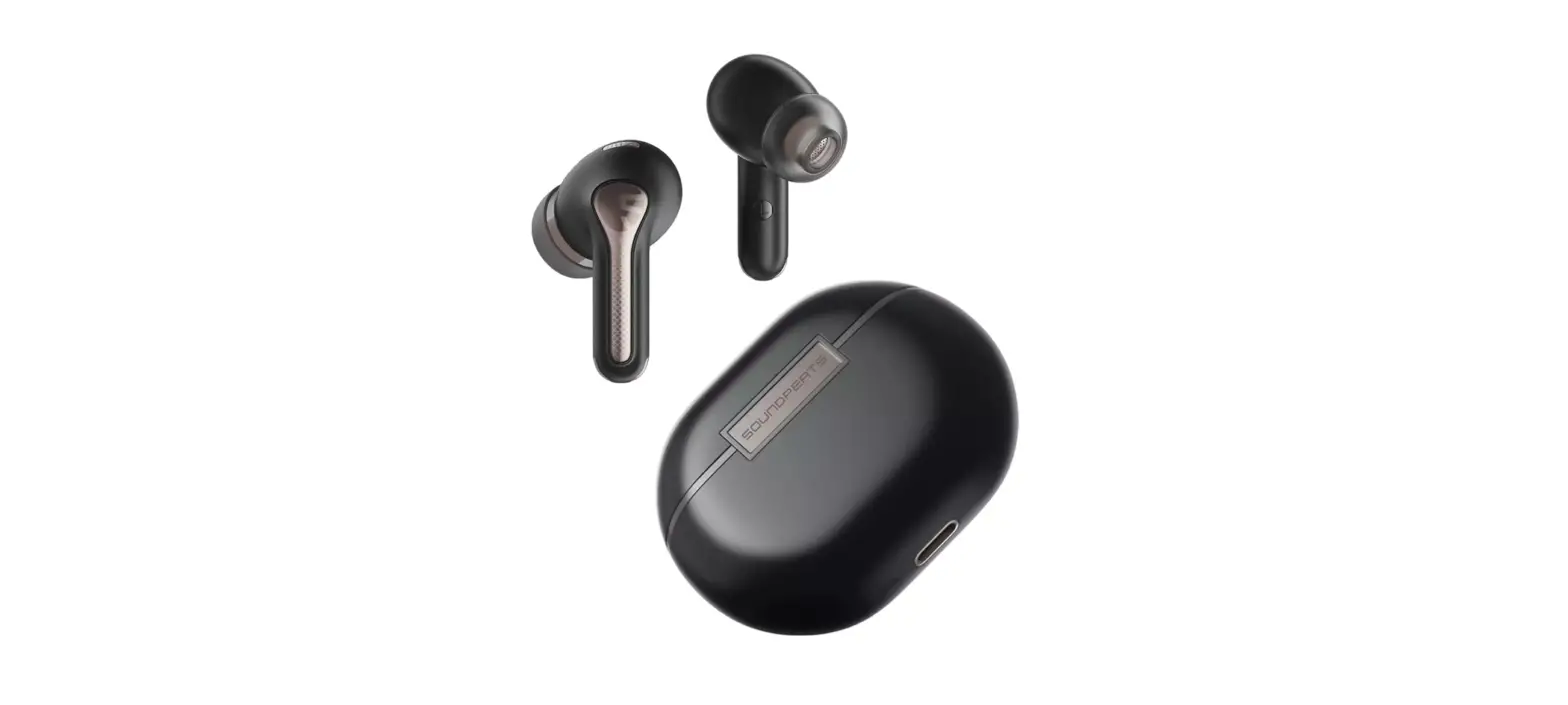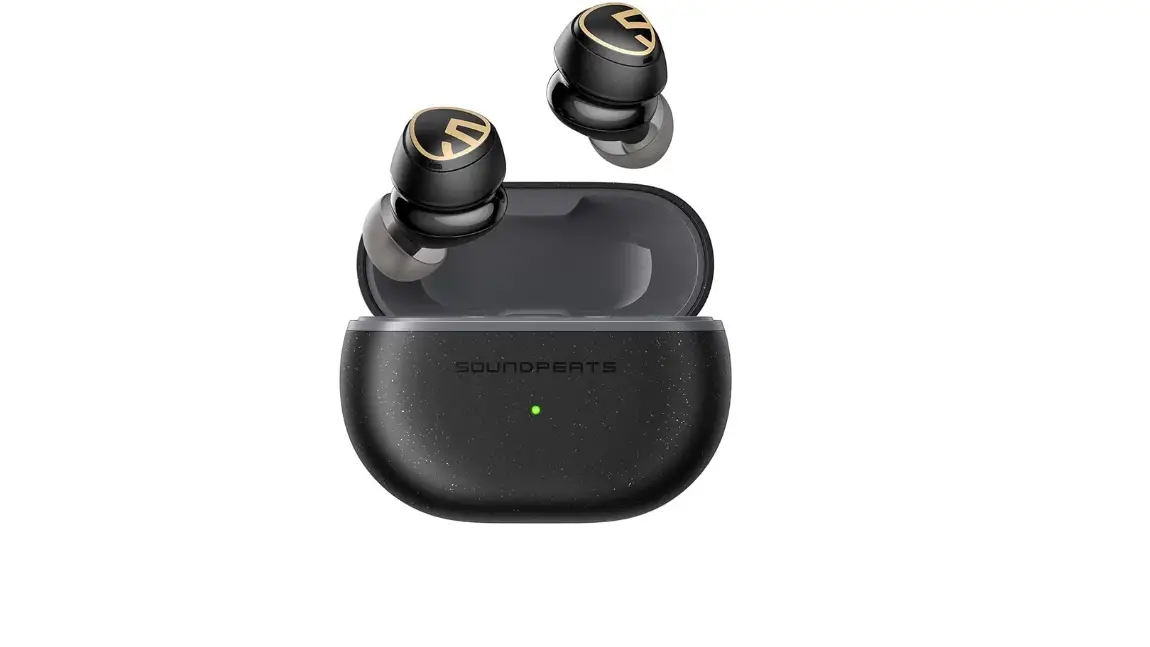

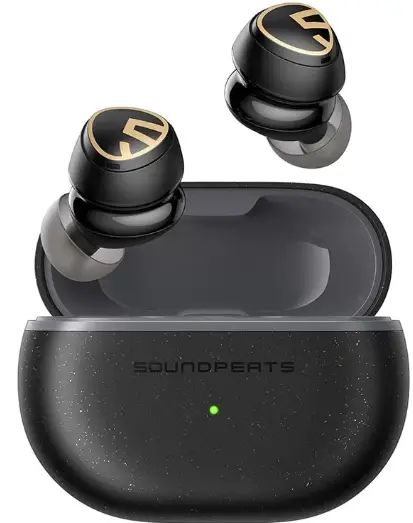
SOUNDPEATS Mini HS Wireless Earbuds
Pairing
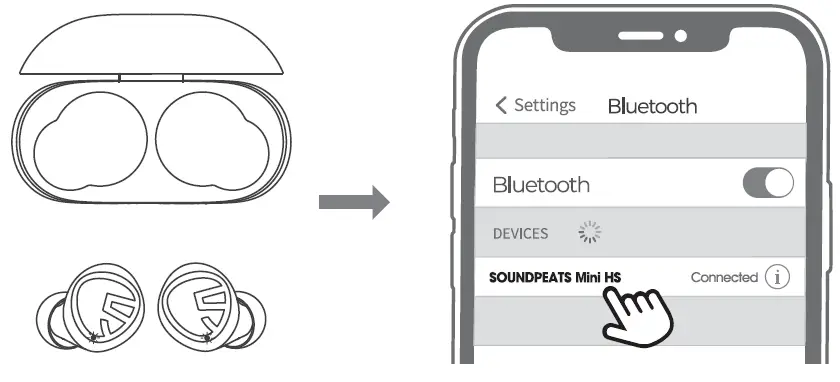
Open the charging case lid and remove both earbuds from the case, then tear off the insulating film, and place them back into the case.
- The earbuds automatically pair with each other after being removed from the case. LED Indicator light on main earbuds flashes In red and white light alternately, the second earbud stays In solid white light.
- Activate Bluetooth on the device, and choose “SOUNDPEATS Mini HS” from the Bluetooth 11st to pair.
Multi -Point Connectiion
SOUNDPEAlS Mini HS supports connecting with two devices simultaneously
- Turn off the Bluetooth on Device A alter successfully connecting.
- Repeat the pairing steps to pair the earbuds to Device B.
- Open the Bluetooth on Device A and reconnect.
Reset
- . Clear the pairing record from your device.
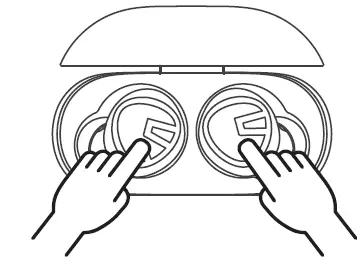
- Place back both earbuds Into charging case and make sure they are in charging status.
- Press and hold both buttons for l Os until both LEDs flash in red and white twice, reset complete.
Wearing
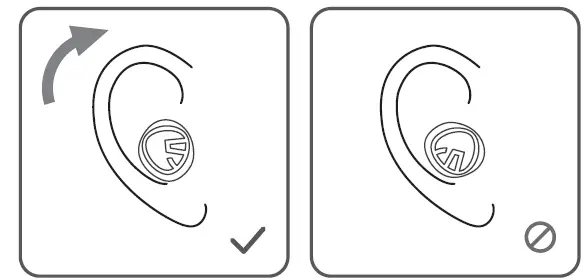
- identify le1t and nights earbud. and put them on.
- Rotate both earbuds and find the most comfortable position to wear.
Product Diagram
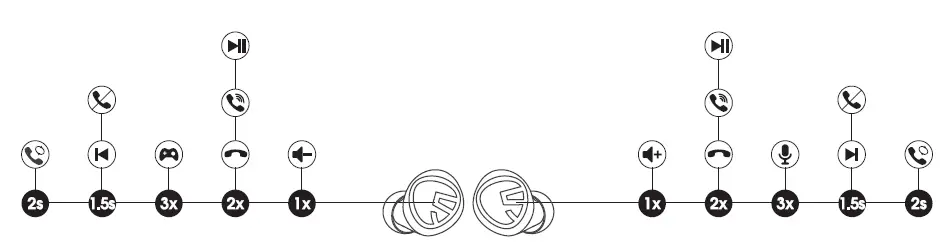
Touch Control
| Power On | Auto: Remove the earbuds from the case Manually: Pressand hold the MFB for 1.5s |
| Power Off | Auto: Place earbuds back into the case Manually: Press and hold the MFB for IOs |
| Play I Pause | Double top the MFB |
| Vdume | Single top the left MFB |
| Volume+ | Single tap the right MFB |
| Next Track | Press and hold the right MFB for 1.5s |
| Previous Track | Press and hold the left MFB for 1.5s |
| Amwer / Hang Up Phone Coll | Double top the MFB |
| Reject Phone Call | Press and hold the MFB for 1.5s |
| Switch Between Two Calls | Press and hold the MFB for 2s |
| Activate Voice Assistant | Triple top the right MFB |
| Enter/Extt Game Mode | Triple tap the left MFB |
A&Q
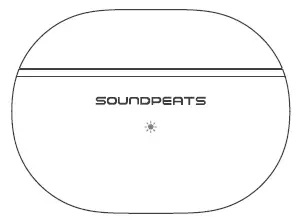
What does the LED on the charging case lndicate?
| Green | 100%-50% |
| Yelow | 49%-10% |
| Red | Less than 10% |
While charging the charging case, the LED flashes slowly.
| Red | Less than 20% |
| Yellow | 20%-69% |
| Green | 70%-99% |
| Solk:Green | 100% |
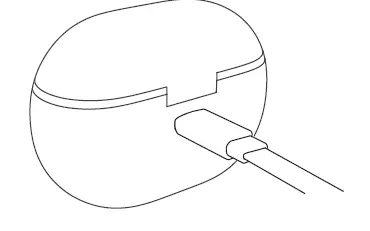
How to charge the caste ?
- Use a Type-C adapter to charge the case (current not over lA),
- Please charge the earbuds end case at least once every 3 months when not In use for a long time.

Why are the earbuds still connection to my phone after returning the earbuds to the case and closing the lid ?
- The charging case Is out of battery. The case will not tum the earbuds off
- the case battery Is dead.
- Please make sure the earbuds sit well In the charging case. and that the charging contacts on both the earbuds and charging case ore clean. Please try something like a microfiber cloth to clean the contacts.
How to disconnect the headphone from the phone?
Method 1. Put the earbuds back Into the charging case, the earbuds will tum off end disconnect automatically
Method 2. Turn off the Bluetooth of the phone
Method 3. Remove both earbuds from the case. press the touch keys of both earbuds for 6 seconds. and the earbuds will disconnect from the current phone end enter Into pal?ng state.