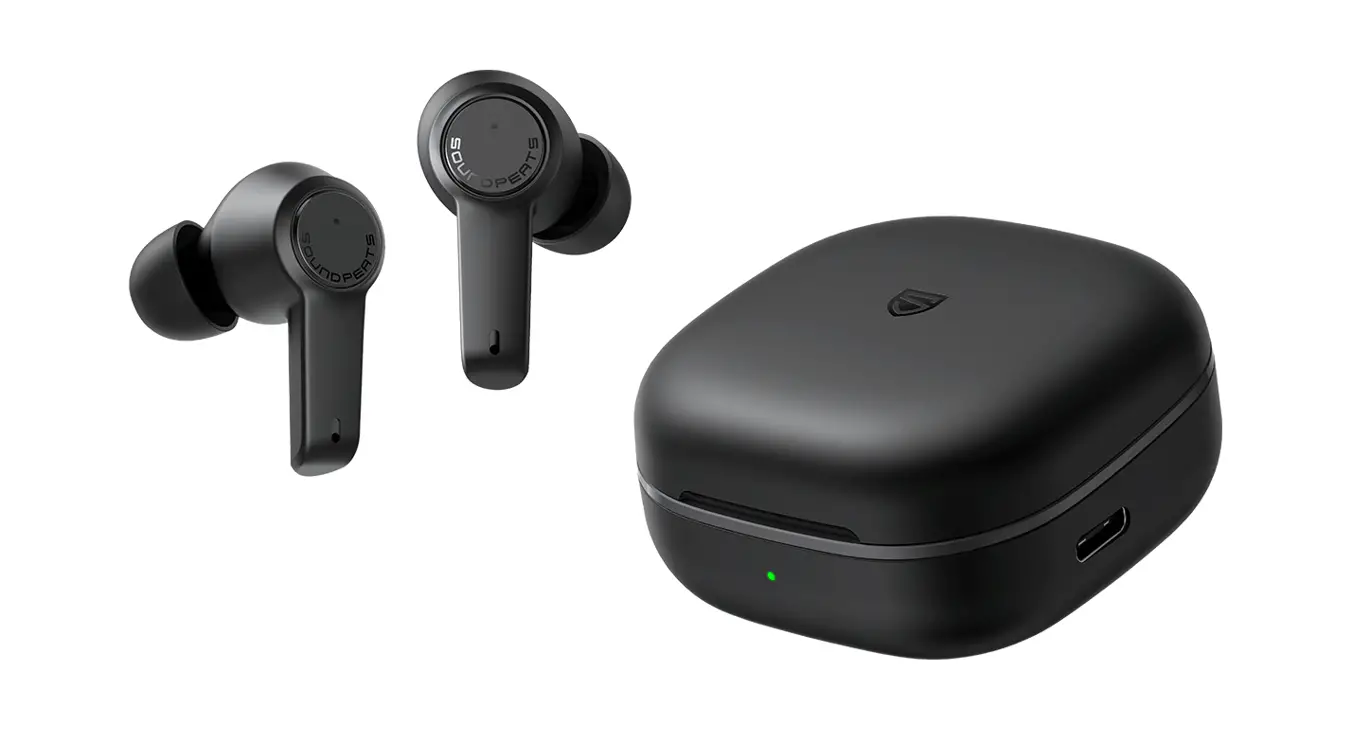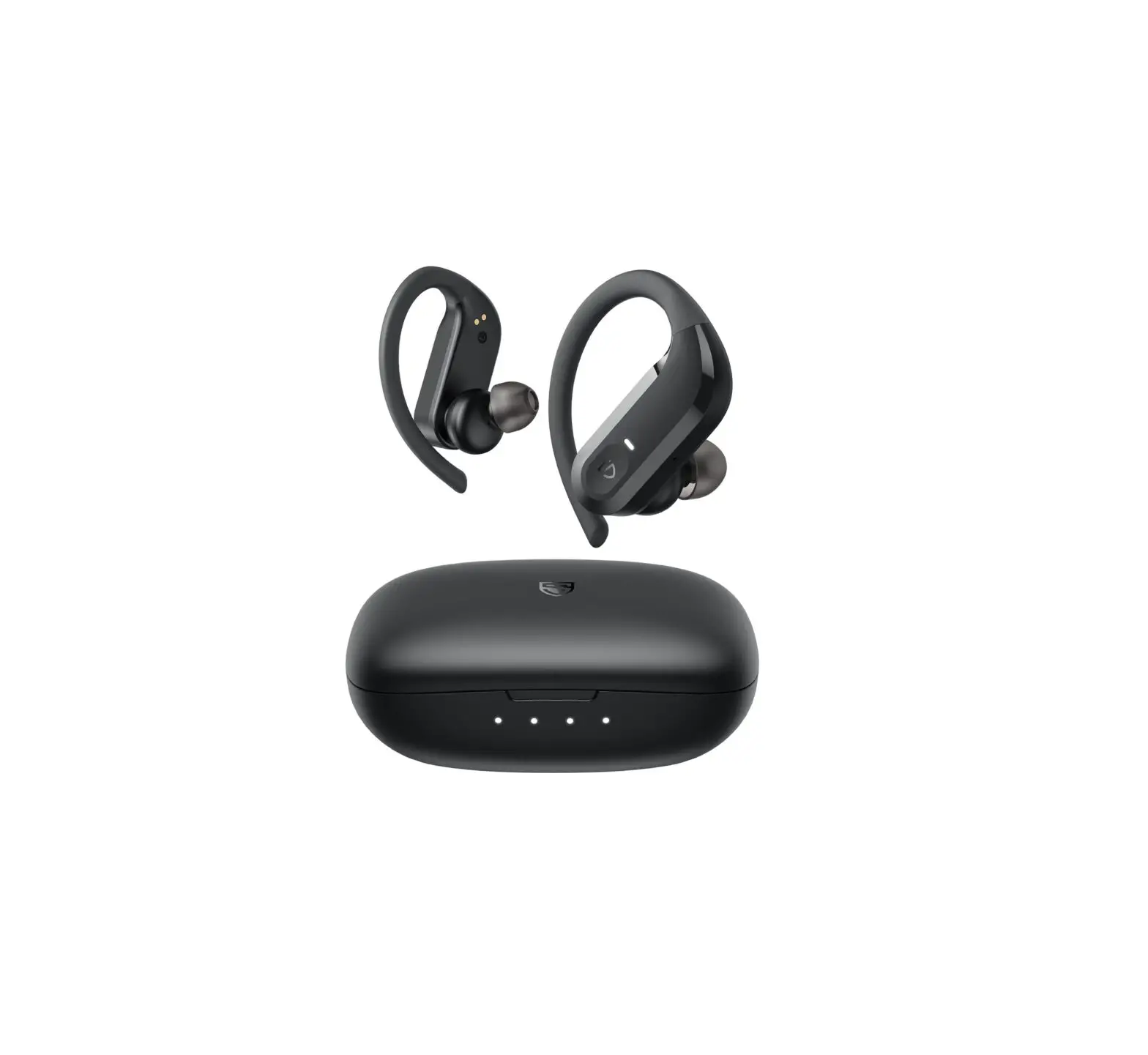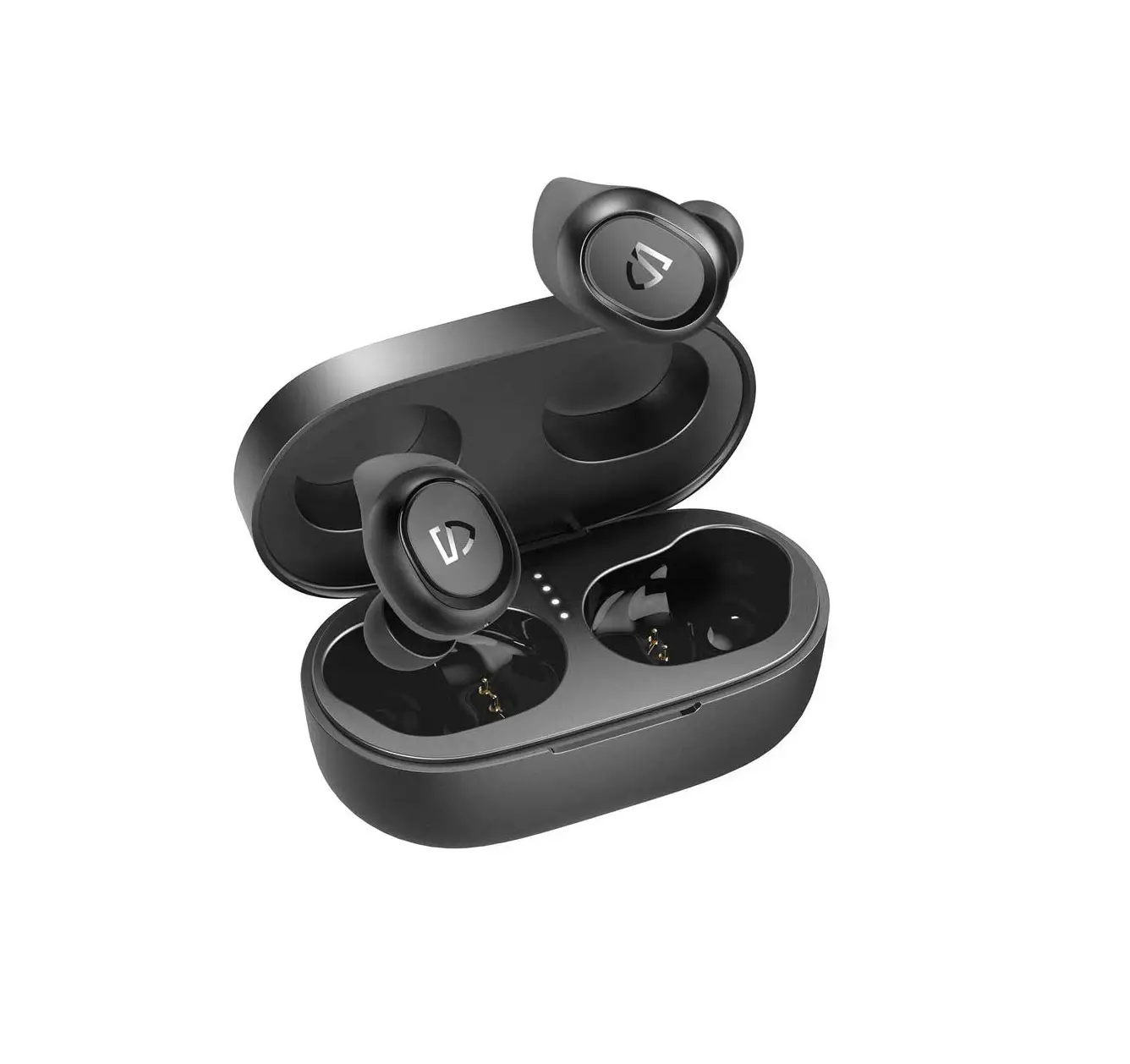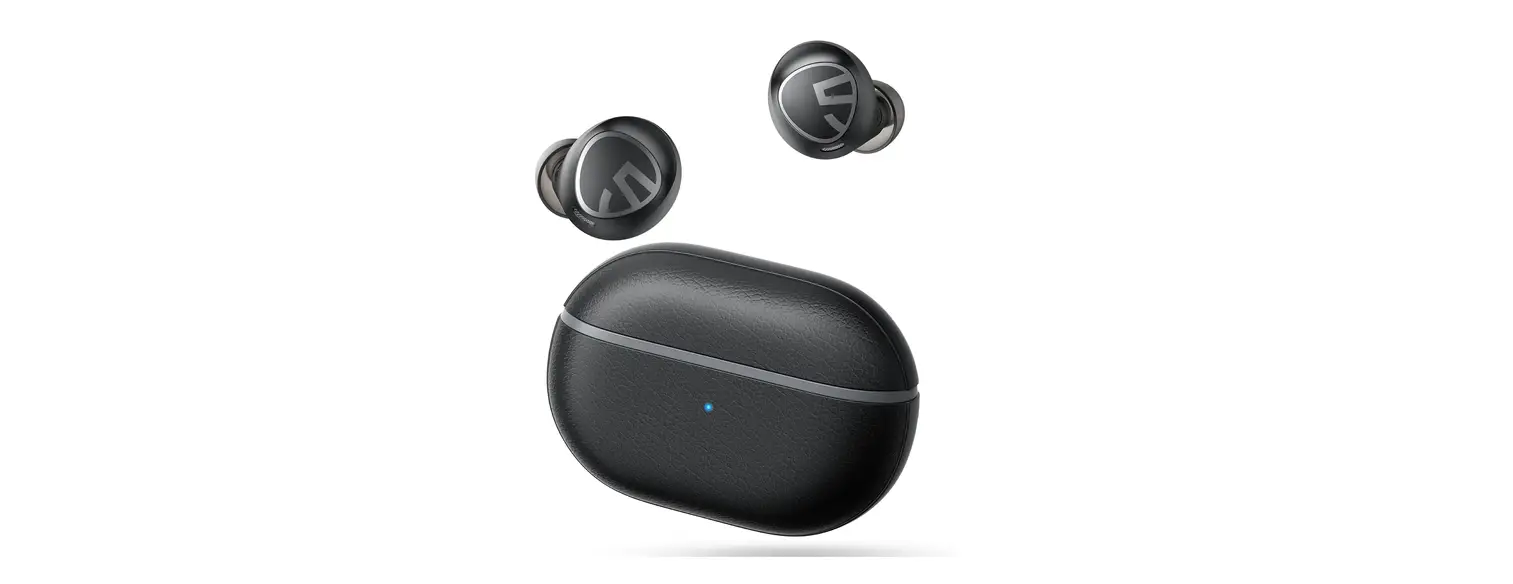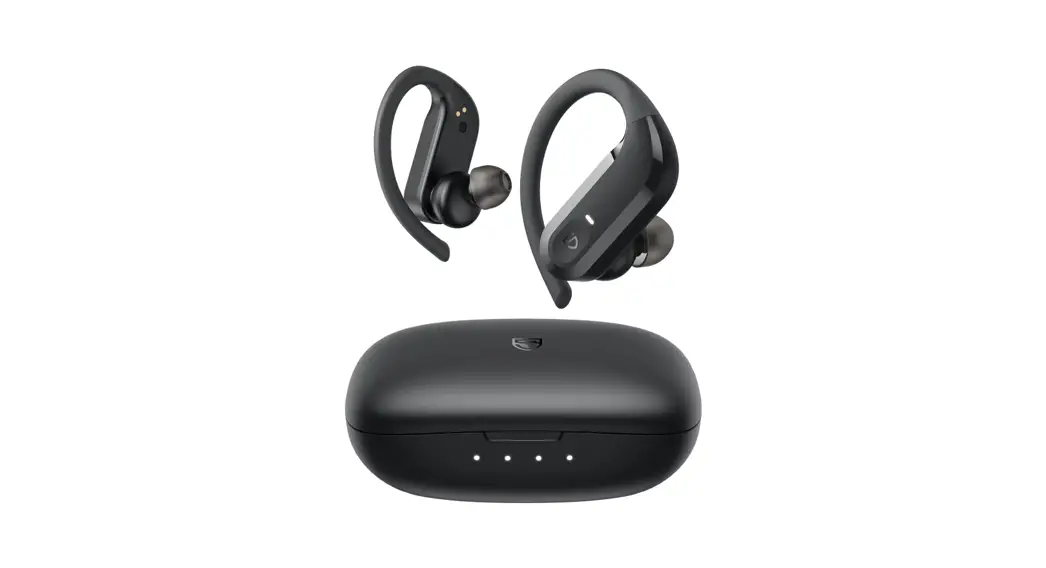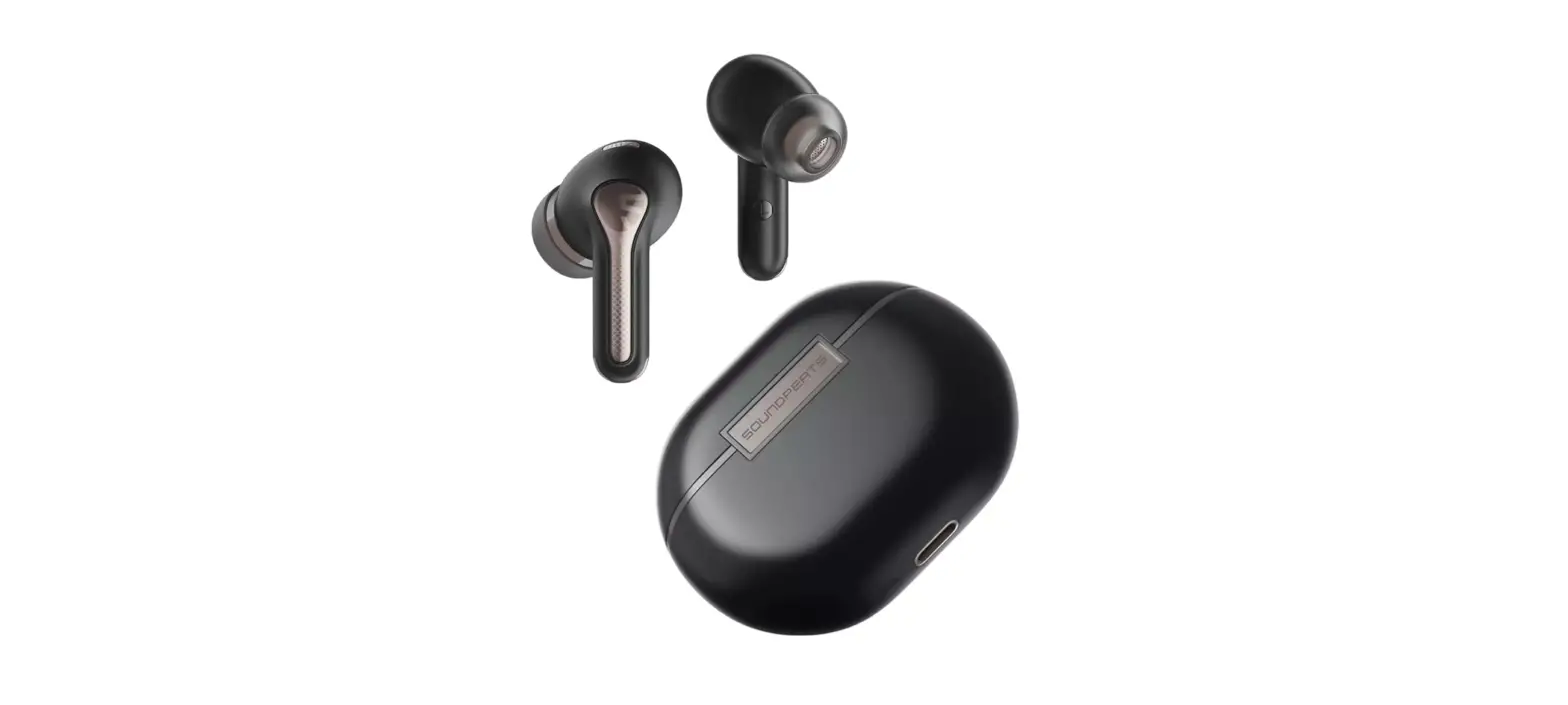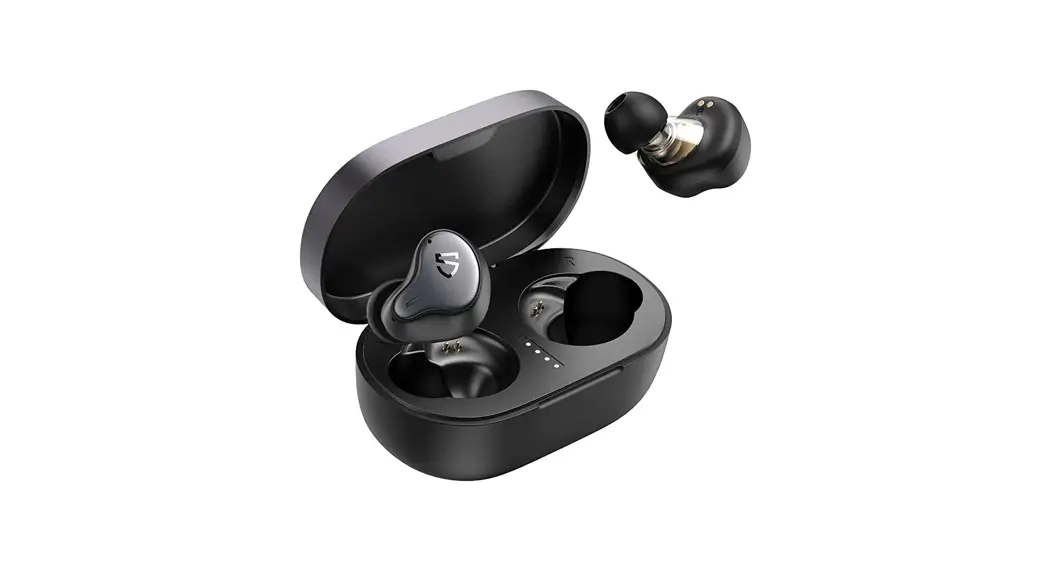

Engine 4 Wireless Earbuds
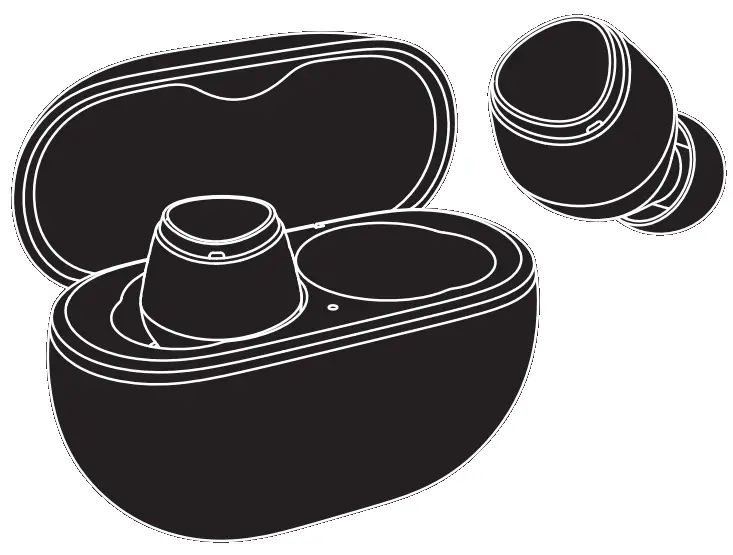
User Guide
First Time of Use
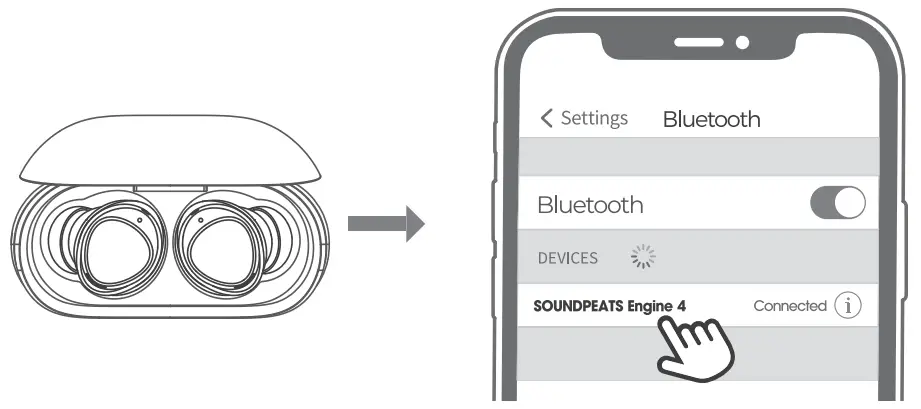
- Please open the lid of the charging case to take out the headphones, remove the insulating film from the top of both headphones, then put both headphones back into the charging case. Press and hold the button at the bottom of the charging case for 3 seconds until the indicator light inside the charging case flashes white. They are in pairing mode then.
- Turn on your device’s Bluetooth and select SOUNDPEATS Engine 4 from the Bluetooth list to complete the pairing.
Pairing of a Second Device
SOUNDPEATS Engine 4 earphones can be paired simultaneously with two devices. How to connect: Once the earphones are paired with device A, turn off the Bluetooth of device A. Repeat the pairing operation to connect the earphones to device B. When the pairing is completed, please turn on the Bluetooth of device A to complete the pairing.
Reset
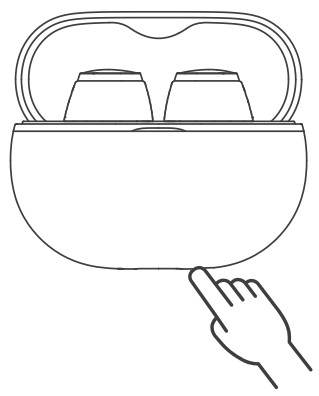
- Place both earphones back into the charging case, and make sure they are correctly placed.
- With the case lid open, press and hold the button on the bottom of the charging case for 10S until the indicator light inside the charging case flashes white twice.
- Close the case lid and open it again, and the earphones are activated successfully.
Wearing methods
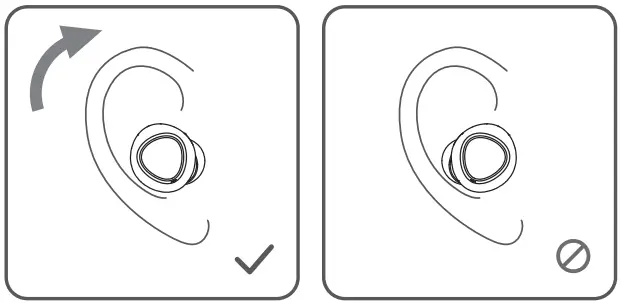
- Identify the left and right earphones.
- Adjust the earphones to fit your ears.
Product Diagram
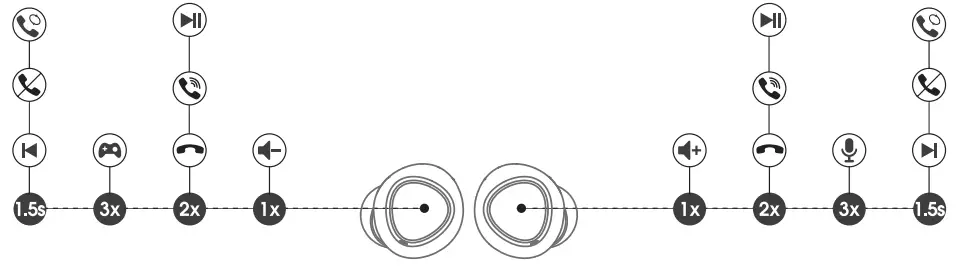
Controls
| Power On | Auto: Open the charging case; the earphones turn on automatically Manually: Press and hold the multifunctional button for 1.5s, with earphones off |
| Power off | Auto: Place the earphones back into the charging case and close the case lid Manually: Press and hold the multifunctional button for loss, with earphones on |
| Play/Pause | Double-tap on the multifunctional button |
| Volume- | Single-tap on the left multifunctional button |
| Volume+ | Single-tap on the right multifunctional button |
| Previous Track | Press and hold the luff multifunctional button for 1.5s |
| Next Track | Press and hold the right multifunctional button for 1.5s |
| Answer/Hang Up a Phone Call | Double-tap on the multifunctional button |
| Reject a Phone Call | Press and hold the multifunctional button for 1.5s |
| Switch Between Two Active Calls | Press and hold the multifunctional button for 1.5s |
| Activate the Game Mode | Press the luff multifunctional button for three times |
| Activate/Deactivate the Voice Assistant | Press the right multifunctional button for three times |
Q&A
– The battery life of the charging case ( When the charging case not in charging mode):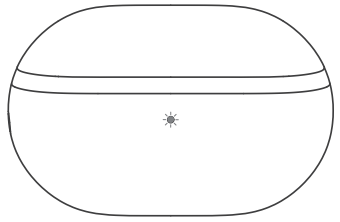
100%-50% Green
49%-10% Yellow
<10% Red
– Charging status of the charging case: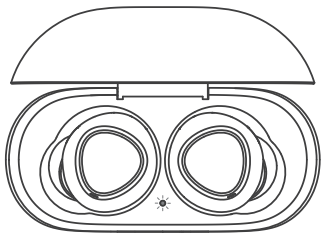
<20% The Red light flashes slowly
20%-69% The Yellow light flashes slowly
70%-99% The Green light flashes slowly
100% The Green light stays on
– It shows the charging status of the charging case. There are two states of the indicator light while the user is charging the charging case: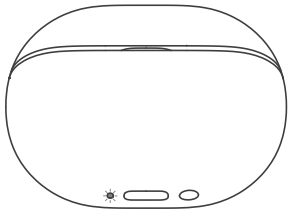
– The red indicator light is always on when the charging case is not fully charged.
– The red light goes out when the charging case is fully charged.
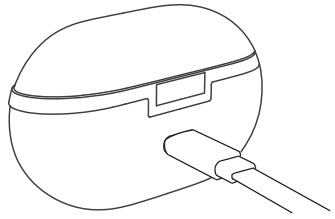
– Connect the charging case to a Type-C charger. (The current does not exceed 1A).
– If the earphones stay idle for an extended period, charge them at least every three months to prevent the battery from being damaged.
– Check whether the charging case has battery power. If it has run out of battery, closing it will not disconnect the earphones from the device.
– Ensure the earphones are properly placed in the charging case and the charging metal sheet and PIN are clean. And wiping clean the contact points on the earphones and the charging case should fix this issue.
FCC Statement
This equipment has been tested and found to comply with the limits for a Class B digital device, pursuant to Part 18 of the FCC rules. These limits are designed to provide reasonable protection against harmful interference in o residential installation. This equipment generates uses and can radiate radio frequency energy and, if not installed and used in accordance with the instructions, may cause harmful interference to radio communications. However, there is no guarantee that interference will not occur in a particular installation. if this equipment does cause harmful interference to radio or television reception, which can be determined by turning the equipment off and on, the user is encouraged to try to correct the interference by one or more of the following measures:
- Reorient of relocate the receiving antenna.
- Increase the separation between the equipment and receiver.
- Connect the equipment into an outlet on a circuit different from that to which the receiver is connected.
- Consult the dealer of an experienced radio/TV technician for help.
This device complies with part 15 of the FCC rules. Operation is subject to the following two conditions:
- This device may not cause harmful interference.
- this device must accept any interference received, including interference that may cause undesired operation.
Changes or modifications not expressly approved by the party responsible for compliance could void the user’s authority to operate the equipment.
This device complies with Industry Canada faience-exempt RSS standard(s). Operation is subject to the following two conditions:
- this device may not cause interference, and
- this device must accept any interference, including interference that may Couse undesired operation of the device.
RF warning statement:
The device has been evaluated to meet general RF exposure requirement. The device con be used in portable exposure condition without restriction.
MANUFACTURER
Shenzhen SoundSOUL Information Technology
Company Limited
Room 1308-1309, Building B, Haikai Square,
Change Road, Longhead District, Shenzhen, China. 518109 [email protected]
  www.soundpeats.com


Company: Qing UG(haftungsbeschrankt)
Address: Undines. 7, 12203 Berlin GermanyTANMET INT’L BUSINESS LTD
9 Pantygraigwen Road, Pontypridd, Mid Glam organ, CF37 2RR,UK
[email protected]IC :27785-YKO06
FCC ID: 2AFTU-DD034
MADE IN CHINA