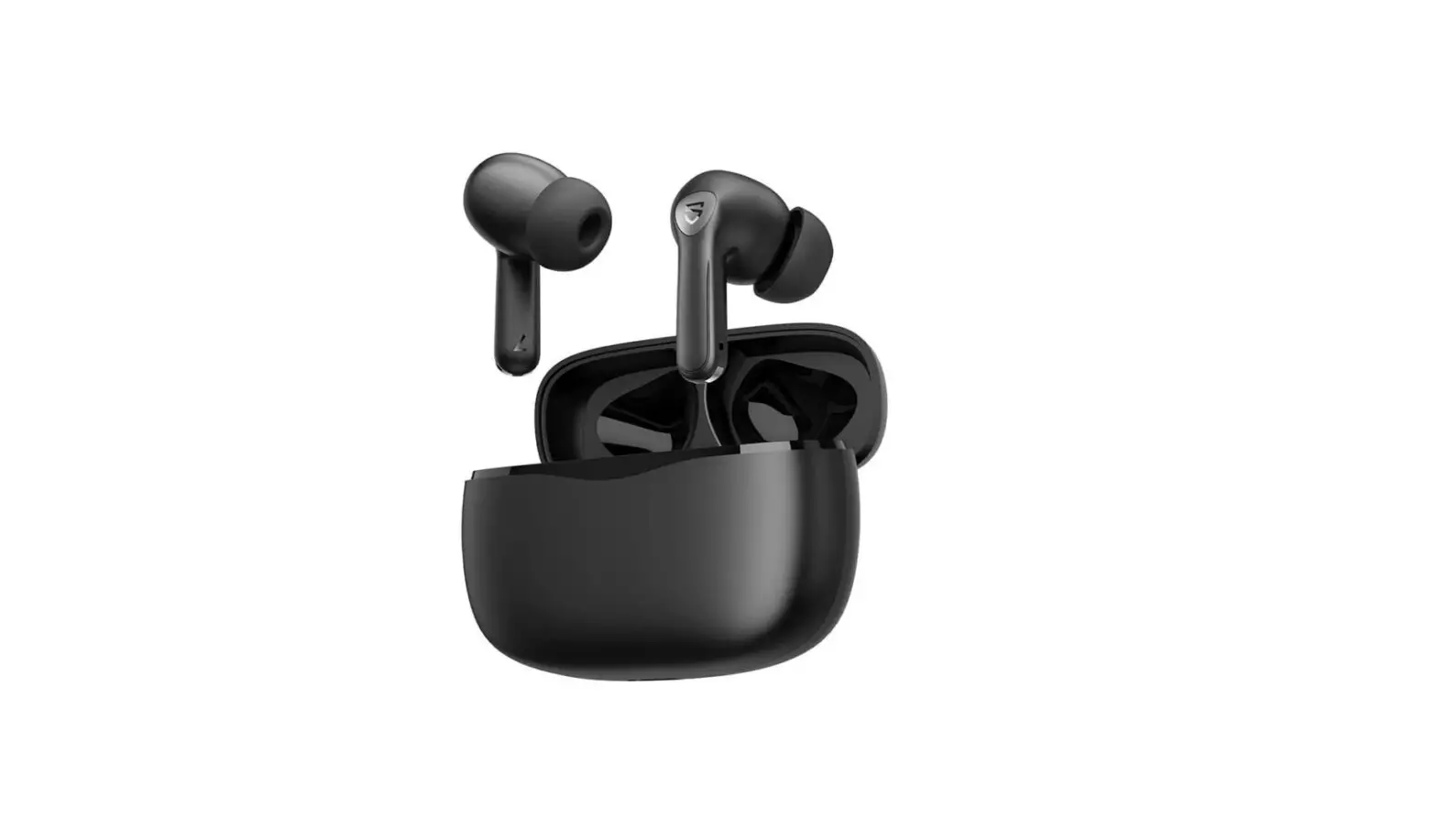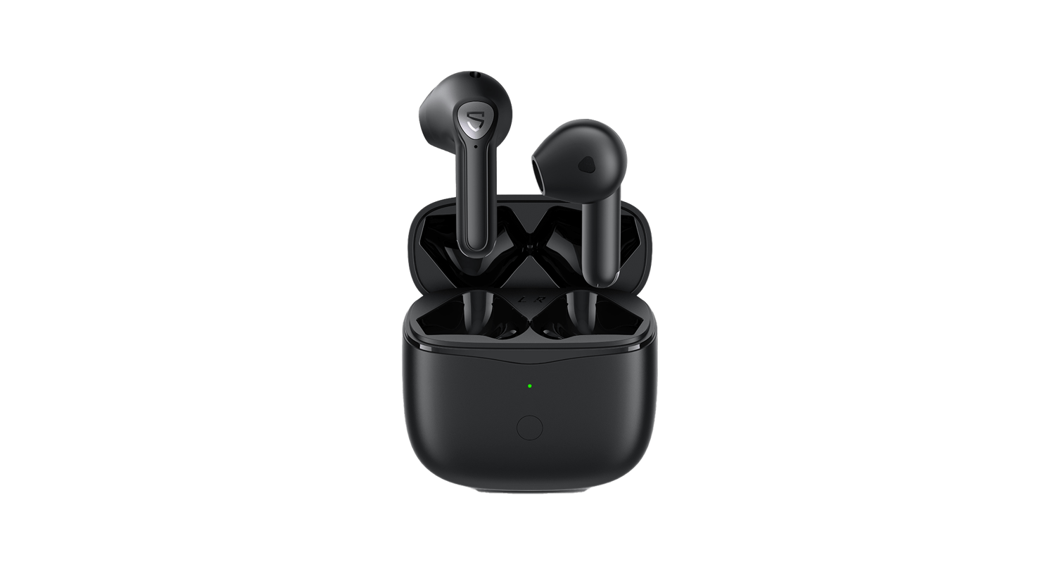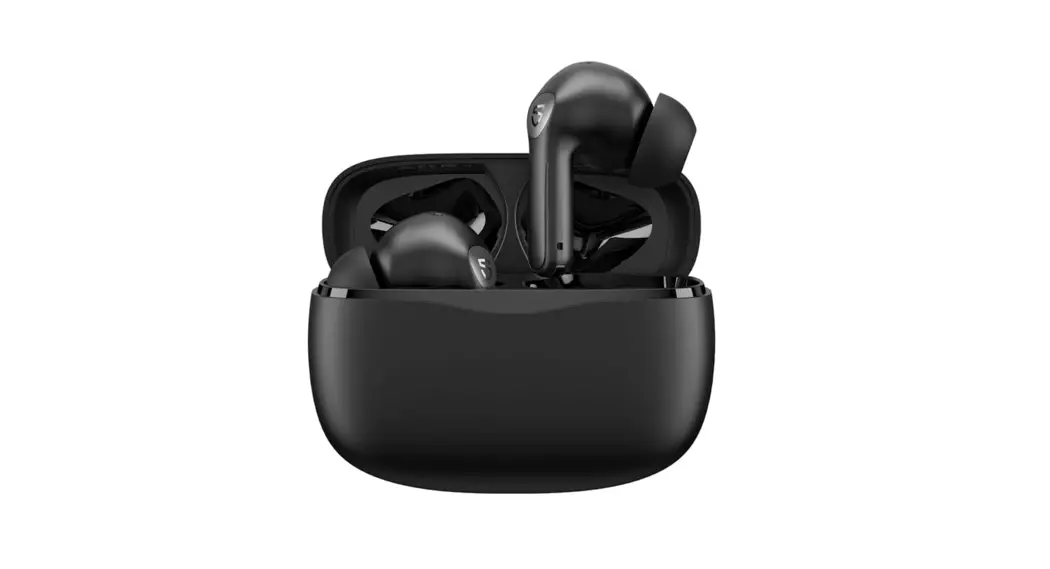

Air3 Pro Earbuds User Guide
Pairing
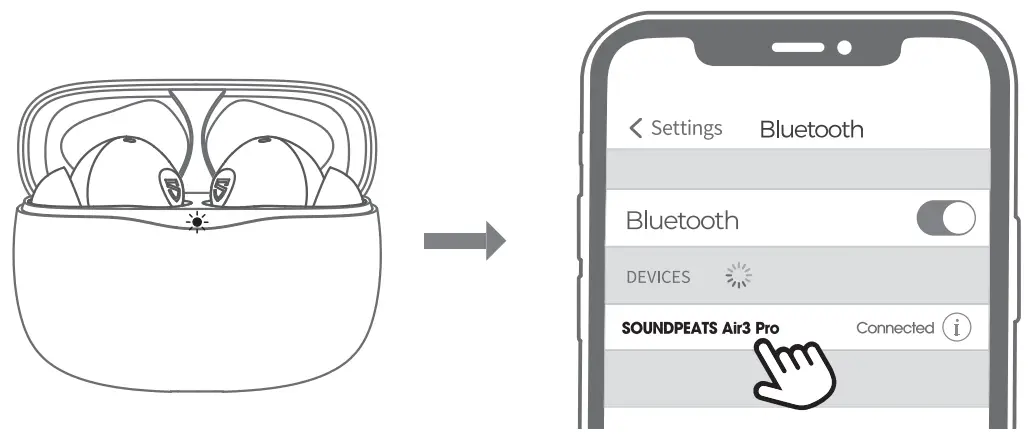
- Open the charging case lid, both earbuds will power on automatically when the led indicator of charging case is solid green. Keep the case lid in open status, both earbuds will enter into pairing mode.
- Activate the Bluetooth on your device and choose “SOUNDPEATS Air3 Pro” to connect.
Reset
- Clear the pairing record between the earbuds and all your devices.
- Place back both earbuds in charging case, make sure the led indicator of the charging case flashes twice.
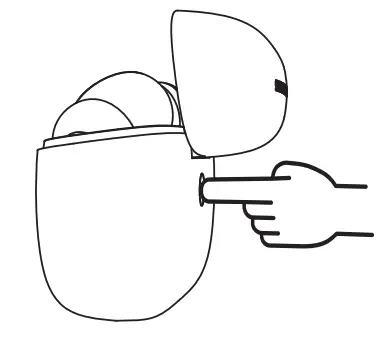
- With the case lid open, press and hold the charging case button for 10 seconds until the red light flashes thrice, reset complete.
- Close the case lid and reopen it to activate the earbuds.
Wearing
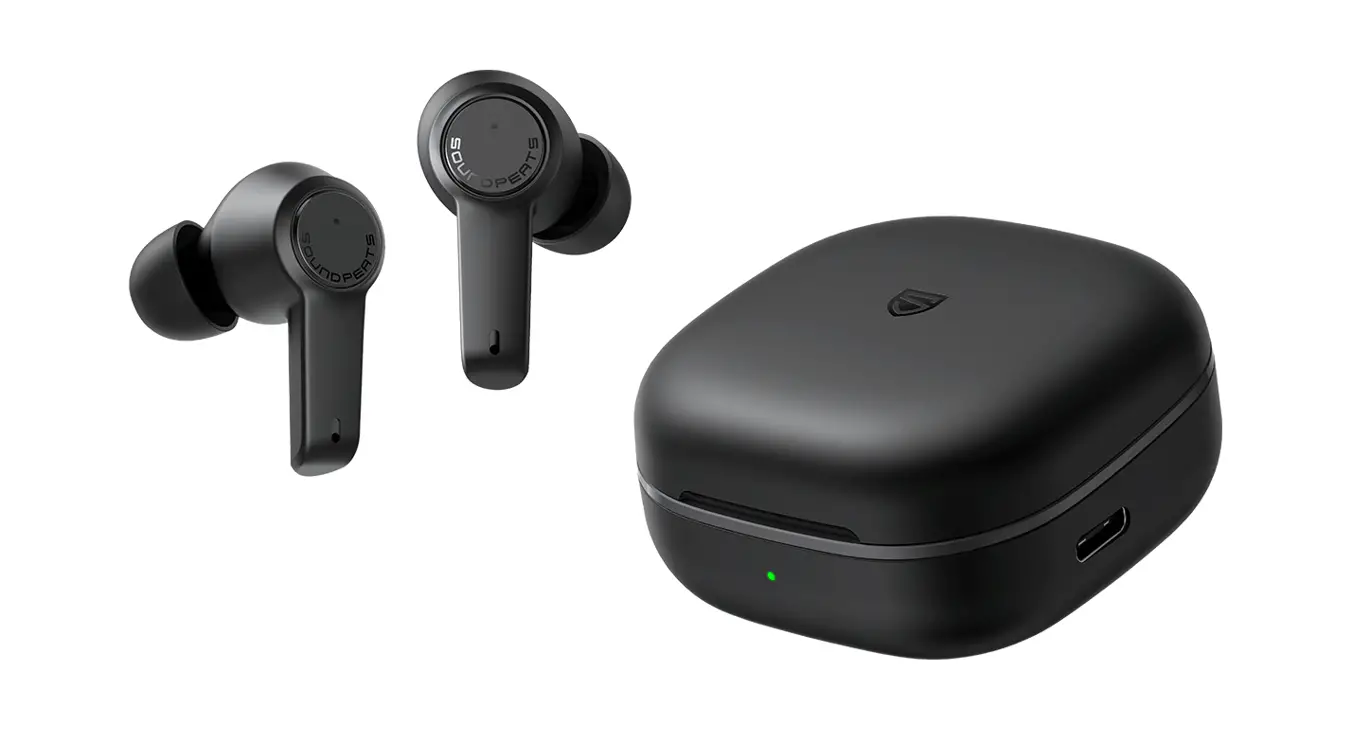
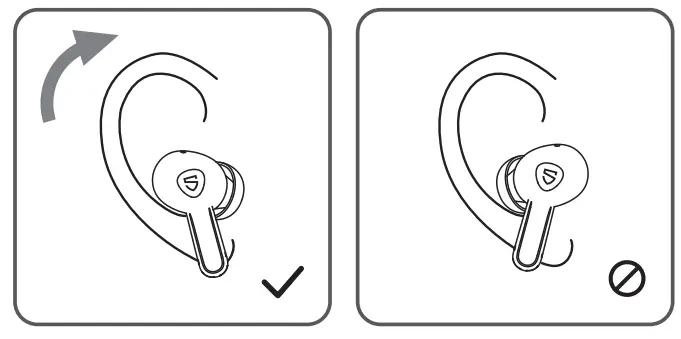
- Identify the left and right earbuds.
- Rotate earbuds to find the most comfortable angle.
Product Diagram
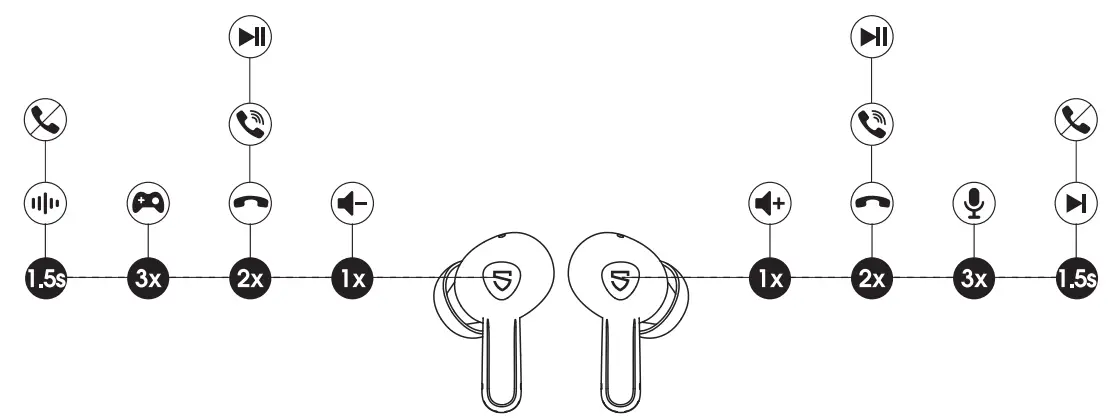
Touch Control
| Power On | Open up the case lid |
| Power Off | Place back into charging case and close the lid |
| Play / Pause | Double tap the MFB |
| Volume – | Single tap the left MFB |
| Volume + | Single tap the right MFB |
| Next Track | Press and hold the right MFB for 1.5s |
| Answer / Hang Up Phone Call | Double tap the MFB |
| Reject Phone Call | Press and hold the MFB for 1.5s |
| Manually Enter Pairing Mode | Press and hold the charging case button for 3s |
| Activate Voice Assistant | Triple tap the right MFB |
| Enter / Exit Game Mode | Triple tap the left MFB |
| Switch Between Active Noise Canceling Mode/ Transparency Mode/ Standard mode | Press and hold the left MFB for 1.5s |
Q&A
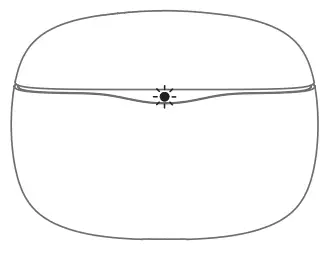
– 1. It shows the battery power left in the charging case.
| Charging Case Indicator | Battery Left |
| Green | 100%-50% |
| Yellow | 49%-10% |
| Red | Below 10% |
– Note: When the charging case indicator shows red, the earbuds will enter shutdown state and no longer be charged after they place back and close the case lid.
– 2. While charging the case, the indicator flashes slowly.
| Charging Case Indicator | Battery Level |
| Red | 0 – 20% |
| Yellow | 21% – 69% |
| Green | 70% – 99% |
| Green LED stays on | 100% |
-3. In-stock Detection:
– Open the case lid, place back both earbuds into the charging case, the indicator will flash twice and stay on for 10 seconds (the status of the Indicator is displayed according to the current battery level)
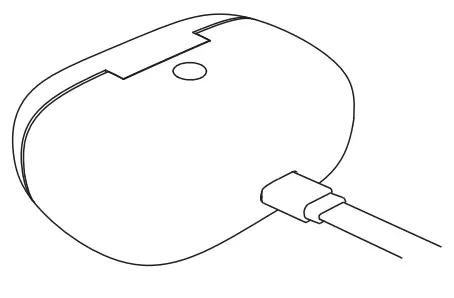
– 1. Use a Type-C adapter to charge the case (current no more than 1 A).
– 2. Please charge the earbuds and charging case at least once per 3 months when not in use for a long time.
– 1. The charging case has no power left. The case can’t turn off the earbuds If It is out of battery
– 2. Make sure the earbuds are placed in the charging case correctly, and the contactors on the charging case and earbuds are clean. Please try to clean them with something like microfiber cloth.