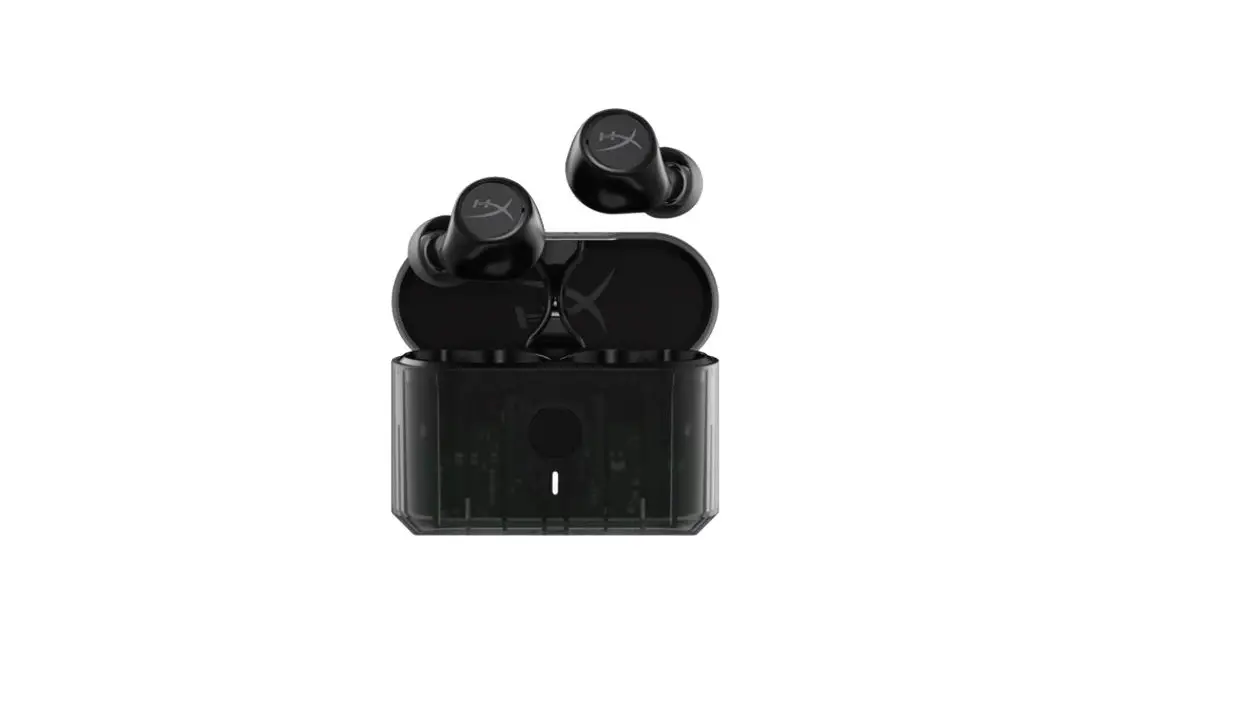
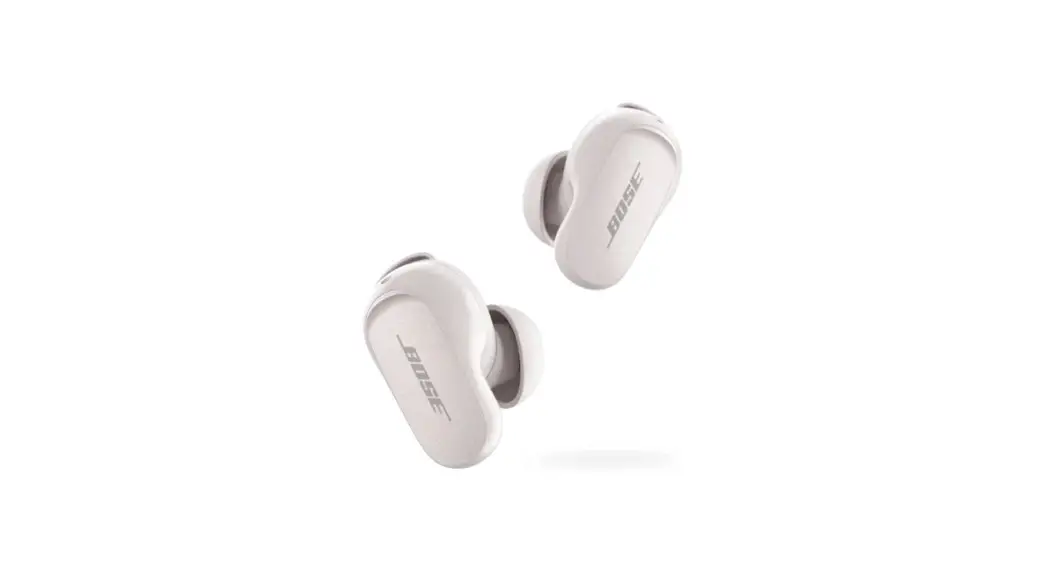
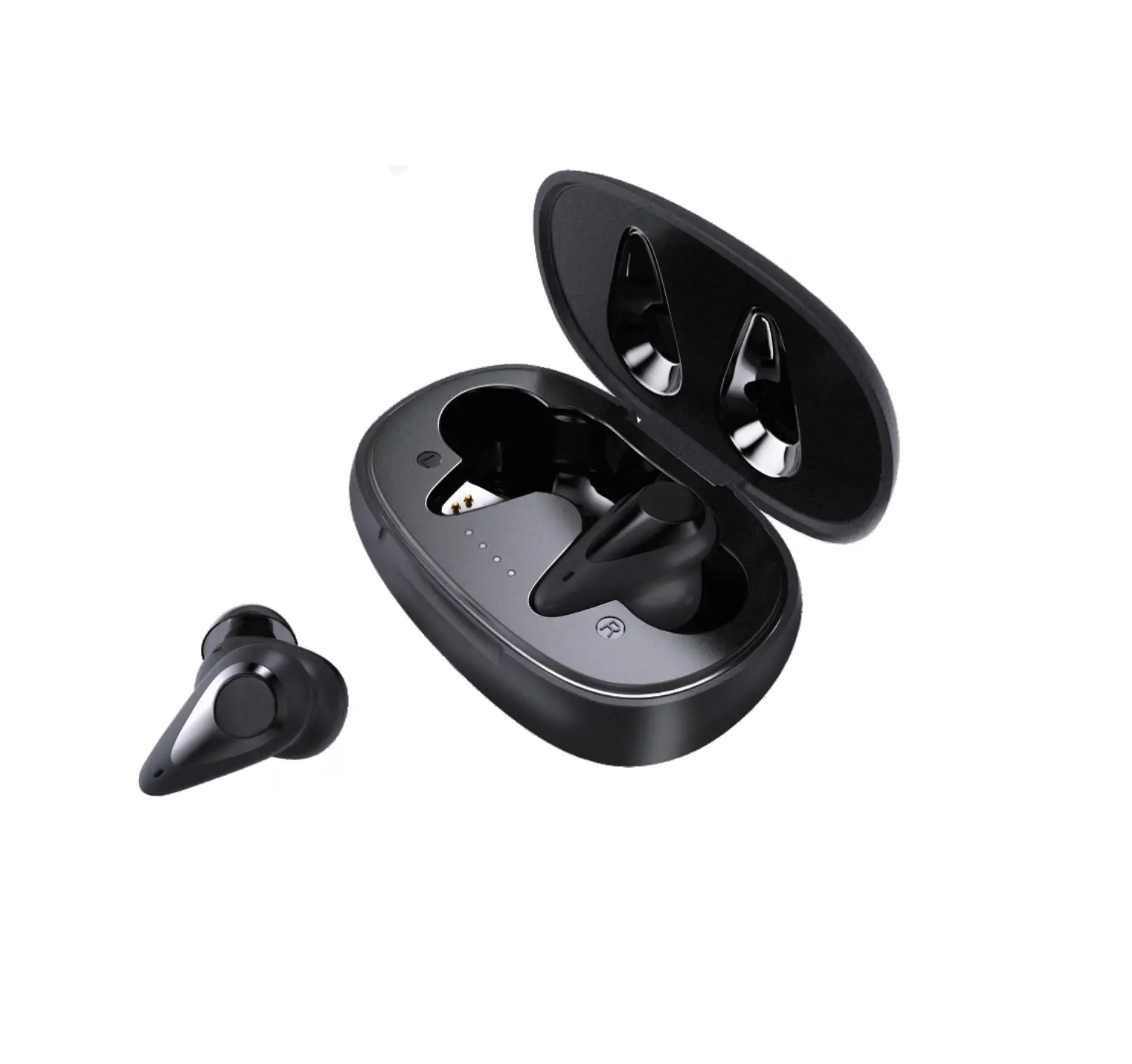
Buds VS102 Plus Earbuds
Product Information
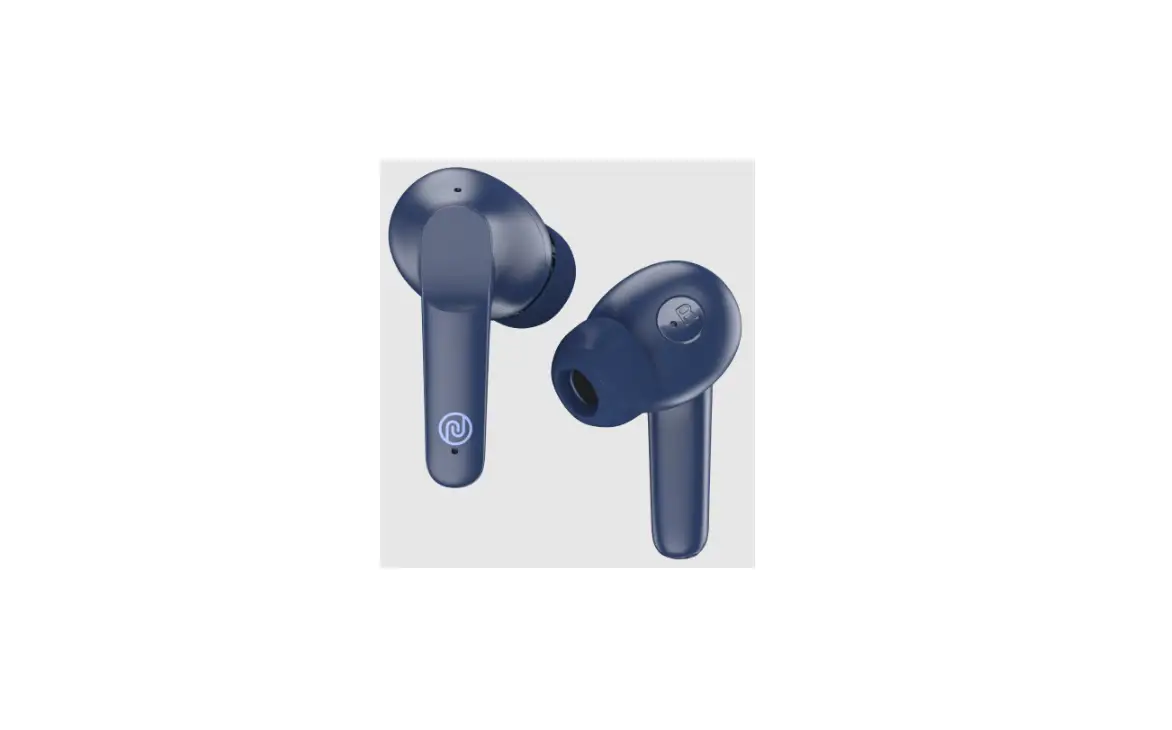
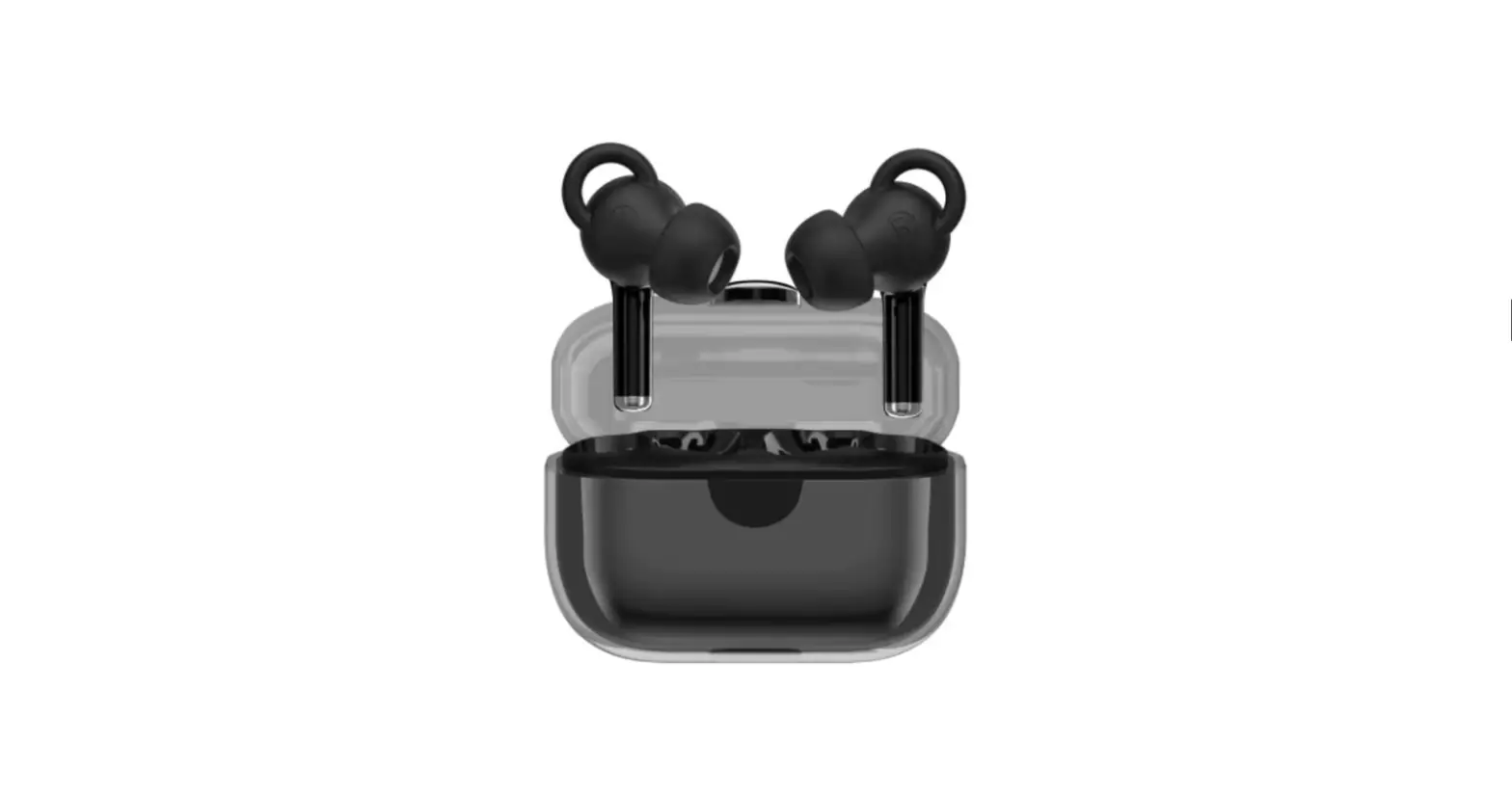
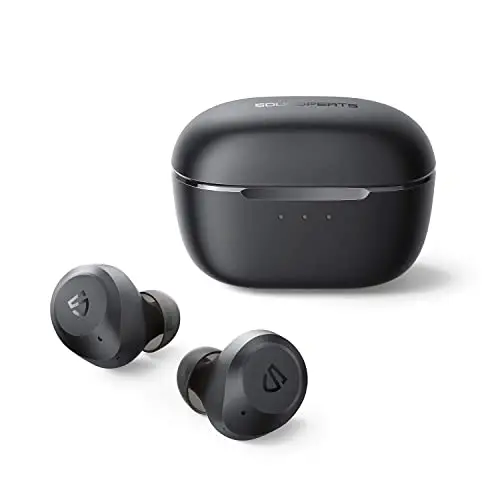
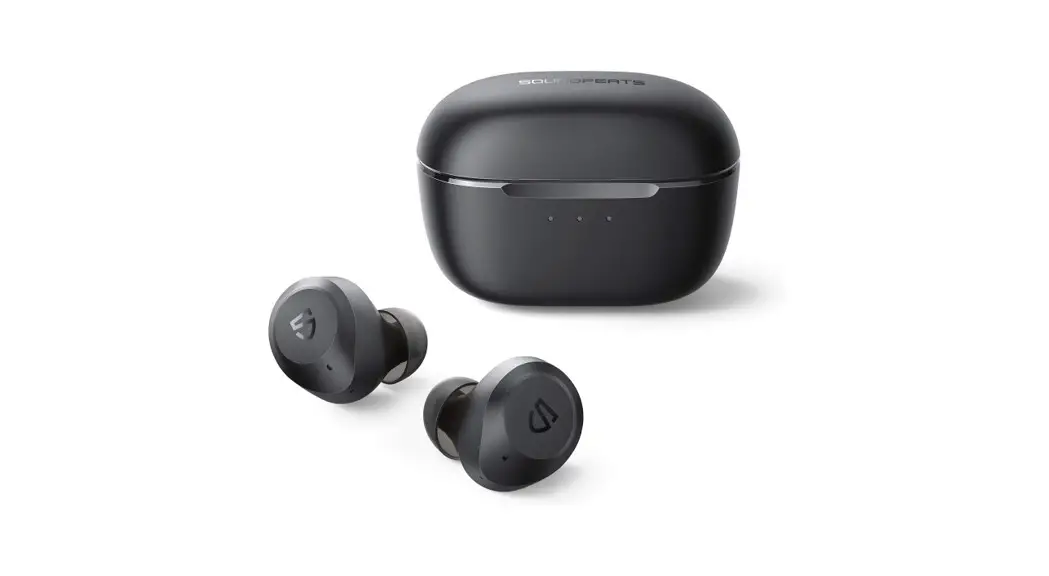
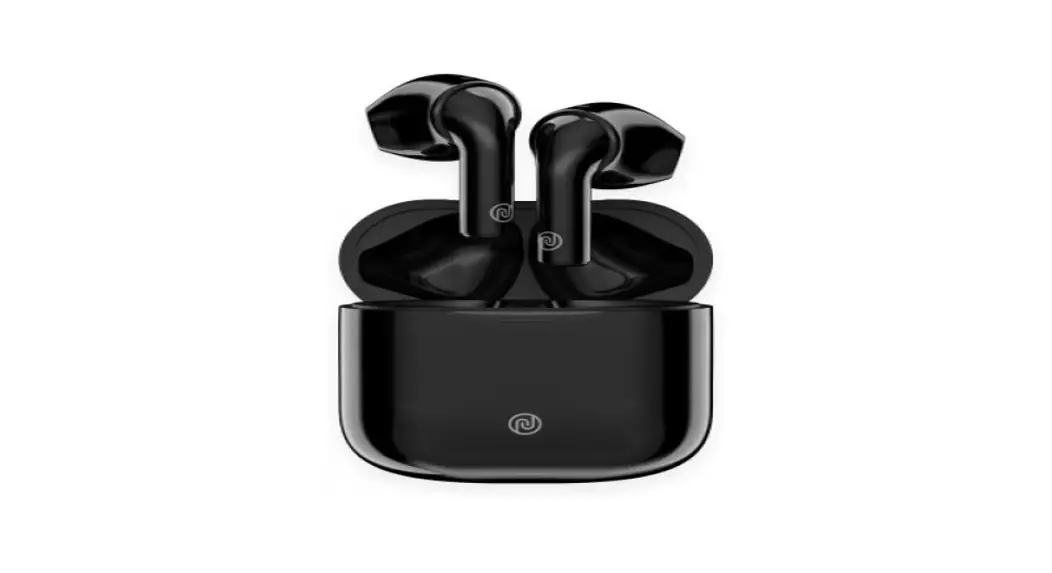
The Noise Buds VS102 Plus is a pair of wireless earbuds that
come with a charging case and a USB Type-C charging cable. The
earbuds automatically turn off when placed inside the charging case
with the lid closed. The earbuds have controls for answering/ending
calls, rejecting calls, activating voice assistant, playing/pausing
music, skipping tracks, and adjusting volume. The earbuds come with
medium-sized ear tips, but small and large ear tips are also
included for a better fit. The earbuds should not be exposed to
liquids or extreme temperatures, and should not be disassembled or
exposed to abrasive cleaning solvents.
Product Usage Instructions
- Answer/End a Call: Tap either earbud twice to
answer a call. Tap twice on either earbud to end a call. - Reject Call: Touch and hold either earbud for
2 seconds to reject a call. - Voice Assistant: Tap either earbud thrice to
activate the voice assistant. - Play/Pause Music: Tap either earbud twice to
play or pause music. - Skip Tracks: Long press the left earbud for 2
seconds to play the previous track. Long press the right earbud for
2 seconds to play the next track. - Adjust Volume: During calls, long press the
right earbud to increase volume, and long press the left earbud to
decrease volume. During music playback, tap the right earbud once
to increase volume, and tap the left earbud once to decrease
volume. - Choosing Ear Tip Size: The earbuds come with
medium-sized ear tips, but small and large ear tips are also
included. Follow the images and chart provided to learn how to wear
the earbuds in the right manner. - Cleaning and Maintenance: Wipe the earbuds
down with a slightly damp cloth when necessary. Remove and clean
the earbud tips regularly to ensure the best sound quality. Do not
expose the earbuds to liquids or extreme temperatures, and do not
attempt to disassemble them. - Charging: Charge the earbuds from 5V USB ports
such as phone chargers, laptops, or PCs using the supplied Type-C
charging cable. Charge the case via the Type-C charging cable as
well. - Safety Tips: Do not expose the earbuds to
liquids or extreme temperatures. Do not disassemble or expose to
abrasive cleaning solvents. Do not throw the earbuds in a fire. Pay
attention to your surroundings and never wear ANY headphones while
riding, driving, or walking.
SPECIFICATIONS
· Earbud weight: 4 grams each earbud
· Speaker driver size: 11mm
· Supported profiles: A2DP, HFP, HSP, AVRCP
· Bluetooth version: 5.3
· Earbud charging time: Up to 60 minutes
· Working voltage: 3.3V to 4.2V
Noise Buds VS102 Plus x 1
· Standby time: 150 hours
· Playtime: Up to 6 hours at 70% volume
· Bluetooth range: 10 m
· Waterproof rating: IPX5
· Working temperature: -20-+60°C
CHARGING CASE SPECIFICATION · Charging case weight: 34 grams · Charging port: Type-C · Number of earbud charges from case:
Up to 5 times · Case charging time: Up to 2 hours · Total playtime with charging case: Up to 36 hours
Charging Case x 1
USB Type-C charging Cable x 1
The earbuds will automatically turn off once placed inside the charging case with the lid closed.
PAIRING · Open the charging case. · Turn on the Bluetooth of your device. · Select Add Device and from the list of devices,
select Noise Buds VS102 Plus. · Your Noise Buds VS102 Plus are now paired with your
device and ready to use. · Note: Your Noise Buds VS102 Plus will automatically connect to the last paired device as soon as you take them out of the charging case.
CONTROLS
Answer/End a Call Tap either earbud twice to answer Tap twice on either earbud to end
Reject Call Touch and hold either earbud for 2 seconds
Voice Assistant Tap either earbud thrice
Tap twice
Long press for 2 seconds
Tap thrice
Tap twice
Red LED stay Red LED off
Long press for 2 seconds
Charge the case via the supplied Type-C charging cable preferably from any PC or laptop as compared to an USB charger.
Tap thrice
Red LED Blinking Red LED stay
RESET · Make sure your earbuds are fully charged. · On your paired devices, delete/remove Noise Buds VS102 Plus.
from the list of paired devices in the Bluetooth menu. · Take out the earbuds from the charging case. · Tap the right/left earbud for 6 times. · Place both the earbuds inside the charging case and repeat the pairing process.
CHOOSING YOUR EAR TIP SIZE Earphones are fitted with medium-sized tips. However, if you find they don’t fit perfectly, please remove and try the small and large ear tips. Follow the images and chart to learn how to wear the earbuds in the right manner.
CONTROLS
Play/Pause Tap either earbud twice
Previous Song Long press the left earbud for 2 seconds
Next Song Long press the right earbud for 2 seconds
Volume Up During calls: Long Press the right earbud During music: Tap the right earbud once
Volume Down During calls: Long Press the left earbud During music: Tap the left earbud once
Long Press Long Press
SAFETY FOR YOU AND YOUR Noise Buds VS102 Plus Follow these tips so you can get the best out of your Noise Buds VS102 Plus
Do not expose ear buds to liquids, moisture or humidity. It has electronics and a battery in it.
Don’t try to disassemble the ear buds. There are no user serviceable parts inside it.
Don’t use abrasive cleaning solvents to clean it. Wipe it down with a slightly damp cloth if and when necessary.
Try not to drop the ear buds and keep it away from sharp objects such as keys in your pockets.
Remove and clean the earbud tips regularly, to ensure that you always enjoy the best sound possible.
Charge the ear buds from 5V USB ports such as phone chargers and laptops or PCs.
Do not expose it to extremely high or low temperatures as this may damage the battery or even deform the plastic parts.
Never listen to music at high volumes or you may permanently damage your hearing.
Don’t throw the ear buds in a fire to dispose it. The internal battery may explode.
Pay attention to your surroundings and never wear ANY headphones while riding, driving or walking
Buds VS102 Plus