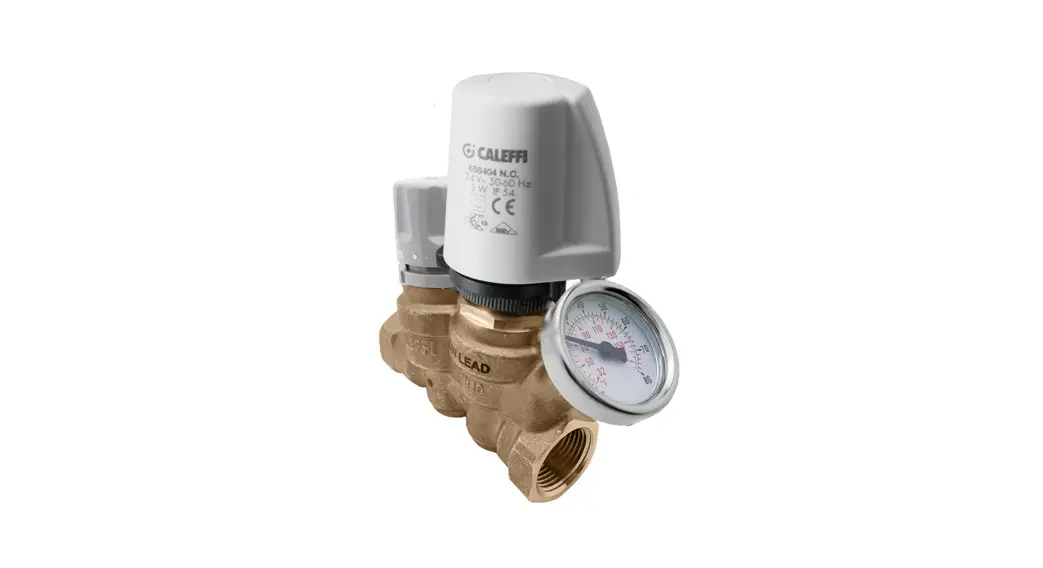
 16 Series ThermoSetter Thermal Balancing Valve
Installation Guide
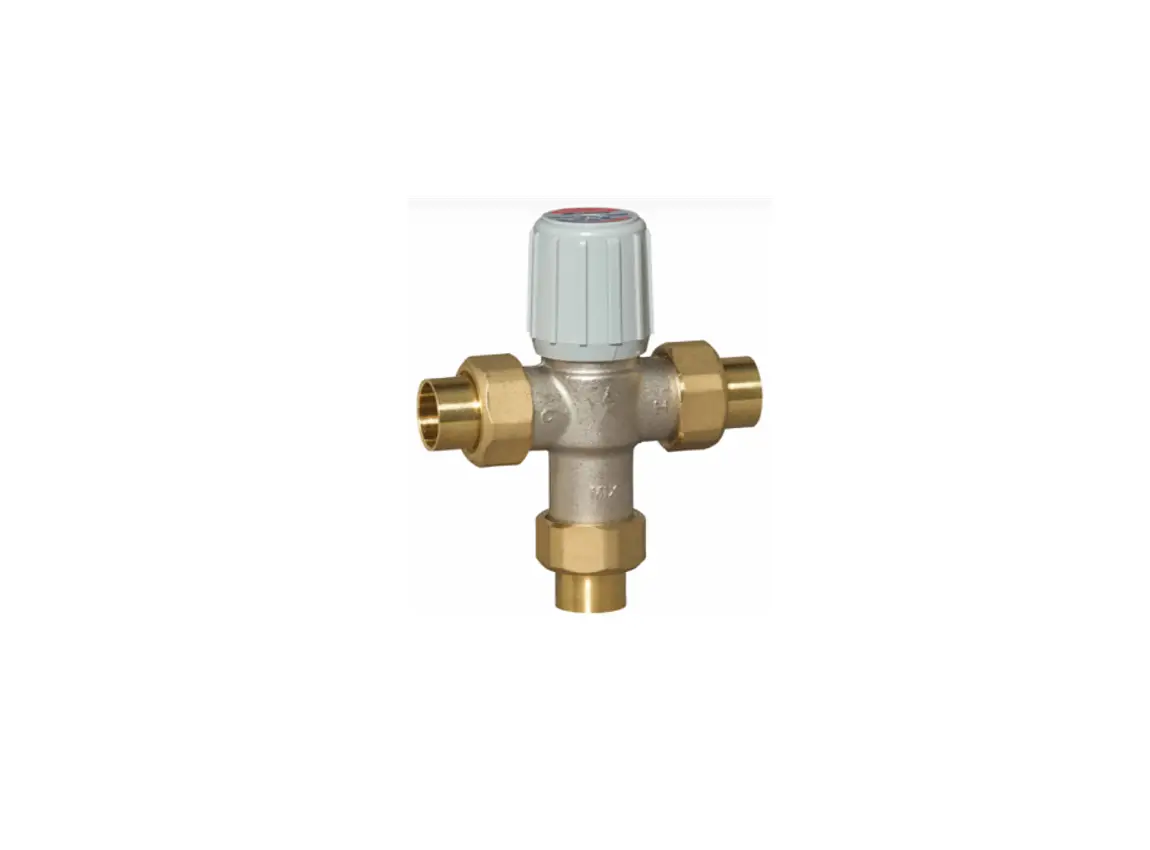
116 Series ThermoSetter Thermal Balancing Valve
| Manufacturer & Product: | Califia 116, 1164 Thermometer Balancing_Valve-ThermoSetter-Caleffi-LF_Brass-116.rfa |
| Files: | Balancing_Valve-ThermoSetter-Caleffi-LF_Brass-1164.rfa |
| Type Catalogs: | Balancing_Valve-ThermoSetter-Caleffi-LF_Brass-116.txt Balancing_Valve-ThermoSetter-Caleffi-LF_Brass-1164.txt |
| Rendering file: | Not Applicable |
| Schedule file: | Not Applicable |
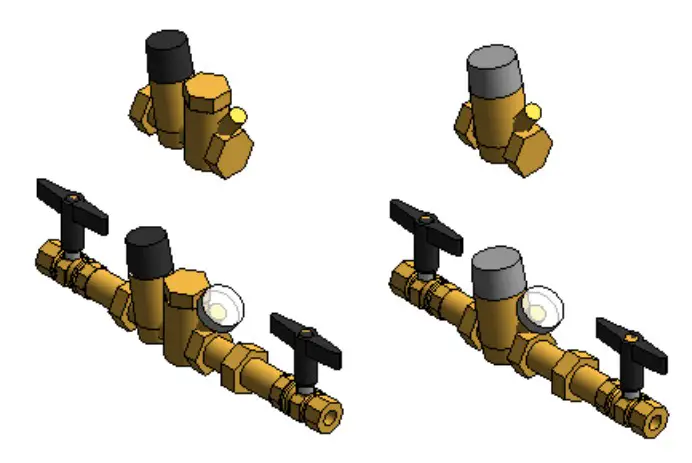 This family contains the following main variations or types:
- Sizes include 0.5 in., 0.75 in., 1 in., and 1.25 in. with FNPT connection type
- Options of adding isolation valve at both ports
- Option to add temperature gauge
- Option to add check valve
- Option to select one of 1161, 1162, 1163, 1166 Series (Not applicable for 1164 Series)
All the above variations are included as separate types in the type catalog of each family Instance Properties
Here is a curated list of notable parameters for the Revit user within the Caleffi 116, 1164 ThermoSetter family.
| Construction | |
| ▼ Thermo-electric Actuator Selection (default)1. 656404 Actuator (default) 2. 656414 Actuator (default) | Specify one of the listed actuators (Applicable for 1161/2/3/6 Thermal Setters only). This shows a checkbox based on selection above. This shows a checkbox based on selection above. |
| Mechanical – Flow | |
| Design Flow Rate (default) | This tells you the flow that this component is reading in the system. |
| Flow Warning (default) | This tells you a warning if the flow rate exceeds the maximum allowable. |
| Mechanical – Loads | |
| Pressure Drop Feet of Water (default) | Specify the pressure drop in feet of water. |
| System Pressure Drop (default) | This tells you the system pressure drop. |
Type Properties
Here is a curated list of notable parameters for the Revit user within the Caleffi 116, 1164 ThermoSetter family. 1163 ThermoSetter
| Identity Data | |
| Assembly Code | D3040 |
| Contact URL* | http://www.caleffi.com/usa/en-us/contacts/contact-us |
| Copyright* | ©Caleffi North America |
| Cost | |
| Description | Adjustable thermal balancing valve for domestic hot water recirculation circuits. |
| Family Version* | |
| Keynote | |
| Manufacturer | Caleffi North America, Inc. |
| Model | 116340A |
| Product Page URL* | https://www.caleffi.com/usa/en-us/catalogue/thermosettertm-thermal-balancingvalve-thermal-disinfection-116240a |
| Type Comments |
| Type Image | |
| Series* | 1163 Series |
| Standards* | NSF/ANSI/CAN 61; NSF/ANSI/CAN 372; S.3874; Reduction of Lead in Drinking Water Act; Vermont Act 193; Maryland’s Lead-Free Law Hb.373 |
| URL | https://www.caleffi.com/usa/en-us |
1164 ThermoSetter
| Identity Data | |
| Assembly Code | D3040 |
| Contact URL* | http://www.caleffi.com/usa/en-us/contacts/contact-us |
| Copyright* | ©Caleffi North America |
| Cost | |
| Description | Adjustable thermal balancing valve for domestic hot water recirculation circuits. |
| Family Version* | 1 |
| Keynote | |
| Manufacturer | Caleffi North America, Inc. |
| Model | 116440A |
| Product Page URL* | https://www.caleffi.com/usa/en-us/catalogue/thermosettertm-thermal-balancingvalve-116440a |
| Type Comments | |
| Type Image | |
| Series* | 1164 Series |
| Standards* | NSF/ANSI/CAN 61; NSF/ANSI/CAN 372; S.3874; Reduction of Lead in Drinking Water Act; Vermont Act 193; Maryland’s Lead-Free Law Hb.373 |
| URL | https://www.caleffi.com/usa/en-us |
Halftone text in the property tables indicates that the value is locked from editing.
*Indicates Shared Parameter and can be scheduled
Rendering
Note: Standard Calefied materials are imported. These may be modified, but please ensure that the modification selection matches an actual manufacturer supplied option.
Loading and Placing into the Project
To work with the Califia 116, 1164 Thermometer in Revit, a family and a type catalog are provided. Navigate to the Insert Tab > Load Family button on the Revit ribbon to load the family. Be sure the type catalog (.txt) file is located in the same folder as the family you are loading.
Please ensure that the visibility settings within the project are modified to have the Piping category visible.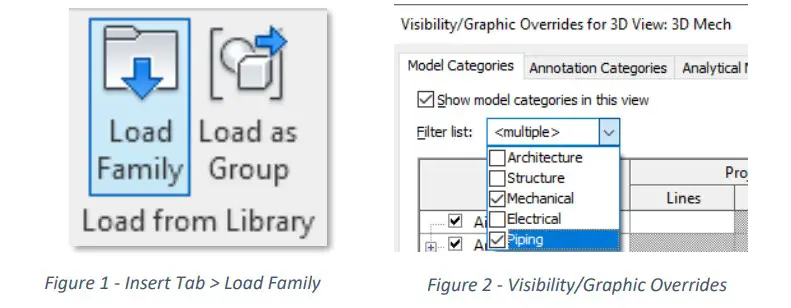
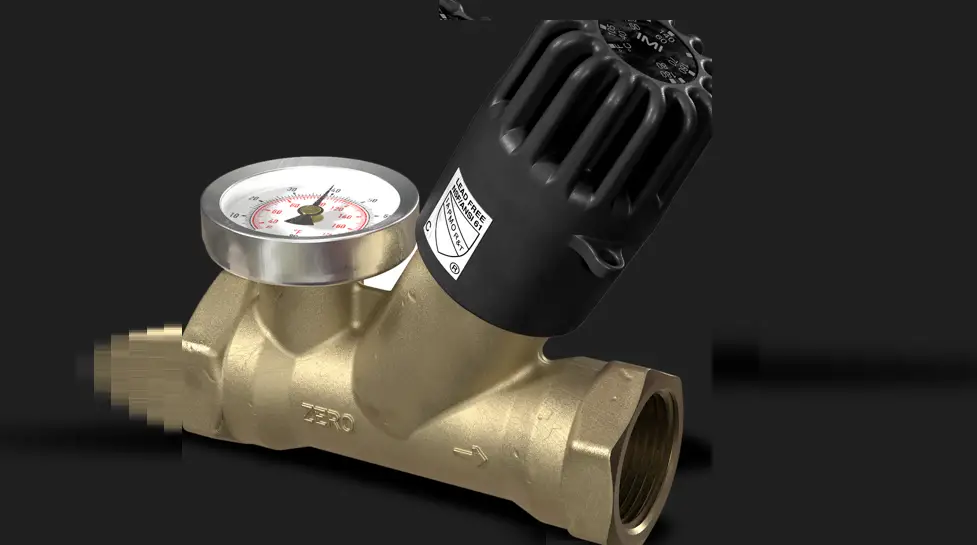
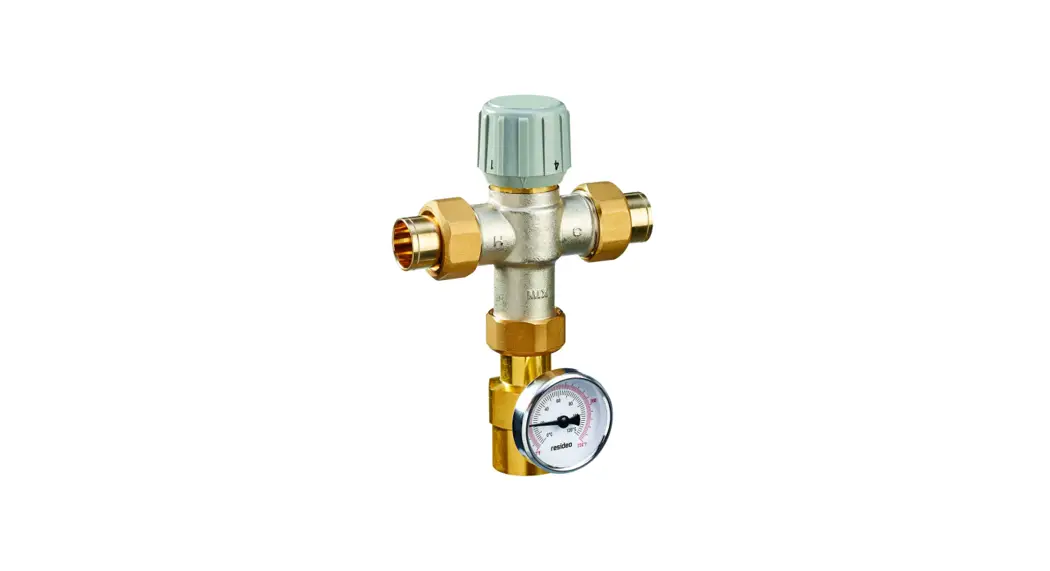
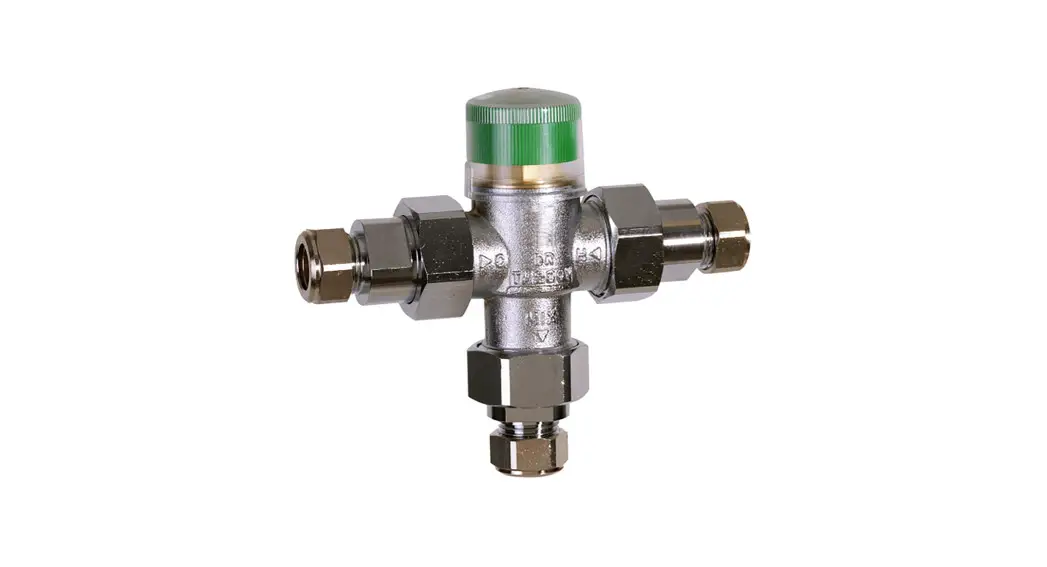
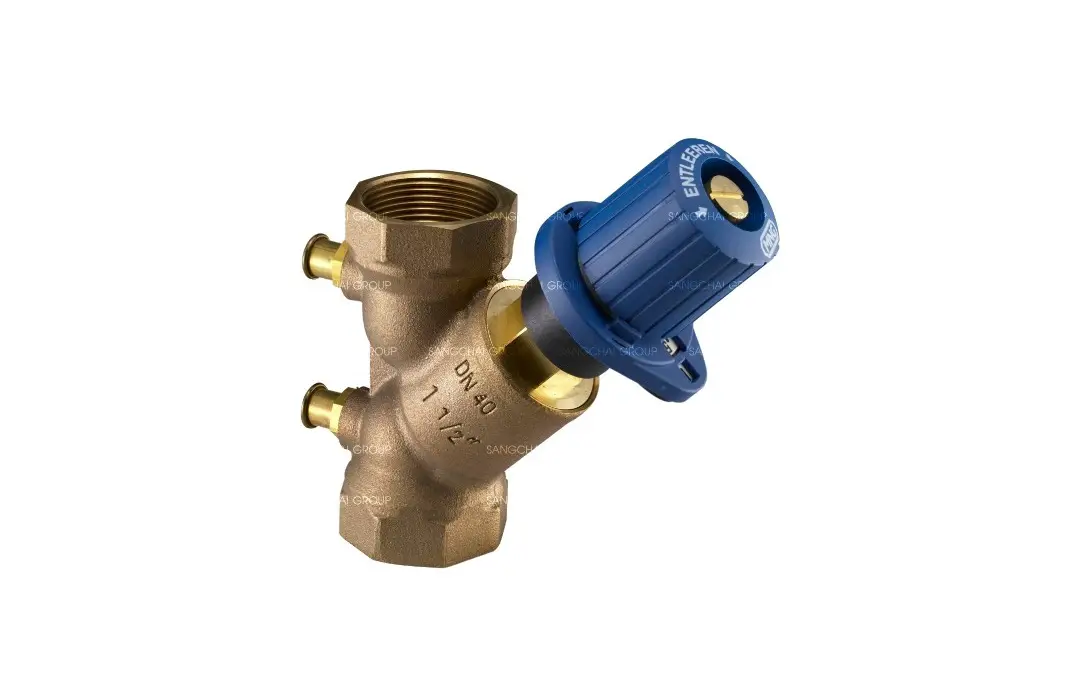
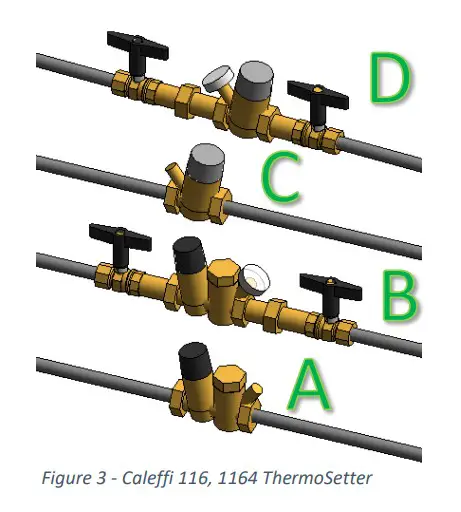 A. 1161 Thermometer with 0.5 in. FNPT connection
B. 1161 Thermometer with 0.5 in. FNPT connection, isolation valves, check, temperature gauge
C. 1164 Thermometer with 0.5 in. FNPT connection
D. 1164 Thermometer with 0.5 in. FNPT connection, isolation valves, check, temperature gauge
Project Behavior
One way to place a Caleffi 116, 1164 ThermoSetter is to go to the Systems Tab on the Revit ribbon and navigate to the Component button with Place a Component fly-out selected.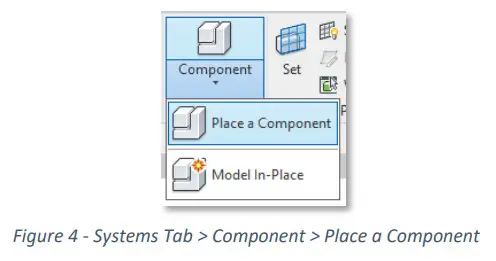
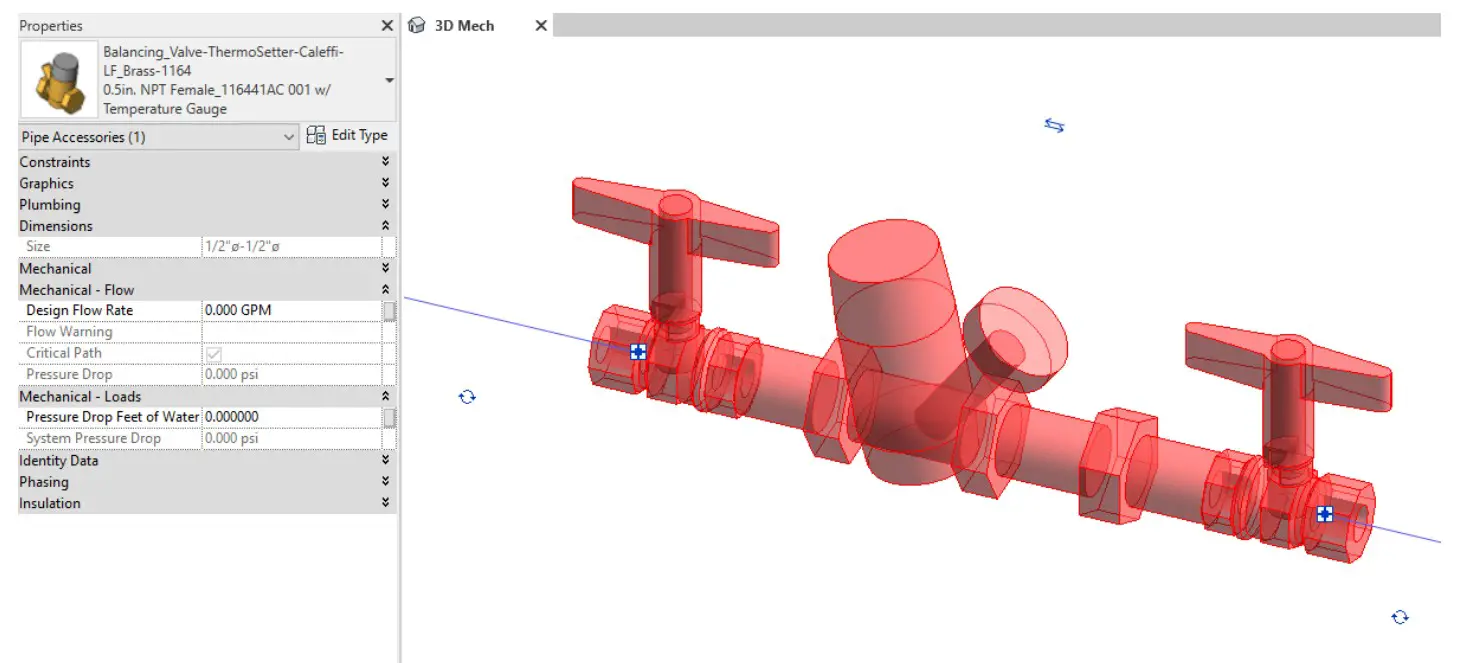
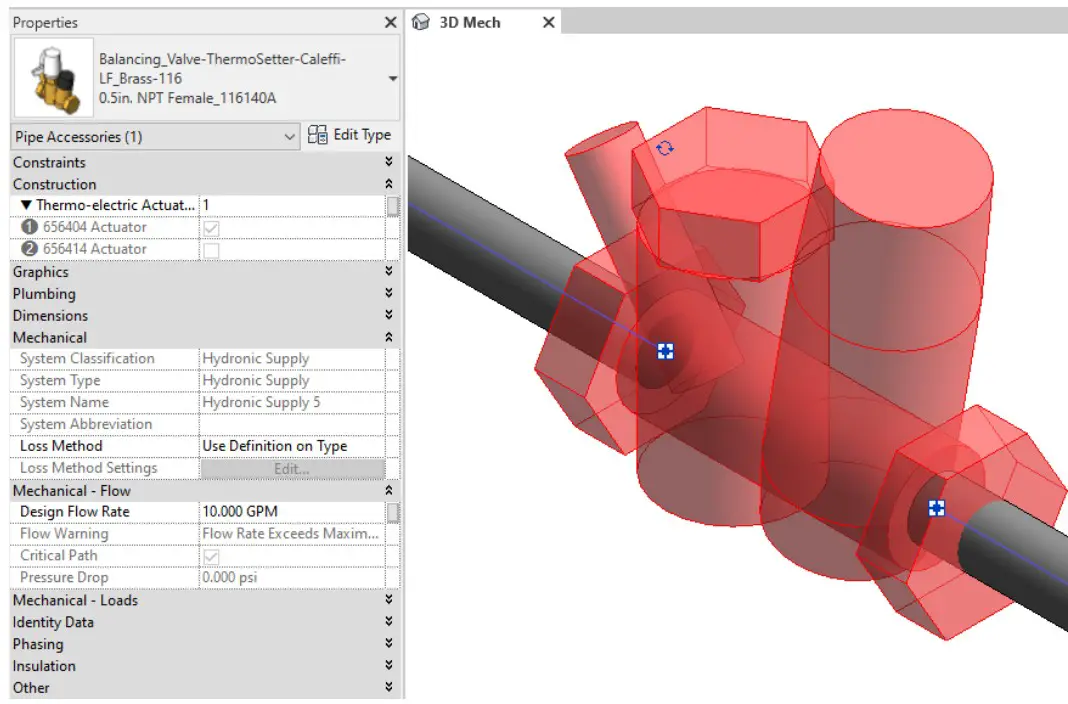
Figure 5.2 – The Califia 116, 1164 Thermometer families can be found under pipe accessories in the project browser and placed directly onto pipe of the same size. It will then read flows and consider pressure drop in the system
Schedule Creation
Within the type and instance properties dialogues, the Revit user will find useful information for scheduling purposes such as Type, Part Description, Part Number/Model, Family Version, Manufacturer, Series, & Product Page URL. The resulting Pipe Accessories schedule in your project will show counts/quantities of the Caleffi 116, 1164 Thermometer as well as separate quantities/counts of any separately purchased accessory products that do not come in box with the Caleffi 116, 1164 ThermoSetter.
Caleffi North America, Inc.
3883 West Milwaukee Road Milwaukee,
WI 53208 T: 414.238.2360 F: 414138.2366
 Caleffi Hydronic Solutions