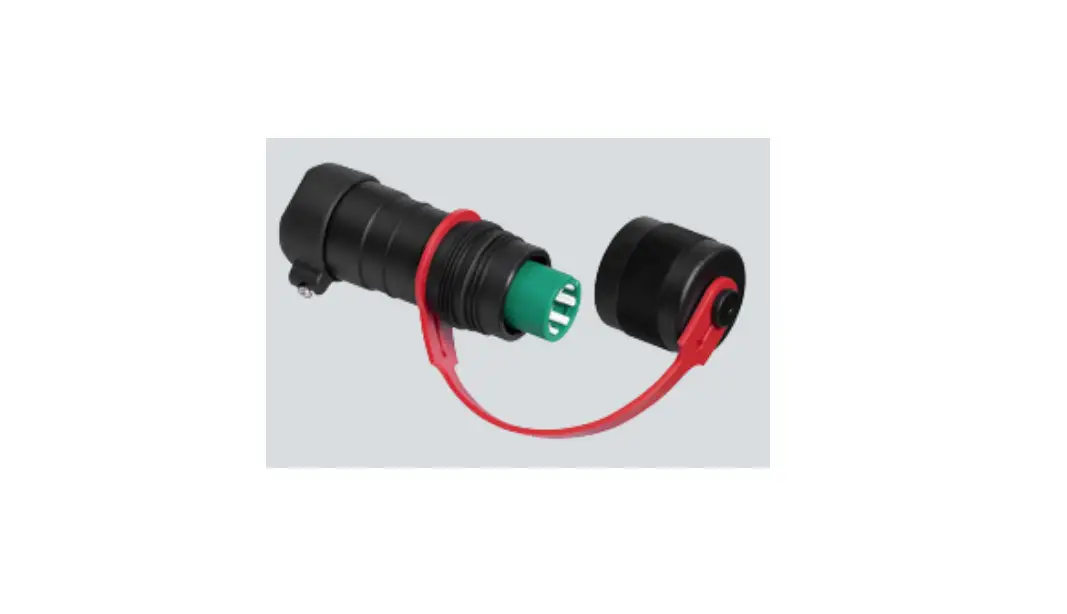
Sachtled aktiv bowl connector 75 mm / 100 mm
User Guide

aktiv bowl connector 75 mm / 100 mm
Part No.S2080-0001 (75 mm) / S2080-0002 (100 mm)
 Please refer to the aktiv fluid head user guide S2068-4980 for safety instructions.
Fitting Bowl Connector For The 1st Time
Note! Fitting and adjusting the Bowl Connector to the tripod is a one time effort, once set, it is left on the tripod and remains ready without further adjustment required.
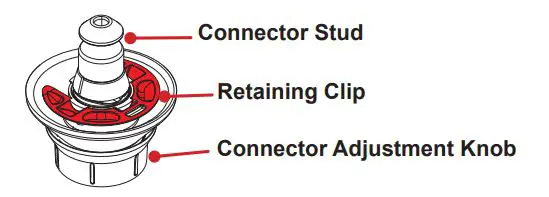
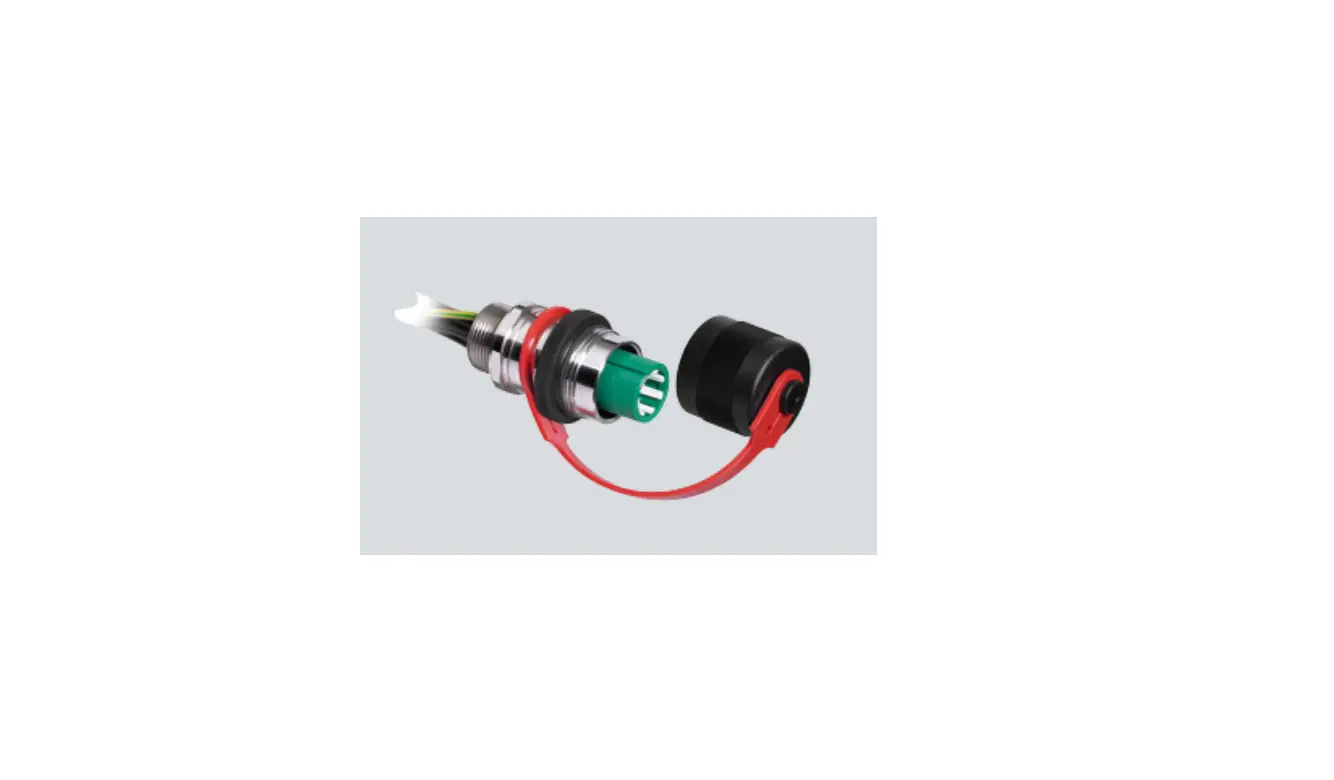
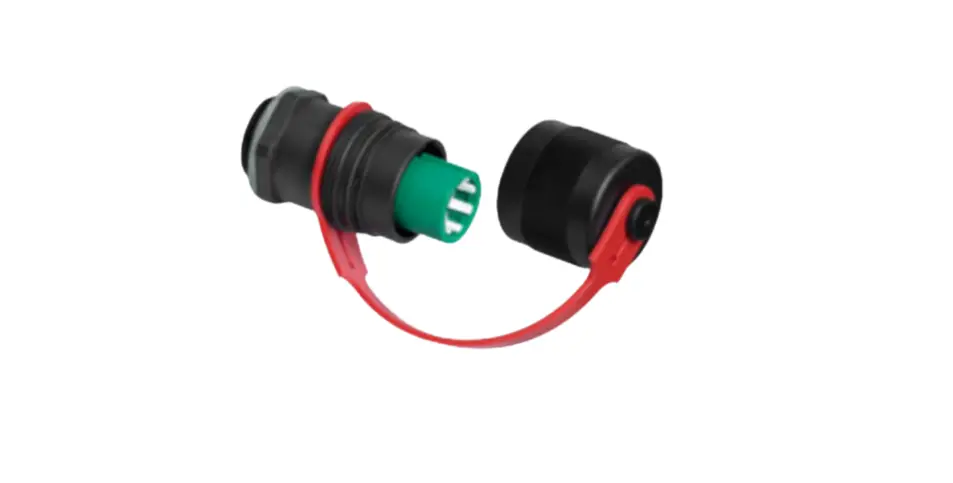
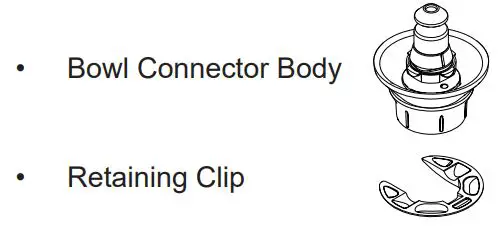
The Bowl Connector comes in 2 parts:
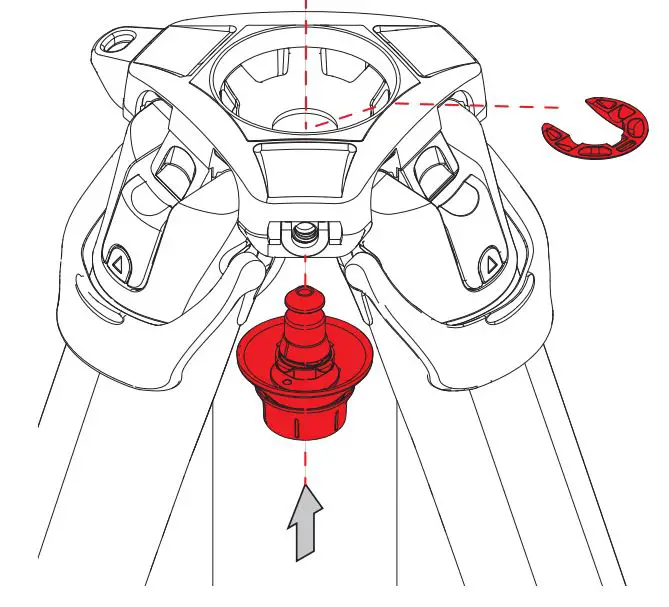
- Insert the Bowl Connector through the underside of the tripod bowl.

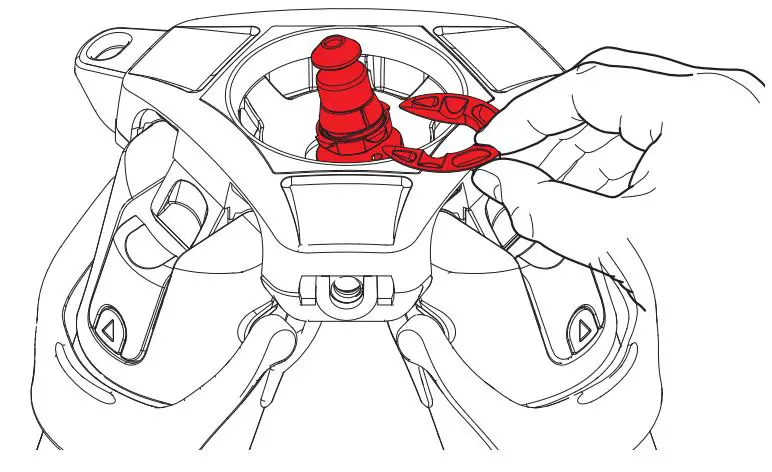
- Holding the Bowl Connector in place with one hand, slide the Retaining Clip under 3 of the 4 positioning lugs on the Bowl Connector and snap into place.

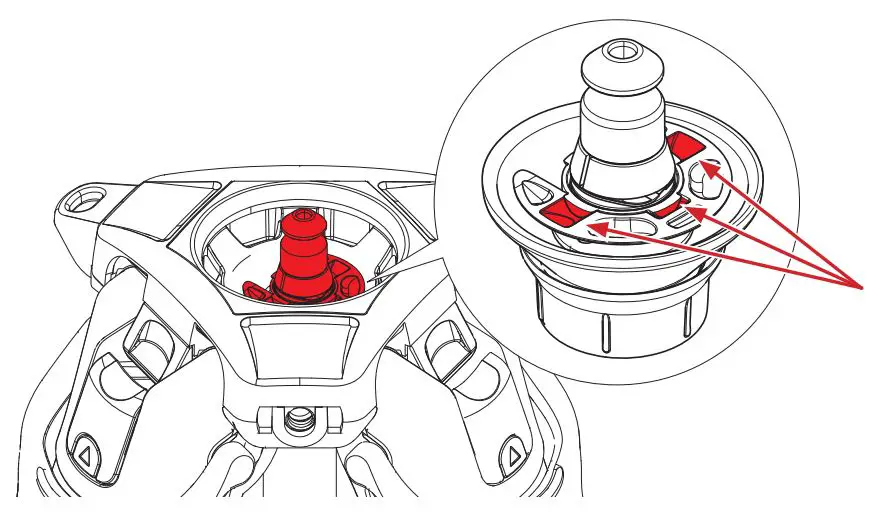
- Check that 3 lugs are correctly located in the Retaining Clip indents.
 Scan the QR Code to see installation video or type into browser: https://www.sachtler.com/en/product-support/aktiv-installation/
 Scan the QR Code to see installation video or type into browser:
Mounting the Head and Setting Connector Tension
- Apply the horizontal and vertical brakes and hold the head firmly with one hand.

- Lift the Speed Level Lever as shown all the way to the top.

- Lower the head onto the Bowl Connector and carefully lower the Speed Level Lever.

- To set the connector tension, raise the tripod so the head is at eye level.

- Lift the Speed Level Lever on the head and hold with “S triangle” aligned to the mark on the body.
- Firmly, finger tighten the Bowl Connector by pressing up and turning clockwise to remove all clearance.

- The tension is correct when the Speed Level Lever is released and falls between approximately 60° and 45° (30 mm to 50 mm (1” – 2”)) from the body of the head as shown in the diagram below.
If the lever falls back against the body the Bowl Connector is too loose, repeat steps 5 and 6.
CAUTION! Try and lift the head to ensure the head is fully secured to the tripod.
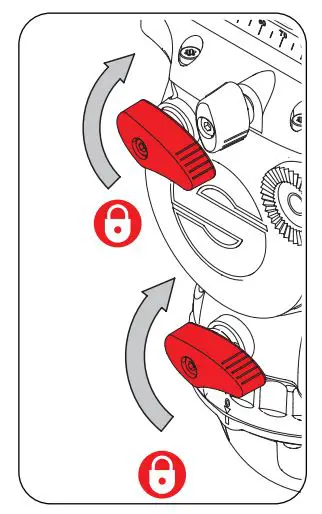
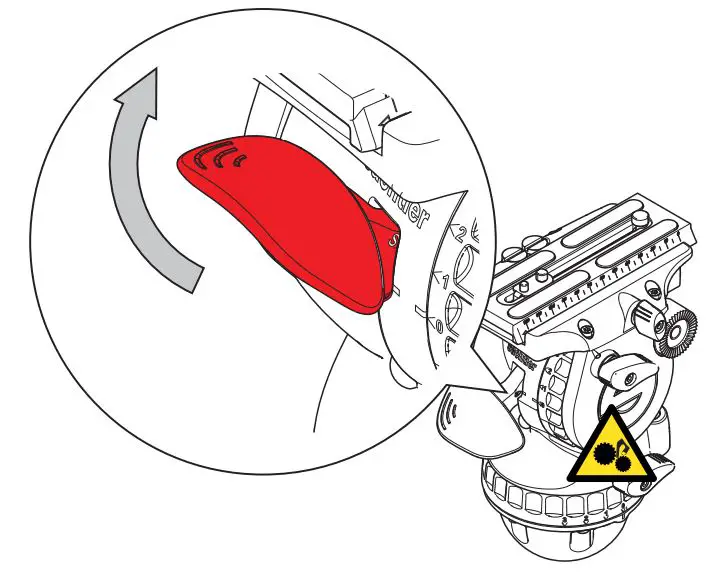
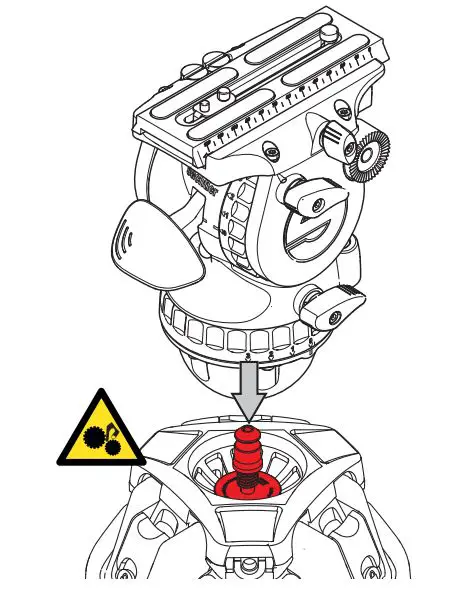
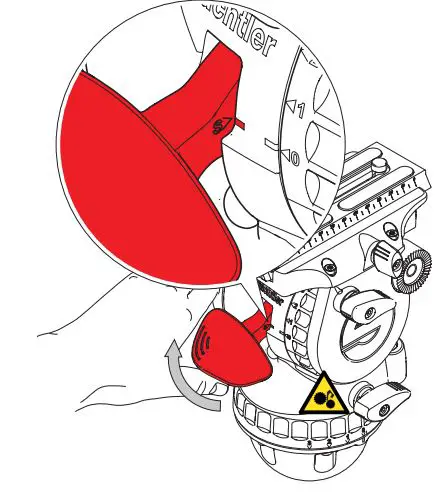
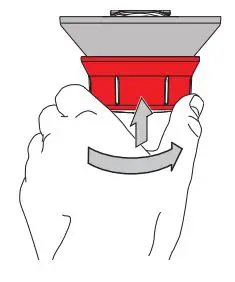
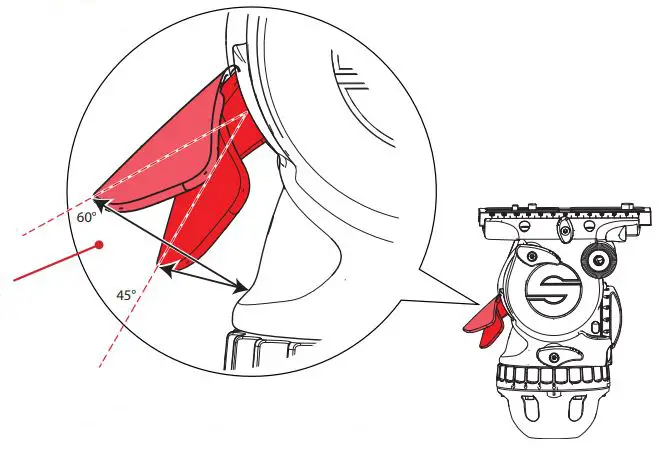
Approximately 45° to 60° from the body (30 mm to 50 mm (1 in to 2 in)) from the body.
CAUTION! Push the Speed Level Lever fully closed against the head before use.

Publication Part No. S2080-4980/0
 Sachtler: Award-Winning Tripods, Fluid Heads & Pedestals