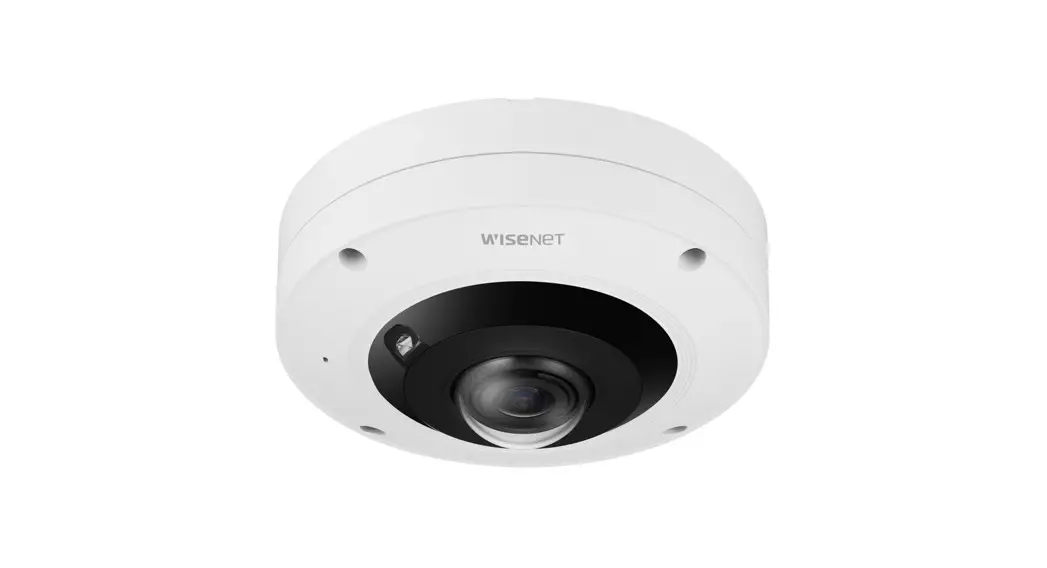
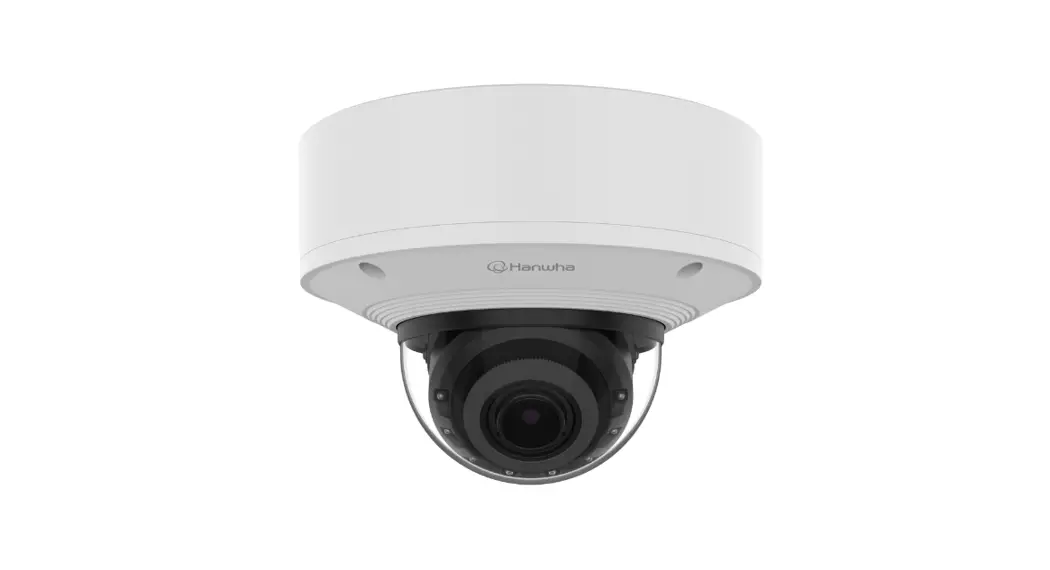
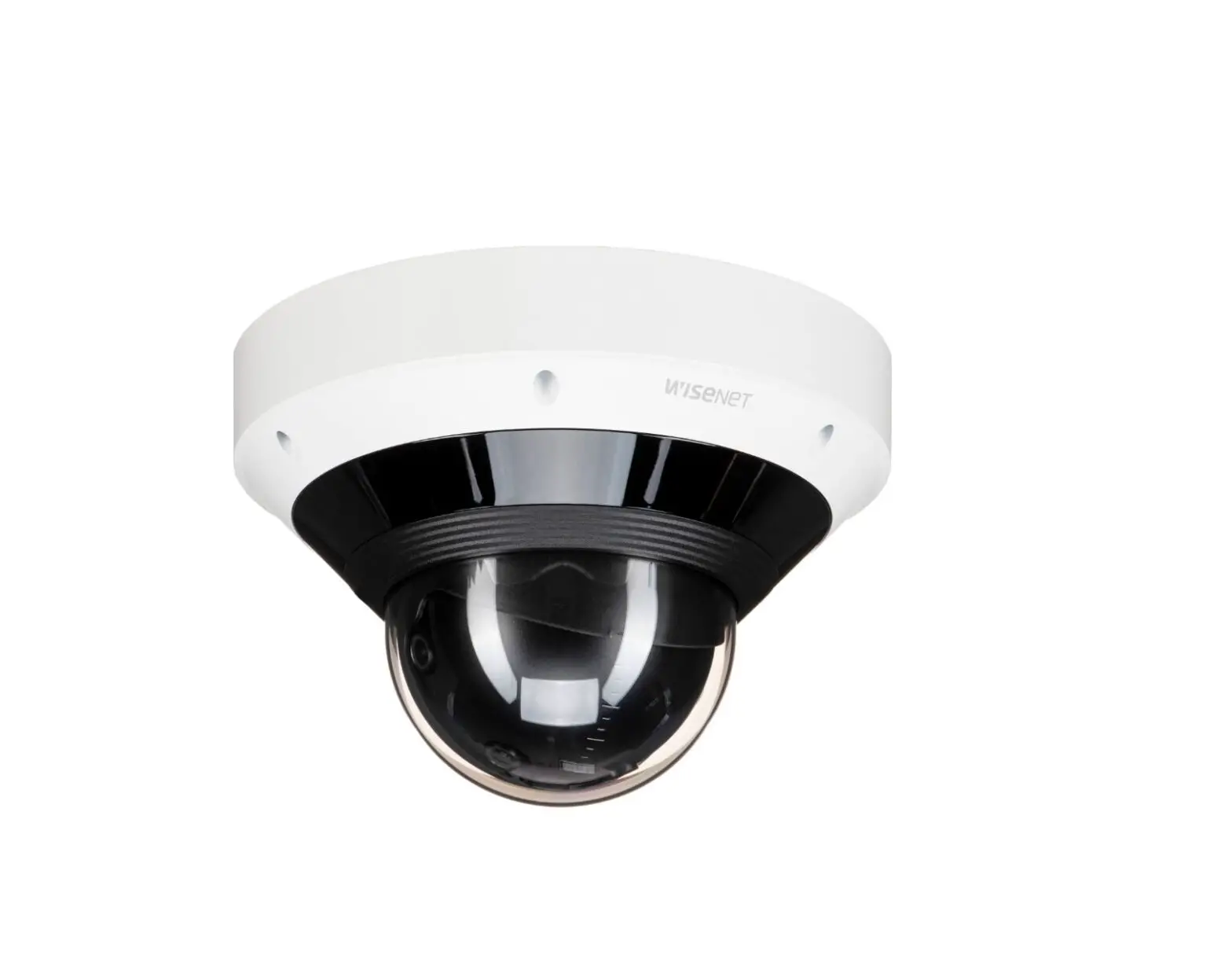
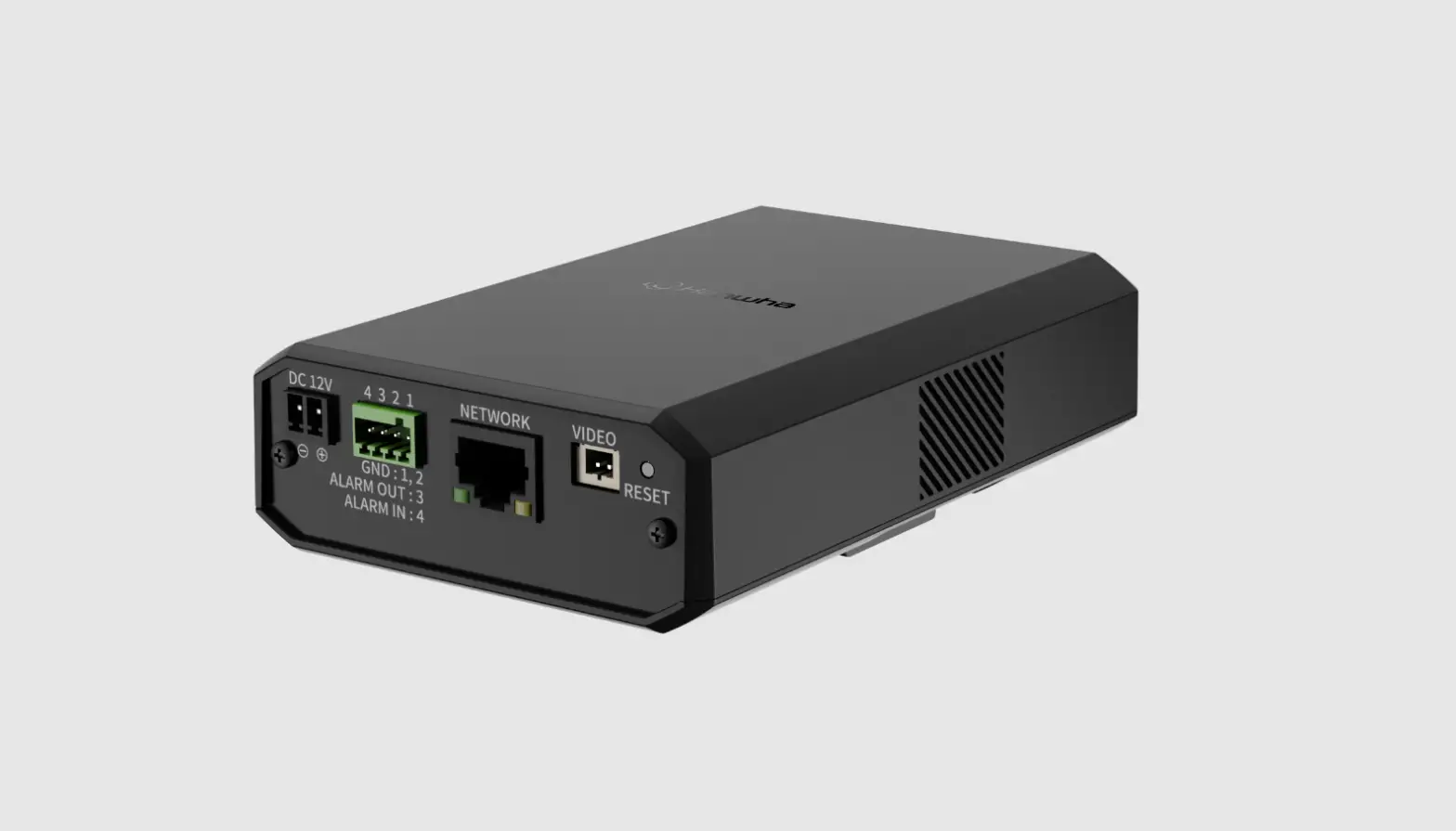
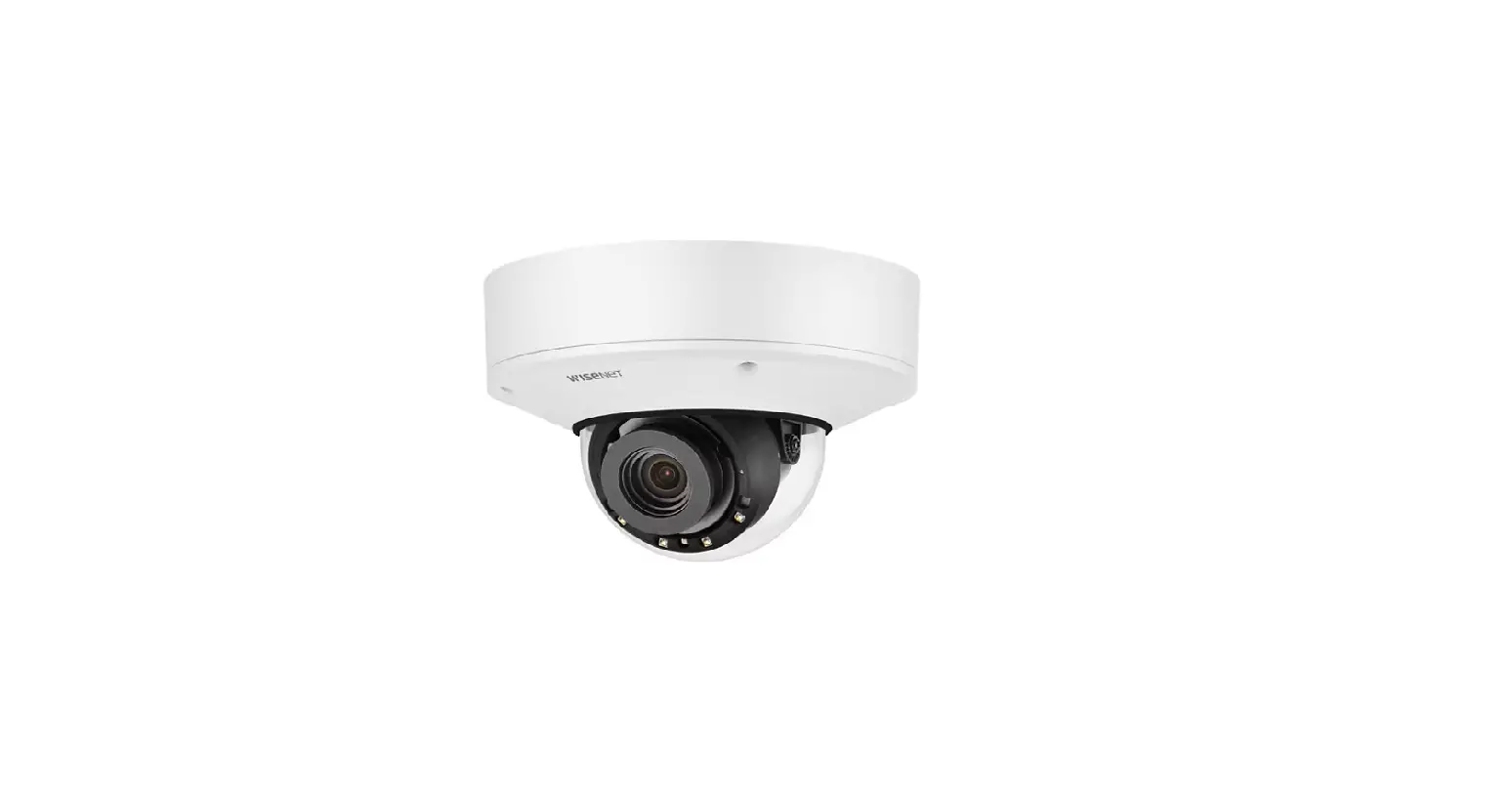
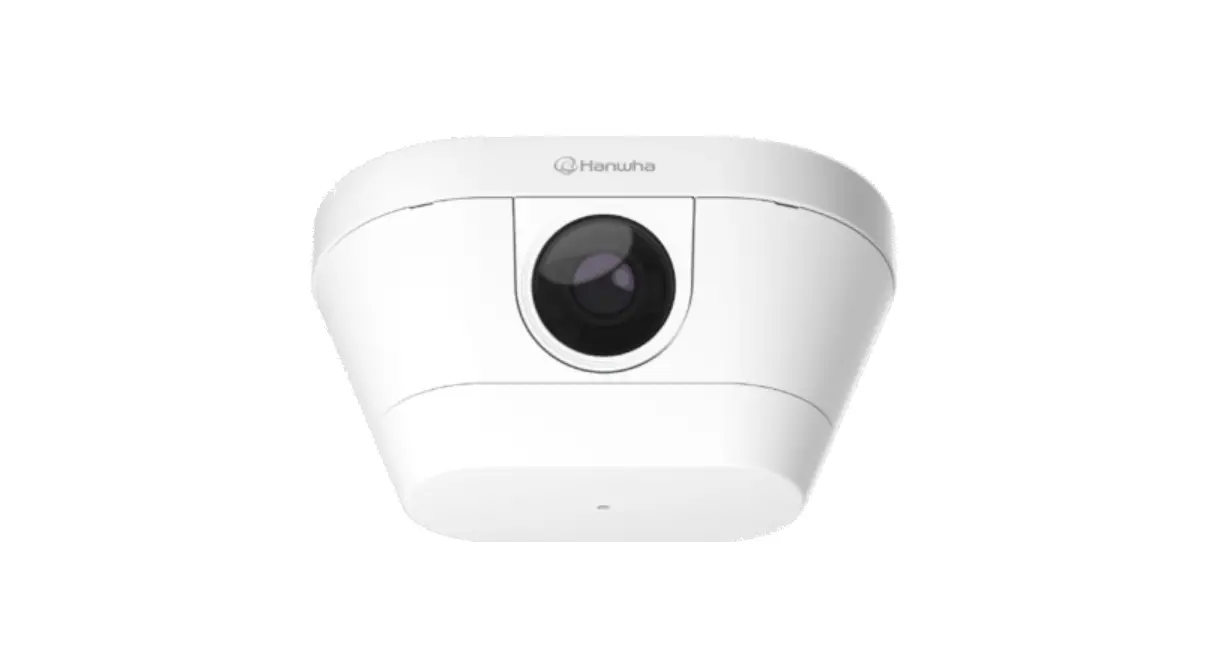
TNV-C7013RC Corner Mount Camera
Product Information:
The Corner Mount Camera is a surveillance camera designed for
color detection of people’s clothing. It features Intelligent Video
Analytics (IVA) settings and offers a color setting guide for
accurate detection. The camera comes with a user manual that
provides detailed instructions on installation and usage.
1. Description of color detection for people’s clothing
1.1 Color detection scenario: The camera can detect the color of
clothing worn by individuals.
1.2 Checking the color detection alarm display: When color
detection is successful, a red detection mark appears on the live
image border, and a red border appears on the person detection
area.
1.3 Checking the event log: The event log displays the
occurrence of color detection events, including the time and area
of detection.
2. IVA settings
The IVA settings allow the color detection for people’s clothing
function to operate in different ways. The user can enable the IVA
function and configure up to 8 lines with customizable names.
3. Color setting guide
3.1 When you want to detect clothing of any color: Select the
desired color after checking “Person”.
3.2 To detect individual clothing colors: Select specific colors
(e.g., red, orange) after checking “Person”.
4. Camera installation guide
4.1 Recommended camera installation conditions:
- Installation angle: N/A
- Installation height: Indoor installation with a height of 2.6m
or more and 4m or less - Illumination: N/A
- Shooting distance: N/A
4.2 Recommended camera installation location: Choose indoor
shooting places with unobstructed views and ensure the background
color of the area where the IVA event occurs is different from the
clothing color to be detected.
4.3 Recommended area and line settings: Designate the walking
area as the center and set lines vertically for reliable color
detection performance.
5. Sensing performance limitations
The color detection function may experience degradation in
detection performance depending on the camera’s installation
location and status. The following situations may lead to degraded
performance:
- 5.1 When the top and bottom colors are different: Alarms are
not guaranteed if the top and bottom colors are not the same as the
user-selected color. - 5.2 When part or all of the person’s body is covered
- 5.3 When the specified background color is similar to the
person’s clothing color - 5.4 Other factors affecting sensing performance
Product Usage Instructions:
Color Detection
- To check color detection alarm display:
- When color detection is successful, a red detection mark will
appear on the live image border of the color detection
function. - A red border will also appear on the person detection
area.
- When color detection is successful, a red detection mark will
- To check the event log:
- In the [Setup] > [Log] > [Event log] menu, you can view
color detection events, including the time and area of
occurrence.
- In the [Setup] > [Log] > [Event log] menu, you can view
IVA Settings
- Click the Setting( ) button at the top.
- Click [Analytics] on the left menu.
- Click [IVA] in the [Analytics] sub-item.
- Check “Enable IVA” to activate the IVA function.
- Configure up to 8 lines and set line names as desired.
Color Setting Guide
- To detect clothing of any color:
- Select the desired color after checking “Person”.
- To detect individual clothing colors:
- Select specific colors (e.g., red, orange) after checking
“Person”.
- Select specific colors (e.g., red, orange) after checking
Camera Installation Guide
- Ensure recommended camera installation conditions:
- For indoor installations, the camera’s height should be between
2.6m and 4m.
- For indoor installations, the camera’s height should be between
- Choose a recommended camera installation location:
- Select indoor shooting places with unobstructed views.
- Ensure the background color of the IVA event area is different
from the clothing color to be detected. - Ensure even lighting in the installation area.
- Set up recommended area and line settings:
- Designate the walking area as the center.
- Set lines vertically for reliable color detection
performance.
Sensing Performance Limitations
The color detection function may have limitations in certain
situations:
- When the top and bottom colors of clothing are different,
alarms may not be guaranteed. - Partial or full body coverage may affect detection
performance. - If the specified background color is similar to the person’s
clothing color, detection performance may be affected. - Other factors may also impact sensing performance.
Corner mount camera
TNV-C7013RC Clothes color detection
USER GUIDE
1 Description of color detection for people’s clothing
2 IVA settings 3 Color setting guide 4 Camera installation guide 5 Sensing performance
limitations
CONTENTS
1 Description of color detection for people’s clothing 1.1 Color detection scenario 1.2 Checking the color detection alarm display 1.3 Checking the event log
2 IVA settings
3 Color setting guide 3.1 When you want to detect clothing of any color 3.2 To detect individual clothing colors
4 Camera installation guide 4.1 Recommended camera installation conditions 4.2 Recommended camera installation location 4.3 Recommended area and line settings
5 Sensing performance limitations 5.1 When the top and bottom colors are different 5.2 When part or all of the person’s body is covered 5.3 When the specified background color is similar to the person’s clothing color 5.4 Others
1 Description of color detection for people’s clothing Color detection is a function that detects the full-length clothing color through a color identification algorithm for a person identified by an IVA event. When a person wears clothing of the selected color (Red, Orange, Black) in the IVA line or the area specified by the user, an alarm will go off. 1.1 Color detection scenario In the function set by the user, when a person wearing clothing that is the color selected by the user satisfies the conditions below, an alarm will go off. Line crossing Entering or exiting an area (Enter, Exit)
1.2 Checking the color detection alarm display
When the color detection is successful, a red detection mark appears on the live image border of the color detection function and a red border also appears on the person detection area.
3 | TNV-C7013RC Clothes color detection USER GUIDE
1.3 Checking the event log
In the [Setup] ; [Log] ; [Event log] menu, you can check the occurrence of the color detection event, the time it occurred, and in which area it occurred.
Log
TNV-C7013RC Clothes color detection USER GUIDE | 4
2 IVA settings In IVA, the color detection for people’s clothing function can operate in the following way.
1 Click the Setting( ) button at the top. 2 Click [Analytics] on the left menu. 3 Click [IVA] in the [Analytics] sub-item.
1 2
IVA · AI
3
5 | TNV-C7013RC Clothes color detection USER GUIDE
Check Enable IVA to activate the IVA function.
You can set up to 8 lines, and you can set the line names.
6 You can set up to 8 areas, and you can set the area names. NOTE: · The Enter and Exit functions can operate individually in the set area.
4 5
4 6
TNV-C7013RC Clothes color detection USER GUIDE | 6
3 Color setting guide In IVA, the color of a person’s clothing can be detected in the following way. 3.1 When you want to detect clothing of any color · Check Person only
3.2 To detect individual clothing colors
· After checking Person, select colors (Red, Orange, Black) individually · Because each color supports an independent function, duplicate conditions are possible.
Ex) When you want to detect only the people wearing red and orange clothing ; Select Red, and Orange after checking Person
7 | TNV-C7013RC Clothes color detection USER GUIDE
Ex) When you want to detect only the people wearing red, orange, or black clothing ; Select Red, Orange, and Black after checking Person
4 Camera installation guide The color detection function provides optimal performance when installed and operated according to this installation guide. Since the video analysis function built into the camera can be affected by the surrounding lighting or the camera angle, please refer to the following information and install it carefully for optimal performance. This installation guide guides you through the minimum recommendations you need to follow to use the camera’s various functions. If you do not follow the installation instructions, the performance of the functions cannot be guaranteed. The camera’s video analytics function works best in stable lighting conditions. Stable lighting is at least 400 lux (indoor standard).
TNV-C7013RC Clothes color detection USER GUIDE | 8
4.1 Recommended camera installation conditions
These are the recommended installation conditions for ensuring stable color detection performance. The recommended minimum installation conditions for the camera are a height of 2.6 m or more, an angle of 70° or more, and illumination of 400 lux (±10%). For stable detection, it is recommended to install the camera at a side-view angle.
Installation angle
Installation height
Illumination
Shooting distance
Installation location Installation height Installation angle Shooting distance
Indoor 2.6 m or more, 4 m or less
Over 70° 2.5 m or more, 15 m or less
Illumination Maximum number of
people in ROI
Supported colors
400 lux (±10%) – 8 people
Red, Orange, Black ( Same colors for the top and bottom)
9 | TNV-C7013RC Clothes color detection USER GUIDE
4.2 Recommended camera installation location
These are the recommended indoor shooting places for ensuring stable color detection performance. It is recommended that there are no obstructions blocking pedestrians. It is recommended that the background color of the area where the IVA event occurs is not the same as the color of the clothing you want to detect, and that the lighting is even.
4.3 Recommended area and line settings
These are the recommended area and line settings to ensure reliable color detection performance. It is recommended to designate the walking area as the center, and to set it in such a way that it can pass through each line vertically.
(Recommended area settings)
(Recommended line settings) TNV-C7013RC Clothes color detection USER GUIDE | 10
5 Sensing performance limitations The color detection function may experience degradation in detection performance depending on the installation location and status of the camera. The following is a guide for situations in which detection performance is degraded. 5.1 When the top and bottom colors are different Alarms are not guaranteed if the top and bottom colors are not the same as the color selected by the user.
Top: Red Bottom: Orange (When the top and bottom colors are different)
11 | TNV-C7013RC Clothes color detection USER GUIDE
5.2 When part or all of the person’s body is covered
Color detection alarms are not guaranteed when a person’s body is partly or wholly 1 covered by an object, or 2 covered by
another person.
1
A
B
2
A
B
(Part of the body covered by an object)
(Overlapping with others)
5.3 When the specified background color is similar to the person’s clothing color
Color detection alarms are not guaranteed if the background color of the specified area is similar to the color of the person’s clothing.
(When the background color is similar to the clothing color)
(When the colors of the clothing and the background object are similar)
TNV-C7013RC Clothes color detection USER GUIDE | 12
5.4 Others
· When there is a difference from the recommended illumination due to shooting in a place that is too dark or too bright · When a person moves too fast · When a reflection, glare, or shadow occurs due to strong light such as direct sunlight or lighting · When people are repeatedly passing the set line, area, or nearby · When the sleeves of the top and bottom are rolled up · When a person is covered by a fence, etc. · When the shooting distance is 15 m or more · When the color of the clothes is similar to the color you want to detect
13 | TNV-C7013RC Clothes color detection USER GUIDE
For more information visit us at
www.HanwhaVision.com
6, Pangyo-ro 319beon-gil, Bundang-gu, Seongnam-si, Gyeonggi-do · A/S and technical inquiries TEL 1588.5772 · Website: www.HanwhaVision.com · Head Office Sales TEL 070.7147.8771-8 FAX 031.8018.3715 © 2023 Hanwha Vision Co., Ltd. All rights reserved.
 Hanwha Vision - Global Vision Solution Provider