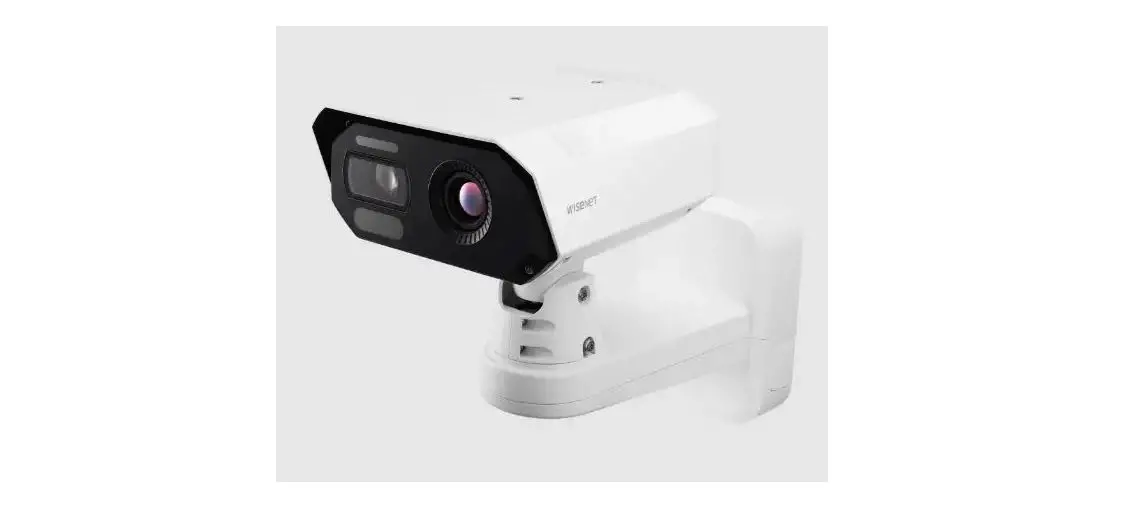
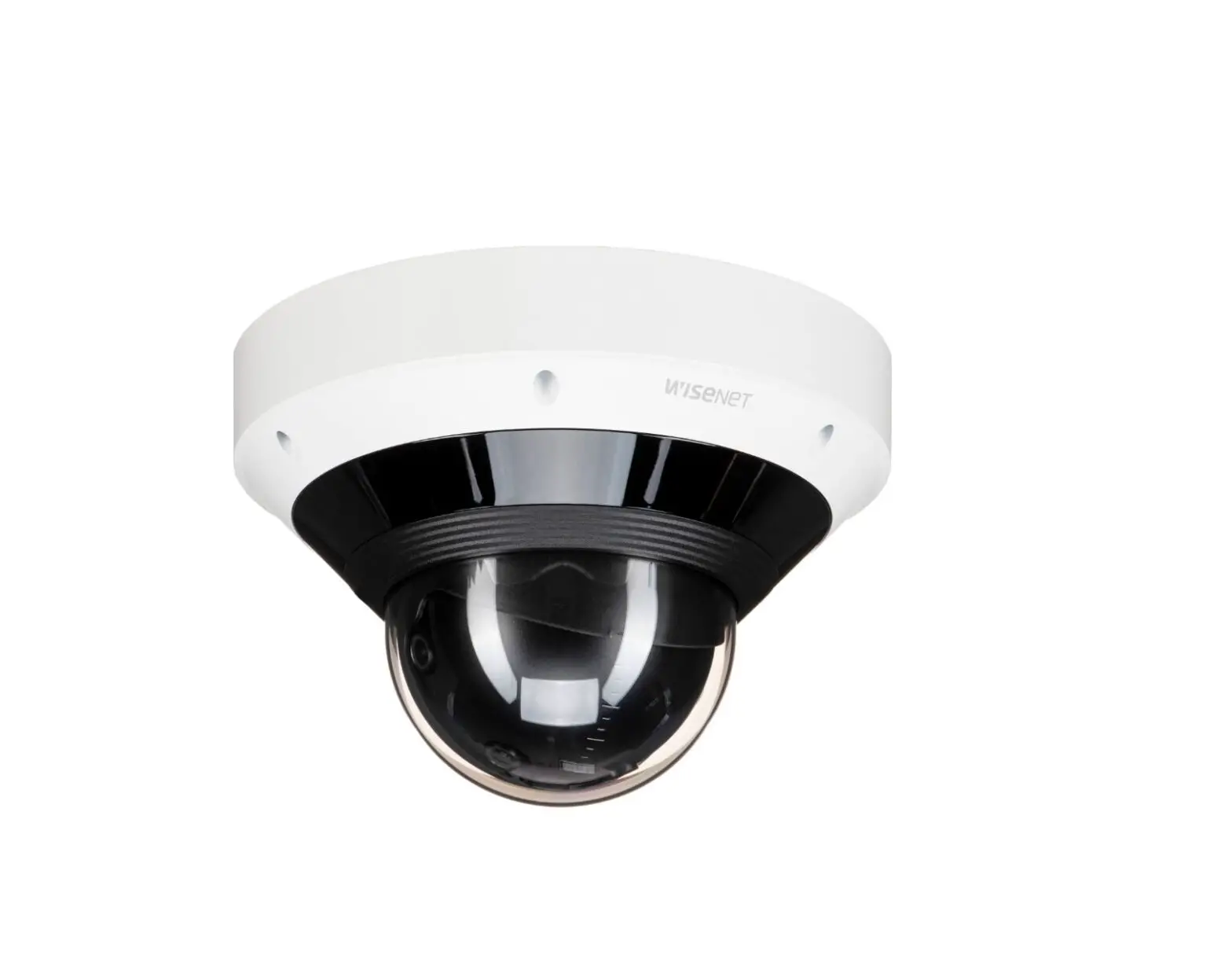
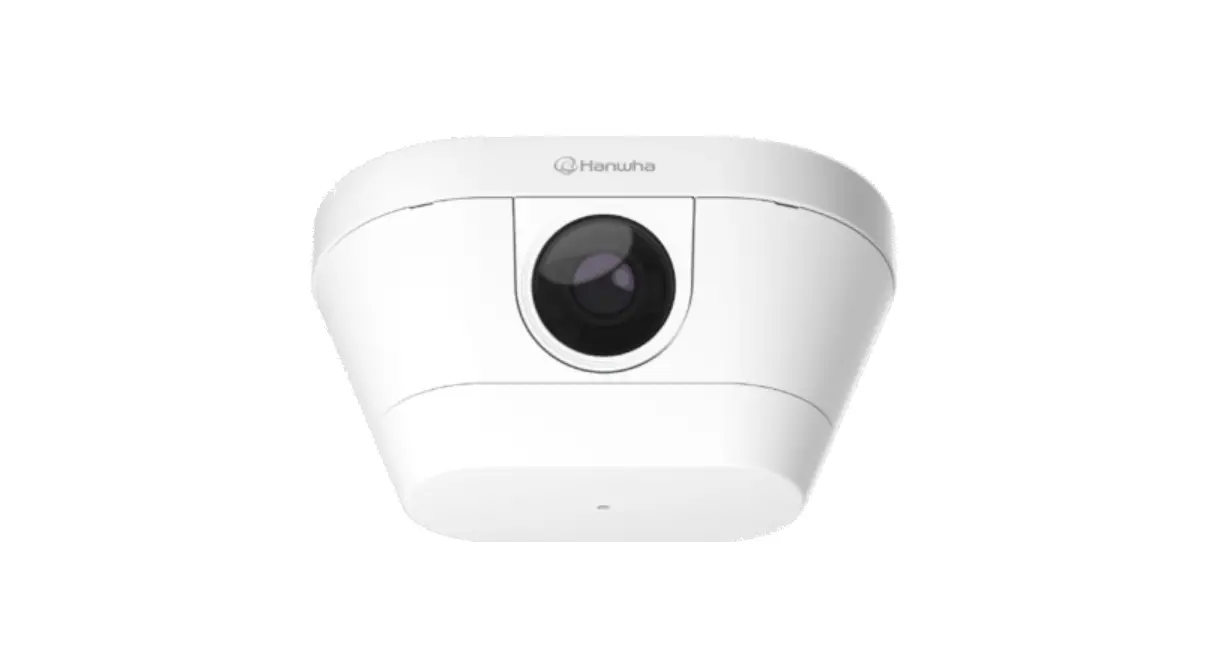
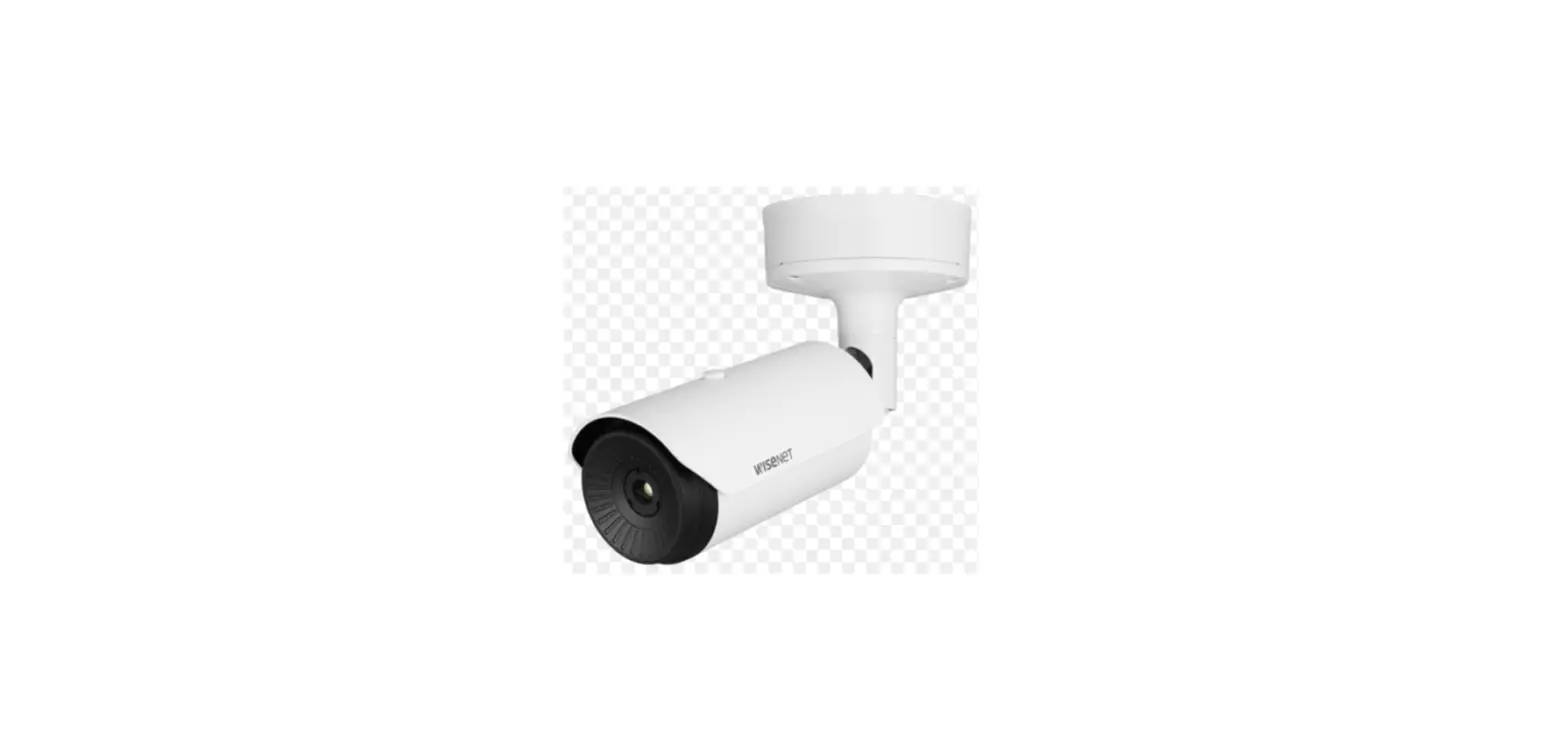
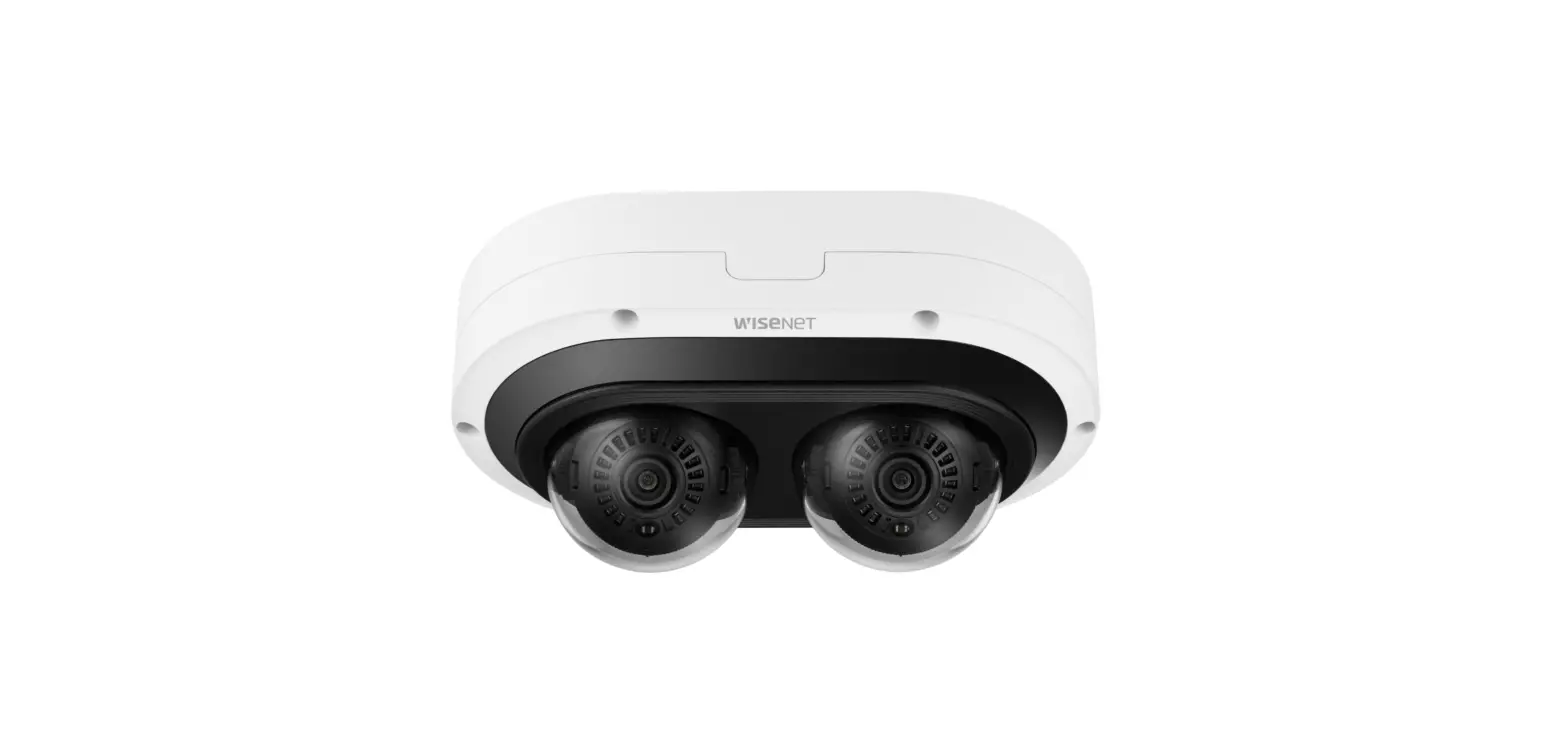
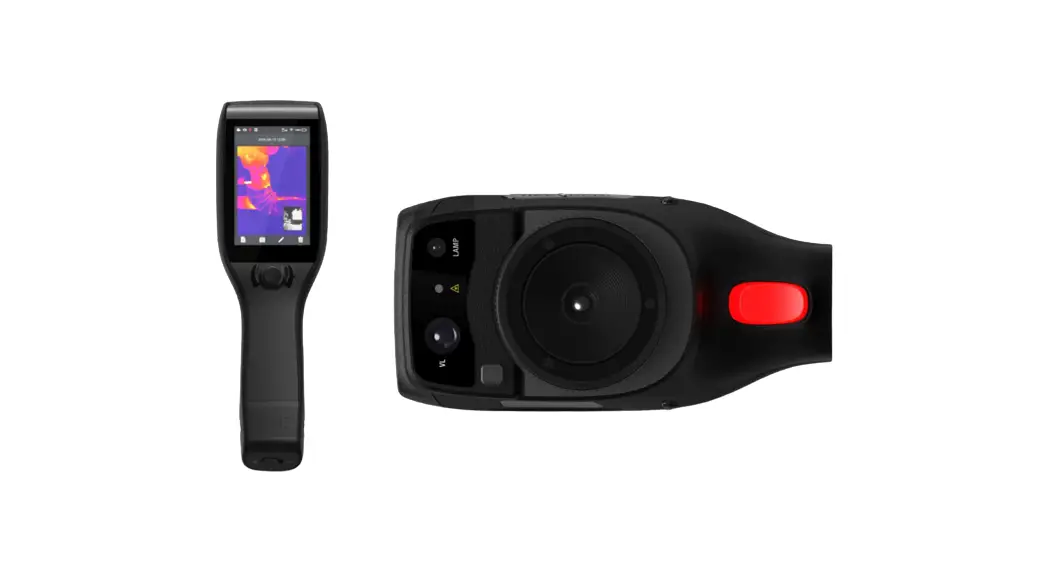
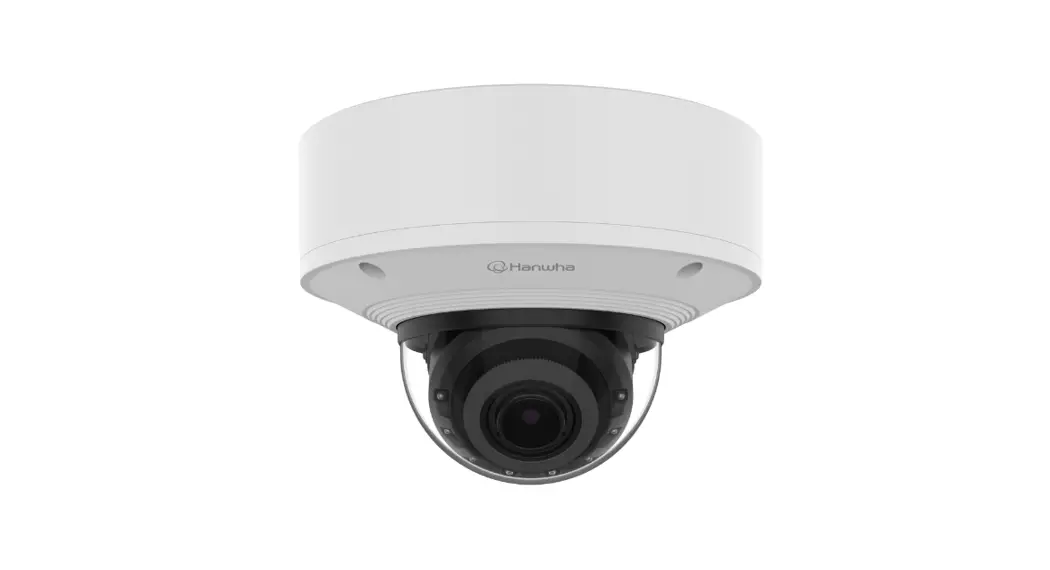
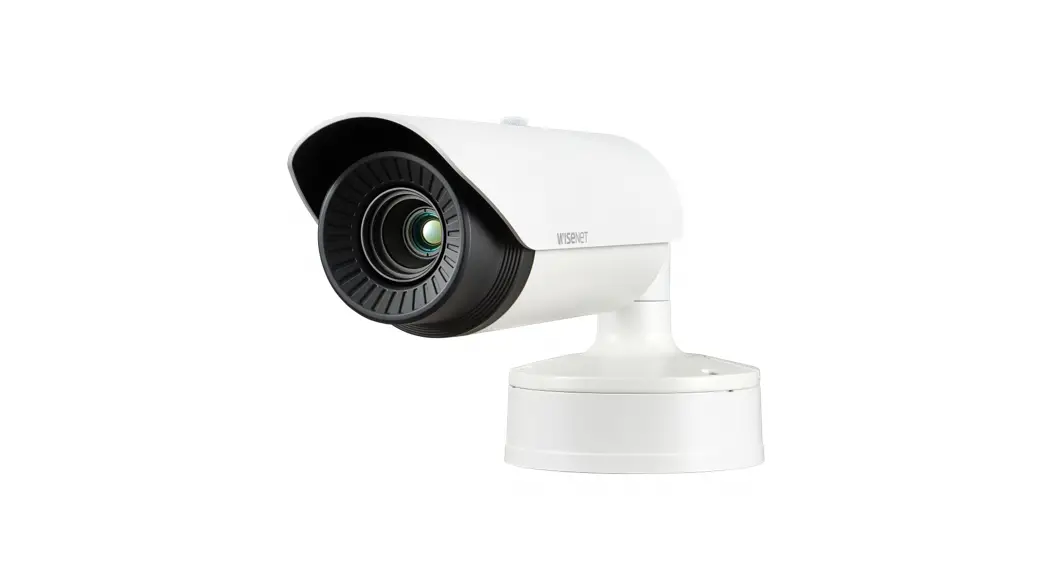
TNM-C4940TD Thermal White Camera
Product Information:
Product Name: TERMAL A KAMERASI
Model Numbers: TNM-C4940TD, TNM-C4950TD, TNM-C4960TD
Manufacturer: Hanwha Vision
Website: https://www.hanwhavision.com/en/
Product Warranty Information: https://www.hanwhavision.com/en/support/warranty/
Eco Mark: The product satisfies the EU RoHS Directive and is
environmentally friendly.
Product Usage Instructions:
1. Before connecting the camera to the power supply, please refer
to the `Manuals’ section on the manufacturer’s website for detailed
instructions and guidelines. 2. It is recommended to use the
officially compatible VMS version or the latest Hanwha NVR version
when integrating the camera with VMS (Video Management System) or
Hanwha NVR (Network Video Recorder). 3. For correct disposal of
batteries in this product, please follow the applicable regulations
in the European Union and other European countries with separate
battery return systems. 4. Safety Information: Refer to section 3
of the user manual for important safety guidelines. 5. Component
Installation: Follow the instructions provided in section 4 of the
user manual. 6. Mounting the Camera on a Wall: a. For wall
mounting, refer to section 2-1-1 of the user manual. b. Follow the
instructions in section 2-1-2 for alternative installation methods.
7. Cable Connection (IP66): Connect the A cable as described in
section 5 of the user manual. 8. Connecting Audio/Alarm Cables:
Follow the instructions in section 6 of the user manual. 9.
Additional Installation Steps: Refer to section 7 of the user
manual for further installation instructions. 10. Installing Micro
SD Card: Section 8 of the user manual provides instructions on how
to install a Micro SD card (not included). 11. Turkish Language
Support: The user manual includes instructions in Turkish. 12.
Setting Up Password: Follow the instructions in section 10 of the
user manual for password configuration. 13. Connecting to WiFi:
Section 11 of the user manual provides instructions on connecting
the camera to WiFi. 14. Camera Settings: Refer to section 12 of the
user manual for detailed camera settings. 15. Smart Phone Setup:
Follow the instructions in section 13 of the user manual for
setting up the camera on a smartphone. 16. Troubleshooting: Section
14 of the user manual provides troubleshooting tips and solutions.
17. For any further assistance or support, please refer to the
manufacturer’s website or contact their customer support. Please
note that this is a partial extract from the user manual. For
complete and detailed instructions, please refer to the user manual
available on the manufacturer’s website.
TERMAL A KAMERASI
Hizli Kullanma Kilavuzu
TNM-C4940TD TNM-C4950TD TNM-C4960TD
Important Please check `Manuals’ from our website, before connecting to the Supply, https://www.hanwhavision.com/en/download-data/
Warranty Please check “Product warranty information” from our website. https://www.hanwhavision.com/en/support/warranty/
We recommend to use the officially compatible VMS version or latest Hanwha NVR version when integrating with VMS or Hanwha NVR.
Hanwha Vision cares for the environment at all product manufacturing stages, and is taking measures to provide customers with more environmentally friendly products. The Eco mark represents Hanwha Vision’s devotion to creating environmentally friendly products, and indicates that the product satisfies the EU RoHS Directive.
Correct Disposal of This Product (Waste Electrical & Electronic Equipment) (Applicable in the European Union and other European countries with separate collection systems) This marking on the product, accessories or literature indicates that the product and its electronic accessories (e.g. charger, headset, USB cable) should not be disposed of with other household waste at the end of their working life. To prevent possible harm to the environment or human health from uncontrolled waste disposal, please separate these items from other types of waste and recycle them responsibly to promote the sustainable reuse of material resources. Household users should contact either the retailer where they purchased this product, or their local government office, for details of where and how they can take these items for environmentally safe recycling. Business users should contact their supplier and check the terms and conditions of the purchase contract. This product and its electronic accessories should not be mixed with other commercial wastes for disposal.
Correct disposal of batteries in this product (Applicable in the European Union and other European countries with separate battery return systems.)
This marking on the battery, manual or packaging indicates that the batteries in this product should not be disposed of with other household waste at the end of their working life. Where marked, the chemical symbols Hg, Cd or Pb indicate that the battery contains mercury, cadmium or lead above the reference levels in EC Directive 2006/66. If batteries are not properly disposed of, these substances can cause harm to human health or the environment. To protect natural resources and to promote material reuse, please separate batteries from other types of waste and recycle them through your local, free battery return system.
SAFETY INFORMATION 3
COMPONENT
Sati yapilan her ülkede aksesuar ayni deildir.
4
INSTALLATION 1
4x
TR30
5
INSTALLATION 2-1-1 ~ Bir duvara monte ederken
2-1-2
6
INSTALLATION 2-2-1 ~ Bir diree takarken (Paslanmaz çelikten montaj kelepçesi – ürünle birlikte verilmez)
3
7
INSTALLATION
4
~ A kablosunu takma (IP66)
5
8
INSTALLATION 6
7
~ Ses/alarm kablolarini takma
9
INSTALLATION 8
9
~ DC 12V Güç kablolarini balarken
10
INSTALLATION 10
11
TR30
2x
11
INSTALLATION
12
örn.
13
4x
TR30
12
INSTALLATION 14
2x
TR20
15 ~ Dahil Deil : Micro SD karti
13
INSTALLATION 16 ~ Dahil Deil: WiFi dongle, OTG adaptör
J ` Yalnizca ürün kurulumu için kullanilan Wi-Fi donanim kilidi.
14
INSTALLATION 17
18 16
15
Turkce
IFRE AYARI
Ürüne ilk kez eriim saladiinizda, oturum açma ifresini yaratmaniz gerekir.
OTURUM AÇMA
Kameraya her eriiminiz sirasinda oturum açma penceresi görünür. Kameraya erimek için Kullanici Kimlii’ni ve ifrenizi girin.
a <User Name> giri kutusuna “admin” yazin. b ifreyi <Password> giri alanina girin. c [Sign in] öesine tiklayin.
J ` 8 ile 9 haneli yeni bir ifrede, unlardan en az üçünü kullanmaniz gerekir: büyük/küçük harfler, sayilar ve özel karakterler. 10 ile 15 haneli bir ifrede, yukarida belirtilen türlerden en az ikisini kullanmaniz gerekir.
– zin verilen özel karakterler. : ~`!@#$%^&*()_-+={}[]|;:`”<>.,?/
` ifre için bolua izin verilmez.
` Daha üst seviyede güvenlik için ifrelerinizde ayni karakterlerin veya ardiik klavye girilerinin tekrarlanmamasi önerilir.
` ifrenizi kaybettiyseniz, ürünü sifirlamak için [RESET] dümesine basabilirsiniz. Bir deftere not ederek ya da ezberleyerek ifrenizi kaybetmeyin.
WiFi’YE BALANMA
Kamera ayari
a OTG adaptörünü (5 pimli) ve WiFi dongle’ini mikro USB terminaline balayin.
Akilli telefon ayari
a Wisenet kurulum uygulamasini yükleyin. b WiFi’yi açtiktan sonra kamera SSID’sini seçin. c Wisenet kurulum uygulamasini çalitirin. d Kameraya oturum açtiinizda görüntü balantisi
kurulur. ` Balangiç balantisi esnasinda, görüntüler oturum
açilmadan oynatilir.
e Akilli telefonunuz üzerinden görüntüleri izlerken gör açisini ayarlayabilirsiniz.
16
: 7 .
Türkiye Distribütörü EDS Elektronik Destek Sanayi ve Ticaret Ltd. ti. Meclis Mah. Teraziler Cad. Hayran Sk. (Eskisi Kiliç Sk.) No: 4 Sancaktepe / stanbul / Türkiye Tel +90.216.313.25.15 Faks +90.216.528.45.98 Koyuncu Elektronik Bilgi lem Sistemleri San. ve Di. Tic. A.. Emek Mah. Ordu Cad. No:18 Sancaktepe / stanbul / Türkiye Tel +90.216.528.88.88 Faks +90.216.313.18.18 NFS Teknoloji ve Otomasyon Sistemleri San. Ve Tic. Ltd. Sti. Cumhuriyet Mah air M.Akif Ersoy Sk. No:36 Üsküdar / stanbul / Türkiye Tel +90.216.505.82.28 Faks +90.216.505.82.29 Sensonet Teknoloji Elekt. ve Bili. Hiz. San. ve Tic. Ltd. ti. Ramazanolu Mah. Transtek Cad. No: 2 Pendik / stanbul / Türkiye Tel +90.216.999.49.49 Faks +90.212.381.61.02 ENTES ELEKTRONK CHAZLAR MALAT VE TC. A.. Dudullu Org.San.Bölg. 1. Cad. No:23 34776 Ümraniye – stanbul / Türkiye Tel +90.216.313.01.10 Faks +90.216.314.16.15
Cihazin Ticaret Bakanliinca önerilen ortalama ömrü Cihazin EEE yönetmeliklerine uygun olduuna benzer beyan
 Hanwha Vision - Global Vision Solution Provider