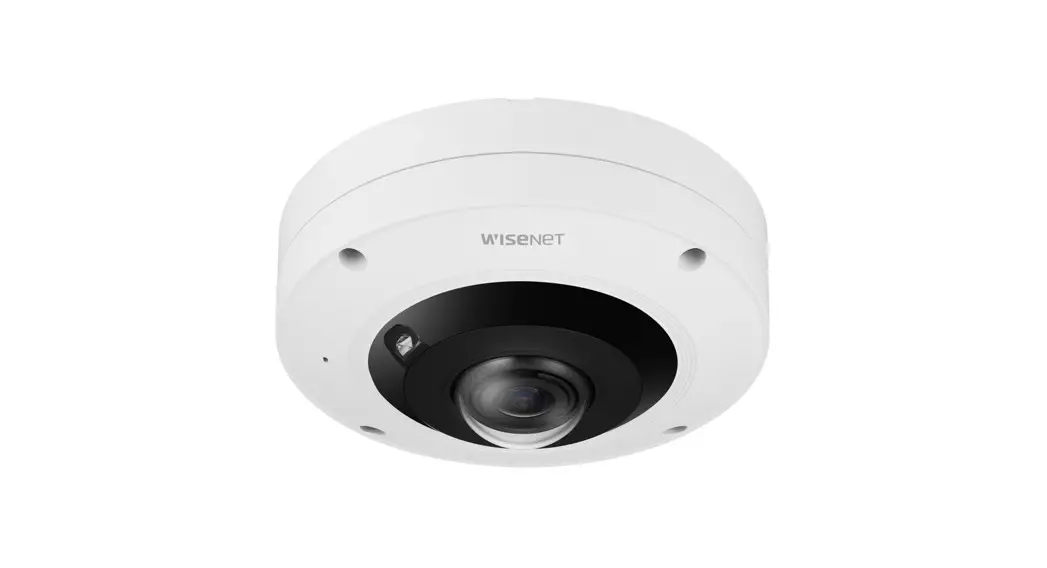
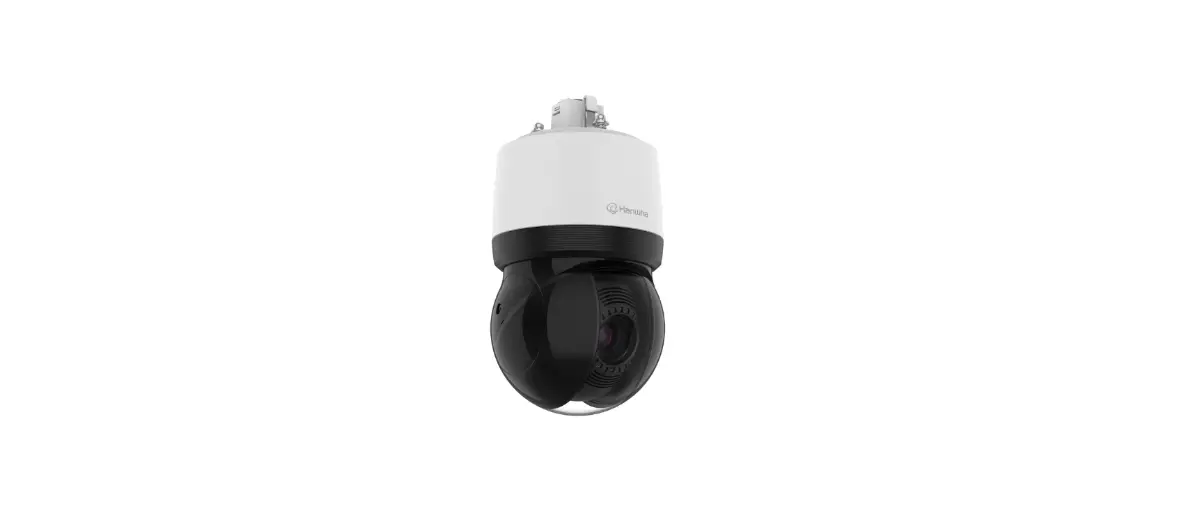
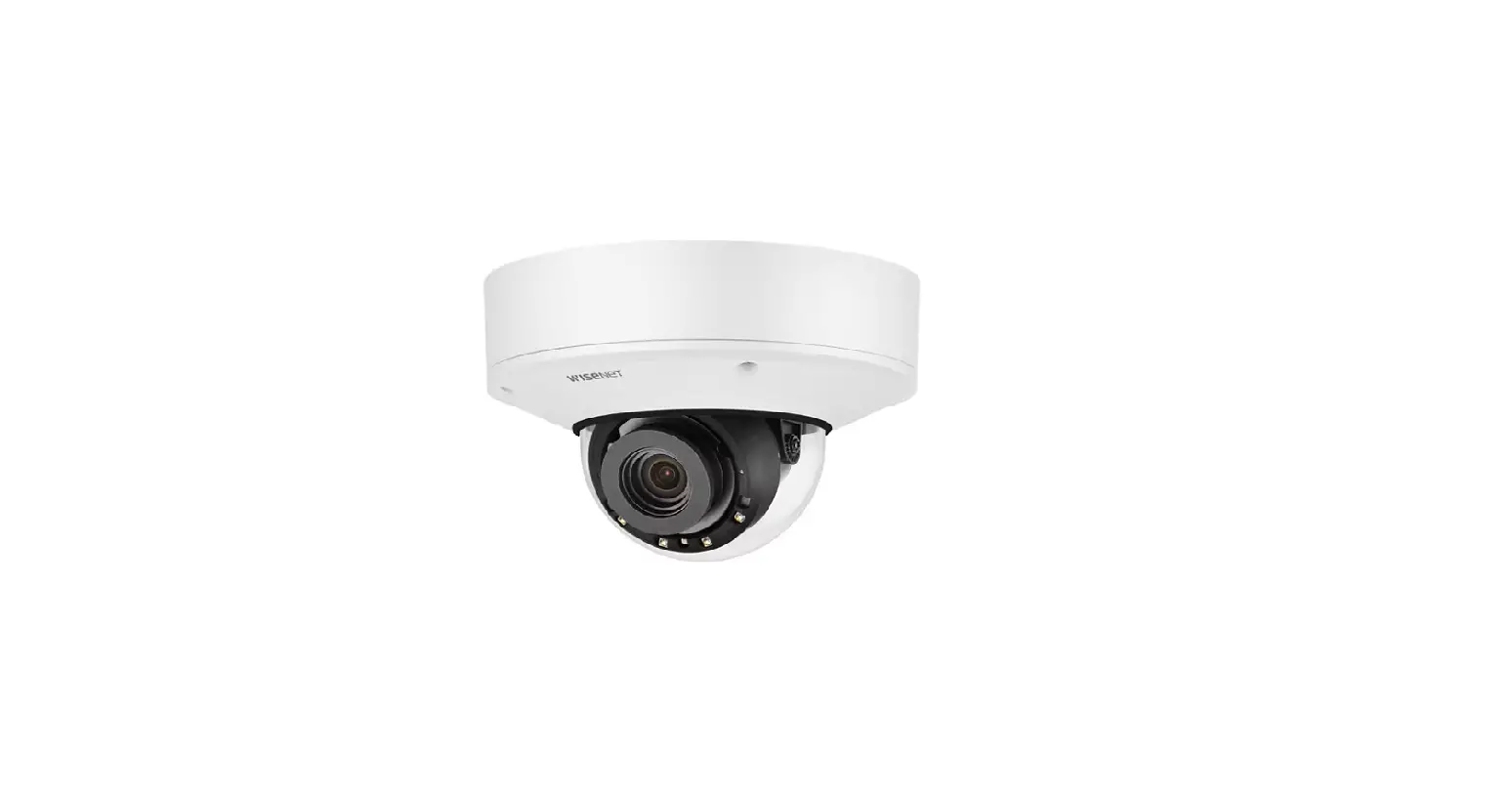
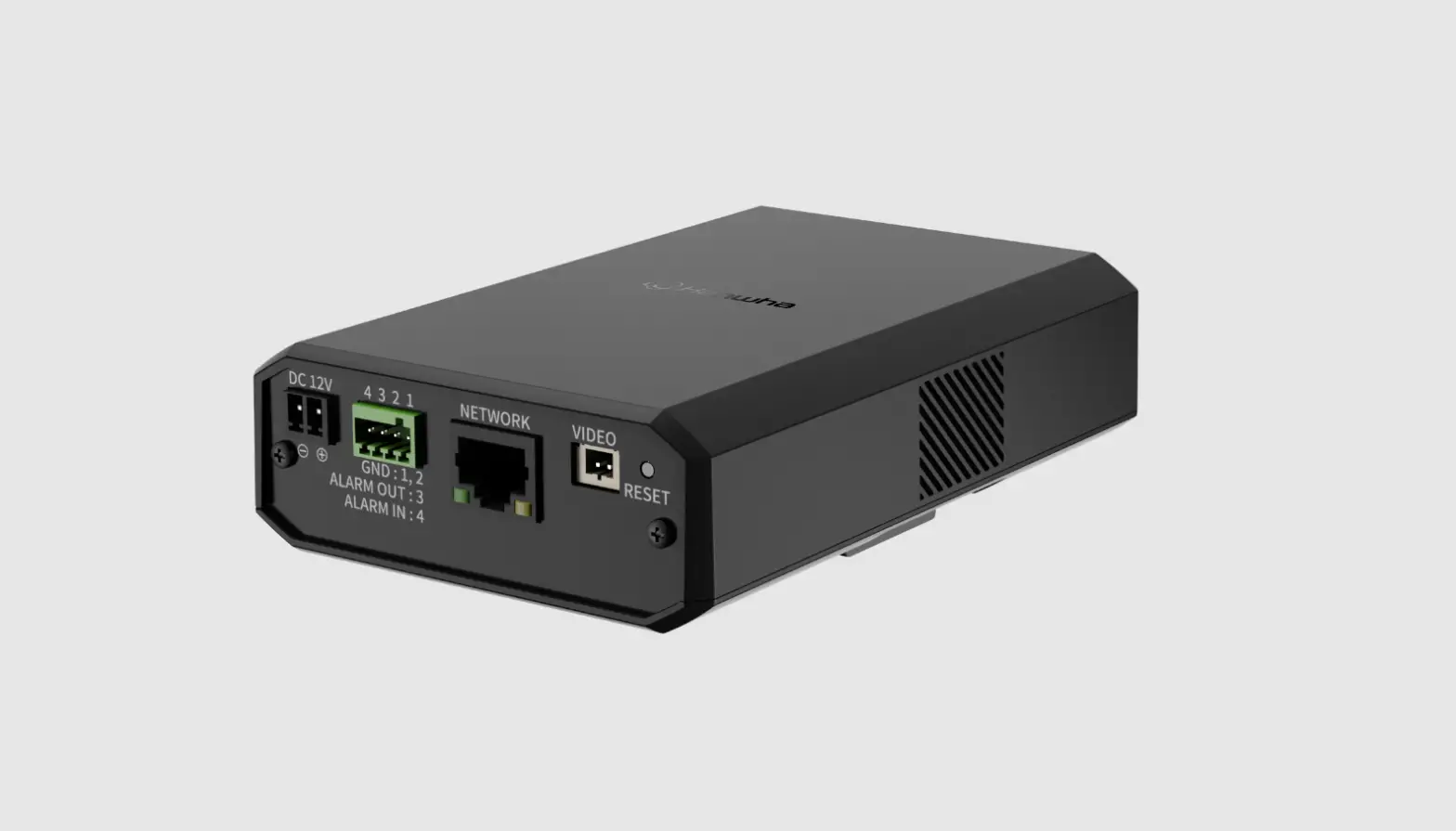
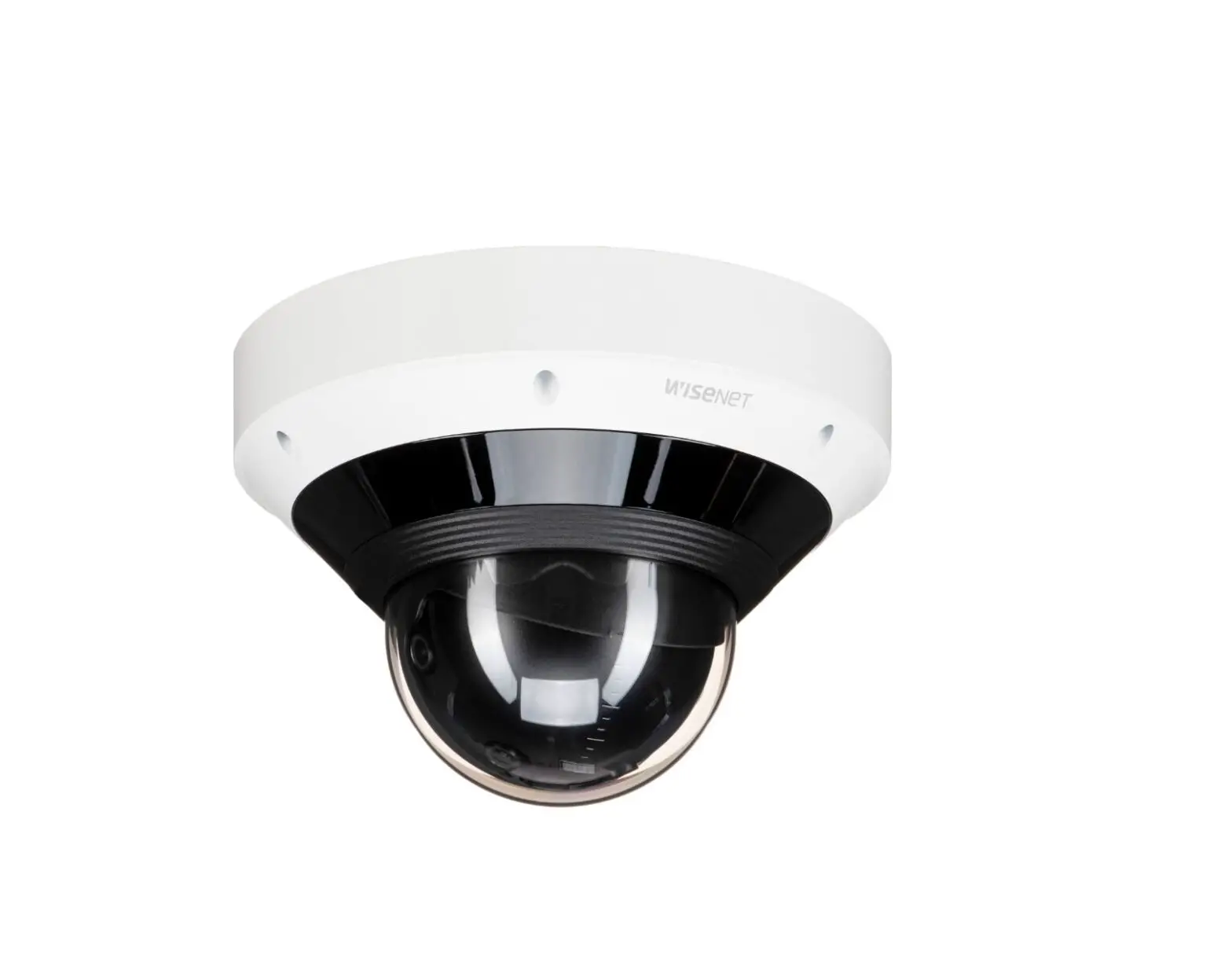
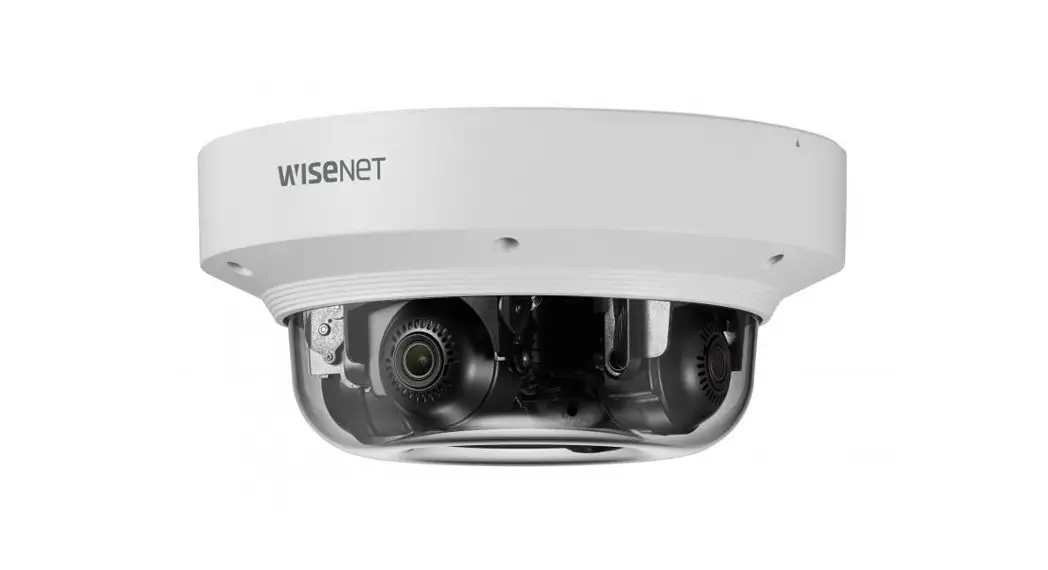
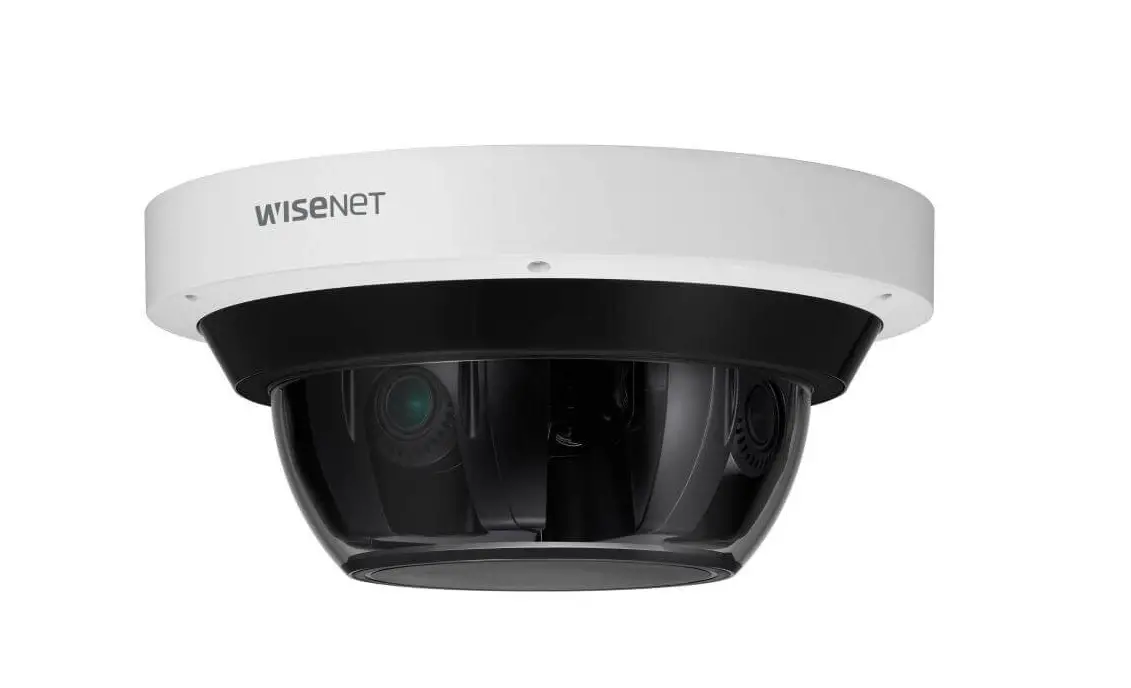
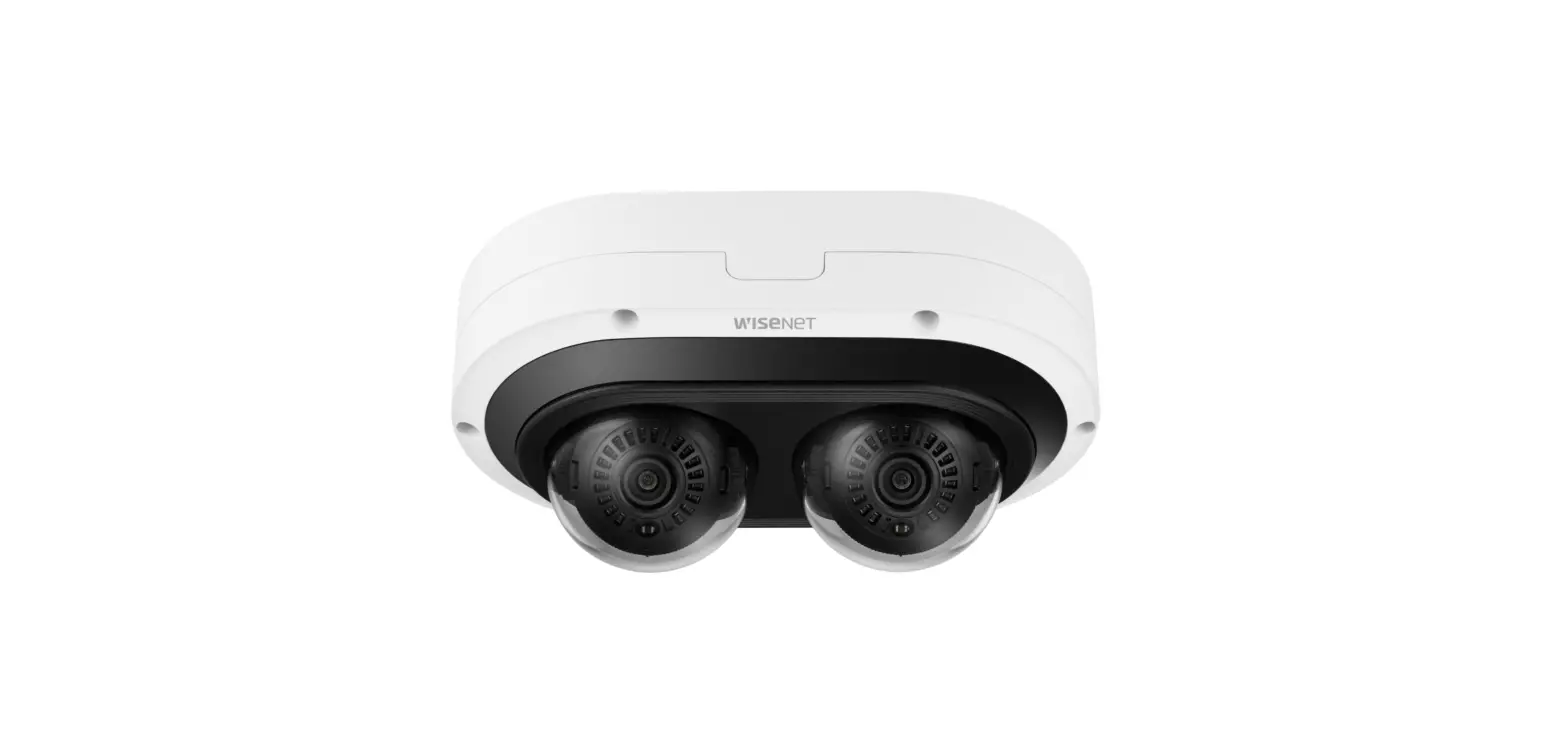
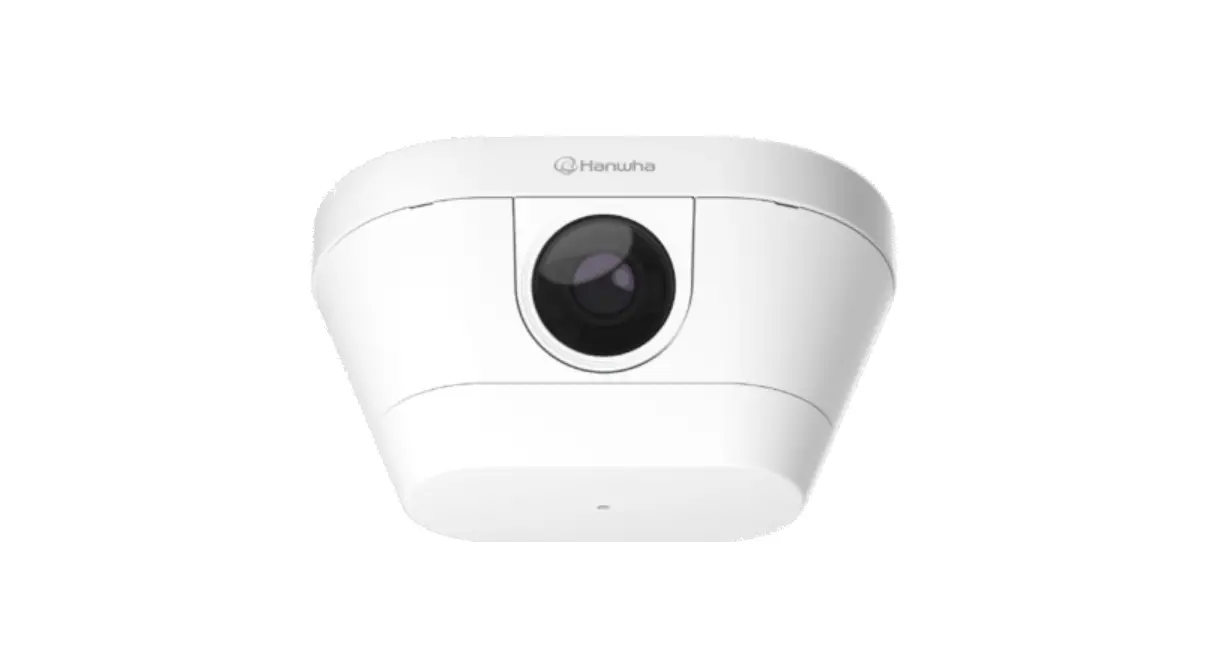
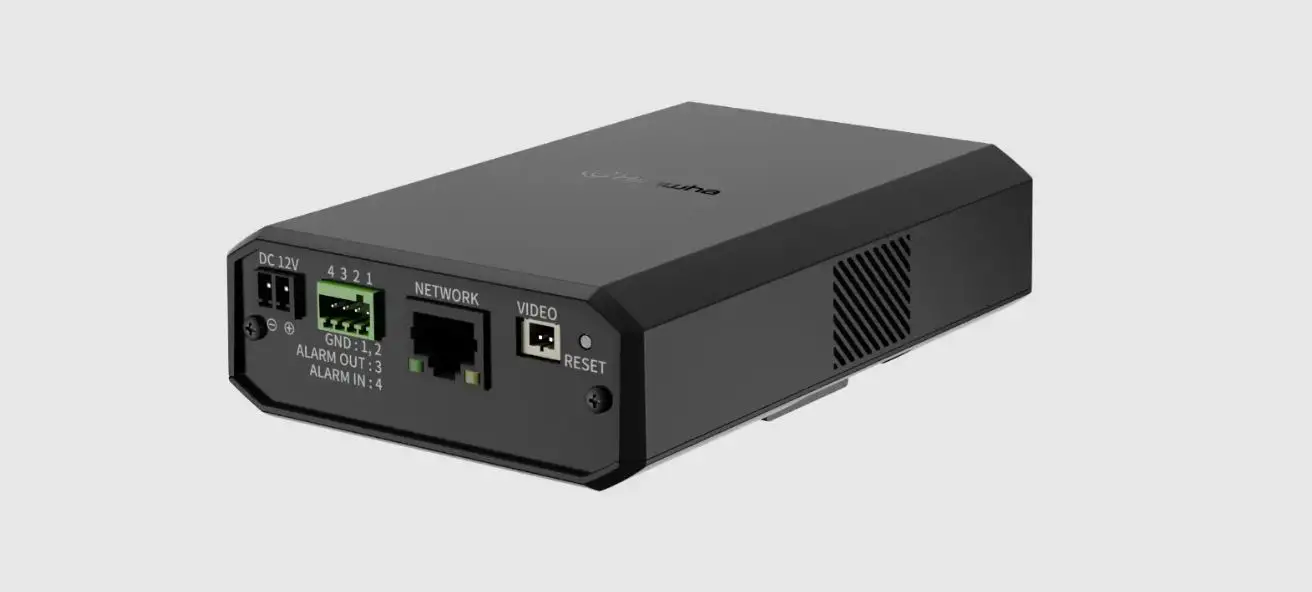
XNO-9082R-XNO-8082R Network Camera
Product Information: Network Camera
The Network Camera is a state-of-the-art camera system for
security surveillance. It comes in two variants, the
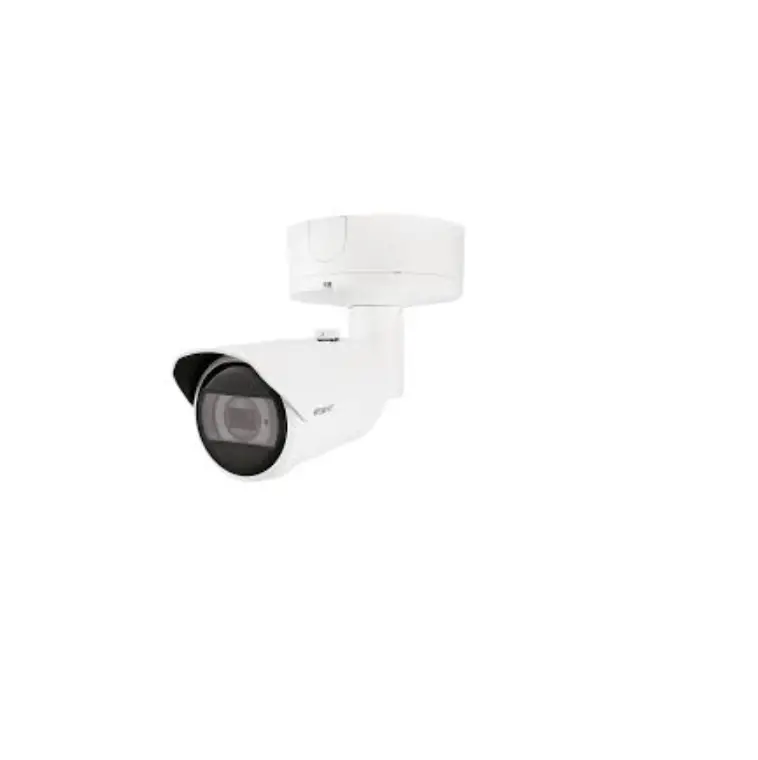
XNO-9082R/XNO-8082R Outdoor Bullet Camera and the XNB-9002/XNB-8002
Box Camera. The camera features a high-resolution lens that
provides clear and detailed images, making it ideal for both indoor
and outdoor use.
The camera is designed to be environmentally friendly, and it
satisfies the EU RoHS Directive. The product is equipped with a
battery that can be disposed of correctly in accordance with waste
electrical and electronic equipment regulations in the European
Union and other European countries with separate return systems for
batteries.
It is highly recommended to use the officially compatible VMS
version or the latest Hanwha NVR version when integrating with VMS
or Hanwha NVR to ensure smooth operation and best performance.
Product Usage Instructions:
Password Setting:
When you access the camera for the first time, you must register
the login password. Enter “admin” in the input box and then enter
the password in the input field. Click “Sign in” to register the
password.
Login:
Whenever you access the camera, the login window appears. Enter
the User ID and password to access the camera.
Connecting to WiFi:
To connect to WiFi, connect an OTG adapter (5-pin) and a WiFi
dongle to the micro USB terminal on the camera. Install the Wisenet
Installation application on your smartphone and select the camera
SSID after turning on.
Installation:
Refer to the provided quick guide and follow the installation
instructions carefully. Make sure you install the camera securely
and correctly to ensure optimal performance.
Component:
The product comes with various components, including the box
camera, outdoor bullet camera, hex, S3, CS mount lens (J Option),
audio, video, network, USB, reset, PoE, AC 24V DC 12V, and micro
USB. Follow the installation guide and component map carefully to
ensure you install the components correctly.
With proper installation and usage, the Network Camera provides
reliable and high-quality surveillance images for your security
needs.
NETWORK CAMERA
Quick Guide
XNO-9082R/XNO-8082R XNB-9002/XNB-8002
Important Please check `Manuals’ from our website, before connecting to the Supply, https://www.hanwha-security.com/en/data-center/download-data/
We recommend to use the officially compatible VMS version or latest Hanwha NVR version when integrating with VMS or Hanwha NVR.
Hanwha Techwin cares for the environment at all product manufacturing stages, and is taking measures to provide customers with more environmentally friendly products. The Eco mark represents Hanwha Techwin’s devotion to creating environmentally friendly products, and indicates that the product satisfies the EU RoHS Directive.
Correct Disposal of This Product (Waste Electrical & Electronic Equipment)
(Applicable in the European Union and other European countries with separate collection systems) This marking on the product, accessories or literature indicates that the product and its electronic accessories (e.g. charger, headset, USB cable) should not be disposed of with other household waste at the end of their working life. To prevent possible harm to the environment or human health from uncontrolled waste disposal, please separate these items from other types of waste and recycle them responsibly to promote the sustainable reuse of material resources. Household users should contact either the retailer where they purchased this product, or their local government office, for details of where and how they can take these items for environmentally safe recycling. Business users should contact their supplier and check the terms and conditions of the purchase contract. This product and its electronic accessories should not be mixed with other commercial wastes for disposal.
Correct disposal of batteries in this product
(Applicable in the European Union and other European countries with separate battery return systems.)
This marking on the battery, manual or packaging indicates that the batteries in this product should not be disposed of with other household waste at the end of their working life. Where marked, the chemical symbols Hg, Cd or Pb indicate that the battery contains mercury, cadmium or lead above the reference levels in EC Directive 2006/66. If batteries are not properly disposed of, these substances can cause harm to human health or the environment. To protect natural resources and to promote material reuse, please separate batteries from other types of waste and recycle them through your local, free battery return system.
SAFETY INFORMATION 3
Outdoor Bullet Camera XNO-9082R/XNO-8082R
Box Camera XNB-9002/XNB-8002
5
16
4
COMPONENT
As for each sales country, accessories are not the same. · XNO-9082R/XNO-8082R
5
INSTALLATION 1
HEX
S3
3x
2
· Not Included : Micro SD Card
6
INSTALLATION 3
4
· Directly installing on wall/ceiling
· Not Included
7
INSTALLATION 5-1 · Installing using pipe
5-2
8
INSTALLATION 6-1 · Installing network/power cables
6-2
9
INSTALLATION 7-1
7-2
10
INSTALLATION 8
9
3x
xHE4X
S3
11
INSTALLATION 10
11
12
INSTALLATION 12
xHE4X
3x
S3
13 · Not Included : Wi-Fi dongle, OTG adapter
13
INSTALLATION 14
Installation
15
14
INSTALLATION 16
17 22
15
COMPONENT
As for each sales country, accessories are not the same. · XNB-9002/XNB-8002
J Option (not included) CS mount Lens
16
INSTALLATION 1 b a
17
INSTALLATION 2
3
18
INSTALLATION 4
AUDIO
RESET
VIDEO NETWORK
AUDIO AUDIO
OUT
IN
RESET 123456
VIDEO
USB FOCUS
NETWORK
1 : ALARM 1 4 : NC
2 : ALARM 2 3 : GND
5 : RS-485+ 6 : RS-485-
PoE
AC 24V DC 12V
AUDIO
RESET
VIDEO NETWORK
AUDIO AUDIO
OUT
IN
RESET 123456
VIDEO
USB FOCUS
NETWORK
1 : ALARM 1 4 : NC
2 : ALARM 2 3 : GND
5 : RS-485+ 6 : RS-485-
PoE
AC 24V DC 12V
19
INSTALLATION 5
RESET 123456
AUDIO OUT
AUDIO IN
LINK
VIDEO NETWORK
USB FOCUS
+
1 : ALARM 1 2 : ALARM 2 3 : GND
4 : NC 5 : RS-485+ 6 : RS-485-
PoE
AC 24V DC 12V
6
· Not included: Wi-Fi dongle, OTG adapter
RESET 123456
AUDIO OUT
AUDIO IN
LINK
VIDEO NETWORK
USB FOCUS
+
1 : ALARM 1 2 : ALARM 2 3 : GND
4 : NC 5 : RS-485+ 6 : RS-485-
PoE
AC 24V DC 12V
micro USB
20
INSTALLATION 7
Installation
8 22
21
English
PASSWORD SETTING
When you access the product for the first time, you must register the login password.
LOGIN
Whenever you access the camera, the login window appears. Enter the User ID and password to access the camera.
a Enter “admin” in the <User Name> input box.
b Enter the password in the <Password> input field.
c Click [Sign in].
CONNECTING TO WiFi
J ` For a new password with 8 to 9 digits, you must use at least 3 of the following: uppercase/ lowercase letters, numbers and special characters. For a password with 10 to 15 digits, you must use at least 2 types of those mentioned.
– Special characters that are allowed. : ~`!@#$%^*()_-+=|{}[].?/
` For higher security, you are not recommended to repeat the same characters or consecutive keyboard inputs for your passwords.
` If you lost your password, you can press the [RESET] button to initialize the product. So, don’t lose your password by using a memo pad or memorizing it.
Camera setting a Connect OTG adapter (5-pin) and Wi-Fi
dongle to the micro USB terminal.
Smartphone setting a Install the Wisenet Installation application. b Select the camera SSID after turning on
the WiFi. c Run the Wisenet Installation application. d When you log in to the camera, the video
will be connected. ` The video will be played without being logged in
during the initial connection.
e You can adjust angle of view while watching the video through smartphone.
22
 제품 자료 : 한화비전 - 대한민국 CCTV No.1