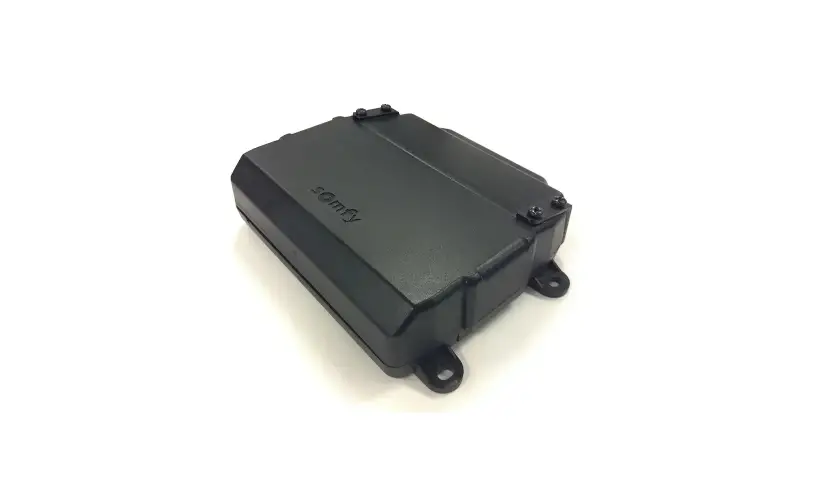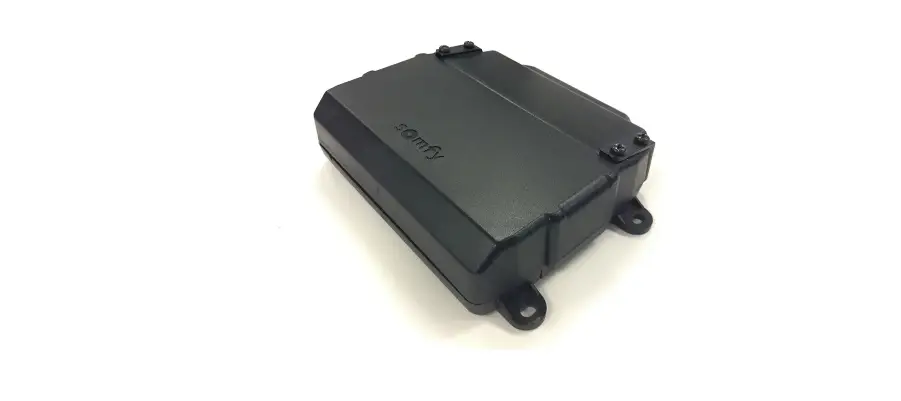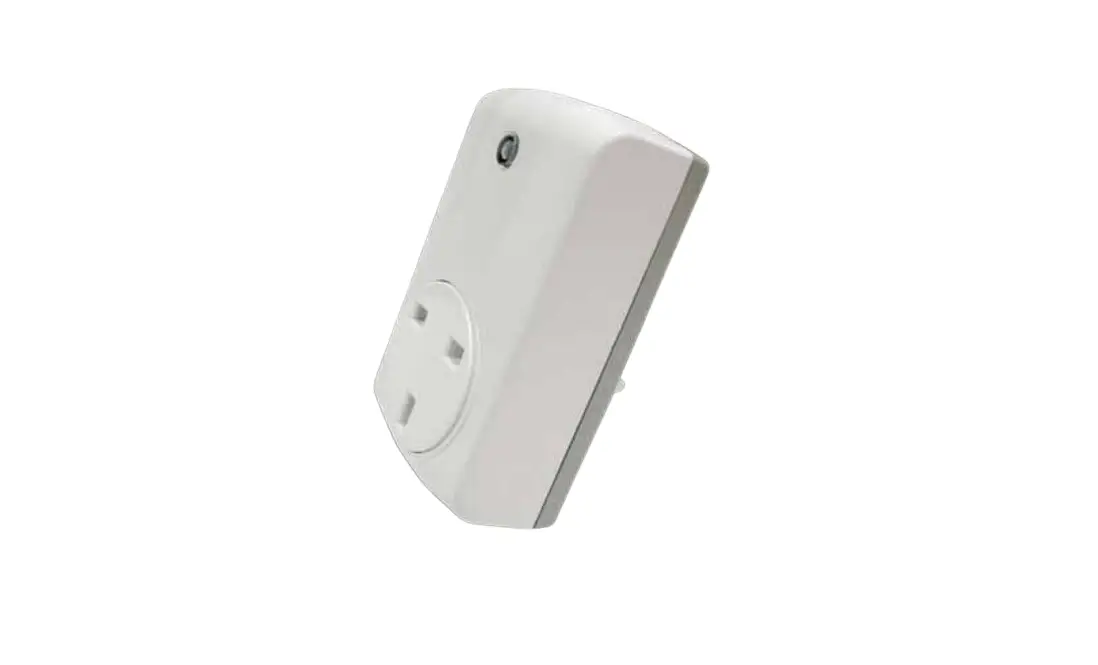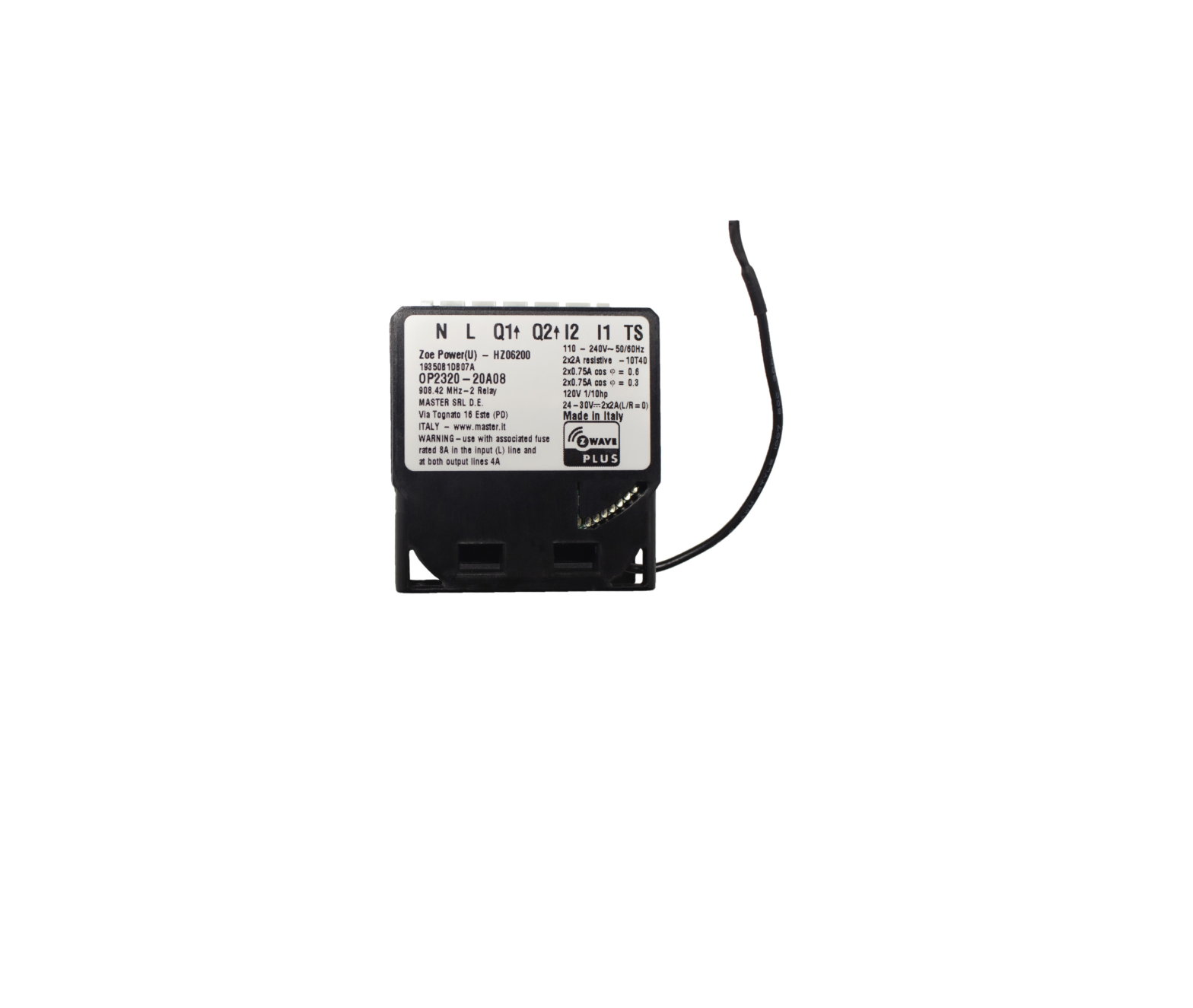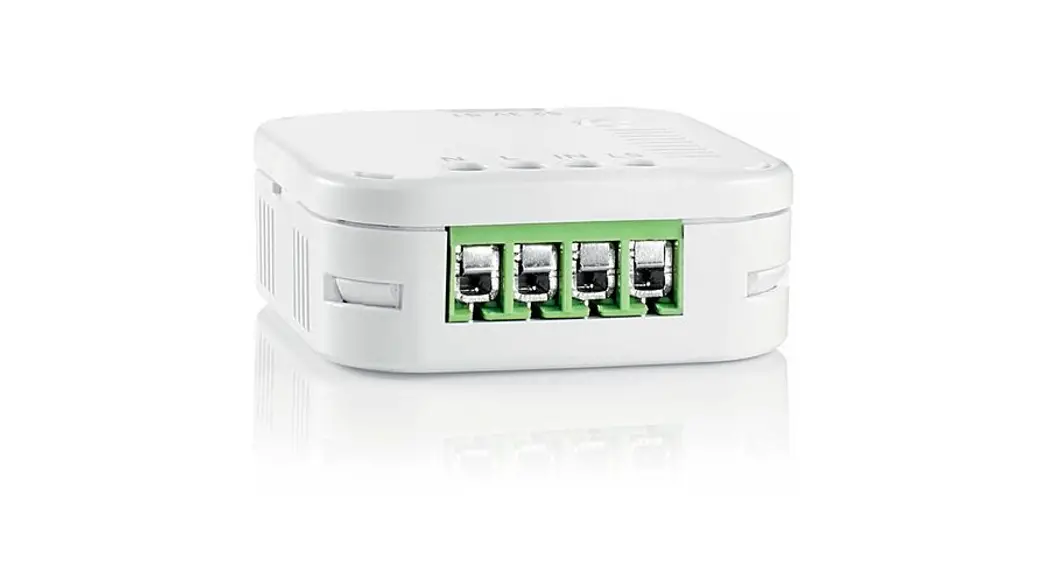

Zwave On-Off Micro module
Ref. 5120820A
instructions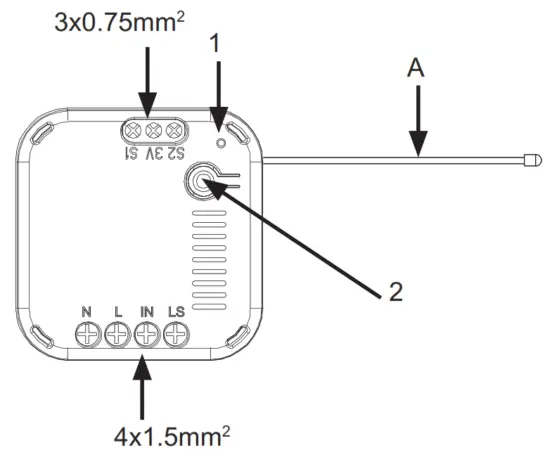
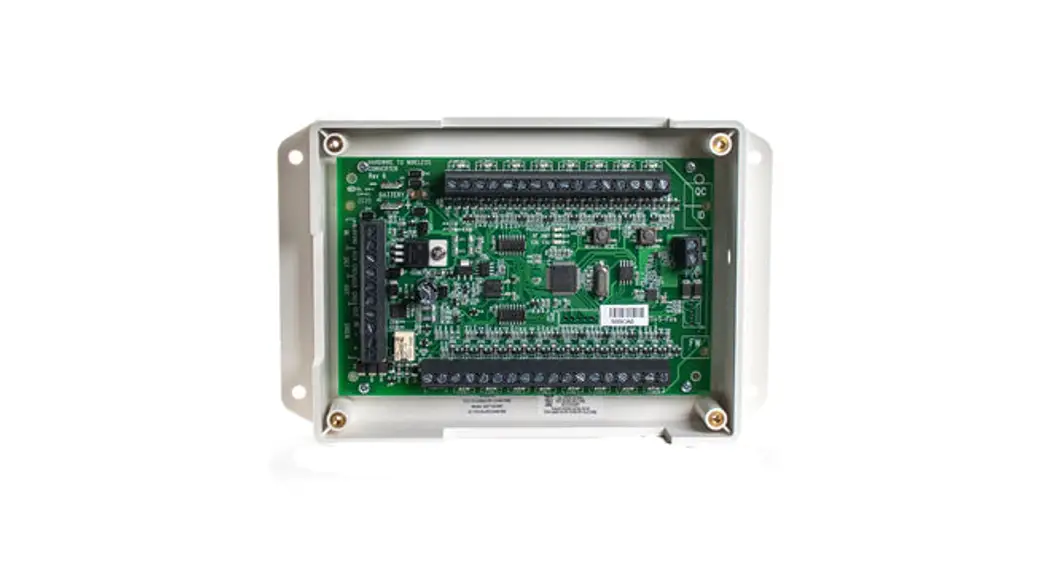
– Do not cut the antenna (A)
- LED
- On/Off & pairing
SAFETY
Before installing and using this product, please read these instructions carefully. Any use outside the field of application specified by Somfy is forbidden. This invalidates the warranty and discharges Somfy of all liability, as does any failure to comply with the instructions given herein. Never begin installing without first checking the compatibility of this product with the associated equipment and accessories.
Keep out of reach of children.
To avoid damaging the product:
- Do not drop the device. Avoid impacts.
- Protect it from liquid splashes.
- Do not immerse it in water4) Do not open it.
 Damaged electrical or electronic products, such as used batteries, should not be disposed of with household waste. Please take them to a collection point or an approved centre to ensure they are recycled correctly.
TECHNICAL DATA
Power supply: 220 – 240 V 50 Hz
Radiofrequency: 868.42 MHz.
Radio range: 30 m
Protection rating: IP20.
Operating temperature: 0°C to +40°C.
Dimensions: 43 mm x 42 mmx 16 mm
| Resistive | Incandes- cent | Fluores- cent | LED | |
| Max power applicable per module. | 2500 W | 1200 W | 300 W | 300 W |
| Max. number of products | 3 | 3 | 3 |
WARING AND CONFIGURATION
Wiring: See Fig A
Configuration: By default, the micromodule is configured for installation with push buttons. If your installation includes a switch, press and holds the PROG button (for more than 5 seconds). The LED flashes once.
PAIRING
A pairing procedure must be carried out to associate the Zwave On/Off Micro module and the somfy home Automation Box.
- Connect the “Zwave On/Off Micro module”.
- Connect the “Zwave USB Dongle” to the Somfy Home Automation Box.
- On the interface of the Somfy Home Automation Box, select the Configuration mode represented by the gear symbol. – Click on the “Zwave” button – Click on the “Add” button – Check that your micromodule is powered. – Click on Continue – Briefly press the On/Off button three times within a twosecond interval – Follow the procedure shown on the screen.
- Once paired with the Somfy Home Automation Box, the “Zwave On/Off Micro module” can be controlled via the interface of the Somfy Home Automation Box.
RESTORING THE ORIGINAL CONFIGURATION
To reset the Zwave On/Off Micro module, briefly press the On/ Off button three times then press and hold until the LED starts flashing.
TROUBLESHOOTING
| Fault detected | Action | Result | Possible causes |
| The lamp does not come on when operated by the switch | Test by pressing the module’s On/Off button. Depending on the result, go to “a” or “V. | a)The lamp comes on | Check the wiring of the switch. |
| b)The lamp does not come on. | The product is damaged or the module is wired incorrectly. Check the power supply to the module and the lamp wiring. | ||
| The lamp does not come on when operated by the Somfy Home Automation Box. | Test by pressing the module’s n 0 /Off button. Depending on the result, go to “b” or “c”. | ||
| c)The lamp comes on | Check the status of the LED (1). If it is flashing, the product is not paired. Repeat the pairing procedure. If it is not flashing, perform a reset then the pairing procedure. |

Copyright © 2014 Somfy SAS. All rights reserved. Somfy SAS, capital 20.000.000 Euros, RCS Annecy 303.970.230 – 10/2014 – Images are not contractually binding
Somfy SAS
F-74300 CLAUSES
www.somfy.com
 Somfy.com