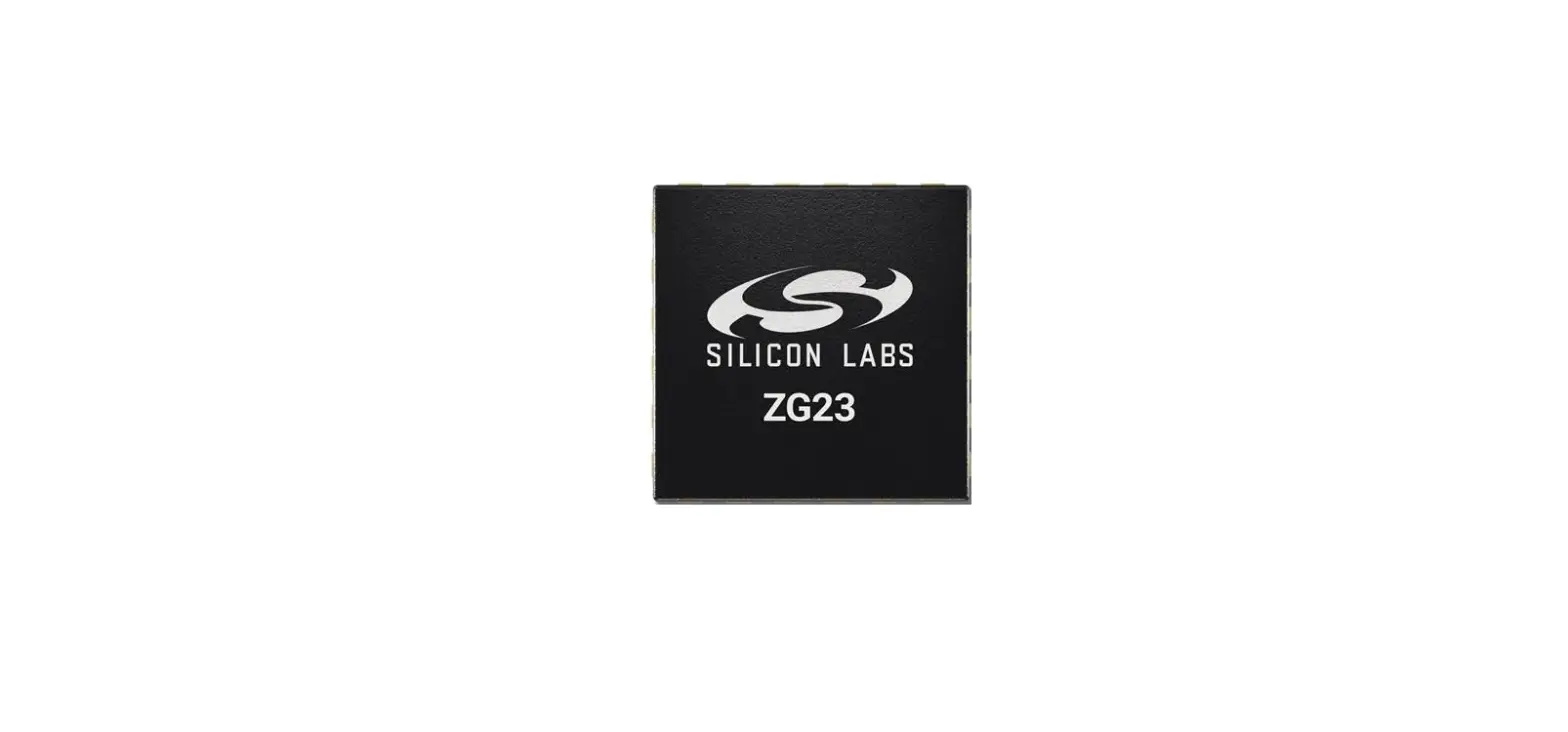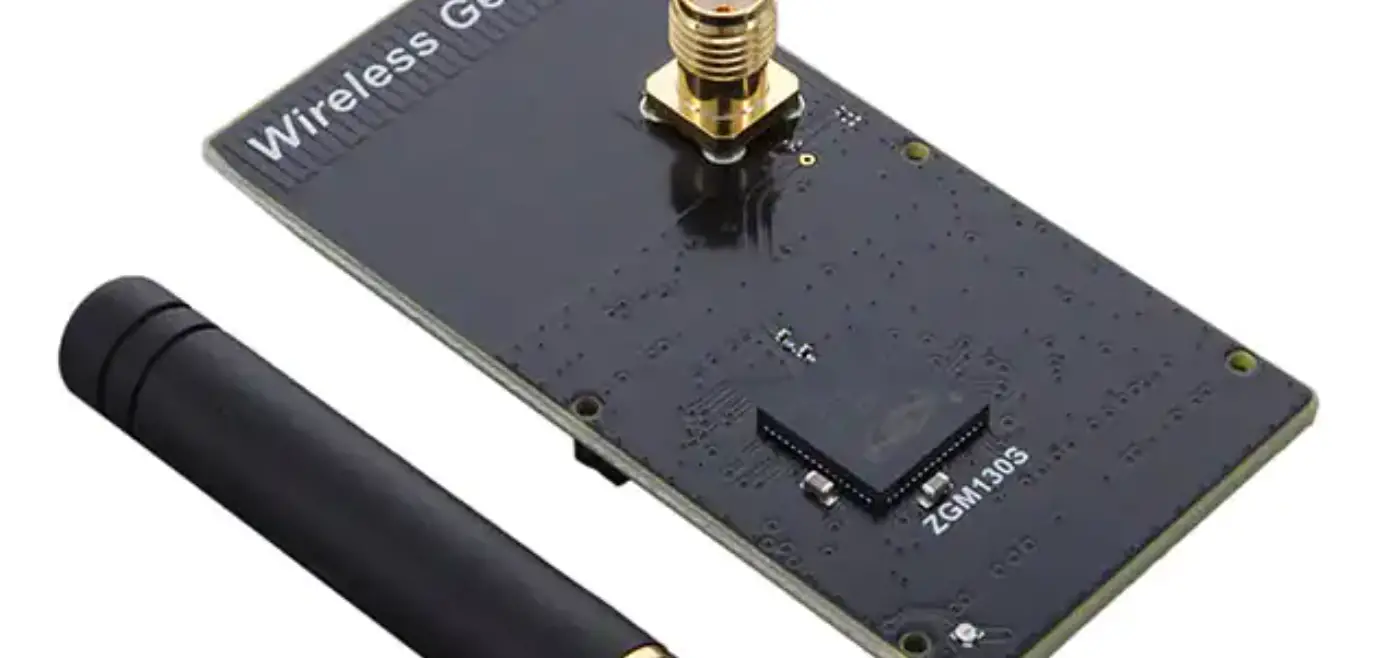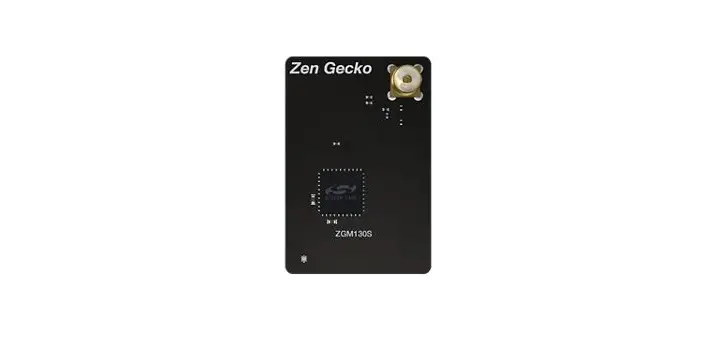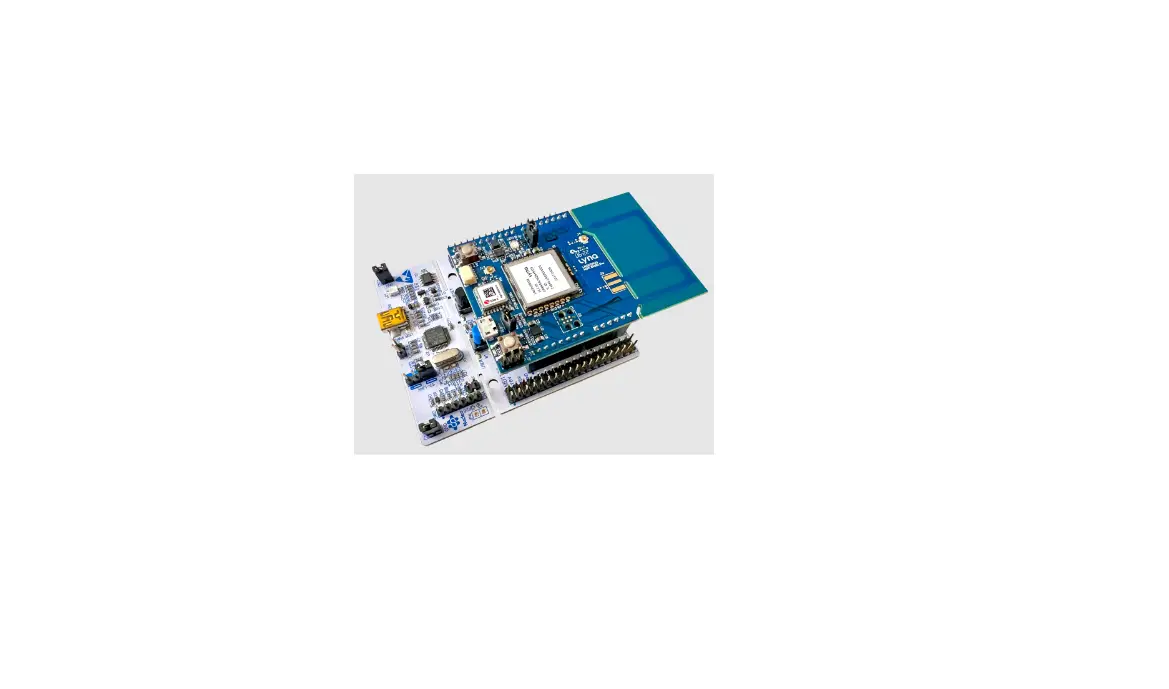

SILICON LABS ZGM130S Z Wave Module
FEATURES & SPECIFICATIONS
Hardware Characteristics
| Parameter | Value |
| Z-Wave Module | ZGM130S |
| Z-Wave Antenna Distance | 40m (Indoor) /150m (Outdoor) |
| Input Voltage | 3.6-6.0V from the lock |
| Working Current | RX: 9.8 mA TX: 13.3 mA |
| Standby Current | 0.8μA |
Software Characteristics
| Parameter | Value |
| Wireless Technology | Z-Wave |
| Certification Type | Z-Wave Plus v2 |
| Z-Wave SDK Version | 7.16.3 |
| Z-Wave Library Type | Enhanced 232 Slave |
| Z-Wave Role Type | ZWAVEPLUS_INFO_REPORT_ROLE_TYPE_SLAVE_SLEEPING_LISTENING (0x07) |
| Generic Device Type | GENERIC_TYPE_ENTRY_CONTROL (0x40) |
| Specific Device Type | SPECIFIC_TYPE_DOOR_LOCK (0x01) |
| Security Class | S0, S2-ACCESS |
| Smart Start | Support. After powering on, Smart Start is auto active if it’s out of the Z -Wave network. |
| Over The Air (OTA) | Support. Firmware can be updated via RF. |
| Multichannel Device | No |
| Association | Support. Refer to Section 3.2 Association Group Info. |
| Factory Reset | Support. Refer to Section 2.5 How to factory reset. |
| Power-down Memory | Support. All command settings will stay unchanged even power down. |
| Timed battery report | Support. |
| Low battery warning | Support. |
| Door State Report | Support. When door lock mode changed, send out a notification via Group 1. |
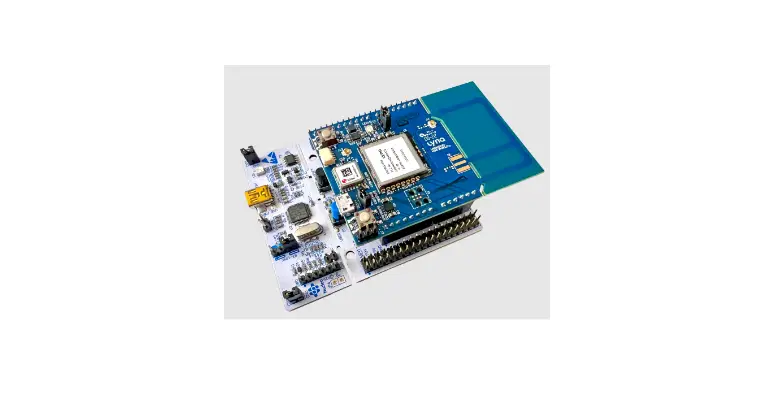
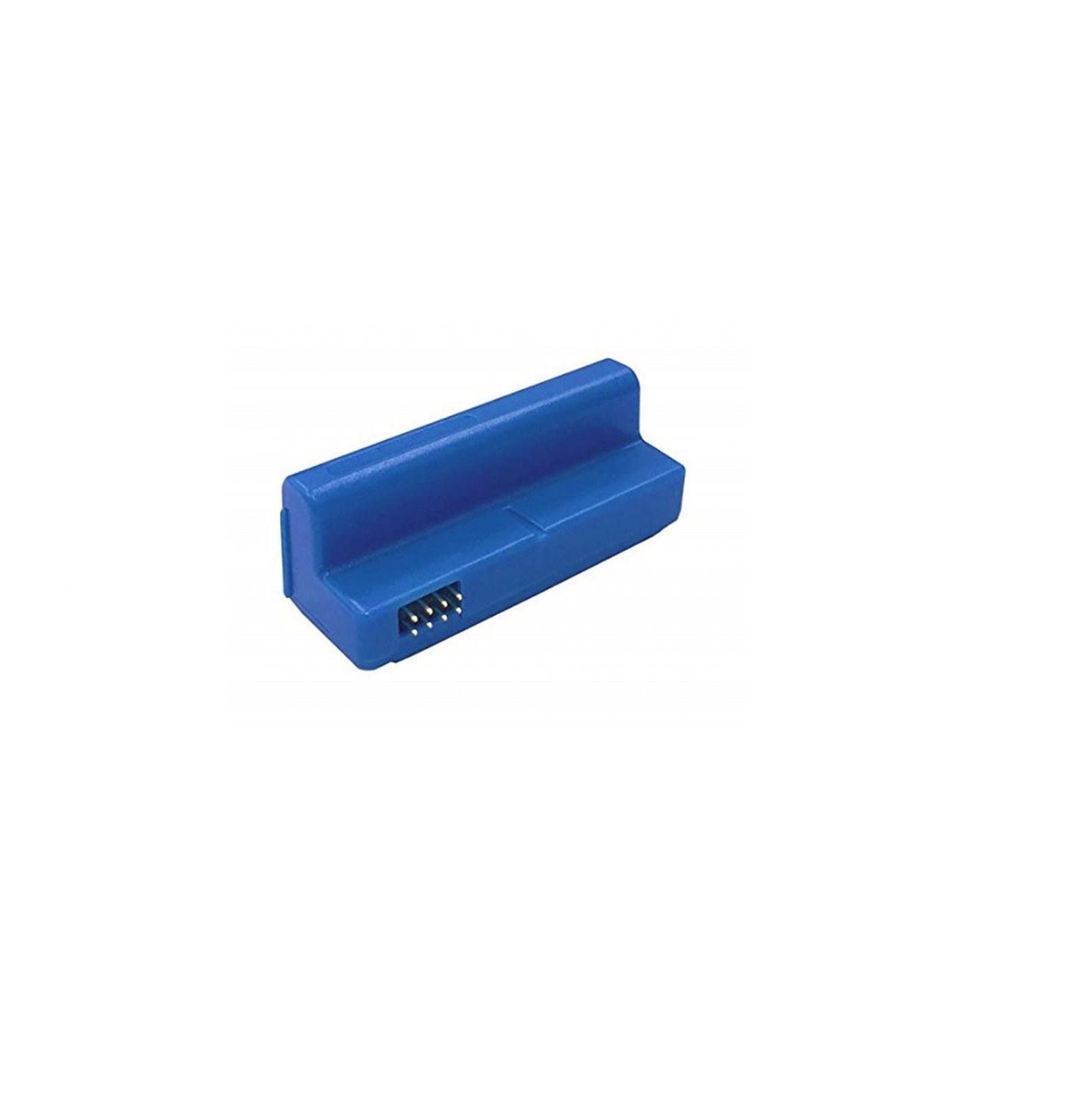
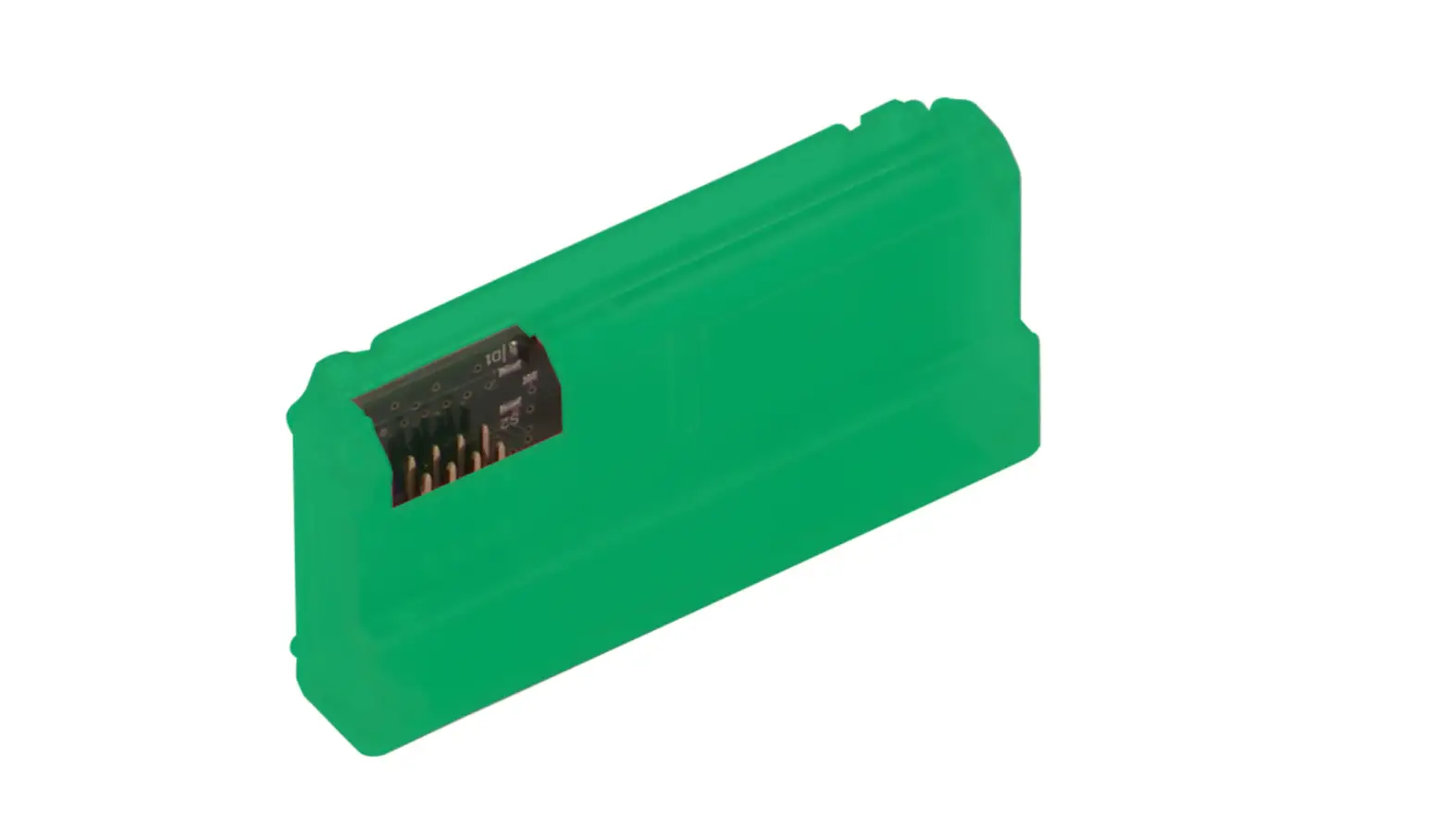
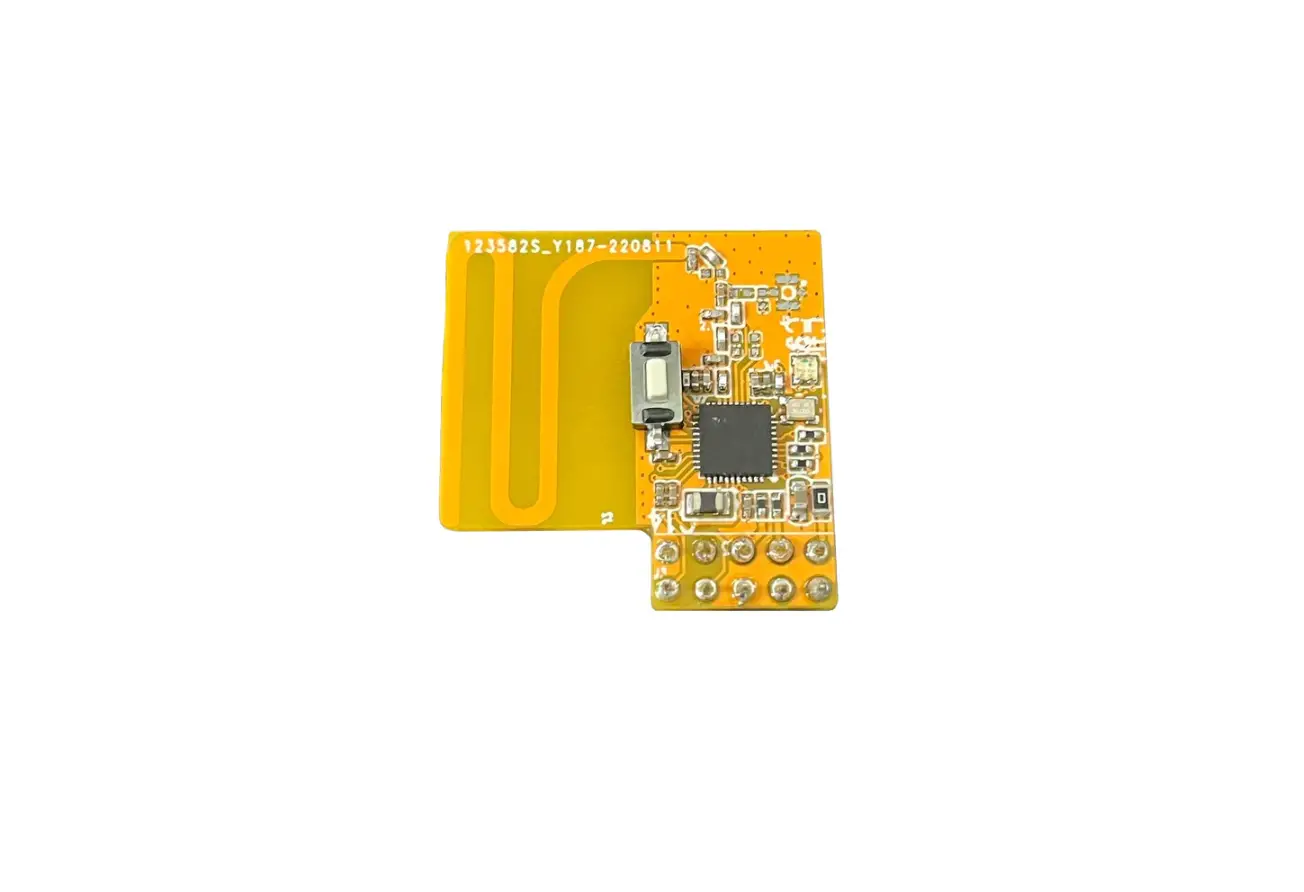
Note: Z-Wave 700 Module cannot be used independently. It should be used with the lock ( Yale).
The picture of the Z-Wave 700 Module is below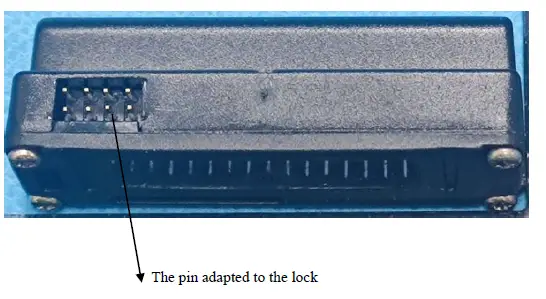
PRODUCT QUICK START
What is Z-Wave
- Z-Wave is the international wireless protocol for communication in the Smart Home.
- Z-Wave ensures reliable communication by reconfirming every message (two-way communication) and every mains-powered node can act as a repeater for other nodes (meshed network) in case the receiver is not in direct wireless range of the transmitter. This device and every other certified Z-Wave device can be used together with any other certified Z-Wave device regardless of brand and origin as long as both are suited for the same frequency range.
What is SmartStart
SmartStart-enabled products can be added to a Z-Wave network by scanning the Z-Wave QR Code present on the product with a controller providing SmartStart inclusion. No further action is required and the SmartStart product will be added automatically within 10 minutes of being switched on in the network vicinity.
How to add (pairing) the product into the Z-Wave network
- Put the Z-Wave 700 Module into the lock and operate on the lock following the guide below:
- Enter Master Code-> ‘R’ -> ‘9’ -> ‘#’ -> ‘1’ -> ‘#’ (only can be activated in advanced mode)
How to remove the product from the Z-Wave network
- Operate on the lock following the guide below:
- Enter Master Code-> ‘R’ -> ‘9’ -> ‘#’ -> ‘3’ -> ‘#’ -> Master Code -> ‘#’ (only can be activated in advanced mode)
How to factory reset for Z-Wave
Note: Please use this procedure only when the network primary controller is missing or otherwise inoperable.
- Operate on the lock following the guide below:
- Press and hold the “factory reset” key after the lock body
- Power off the lock body for more than 5S, and plug in the battery again
- Plug in the battery again and wait for 5S to release the “factory reset” key
Z-Wave DSK Location
How to locate the DSK representation on the product
You can find the QR code when you open the battery box
How to access the DSK representation via the UI
You may also find the QR Code and DSK on individual packages of each product. Please do not remove or damage them.
SOFTWARE FUNCTION DEFINITION
Supported Command Classes
| Command Class | Version | Required Security Class |
| Association | 2 | S0 or Access Control |
| Association Group Info | 3 | S0 or Access Control |
| Basic | 2 | S0 or Access Control |
| Battery | 1 | S0 or Access Control |
| Device Reset Locally | 1 | S0 or Access Control |
| Door Lock | 4 | S0 or Access Control |
| Firmware Update Meta Data | 5 | S0 or Access Control |
| Indicator | 3 | S0 or Access Control |
| Manufacturer Specific | 2 | S0 or Access Control |
| Multi-Channel Association | 3 | S0 or Access Control |
| Powerlevel | 1 | S0 or Access Control |
| Security 0 | 1 | None |
| Security 2 | 1 | None |
| Supervision | 1 | None |
| Transport Service | 2 | None |
| Version | 3 | S0 or Access Control |
| Application Status | 1 | None |
| Configuration | 4 | S0 or Access Control |
| Door Lock Logging | 1 | S0 or Access Control |
| Notification | 8 | S0 or Access Control |
| Schedule Entry Lock | 3 | S0 or Access Control |
| Time Parameter | 1 | S0 or Access Control |
| Time | 2 | None |
| User Code | 2 | S0 or Access Control |
| Z-Wave Plus Info | 2 | None |
Indicator Command Class
The Receptacle supports the Indicator Command Class, version 3 and supports the Indicator ID 0x50 (Identify) and Properties ID 0x03, 0x04 and 0x05. However, the value of Properties ID 0x03 only is fixed number and only supports 0x0A. The value of Properties ID 0x05 only is a fixed number and only supports 0x05.
Basic Command Class mapping
Basic Command maps to Door Lock Command Class, as shown below.
| Command | Value | Mapped | Value | Function |
| Basic Set | 0x00 | Door Lock Operation Set | Door Unsecured | Open the door |
| 0xFF | Door Secured | Close the door | ||
| Basic Report | 0x00 | Door Lock Operation Report | Door Unsecured | The door is opened |
| 0xFF | Door Secured | The door is closed | ||
| Basic Get | Door Lock Operation Get |
Z-Wave Plus Info
The Command is used to differentiate between Z-Wave Plus, Z-Wave for IP and Z-Wave devices. This command provides additional information about the Z-Wave Plus device in question.
| Z-Wave Plus Version | 2 |
| Role Type | 7 |
| (ZWAVEPLUS_INFO_REPORT_ROLE_TYPE_SLAVE_SLEEPING_LISTENING) | |
| (APPLICATION_FREQ_LISTENING_MODE_1000ms) | |
| Node Type | 0 (ZWAVEPLUS_INFO_REPORT_NODE_TYPE_ZWAVEPLUS_NODE) |
| Installer Icon Type | 0x0300 (ICON_TYPE_GENERIC_DOOR_LOCK_KEYPAD) |
| User Icon Type | 0x0300 (ICON_TYPE_GENERIC_DOOR_LOCK_KEYPAD) |
Version
The Command may be used to obtain the Z-Wave library type, the Z-Wave protocol version used by the application, the individual command class versions used by the application.
| Parameter | Value | |
| Z-Wave Protocol Library Type | 0x03 | |
| Z-Wave Protocol Version | 0x07 | |
| Z-Wave Protocol Sub Version | 7.16.3 | |
| Firmware 0 | Version | 0x02 |
| Firmware 0 | Sub Version | 0x26 |
| Firmware 1 Version | 0x0B | |
| Firmware 1 Sub Version | 0x0B | |
| Hardware Version | 0x02 | |
| Number of additional firmware targets | 0x01 | |
Association Group Info
The Command is used to manage associations to Node ID destinations.
| ID | Name | Count | Profile | Function |
|
1 |
Lifeline |
5 | Device Reset Locally Notification (0x5A01) : | |
| Issued when Factory Reset is performed. | ||||
| Battery Report(0x8003): | ||||
| Issued periodically to report the current battery level; | ||||
| General: Lifeline | Issued when battery becomes low. | |||
| (0x0001) | Door Lock Operation Report (0x6203): | |||
| Issued when door lock mode changed. | ||||
| Indicator Report (0x8703): | ||||
| Triggered when green light changes state. | ||||
| Door Lock Configuration Report (0x6206): | ||||
| Triggered upon a change in door lock configuration. User Code Report(0x6303): Issued when user code set
Extended User Code Report(0x630D): Issued when extended user code set
User Code Keypad Mode Report(0x630A): Issued when supported keypad mode set
Master Code Report(0x6310): Issued when master code set
Configuration Report(0x7006): Issued when configuration set
Notification Report(0x7105): Issued when notification event triggered |
Grouping identifier Maximum number of devices that can be added to the group
Devices from Multiple Manufactures
This product can be operated in any Z-Wave network with other Z-Wave-certified devices from other manufacturers. All mains-operated nodes within the network will act as repeaters regardless of vendor to increase the reliability of the network.
Implemented Notification Types and Events
Types: 0x06 – Access Control
Implemented Events:
- 0x01 – Manual lock operation
- 0x02 – Manual unlock operation
- 0x03 – RF lock operation
- 0x04 – RF unlock operation
- 0x06 – Keypad unlock operation
- 0x09 – Auto lock locked operation
- 0x0B – Lock jammed
- 0x0C – All user codes deleted
- 0x0D – Single user code deleted
- 0x0E – New user code added
- 0x0F – New user code not added due to duplicate code
- 0x10 – Keypad temporarily disabled
- 0x12 – New program code entered: unique code for lock configuration
- 0x13 – Manually enter user access code exceeds code limit
- 0x16 – Window/door is open
- 0x17 – Window/door is closed
Types: 0x08 – Power Management
- Implemented Events
- 0x01 – Power has been applied
- 0x0A – Replace battery soon
- 0x0B – Replace battery now
- 0x0D – Battery is fully charged
Configuration Parameters Available in the Product
There is no configuration parameter supported in the product.
FCC compliance statement
This device complies with part 15 of the FCC Rule. Operation is to the following two conditions this device may not cause harmful interference, and (2) this device must accept any interference received, including interference that may cause undesired operation. This equipment complies with FCC radiation exposure limits set forth for an uncontrolled environment.
Information to the user.
Any Changes or modifications not expressly approved by the party responsible for compliance could void the user’s authority to operate the equipment.