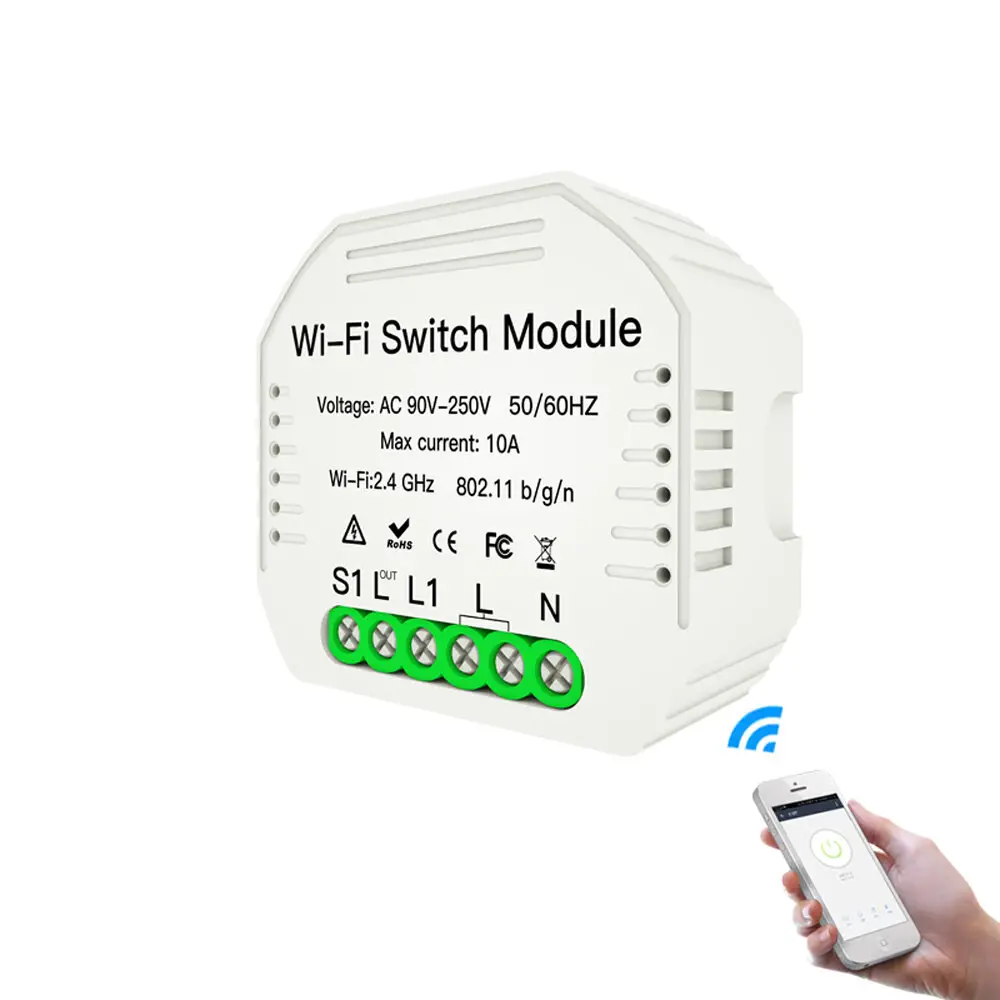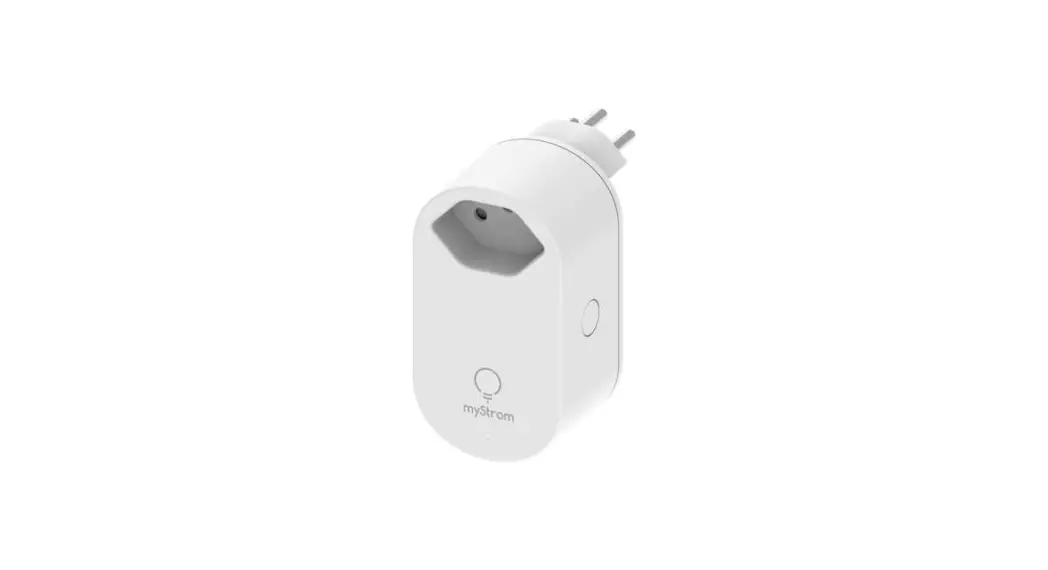


230302 WiFi Switch Zero
Installation Guidehttps://mystrom.com/support/
Installation
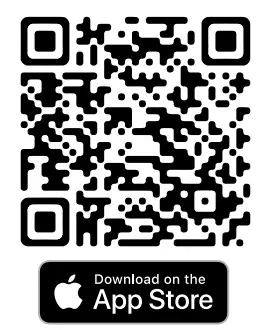
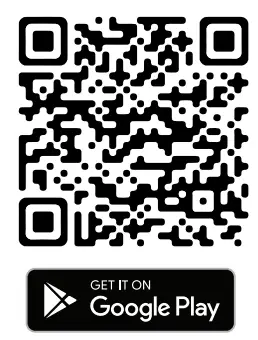
 Download the myStrom app
 Launch app
Open a free account or connect with your existing one. Add WiFi Switch Zero
Select «Add device» in the menu to add your new WiFi Switch Zero. All Done
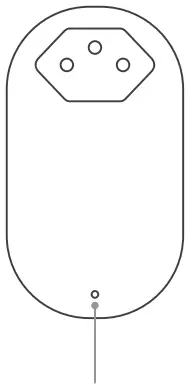
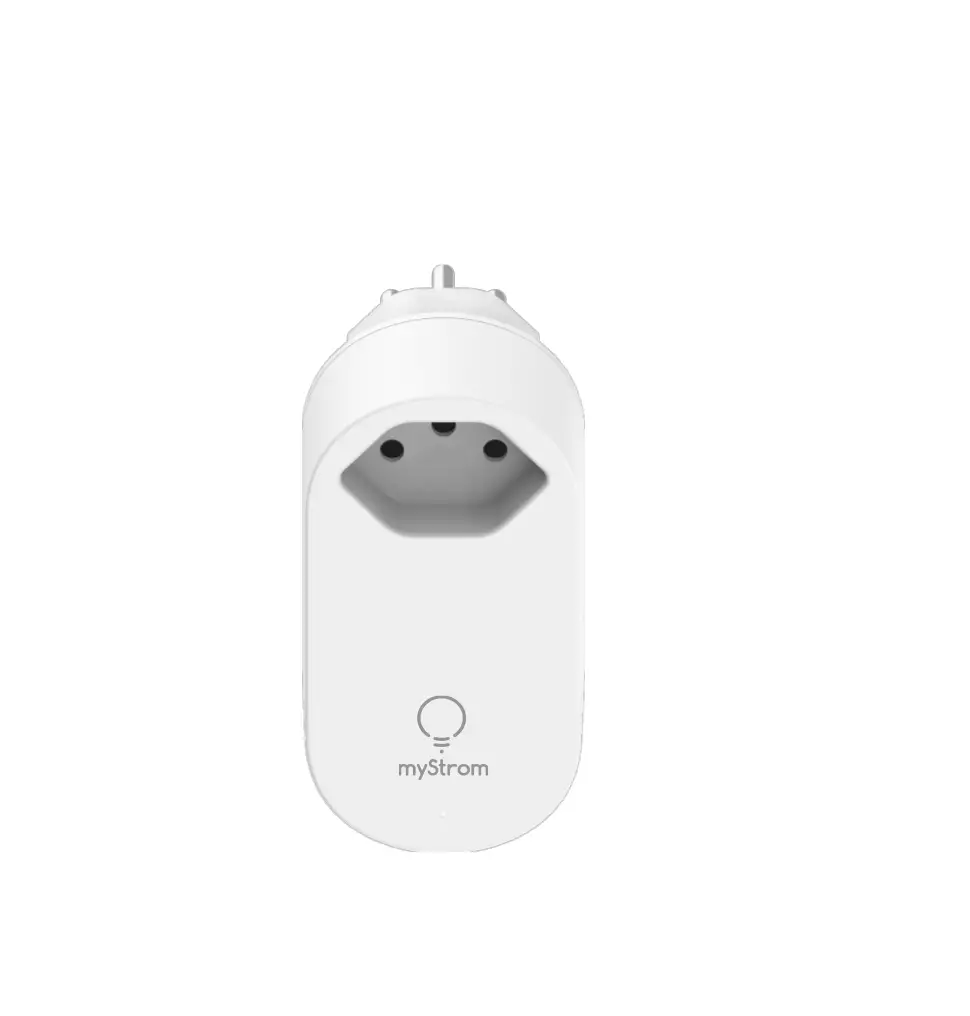
| Extinct | WiFi Switch Zero off |
| Blanc | The WiFi connection is in order and connected to the myStrom service |
| White, flashing | Wi-Fi Pairing Mode (WPS) |
| Rouge | Boot mode |
| Red, flashing | Current connection |
| Red, flashing slowly | Access point mode |
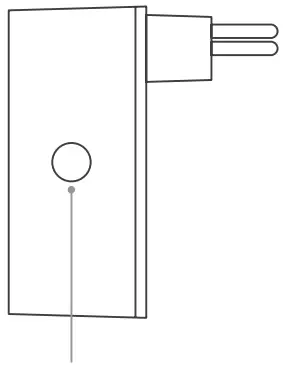
Button on/off
Manually turns the connected device on and off.
Other functionsWPS Hold the on/off button pressed for 3-5 seconds until the LED flashes slowly in white. Reset Hold the on/off button pressed for 10 seconds until the LED flashes quickly in white.
FAQ & Support
– Restart it – simply unplug and plug it in again.
– Plug it close to your DSL Router – if the LED lights up in white, the WiFi Switch works perfectly and could have suffered from a weak WiFi signal in its previous location.
– Reconnect it – activate WPS first on your Router, then on your WiFi Switch.
myStrom AG
c/o country Energy Solutions AG
Nursery Street 7
8004 Zürich / Switzerland
mystrom.com
 myStrom.com | Innovations For Your Home. Designed in Switzerland.