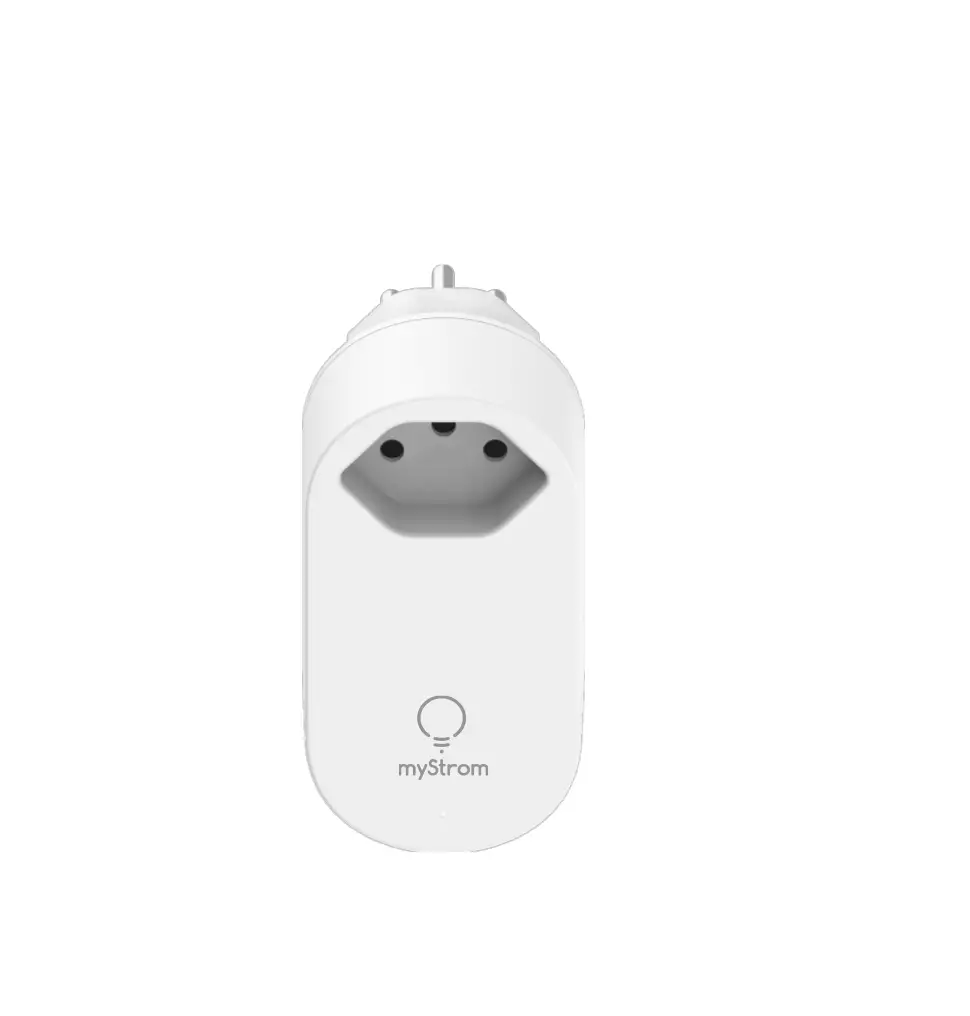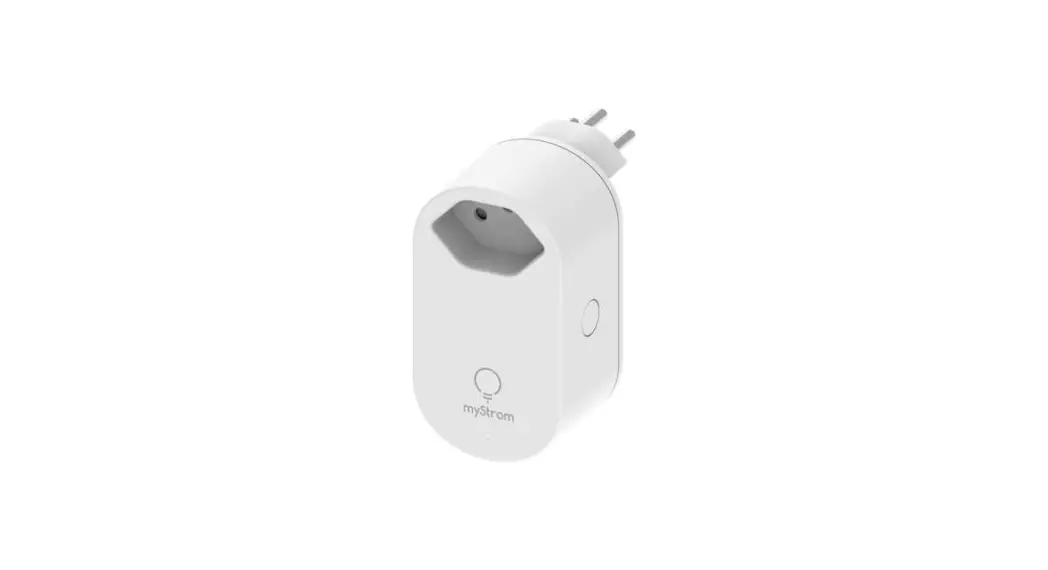

myStrom WSE2 Wifi Switch Installation
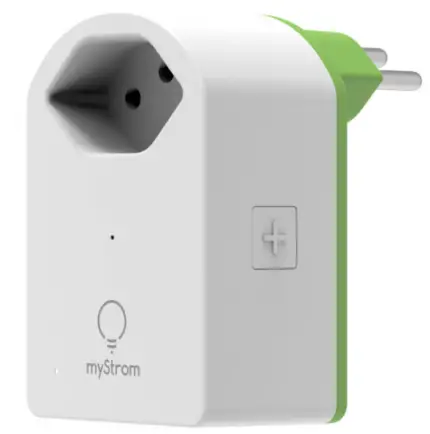
Installation
myStrom app
- Download the myStrom app

- Launch app
Open a free account or connect with your existing one. - Add WiFi
Switch Select «Add device» in the menu to add your new WiFi Switch. - All Done

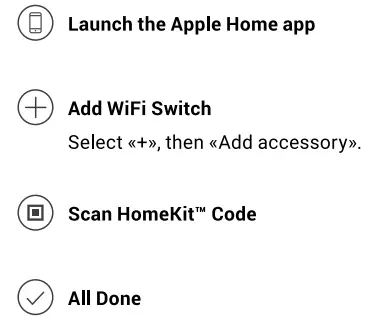
Apple Home app
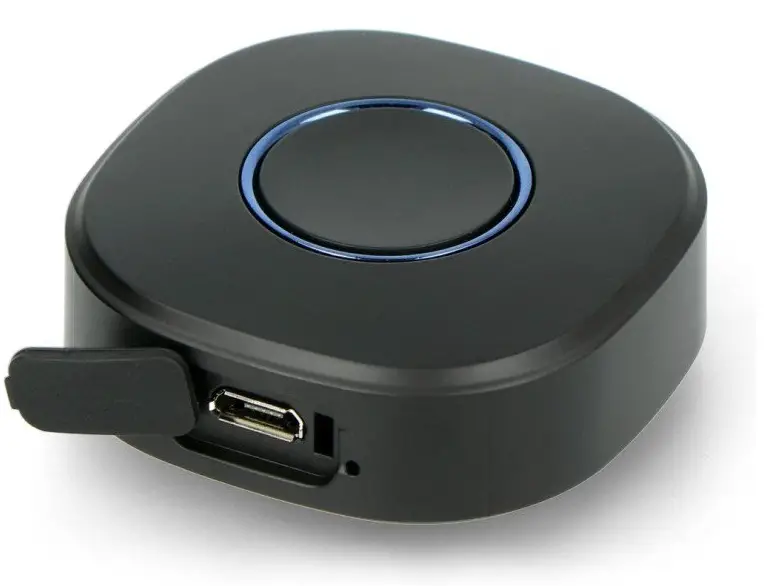
Ports, Buttons and LED


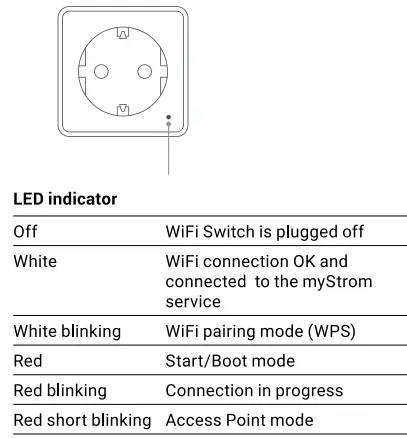
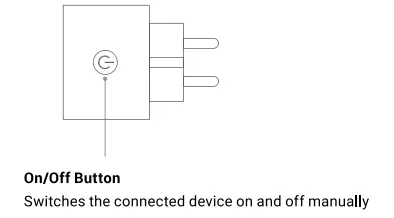
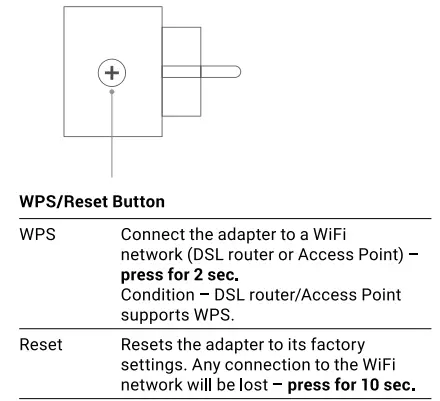
FAQ & Support
WiFi Switch not working?
- Restart the WiFi Switch
Simply unplug and plug it in again. - Plug the WiFi Switch close to your DSL Router
If the LED Iights up in white, the WiFi Switch works perfectly and could have suffered from a weak WiFi signal in its previous location. - Reconnect the WiFi Switch
Activate WPS first on your Router, then on your WiFi Switch. Further help & contact form mystrom.com/support