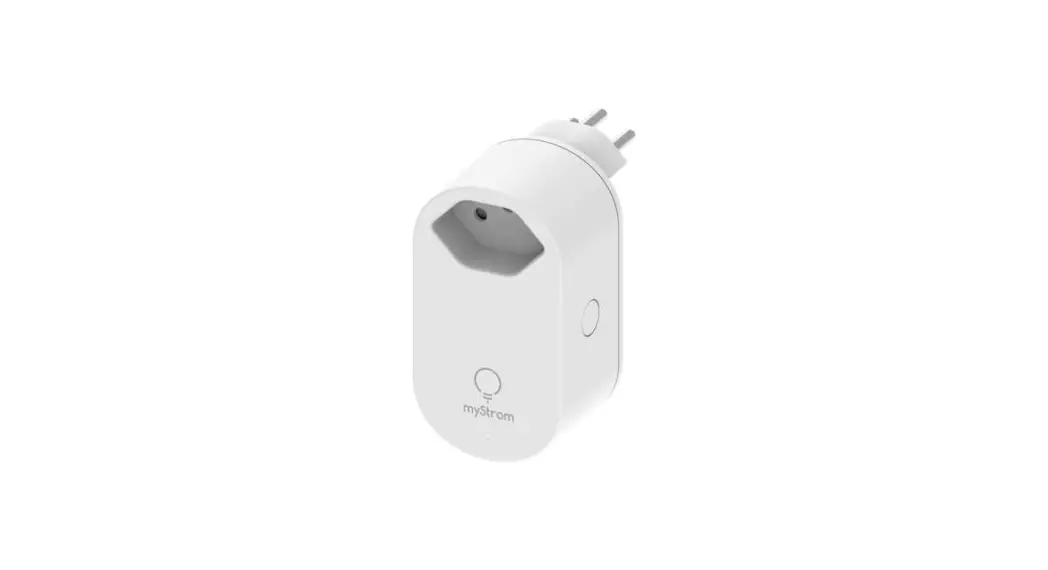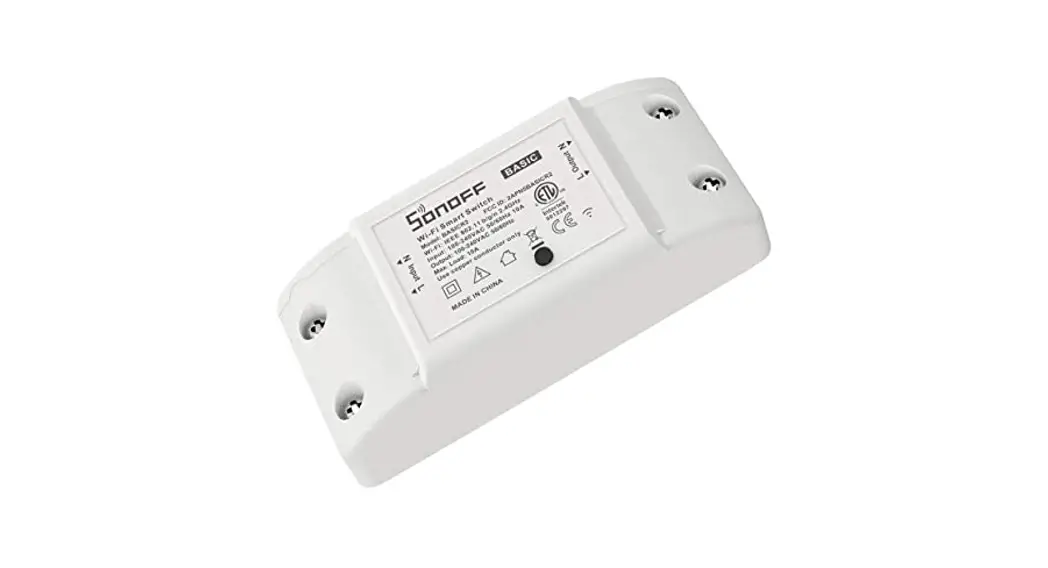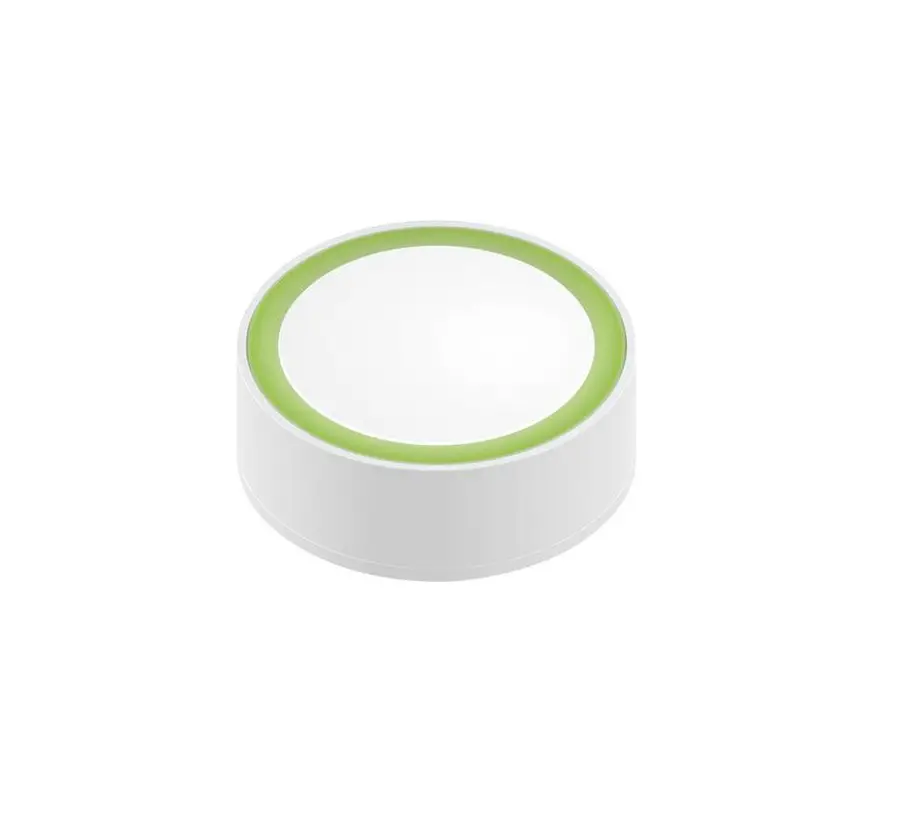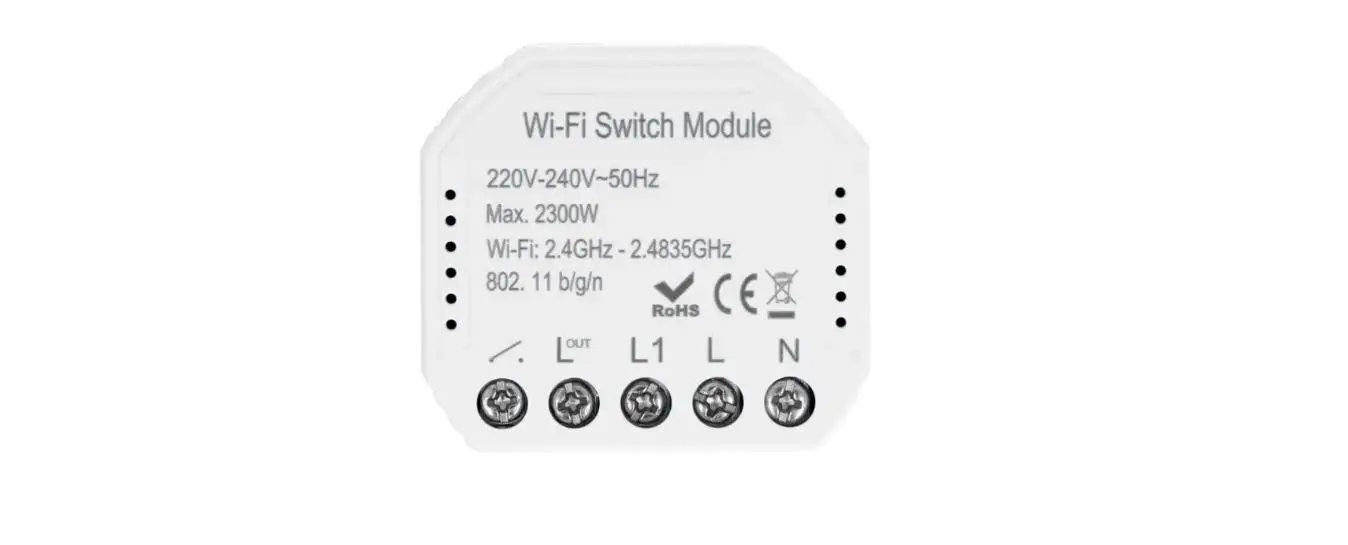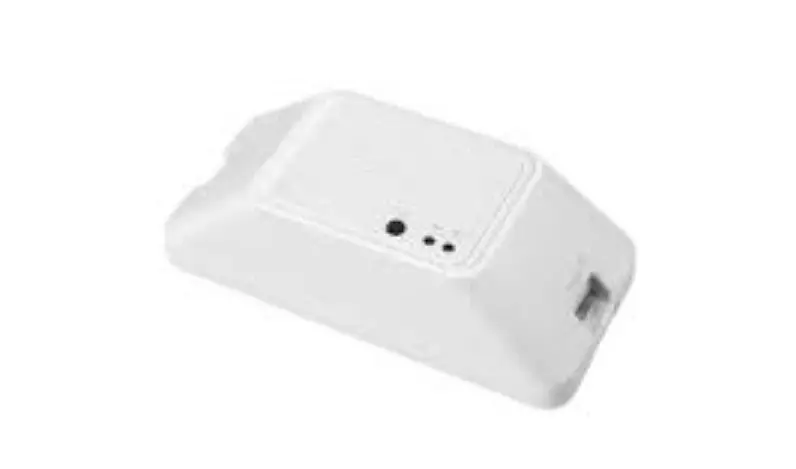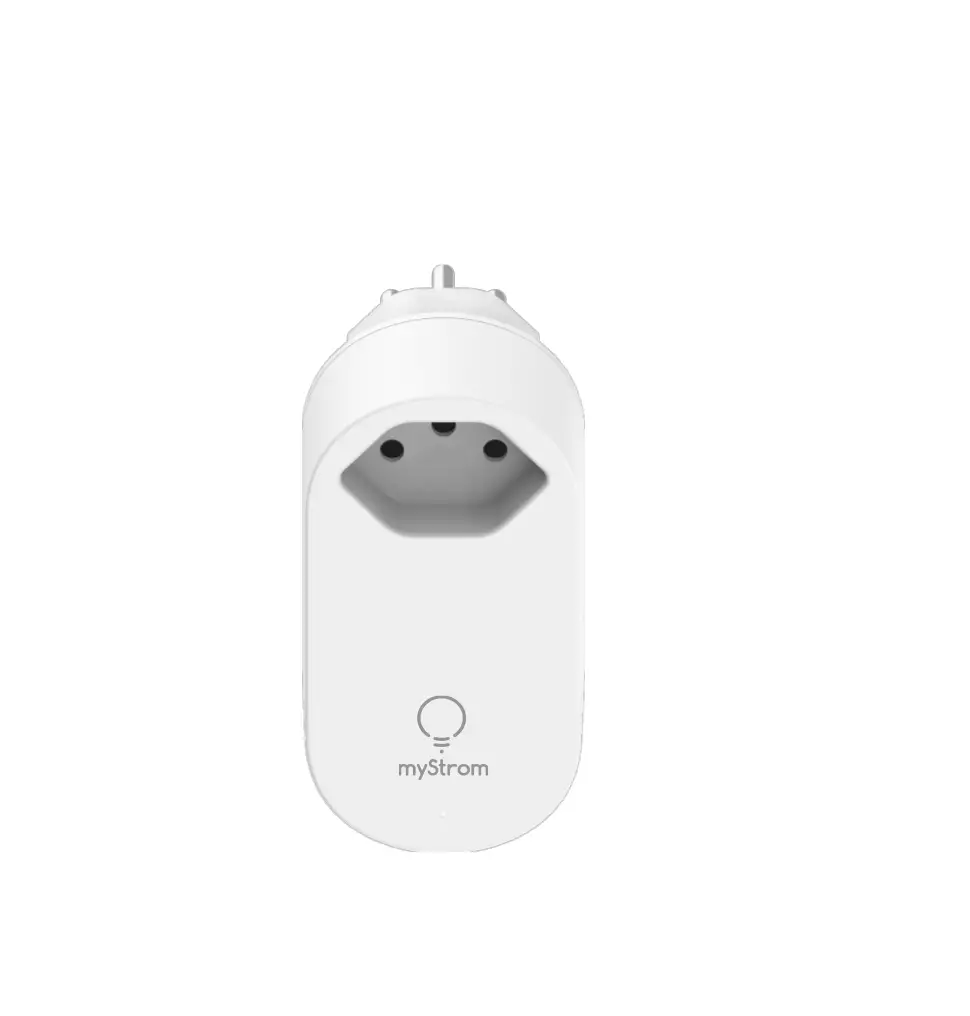
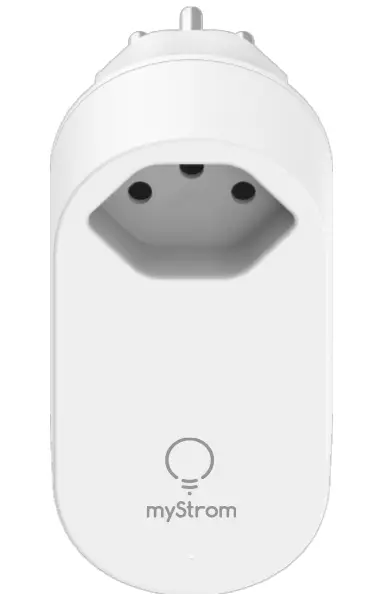
myStrome WiFi Switch Zero
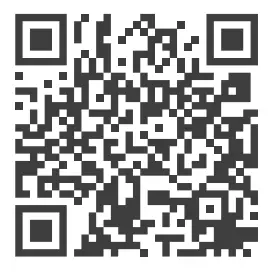
Download the myStrom app
 |  |
 |  |
 Launch app
Open a free account or connect with your existing one.
 Add WiFi Switch Zero
 AII Done
Ports, Boutons et LED
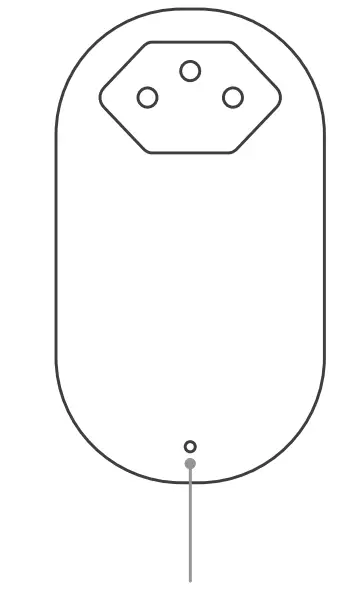
LED indicator
| Off | WiFi Switch Zero turned off |
| White | WiFi connection OK and connected to the myStrom service |
| White, blinking | WiFi pairing mode (WPS) |
| Red | Starting up |
| Red, blinking | Connection in progress |
| Red, blinking slowly | Access Point mode |
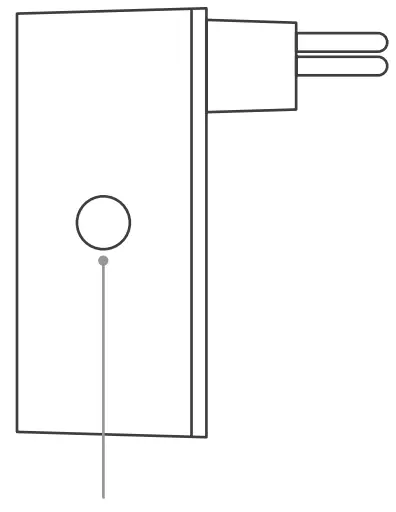
On/off button
| Press | Switches the connected device on and off manually. |
| Other functions | |
| WPS | Press and hold the on/off button for 3-5 seconds until the LED flashes white slowly. |
| Reset | Press and hold the on/off button for 1 0 seconds until the LED flashes white quickly. |
FAQ & Support
WiFi Switch Zero not working?
Restart the WiFi Switch Zero
Simply unplug and plug it in again.
Plug the WiFi Switch Zero close to your DSL Router
If the LED lights up in white, the WiFi Switch Zero works perfectly and could have suffered from a weak WiFi signal in its previous location.
Reconnect the WiFi Switch Zero
Activate WPS first on your Router, then on your WiFi Switch Zero.
Further help & contact
mystrom.ch/support
myStromAG
c/o tiko Energy Solutions AG
8004 Zurich/ Switzerland
mystrom.ch