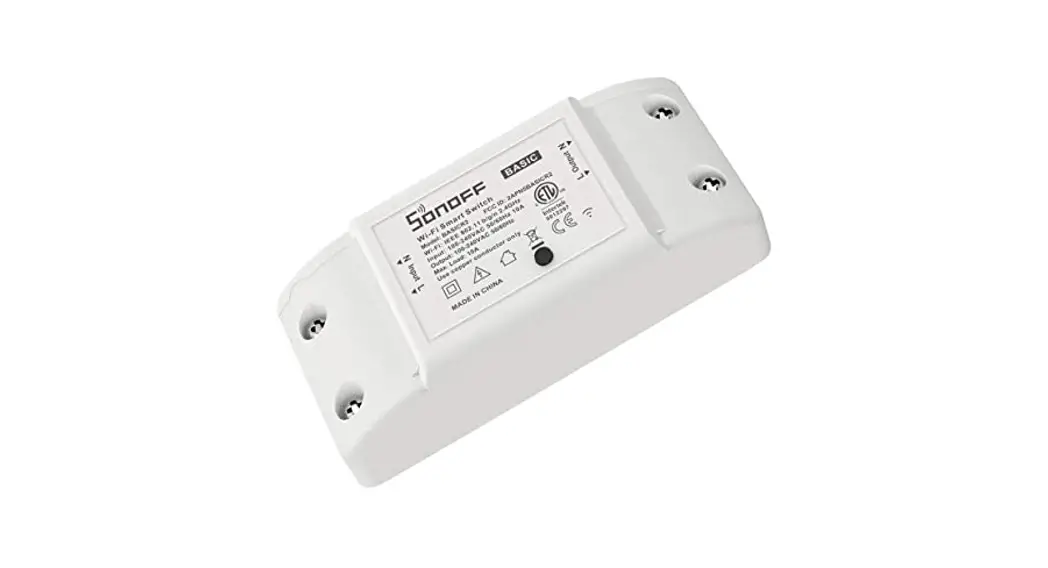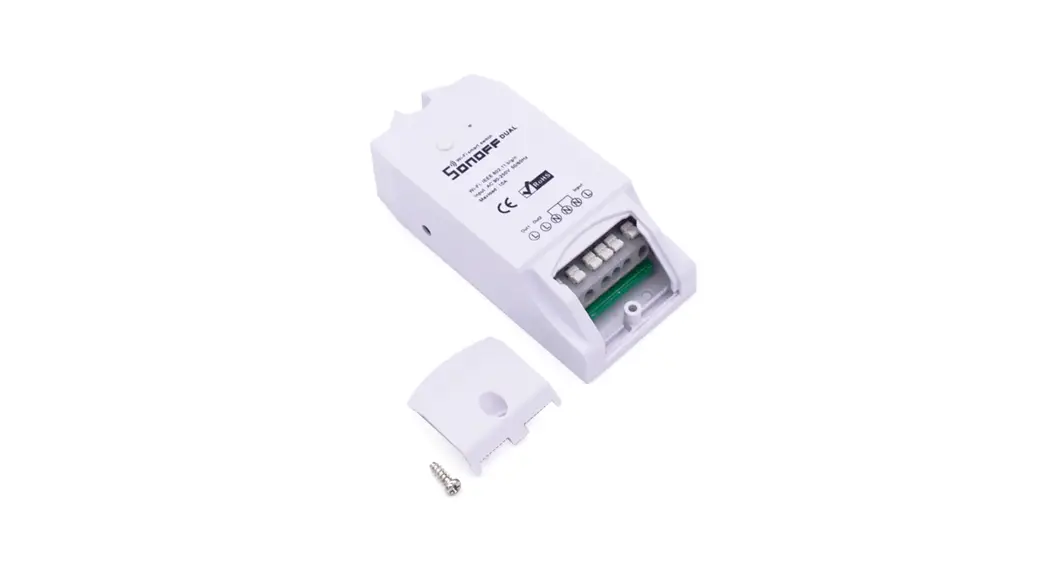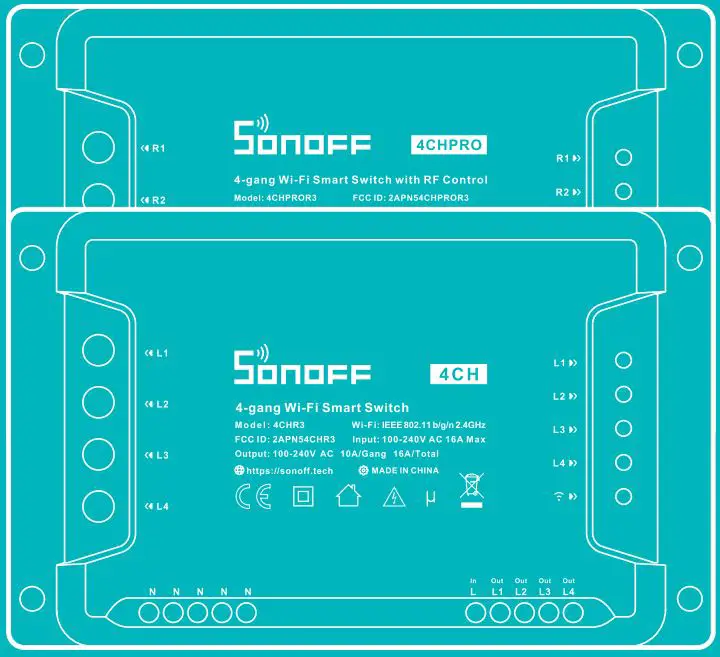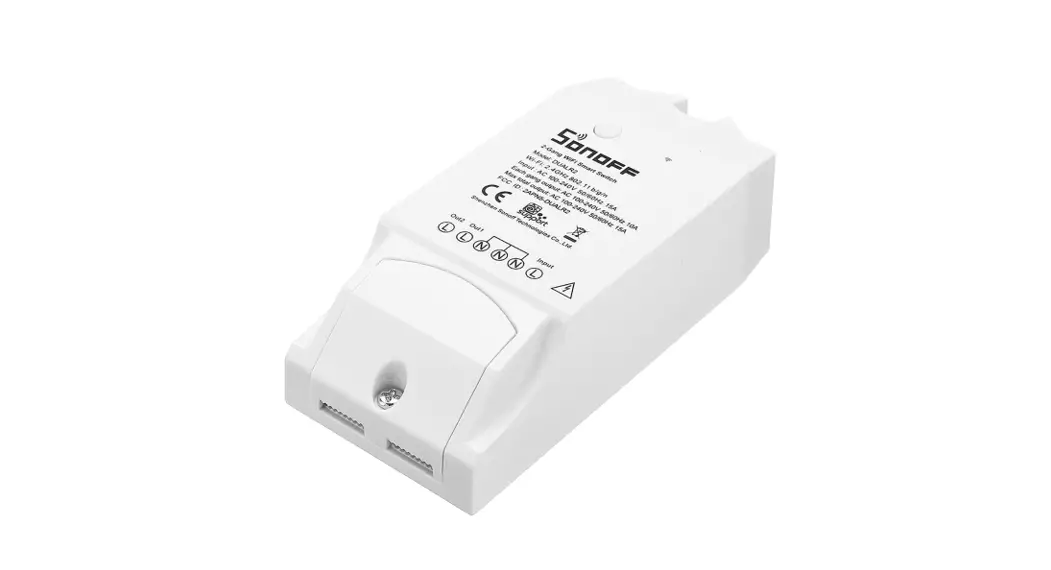


 Quick Installation Guide v1.0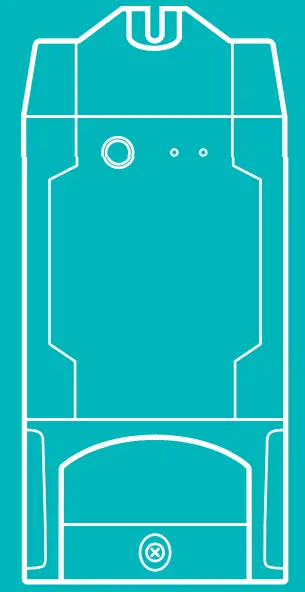
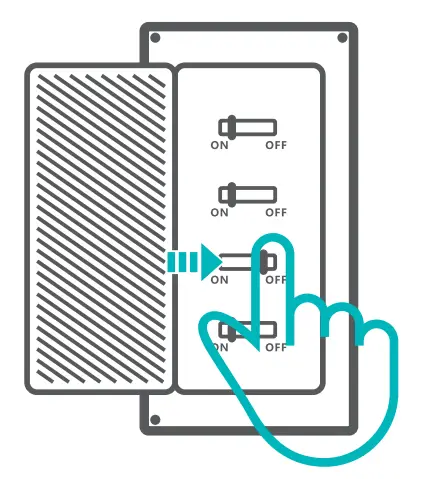
Power off
 To avoid electric shocks, please consult the dealer ar a qualified professional for help when installing and repairing! Please do not tau ch the switch_during use.
To avoid electric shocks, please consult the dealer ar a qualified professional for help when installing and repairing! Please do not tau ch the switch_during use.
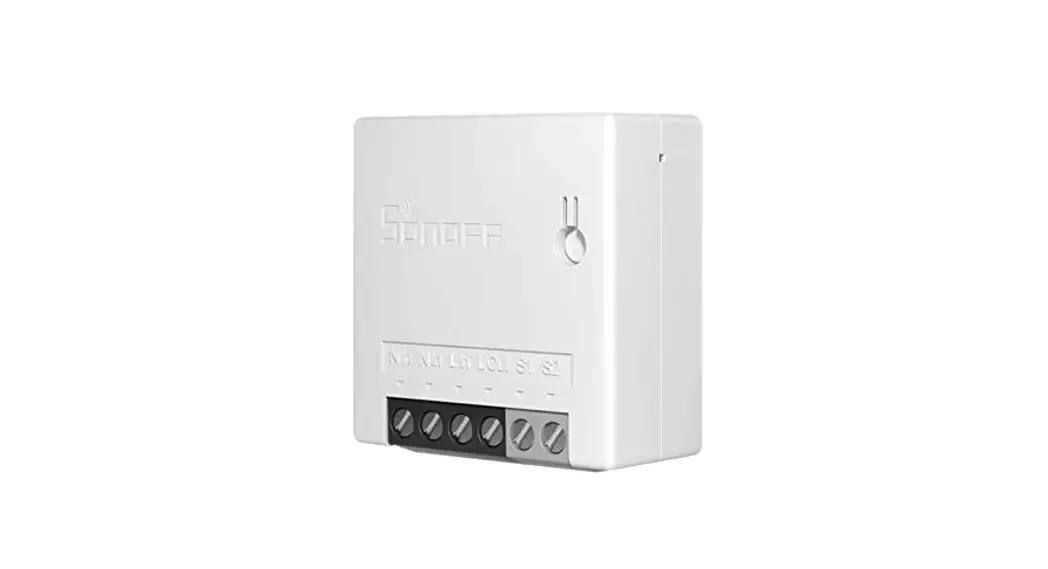
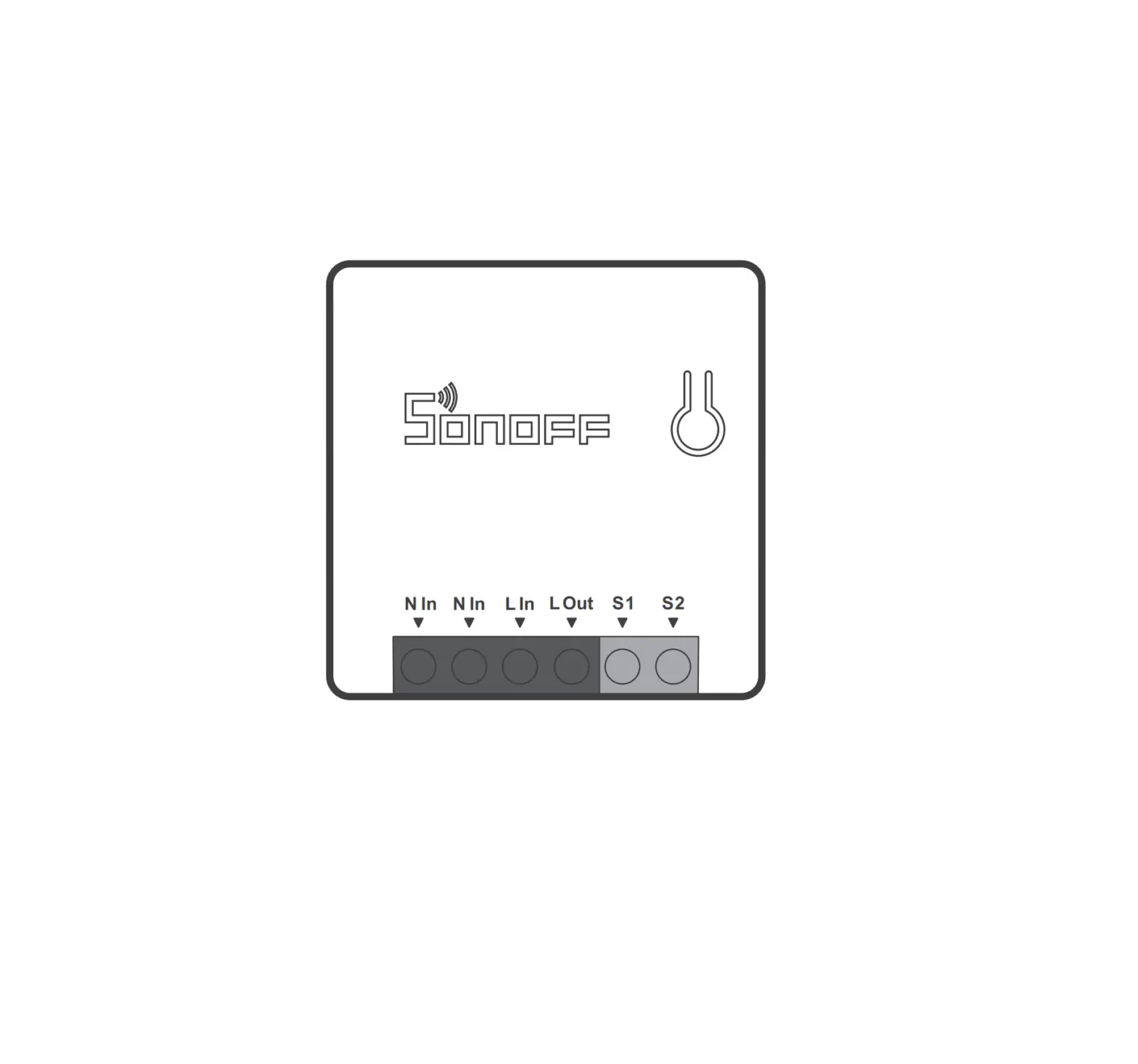
Wiring instruction
Light fixture wiring instruction
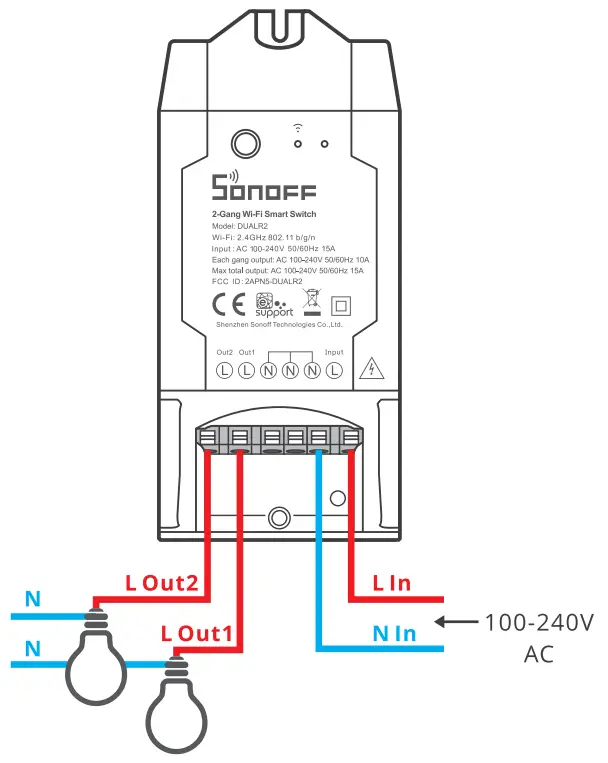
Appliance wiring instruction
 Make sure the neutral wire and live wire connection are correct.
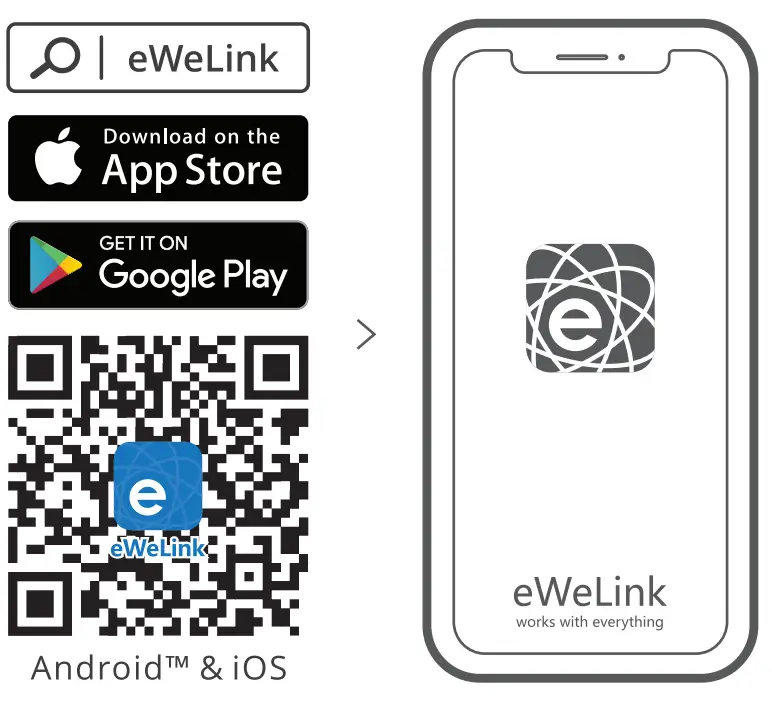
Download APP
LIKE IT!
Glad to know you are satisfied with SON OFF products.
lt would mean a lot to us if you can take a minute to share your buying experience.
Glad to know you are satisfied with SON OFF products.
lt would mean a lot to us if you can take a minute to share your buying experience.

 Share it on Amazon
 Share it on your social media share it with your friends and family
Get the latest news by following us: New arrival Promotion How-to videos
HAVE A PROBLEM?
We are so sorry for the inconvenience caused by the product. Please contact us for help via the email address below.
 [email protected]
We will get back to you as soon as possible.
 https://www.youtube.com/channel/UC1EsS_wR0_isqSbbN-ZM8GA
https://www.facebook.com/SONOFF.official/
Shenzhen Sonoff Technologies Co., Ltd.
1001, BLDG8, Lianhua Industrial Park, Shenzhen, GD, China
ZIP code: 518000
Website: sonoff. tech
MADE IN CHINA
Power on
After powering on, the device will enter the quick pairing mode (Touch) during the first use. The Wi-Fi LED indicator changes in a cycle of two short and one long flash and release.
After powering on, the device will enter the quick pairing mode (Touch) during the first use. The Wi-Fi LED indicator changes in a cycle of two short and one long flash and release.
The device will exit the quick pairing mode (Touch) if not paired within 3mins. you want to enter this mode, please long press the pairing button for about Ss until the Wi-Fi LED indicator changes in a cycle of two short and one long flash and release.
The device will exit the quick pairing mode (Touch) if not paired within 3mins. you want to enter this mode, please long press the pairing button for about Ss until the Wi-Fi LED indicator changes in a cycle of two short and one long flash and release.
Add the device
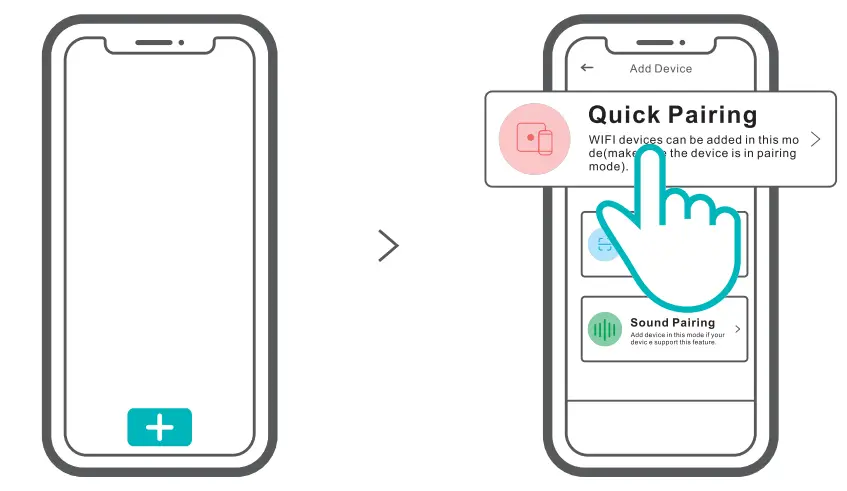
Tap “+” and select “Quick Pairing”, then operate following the prompt on the APP.
User Manual
 https://sonoff.tech/usermanuals
Sean the QR code or visit the website to learn about the detailed user manual and help.
FCC Warning
Changes or modifications not expressly approved by the party responsible for compliance could avoid the user’s authority to operate the equipment.
This device complies with part 15 of the FCC Rules. Operation is subject to the following two conditions: (1) This device may not cause harmful interference, and (2) this device must accept any interference received, including interference that may cause undesired operation.
FCC Radiation Exposure Statement:
This equipment complies with FCC radiation exposure limits set forth for an uncontrolled environment. This equipment should be installed and operated with a minimum distance of 20cm between the radiator & your body. This transmitter must not be co-located or operating in conjunction with any other antenna or transmitter.
Note:
This equipment has been tested and found to comply with the limits for a Class B digital device, under part 15 of the FCC Rules. These limits are designed to provide reasonable protection against harmful interference in a residential installation. This equips menage rates, uses, and can radiate radio frequency energy and, if not installed and used by the instructions, may cause harmful interference to radio communications. However, there is no guarantee that interference will not occur in a particular installation. if this equipment does cause harmful interference to radio or television reception, which can be determined by turning the equipment off and on, the user is encouraged to try to correct the interference by one or more of the following measures·
- Reorient or relocate the receiving antenna
- Increase the separation between the equipment and receiver.
- Connect the equipment into an outlet on a circuit different from that to which the receiver is connected.
- Consult the dealer or an experienced radio/TV technician for help.
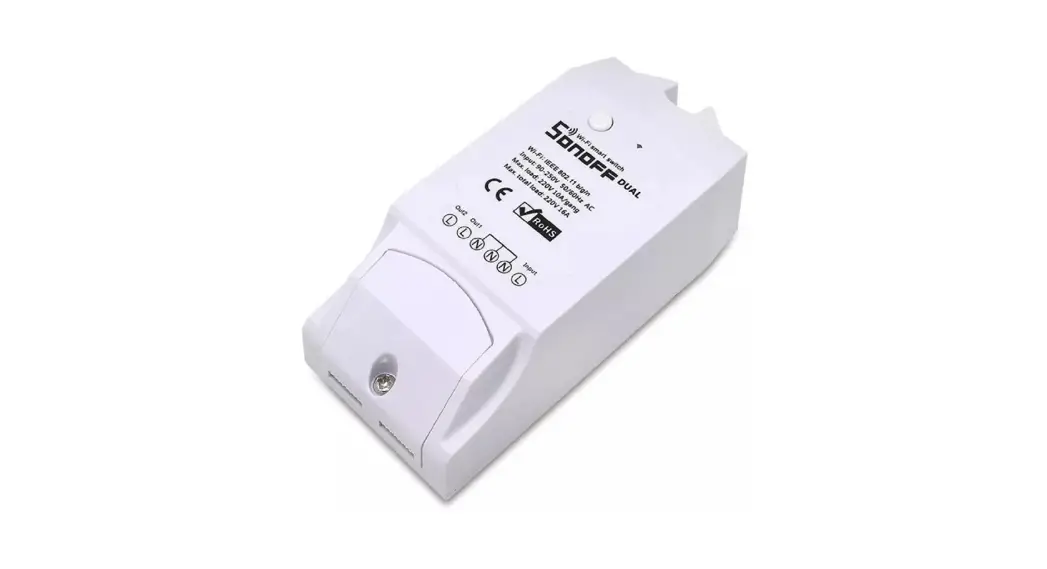
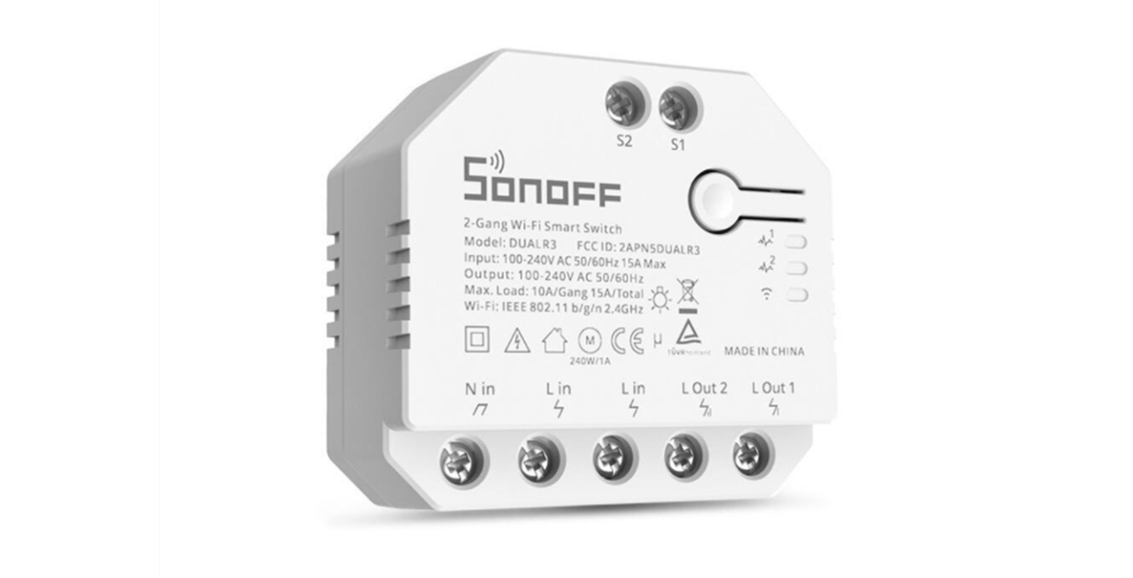
Hereby, Shenzhen Sonoff Technologies Co., Ltd. declares that the radio equipment type DUALR2 complies with Directive 2014/53/EU. The full text of the EU declaration of conformity is available at the following internet address: https://sonoff.tech/usermanuals