KTD2061 36 Channel RGB LED Drivers
Product Information:
Product Name: KTD2061 EVAL Kit
Description: 36-Channel RGB LED Drivers with I2C Control
Product Usage Instructions:
- Using the StemmaQT/Qwiic I2C wiring harness, connect the EVAL
Kit PCB to the QT Py PCB. Make sure to insert the StemmaQT/Qwiic
connectors correctly to avoid damage. - Connect the USB cable to the QT Py RP2040 PCB.
- Connect the other end of the USB cable to a USB 5V/1A power
source (user-supplied). You can use an AC wall adapter, battery
power bank, or an available USB port from a computer. - When power is applied, the demo software will execute three
test patterns that are already stored within the product. - To customize the behavior of the EVAL Kit, follow these steps:
- Download the CircuitPython library and install it on your
computer. - Open the CircuitPython text file code.py with a software
editor. Adafruit recommends using the freeware Mu editor, which is
optimized for CircuitPython. - Edit the code in code.py to make the desired changes.
- Save the changes to the QT Py RP2040. After saving, the code
will automatically recompile and execute. - The code.py file is already replicated as KTD2061_demo_code.txt
on the QT Py RP2040.
- Download the CircuitPython library and install it on your
- For additional resources, you can refer to the following links:
EVAL Kit Quick Start Guide
KTD2061
36-Channel RGB LED Drivers with I2C Control
EVAL Kit Physical Contents
Item #
1 2 3
4
5 6 7 8
Description
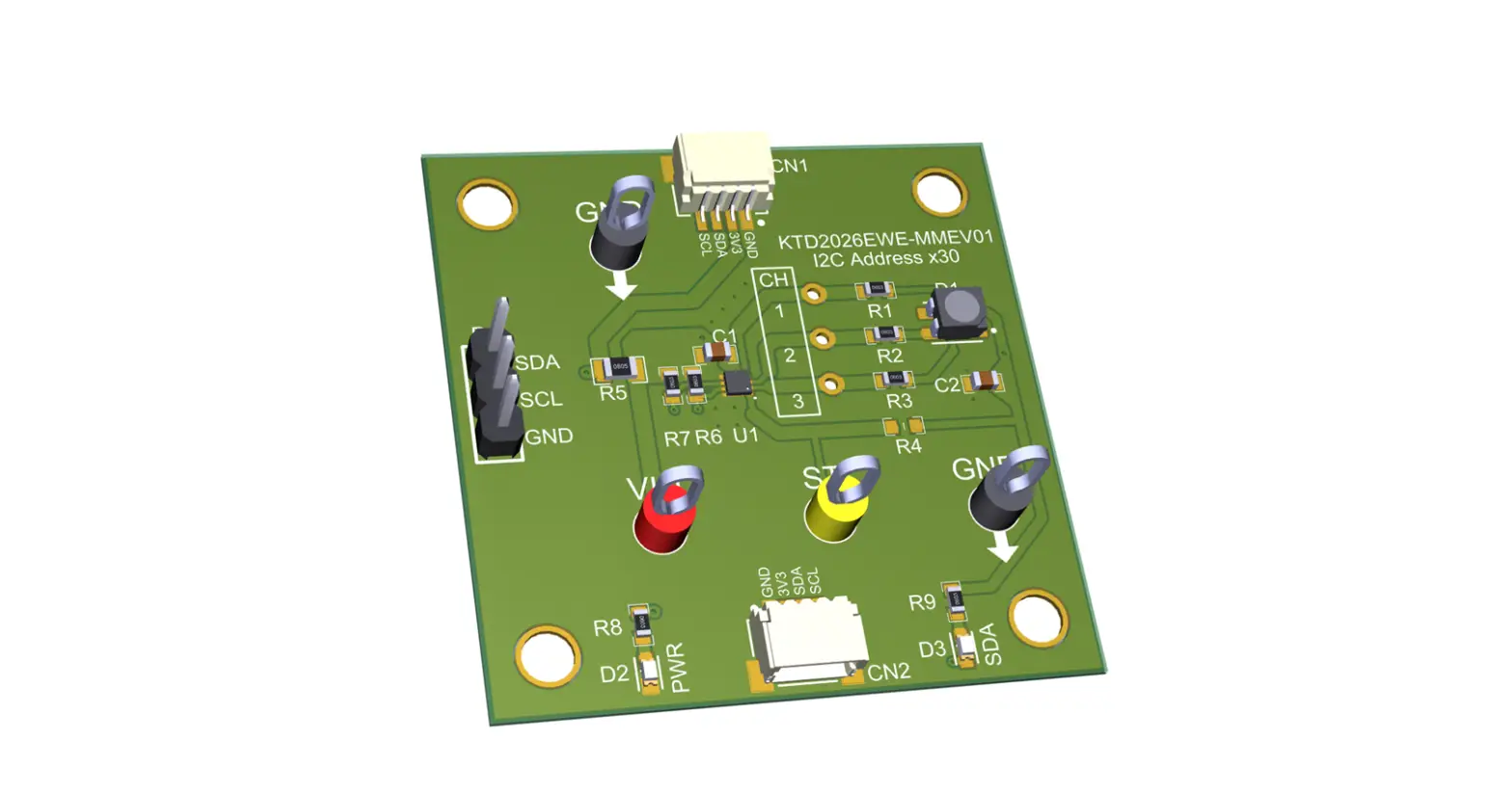
KTD2061 EVB Rev2.0 fully assembled printed circuit board White plastic light diffuser StemmaQT/Qwiic I2C wire harness Adafruit QT Py RP2040 µC fully assembled printed circuit board USB type-A to type-C cable Demo software (pre-loaded on QT Py) EVAL Kit Manual (pre-loaded on QT Py) USB 5V/1A power source
Included
1 1 1
1
1 1 1
Quantity Downloadable
By request 1
User-Supplied
1
Quick Start Procedures and Additional Resources
1. Using the StemmaQT/Qwiic I2C wiring harness, connect the EVAL Kit PCB to the QT Py PCB. To avoid damage within the connectors, do not insert the StemmaQT/Qwiic connectors upside down.
2. Connect the USB cable to the QT Py RP2040 PCB. 3. Connect the other end of the USB cable to a USB 5V/1A power source (user-supplied). You may use an AC
wall adapter, battery power bank, or an available USB port from a computer. 4. When power is applied, the demo software first executes 3 test patterns:
a. All 12 RGB modules turn very dim white for 1 second, then bright white for 5 seconds. b. Each RGB takes its turn showing blue, one at a time, and then repeats with green. c. The 12 RGBs show a multi-color palette for 5 seconds. Three of them are dim white on purpose. 5. After the test patterns, the demo loops an 8-minute demonstration endlessly until power is removed. 6. When desired, remove power by pulling the AC wall adapter from the AC outlet, or by disconnecting the USB cable from the USB power source. 7. Optionally, to read or modify the demo software, connect the USB cable to a computer. a. The QT Py RP2040 connects as an 8MB USB flash drive. The software and collateral documents are
stored within. b. Open the CircuitPython text file code.py with a software editor. Adafruit recommends the
freeware Mu editor, which is optimized for CircuitPython. c. When editing code.py, save changes to the QT Py RP2040. After saving, the code will recompile
and execute automatically. d. The code.py file is already replicated as KTD2061_demo_code.txt on the QT Py RP2040. 8. For additional resources: a. KTD2061/58/59/60 Product https://www.kinet-ic.com/KTD2061/ b. KTD2061 EVAL Kit https://www.kinet-ic.com/ktd2061euac-mmev02/ c. Adafruit QT Py RP2040 https://learn.adafruit.com/adafruit-qt-py-2040/overview d. Adafruit CircuitPython https://learn.adafruit.com/welcome-to-circuitpython/overview e. Mu Editor Installation https://codewith.mu
July 2023 QSG-0017-01
Page 1 of 1
Kinetic Technologies Confidential
 Code With Mu
 Overview | Adafruit QT Py RP2040 | Adafruit Learning System
 KTD2058, KTD2059, KTD2060, KTD2061 36-Channel RGB LED Driver with I2C