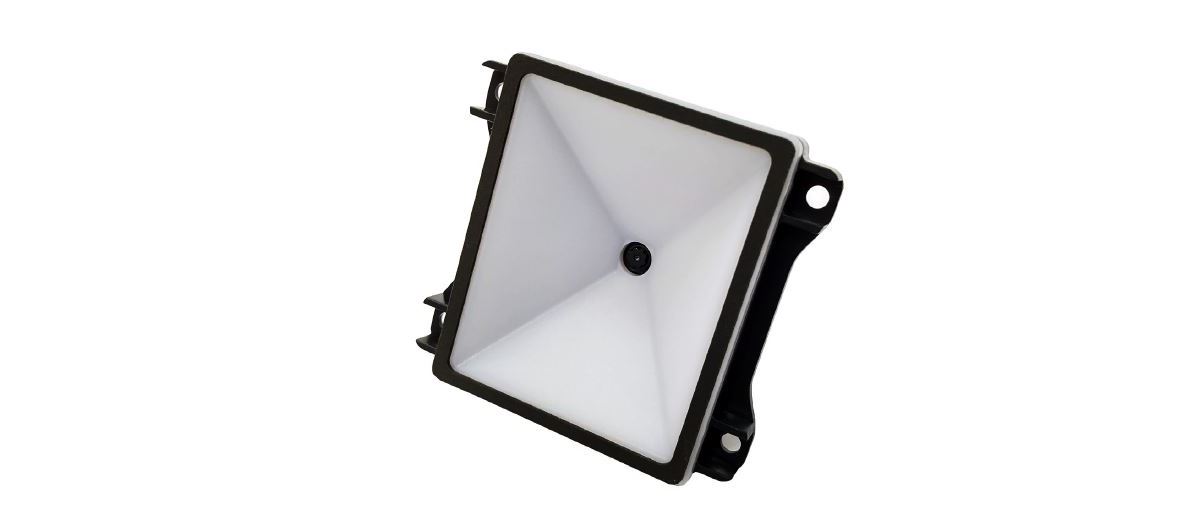
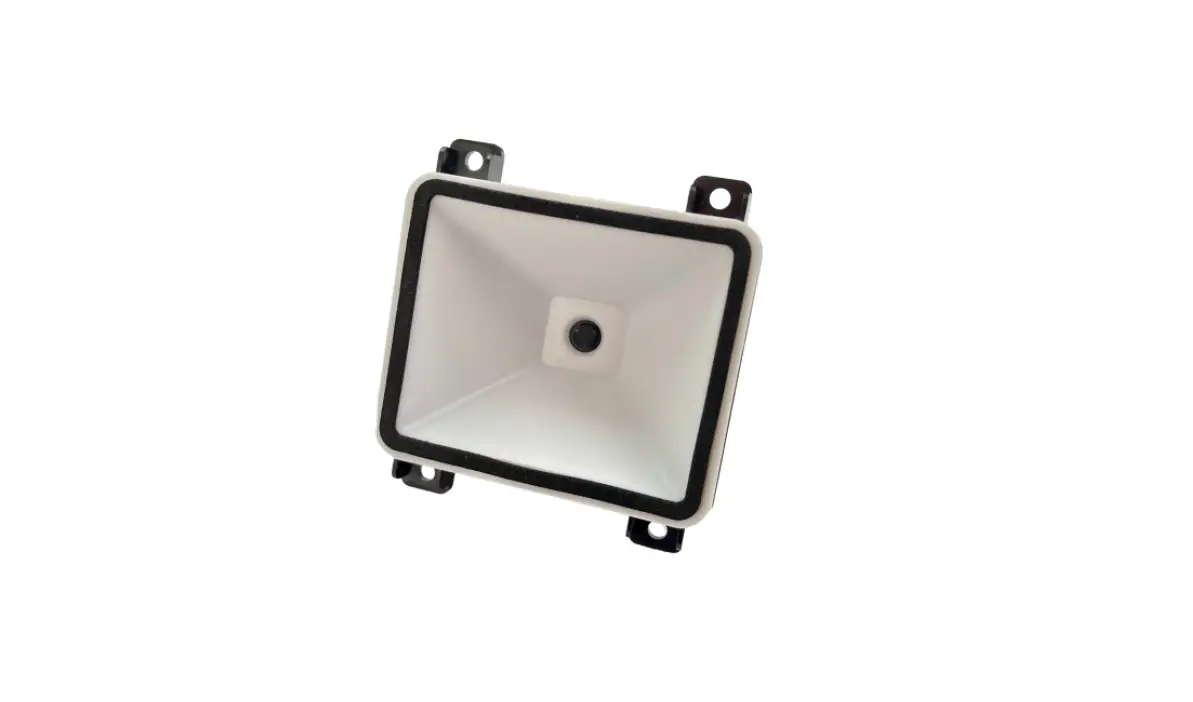
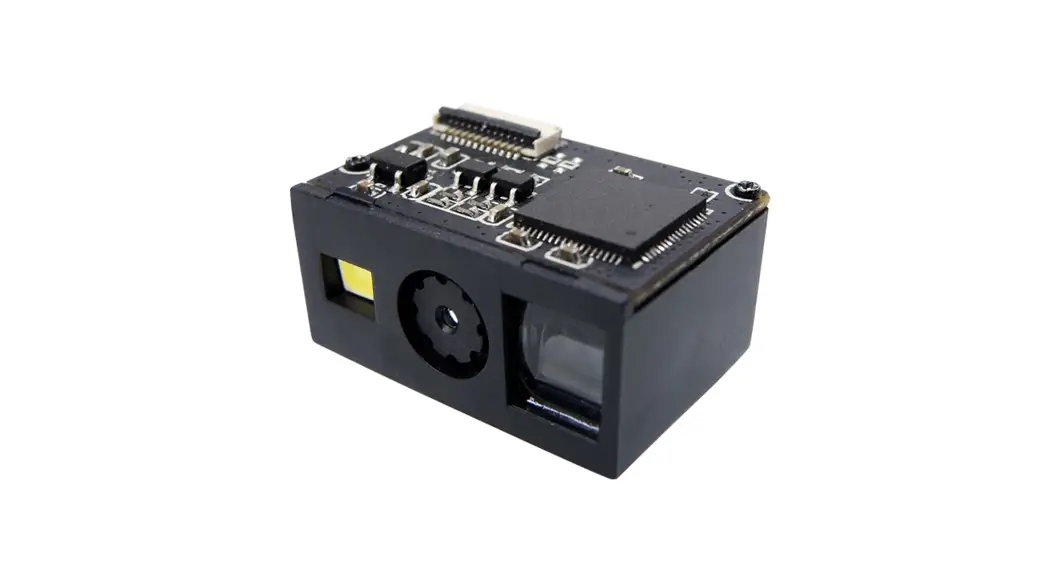
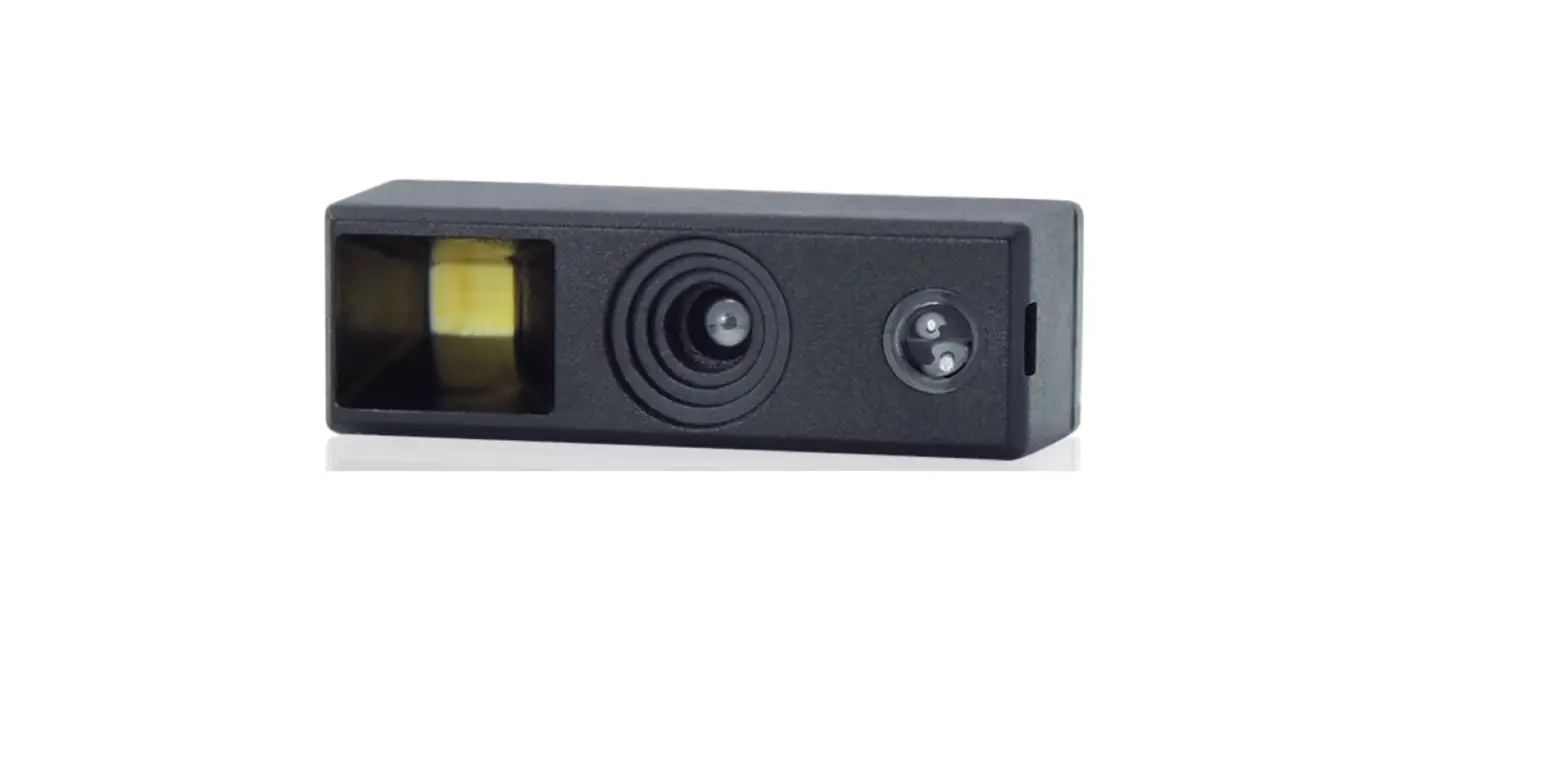
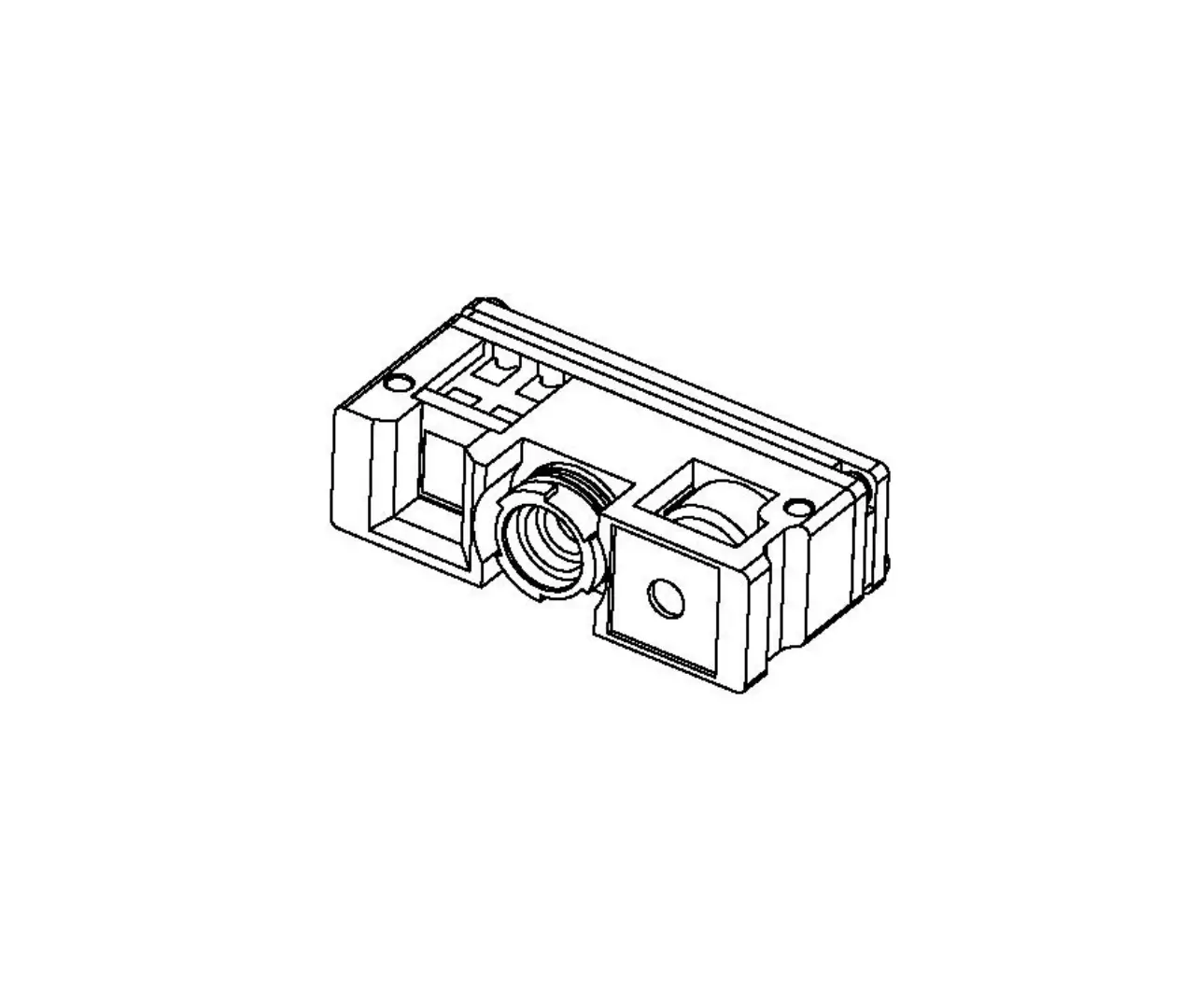
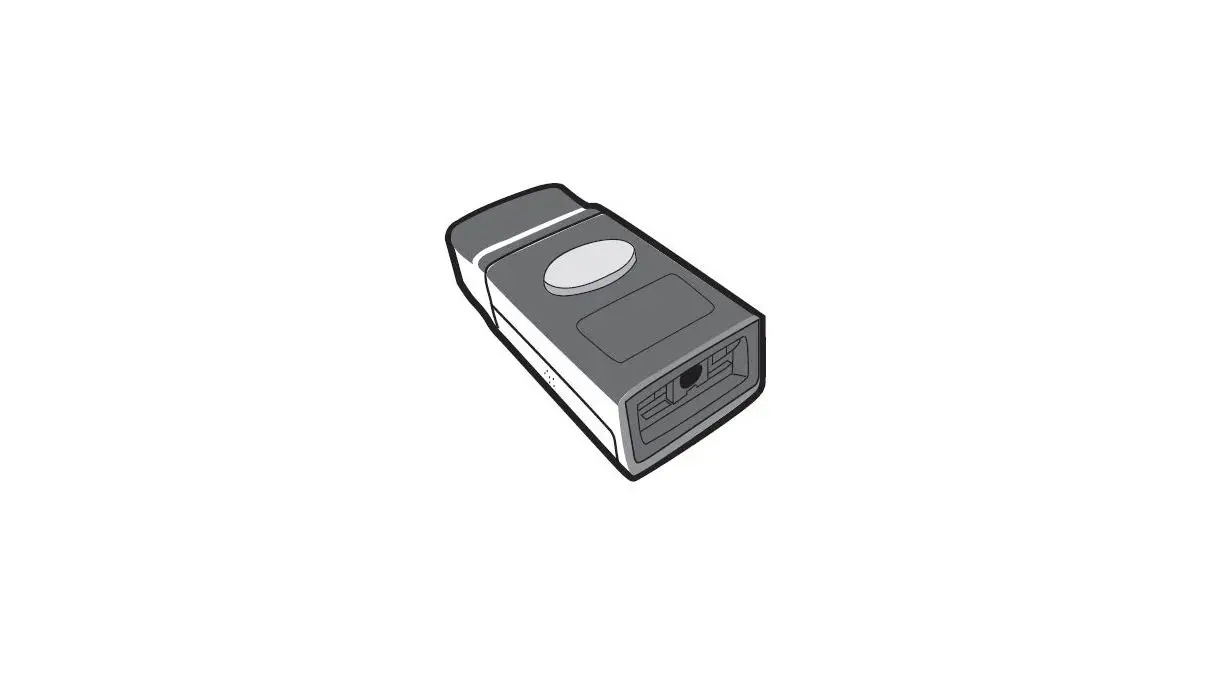
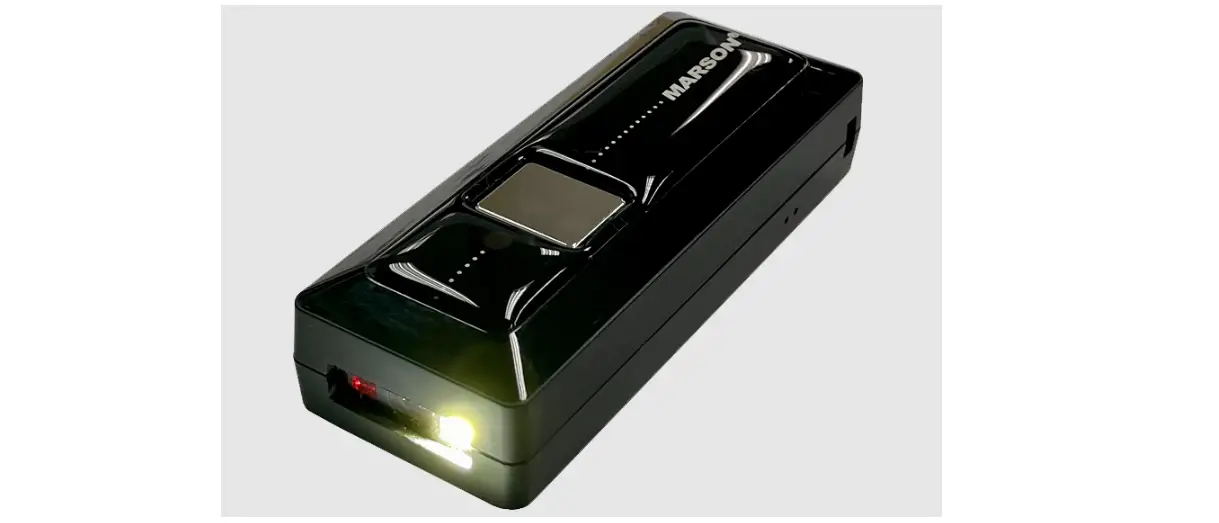
MT6228 2D Fixed Mount Scanner
MT6228 Fixed Mount Scanner
Product Information:
| Component | Description |
|---|---|
| Good Read LED | Indicates successful barcode scanning |
| Tuning Mode LED | Indicates the mode for tuning the scanner |
| No Read LED | Indicates unsuccessful barcode scanning |
| Power On LED | Indicates the scanner is powered on |
| Tuning Button / Scan Button | Dual-purpose button for tuning and scanning |
| Mechanical Knob For Lens Focus | Adjusts the focus of the scanner lens |
Product Usage Instructions:
I/O Box Installation:
- Connect the scanner with I/O Box via aviation plug.
- Connect a 5~36V DC power source (not needed when using USB
cable). - Connect the I/O Box with a PC or data terminal via
RS232/USB/Ethernet. - If using external trigger mode, connect an external sensor or
PLC. - If OK or NG signal is needed, connect Pin 5~8 to an external
device.
Input Diagram:
- NPN Photoelectric Switch Input
- PNP Photoelectric Switch Input
- Relay Photoelectric Switch Input
Output Diagram:
- Good Read – OK
- No Read – NG
Specifications:
| Performance | |
|---|---|
| Resolution | 1280 x 800 |
| Scan Angle | UPC A, UPC E, EAN 8, EAN 13, Code 128, Code 39, Code 93, Code 32, Code11, Codabar, Plessey, MSI, Interleaved 2 of 5, IATA 2 of 5, Matrix 2 of 5, 1D Symbologies Straight 2 of 5, Pharmacode, RSS-14, RSS-14 Expanded, RSS-14 Limited, Composite Code-A, Composite Code-B, Composite Code-C |
| 2D Symbologies | PDF 417, Micro PDF 417, Data Matrix, QR, Micro QR, Aztec, MaxiCode |
| Motion Tolerance | Continuous Mode: 1M/sec External Trigger Mode: 2M/sec |
| Connectivity | RS232, USB (HID, CDC), Ethernet (TCP/UDP) |
| External Input | 1 Optoisolated Input (NPN/PNP/Relay) |
| External Output | 2 Optoisolated Output (Good/NG) |
| Power | 5-36 VDC |
| Physical Characteristics | |
| Dimension | |
| Material | Aluminum Alloy |
| Sealing | IP65 |
| User Environment | |
| Storage Temp. | -40~+70 °C |
| Operating Temp. | -20~+50 °C |
| Regulatory | TBA |
| Depth of Field | |
| Lens Focus Resolution | |
| DOF | |
| LR (Long Range) | 1D: 5 mil; 2D: 9 mil |
| HD (High Density) | 1D: 3 mil; 2D: 7 mil |
| Field of View | |
| Distance (mm) | 100, 150, 200 |
| Field of View (mm) | Horizontal: 53, 61, 79 Vertical: 91, 106, 122 |
Auto-tuning:
- Press and hold the Tune Button for about 5 seconds.
- Aim at the desired barcode. Release the Tune Button to start
Auto-tuning. - LED status indicates Auto-tuning result (Error or Good). If the
result is Good, the settings will be stored permanently. No need
for re-tuning after a power cycle. If the result is Error, please
start over from step 1.
Troubleshooting:
If the scanner does not work properly, please do the following
first:
- Check if the cable is connected firmly and is supplied by the
original manufacturer. - Check if the symbology (barcode type) is enabled.
- Check if the barcode quality is good.
If the scanner still does not work properly, please contact your
local distributor.
MT6228 Fixed Mount Scanner
Quick Guide
Out of Box
Introduction
1 Good Read LED 2 Tuning Mode LED 3 No Read LED 4 Power On LED 5 Tuning Button / Scan Button 6 Mechanical Knob For Lens Focus
I/O Box Installation
PIN
Signal
1 Opto Isolated Input(-)
2 Opto Isolated Input(+)
3 VCC (+)
4 GND (-)
5 Opto Isolated Ouput (-)
6 Opto Isolated Output (+)
7 Opto Isolated Output (-)
8 Opto Isolated Output (+)
Function Trigger Input
5-36 VDC Good Read
Indicator No Read Indicator
Above is an installation example: (1) Connect the scanner with I/O Box via aviation plug (2) Connect 5~36V DC power, which is not needed when applying USB cable. (3) Connect I/O Box with PC or data terminal via RS232/USB/Ethernet. (4) If external trigger mode is used, an external sensor or PLC is needed. (5) If OK or NG signal is needed, connect Pin 5~8 to external device.
Input Diagram
NPN Photoelectric Switch Input
PNP Photoelectric Switch Input
Relay Photoelectric Switch Input
Output Diagram
Good ReadOK
No ReadNG
Specifications
Performance
Resolution
1280 x 800
Scan Angle
Horizontal 28° (H)Vertical 33° (V)
UPC A , UPC E , EAN 8 , EAN 13 , Code 128 , Code 39 , Code 93 , Code 32 , Code11 , Codabar, Plessey , MSI , Interleaved 2 of 5 , IATA 2 of 5 , Matrix 2 of 5 , 1D Symbologies Straight 2 of 5 , Pharmacode , RSS-14 , RSS-14 Expanded , RSS-14 Limited , Composite Code-A , Composite Code-B , Composite Code-C
2D Symbologies PDF 417 , Micro PDF 417 , Data Matrix , QR , Micro QR , Aztec , MaxiCode
Motion Tolerance
Continuous Mode : 1M / sec External Trigger Mode : 2M / sec
Connectivity
Interface
RS232USB (HID ; CDC)Ethernet (TCP/UDP)
External Input 1 Optoisolated Input (NPN/PNP/Relay)
External Output 2 Optoisolated Output (Good/NG)
Power
5-36 VDC
Physical Characteristics
Dimension
44 (W) × 52 (D) × 29 (H) mm
Material
Aluminum Alloy
Sealing
IP65
User Environment
Storage Temp. -40~+70
Operating Temp. -20~+50
Regulatory
TBA
Depth of Field
Lens Focus Resolution
DOF
LR (Long Range)
HD (High Density)
1D : 5 mil ; 2D : 9 mil
1D : 3 mil ; 2D : 7 mil
Code39 (5 mil) : 150 mm ~ 300 mm Code39 (3 mil) : 85 mm ~ 120 mm EAN -13 (13 mil) : 115 mm ~ 550 mm EAN-13 (13 mil) : 75 mm ~ 245 mm QR Code (11 mil) : 125 mm ~ 250 mm QR Code (7 mil) : 80 mm ~ 150 mm
Field of View
Distance (mm)
100 150 200
Field of View (mm)
Horizontal (mm)
Vertical (mm)
53
61
79
91
106
122
Dimensions
Auto-tuning
(1) Press and hold the Tune Button for about 5 seconds.
(2) Aim at the desired barcode. Release the Tune Button to start Auto-tuning.
(3) LED status indicates Auto-tuning result (Error or Good). If the result is Good, the settings will be stored permanently. No need for re-tuning after a power cycle. If the result is Error, please start over from step 1.
Troubleshooting
If the scanner does not work properly, please do the following first: (1) Check if the cable is connected firmly and is supplied by original manufacturer. (2) Check if the symbology (barcode type) is enabled. (3) Check if the barcode quality is good. If the scanner still does not work properly, please contact your local distributor.