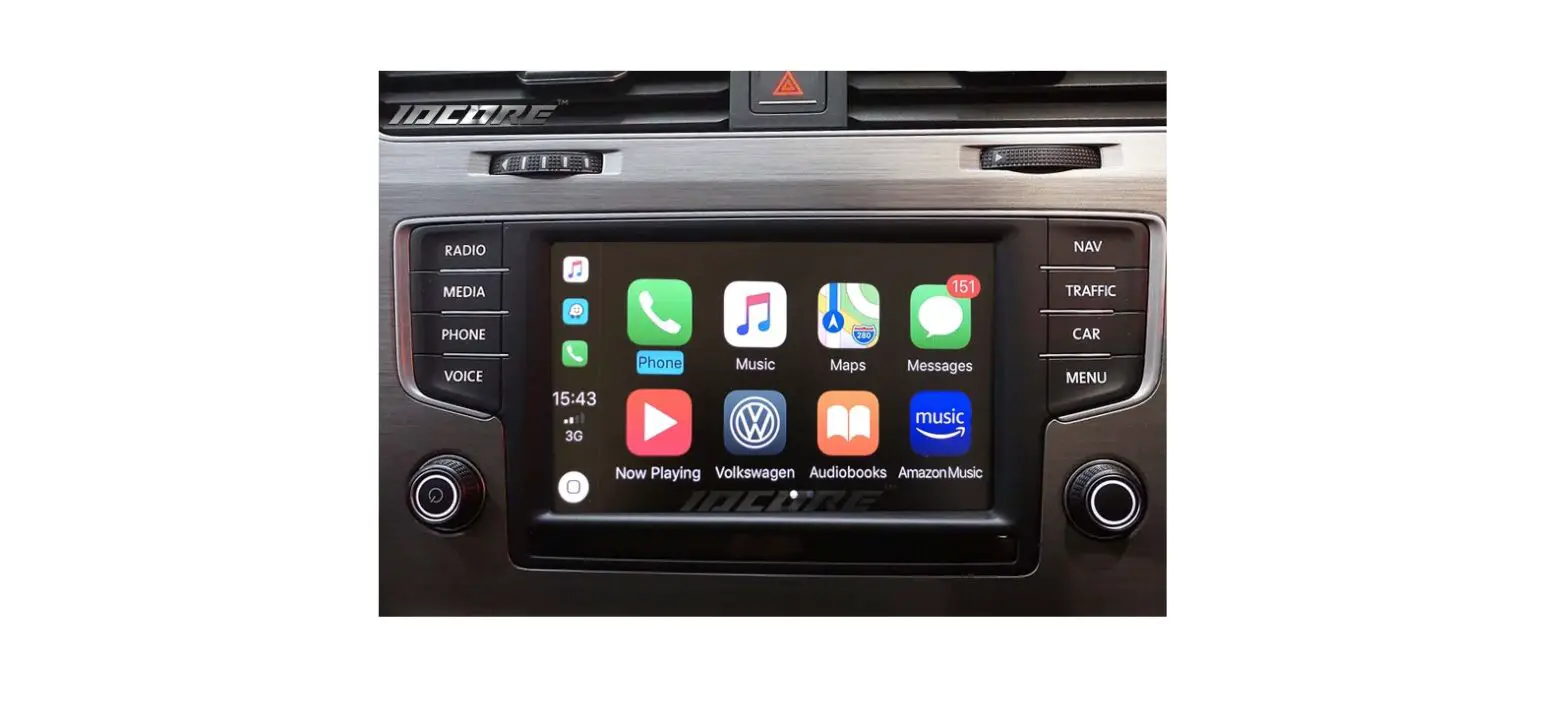
Mercedes NTG5.5 Apple CarPlay and Android Auto Activation
Product Information
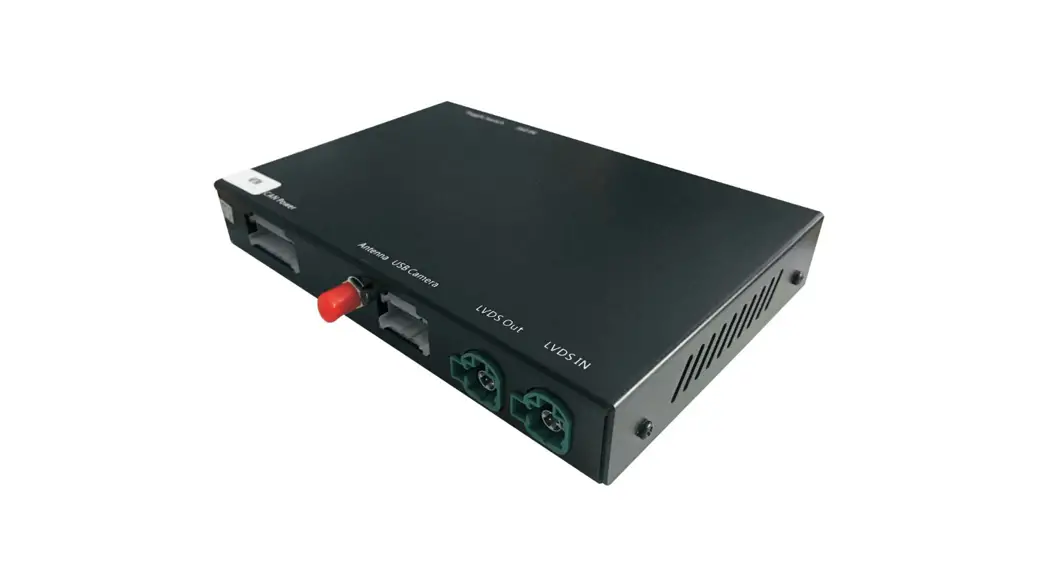
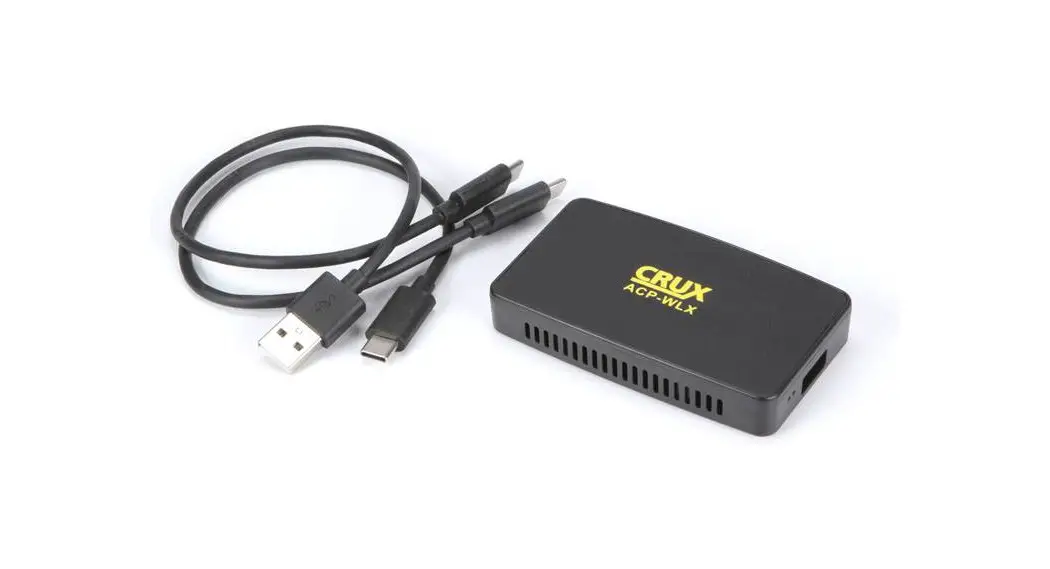
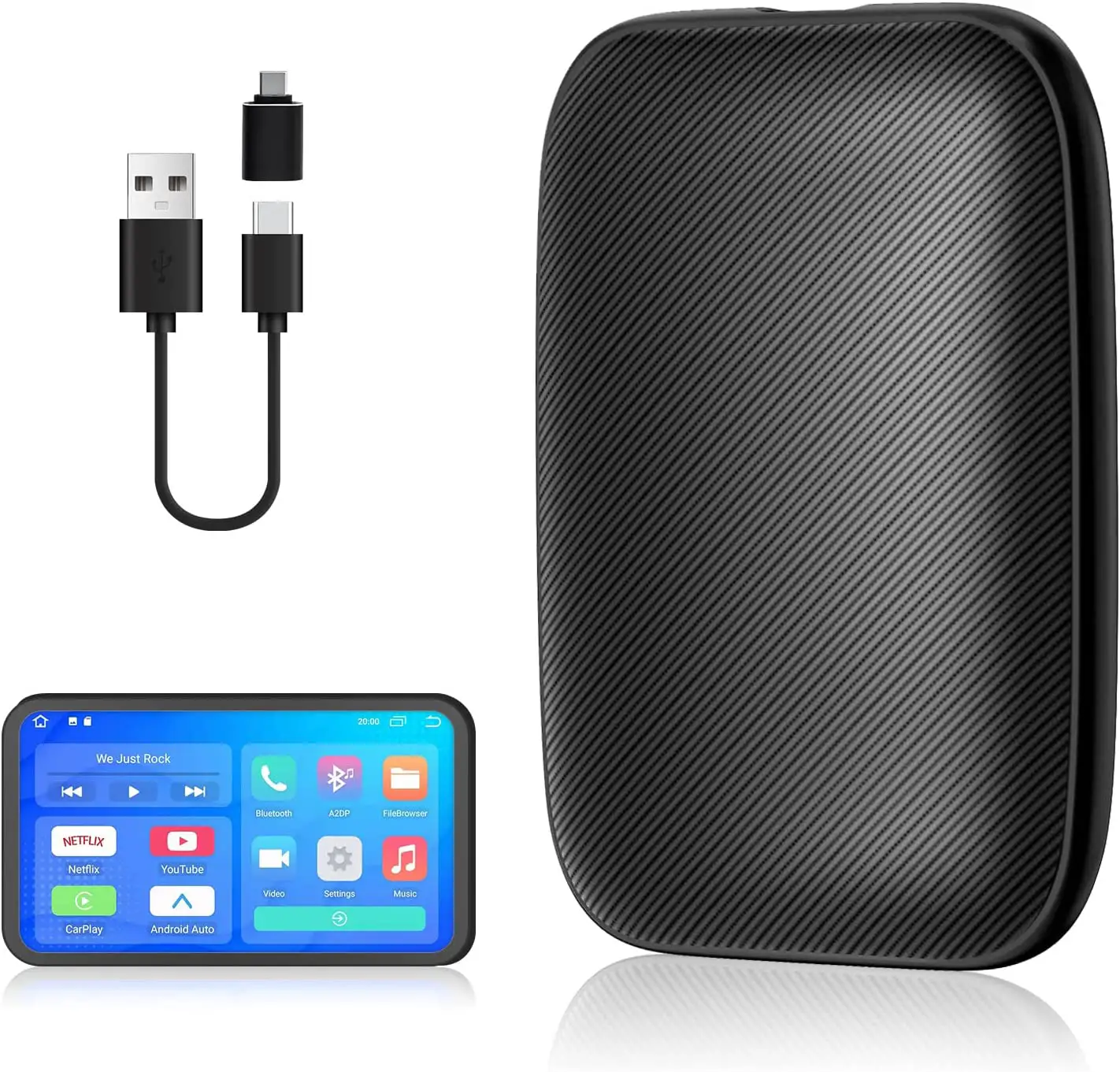
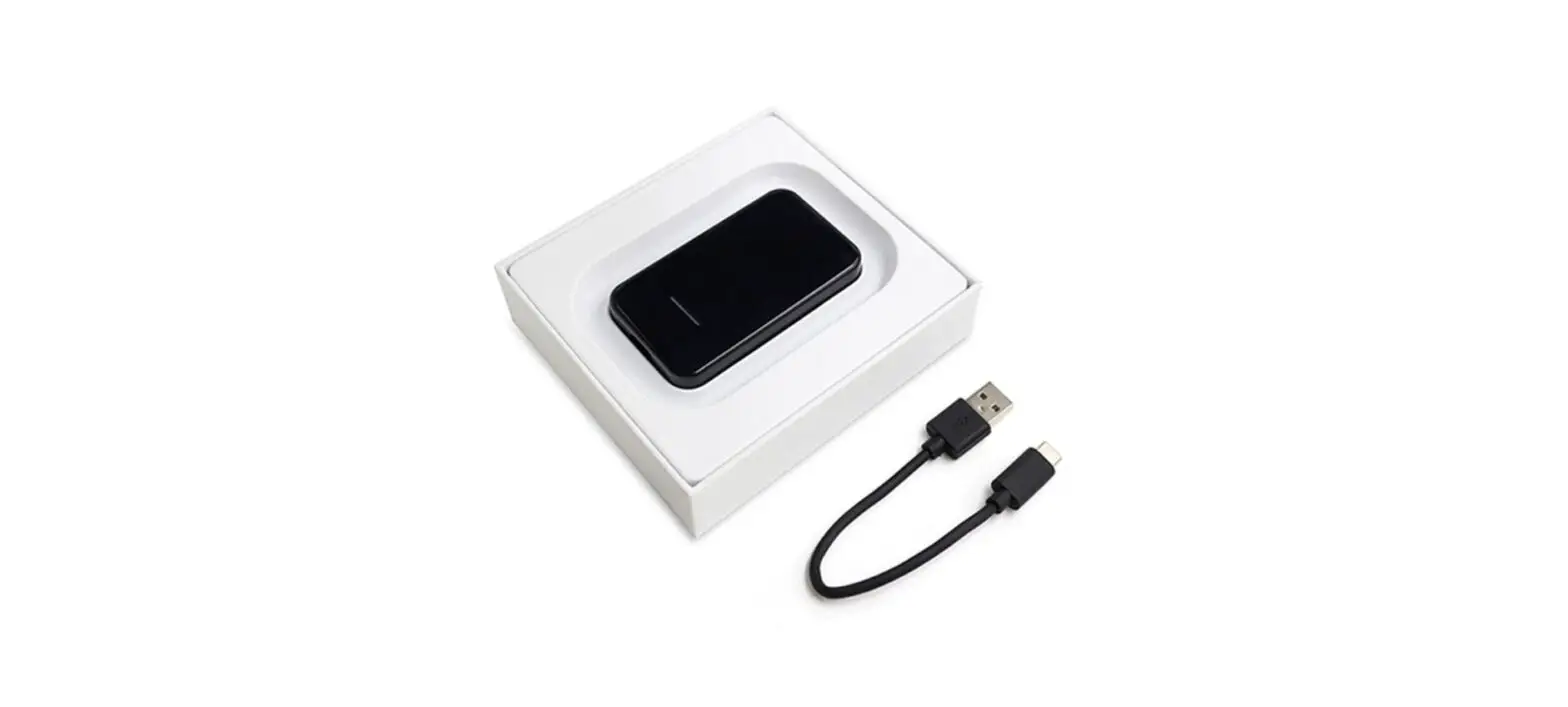
The product is the NTG5.5, which includes the following
items:
- Interface
- Power Cable
- LVDS cable
- USB cable
- 2x Antenna
Product Usage Instructions
- Push the knob to the left for 30 seconds to activate the knob’s
previous/next song function after the system restarts. - Wake up Siri: Answer the call.
- Wake up Siri (Need to be set): Control CarPlay volume.
- Left and right knob function: Return.
- Control CarPlay volume: Return.
- Mute: Long press to switch CarPlay/original car system; Short
press to hang up. - Push right for next song, push left for previous song.
Modified wiring specifications
Connect the components as shown in the wiring diagram:
- Bluetooth antenna
- WiFi antenna
- Connect the head unit of the original car (unplug LVDS
cable) - Connect the USB cable
- Video Output
- Connect the microphone (support the original car microphone,
may not be connected) - BACK-CAR CCD 12V ACC Detection cable
- Connect the head unit of the original car (unplug power
cord)
Wireless CarPlay connection
- Select AUX in the media interface of the original car
system. - If there is an optical fiber cable (usually green or orange) on
the original car power cable, take out the optical fiber cable and
connect it to both the main line of CarPlay. - Long press the on-hook button on the steering wheel to switch
the system. - Connect the mobile phone to the CarPlay Bluetooth interface to
use (enter the Bluetooth interface in the CarPlay system to view
the CarPlay Bluetooth name).
Note: The product also includes additional features such as
video, AV in, and settings. Please refer to the user manual for
more information on these features.
NTG5.5
Product List
1 3
2
4 5
)GX3/).2 +^ZKXTGR3/)2.
H L
3456
NG:
H L
3456
NG:
H L
3456
NG:+2
H L
3456
NG:
H L
3456
NT-
H L
3456
NG:9)RGYY
1 Interface 2 Power Cable 3 LVDS cable 4 USB cable 5 2x Antenna
Button description and usage instructions
* Push the knob to the left for 30 seconds, activate the knob previous/next song function after the system restarts
Wake up Siri ; Answer the call
Wake up Siri (Need to be set) Control CarPlay volume
Left and right knob function
Return
Control CarPlay volume
Return
Mute
Long press to switch CarPlay / original car system; Short press to hang up
* Push right for next song * Push left for previous song
Modified wiring specifications
(KLUXKOTYZGRRGZOUTVRKGYKXKSUK)KTZKXIUTZXURVGTKRIU-pilot baseboard (you can place modules here), as shown below:
1 2
2. Wiring diagram
Bluetooth antenna WiFi antenna
Connect the head unit of the original car unplug LVDS cabel Connect the head unit of the original car
Connect the USB cable
Video Output
Connect the microphone (support the original car microphone, may not be connected)
BACK-CAR CCD 12V ACC Detection cable
Connect the head unit of the original car unplug power cord
Connect the head unit of the original car
3. Wireless CarPlay connection
Select AUX in the media interface of the original car system
Note that if there is an optical fiber cable (usually green or orange) on the original car power cable, you need to take out the opticaClofnibneercctainbgletahnedCtDranBsufettroitntoBothaerdmain line of CarPlay
Long press the on-hook button on the steering wheel to switch the system
Connect the mobile phone to the CarPlay Bluetooth interface to use (enter the Bluetooth interface in the CarPlay system to view the CarPlay Bluetooth name)
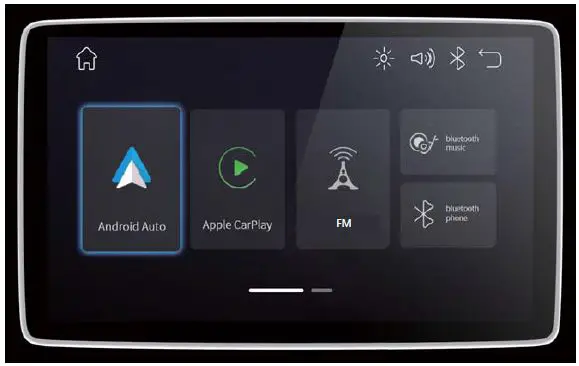
Buletooth
Video
AV in
Setting