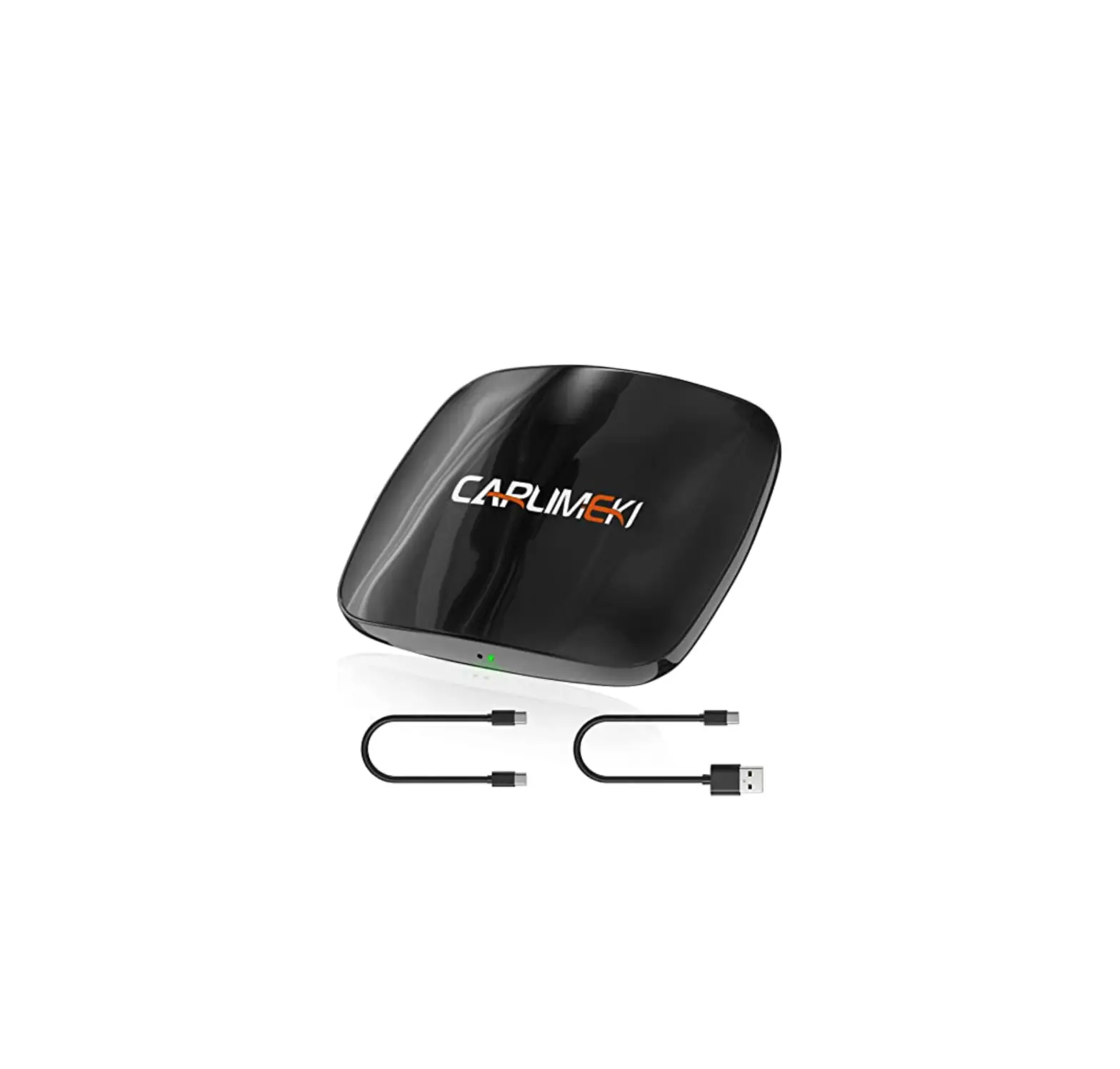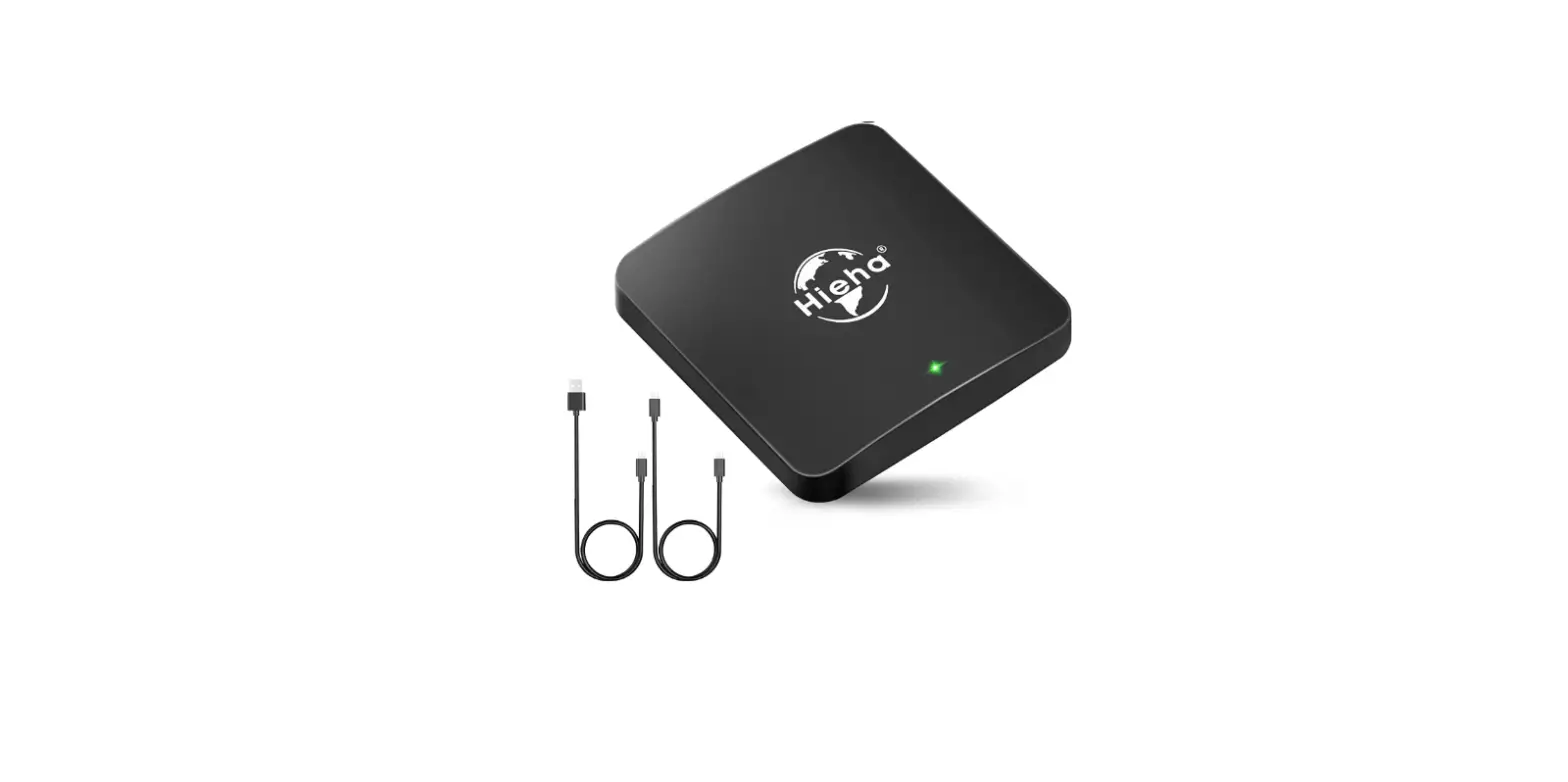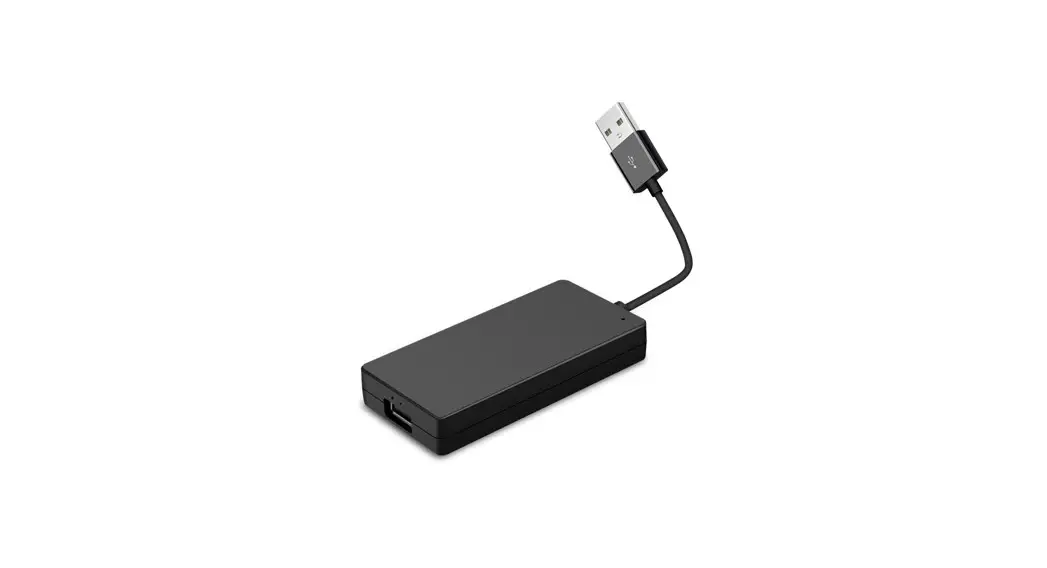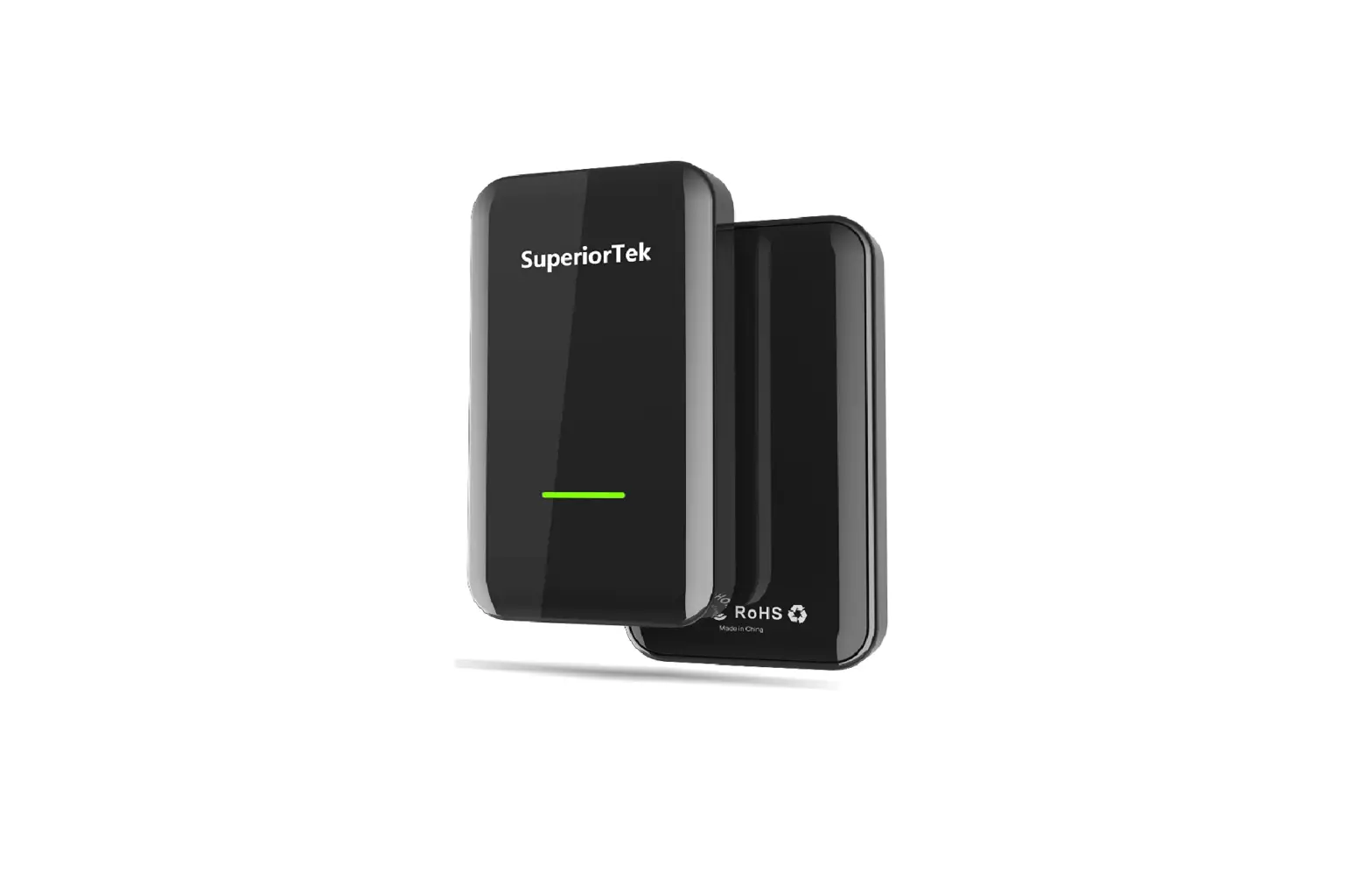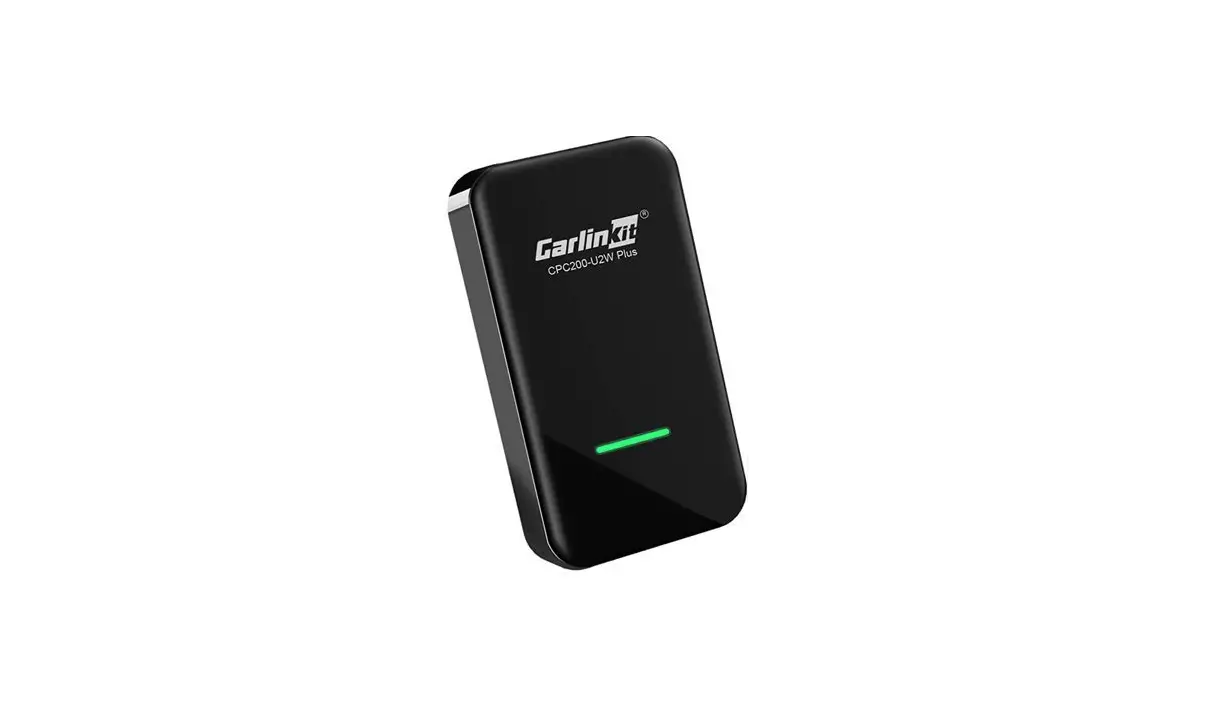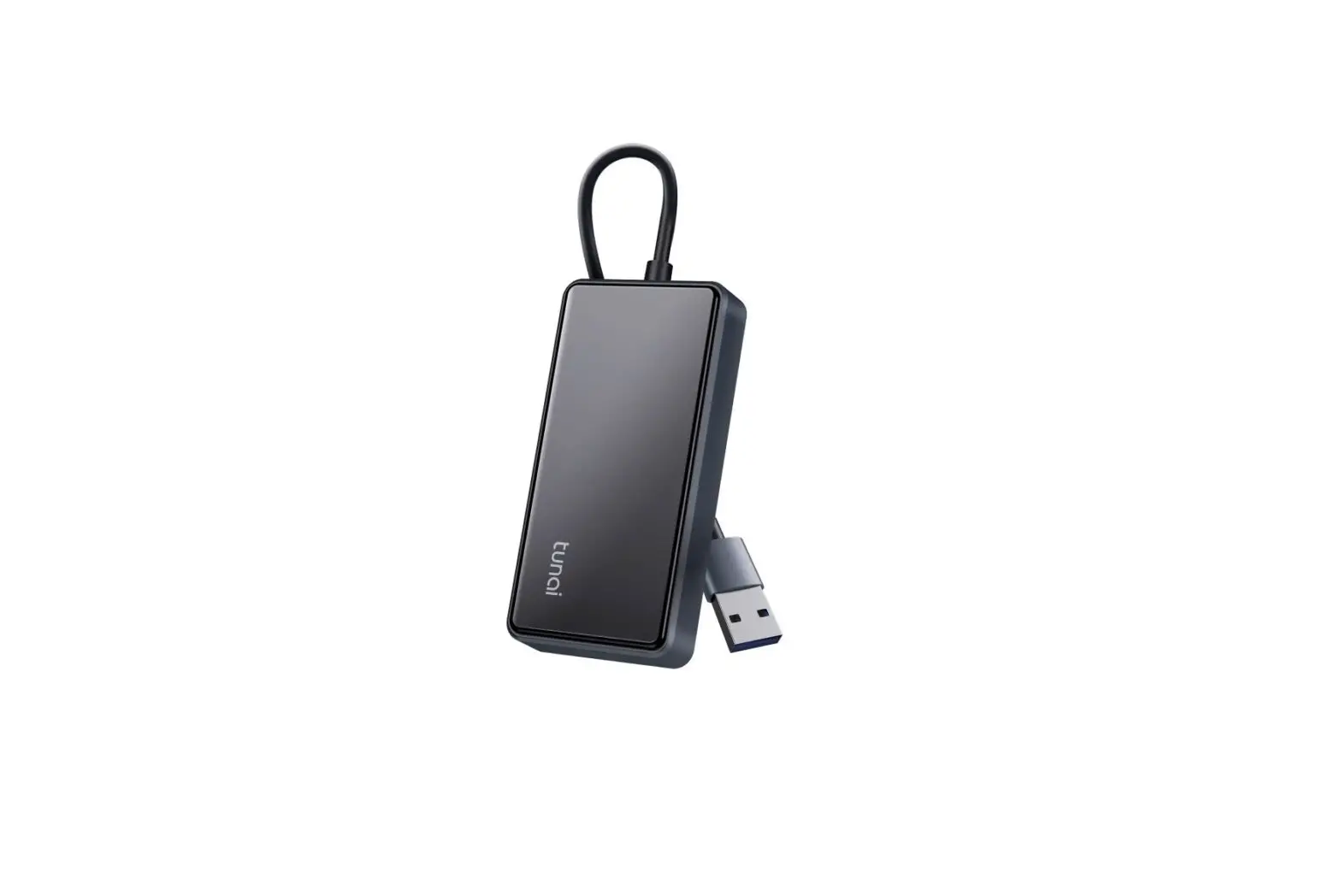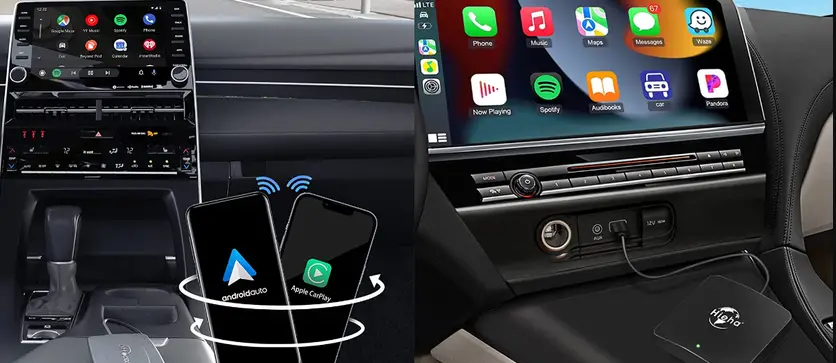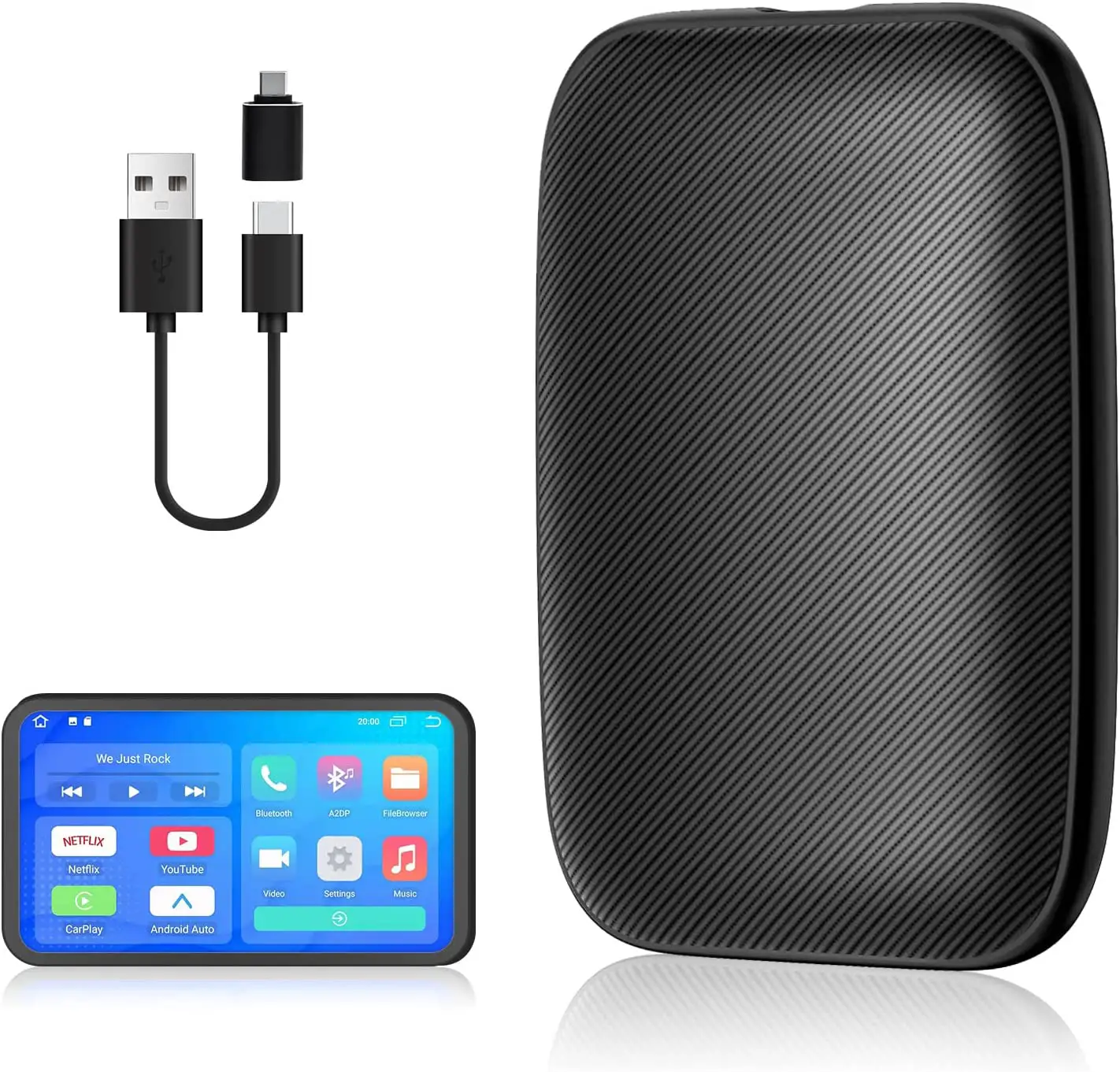
CARabc Wireless CarPlay Adapter User Manual
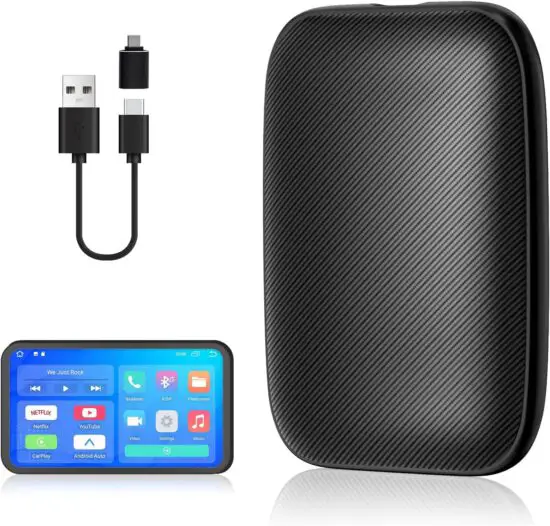
Wireless Connection Instructions
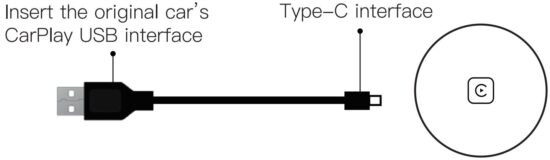
Step 1: Insert the adapter into the USB interface of the original car Carplay.
Step 2: Pair the CarPlay named“smartBox-XXXX”with iPhone Bluetooth.
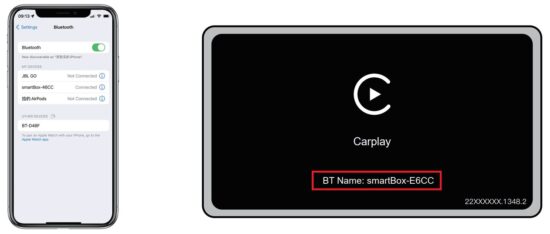
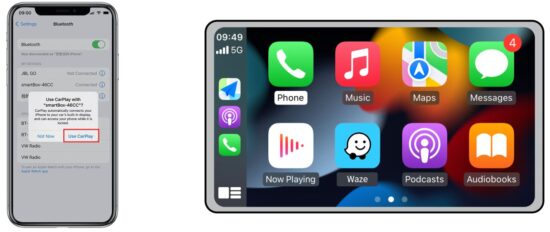
Step 3: After a successful connection…Click “Use CarPlay” to enter the CarPlay interface.
Online Upgrade Instructions
If the product could Works Normally,
Please Not to upgrade at will.
Note: Insert the adapter into USB 5V power supply to upgrade. (the original car CarPlay USB Interface is not supported) Disconnect CarPlay before upgrading
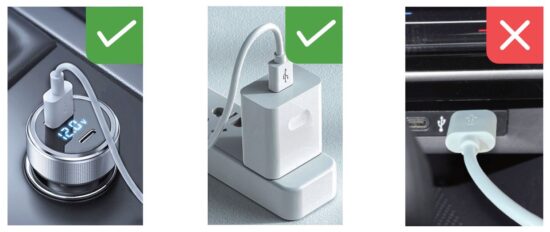
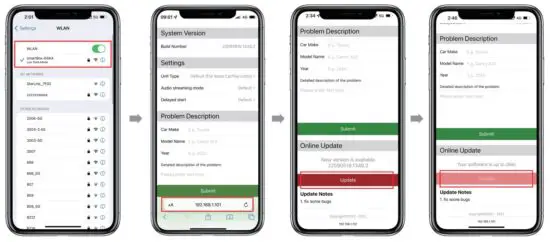
Step 1:Connect the adapter with the Battery charger or Power Bank. Then open and find the WIFI named: smartbox…,enter the password:88888888
Step 2: Enter the website: http://192.168.1.101 on SAFARI to update. Click“Upgrade” and wait a few minutes for that
Read More About This Manual & Download PDF: