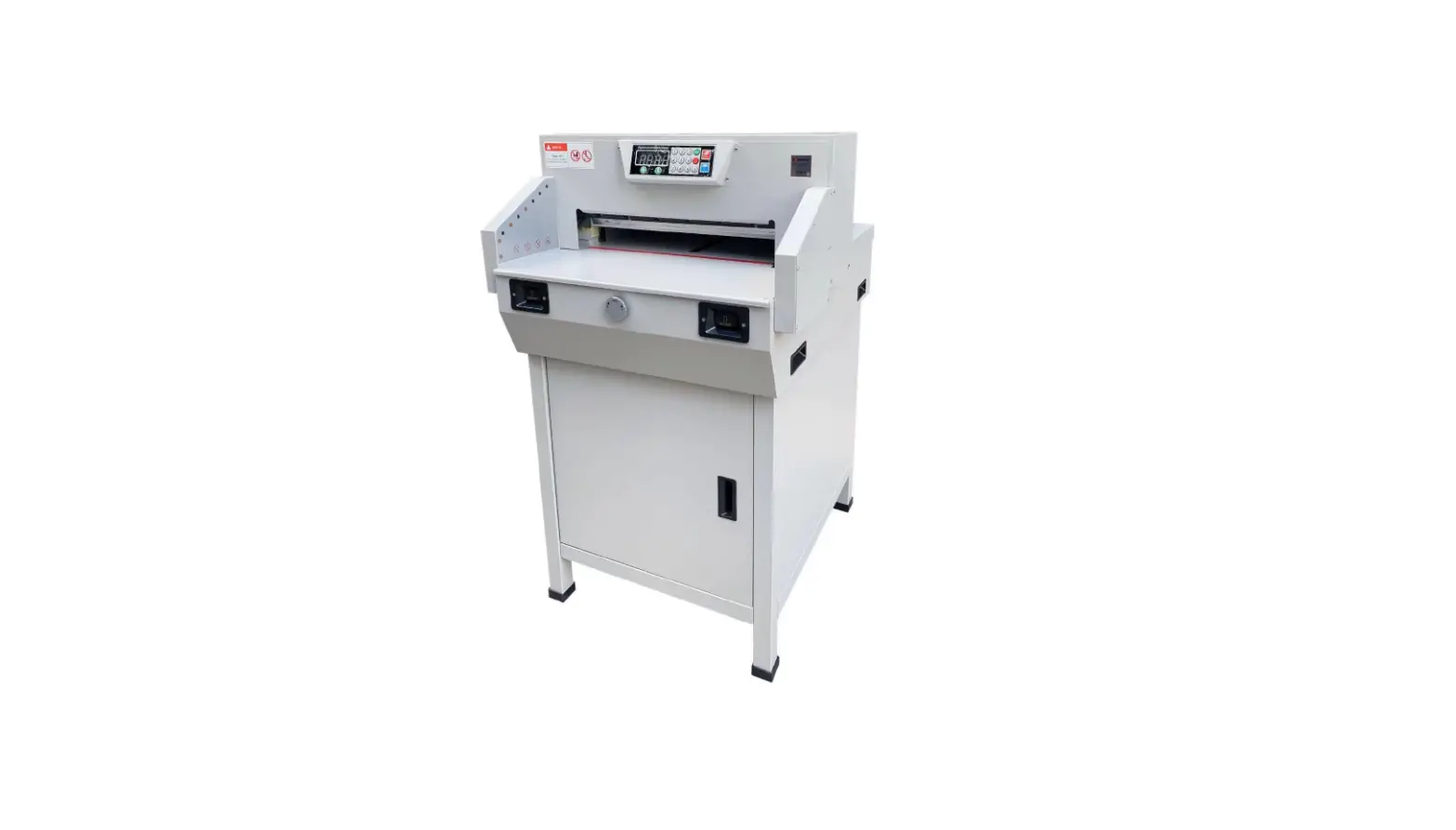
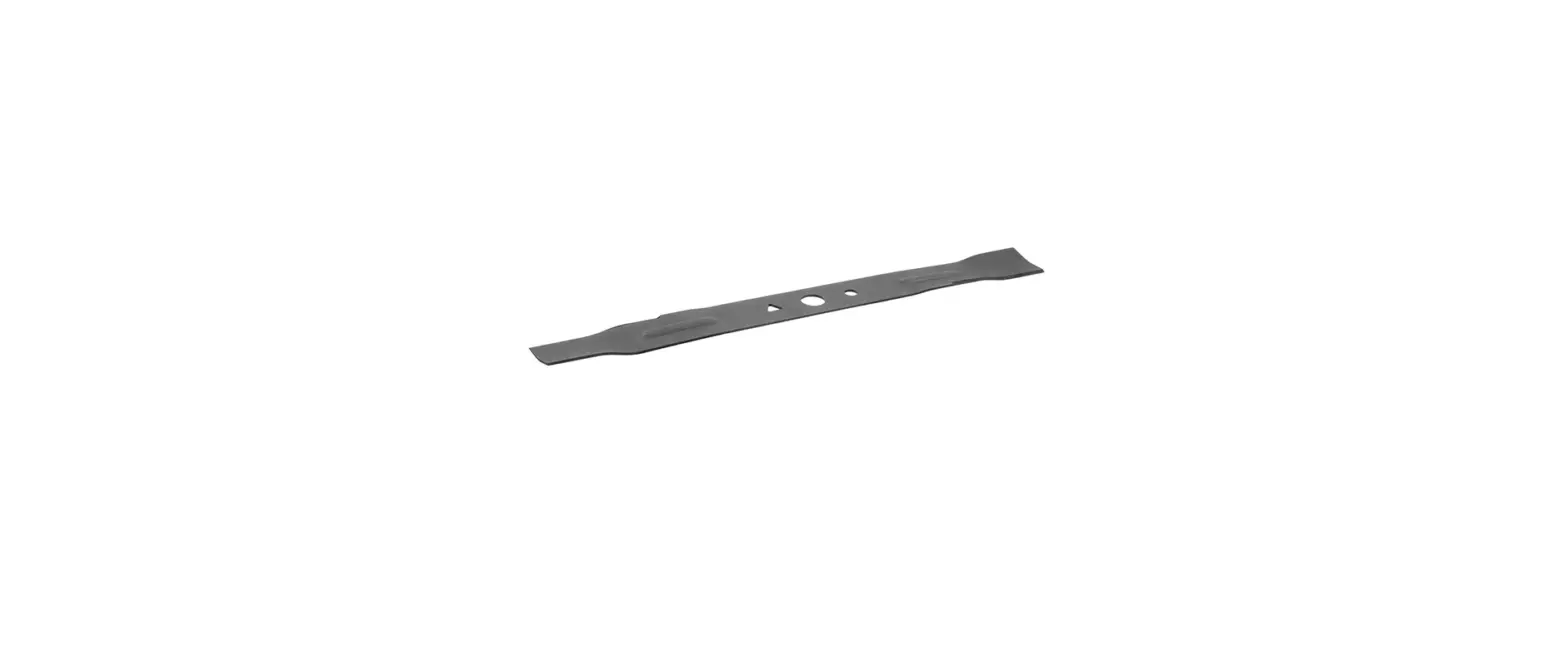
P4505 Cutter Blade
Sysform P4505 Cutter Blade Replacement
The Sysform P4505 is a cutting machine that requires blade
replacement after extended usage. The following instructions will
guide you through the process of safely and efficiently replacing
the cutting blade. Please read the instructions carefully before
proceeding.
Cutting Blade Replacement
! Warning: The blade is extremely sharp. Please
exercise caution when handling it.
- Use the 2-hand cutting button to bring the blade down. Release
the left hand as soon as the blade cuts into the stick, then switch
off the machine. - Rotate the 3 grub screws counterclockwise to disengage them
from the blade. - Use the 2-hand cutting button to bring the blade down. Release
the left hand as soon as screw #7 is exposed on the far right, then
switch off the machine. - Remove screw #7.
- Remove screws #2 and #6.
- Screw the blade replacement tool tightly onto blade screw holes
#2 and #6. - Remove screws #1, #3, and #5.
- Loosen the blade replacement tool and remove the blade from the
blade carrier. ! Warning: The blade is extremely
sharp. - Install the blade replacement tool onto the new blade mounting
hole #2 and #6 halfway in. ! Warning: The blade is
extremely sharp. - Install the new blade onto the blade carrier and fasten the
blade replacement tool. - Fasten screws #1, #3, #5, and #7 halfway in.
- Remove the blade replacement tool.
- Fasten screws #2 and #6 halfway in.
- Place one paper sheet covering the cutting stick.
- Use the 2-hand cutting button to bring the blade down. Release
the left hand as soon as the blade cuts into the paper, then switch
off the machine. - Fasten screw #7 halfway in.
- Turn the 3 grub screws on the top of the blade carrier
clockwise to let the blade cut through the paper evenly. - Fasten screws #1, #2, #3, #4, #5, #6, and #7 tight and
secure. - Switch on the machine.
Sysform P4505 Cutter Blade Replacement
Cutting Blade Replacement
! Warning: Sharp blade. Before you replace the blade, read the below manual carefully.
Use the Blade Replacement Tool included in the machine package to change the blade.
Grub Screws
Screw#1
Screw #2
Screw #3
Screw #4
Screw #5
Screw #6
Screw #7
1.1 Use 2-hand cutting button to bring the blade down. Release the left hand as soon as the blade cut into the stick then switch off machine.
1.2 Rotate the 3 grub screws counterclockwise to disengage it with blade.
1
Revision: 01/19/22
Sysform P4505 Cutter Blade Replacement
1.3 Use 2-hand cutting button to bring the blade down. Release the left hand as soon as let far right #7-screw exposes then switch off machine.
1.4 Remove screw #7. 1.5 Remove the #2 and #6 two screws. 1.6 Screw blade replacement tools onto blade screw holes #2 and #6 tightly. 1.7 Remove screw #1, #3 and #5. 1.8 Loosen the blade replacement tools and remove the blade from blade
carrier. ! Warning: Sharp blade. 1.9 Install blade replacement tools onto the new blade mounting hole #2 and
#6 half way in. ! Warning: Sharp blade. 1.10 Install new blade onto blade carrier and fasten blade replacement tools. 1.11 Fasten screw #1, #3, #5 and #7 half way in. 1.12 Remove blade replacement tools. 1.13 Fasten screw #2 and #6 half way in. 1.14 Place 1 paper sheet covering the cutting stick. 1.15 Use 2-hand cutting button to bring the blade down. Release the left
hand as soon as the blade cut into the paper then switch off machine. 1.16 Fasten screw #7 half way in. 1.17 Turn the 3 grub screw on the top of blade carrier clockwise to let the
blade cut the paper through evenly. 1.18 Fasten #1, #2, #3, #4, #5, #6 and #7 screws tight and secure. 1.19 Switch on the machine.
2
Revision: 01/19/22