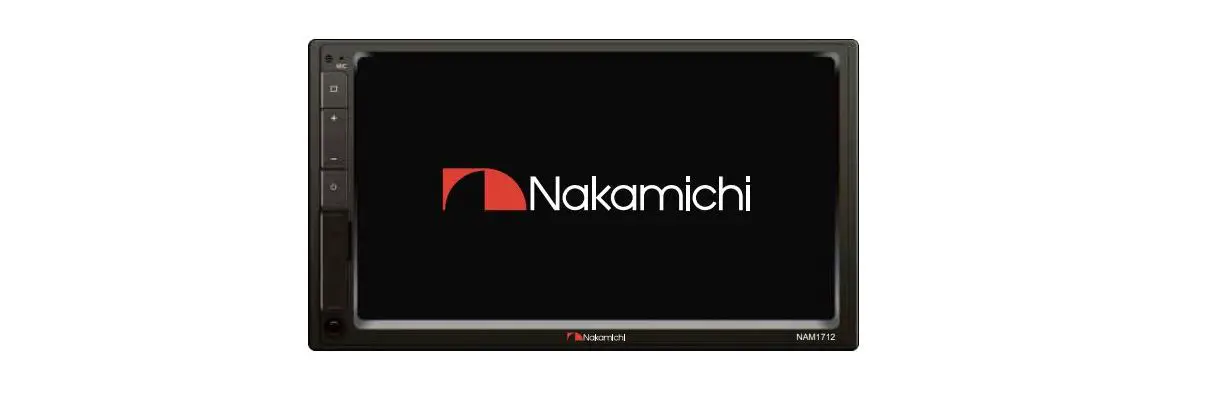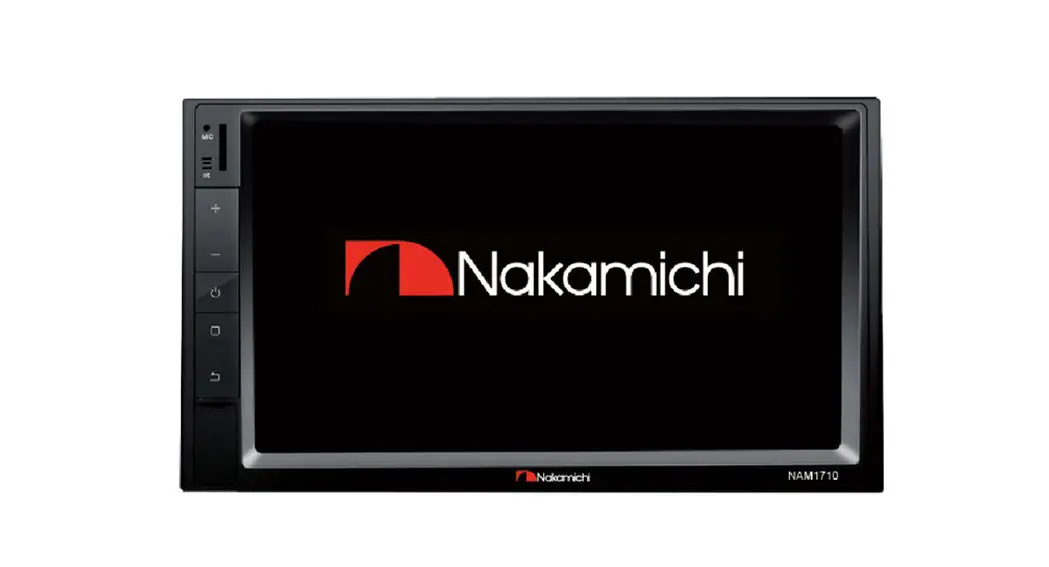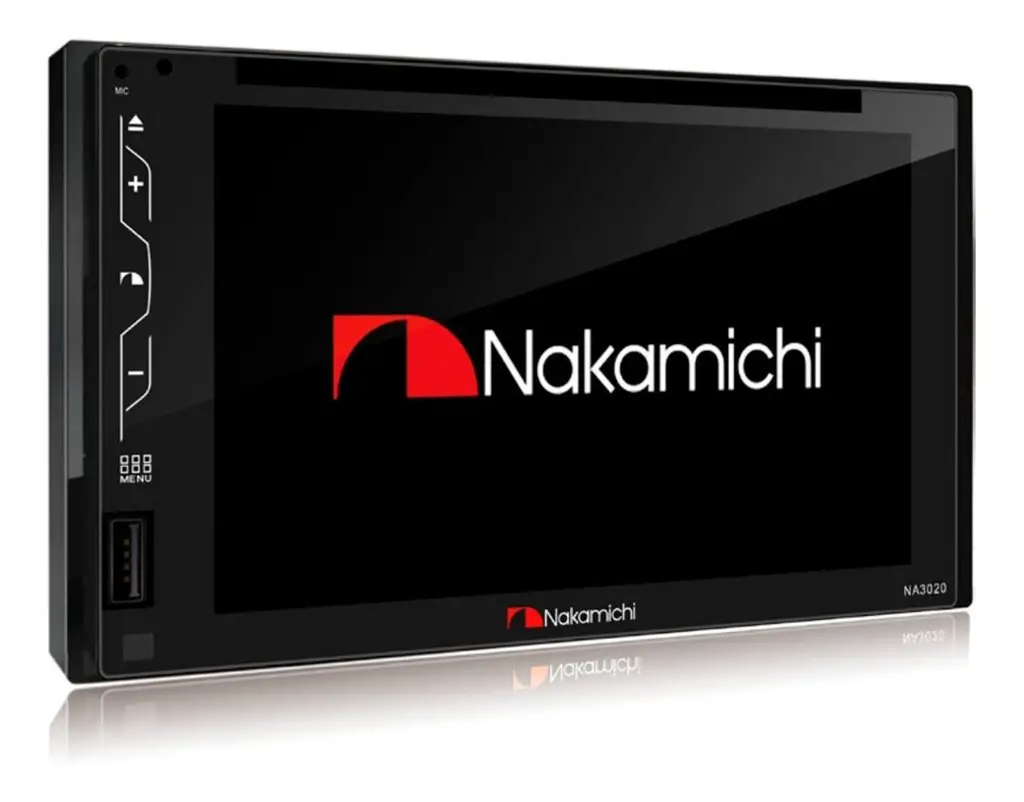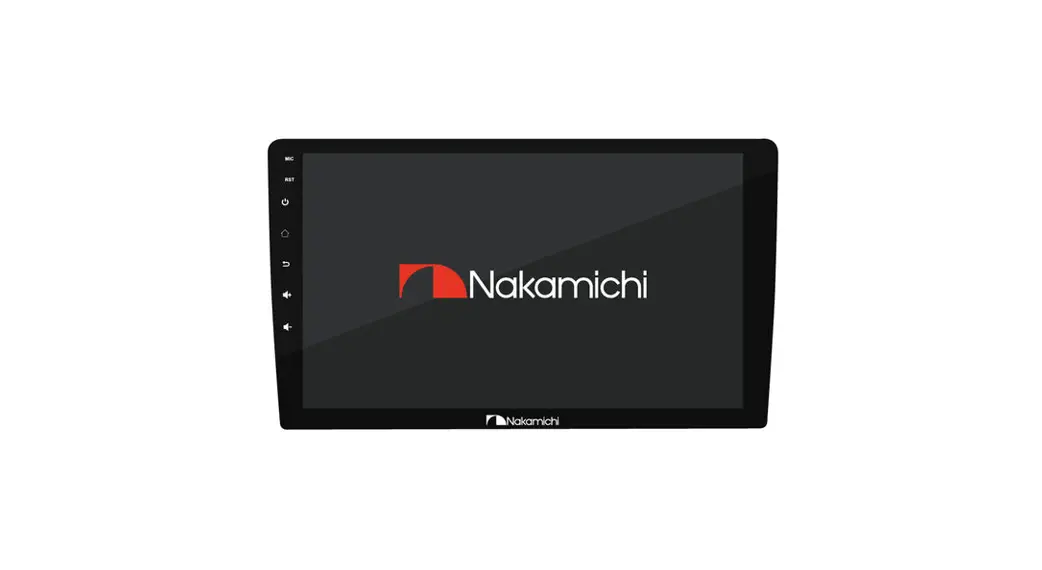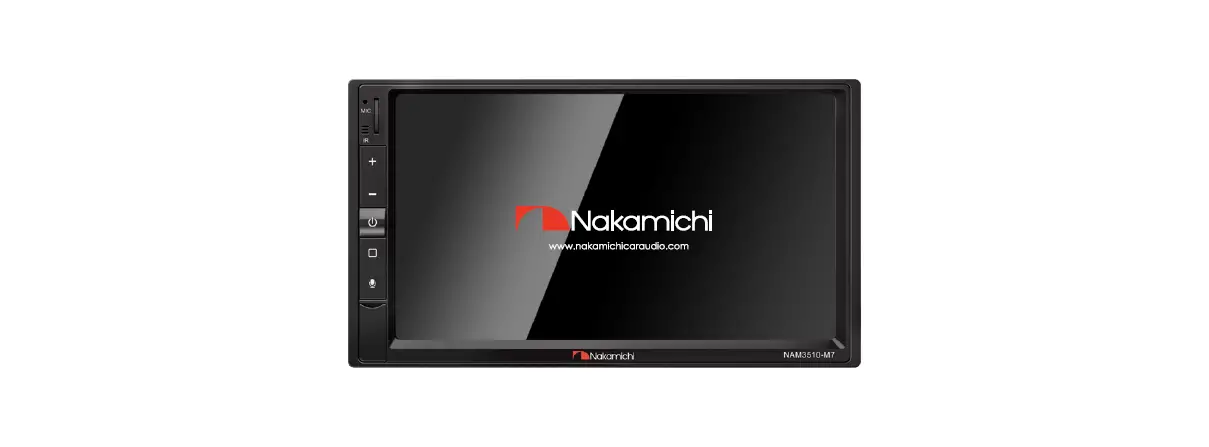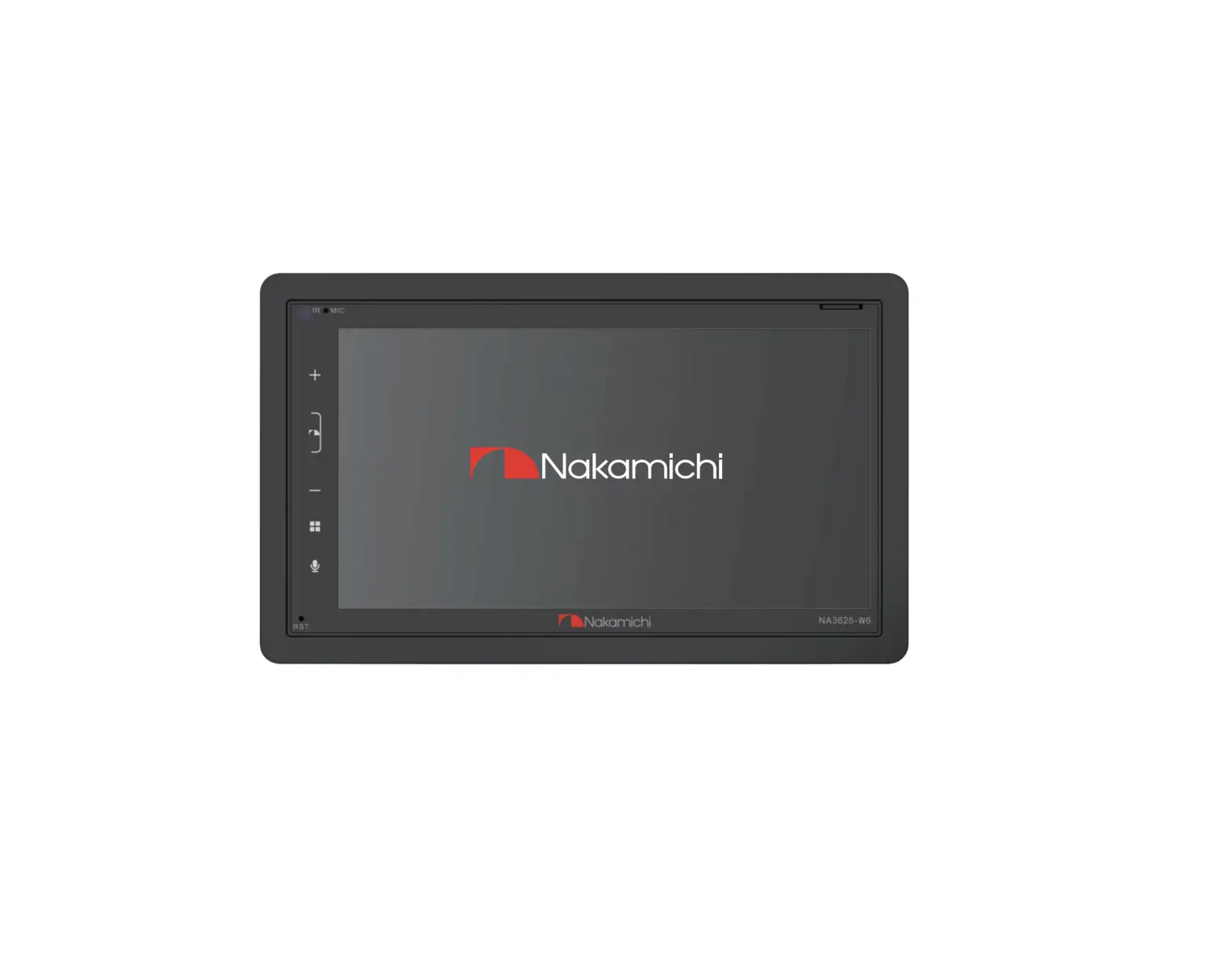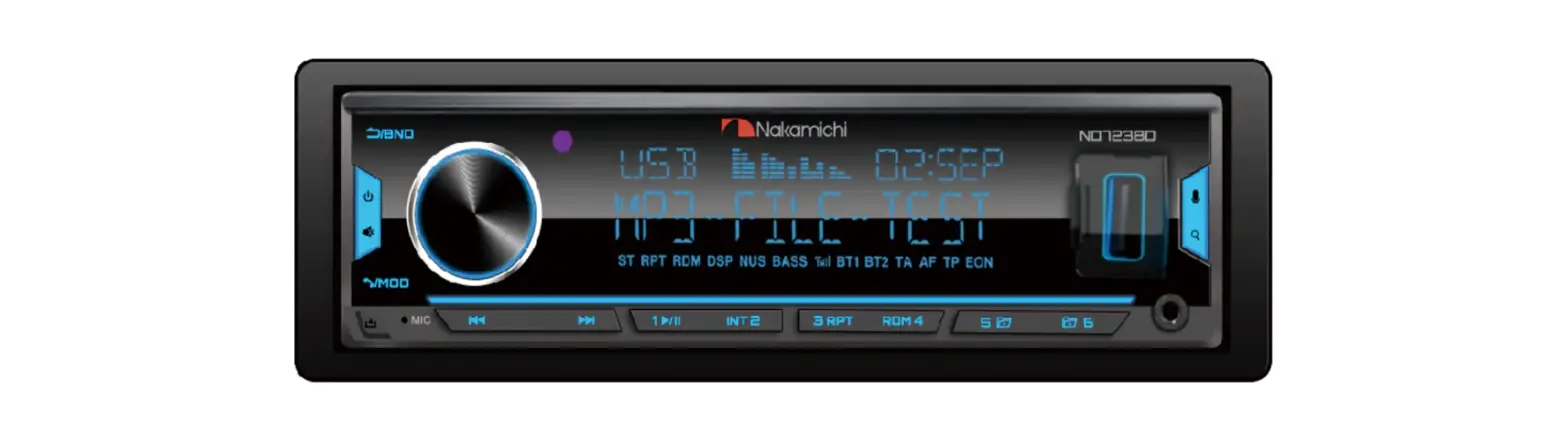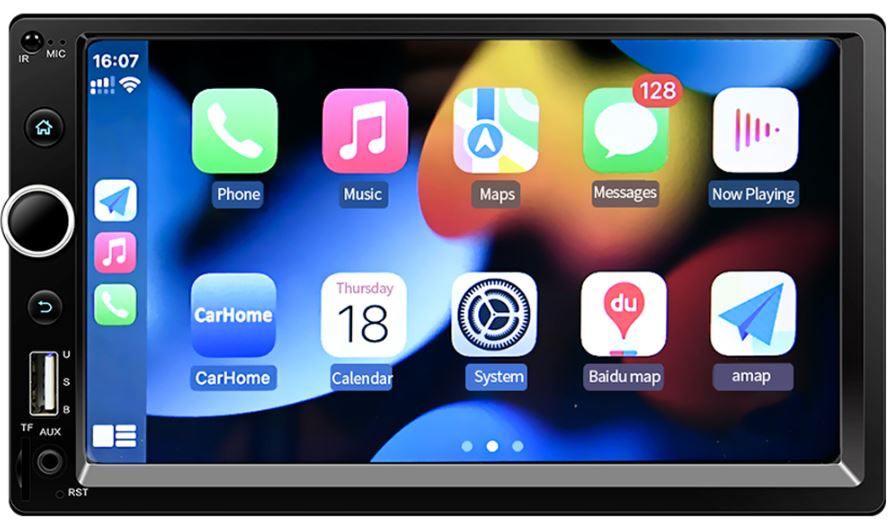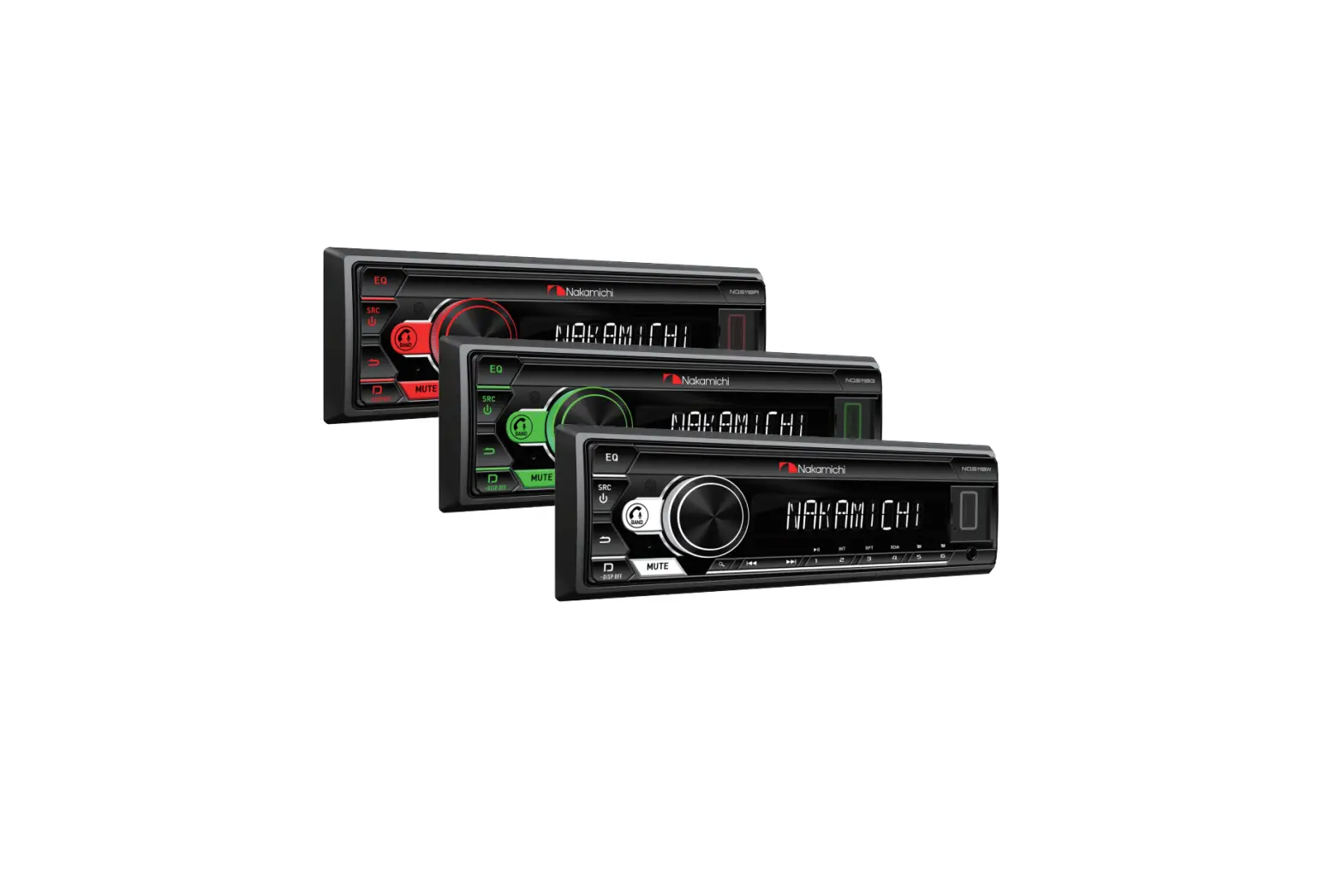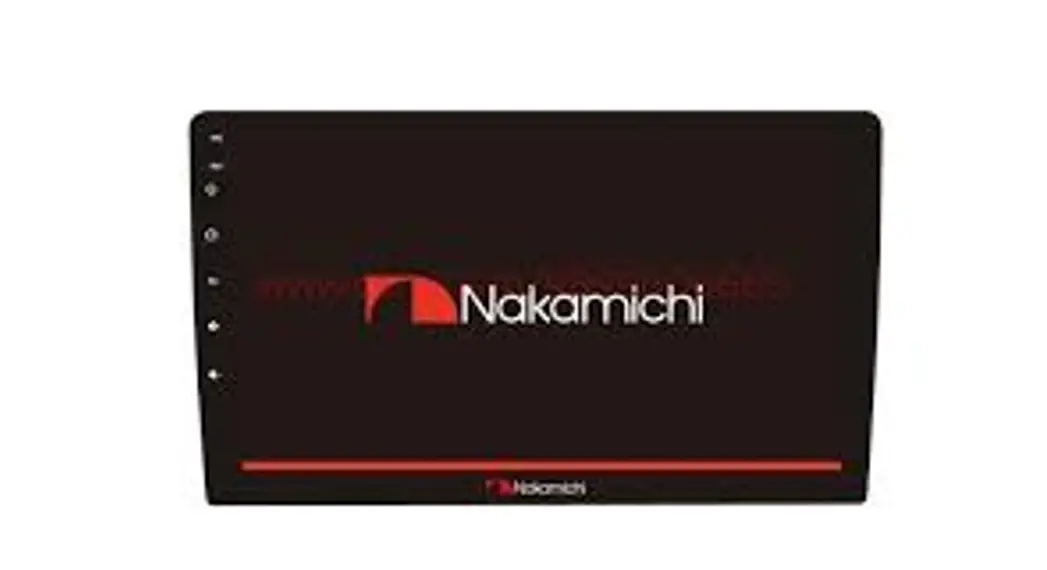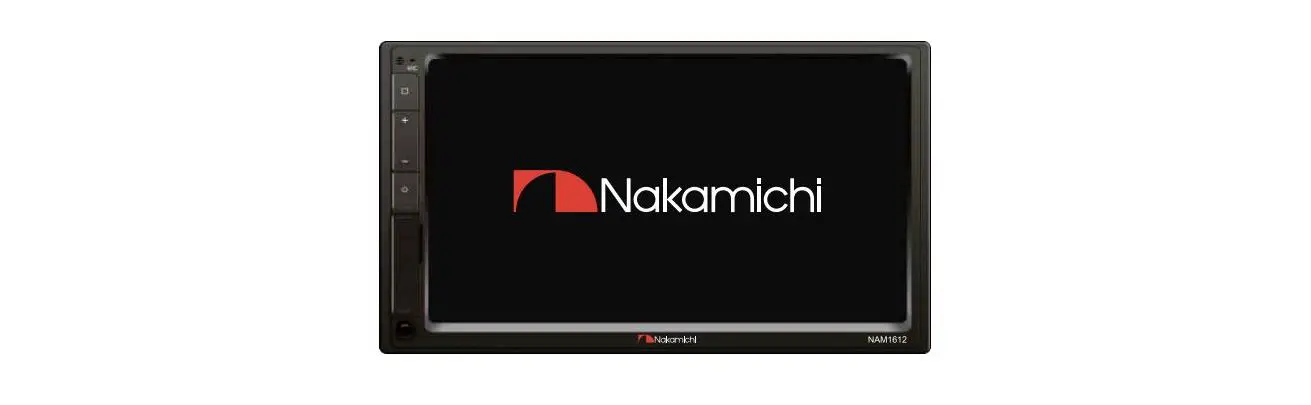
Nakamichi NAM1612 7 Inch 2-Din AV
Receiver User Manual
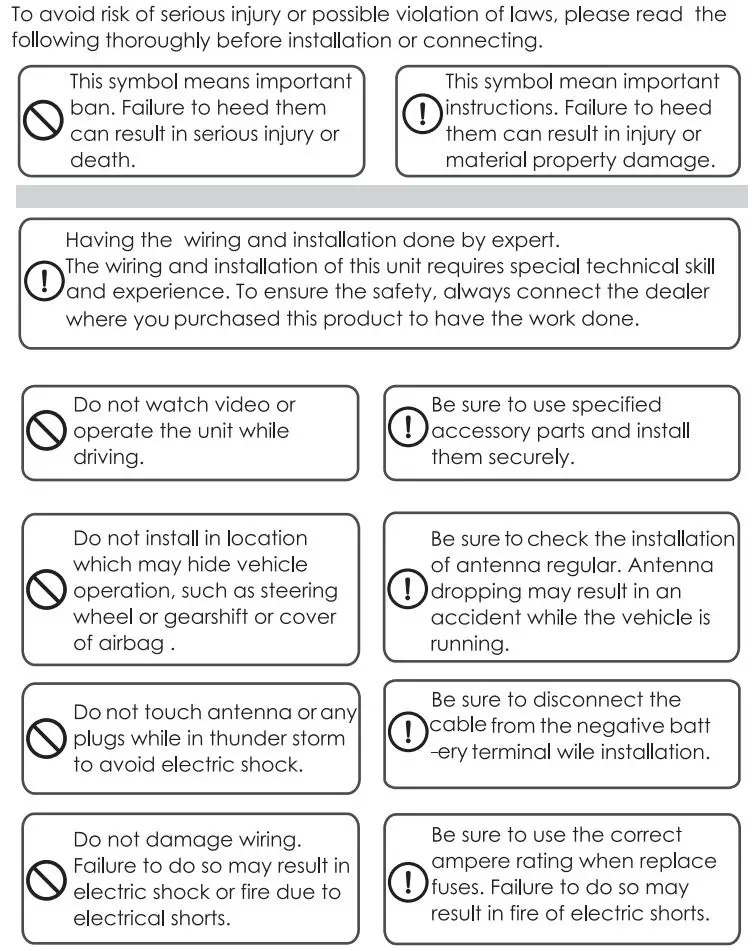
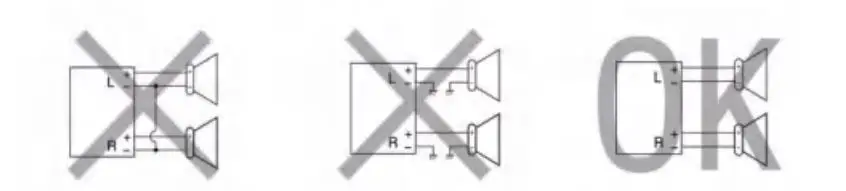
WARNING & PRECAUTION
FEATURES
- 2-Din receiver with capacitive panel
- 7-inch high-brightness and wide angle screen
- Support time alignment
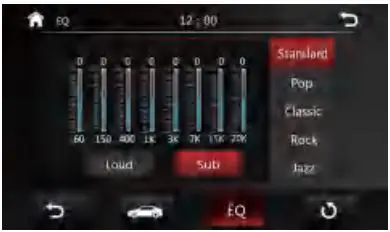
- Built-in 8 band EQ, Preset 5 sound effects
- Support lossless music
- Support 1080P video playback
- Support MP3/WMA/AAC/FLAC audio playback
- Support H264/WMV /DIVX/FLV video playback
- Built-in Bluetooth
- Support Bluetooth music playback
- Built-in multi-color lights
- 2 Video output
- 5 channel pre-output
- Support subwoofer output
- 1 Video input,2 Audio input
- Built-in SWI jack
- Maximum power:4x50W
- Support extremal microphone
- High sensitivity FM/AM, support RDS
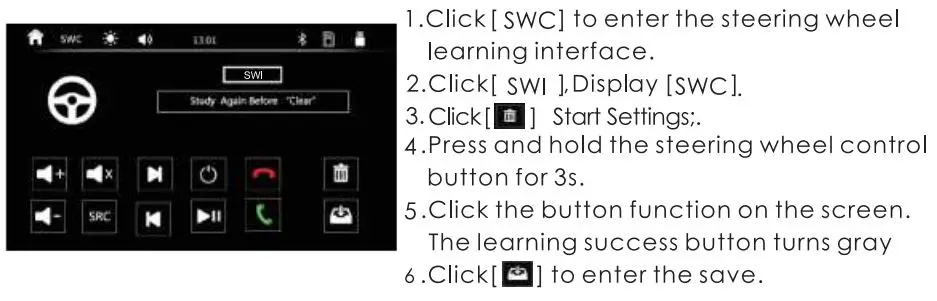
- Support steering wheel button learning
ACCESSORY LIST
- Power cable —–1 PC
- Remote controller ———-1 PC
- User manual —————–1 PC
- Metal Card holder———– 1 PC
- Screw:5×8——————–8PCS
- 12P Expansion —-1 PC
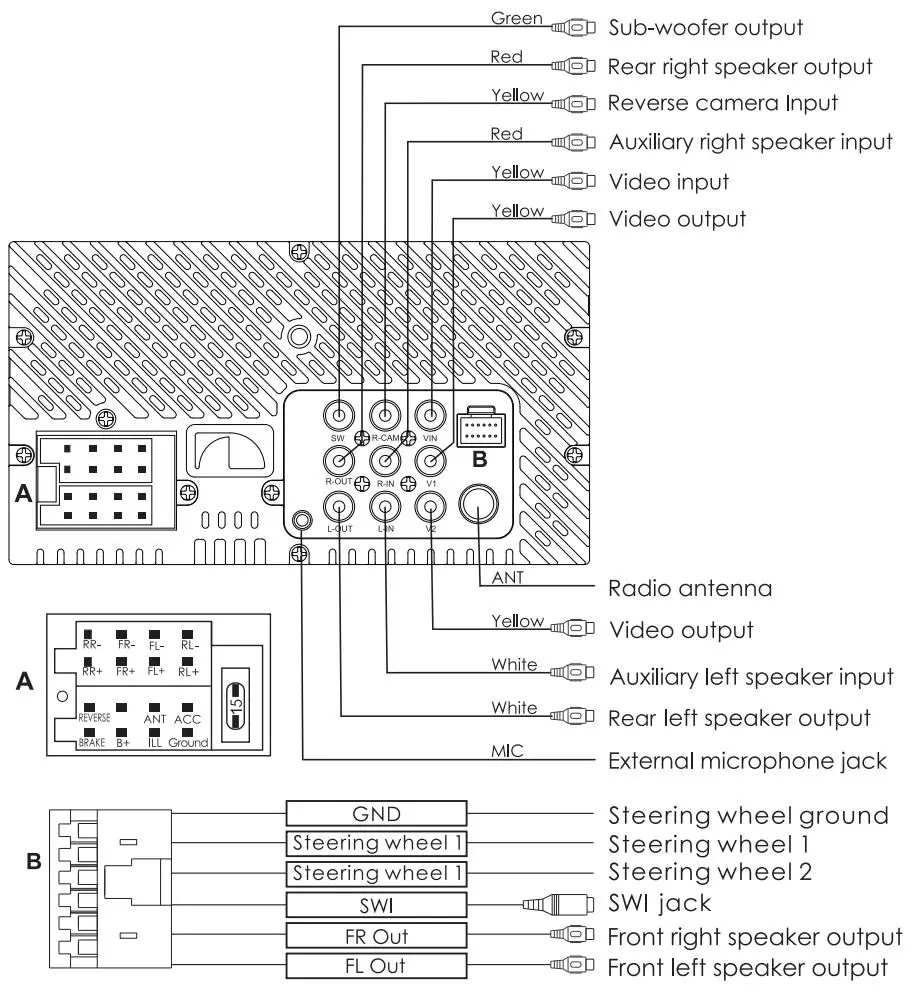
WIRING DIAGRAM
PANEL OPERATION
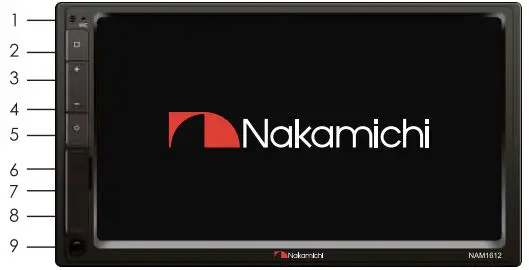
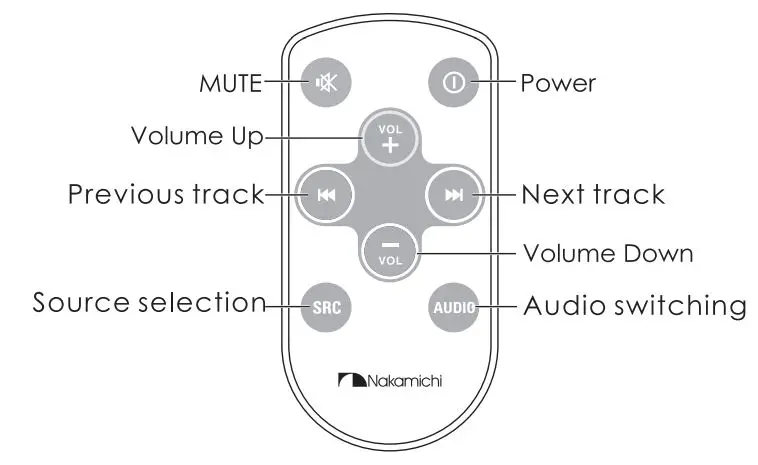
- Remote control windows
- Homepage
- Volume up
- Volume down
- Power
- USB interface
- TF Card
- Reset Key
- AUX Interface
REMOTE CONTROL OPERATION
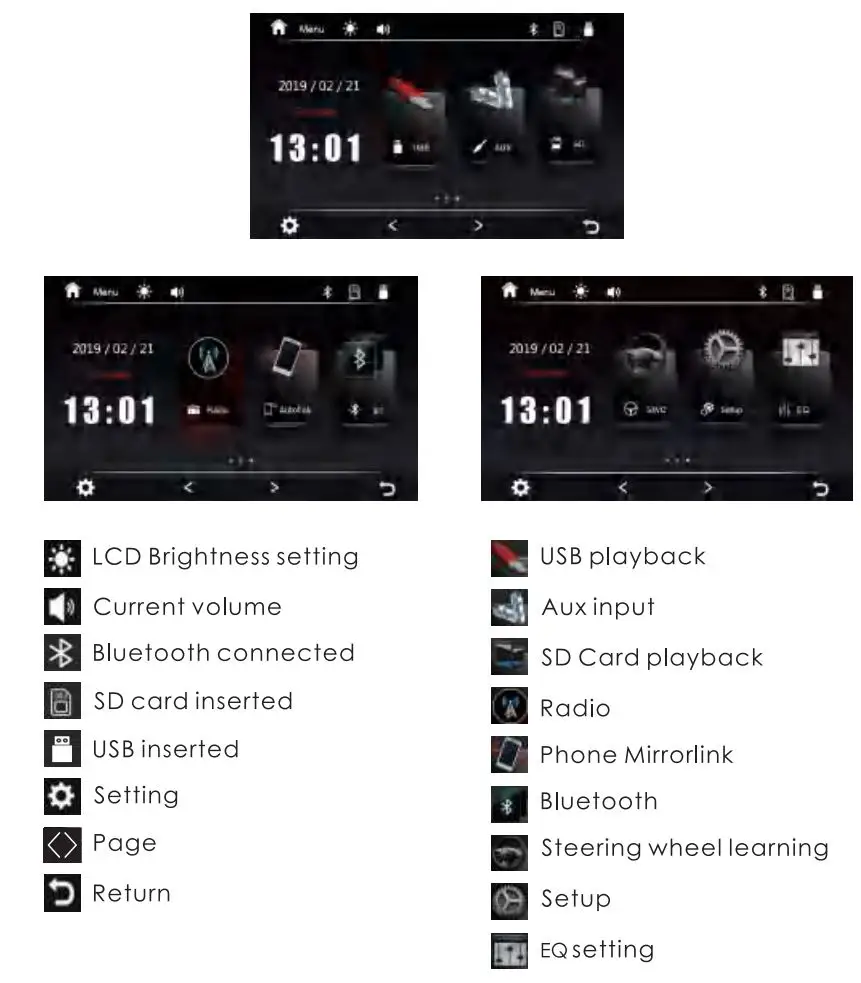
HOME PAGE OPERATION
Press [ □ ] on the panel to enter the homepage. the homepage Is displayed as follows:
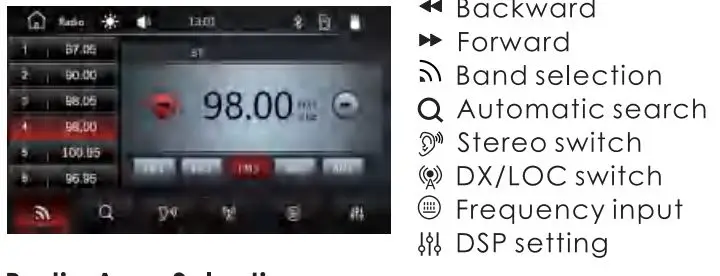
RADIO OPERATION
Radio Interface
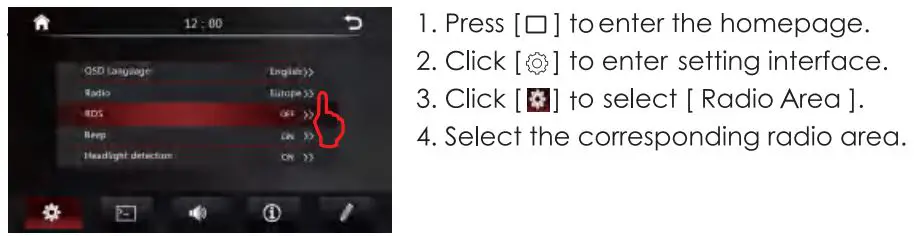
Radio Area Selection
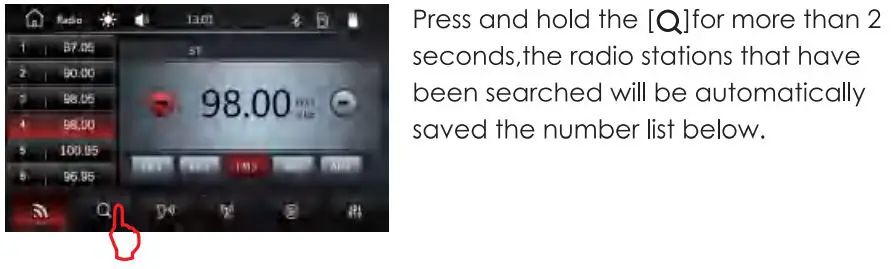
Automatic Search
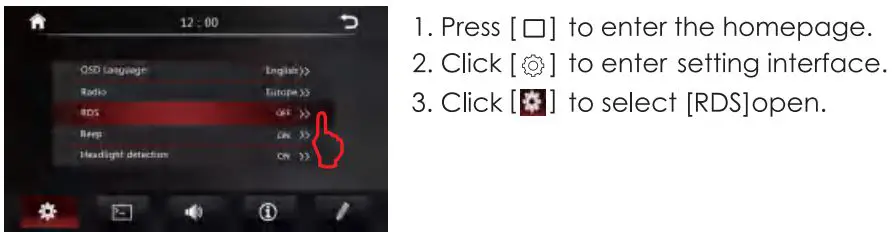
Rds Function
BLUETOOTH OPERATION
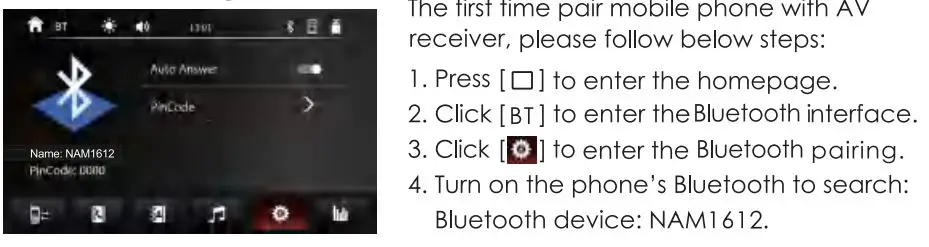
Bluetooth Pairing
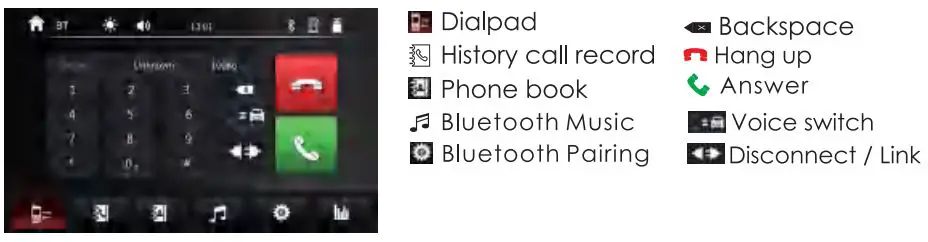
Call Interface
Call Record
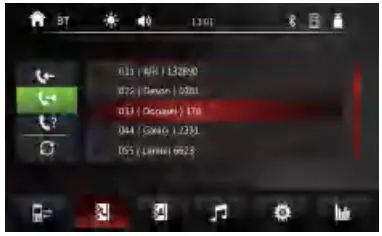
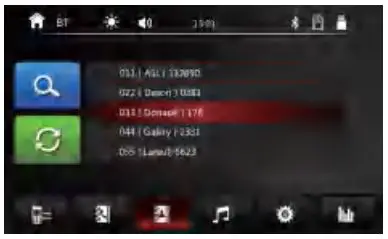
Phone Book
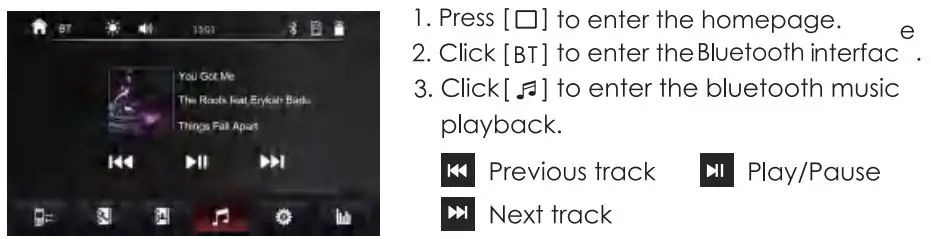
Bluetooth Music Playback
PHONE MIRROR LIN IC OPERATION
Remarks:
- Before the mirrorlike. operation, the Blue tooth must be paired and connected. When the Blue tooth is not connected, there will be no sound.
- Only the front USB supports miorr1ink..
- Press [□] to enter the homepage.
- Click [ Auto link.] to enter the phone mlrror11nk Interface.
Mirrorlink Interface
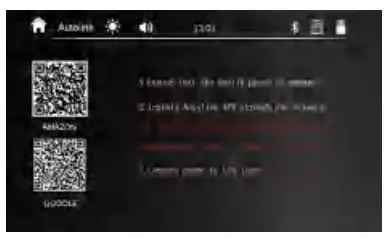
Remark:
Some mobile phones need to turn on the USB debugging mode.
Android phone Mirrorlink
- Scan QR code to download the Auto link APP (First connection).
- Please connect the phone to the head unit via USB coble.
- Please click trust on your phone.
iOS Phone Mirrorlink
- Please connect the phone to the head-unit via USB cable.
- Please click trust on your phone.
MUSIC PLAYBACK
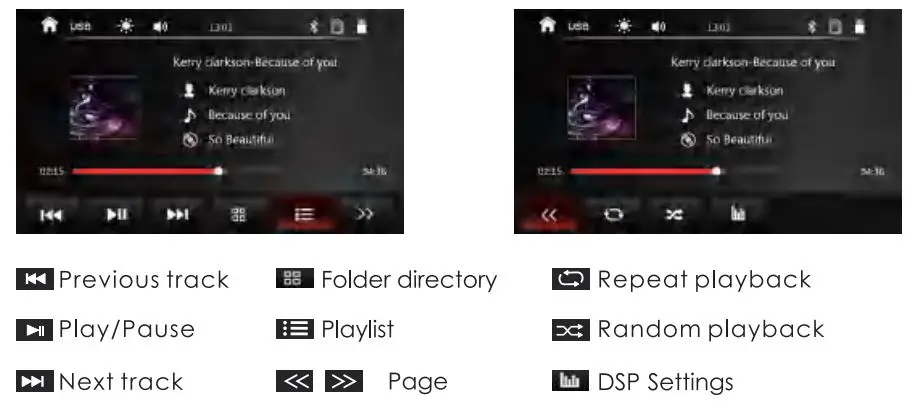
MULTIMEDIA OPERATION
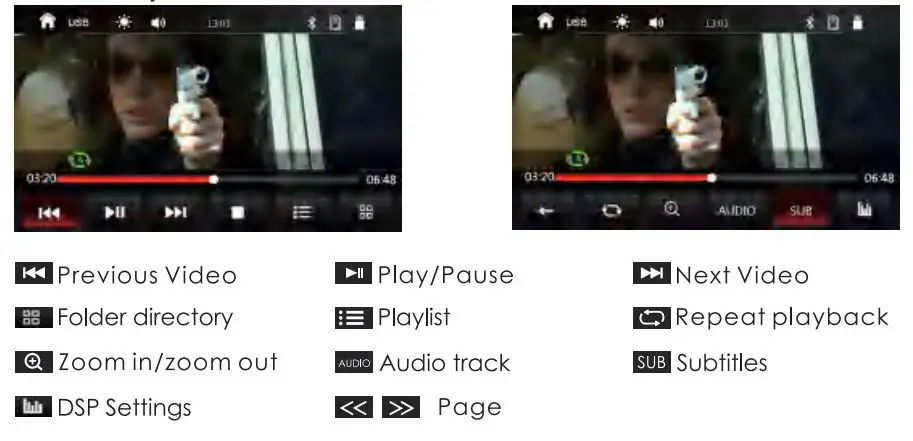
Video Playback
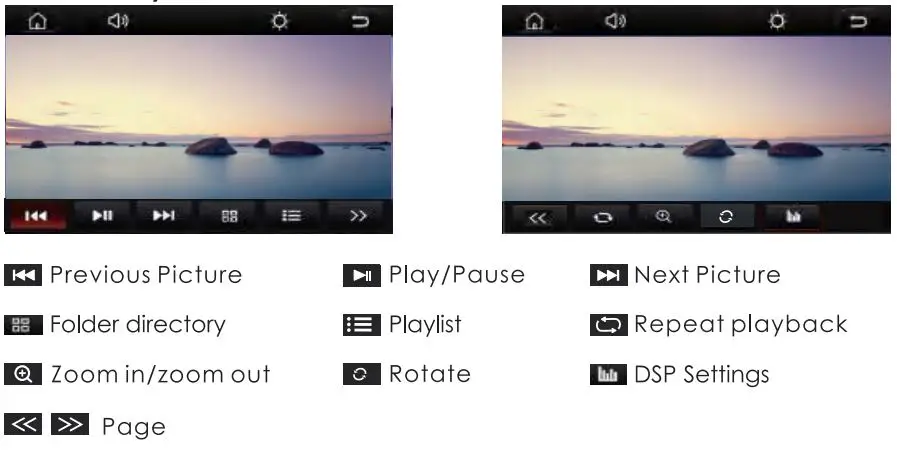
Picture Playback
AUX IN
AUX IN Interface
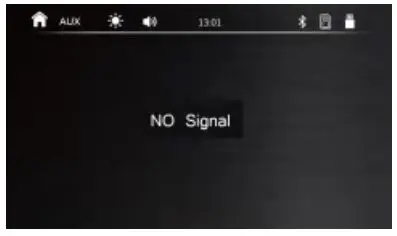
- Press [ □] to enter the homepage.
- Click [Aux] to enter AUX IN interface.
EQ Settings
- Press [ □ ]to enter the homepage.
- Click [EQ] to enter setting interface.
Balance settings
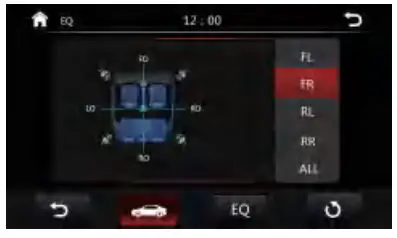
EQ And Sound Effect Settings
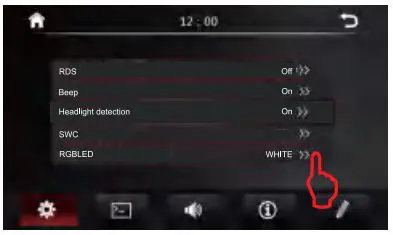
SETTINGS
- Press [ □ ]to enter the homepage.
- Click [
 ] to enter setting interface.
 ] to enter setting interface.
Key Lights Settings
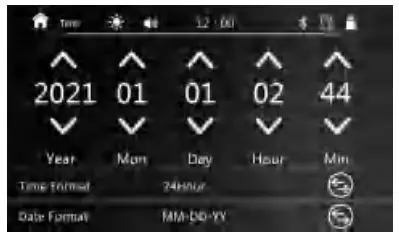
Time Setting
Display Settings
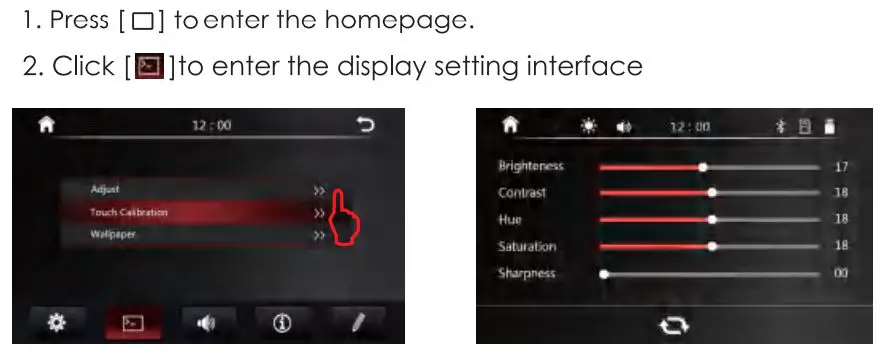
Wallpaper
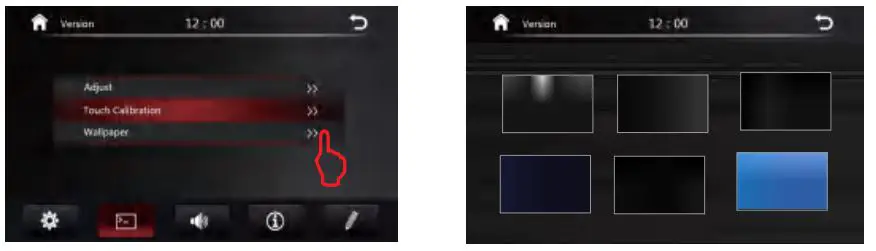
Steering Wheel Learning
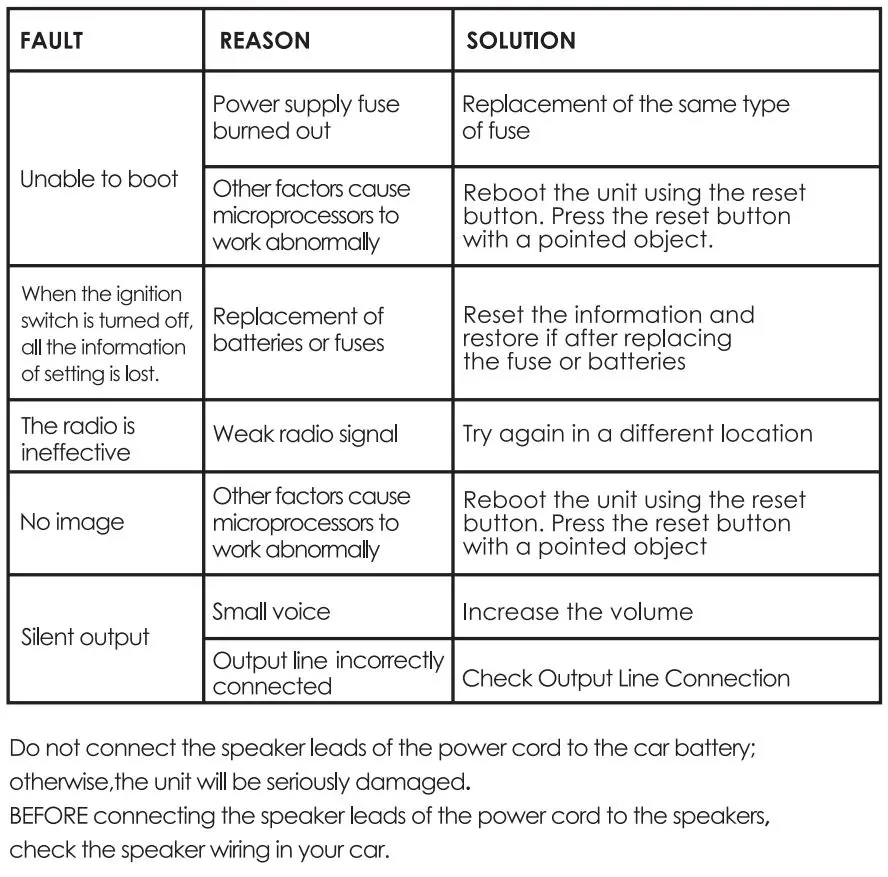
TROUBLE SHOOTING
SPECIFICATION
General
Operation Voltage: 14.4V(l 0.5-16V)
Panel Installation Size: 178x 100mm 170x 96mm
Operation temperature: -1 0C- +60C
Storage Temperature: -20C- +70C
Net Weight: 800g
TFT Screen Item
Size: 7″
Display Resolution: 800 x 480
Contrast ratio: 400
Brightness:400nit
Bluetooth
Communication System:
BT4.0+EDR
Frequency Band: 2.4GHz
Max Range: 5m
Audio
Max Power: 4x50w
Pre-output impedance: ≤600Q
Speakers impedance: 4-8Ω
Video
External Video Input System:
NTSC/PAL/SECAM
External Video Input: 1 VP-P/75Ω
Video Format
H264/ MP4/ AVI/ MKV / FLV
USB Interface
USB: Readable/ Chargeable
(5±0.25V /1 A)
Radio
FM Frequency: 87.5-108.0MHZ
AM Frequency: 522-1 620KHZ

SCAN OUR QR CODE OR VISIT WWW.NAKAMICHICARAUDIO.COM
FOR COMPLETE AUDIO SETTINGS INS1RUCTIONS


Made in china